TikTokハッシュタグジェネレーター
著者
TikTok投稿に最適なハッシュタグを数秒で自動生成し、リーチとエンゲージメントを向上させます。

TikTokのハッシュタグ&コメントを数秒で抽出ThunderbitのAIを使えば、どんなTikTok投稿からでも最適なハッシュタグやコメントを瞬時に抽出できます。説明文やリンクを入力するだけで、すぐに結果が得られます。
インストール元Chrome Web Store
TikTokのハッシュタグ&コメントを数秒で抽出
TikTok動画にぴったりのハッシュタグ選びに悩んでいませんか?ThunderbitのAI搭載ツールは、投稿の説明文を分析し、リーチやエンゲージメントを最大化する厳選ハッシュタグを自動で提案します。面倒なリサーチや勘に頼る必要はありません。アイデアを入力するだけで、ワンクリックで最適なハッシュタグが手に入ります。
クリエイター、マーケター、ブランドの方に最適。AIがあなたのジャンルに合わせてハッシュタグを生成するので、時間を節約しながらコンテンツ戦略を強化できます。
ThunderbitでTikTokハッシュタグを生成する方法

STEP 1ダウンロードとインストールThunderbit Chrome拡張機能をThunderbit Chrome Extension Download Pageからダウンロード・インストールしてください。インストール後、ログインまたは無料アカウントを作成して利用を開始します。

STEP 2拡張機能を開くハッシュタグを生成したいTikTok投稿や下書きページを開きます。Thunderbit Chrome拡張機能を起動し、メニューから「TikTokハッシュタグ自動生成ツール」を選択。投稿内容の簡単な説明を入力してください。

STEP 3「ハッシュタグを生成」ボタンをクリック「ハッシュタグを生成」ボタンをクリックすると、Thunderbitが投稿内容を解析し、関連性・トレンド性の高いTikTokハッシュタグをリストアップします。生成されたタグをコピーして投稿に貼り付けたり、保存しておくことができます。
TikTok投稿に最適なトレンドハッシュタグの生成方法
関連性の高いハッシュタグを即提案
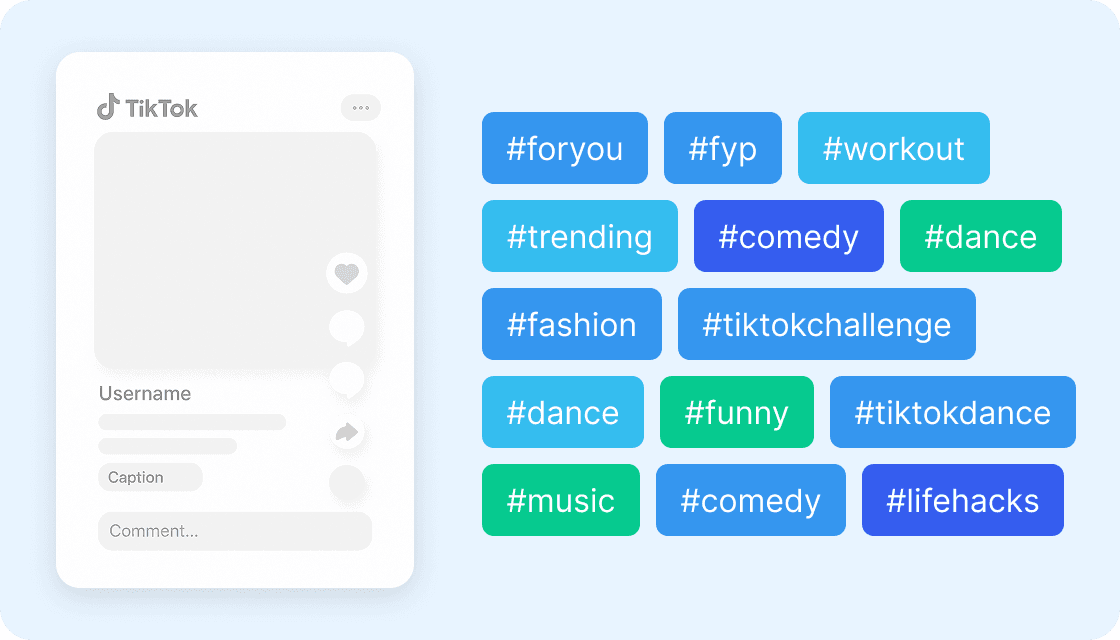
TikTokハッシュタグ自動生成ツールは、投稿内容に基づき最適かつトレンドのハッシュタグをリストアップします。投稿内容を簡単に入力するだけで、あなたのテーマに合ったタグを自動で提案。クリエイターやマーケター、SNS運用担当者が、手間なく投稿のリーチを広げたい時に最適です。

AIが提案するタグで投稿の露出を最大化
AIが投稿内容を解析し、人気かつ内容に合ったハッシュタグをおすすめ。これにより、動画がより多くのユーザーに発見されやすくなります。商品PRやトレンド発信、個人ブランディングなど、どんな目的でも最新のタグトレンドを押さえてエンゲージメントを高められます。

ハッシュタグリサーチの手間を大幅削減
最適なハッシュタグを自分で探す必要はありません。投稿内容を入力するだけで、AIが最適なタグを1行でまとめて提案。コピー&ペーストですぐにキャプションへ追加でき、作業効率が大幅にアップします。コンテンツ制作に集中しつつ、投稿の発見性も最大化できます。

あらゆるユーザーのSNS戦略を強化
個人クリエイターからマーケティングチーム、複数アカウント運用者まで、TikTokハッシュタグ自動生成ツールは幅広いSNS戦略をサポート。新しいトレンドへの素早い対応や、タグの組み合わせテスト、投稿パフォーマンスの向上に役立ちます。TikTokでの存在感を高め、より多くの視聴者とつながりたい方に最適です。

もっと無料ツールを見る
YouTubeサムネイルダウンローダー
URLから高画質の動画サムネイルを取得。サイズ別にプレビューして、必要な画像を登録なしでそのままダウンロードできます。
SNSハッシュタグジェネレーター
画像をアップロードするだけで、投稿に最適なAIベースのSNSハッシュタグをすぐに生成します。表示回数を増やし、狙いたいユーザーに届きやすくし、最適化されたハッシュタグ提案でエンゲージメント向上を後押しします。SNSでより早く成長したいインフルエンサー、ブランド、クリエイターに最適です。
LinkedIn投稿ジェネレーター
テーマ・想定読者・トーンを入力するだけで、洗練されたLinkedIn投稿を作成。強い導入(フック)と明確なCTAを備えた構成済みドラフトが手に入り、執筆時間を短縮して自信を持って投稿できます。
メール検索(Email Finder)
氏名と会社名またはドメインから、可能性の高い業務用メールアドレスを推定し、信頼度スコア付きで提示します。公開Webデータに基づいて有効な形式を見極め、アウトリーチの手間を大幅に削減できます。
YouTubeチャンネルスクレイパー
公開チャンネルの動画一覧を、タイトル・説明文・投稿日・各種指標などを含む整理されたテーブルとして取得できます。パフォーマンスの傾向分析やコンテンツ調査を、より短時間で進めたいときに便利です。
TikTokプロフィールスクレイパー
TikTokのプロフィールから、自己紹介、フォロワー数、総いいね数などの主要情報を抽出し、すぐに分析できるように整理されたテーブルにまとめます。
メール到達率テスター
認証、ドメイン評価、メッセージ内容を確認して、受信箱への到達リスクをチェックします。配信改善とスパム判定の回避に役立つ、具体的な改善ポイントをわかりやすく提示します。
SNS投稿作成ツール
テーマやキーワードから各SNS向けの投稿文を作成し、時間を節約しながら、伝わりやすく魅力的なメッセージに仕上げます。

今すぐもっとツールを探す
Thunderbitについてのユーザーの声
Taryn W.Growth Strategist@Thunderbit has changed how I run competitor research. I click 'AI Suggest Fields,' and it builds a clean table across paginated results—no coding, no CSS. Huge time-saver when analyzing product data from long-tail marketplaces.
Miles T.Sales Development ConsultantI use Thunderbit to grab emails and phone numbers from directories. It extracts clean contact info in one click, and exporting to Sheets or Notion takes seconds. No extra setup, no coding—just usable data ready to work with.
Rhea C.E-commerce AnalystThunderbit helps me monitor SKU data across multiple pages. I scrape the listings, then use Subpage Scraping to pull full product specs, pricing, reviews, and stock. The AI organizes everything into columns I define.
Cassian B.Real Estate AdvisorThunderbit's Scheduled Scraper makes real estate tracking easier. I describe the interval in plain English, and it automatically pulls updated listings, prices, and links without touching the setup again. Simple and very practical.
Dorian B.Content & SEO SpecialistI use Thunderbit's Field AI Prompts to clean and tag scraped blog content. It extracts titles, authors, and even suggests categories. Works great across dynamic sites and subpages—perfect for building structured SEO datasets.
Lina K.Marketplace Operations LeadWe track SKUs from niche stores using Thunderbit. Cloud Scraping handles 50 pages at a time, and for login-required sites, we switch to browser mode. It’s fast, flexible, and doesn’t need ongoing maintenance or manual edits.
Jorge F.Inbound Sales ManagerThunderbit’s AI Autofill is a lifesaver. After scraping contact info, I use it to fill lead forms directly in my browser. I just select the tab, and it fills everything using the scraped row. No manual input needed.
Alina D.Freelance ResearcherI rely on Thunderbit for extracting data from PDFs, image-based sites, and infinite scroll pages. It handles messy formats with AI and delivers ready-to-export tables I can send to Google Sheets or Airtable in seconds.
Taryn W.Growth Strategist@Thunderbit has changed how I run competitor research. I click 'AI Suggest Fields,' and it builds a clean table across paginated results—no coding, no CSS. Huge time-saver when analyzing product data from long-tail marketplaces.
Miles T.Sales Development ConsultantI use Thunderbit to grab emails and phone numbers from directories. It extracts clean contact info in one click, and exporting to Sheets or Notion takes seconds. No extra setup, no coding—just usable data ready to work with.
Rhea C.E-commerce AnalystThunderbit helps me monitor SKU data across multiple pages. I scrape the listings, then use Subpage Scraping to pull full product specs, pricing, reviews, and stock. The AI organizes everything into columns I define.
Cassian B.Real Estate AdvisorThunderbit's Scheduled Scraper makes real estate tracking easier. I describe the interval in plain English, and it automatically pulls updated listings, prices, and links without touching the setup again. Simple and very practical.
Dorian B.Content & SEO SpecialistI use Thunderbit's Field AI Prompts to clean and tag scraped blog content. It extracts titles, authors, and even suggests categories. Works great across dynamic sites and subpages—perfect for building structured SEO datasets.
Lina K.Marketplace Operations LeadWe track SKUs from niche stores using Thunderbit. Cloud Scraping handles 50 pages at a time, and for login-required sites, we switch to browser mode. It’s fast, flexible, and doesn’t need ongoing maintenance or manual edits.
Jorge F.Inbound Sales ManagerThunderbit’s AI Autofill is a lifesaver. After scraping contact info, I use it to fill lead forms directly in my browser. I just select the tab, and it fills everything using the scraped row. No manual input needed.
Alina D.Freelance ResearcherI rely on Thunderbit for extracting data from PDFs, image-based sites, and infinite scroll pages. It handles messy formats with AI and delivers ready-to-export tables I can send to Google Sheets or Airtable in seconds.