ウェブサイトからの画像抽出
By
ウェブサイトのURLを貼り付けるだけで、すべての画像をその名前、種類、直接リンクとともに瞬時に抽出します。画像URLのCSVをエクスポートしたり、実際の画像をZIPでダウンロードしたりできます。無料で、ログインは不要です。
数百のウェブページからワンクリックでデータを取得するなら、Thunderbit Chrome 拡張機能をご利用ください。この作業を AI に任せたい場合は、Thunderbit APIまたはThunderbit MCPをご利用ください。作業全体を任せたい場合は、Web スクレイピングサービスをご利用ください。
数百のウェブページからワンクリックでデータを取得するなら、Thunderbit Chrome 拡張機能をご利用ください。

インストール元Chrome Web Store
無料ツールをもっと見る








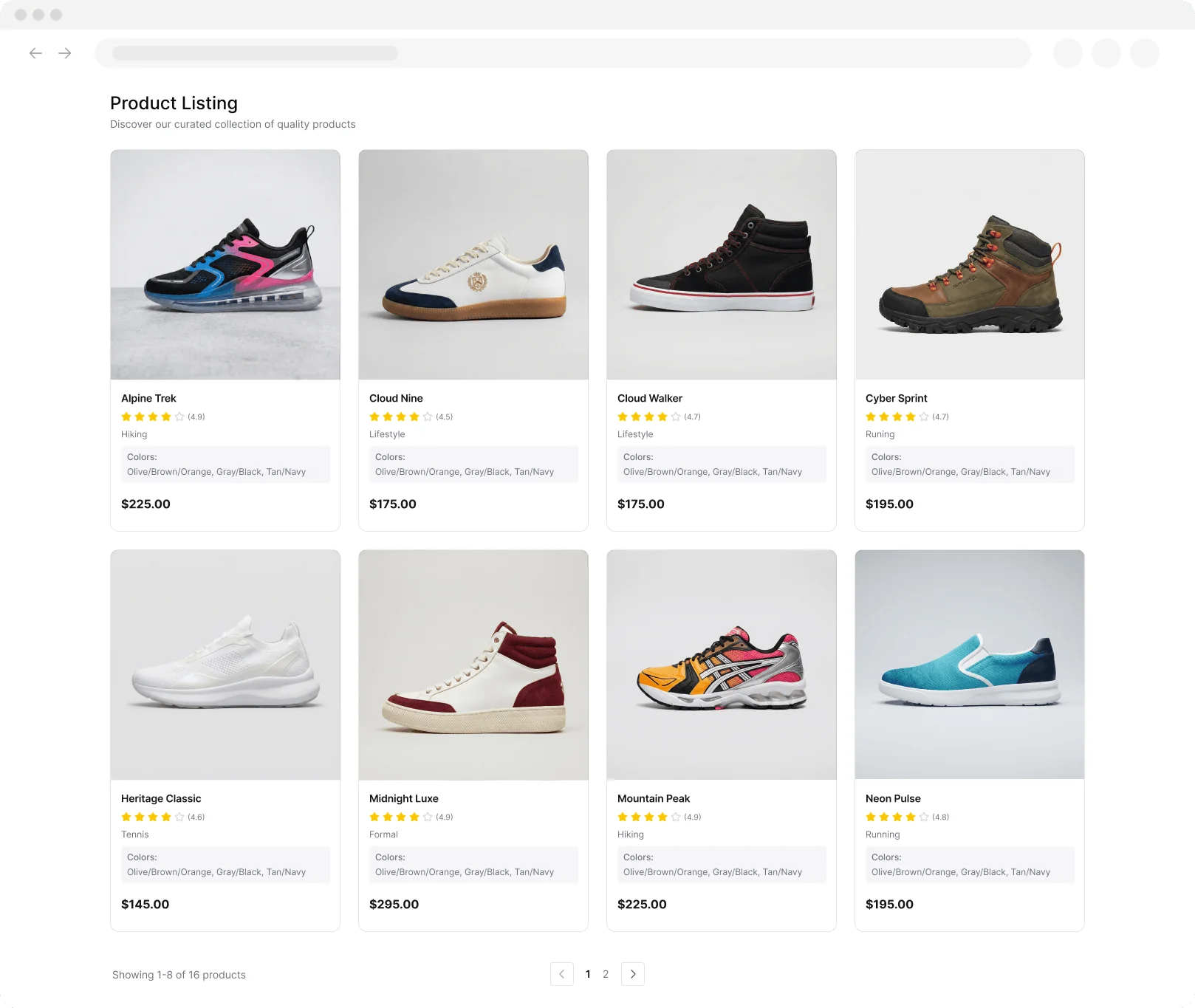
あらゆるウェブサイトから画像を高速抽出Thunderbitを使えば、ウェブページからすべての画像を数秒で収集できます。手動ダウンロードは不要です。
インストール元Chrome Web Store







