
2026 की डिजिटल दुनिया एक फॉर्म-फिलिंग मैराथन जैसी लगती है—खासकर तब, जब तुम्हें हर वेब फॉर्म में बार-बार वही नाम, पता और ईमेल टाइप करना पड़ता है। SaaS और automation में इतना समय बिताने के बाद मैं एक बात अच्छी तरह जान गया हूँ: असली productivity बढ़ती है उन उबाऊ कामों को automate करने से। और Chrome की बात करें तो समय बचाने, गलतियाँ कम करने और दिमाग शांत रखने के लिए एक अच्छा auto fill extension से बेहतर कुछ नहीं।
एक चौंकाने वाला आँकड़ा देखिए: office workers अपने काम के लगभग 10% घंटे manual data entry में खर्च करते हैं, और सिर्फ sales reps ही हफ्ते में औसतन 3.4 घंटे customer info दर्ज करने में लगा देते हैं (ProcessMaker, EverReady). यह सिर्फ थकाऊ नहीं, बल्कि महँगा भी है—खासकर तब जब manual entry की गलतियाँ कंपनियों को उनकी revenue के 15% तक का नुकसान पहुँचा सकती हैं। यही वजह है कि Chrome autofill plugins sales, ops, ecommerce और real estate teams के लिए लगभग ज़रूरी बन चुके हैं। अगर तुम 2026 में forms के लिए best Chrome autofill extension ढूँढ रहे हो, तो तुम सही जगह पर हो। मैंने top 10 plugins को गहराई से परखा है, उन्हें real business workflows में टेस्ट किया है, और उनकी खूबियों की तुलना की है ताकि तुम अपनी ज़रूरत के हिसाब से सही tool चुन सको।
Chrome के लिए Auto Fill Extension का इस्तेमाल क्यों करें?
Autofill Extension के और सुझाव देखें Get Started Free
सच कहें तो कोई भी अपना दिन web forms में वही जानकारी बार-बार भरने में नहीं बिताना चाहता। Chrome autofill extensions वही अनदेखे नायक हैं जो इस दोहराए जाने वाले काम को संभाल लेते हैं, ताकि तुम उन चीज़ों पर ध्यान दे सको जो सच में मायने रखती हैं। Business users के लिए ये इतने ज़रूरी क्यों हैं:
- समय बचाओ, smarter तरीके से काम करो: Autofill tools name, email, address जैसी routine fields को एक ही क्लिक में भर सकते हैं। इससे हर हफ्ते कई घंटे बच सकते हैं (Blaze.today).
- गलतियाँ कम करो: Manual entry में mistakes होना तय है। Autofill plugins हर बार standardized, पहले से जांची हुई जानकारी का उपयोग करते हैं, जिससे typo और छोड़े गए fields कम होते हैं। CRM data या compliance-sensitive forms के लिए यह बहुत बड़ा फ़ायदा है (EverReady).
- Workflow efficiency बढ़ाओ: Sales, ops और ecommerce teams के लिए ये tools नए clients को onboard करने से लेकर inventory अपडेट करने या quotes भेजने तक, सब कुछ आसान बना देते हैं।
- Security बेहतर करो: बेहतरीन autofill tools तुम्हारा data encrypt करते हैं, two-factor authentication support करते हैं, और सही साइट पर ही credentials भरकर phishing से बचाते हैं (LastPass).
- Consistency और compliance बनाए रखो: Automation सुनिश्चित करती है कि तुम्हारी टीम हर बार डेटा एक ही तरीके से दर्ज करे, जो scaling और compliance के लिए बेहद महत्वपूर्ण है (Thunderbit Blog).
अगर तुम अभी भी forms में copy-paste कर रहे हो, तो अब समय है कि कोई extension भारी काम संभाले।
Forms के लिए Best Autofill Extensions हमने कैसे चुने
इतने सारे Chrome autofill plugins में से सही विकल्प कैसे चुना जाए? मैंने इन बातों पर ध्यान दिया:
- Use करना कितना आसान है: क्या इसे कुछ ही मिनटों में शुरू किया जा सकता है? सबसे अच्छे tools one-click या two-click operation देते हैं—browser settings में expert होने की ज़रूरत नहीं।
- Cross-device compatibility: क्या यह desktop, mobile और अन्य browsers में तुम्हारा data sync करता है? अगर तुम कई devices पर काम करते हो, तो यह अनिवार्य है।
- Security: क्या तुम्हारा data encrypted है? क्या two-factor authentication है? Business users के लिए मजबूत security ज़रूरी है।
- Features की विविधता: क्या यह सिर्फ basic forms ही नहीं, बल्कि complex multi-page workflows, password management या AI-driven field detection भी संभाल सकता है?
- Reliability: क्या इसे लगातार अपडेट किया जा रहा है, users की अच्छी reviews हैं और update history मजबूत है?
- Business-readiness: क्या इसमें team features, sharing या compliance जरूरतें पूरी करने की क्षमता है?
लेख के आगे एक उपयोगी comparison table में मैंने हर tool की ताकतों की तुलना भी की है। अब चलिए 2026 के लिए Chrome के top 10 best auto fill extensions पर नज़र डालते हैं।
1. Thunderbit
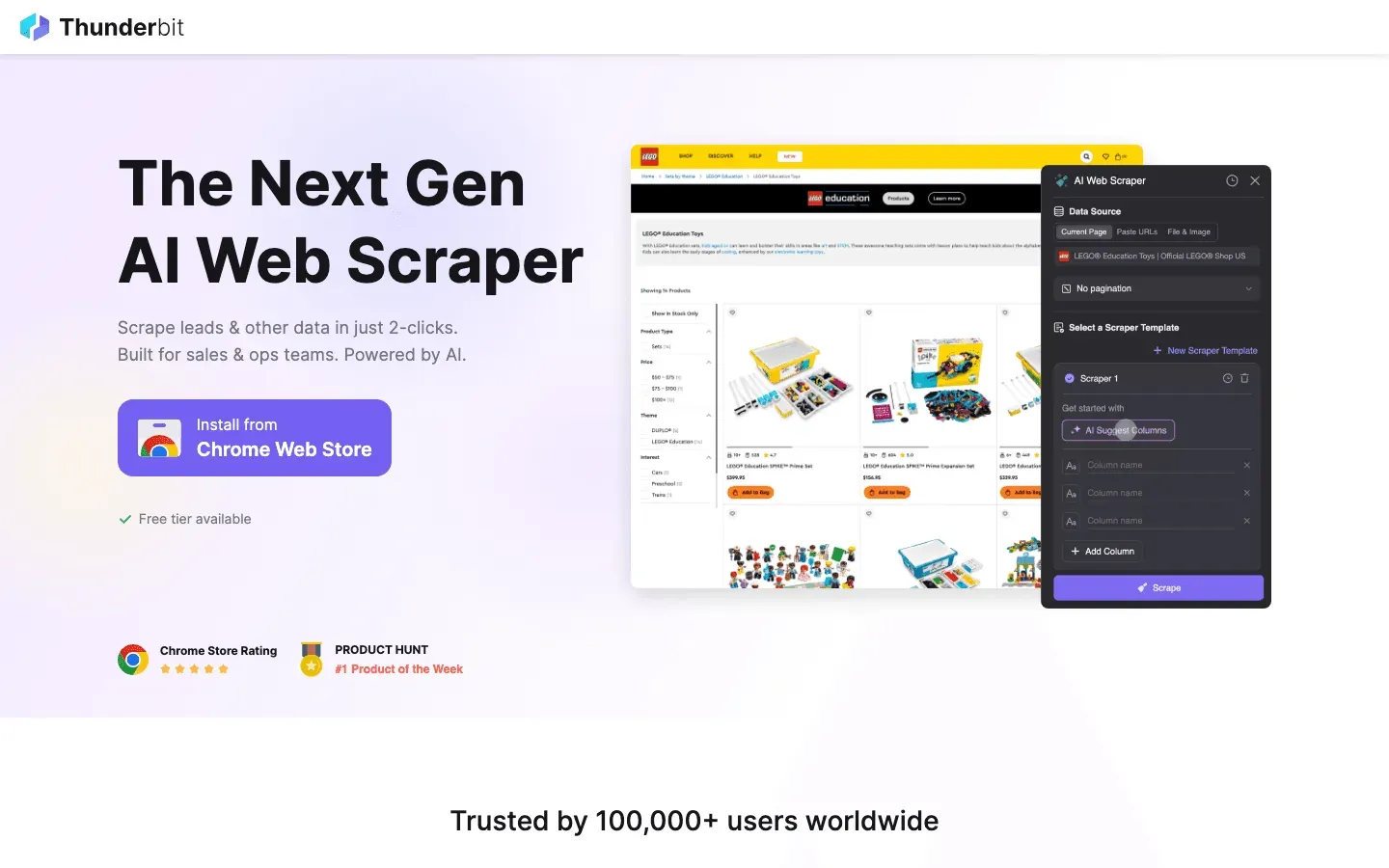 Thunderbit AI-powered autofill और web automation के लिए मेरा go-to tool है। मैं co-founder और CEO हूँ, इसलिए यहाँ पूरी तरह निष्पक्ष नहीं हूँ — लेकिन Chrome Web Store की current listing के अनुसार इसके 100,000 users हैं और 170 ratings पर 4.2★ rating है (checked 2026-05-12), जिसे सीधे शब्दों में कहें तो यह दिखाता है कि लोग इसे uninstall नहीं कर रहे।
Thunderbit को खास क्या बनाता है:
- AI Autofill & Form Detection: बस form खोलो, एक key दबाओ, और Thunderbit का AI सारे fields अपने आप भर देता है। यह context समझता है, इसलिए spreadsheet data को web forms से बिना setup के match कर सकता है।
- Integrated Web Scraping: किसी website, PDF या image से data निकालकर उसे कहीं और autofill करना है? Thunderbit दोनों काम करता है—कोई coding नहीं चाहिए।
- Subpage & Multi-Step Automation: Thunderbit pagination और multi-step forms सहित complex workflows को संभाल सकता है। Sales ops, ecommerce और real estate teams के लिए बेहतरीन।
- No-Code Simplicity: “AI Suggest Fields” पर क्लिक करो, और Thunderbit बताता है कि क्या भरना है—templates या manual mapping की ज़रूरत नहीं।
- Free Data Export: Results को एक क्लिक में Excel, Google Sheets, Airtable या Notion में export करें।
- Security: जब तक तुम export न करो, data तुम्हारे browser में local रहता है। Cloud storage तभी होगा जब तुम चाहो।
Best For: Sales lead generation, ecommerce operations, real estate data entry, और वे लोग जो Chrome में data extraction और data entry—दोनों को automate करना चाहते हैं।
Thunderbit AI Autofill मुफ्त में आज़माएँ
2. LastPass
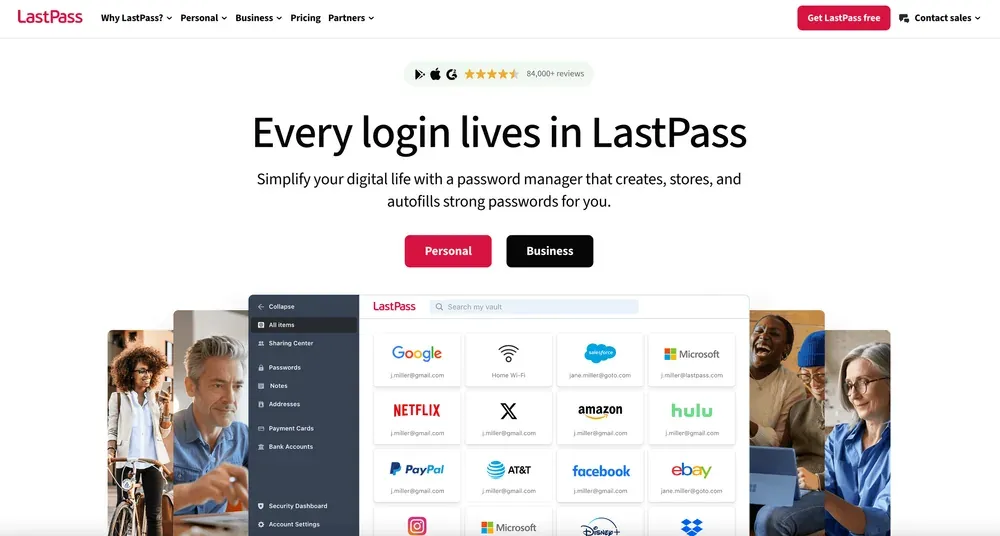 LastPass password management में एक जाना-पहचाना नाम है, लेकिन इसका Chrome autofill plugin forms के लिए भी उतना ही दमदार है।
मुख्य खूबियाँ:
- मजबूत सुरक्षा: End-to-end encryption, zero-knowledge architecture, और multi-factor authentication।
- Logins और Forms के लिए Autofill: Username, password, address और payment info को एक क्लिक में भरता है।
- Cross-platform Sync: सभी बड़े browsers और mobile devices पर काम करता है।
- Team Features: Shared credential vaults, admin controls, और business users के लिए secure sharing।
Best For: Teams और individuals जो passwords और regular form data—दोनों के लिए secure autofill चाहते हैं, साथ ही मजबूत business features भी।
3. RoboForm
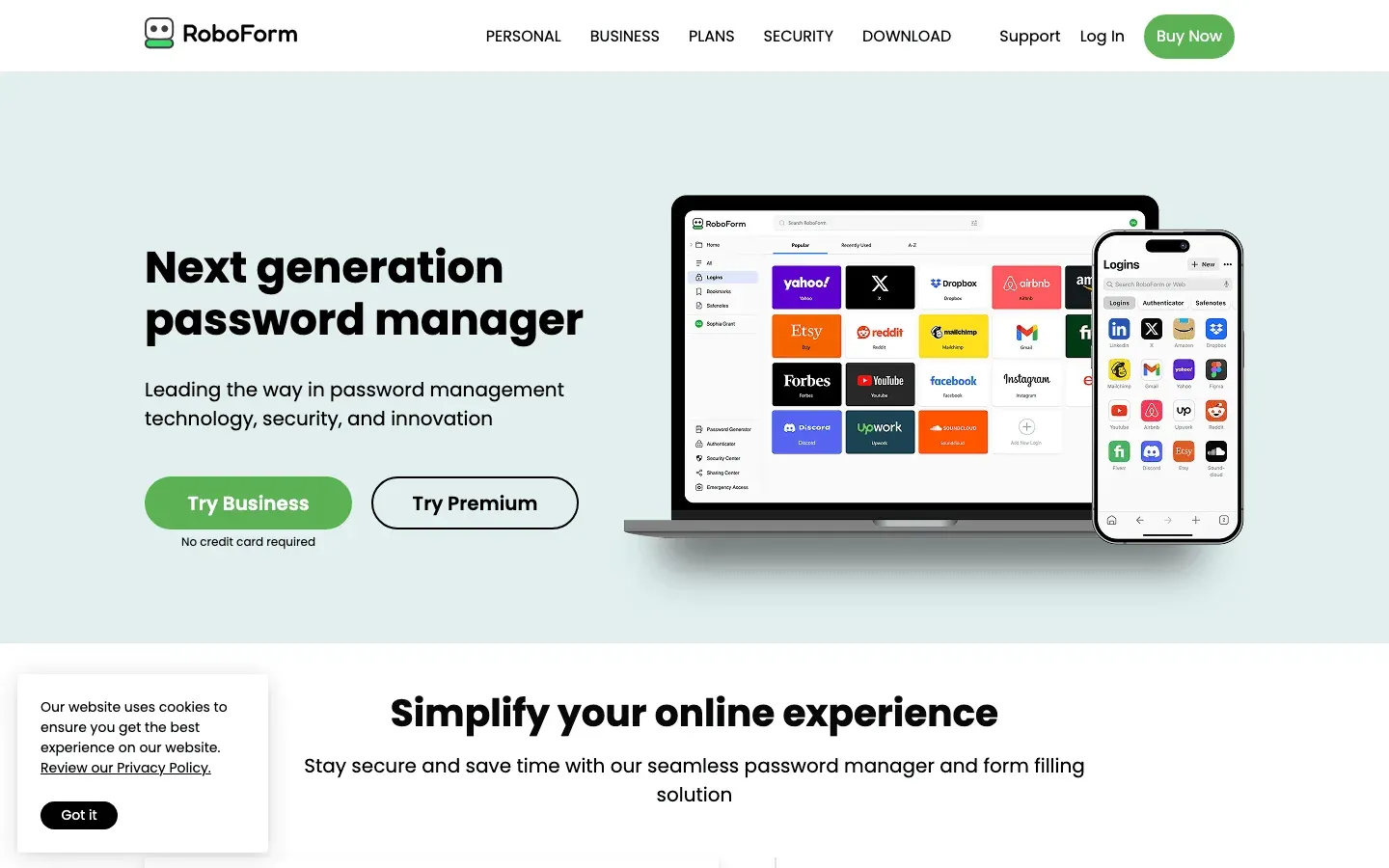 RoboForm autofill space का एक पुराना और भरोसेमंद नाम है, जो बेहद complex forms को भी संभालने के लिए जाना जाता है।
खास बातें:
- Advanced Form Filling: Multi-page forms, custom fields और लंबी applications को संभालता है।
- Identity Profiles: Personal, business या custom info सेव करके one-click fill संभव बनाता है।
- Cross-platform Support: सभी browsers और devices पर काम करता है, cloud sync के साथ।
- Team Management: Shared folders, admin controls, और business use के लिए audit trails।
Best For: Power users और professionals जो complex या lengthy forms से निपटते हैं, खासकर HR या sales ops में।
4. Dashlane
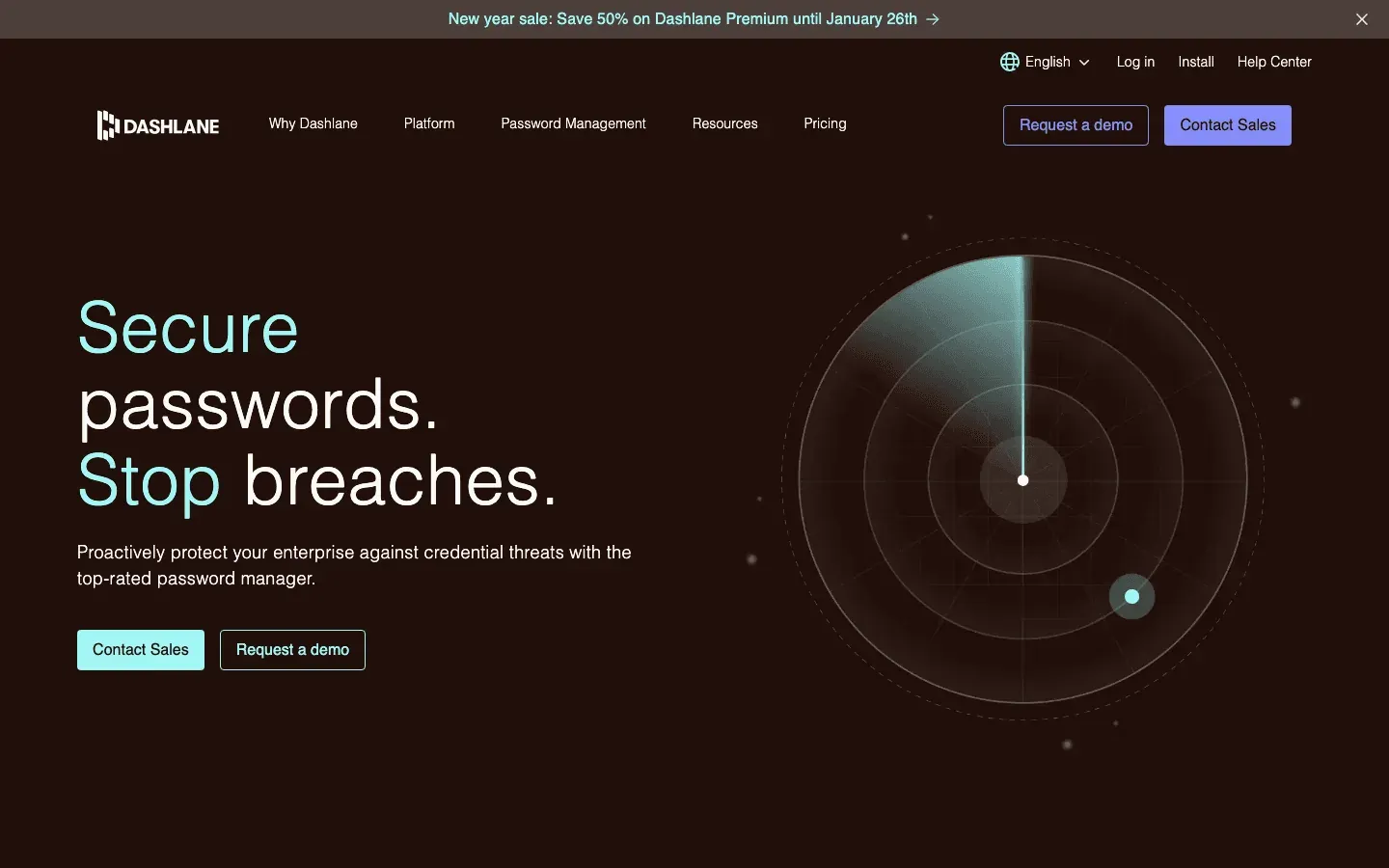 Dashlane user-friendly autofill को market की कुछ बेहतरीन security features के साथ जोड़ता है।
Dashlane को अलग क्या बनाता है:
- तेज़ और सटीक Autofill: अधिकतर sites पर भरोसेमंद, tricky forms के लिए custom field rules के साथ।
- Security पर फोकस: End-to-end encryption, dark web monitoring, password health scores, और VPN (premium plans में)।
- Business Features: Admin console, Active Directory integration, और work/personal data को अलग रखने के लिए Smart Spaces।
Best For: Teams और individuals जो top-tier security और polished user experience चाहते हैं।
5. Autofill (by Tohodo)
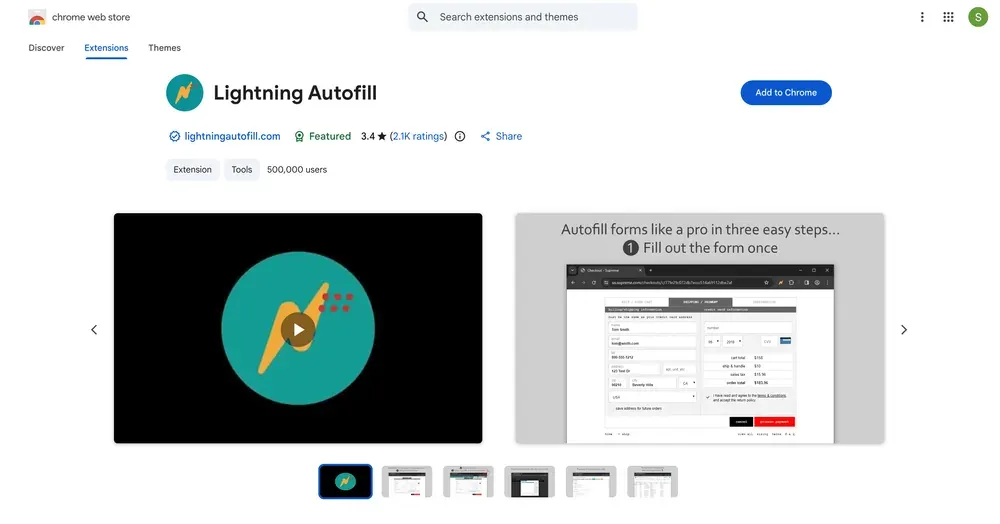 Autofill एक lightweight, open-source extension है जो speed और simplicity पर केंद्रित है।
Users इसे क्यों पसंद करते हैं:
- Instant Form Filling: Page load होते ही forms को अपने आप भर देता है, या keyboard shortcut से।
- Custom Profiles & Rules: कई profiles बनाइए और अलग-अलग fields के लिए rules तय कीजिए।
- Privacy-First: सारा data तुम्हारे browser में local रहता है—ना cloud, ना tracking।
Best For: Power users, testers, या वे लोग जो password management के बिना तेज़ और सादा form filling चाहते हैं।
6. Keeper
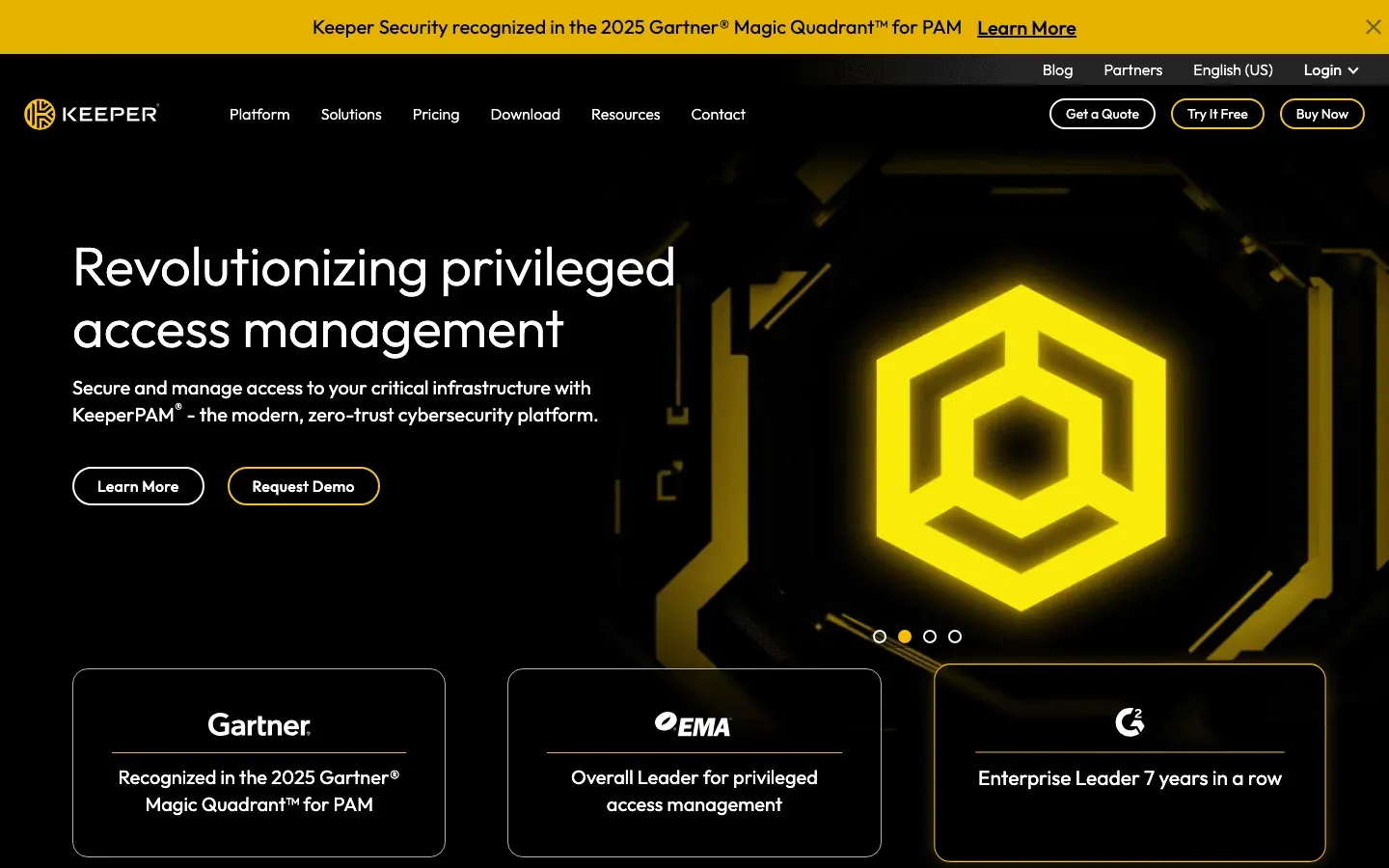 Keeper एक enterprise-grade password manager है, जिसमें मजबूत autofill क्षमताएँ हैं।
मुख्य खूबियाँ:
- Zero-Knowledge Security: AES-256 encryption, SOC 2, और FedRAMP certifications।
- Everything के लिए Autofill: Passwords, addresses, payment info, और यहाँ तक कि 2FA codes भी।
- Business Compliance: Audit trails, role-based access, और compliance reporting।
Best For: बड़ी organizations और security-conscious teams, खासकर regulated industries में।
7. Form Filler
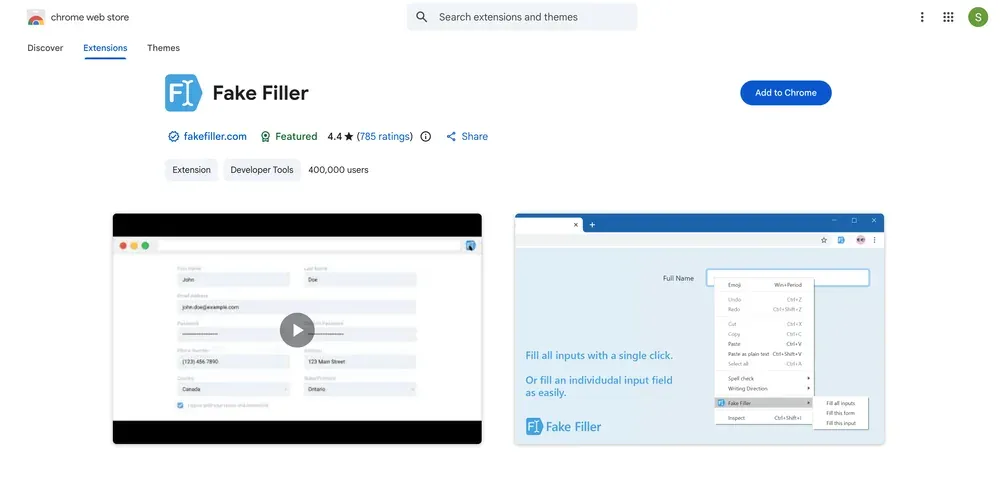 Form Filler flexibility और customization के लिए बना है।
खास फीचर्स:
- Custom Field Rules: Field names, IDs या types के आधार पर तय करो कि क्या भरना है।
- Multiple Profiles: अलग-अलग workflows के लिए अलग data sets चुनो।
- Random Data Generation: QA testers और developers के लिए बहुत उपयोगी।
Best For: Developers, QA testers, और वे लोग जिन्हें tailored form automation चाहिए।
8. Bitwarden
 Bitwarden password manager दुनिया का open-source पसंदीदा tool है, और Chrome के लिए भी इसका autofill काफी अच्छा है।
Bitwarden क्यों शानदार है:
- Open-Source & Audited: Transparent, regularly audited, और IT teams द्वारा भरोसेमंद।
- Unlimited Free Tier: Unlimited passwords और data स्टोर करो, devices के बीच sync करो—वो भी free।
- Team Collaboration: Collections share करो, permissions manage करो, और ज़रूरत हो तो self-host भी करो।
Best For: IT teams, open-source enthusiasts, और budget-conscious businesses।
9. Norton Password Manager (पहले Norton Identity Safe)
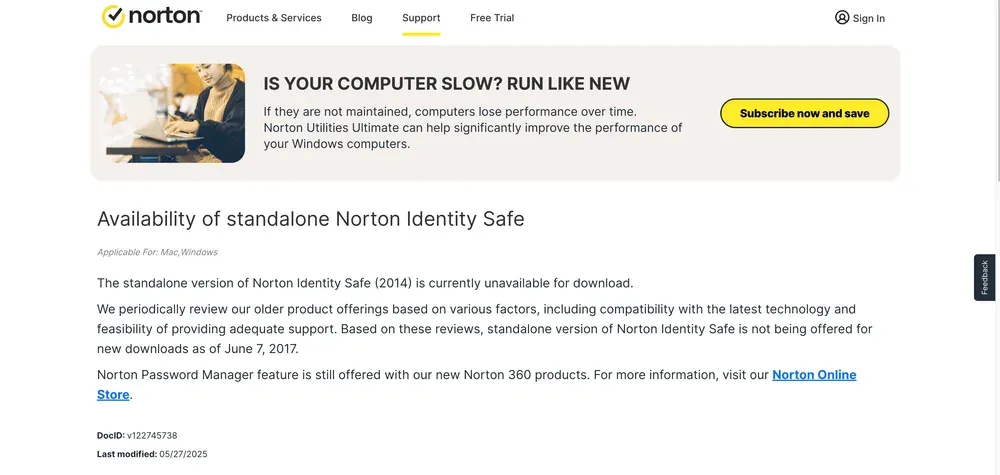 Norton Password Manager — जो पहले Norton Identity Safe था और Norton ने 2018 में बंद कर दिया था — cybersecurity के सबसे भरोसेमंद नामों में से एक से समर्थित है और 2026 में भी सक्रिय रूप से उपलब्ध है।
मुख्य फायदे:
- Trusted Brand: लाखों users और भरोसेमंद security heritage।
- Secure Autofill: Zero-knowledge encryption, two-factor authentication, और cloud sync।
- Simple Interface: Non-technical users के लिए आसान, basic form और password management के साथ।
Best For: वे users जो एक सीधा, भरोसेमंद autofill tool चाहते हैं—खासकर अगर वे पहले से Norton products इस्तेमाल करते हैं।
10. 1Password
 1Password team-oriented password management और autofill के लिए gold standard माना जाता है।
Teams को 1Password क्यों पसंद है:
- Smooth Autofill: Logins, addresses, payments और अन्य जगहों पर भरोसेमंद।
- Shared Vaults: Teams या families के साथ credentials और form data securely share करो।
- Top Security: End-to-end encryption, Secret Key, और extra protection के लिए Travel Mode।
Best For: Teams और families जो secure sharing, आसान onboarding, और polished user experience चाहते हैं।
Comparison Table: सबसे अच्छे Chrome Autofill Plugins एक नज़र में
| Extension | Use करना कितना आसान | Security | Features की विविधता | Cross-Device Sync | Pricing |
|---|---|---|---|---|---|
| Thunderbit | बहुत आसान | High | Advanced (AI, scraping) | Chrome desktop | Free & Paid |
| LastPass | Easy | बहुत High | Comprehensive | All platforms | Free & Paid |
| RoboForm | Moderate | High | Broad (complex forms) | All platforms | Free & Paid |
| Dashlane | Very Easy | बहुत High | High (security extras) | All platforms | Paid only (free plan discontinued Sept 2025) |
| Autofill (Tohodo) | Easy | Medium | Moderate (profiles) | Local only | Free |
| Keeper | Moderate | बहुत High | Very Broad | All platforms | Paid |
| Form Filler | Moderate | Medium | Specialized (custom) | Local only | Free |
| Bitwarden | Easy | बहुत High | Comprehensive | All platforms | Free & Paid |
| Norton | Easy | High | Standard | All platforms | Free |
| 1Password | Very Easy | बहुत High | Comprehensive (teams) | All platforms | Paid |
Legend: “Very Easy” = plug-and-play, “Very High” = top-tier encryption & 2FA, “Advanced” = AI, scraping, subpage automation.
अपनी ज़रूरत के लिए Best Chrome Autofill Extension कैसे चुनें
Chrome Productivity के और सुझाव देखें Get Started Free
सही tool चुनने के लिए मेरा quick cheat sheet:
- AI-driven automation या web scraping चाहिए? Thunderbit चुनो।
- Teams के लिए secure password और form management चाहिए? LastPass, 1Password या Dashlane देखो।
- Complex, multi-page forms संभालने हैं? RoboForm अच्छा विकल्प है।
- Budget में रहना है या open-source चाहिए? Bitwarden को हराना मुश्किल है।
- बस तेज़, सरल form fills चाहिए? Autofill (Tohodo) या Form Filler बढ़िया हैं।
- Enterprise compliance चाहिए? Keeper तुम्हारे लिए बना है।
- Trusted brand पसंद है? Norton Password Manager सुरक्षित विकल्प है।
कुछ tools आज़माकर देखो—अधिकतर free tiers या trials देते हैं। और याद रखो, तुम इन्हें mix and match भी कर सकते हो: bulk automation के लिए Thunderbit, passwords के लिए Bitwarden, और quick forms के लिए Autofill।
Thunderbit AI Autofill के साथ शुरू करें
निष्कर्ष: सही Chrome Autofill Plugin से Productivity बढ़ाएँ
सही Chrome autofill extension सिर्फ सुविधा नहीं है—यह productivity multiplier है। चाहे तुम sales, operations, ecommerce या real estate में हो, ये tools हर हफ्ते तुम्हारे कई घंटे बचा सकते हैं, महँगी गलतियाँ कम कर सकते हैं, और तुम्हारा data सुरक्षित रख सकते हैं। AI-powered automation (Thunderbit) से लेकर open-source (Bitwarden) और enterprise-grade security (Keeper) तक, हर workflow के लिए एक perfect विकल्प मौजूद है।
क्या तुम typing बंद करके automation शुरू करने के लिए तैयार हो? Thunderbit डाउनलोड करें या अपना पसंदीदा plugin लें और देखें कि तुम कितना समय बचा सकते हो। और अगर तुम Chrome के साथ productivity बढ़ाने के और सुझाव चाहते हो, तो Thunderbit Blog देखें।
Thunderbit AI Autofill मुफ्त में आज़माएँ Get Started Free
अक्सर पूछे जाने वाले प्रश्न
1. 2026 में Chrome के लिए सबसे अच्छा autofill extension कौन-सा है?
यह तुम्हारी ज़रूरत पर निर्भर करता है। AI-powered automation और web scraping के लिए Thunderbit सबसे अच्छा विकल्प है। Secure password management और team features के लिए LastPass, 1Password और Dashlane बेहतरीन हैं। तेज़ और सरल form filling के लिए Autofill (Tohodo) अच्छा है।
2. क्या Chrome autofill extensions सुरक्षित होते हैं?
ज़्यादातर leading plugins मजबूत encryption और two-factor authentication support करते हैं। LastPass, Dashlane, Keeper, Bitwarden और 1Password जैसे tools खास तौर पर सुरक्षित माने जाते हैं।
3. क्या मैं autofill extensions को अलग-अलग devices पर इस्तेमाल कर सकता हूँ?
हाँ—अधिकतर top plugins तुम्हारा data desktop, mobile और यहाँ तक कि अन्य browsers के बीच sync कर देते हैं। चुनने से पहले cross-device compatibility ज़रूर देखो।
4. Thunderbit और traditional autofill plugins में क्या फर्क है?
Thunderbit AI-powered autofill को web scraping और data export के साथ जोड़ता है। यह उन business users के लिए ideal है जिन्हें सिर्फ passwords या addresses भरने से आगे बढ़कर data extraction और entry—दोनों automate करनी होती हैं।
5. क्या Chrome के लिए free autofill extensions भी हैं?
बिलकुल। Bitwarden, Autofill (Tohodo) और Norton Password Manager सभी free tiers देते हैं। Thunderbit भी AI autofill और web automation के लिए उदार free plan देता है।
Happy form-filling—और उम्मीद है copy-paste के दिन जल्द खत्म हों।
और जानें




