Phone Number Extractor

टेक्स्ट, फ़ाइलों या वेब पेजों से फ़ोन नंबर निकालें — सब कुछ आपके ब्राउज़र में। कुछ भी अपलोड नहीं होता।

फ़ोन नंबर libphonenumber-js के मेटाडेटा से निकाले जाते हैं।

Chrome Store Rating
PRODUCT HUNT#1 Product of the Week
Accenture logoCriteo logoGrammarly logoVerisk logoklook logoPuma logoRingCentral logoAccenture logoCriteo logoGrammarly logoVerisk logoklook logoPuma logoRingCentral logoAccenture logoCriteo logoGrammarly logoVerisk logoklook logoPuma logoRingCentral logoAccenture logoCriteo logoGrammarly logoVerisk logoklook logoPuma logoRingCentral logoAccenture logoCriteo logoGrammarly logoVerisk logoklook logoPuma logoRingCentral logoAccenture logoCriteo logoGrammarly logoVerisk logoklook logoPuma logoRingCentral logo
Find Phone Numbers OnlineLet Thunderbit’s AI extract phone numbers from any website, file, or text—no manual searching required.
chrome-web-store
से इंस्टॉल करेंChrome Web Store

Find Phone Numbers Online

Need to collect phone numbers for outreach or verification? Thunderbit’s AI-powered tool scans any webpage, document, or pasted text and delivers a ready-to-use list in moments. No technical skills or setup needed—just provide your source and let the AI do the work. Perfect for sales, marketing, or research teams who want to save time and avoid errors. Export your results to Excel, Google Sheets, or your CRM for immediate use.

How to Extract Phone Numbers Using Thunderbit

step_01.png
STEP 1Download and InstallDownload and install the Thunderbit Chrome Extension from the Thunderbit Chrome Extension Download Page. Once installed, log in or create a free account to get started.
step_02.png
STEP 2Open ExtensionNavigate to the webpage, document, or text source from which you want to extract phone numbers. Open the Thunderbit Chrome Extension and select the "Phone Number Extractor" tool from the menu. Choose your preferred input method: enter a URL, upload a file, or paste text into the provided box.
step03.png
STEP 3Click the Extract phone numbers ButtonClick the "Extract phone numbers" button. Thunderbit will scan your selected content and display a list of detected phone numbers. You can export the results to Google Sheets, Airtable, Notion, or copy the list for use in other applications.

Learn how to extract phone numbers from any website, document, or text

Extract Phone Numbers Instantly

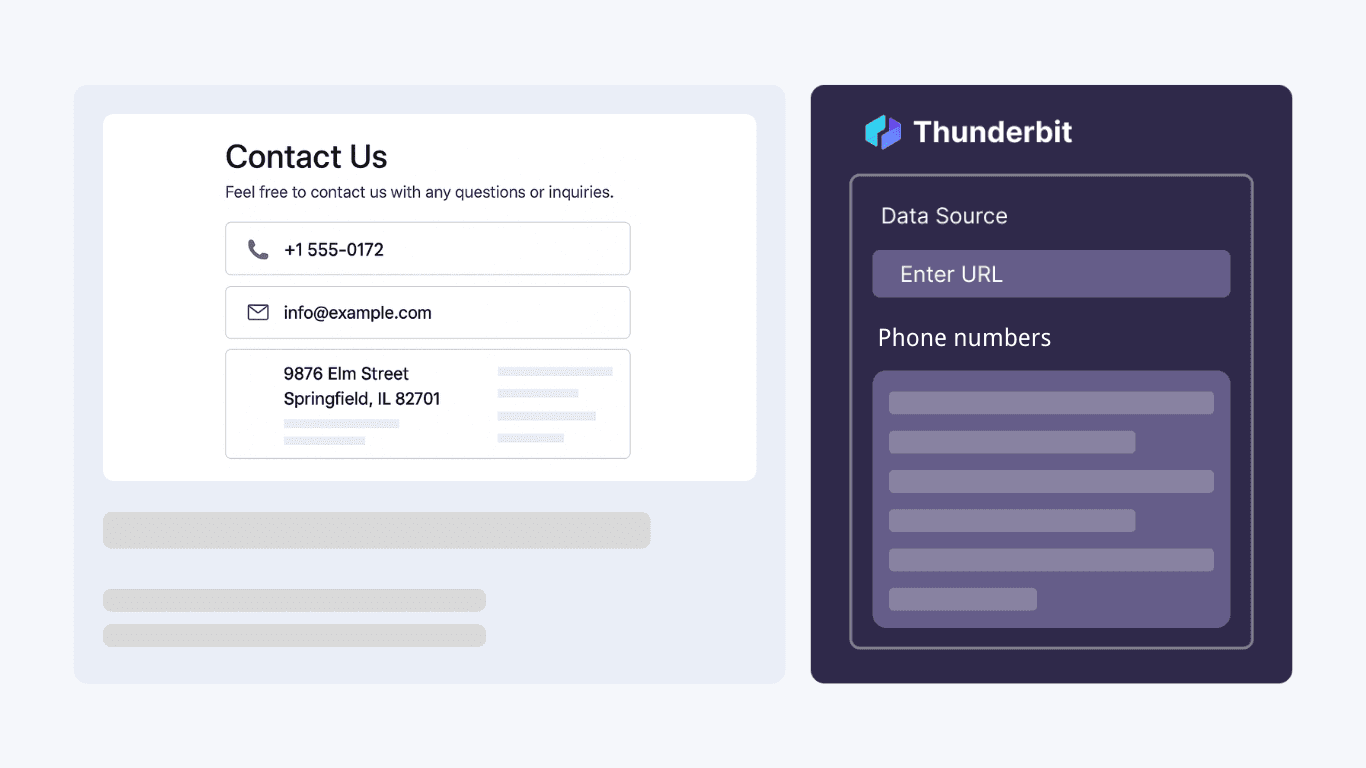
The Phone Number Extractor scans webpages, uploaded files, or pasted text to quickly identify and list all phone numbers present. This tool is ideal for sales teams, recruiters, and researchers who need to gather contact information without manual searching. By automating the extraction process, you can save significant time and ensure no phone number is overlooked, making it easier to build accurate contact lists for outreach or analysis.
मुफ़्त में शुरू करें
1.png

Support Multiple Input Methods

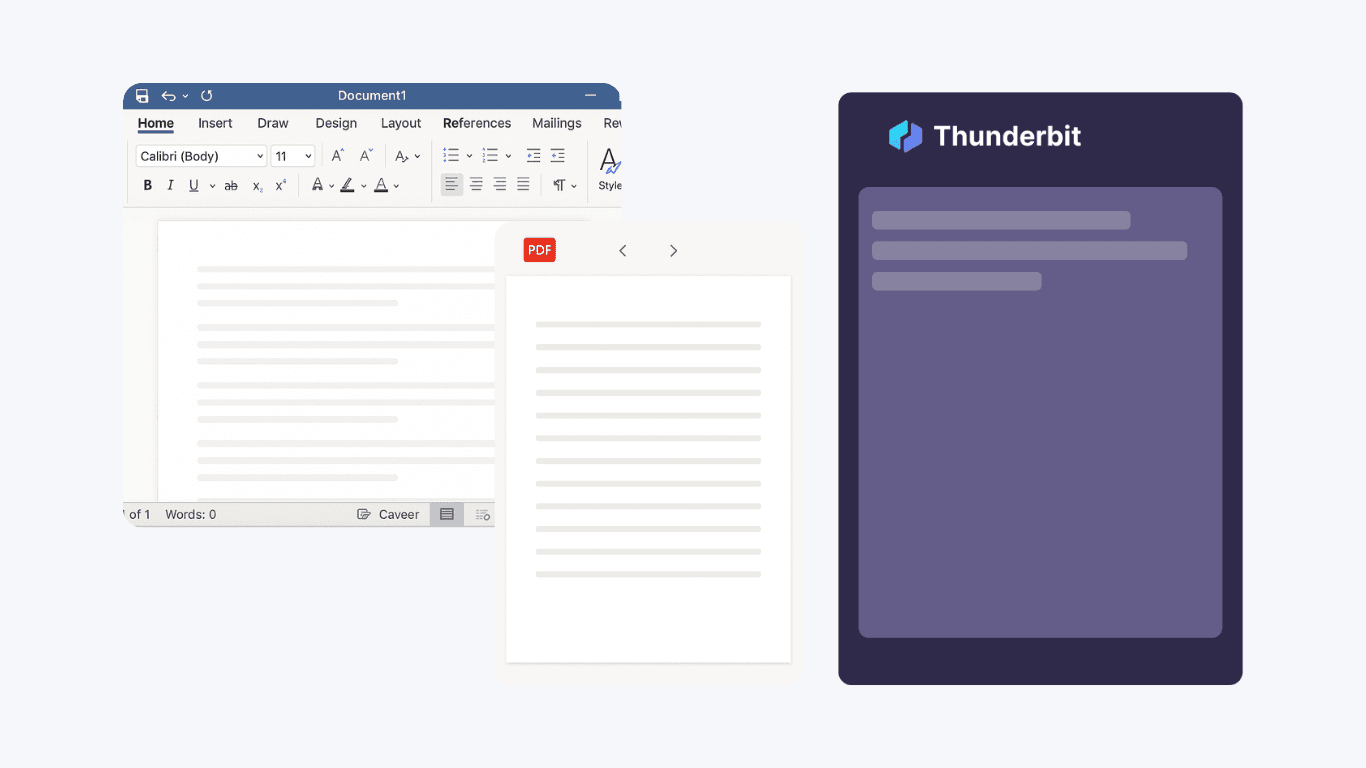
Choose the most convenient way to extract phone numbers: enter a URL, upload a document, or paste raw text. The tool works with web pages, PDFs, Word files, and plain text, adapting to your workflow. This flexibility is perfect for professionals who handle diverse data sources, allowing you to extract phone numbers from online directories, business documents, or email content in just a few clicks.
मुफ़्त में शुरू करें
2.png

Export and Format Results Effortlessly

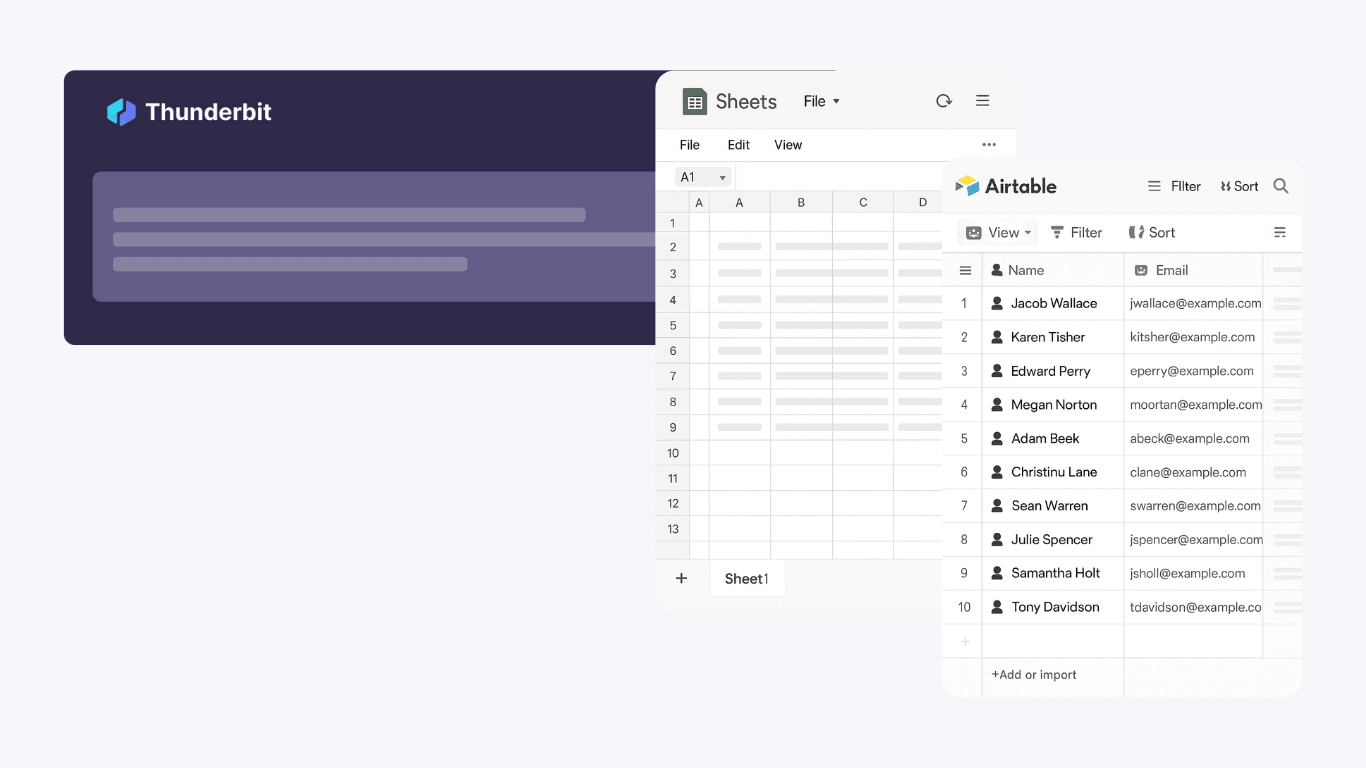
Once phone numbers are extracted, the results are presented in a clean, simple list that can be easily exported. You can copy the list or download it for use in Excel, Google Sheets, Airtable, or Notion. The tool automatically formats phone numbers for consistency, making it straightforward to integrate the data into your CRM, marketing campaigns, or contact databases without extra cleanup.
मुफ़्त में शुरू करें
3.png

Accelerate Lead Generation and Data Collection

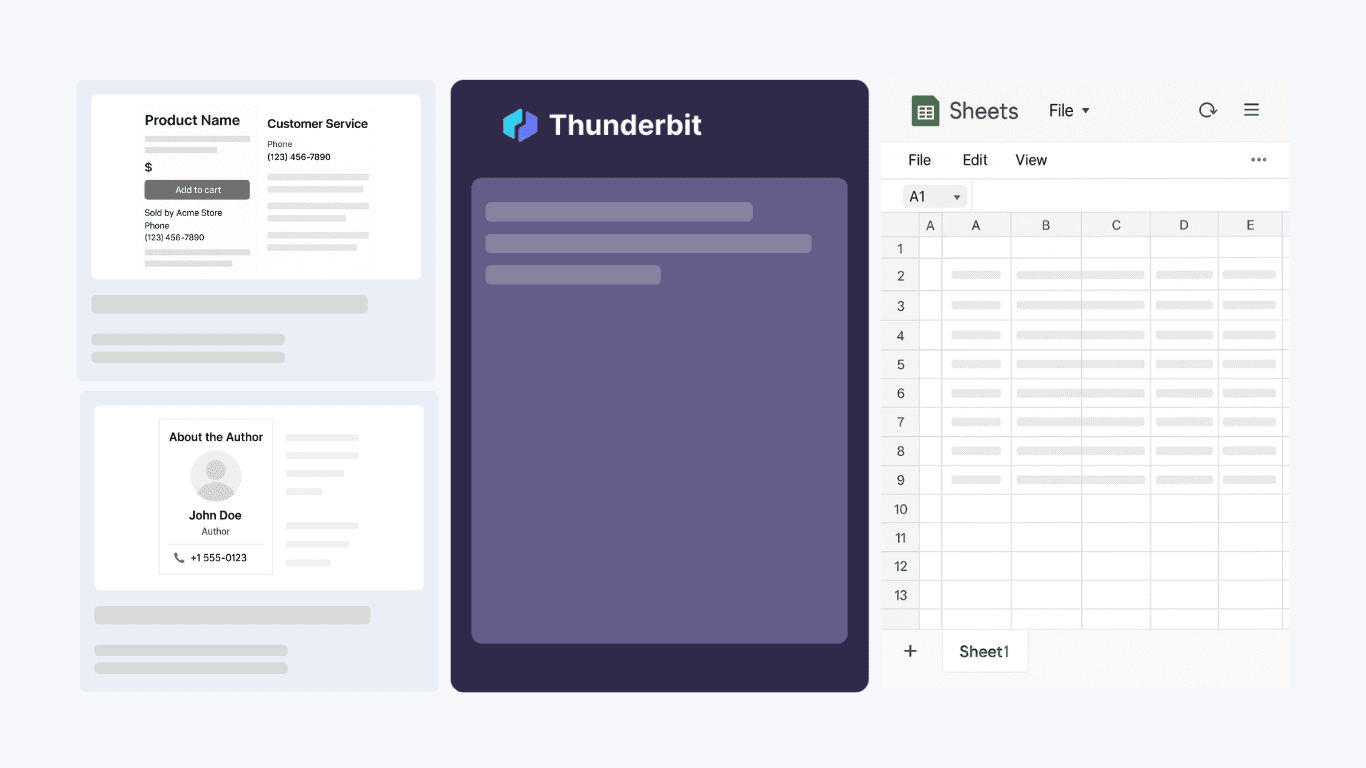
Use the Phone Number Extractor to streamline lead generation, customer support, or research tasks. Sales and marketing teams can quickly build call lists from websites or documents, while researchers can gather contact data for analysis. By automating phone number extraction, you reduce manual effort and minimize errors, ensuring your contact information is accurate and ready for immediate use.
मुफ़्त में शुरू करें
4.png

Thunderbit के बारे में उपयोगकर्ता क्या कहते हैं

Taryn W.ग्रोथ स्ट्रैटेजिस्ट@Thunderbit ने मेरे competitor research करने का तरीका बदल दिया। मैं 'AI Suggest Fields' पर क्लिक करती हूँ, और यह paginated results से एक साफ़ टेबल बना देता है—न कोडिंग, न CSS. लंबे-पूँछ वाले marketplaces से product data analyze करते समय यह बहुत समय बचाता है।
Miles T.सेल्स डेवलपमेंट कंसल्टेंटमैं directories से emails और phone numbers निकालने के लिए Thunderbit का उपयोग करता हूँ। यह एक क्लिक में साफ़ contact info निकाल देता है, और Sheets या Notion में export करना कुछ सेकंड का काम है। कोई extra setup नहीं, कोई coding नहीं—बस इस्तेमाल लायक data तैयार।
Rhea C.ई-कॉमर्स एनालिस्टThunderbit मुझे multiple pages पर SKU data मॉनिटर करने में मदद करता है। मैं listings स्क्रैप करती हूँ, फिर Subpage Scraping से full product specs, pricing, reviews और stock निकालती हूँ। AI सब कुछ मेरे defined columns में व्यवस्थित कर देता है।
Cassian B.रियल एस्टेट एडवाइज़रThunderbit का Scheduled Scraper real estate tracking को आसान बनाता है। मैं interval को सामान्य भाषा में बताता हूँ, और यह बिना फिर से setup किए अपने-आप updated listings, prices और links निकाल लेता है। सरल और बहुत practical।
Dorian B.कंटेंट और SEO स्पेशलिस्टमैं Thunderbit के Field AI Prompts का उपयोग scraped blog content को साफ़ और टैग करने के लिए करता हूँ। यह titles, authors निकालता है और categories तक सुझाता है। Dynamic sites और subpages पर बढ़िया काम करता है—structured SEO datasets बनाने के लिए बिल्कुल सही।
Lina K.मार्केटप्लेस ऑपरेशंस लीडहम Thunderbit से niche stores के SKUs ट्रैक करते हैं। Cloud Scraping एक बार में 50 pages संभालता है, और login वाले sites के लिए हम browser mode पर जाते हैं। यह तेज़, flexible और लगातार maintenance या manual edits की जरूरत नहीं रखता।
Jorge F.इनबाउंड सेल्स मैनेजरThunderbit का AI Autofill बहुत काम आता है। contact info स्क्रैप करने के बाद, मैं इसे सीधे browser में lead forms भरने के लिए इस्तेमाल करता हूँ। मैं बस tab चुनता हूँ, और यह scraped row का उपयोग करके सब कुछ भर देता है। manual input की जरूरत नहीं।
Alina D.फ्रीलांस रिसर्चरPDFs, image-based sites, और infinite scroll pages से डेटा निकालने के लिए मैं Thunderbit पर निर्भर करती हूँ। यह AI के साथ messy formats को संभालता है और seconds में Google Sheets या Airtable में भेजने लायक tables देता है।
Taryn W.ग्रोथ स्ट्रैटेजिस्ट@Thunderbit ने मेरे competitor research करने का तरीका बदल दिया। मैं 'AI Suggest Fields' पर क्लिक करती हूँ, और यह paginated results से एक साफ़ टेबल बना देता है—न कोडिंग, न CSS. लंबे-पूँछ वाले marketplaces से product data analyze करते समय यह बहुत समय बचाता है।
Miles T.सेल्स डेवलपमेंट कंसल्टेंटमैं directories से emails और phone numbers निकालने के लिए Thunderbit का उपयोग करता हूँ। यह एक क्लिक में साफ़ contact info निकाल देता है, और Sheets या Notion में export करना कुछ सेकंड का काम है। कोई extra setup नहीं, कोई coding नहीं—बस इस्तेमाल लायक data तैयार।
Rhea C.ई-कॉमर्स एनालिस्टThunderbit मुझे multiple pages पर SKU data मॉनिटर करने में मदद करता है। मैं listings स्क्रैप करती हूँ, फिर Subpage Scraping से full product specs, pricing, reviews और stock निकालती हूँ। AI सब कुछ मेरे defined columns में व्यवस्थित कर देता है।
Cassian B.रियल एस्टेट एडवाइज़रThunderbit का Scheduled Scraper real estate tracking को आसान बनाता है। मैं interval को सामान्य भाषा में बताता हूँ, और यह बिना फिर से setup किए अपने-आप updated listings, prices और links निकाल लेता है। सरल और बहुत practical।
Dorian B.कंटेंट और SEO स्पेशलिस्टमैं Thunderbit के Field AI Prompts का उपयोग scraped blog content को साफ़ और टैग करने के लिए करता हूँ। यह titles, authors निकालता है और categories तक सुझाता है। Dynamic sites और subpages पर बढ़िया काम करता है—structured SEO datasets बनाने के लिए बिल्कुल सही।
Lina K.मार्केटप्लेस ऑपरेशंस लीडहम Thunderbit से niche stores के SKUs ट्रैक करते हैं। Cloud Scraping एक बार में 50 pages संभालता है, और login वाले sites के लिए हम browser mode पर जाते हैं। यह तेज़, flexible और लगातार maintenance या manual edits की जरूरत नहीं रखता।
Jorge F.इनबाउंड सेल्स मैनेजरThunderbit का AI Autofill बहुत काम आता है। contact info स्क्रैप करने के बाद, मैं इसे सीधे browser में lead forms भरने के लिए इस्तेमाल करता हूँ। मैं बस tab चुनता हूँ, और यह scraped row का उपयोग करके सब कुछ भर देता है। manual input की जरूरत नहीं।
Alina D.फ्रीलांस रिसर्चरPDFs, image-based sites, और infinite scroll pages से डेटा निकालने के लिए मैं Thunderbit पर निर्भर करती हूँ। यह AI के साथ messy formats को संभालता है और seconds में Google Sheets या Airtable में भेजने लायक tables देता है।

Frequently Asked Questions

AI से डेटा निकालें
डेटा को आसानी से Google Sheets, Airtable, या Notion में ट्रांसफर करें
Chrome Store Rating
PRODUCT HUNT#1 Product of the Week