

Thunderbit’s leboncoin Scraper helps you turn leboncoin listings into clean, structured data using AI. You can extract results from search and category pages, then use subpage scraping to visit each listing detail page and enrich your dataset with seller info, property details, and more. Export your data to Excel, Google Sheets, Airtable, or Notion in minutes with the Thunderbit AI Web Scraper.
🧠 What is leboncoin Scraper
The leboncoin Scraper is an AI Web Scraper built for extracting data from leboncoin (Petites annonces en France). You simply open the page you want (like a search results page or the real estate category), click AI Suggest Columns, then click Scrape to generate a structured table.
It’s designed for real-world workflows like lead generation, market research, and real estate monitoring, and it supports pagination plus subpage scraping so you can capture both listing cards and detail-page fields.
🧾 What can you scrape with leboncoin
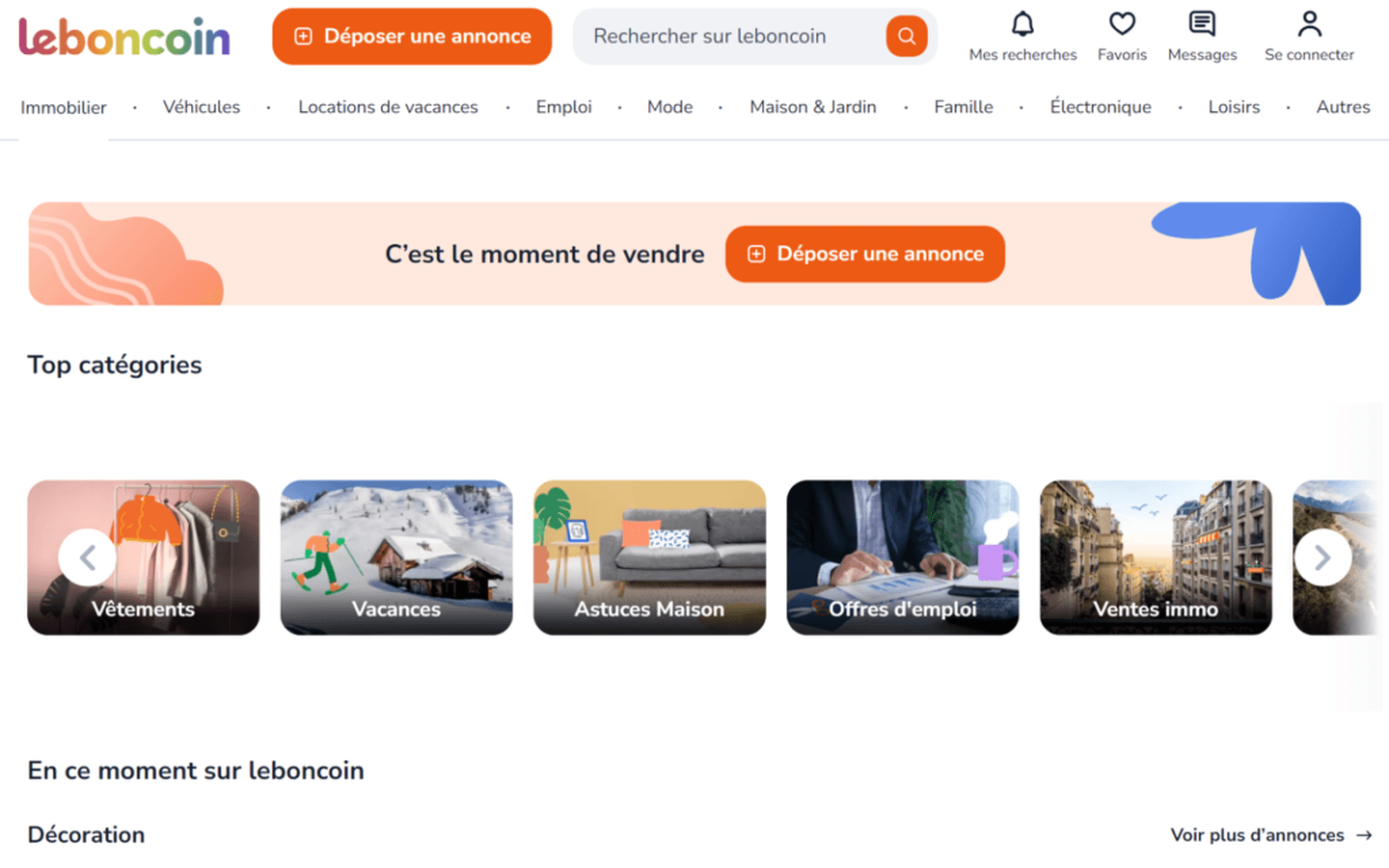
leboncoin has a lot of valuable data spread across listing cards and detail pages. Thunderbit helps you extract both, including titles, prices, locations, images, seller details, and listing URLs.
🔎 Scrape Classified Listings from leboncoin
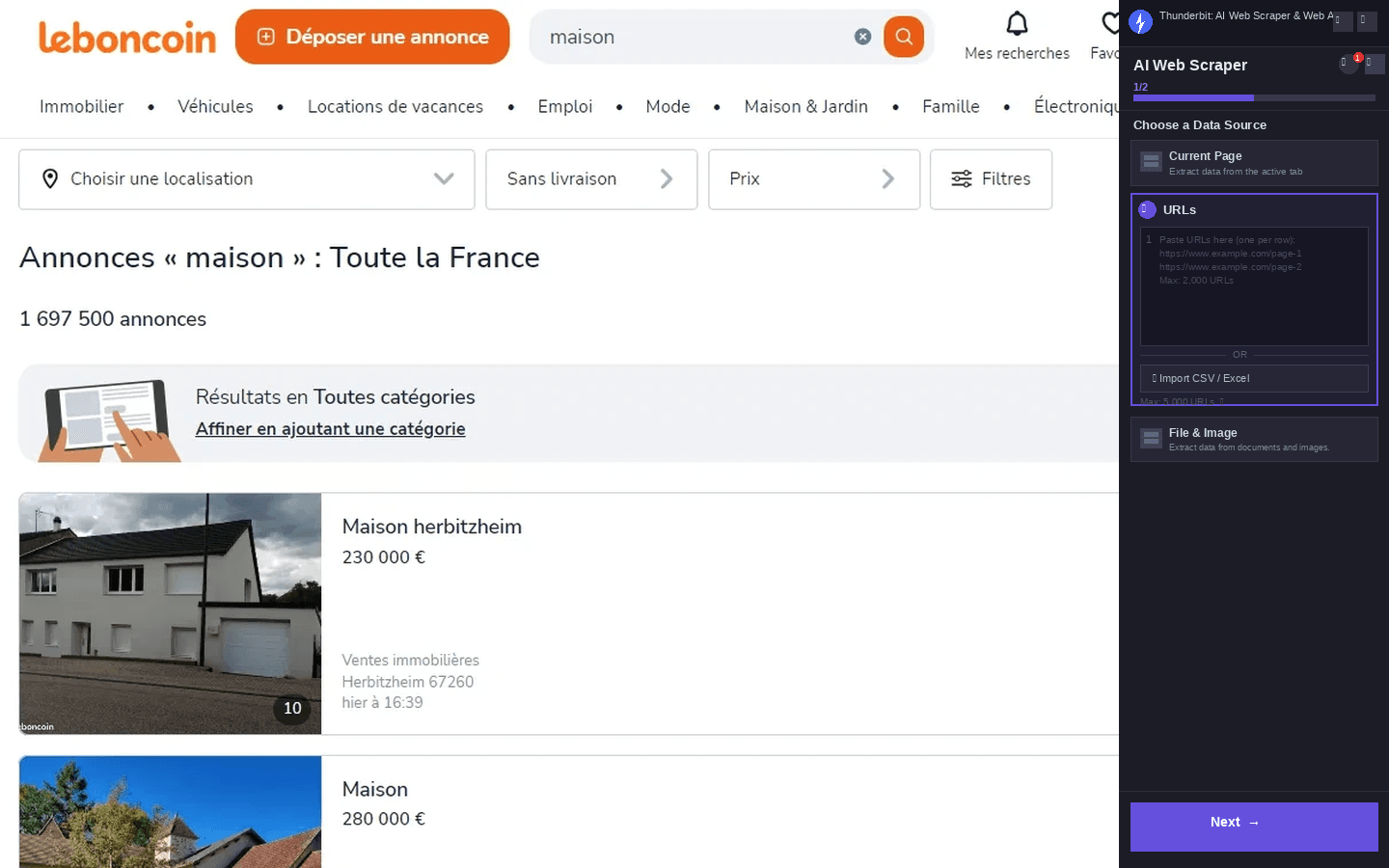
This use case focuses on scraping listing results from a leboncoin search page such as: https://www.leboncoin.fr/recherche?text=maison. It’s useful when you want to collect many listings quickly, then optionally open each listing to capture deeper details (surface area, number of rooms, seller type, etc.).
Steps:
- Download the Thunderbit Chrome Extension and register an account.
- Go to the destination page, for example: leboncoin search results for “maison”.
- Click AI Suggest Columns to get recommended column names and data types.
- Click Scrape to run the scraper, then export to Excel, Google Sheets, Airtable, or Notion.
Column names
| Column | Description |
|---|---|
| 🏷️ Listing Title | The headline/title of the listing as shown in results. |
| 💶 Price | The displayed price (when available), captured as a number/text depending on the page. |
| 📍 Location | City/area and sometimes postal code shown on the listing card. |
| 🗓️ Posted Date | The date/time indicator shown in results (if present). |
| 🧩 Category | The listing category (useful when scraping broad searches). |
| 🔗 Listing URL | Direct link to the listing detail page for subpage scraping. |
| 🖼️ Thumbnail Image URL | The main image shown in the results grid/list. |
| 🧑 Seller Name | Seller name when visible on the card (often more complete on the detail page). |
| 🏢 Seller Type | Private vs professional/agency when available. |
| 🆔 Listing ID | Any unique identifier shown on the page or embedded in the URL. |
🏠 Scrape Real Estate Listings from leboncoin
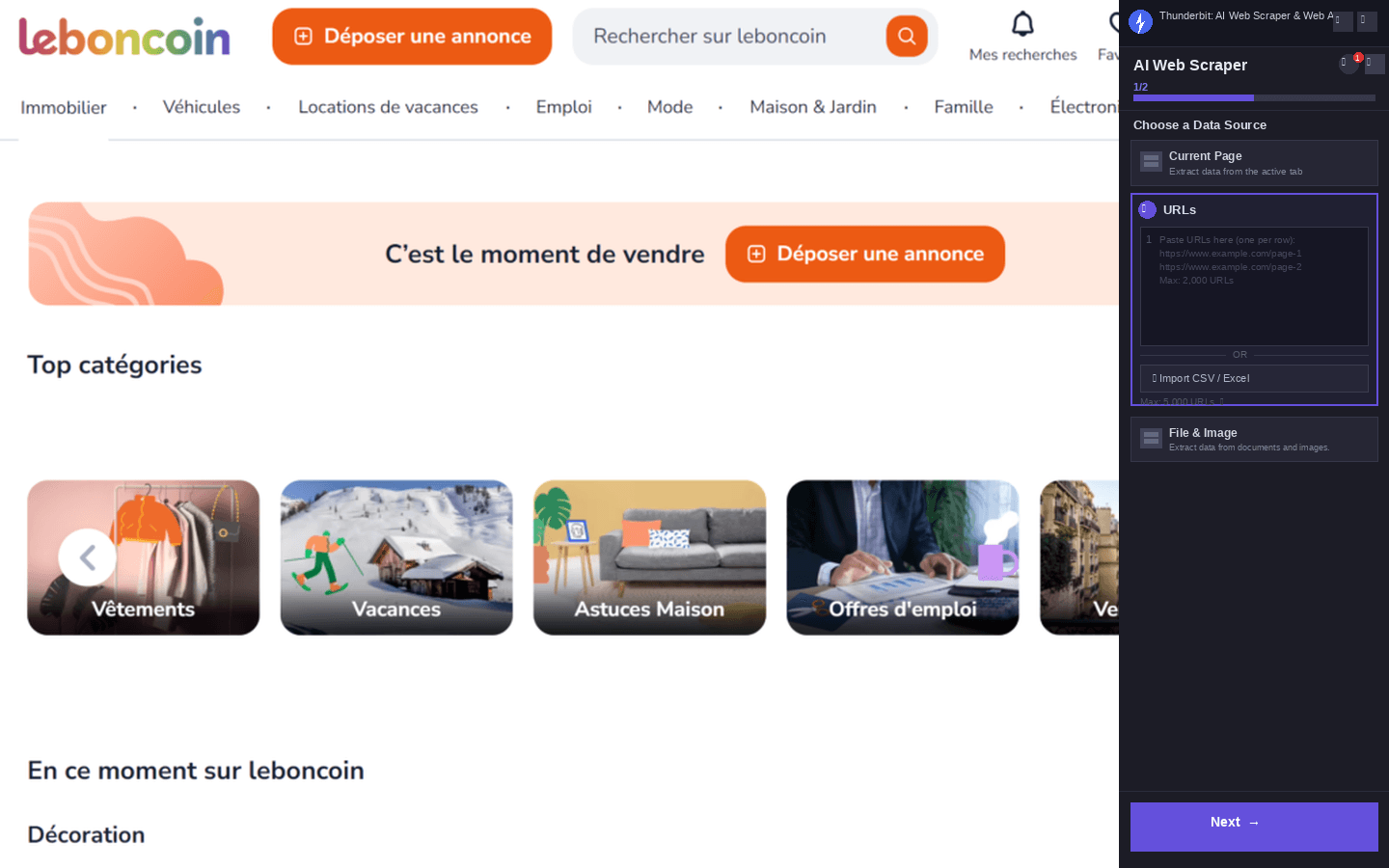
This use case is for browsing and scraping the real estate hub: https://www.leboncoin.fr/immobilier. It’s ideal for building a dataset of properties for sale/rent, tracking price changes, and collecting property attributes from each detail page.
Steps:
- Download the Thunderbit Chrome Extension and register an account.
- Go to the destination page, for example: leboncoin Immobilier.
- Click AI Suggest Columns to generate a real-estate-friendly table (price, surface, rooms, etc.).
- Click Scrape to collect the data, then export to your preferred tool.
Column names
| Column | Description |
|---|---|
| 🏠 Property Title | The listing title (often includes property type and key highlights). |
| 💶 Price | Sale price or rent price as shown on the listing. |
| 📐 Surface Area (m²) | Surface area when available (often best captured via subpage scraping). |
| 🚪 Rooms | Number of rooms/bedrooms when listed. |
| 📍 Address / Area | Location text shown (city, district, postal code). |
| 🏷️ Property Type | Apartment, house, land, parking, etc. |
| 🧾 Listing Description | Short snippet from results or full description from the detail page. |
| 🧑💼 Agency / Seller | Seller or agency name (commonly on the detail page). |
| 📞 Contact Info (if visible) | Any publicly visible contact details; you can also use Thunderbit’s free extractors for emails/phones when present. |
| 🔗 Listing URL | The detail page URL for enrichment and deduplication. |
| 🖼️ Image URLs | Main image or multiple images (great for Airtable/Notion image fields). |
| 🗓️ Published / Updated Date | Date metadata when available on the listing page. |
🎯 Why Use leboncoin Tool
Scraping leboncoin can save you hours of manual copy-paste and help you build datasets you can actually analyze.
Common reasons you might scrape leboncoin:
- Real estate teams 🏘️: Build comps, monitor price changes, and track inventory across cities or regions.
- Sales and lead gen 📇: Identify professional sellers, agencies, or high-volume posters and organize outreach lists (always follow applicable laws and platform terms).
- Ecommerce operators 🛍️: Track secondhand market pricing for products, spot supply trends, and benchmark resale values.
- Market researchers 📊: Analyze listing volume, pricing distribution, and regional demand signals over time.
Thunderbit is especially helpful because leboncoin data is often split between:
- Listing results pages (fast to collect many rows)
- Detail pages (where the best fields live)
With Subpage Scraping, Thunderbit can visit each listing URL and enrich your table automatically.
🧩 How to Use leboncoin Chrome Extension
- Install the Thunderbit Chrome Extension: Get it from the Chrome Web Store and create your account on Thunderbit.
- Navigate to a leboncoin page: Open a page like leboncoin search results or the Immobilier category.
- Activate AI-Powered Scraper: Click AI Suggest Columns to generate column names, data types, and optional field instructions. You can edit columns to match your workflow (price as number, date as date, image as image).
- Scrape and enrich: Click Scrape to collect rows. Then use Scrape Subpages to visit each listing detail page and add fields like surface area, rooms, seller type, and full description.
Tip: If the page uses infinite scroll or multiple pages, Thunderbit supports pagination scraping so you can capture more than what’s visible on screen.
💳 Pricing for leboncoin
Thunderbit uses a credit system:
- 1 credit = 1 output row in your results table
- The AI-powered scraping experience (including AI Suggest Columns) is available from the start, and you can test it before committing.
Free options:
- Free tier: scrape 6 pages per month
- Free trial: scrape 10 pages for free to validate your workflow (great for testing both listing pages and subpage enrichment)
Paid plans (monthly and yearly) scale with your volume. If you scrape leboncoin regularly (price monitoring, inventory tracking, lead lists), the yearly plan is typically more cost effective because it includes a discount.
You can review plan details on the Thunderbit Pricing page.
❓ FAQ
-
What is the AI Powered leboncoin Scraper?
The AI Powered leboncoin Scraper is an AI Web Scraper that reads leboncoin pages and converts listings into structured rows and columns. You can scrape search results or category pages, then enrich your dataset by visiting each listing detail page with subpage scraping. -
What is Thunderbit?
Thunderbit is an AI web scraping and productivity Chrome extension that helps you extract data from websites, PDFs, and images into structured formats. It’s built for business workflows like sales, ecommerce ops, marketing, and real estate, with exports to Excel, Google Sheets, Airtable, and Notion. -
Do I need coding skills to scrape leboncoin?
No. Thunderbit is designed for non-technical workflows: open the page, click AI Suggest Columns, then click Scrape. You can adjust column names and data types if you want more control, but you don’t need Python, selectors, or scraping scripts. -
Can Thunderbit scrape leboncoin listing detail pages too?
Yes. After scraping a results page, you can use Subpage Scraping to visit each listing URL and extract additional fields like full description, surface area, rooms, seller/agency info, and more. This is useful because many high-value fields are only visible on the detail page. -
How does Thunderbit handle pagination and infinite scroll on leboncoin?
Thunderbit supports pagination scraping, including click-based pagination and infinite scroll patterns. This helps you collect more than the first page of results, which is essential for building complete datasets for analysis or monitoring. -
What can I export my leboncoin data to?
You can export to Excel, Google Sheets, Airtable, or Notion, or download as CSV or JSON. Exports are free, so once you’ve scraped the data, moving it into your workflow is straightforward. -
What data fields are best to scrape from leboncoin for real estate?
Common fields include title, price, location, property type, surface area, rooms, images, and listing URL. If you’re doing market analysis, adding published/updated date and seller type (private vs professional) can improve filtering and trend tracking. -
How much does it cost to run the leboncoin scraper?
Cost depends on how many rows you output because 1 credit equals 1 row. You can start with the free tier (6 pages/month) or the free trial (10 pages) to estimate how many rows you typically collect per run, then choose a plan on the pricing page. -
Is it okay to scrape leboncoin data?
You should always follow leboncoin’s terms, respect privacy, and comply with applicable laws and regulations. Thunderbit is a tool for structuring data you can access, and you’re responsible for using it in a compliant way, especially if you plan to use the data for outreach or commercial purposes.
📚 Learn More
- Get started with the Thunderbit Chrome Extension
- Explore guides on the Thunderbit Blog
- Learn fundamentals: What Is Data Scraping and How to Do It in 2025
- Build better workflows: How to Scrape Any Website Using AI
- Export to spreadsheets: How to Scrape Website Data into Excel using AI
- If you scrape documents too: How to Scrape Data from PDF using AI
- Need outreach datasets: The Best Email Scrapers in 2025
Ready to build a clean leboncoin dataset for analysis, monitoring, or lead research? Start with Thunderbit and run your first scrape from leboncoin in a couple of clicks.