

Thunderbit’s Compass Scraper helps you turn Compass listing pages into clean, structured datasets using AI. You can extract homes for sale data from search results, then use subpage scraping to enrich each row with property details like photos, agent info, and full descriptions. Export your results to Excel, Google Sheets, Airtable, or Notion in minutes with the Thunderbit AI Web Scraper.
🧭 What is Compass Scraper
A Compass Scraper is an AI Web Scraper that lets you scrape data from Compass pages such as homes-for-sale results and selling-related pages. With the Thunderbit Chrome Extension, you simply open the page you want, click AI Suggest Columns, then click Scrape to get structured data.
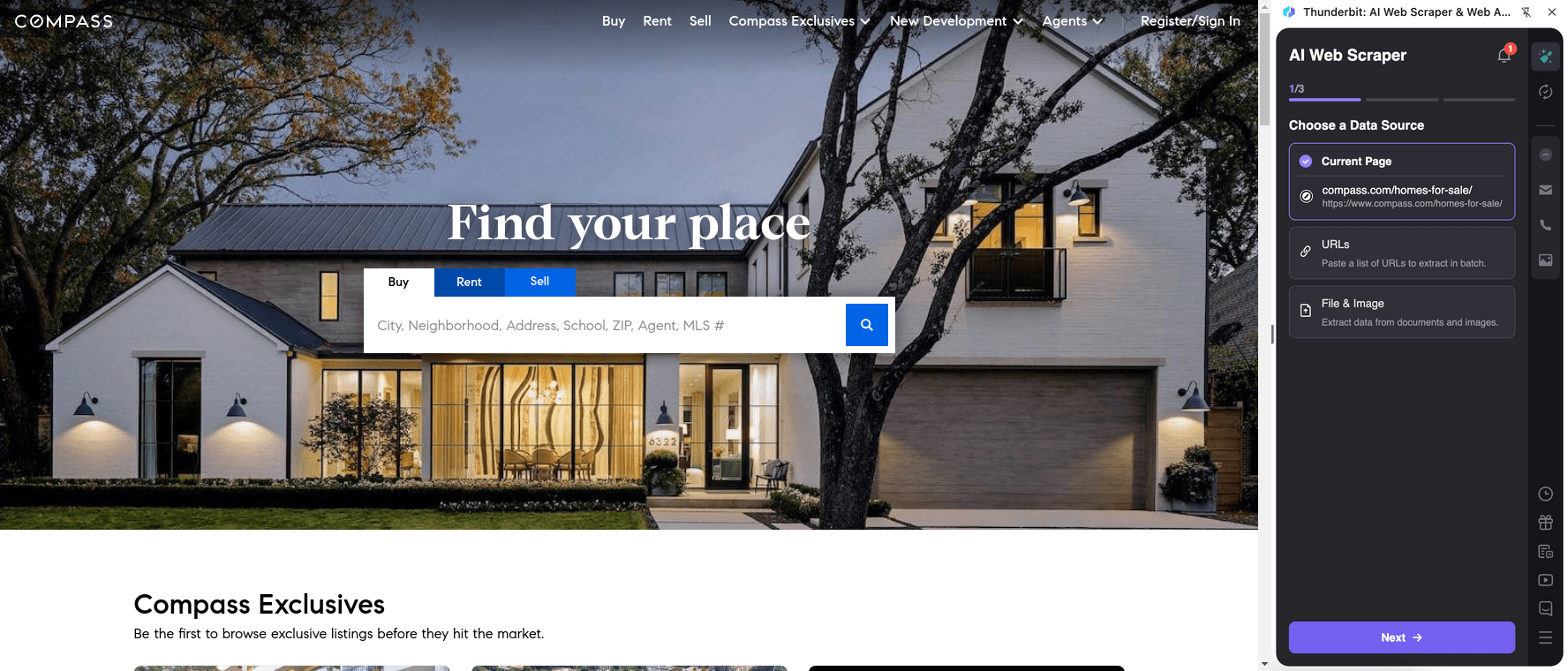
🏠 What can you scrape with Compass
Compass is widely used for browsing listings, researching neighborhoods, and connecting with agents. With Thunderbit’s AI-powered Compass scraper, you can collect listing data at scale for market research, comps, lead lists, and inventory tracking.
Scrape Compass for Buying (Homes for Sale)
Use this to scrape listing results from the Compass homes-for-sale hub and related search/list pages. It’s ideal when you want a table of properties with prices, beds/baths, locations, and links to detail pages for enrichment.
Target page: https://www.compass.com/homes-for-sale/
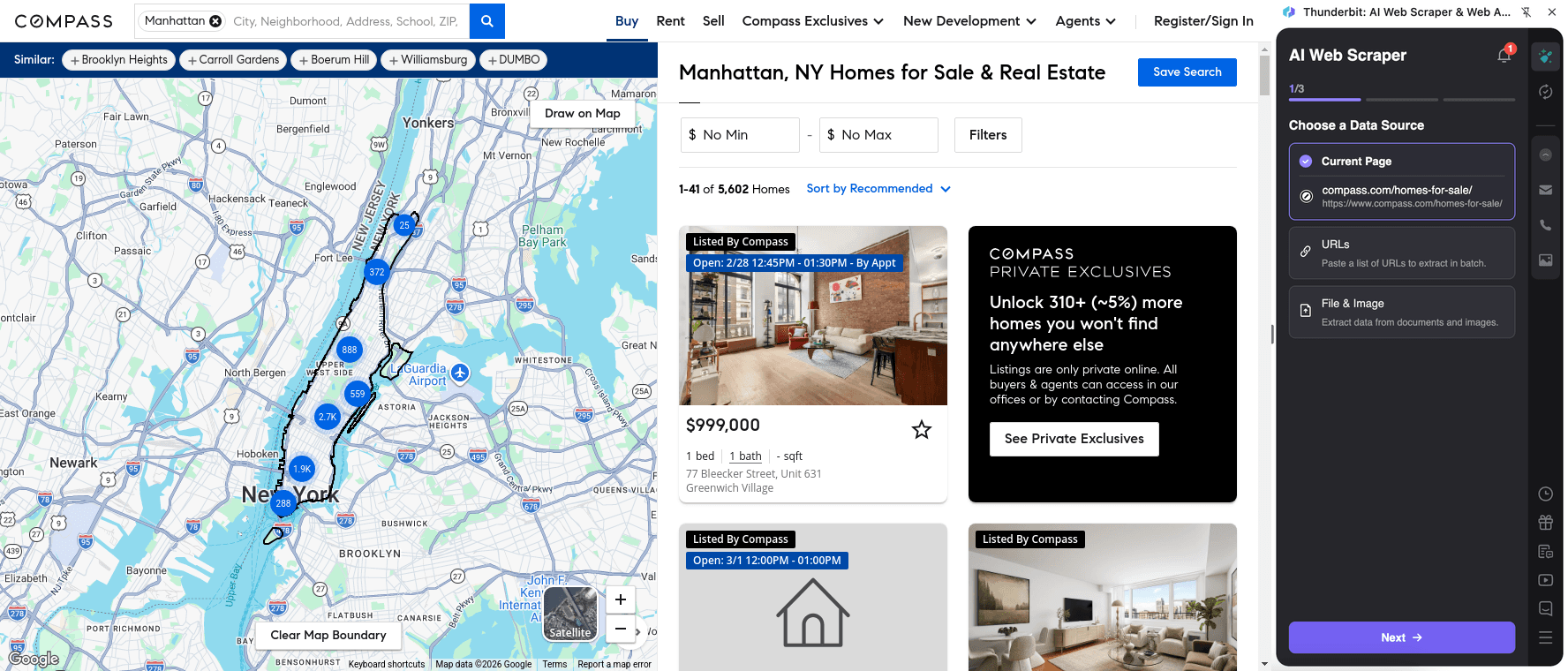
Steps:
- Download the Thunderbit Chrome Extension and register an account.
- Go to the destination page, for example: Compass Homes for Sale.
- Click AI Suggest Columns to let AI recommend the best column names and data types for the page.
- Click Scrape to run the scraper, then export to Excel, Google Sheets, Airtable, or Notion.
Column names
| Column | Description |
|---|---|
| 🏷️ Listing Title | The main listing headline shown in results (often address or short descriptor). |
| 📍 Address | Street address (or partial address depending on what’s displayed). |
| 🏙️ City | City for the property listing. |
| 🗺️ State | State/region shown for the listing. |
| 📮 ZIP Code | Postal code when available on the results card. |
| 💲 Price | Current list price displayed on the listing card. |
| 🛏️ Beds | Number of bedrooms. |
| 🛁 Baths | Number of bathrooms. |
| 📐 Square Feet | Interior size (if shown). |
| 🏡 Property Type | Condo, single-family, townhouse, multi-family, etc. (if shown). |
| 🔗 Listing URL | Link to the property detail page for subpage scraping. |
| 🖼️ Primary Photo URL | Main image URL from the listing card. |
| 🧑💼 Agent / Team | Agent or team name when displayed in results. |
| 🏢 Brokerage | Brokerage/brand info when shown. |
| 🕒 Days on Market | DOM or similar freshness indicator when available. |
| 🏷️ Status | For sale, pending, new listing, price drop, etc. when shown. |
Tip: After scraping the results table, use Scrape Subpages to visit each Listing URL and enrich your dataset with deeper fields (full description, photo gallery, HOA, year built, amenities, open house times, and more).
Scrape Compass for Selling
Use this to extract structured information from Compass’s selling page, such as value proposition sections, service highlights, and contact/CTA elements. This is useful for competitive research, messaging analysis, and building internal enablement docs.
Target page: https://www.compass.com/sell/
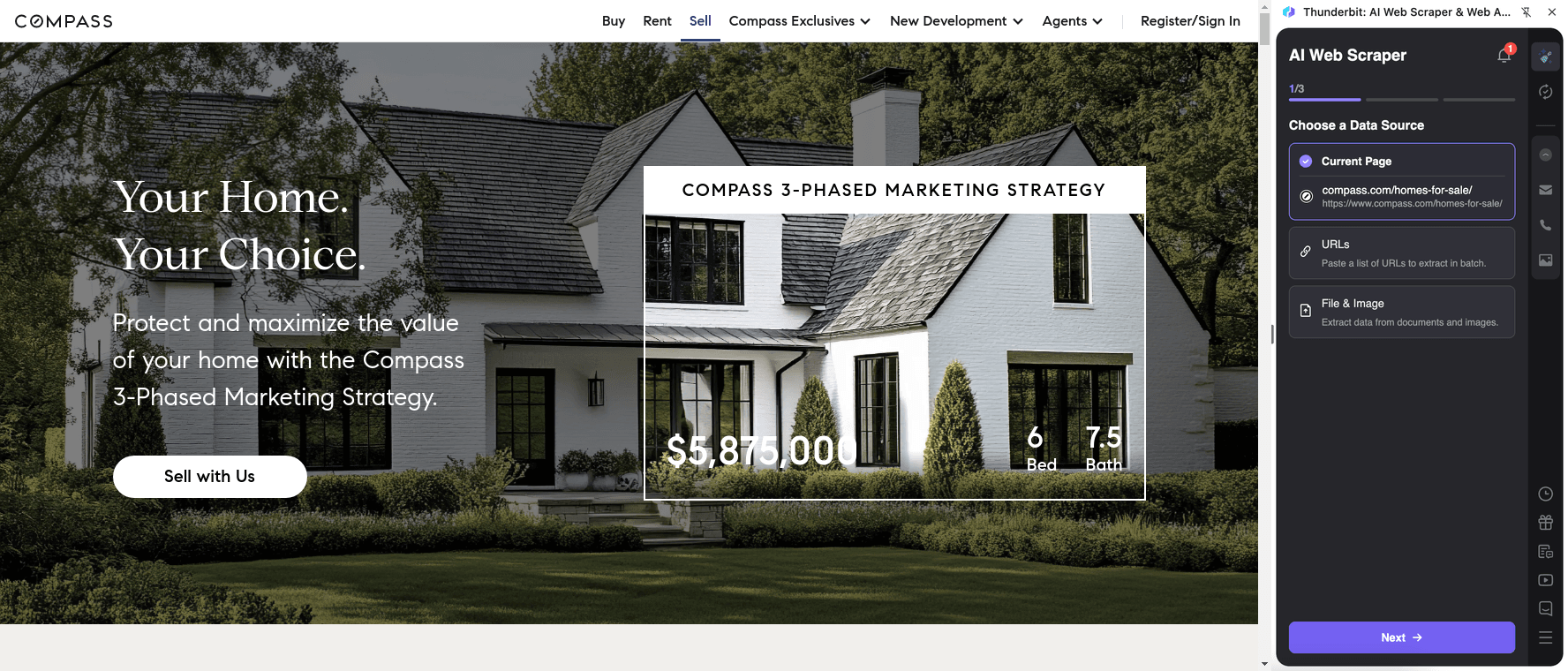
Steps:
- Download the Thunderbit Chrome Extension and register an account.
- Go to the destination page, for example: Compass Sell.
- Click AI Suggest Columns to generate a structured schema for the page content.
- Click Scrape to extract the data and export it to your preferred tool.
Column names
| Column | Description |
|---|---|
| 🧩 Section Title | The headline of each major section on the selling page. |
| 📝 Section Summary | Supporting copy under each section title. |
| ✅ Key Benefits | Bullet points or benefit statements (captured as text or multi-select). |
| 🧰 Services Offered | Items describing services, tools, or steps in the selling process. |
| 🧑💼 Agent CTA Text | Call-to-action text encouraging contact with an agent. |
| 🔗 CTA URL | Link behind the CTA button or form entry point. |
| 📍 Market/Location Mentions | Any location-specific references on the page. |
| 🖼️ Image URL | Images used in sections (useful for audits and content libraries). |
| 🧾 Fine Print / Disclaimers | Footnotes, disclaimers, or legal text when present. |
🎯 Why Use Compass Scraper Tool
Scraping Compass can help you move faster when you need structured real estate data for analysis, outreach, or operations.
- Real estate teams & agents: Build comps datasets, track active inventory, and monitor price changes across neighborhoods. Use subpage scraping to capture details that don’t appear in search results.
- Investors: Create a pipeline of properties that match buy-box criteria (beds/baths, price bands, ZIP codes), then export to spreadsheets for underwriting.
- Marketing teams: Analyze listing presentation patterns (photo counts, descriptions, keywords) and compare selling-page messaging across competitors.
- Operations & research: Maintain a clean database of listings and property attributes for reporting, QA, and market snapshots.
Thunderbit is designed for business workflows: you can scrape, structure, and export without building brittle selectors. If you’re new to scraping, these guides can help:
- What Is Data Scraping and How to Do It in 2025
- How to Scrape Any Website Using AI
- How to Scrape Website Data into Excel using AI
- What Is List Crawling and How to Do It Using AI
🧩 How to Use Compass Chrome Extension
- Install the Thunderbit Chrome Extension: Get it from the Chrome Web Store and create your account.
- Navigate to a Compass page you want to scrape: For example, Compass Homes for Sale or Compass Sell.
- Activate AI-Powered Scraper: Click AI Suggest Columns to generate column names and data types, then adjust columns if needed (text, number, date, URL, image).
- Scrape and export: Click Scrape, then export to Excel/CSV/JSON, Google Sheets, Airtable, or Notion (export is free).
💳 Pricing for Compass
Thunderbit uses a simple credit system:
- 1 credit = 1 output row in your results table
- The AI-powered scraper experience (AI Suggest Columns + structured extraction) is included, and you can start testing without a complex setup.
What you can try for free:
- Free tier: scrape 6 pages per month
- Free trial: scrape 10 pages for free before choosing a paid plan
Typical cost per run depends on how many rows you extract. For example, scraping 200 listings from a results set produces about 200 rows, which uses 200 credits (and subpage enrichment may add more rows if you scrape additional tables, or it may just enrich existing rows depending on your configuration).
Paid plans (monthly and yearly) scale with your workflow. If you scrape regularly for market monitoring, the yearly plan is usually more cost effective due to the discount.
- See full details on Thunderbit Pricing
❓ FAQ
-
What is the AI Powered Compass Scraper?
The AI Powered Compass Scraper is a workflow in Thunderbit that reads Compass pages and converts the content into structured columns like price, address, beds, baths, and listing URLs. You click AI Suggest Columns to generate a schema, then click Scrape to extract the data into a table you can export. -
What is Thunderbit?
Thunderbit is an AI web scraping and productivity Chrome Extension that helps you extract data from websites, PDFs, and images into structured formats. It’s built for business teams who want results quickly, with exports to tools like Excel, Google Sheets, Airtable, and Notion. -
Can I scrape Compass listing details beyond the search results page?
Yes. Thunderbit supports subpage scraping, which means it can visit each property’s detail page (using the Listing URL) and enrich your table with additional fields. This is useful when key attributes are only visible on the detail page, such as full descriptions, photo galleries, or agent details. -
Does Thunderbit handle pagination and infinite scroll on Compass?
Thunderbit supports both click pagination and infinite scroll patterns. If the listing results load more items as you scroll, you can keep loading results and then scrape, or configure pagination behavior depending on the page structure. -
What data can I export from Compass to spreadsheets or CRMs?
You can export common listing fields like address, price, beds/baths, square footage, property type, and URLs, plus images and agent info when available. Exports are available as CSV/JSON and direct exports to Google Sheets, Airtable, and Notion, which helps you plug the data into your existing workflow. -
How accurate is AI field detection on real estate pages?
AI field detection is designed to adapt to layout changes and varied page structures, which is common in real estate portals. You can also rename columns, change data types (number/date/URL), and add Field AI Prompts to guide extraction for tricky fields like HOA fees or “price per sq ft.” -
Should I use Cloud Scraping or Browser Scraping for Compass?
If the pages you need are publicly accessible, Cloud Scraping is usually faster and can process batches efficiently. If you need to scrape pages that depend on your session, preferences, or login state, Browser Scraping is a better fit because it runs inside your Chrome context. -
How many listings can I scrape in one run?
The practical limit depends on how many results are loaded and how many pages you scrape, but many workflows target hundreds of rows at a time (the template guidance often references up to 500 rows for a run). If you need larger volumes, you can scrape in batches and combine exports in Sheets or Excel. -
Is it okay to scrape Compass data for internal analysis?
Scraping policies can vary by website and jurisdiction, and you should always follow applicable laws, privacy requirements, and Compass terms. Thunderbit is a tool for structuring data you have access to; you’re responsible for using it in a compliant way, especially if you plan to republish or distribute the data.
📚 Learn More
- Get started with the Thunderbit Chrome Extension
- Explore tutorials and playbooks on the Thunderbit Blog
- Learn scraping fundamentals: How to Scrape Any Website Using AI
- Export-focused guide: How to Scrape Website Data into Excel using AI
- Broader tooling overview: The Best Web Scraping Tools & Software in 2025
- If you also scrape documents: How to Scrape Data from PDF using AI
Ready to build a clean Compass dataset for comps, inventory tracking, or market research with AI-powered structure and subpage enrichment using Thunderbit.