olx-scraper

OLX Scraper

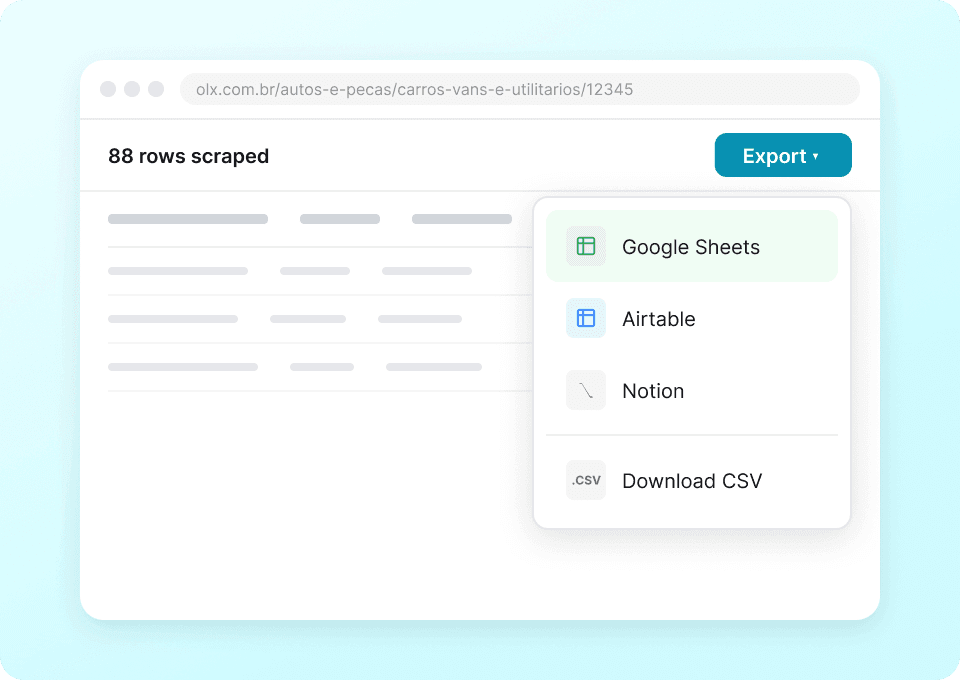
Thunderbit’s OLX Scraper lets you extract structured data from OLX India listings using AI in just a couple of clicks. Scrape car and real estate listing pages, then visit each ad’s detail page with subpage scraping to capture full specs, pricing, location, seller info, and more. Export results to Excel, Google Sheets, Airtable, or Notion.
4.8
Monthly users7.7k
AI-Powered
Real Estate
chrome-web-store
Add to ChromeFree tier available
Free tier available

Thunderbit’s OLX Scraper helps you turn OLX India listings into clean, structured data using AI. You can scrape listing pages for cars or real estate, then use subpage scraping to visit each ad and capture deeper details like specs, seller info, and full location. Export your results to Excel, Google Sheets, Airtable, or Notion for analysis, reporting, and monitoring.

🧠 What is OLX Scraper

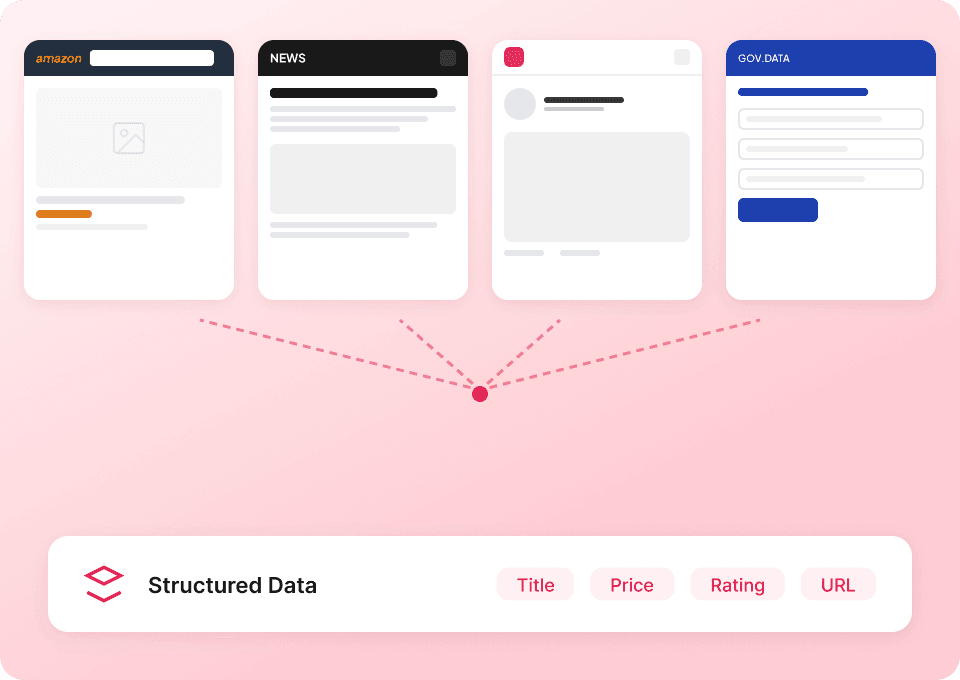
The OLX Scraper is an AI Web Scraper built for that extracts listing data (and optional detail-page data) into a table in minutes. With , you simply open the OLX page you want, click AI Suggest Columns, then click Scrape to collect structured data that’s ready to export.

OLX Screenshot

Thunderbit also supports:

  • Pagination scraping (next page buttons and infinite scroll)
  • Subpage scraping to enrich each row by visiting every listing’s detail page
  • Cloud scraping (fast for public pages) and browser scraping (best when you’re logged in)

🧾 What can you scrape with OLX

OLX is a high-signal marketplace for pricing, inventory, and demand. You can scrape cars, homes, apartments, and more to build datasets for valuation, trend tracking, and lead workflows.

🚗 Scrape OLX Used Car Market Valuation

Use this scraper on the to collect used car listings and build a pricing dataset by city, model, year, and mileage. For deeper valuation work, use Scrape Subpages to pull full specs and seller-provided details from each ad.

OLX Cars Screenshot

Steps:

  1. Install the and create your account.
  2. Go to the target page, for example: .
  3. Click AI Suggest Columns to let AI recommend the best fields for OLX car listings.
  4. Click Scrape to extract the data, then export to Excel, Google Sheets, Airtable, or Notion.

Column names

ColumnDescription
🚘 Listing TitleThe headline of the car ad (often includes make/model/variant).
🔗 Listing URLDirect link to the listing detail page for subpage enrichment.
💲 PriceThe listed price shown on the card or detail page.
📍 LocationCity/area displayed for the listing (useful for regional valuation).
🗓️ Posted DateWhen the ad was posted (or “today/yesterday” style text).
🏷️ Brand / MakeCar make if shown; can also be extracted from the title via AI prompts.
🧾 ModelModel name when available (or inferred from title).
📆 YearManufacturing year (commonly on the detail page).
🛣️ KM DrivenMileage / kilometers driven (often on the detail page).
Fuel TypePetrol/Diesel/CNG/Electric, typically in specs.
⚙️ TransmissionManual/Automatic if available.
👤 Seller NameSeller or dealer name when visible on the ad page.
☎️ Phone / ContactIf displayed publicly, you can capture it; otherwise keep seller profile fields.
🖼️ Main Image URLPrimary photo URL for the listing (great for catalogs).

Use this scraper on the to track pricing trends by neighborhood, property type, and size. With subpage scraping, you can enrich each row with bedrooms, bathrooms, furnishing, and other attributes that matter for comps.

OLX Real Estate Screenshot

Steps:

  1. Install the and register.
  2. Open the destination page, for example: .
  3. Click AI Suggest Columns to generate a real-estate-friendly schema.
  4. Click Scrape to collect listings, then export your dataset.

Column names

ColumnDescription
🏡 Listing TitleThe property headline (often includes BHK, locality, and key selling points).
🔗 Listing URLLink to the property detail page for subpage scraping.
💰 PriceListed sale price (or price range if shown).
📍 Locality / CityLocation text shown on the listing card or detail page.
📐 Area (sq ft)Built-up/super area when available (often on the detail page).
🛏️ Bedrooms (BHK)Bedroom count (commonly in title or specs).
🛁 BathroomsBathroom count if provided.
🏢 Property TypeApartment/Independent house/Villa, etc.
🪑 FurnishingFurnished/Semi-furnished/Unfurnished when listed.
🧭 Facing / DirectionFacing info if present in details.
🗓️ Posted DateWhen the listing was posted.
👤 Seller NameSeller name (owner/broker/developer) when visible.
📞 Contact InfoAny publicly shown contact fields; otherwise keep seller profile URL.
🖼️ Image URLsOne or multiple image links for the property.

🎯 Why Use OLX Tool

Scraping OLX helps you move from manual browsing to a repeatable dataset you can analyze and refresh.

Common reasons you might scrape OLX India:

  • Auto dealers & resellers: Build a comps table for pricing, identify underpriced inventory, and track how long listings stay active.
  • Real estate teams: Monitor neighborhood pricing, compare BHK/area distributions, and spot new supply quickly.
  • Market researchers: Quantify trends across cities, categories, and time windows using posted dates and attributes.
  • Sales & lead workflows: Collect listing URLs and seller identifiers, then enrich with subpage scraping for better qualification.
  • Ops & analytics: Export to spreadsheets or BI pipelines for dashboards and weekly reporting.

Thunderbit is designed for business users who want speed and reliability without maintaining brittle scraping scripts. If you’re new to scraping, these guides can help:

🧩 How to Use OLX Chrome Extension

  1. Install the Thunderbit Chrome Extension: Get it from the and sign up.
  2. Navigate to an OLX page: Open a category like or , or any filtered results page you’ve set up.
  3. Activate AI-Powered Scraper: Click AI Suggest Columns to generate fields, adjust column names/data types if needed, then click Scrape.
    • Optional: run Scrape Subpages to visit each listing URL and enrich your table with detail-page fields.

To learn more about exporting workflows, see the and the tutorial: .

💳 Pricing for OLX

Thunderbit uses a simple credit system:

  • 1 credit = 1 output row (one row in your results table)
  • AI-powered scraping is included, and you can start scraping immediately

What you can try for free:

  • Free tier: scrape 6 pages per month (page-based free usage)
  • Free trial: scrape 10 pages for free before choosing a paid plan

How much does an OLX scrape cost per run?

  • If you scrape a results page with 50 listings and you output 50 rows, that run uses 50 credits.
  • If you then use subpage scraping to enrich those same 50 rows, you typically still output 50 rows (now with more columns), so it’s still based on rows produced.

Paid plans (monthly and yearly) scale with your volume. The yearly plan is usually the best value because it discounts the monthly rate while giving you a larger annual credit pool. See full details on .

❓ FAQ

  1. What is the AI Powered OLX Scraper?
    The AI Powered OLX Scraper is a tool that extracts structured data from listings using AI, so you don’t have to write code or build complex selectors. You can scrape category pages (cars, real estate, and more) and then enrich your dataset by visiting each listing’s detail page with subpage scraping.

  2. What is Thunderbit?
    is an AI web scraping and web automation Chrome Extension built for business workflows like lead generation, ecommerce operations, and market research. It reads the page you’re on, suggests columns, scrapes data into a table, and lets you export to tools like Excel, Google Sheets, Airtable, and Notion.

  3. Can you scrape OLX listing detail pages, not just search results?
    Yes. After scraping a listing page, you can use Scrape Subpages to have Thunderbit open each listing URL and extract additional fields like full specs, descriptions, seller info, and more. This is especially useful for car valuation (year, KM driven, fuel) and real estate comps (BHK, area, furnishing).

  4. Does Thunderbit handle pagination and infinite scroll on OLX?
    Yes. Thunderbit supports pagination scraping, including “next page” navigation and infinite scroll patterns depending on how OLX renders the category. This helps you collect larger datasets across many pages without manually clicking through results.

  5. What data can you export from OLX to spreadsheets or databases?
    You can export text, numbers, dates, URLs, and images depending on what’s available on the page. Thunderbit supports exports to CSV/JSON, Excel, Google Sheets, Airtable, and Notion, which makes it easy to build valuation models, trend dashboards, or internal catalogs.

  6. Is cloud scraping or browser scraping better for OLX?
    If the pages you need are public and don’t require login, cloud scraping is usually faster because it can process many pages quickly. If you need to scrape content that depends on your session, location, or login state, browser scraping is a better fit because it runs inside your Chrome environment.

  7. How do credits work for OLX scraping?
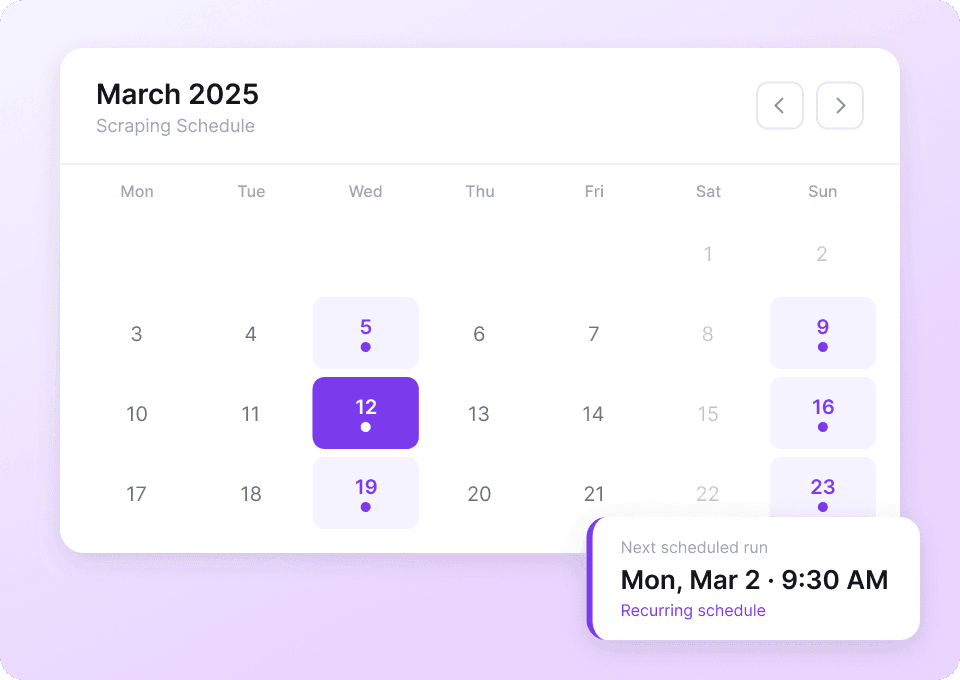
    Thunderbit charges by output rows: 1 credit equals 1 row in your results table. If you scrape 200 listings and output 200 rows, that uses 200 credits, regardless of how many columns you include. This makes it predictable to estimate cost for weekly monitoring or large exports.

  8. Can you customize columns for OLX cars or real estate?
    Yes. You can start with AI Suggest Columns, then rename fields, change data types (text, number, date, URL, image), and add instructions using Field AI Prompts. This is helpful when you want normalized outputs like extracting “Year” from a title or standardizing location formats.

  9. What if OLX changes its layout or listing card design?
    Traditional scrapers often break when HTML changes, but Thunderbit’s AI reads the page structure each time you run it. That means it’s more resilient to layout updates, and you can quickly re-run AI Suggest Columns to refresh your schema if OLX introduces new fields.

📚 Learn More

  • Get started with the
  • Explore product details on
  • Read:
  • Read:
  • Read:
  • Browse more tutorials on the
Extract Data using AI
Easily transfer data to Google Sheets, Airtable, or Notion
Chrome Store Rating
PRODUCT HUNT#1 Product of the Week