Text Extractor

द्वारा
Extracts text from images and lets you download the results. Quickly convert scanned documents or pictures into editable text for easy use.

क्या आप बल्क में डेटा स्क्रैप करना चाहते हैं? Thunderbit को मुफ्त में आज़माएँ।

Chrome Store Rating
PRODUCT HUNT#1 Product of the Week
Accenture logoCriteo logoGrammarly logoVerisk logoklook logoPuma logoRingCentral logoAccenture logoCriteo logoGrammarly logoVerisk logoklook logoPuma logoRingCentral logoAccenture logoCriteo logoGrammarly logoVerisk logoklook logoPuma logoRingCentral logoAccenture logoCriteo logoGrammarly logoVerisk logoklook logoPuma logoRingCentral logoAccenture logoCriteo logoGrammarly logoVerisk logoklook logoPuma logoRingCentral logoAccenture logoCriteo logoGrammarly logoVerisk logoklook logoPuma logoRingCentral logo
Extract Text from ImagesUse Thunderbit to pull text from any image in seconds—no manual typing required.
chrome-web-store
इंस्टॉल करें:Chrome Web Store

Extract Text from Images

Thunderbit’s Text Extractor reads images, turning them into clean, structured text you can copy, edit, or export. Just upload your file and let the AI handle the extraction—no technical skills needed. Combine this with Thunderbit’s web scraping features to gather, summarize, and format data from websites, subpages, and documents. Export your extracted text to Google Sheets, Airtable, or Notion for streamlined workflows.

How to Extract Text Using Thunderbit

step_01.png
STEP 1Download and InstallDownload and install the Thunderbit Chrome Extension from the Thunderbit Chrome Extension Download Page. Once installed, log in or create a free account to get started.
step_02.png
STEP 2Open ExtensionNavigate to the image file from which you want to extract text. Open the Thunderbit Chrome Extension and select either the "Upload a PDF" or "Upload an Image" tab, depending on your file type. Upload your file by dragging and dropping it into the designated area.
step03.png
STEP 3Click the Extract Text ButtonClick the "Extract Text" button. Thunderbit will process your image and extract the text content. Once extraction is complete, you can download the extracted text or copy it for use in other applications.

Learn how to extract text from images

What This Tool Does

This tool focuses on converting text from image files. It allows you to quickly turn visual content into editable text. Whether you're digitizing notes, processing screenshots, or extracting text from printed pages, this section introduces the core purpose of the tool.
मुफ्त में शुरू करें
image_to_text_conversion (1).png

Extract Text from Images

With the Text Extractor, you can upload image files such as JPG or PNG and retrieve the text contained within them. This is especially useful for digitizing printed materials, business cards, or screenshots. The tool uses advanced recognition technology to ensure accurate results, saving you time and reducing the risk of missing important information.
मुफ्त में शुरू करें
extract_text_conversion (1).png

Download and Use Extracted Text

After extracting text from your image, you can download the results as a plain text file. This makes it easy to copy, edit, or share the content as needed. Whether you’re preparing documents for editing, translation, or archiving, the output is ready for immediate use in your preferred applications.
मुफ्त में शुरू करें
export_file_no_label (1).png

Streamline Data Entry and Document Processing

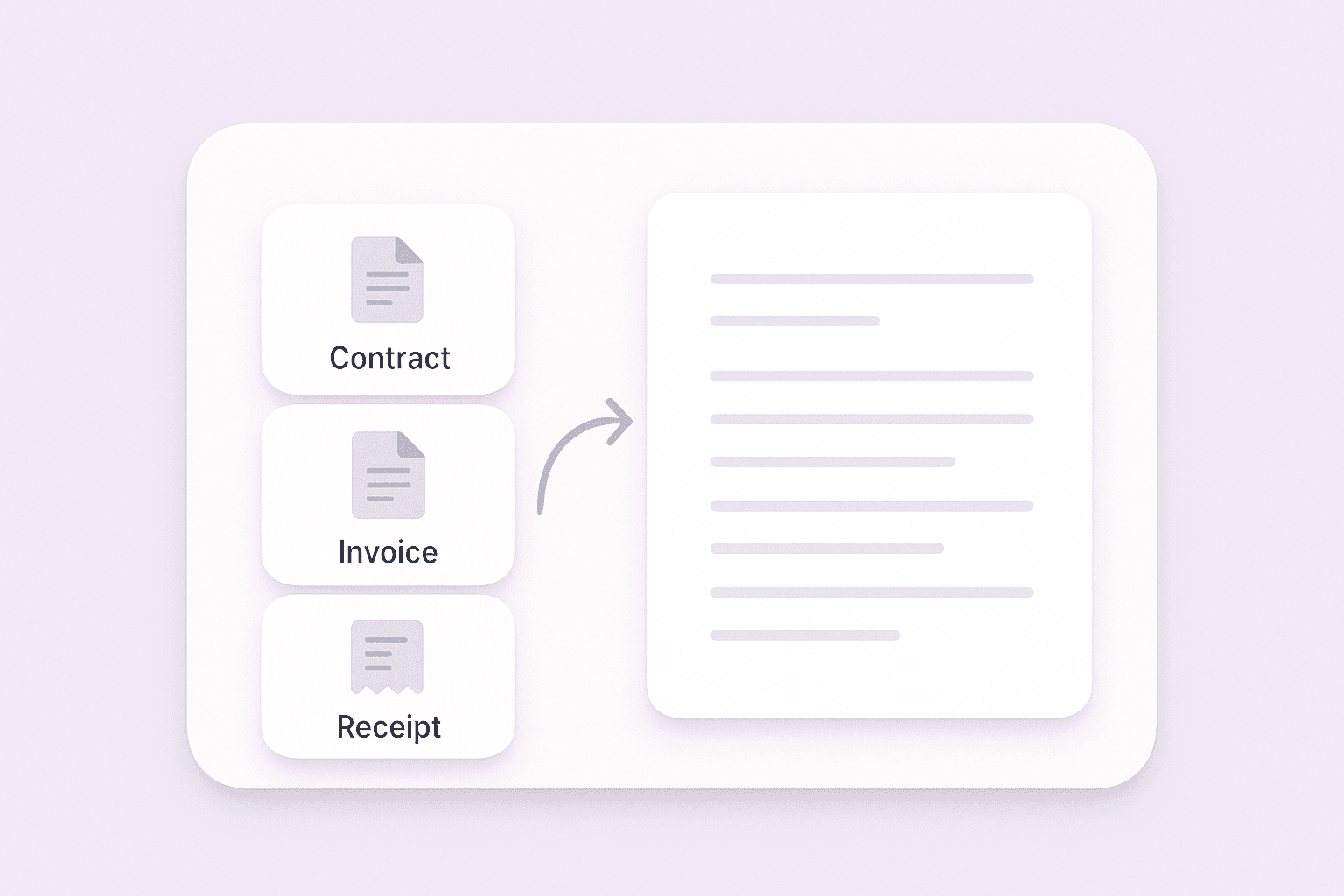
The Text Extractor is perfect for anyone looking to streamline data entry or document processing tasks. Businesses can use it to digitize contracts, invoices, or receipts, while educators and students can convert notes and study materials. By turning static files into editable text, you can improve productivity and keep your information organized.
मुफ्त में शुरू करें
multi_document_conversion (1).png

और मुफ्त टूल्स देखें

साइटमैप एक्सट्रैक्टर

एक XML साइटमैप URL को पार्स करके हर पेज लिंक को एक साफ़ टेबल में सूचीबद्ध करें। SEO और QA के लिए साइट संरचना का तेज़ी से ऑडिट करें और गुम या अपेक्षित से अलग URLs ढूँढें।

वेबसाइट से इमेज एक्सट्रैक्टर

किसी भी वेबपेज से सभी इमेज तुरंत निकालें और उन्हें पल भर में डाउनलोड करें। पूरी तरह मुफ़्त, तेज़, और एक्सपोर्ट करना बेहद आसान।

टेक्स्ट से फ़ोन नंबर एक्सट्रैक्टर

टेक्स्ट में वैध फ़ोन नंबरों को स्कैन करके एक साफ़, सुव्यवस्थित सूची देता है। मैन्युअल जाँच में समय बचाएँ और ज़रूरी नंबर आसानी से कॉपी करें।

Wikipedia Search Result Scraper

Extract structured data from Wikipedia search results to quickly gather topic details for research or content analysis.

सूची क्रॉलर

किसी भी वेबपेज URL से क्रमबद्ध और अक्रमबद्ध सूची आइटम निकालें। समूहित सूचियों को सादे टेक्स्ट में देखें और मुख्य बिंदुओं को तेज़ी से पकड़ें।

Google Scholar स्क्रैपर

Google Scholar पेज से शैक्षणिक परिणाम निकालें और तेज़ रिसर्च के लिए पेपर शीर्षक, उद्धरण, लेखक, और प्रकाशन विवरण CSV में निर्यात करें।

वेबसाइट से ईमेल मुफ़्त में निकालें

किसी वेबपेज पर मौजूद वैध ईमेल पतों को स्कैन करें और आउटरीच या संपर्क शोध के लिए एक साफ़ सूची पाएँ।

G2 Software Product Scraper

Extract structured insights from any G2 software page, including ratings, reviews, and product details, to streamline competitor analysis and market research.

यूआरएल एक्सट्रैक्टर और बैच डाउनलोडर

किसी भी पेज से सभी वेबसाइट लिंक निकालें और उन्हें CSV के रूप में डाउनलोड करें। रिसर्च, विश्लेषण या डेटा संग्रह कार्यों के लिए यूआरएल जल्दी इकट्ठा करें।

ऑनलाइन टेक्स्ट से ईमेल निकालें

कोई भी टेक्स्ट पेस्ट करें और मान्य ईमेल पतों को एक साफ़ सूची में निकालें। नोट्स, संदेशों और दस्तावेज़ों को साफ़ करने में समय बचाएँ।

एआई ईमेल विषय पंक्ति जनरेटर

एक छोटी-सी जानकारी के आधार पर आकर्षक ईमेल विषय पंक्तियाँ बनाएं। AI-संचालित सुझावों से ओपन रेट बढ़ाएँ। तेज़, आसान और बिना साइन-अप के।

Amazon प्रोडक्ट्स स्क्रैपर

Amazon उत्पादों के URL पेस्ट करके उनसे प्रोडक्ट जानकारी निकालें। शीर्षक, कीमत, रेटिंग और अन्य विवरणों को एक व्यवस्थित टेबल में पाएं, ताकि आप उन्हें जल्दी से एक्सपोर्ट और रिव्यू कर सकें।

AI Sales Email Generator

Create personalized sales emails in seconds with the free AI Sales Email Generator. Perfect for sales teams and entrepreneurs. Try it now and boost your outreach with Thunderbit’s suite of AI tools.

फ़ोन नंबर एक्सट्रैक्टर

वेबपेजों, फ़ाइलों या टेक्स्ट को तेज़ी से स्कैन करके फ़ोन नंबर खोजें। कुछ ही सेकंड में साफ़, निर्यात योग्य सूची पाएँ—कॉन्टैक्ट लिस्ट बनाने या डेटा सत्यापित करने के लिए आदर्श।

छवि से एक्सेल कनवर्टर

तालिकाओं, रसीदों या सूचियों वाली छवियों को संरचित JSON ऐरे में बदलें ताकि उन्हें आसानी से Excel में निर्यात किया जा सके। मैन्युअल डेटा एंट्री में समय बचाएँ और सटीकता सुनिश्चित करें।

ईमेल एक्सट्रैक्टर और वेरिफ़ायर

वेबपेज, पीडीएफ़, या टेक्स्ट से Email Extractor के साथ ईमेल पते खोजें और निकालें। तेज़, सटीक, और कभी भी एक्सपोर्ट करने के लिए तैयार।

अभी और टूल्स खोजें

Thunderbit के बारे में उपयोगकर्ता क्या कहते हैं

Taryn W.Growth Strategist@Thunderbit ने मेरे competitor research करने का तरीका बदल दिया। मैं 'AI Suggest Fields' पर क्लिक करती हूँ, और यह paginated results के across एक साफ table बना देता है—कोडिंग नहीं, CSS नहीं। लंबे-tail marketplaces से product data analyze करते समय यह बहुत समय बचाता है।
Miles T.Sales Development Consultantमैं Thunderbit का उपयोग directories से emails और phone numbers लेने के लिए करता हूँ। यह एक क्लिक में साफ contact info निकाल देता है, और Sheets या Notion में export करना कुछ ही सेकंड लेता है। कोई extra setup नहीं, कोई coding नहीं—बस काम का data तुरंत तैयार।
Rhea C.E-commerce AnalystThunderbit मुझे कई पेजों पर SKU data मॉनिटर करने में मदद करता है। मैं listings स्क्रैप करती हूँ, फिर Subpage Scraping से पूरी product specs, pricing, reviews और stock लेती हूँ। AI सब कुछ मेरे तय किए हुए columns में व्यवस्थित कर देता है।
Cassian B.Real Estate AdvisorThunderbit का Scheduled Scraper real estate tracking को आसान बनाता है। मैं interval को simple English में बताता हूँ, और यह सेटअप दोबारा छुए बिना खुद ही updated listings, prices और links निकाल देता है। आसान और बहुत practical।
Dorian B.Content & SEO Specialistमैं Thunderbit के Field AI Prompts का इस्तेमाल scraped blog content को साफ और tag करने के लिए करता हूँ। यह titles, authors निकालता है और categories तक suggest करता है। Dynamic sites और subpages पर बहुत बढ़िया काम करता है—structured SEO datasets बनाने के लिए perfect।
Lina K.Marketplace Operations Leadहम Thunderbit से niche stores के SKUs ट्रैक करते हैं। Cloud Scraping एक बार में 50 pages संभाल लेता है, और login-required sites के लिए हम browser mode पर स्विच कर देते हैं। यह तेज़, flexible है, और लगातार maintenance या manual edits नहीं मांगता।
Jorge F.Inbound Sales ManagerThunderbit का AI Autofill बहुत बड़ा सहारा है। contact info स्क्रैप करने के बाद, मैं इसका इस्तेमाल सीधे browser में lead forms भरने के लिए करता हूँ। मैं बस tab चुनता हूँ, और यह scraped row से सब कुछ भर देता है। manual input की जरूरत नहीं।
Alina D.Freelance Researcherमैं PDFs, image-based sites और infinite scroll pages से data निकालने के लिए Thunderbit पर भरोसा करती हूँ। यह messy formats को AI से संभालता है और ready-to-export tables देता है जिन्हें मैं कुछ ही सेकंड में Google Sheets या Airtable में भेज सकती हूँ।
Taryn W.Growth Strategist@Thunderbit ने मेरे competitor research करने का तरीका बदल दिया। मैं 'AI Suggest Fields' पर क्लिक करती हूँ, और यह paginated results के across एक साफ table बना देता है—कोडिंग नहीं, CSS नहीं। लंबे-tail marketplaces से product data analyze करते समय यह बहुत समय बचाता है।
Miles T.Sales Development Consultantमैं Thunderbit का उपयोग directories से emails और phone numbers लेने के लिए करता हूँ। यह एक क्लिक में साफ contact info निकाल देता है, और Sheets या Notion में export करना कुछ ही सेकंड लेता है। कोई extra setup नहीं, कोई coding नहीं—बस काम का data तुरंत तैयार।
Rhea C.E-commerce AnalystThunderbit मुझे कई पेजों पर SKU data मॉनिटर करने में मदद करता है। मैं listings स्क्रैप करती हूँ, फिर Subpage Scraping से पूरी product specs, pricing, reviews और stock लेती हूँ। AI सब कुछ मेरे तय किए हुए columns में व्यवस्थित कर देता है।
Cassian B.Real Estate AdvisorThunderbit का Scheduled Scraper real estate tracking को आसान बनाता है। मैं interval को simple English में बताता हूँ, और यह सेटअप दोबारा छुए बिना खुद ही updated listings, prices और links निकाल देता है। आसान और बहुत practical।
Dorian B.Content & SEO Specialistमैं Thunderbit के Field AI Prompts का इस्तेमाल scraped blog content को साफ और tag करने के लिए करता हूँ। यह titles, authors निकालता है और categories तक suggest करता है। Dynamic sites और subpages पर बहुत बढ़िया काम करता है—structured SEO datasets बनाने के लिए perfect।
Lina K.Marketplace Operations Leadहम Thunderbit से niche stores के SKUs ट्रैक करते हैं। Cloud Scraping एक बार में 50 pages संभाल लेता है, और login-required sites के लिए हम browser mode पर स्विच कर देते हैं। यह तेज़, flexible है, और लगातार maintenance या manual edits नहीं मांगता।
Jorge F.Inbound Sales ManagerThunderbit का AI Autofill बहुत बड़ा सहारा है। contact info स्क्रैप करने के बाद, मैं इसका इस्तेमाल सीधे browser में lead forms भरने के लिए करता हूँ। मैं बस tab चुनता हूँ, और यह scraped row से सब कुछ भर देता है। manual input की जरूरत नहीं।
Alina D.Freelance Researcherमैं PDFs, image-based sites और infinite scroll pages से data निकालने के लिए Thunderbit पर भरोसा करती हूँ। यह messy formats को AI से संभालता है और ready-to-export tables देता है जिन्हें मैं कुछ ही सेकंड में Google Sheets या Airtable में भेज सकती हूँ।

Frequently Asked Questions

AI का उपयोग करके डेटा निकालें
डेटा को आसानी से Google Sheets, Airtable, या Notion में ट्रांसफर करें
Chrome Store Rating
PRODUCT HUNT#1 Product of the Week