Amazon Review Exporter

द्वारा
Extract detailed Amazon product reviews by pasting a product URL. Instantly collect reviewer info, ratings, and more in a structured table for easy analysis.

Scrape hundreds of webpages in one click with the Thunderbit Chrome Extension. Prefer to hand this job to AI? Use the Thunderbit API or Thunderbit MCP. Want us to run it for you? Use our Web Scraping Service.

Export Amazon Reviews in One ClickLeverage Thunderbit's AI to gather Amazon product reviews instantly—just paste the URL and get structured data for analysis or export.

Export Amazon Reviews in One Click

Need to analyze customer sentiment or monitor product feedback? Thunderbit's Amazon Review Exporter lets you pull all review details—names, ratings, comments, images, and more—directly from any Amazon product page with a single click. No manual copy-paste or coding required; just enter the product URL and receive a clean, organized table ready for export. This tool is perfect for sellers, marketers, and researchers who want to save time and gain insights from real customer experiences. Export your review data to Excel, Google Sheets, Airtable, or Notion for further analysis or reporting.

How to Export Amazon Reviews Using Thunderbit

step_01.png
STEP 1Download and InstallDownload and install the Thunderbit Chrome Extension from the Thunderbit Chrome Extension Download Page. Once installed, log in or create a free account to get started.
step_02.png
STEP 2Open ExtensionNavigate to the Amazon product page from which you want to extract customer reviews. Open the Thunderbit Chrome Extension and select the "Amazon Review Exporter" tool. Paste the product URL into the provided field.
step03.png
STEP 3Click the Export Reviews ButtonClick the "Export Reviews" button. Thunderbit will extract all available customer reviews, including reviewer name, rating, review title, body, date, product size and color, review images, and helpful vote count. The results will be displayed in a structured table, which you can export to Excel, Google Sheets, Airtable, Notion, or download as a CSV or JSON file.

Learn how to extract Amazon product reviews in seconds

Collect Detailed Amazon Reviews Instantly
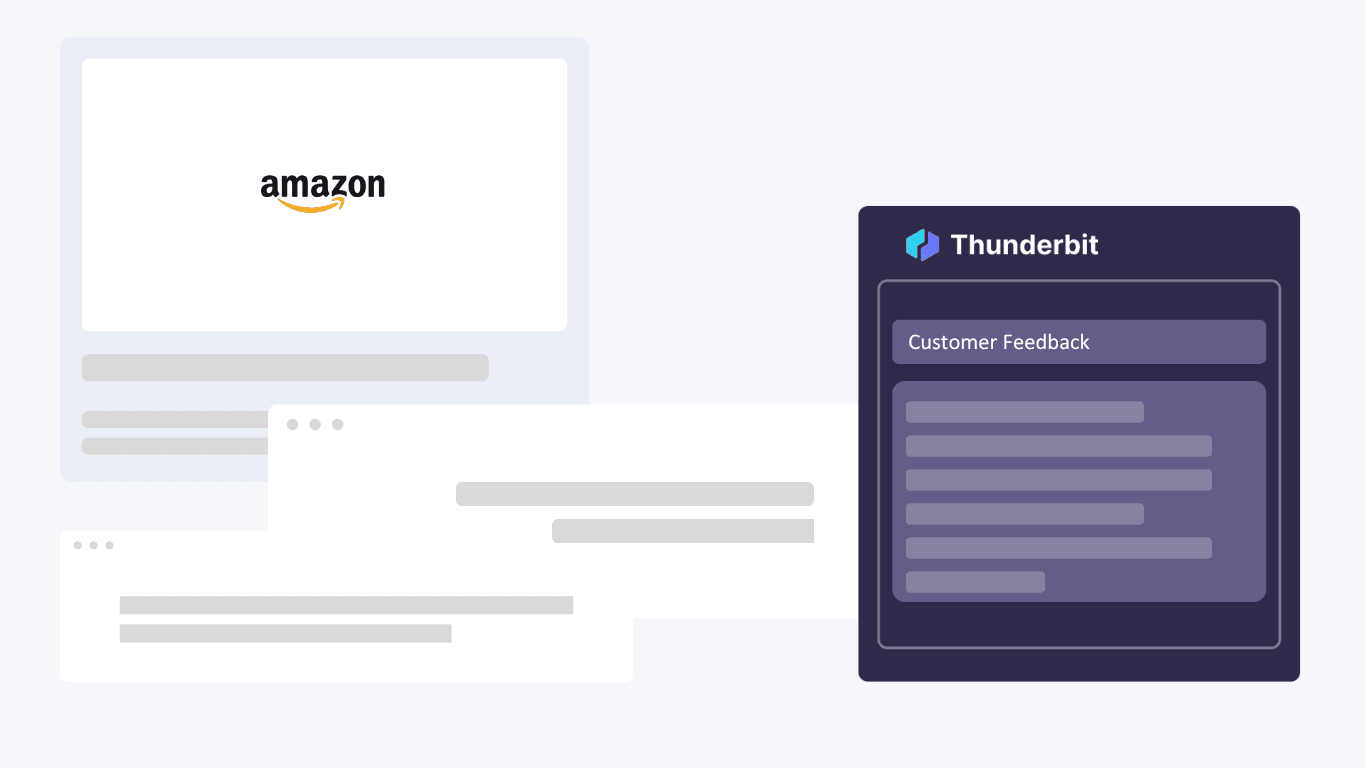
The Amazon Review Exporter lets you gather comprehensive customer feedback from any Amazon product page with just a single URL. Extract reviewer names, ratings, review titles, body text, dates, product variations, images, and helpful vote counts. This tool is ideal for ecommerce sellers, product managers, and researchers who need structured review data for analysis, competitive research, or customer sentiment tracking—without the hassle of manual copy-paste.
मुफ़्त शुरू करें
1.png

Analyze and Organize Review Data Effortlessly
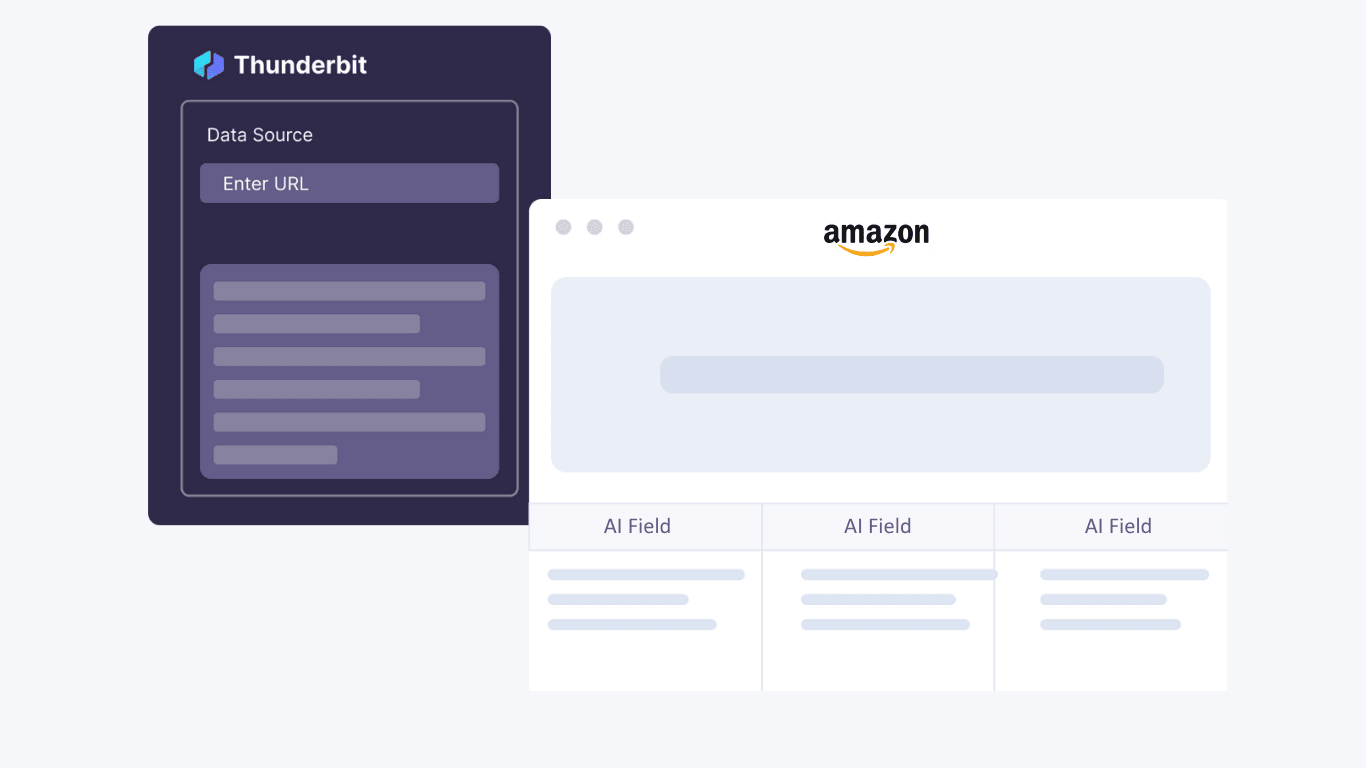
By displaying all extracted reviews in a clear, structured table, the tool makes it easy to sort, filter, and analyze feedback. You can quickly identify trends, spot common issues, or highlight positive experiences. This organized approach saves hours of manual work and ensures you never miss important insights hidden in hundreds of reviews, making it perfect for anyone who needs to make data-driven decisions based on real customer feedback.
मुफ़्त शुरू करें
2.png

Export Reviews to Your Favorite Tools
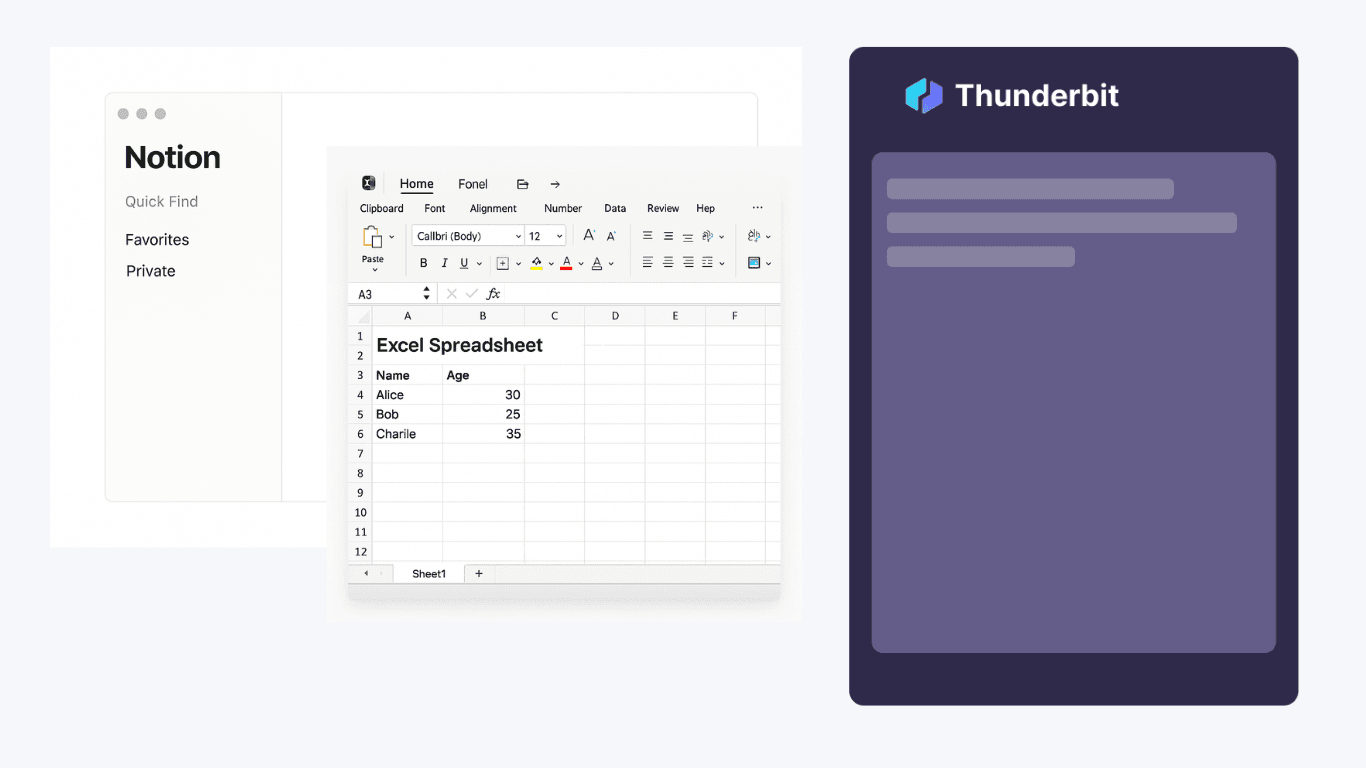
Once reviews are extracted, you can export the data directly to Excel, Google Sheets, Airtable, or Notion. The export options allow you to integrate review data into your existing workflows, whether you’re building reports, tracking sentiment over time, or sharing findings with your team. The structured format ensures the data is ready for immediate use, reducing the need for additional formatting or manual adjustments.
मुफ़्त शुरू करें
3.png

Support Product Research and Marketing Strategies
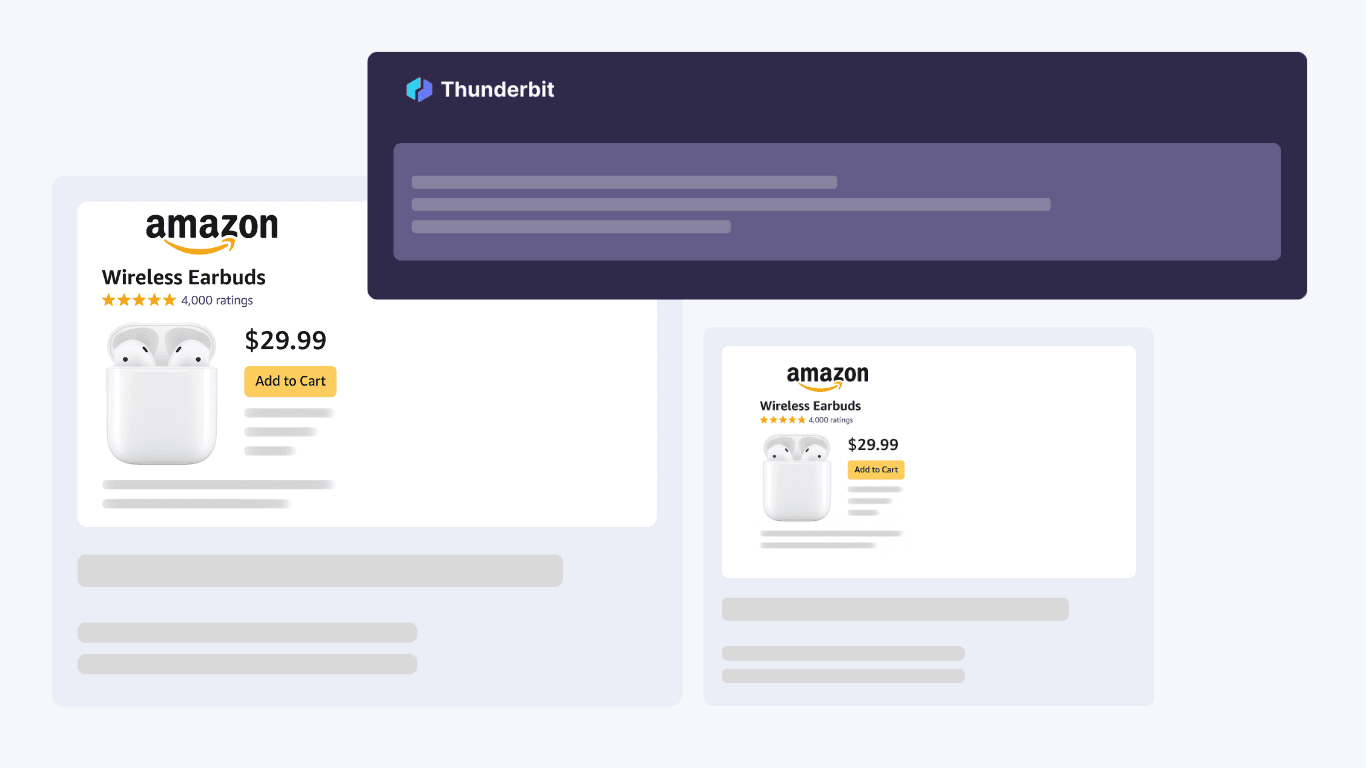
Use the exported review data to inform product development, enhance marketing campaigns, or monitor competitor products. Brands, agencies, and analysts can leverage this information to identify customer pain points, discover new feature requests, or gather authentic testimonials for promotional use. The ability to access and analyze real customer voices helps you stay ahead in a competitive market and respond proactively to consumer needs.
मुफ़्त शुरू करें
4.png

और मुफ़्त टूल्स खोजें

Amazon Products Scraper

Amazon प्रोडक्ट्स स्क्रैपर

Amazon उत्पादों के URL पेस्ट करके उनसे प्रोडक्ट जानकारी निकालें। शीर्षक, कीमत, रेटिंग और अन्य विवरणों को एक व्यवस्थित टेबल में पाएं, ताकि आप उन्हें जल्दी से एक्सपोर्ट और रिव्यू कर सकें।

Amazon Price Scraper

2 क्लिक में Amazon के दाम, seller names, ratings, ASIN, availability और product URLs scrape करें — फिर data को Excel, Google Sheets, Airtable या Notion में export करें। किसी coding की जरूरत नहीं.

अमेज़न उत्पाद अनुसंधान टूल

कीवर्ड, श्रेणी, या ASIN अनुसंधान का उपयोग करके उच्च-संभावना वाले Amazon उत्पाद खोजें। विचारों को सत्यापित करने के लिए मांग, प्रतिस्पर्धा, मूल्य निर्धारण और अनुमानित बिक्री की तुलना करें। तेज़, डेटा-आधारित सोर्सिंग निर्णय लें।

मुफ़्त Amazon बिक्री अनुमानक

किसी Amazon प्रोडक्ट की श्रेणी और Best Seller Rank के आधार पर उसकी मासिक और दैनिक यूनिट बिक्री का अनुमान लगाएँ। मांग रिसर्च और लिस्टिंग से जुड़े फैसलों के लिए जल्दी से बेंचमार्क पाएं।

मुफ़्त ऑनलाइन FBA फ़ीस कैलकुलेटर

कीमत, लागत, साइज़, वज़न और कैटेगरी दर्ज करके Amazon FBA खर्चों का अनुमान लगाएँ। रेफ़रल, फ़ुलफ़िलमेंट और स्टोरेज फ़ीस के साथ-साथ प्रॉफिट और मार्जिन भी देखें, ताकि आप आत्मविश्वास के साथ प्रोडक्ट की कीमत तय कर सकें।

Amazon लिस्टिंग क्वालिटी चेकर

Amazon प्रोडक्ट लिस्टिंग की पूर्णता और SEO के लिए तैयारी का आकलन करता है। कमजोर या गायब टाइटल, बुलेट्स, इमेज, और कीवर्ड्स को चिन्हित करता है। विज़िबिलिटी बढ़ाने के लिए स्पष्ट स्कोर और तुरंत लागू होने वाले सुधार सुझाव देता है।

Etsy प्रोडक्ट स्क्रेपर

किसी भी Etsy प्रोडक्ट पेज से कीमत और विवरण जैसी प्रोडक्ट जानकारी निकालें। आसान विश्लेषण के लिए संरचित तालिका में डेटा पाएं। रिसर्च या लिस्टिंग के लिए प्रोडक्ट जानकारी जुटाने में समय बचाएं।

प्रतियोगी विश्लेषण टूल

ट्रैफ़िक, एंगेजमेंट, स्रोतों और ऑडियंस के आधार पर अधिकतम पाँच प्रतियोगी वेबसाइटों की तुलना करें। साथ-साथ बेंचमार्क देखकर उनकी ताकत, कमियाँ और अवसरों को पहचानें।


अभी और टूल्स खोजें

Thunderbit के बारे में उपयोगकर्ता क्या कहते हैं

Taryn W.Growth Strategist@Thunderbit ने मेरे competitor research का तरीका बदल दिया। मैं 'AI Suggest Fields' पर क्लिक करती हूँ, और यह paginated results में एक साफ table बना देता है—ना coding, ना CSS. लंबे-tail marketplaces से product data analyze करते समय यह बहुत समय बचाता है।
Miles T.Sales Development Consultantमैं directories से emails और phone numbers निकालने के लिए Thunderbit का उपयोग करता हूँ। यह एक क्लिक में साफ contact info निकाल देता है, और Sheets या Notion में export करने में कुछ ही सेकंड लगते हैं। कोई extra setup नहीं, कोई coding नहीं—बस इस्तेमाल करने लायक data तैयार।
Rhea C.E-commerce AnalystThunderbit मुझे कई pages पर SKU data मॉनिटर करने में मदद करता है। मैं listings स्क्रैप करती हूँ, फिर Subpage Scraping से पूरे product specs, pricing, reviews, और stock निकालती हूँ। AI सब कुछ मेरे तय किए हुए columns में व्यवस्थित कर देता है।
Cassian B.Real Estate AdvisorThunderbit का Scheduled Scraper real estate tracking को आसान बनाता है। मैं interval को साधारण English में बताता हूँ, और यह बिना setup दोबारा छुए अपने आप updated listings, prices, और links निकालता रहता है। सरल और बहुत practical।
Dorian B.Content & SEO Specialistमैं scraped blog content को साफ और tag करने के लिए Thunderbit के Field AI Prompts का उपयोग करता हूँ। यह titles, authors निकालता है, और categories तक सुझाता है। dynamic sites और subpages पर शानदार काम करता है—structured SEO datasets बनाने के लिए perfect।
Lina K.Marketplace Operations Leadहम Thunderbit से niche stores के SKUs ट्रैक करते हैं। Cloud Scraping एक बार में 50 pages संभाल लेता है, और login-required sites के लिए हम browser mode पर चले जाते हैं। यह तेज़, flexible है, और ongoing maintenance या manual edits की ज़रूरत नहीं पड़ती।
Jorge F.Inbound Sales ManagerThunderbit का AI Autofill बहुत काम का है। contact info स्क्रैप करने के बाद मैं इसे सीधे browser में lead forms भरने के लिए इस्तेमाल करता हूँ। मैं बस tab चुनता हूँ, और यह scraped row से सब कुछ भर देता है। manual input की ज़रूरत नहीं।
Alina D.Freelance Researcherमैं PDFs, image-based sites, और infinite scroll pages से data निकालने के लिए Thunderbit पर भरोसा करती हूँ। यह messy formats को AI से संभालता है और ready-to-export tables देता है जिन्हें मैं कुछ ही सेकंड में Google Sheets या Airtable में भेज सकती हूँ।
Taryn W.Growth Strategist@Thunderbit ने मेरे competitor research का तरीका बदल दिया। मैं 'AI Suggest Fields' पर क्लिक करती हूँ, और यह paginated results में एक साफ table बना देता है—ना coding, ना CSS. लंबे-tail marketplaces से product data analyze करते समय यह बहुत समय बचाता है।
Miles T.Sales Development Consultantमैं directories से emails और phone numbers निकालने के लिए Thunderbit का उपयोग करता हूँ। यह एक क्लिक में साफ contact info निकाल देता है, और Sheets या Notion में export करने में कुछ ही सेकंड लगते हैं। कोई extra setup नहीं, कोई coding नहीं—बस इस्तेमाल करने लायक data तैयार।
Rhea C.E-commerce AnalystThunderbit मुझे कई pages पर SKU data मॉनिटर करने में मदद करता है। मैं listings स्क्रैप करती हूँ, फिर Subpage Scraping से पूरे product specs, pricing, reviews, और stock निकालती हूँ। AI सब कुछ मेरे तय किए हुए columns में व्यवस्थित कर देता है।
Cassian B.Real Estate AdvisorThunderbit का Scheduled Scraper real estate tracking को आसान बनाता है। मैं interval को साधारण English में बताता हूँ, और यह बिना setup दोबारा छुए अपने आप updated listings, prices, और links निकालता रहता है। सरल और बहुत practical।
Dorian B.Content & SEO Specialistमैं scraped blog content को साफ और tag करने के लिए Thunderbit के Field AI Prompts का उपयोग करता हूँ। यह titles, authors निकालता है, और categories तक सुझाता है। dynamic sites और subpages पर शानदार काम करता है—structured SEO datasets बनाने के लिए perfect।
Lina K.Marketplace Operations Leadहम Thunderbit से niche stores के SKUs ट्रैक करते हैं। Cloud Scraping एक बार में 50 pages संभाल लेता है, और login-required sites के लिए हम browser mode पर चले जाते हैं। यह तेज़, flexible है, और ongoing maintenance या manual edits की ज़रूरत नहीं पड़ती।
Jorge F.Inbound Sales ManagerThunderbit का AI Autofill बहुत काम का है। contact info स्क्रैप करने के बाद मैं इसे सीधे browser में lead forms भरने के लिए इस्तेमाल करता हूँ। मैं बस tab चुनता हूँ, और यह scraped row से सब कुछ भर देता है। manual input की ज़रूरत नहीं।
Alina D.Freelance Researcherमैं PDFs, image-based sites, और infinite scroll pages से data निकालने के लिए Thunderbit पर भरोसा करती हूँ। यह messy formats को AI से संभालता है और ready-to-export tables देता है जिन्हें मैं कुछ ही सेकंड में Google Sheets या Airtable में भेज सकती हूँ।

Frequently Asked Questions

AI का उपयोग करके डेटा निकालें
डेटा को Google Sheets, Airtable, या Notion में आसानी से ट्रांसफर करें
Chrome Store Rating
PRODUCT HUNT#1 Product of the Week