Skyscanner स्क्रैपर













Skyscanner flight data को आसानी से extract करें
साफ़-सुथरा Skyscanner data तुरंत पाएँ
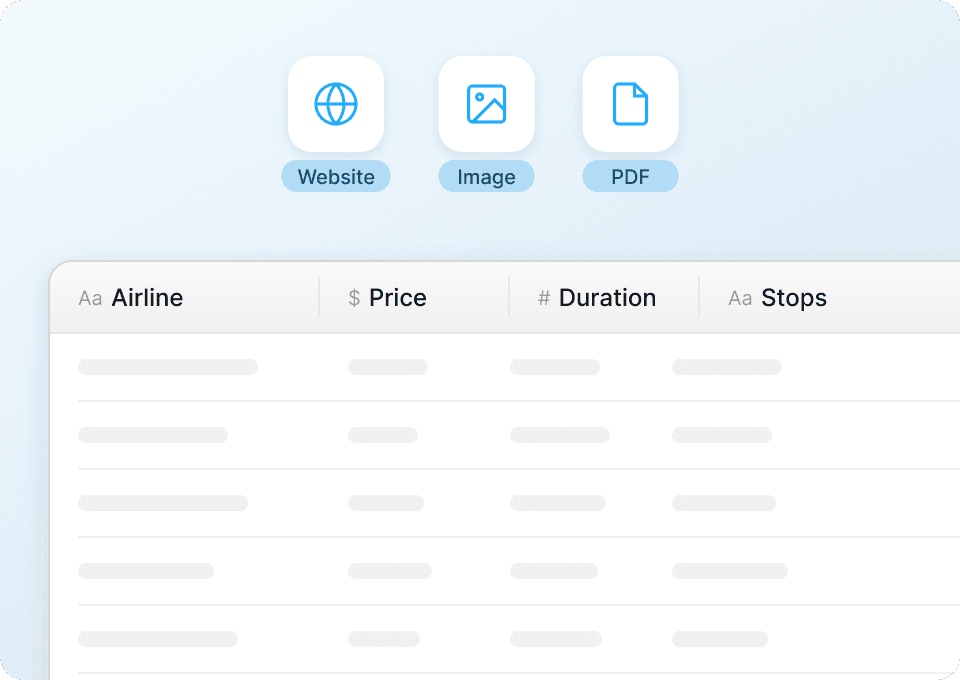
Skyscanner का data हमेशा analysis के लिए तैयार format में नहीं होता। Thunderbit flight data — जैसे departure airport, arrival airport, departure date, return date, price, और airline — को अपने-आप clean और structure करता है, ताकि आपको manual cleanup न करना पड़े और आप सीधे analysis शुरू कर सकें। सीधे Google Sheets, Notion, या Airtable में export करें।
Skyscanner से पूरे flight details scrape करें
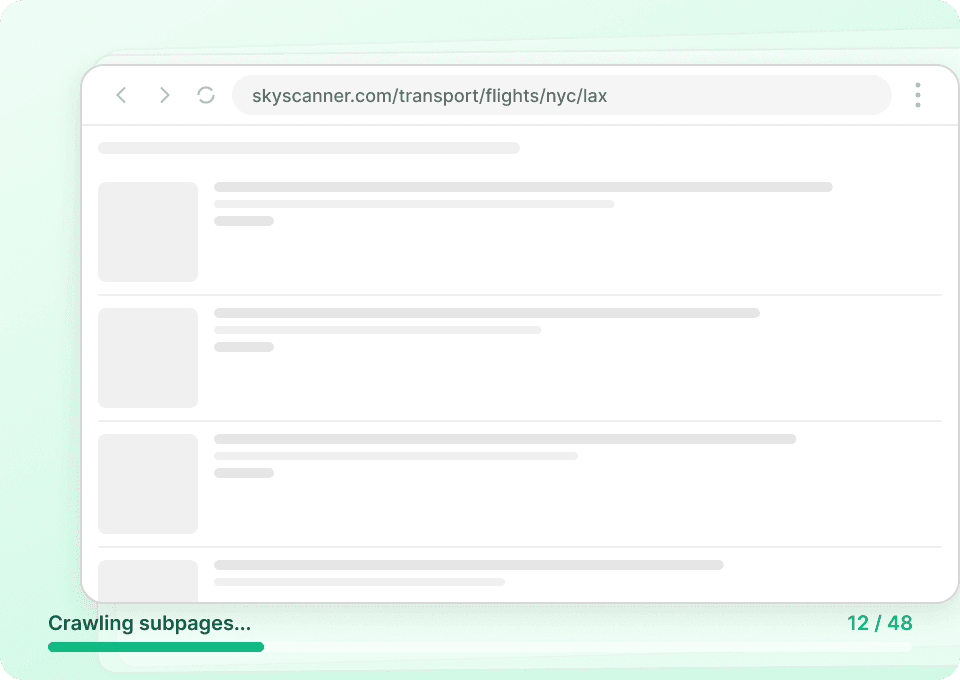
Skyscanner के search results में उपलब्ध जानकारी का सिर्फ़ एक हिस्सा दिखता है। Thunderbit हर flight के detail page पर अपने-आप जा सकता है और आपको ज़रूरी अतिरिक्त data निकाल सकता है — जैसे baggage allowance, fare rules, और भी बहुत कुछ। हर listing पर manually क्लिक किए बिना हर flight की complete जानकारी पाएँ।
Skyscanner data collection को automate करें
Skyscanner पर flight prices और availability लगातार बदलती रहती है। बार-बार वही search करने के बजाय, Thunderbit को schedule करें ताकि वह daily, weekly, या monthly basis पर automatically flight data collect करे। नए departure airports, arrival airports, dates, prices, और airline details सीधे Google Sheets, Notion, या Airtable में पहुँचते हैं — कोई manual work नहीं।

Skyscanner को effectively scrape करने में दिक्कत हो रही है?
देखिए, Thunderbit traditional methods की तुलना में flight data extraction को कितना आसान बनाता है।
Traditional scrapers
पुराना तरीकाThunderbit
ज़्यादा स्मार्ट तरीका







अक्सर पूछे जाने वाले सवाल
संबंधित उपयोग के मामले
Thunderbit के web scraper के और उपयोग के मामले देखें।

PeopleWhiz स्क्रैपर
Thunderbit PeopleWhiz स्क्रैपर आपको AI-संचालित फ़ील्ड सुझावों के साथ PeopleWhiz खोज परिणामों और प्रोफाइलों से डेटा निकालने देता है। शोध, मार्केटिंग या लीड जनरेशन के लिए नाम, संपर्क विवरण, स्थान और भी बहुत कुछ इकट्ठा करें। PeopleWhiz डेटा को संरचित डेटासेट में जल्दी और कुशलता से बदलें।
और जानें ->
Sports Direct Scraper
Thunderbit के AI की मदद से सिर्फ 2 क्लिक में Sports Direct से प्रोडक्ट के नाम, कीमतें और डिस्काउंट प्रतिशत निकालें — और फिर अपना डेटा तुरंत Excel, Google Sheets या Notion में एक्सपोर्ट करें। न कोडिंग की ज़रूरत, न किसी सेटअप की।
और जानें ->
Carousell स्क्रैपर
Carousell की listings — item titles, descriptions, prices, और seller details — सिर्फ 2 clicks में extract करें, फिर डेटा सीधे Excel, Google Sheets, या Notion में export करें। किसी code या मुश्किल setup की ज़रूरत नहीं।
और जानें ->
Priceline स्क्रेपर
Thunderbit के AI की मदद से सिर्फ 2 क्लिक में Priceline से होटल के नाम, कीमतें, रेटिंग और सुविधाएँ निकालें — फिर साफ़, स्ट्रक्चर्ड डेटा तुरंत Excel, Google Sheets या Notion में एक्सपोर्ट करें।
और जानें ->
Wikipedia स्क्रैपर
Wikipedia के infobox डेटा, संदर्भों और लेख के टेक्स्ट को सिर्फ 2 क्लिक में साफ़-सुथरी, structured spreadsheet में बदलें — और तुरंत Excel, Google Sheets या Notion में export करें, बिना किसी code के.
और जानें ->
PlayStation Scraper
PlayStation गेम डेटा—जैसे शीर्षक, शैली, कीमत और रेटिंग—सिर्फ 2 क्लिक में निकालें, फिर उसे सीधे Excel, Google Sheets या Notion में एक्सपोर्ट करें। अब हाथ से कॉपी‑पेस्ट करने की जरूरत नहीं।
और जानें ->क्या आप अपनी data extraction को तेज़ करना चाहते हैं?
Join 200,000+ professionals already using Thunderbit to automate their web scraping workflows.
फ्री ट्रायल 8 webpages के लिए unlimited credits देता है।



