Carousell स्क्रैपर













Thunderbit के साथ Carousell data unlock करें
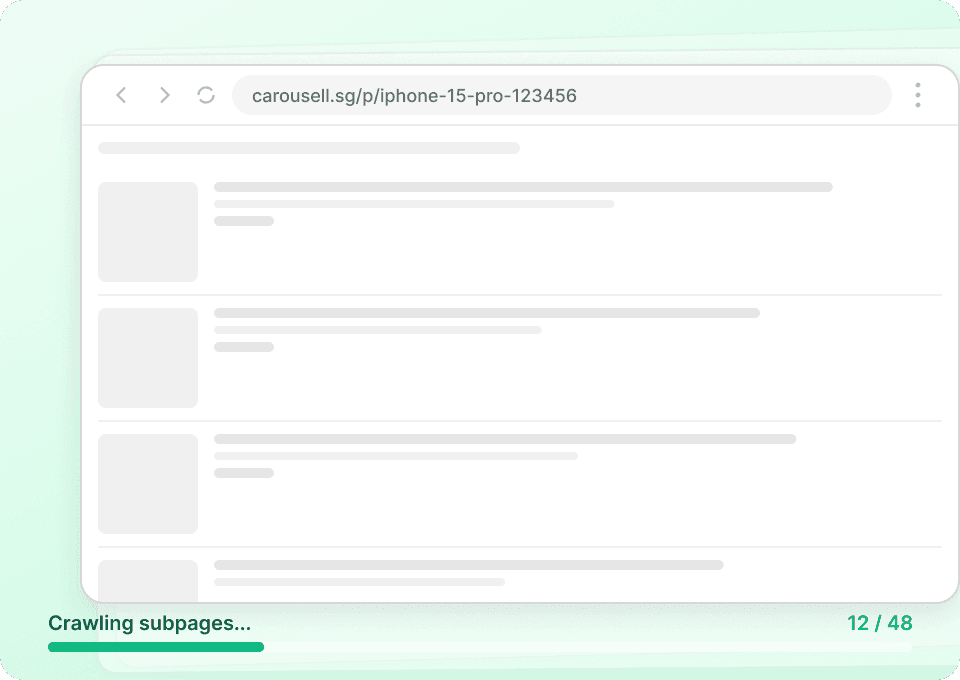
Listing की पूरी कहानी पाएँ
Carousell के search results सिर्फ़ basic जानकारी दिखाते हैं। Thunderbit अपने-आप हर item के detail page पर जाता है और पूरी description, condition notes, और initial view के पीछे छिपी जानकारी निकालता है। आपको हर listing की पूरी तस्वीर मिलती है — सिर्फ़ title और price नहीं।
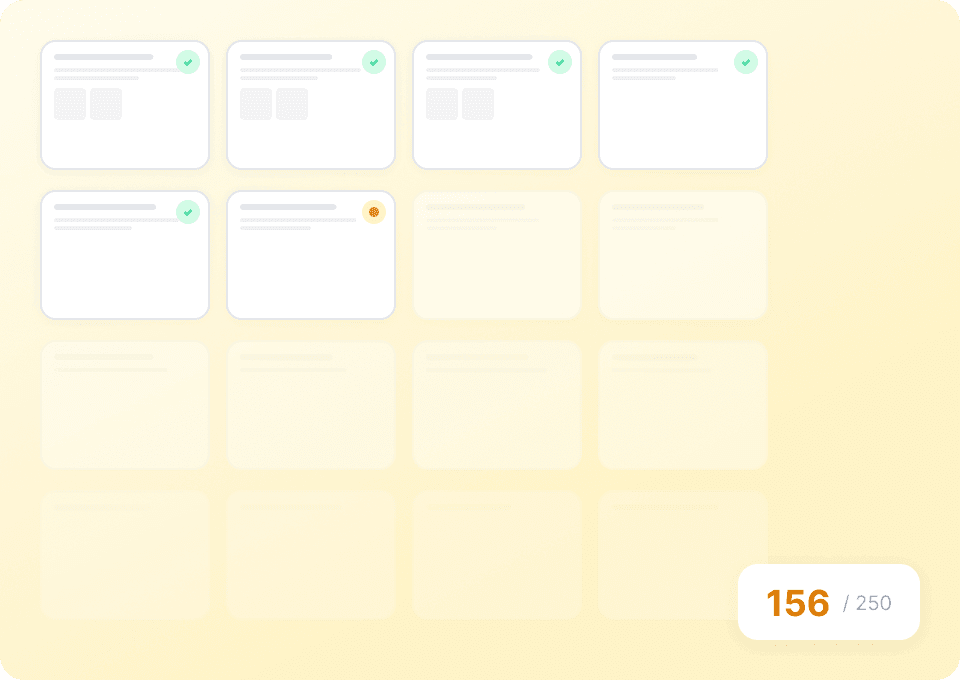
अपनी Carousell data extraction को scale करें
Carousell listings को manually copy करना धीमा भी है और गलती की संभावना भी ज़्यादा होती है। Thunderbit की मदद से आप एक साथ सैकड़ों listings scrape कर सकते हैं। Carousell URLs की list paste करें, और Thunderbit item titles, prices, descriptions, seller usernames, और बहुत कुछ एक ही run में निकाल देता है।
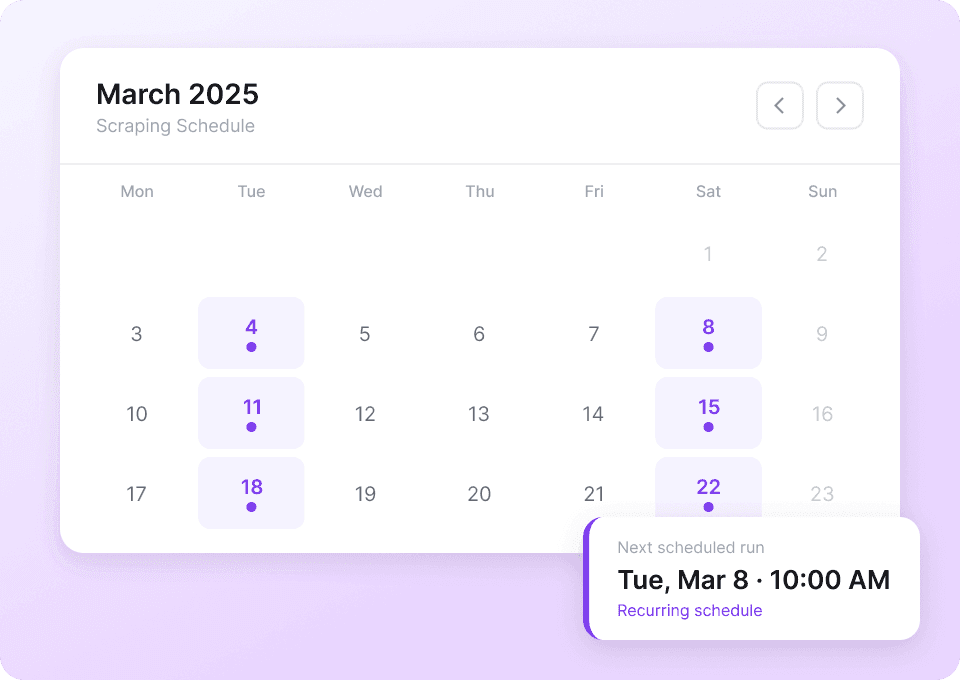
अपनी Carousell data को automate करें
Carousell के prices और availability लगातार बदलते रहते हैं। Thunderbit के साथ आप recurring scrapes schedule करके अपना data अपने-आप updated रख सकते हैं। नवीनतम prices, item conditions, और seller details सीधे Google Sheets, Notion, या Airtable में पाएं — manual checking की ज़रूरत नहीं।
Carousell scrape करने में परेशानी हो रही है?
देखिए कि पुराने तरीकों की तुलना में Thunderbit Carousell data extraction को कैसे आसान बनाता है।
Traditional scrapers
काम करने का पुराना तरीकाThunderbit
ज़्यादा स्मार्ट तरीका







अक्सर पूछे जाने वाले प्रश्न
संबंधित उपयोग के मामले
Thunderbit के web scraper के और उपयोग के मामले देखें।

Elgiganten Scraper
Elgiganten से प्रोडक्ट के नाम, कीमतें और उपलब्धता सिर्फ 2 क्लिक में निकालें — और फिर सीधे Excel, Google Sheets या Notion में एक्सपोर्ट करें। Thunderbit की AI सारी मुश्किल मेहनत खुद संभाल लेती है, ताकि आप सिर्फ सही इनसाइट्स पर ध्यान दे सकें।
और जानें ->
UNIQLO Scraper
Thunderbit के AI-संचालित Chrome एक्सटेंशन की मदद से सिर्फ 2 क्लिक में Uniqlo के प्रोडक्ट नाम, कीमतें, रंग और साइज़ निकालें। डेटा को सीधे Google Sheets, Excel या Notion में एक्सपोर्ट करें और अपनी प्रोडक्ट रिसर्च हमेशा अपडेट रखें।
और जानें ->
Priceline स्क्रेपर
Thunderbit के AI की मदद से सिर्फ 2 क्लिक में Priceline से होटल के नाम, कीमतें, रेटिंग और सुविधाएँ निकालें — फिर साफ़, स्ट्रक्चर्ड डेटा तुरंत Excel, Google Sheets या Notion में एक्सपोर्ट करें।
और जानें ->
Trivago स्क्रेपर
सिर्फ 2 क्लिक में Trivago से होटल के नाम, कीमतें, रेटिंग और रिव्यू निकालें — फिर तुरंत Excel, Google Sheets या Notion में एक्सपोर्ट करें। किसी कोडिंग या सेटअप की ज़रूरत नहीं।
और जानें ->
Coupang स्क्रेपर
सिर्फ 2 क्लिक में Coupang के प्रोडक्ट नाम, कीमतें और डिस्काउंट रेट निकालें — और तुरंत Excel, Google Sheets या Notion में एक्सपोर्ट करें। कोडिंग की जरूरत नहीं।
और जानें ->
Wikipedia स्क्रैपर
Wikipedia के infobox डेटा, संदर्भों और लेख के टेक्स्ट को सिर्फ 2 क्लिक में साफ़-सुथरी, structured spreadsheet में बदलें — और तुरंत Excel, Google Sheets या Notion में export करें, बिना किसी code के.
और जानें ->क्या आप अपनी data extraction को तेज़ करना चाहते हैं?
Join 200,000+ professionals already using Thunderbit to automate their web scraping workflows.
फ्री ट्रायल 8 webpages के लिए unlimited credits देता है।



