Elgiganten Scraper













Elgiganten product data को आसानी से scrape करें
Thunderbit की scraping सुविधाओं की मदद से Elgiganten से product details बिना मेहनत के निकालें।
Elgiganten और उससे आगे भी scrape करें
हर website के लिए अलग-अलग tools संभालते-संभालते थक गए हैं? Thunderbit शुरुआत से ही Elgiganten और किसी भी दूसरी site पर काम करता है। 50+ pre-built templates के साथ आप Elgiganten से product names, prices, availability, ratings, review counts और बहुत कुछ जल्दी निकाल सकते हैं — फिर उसी tool से दूसरे sites पर भी बिना extra setup के scraping कर सकते हैं।
एक क्लिक में Elgiganten data export
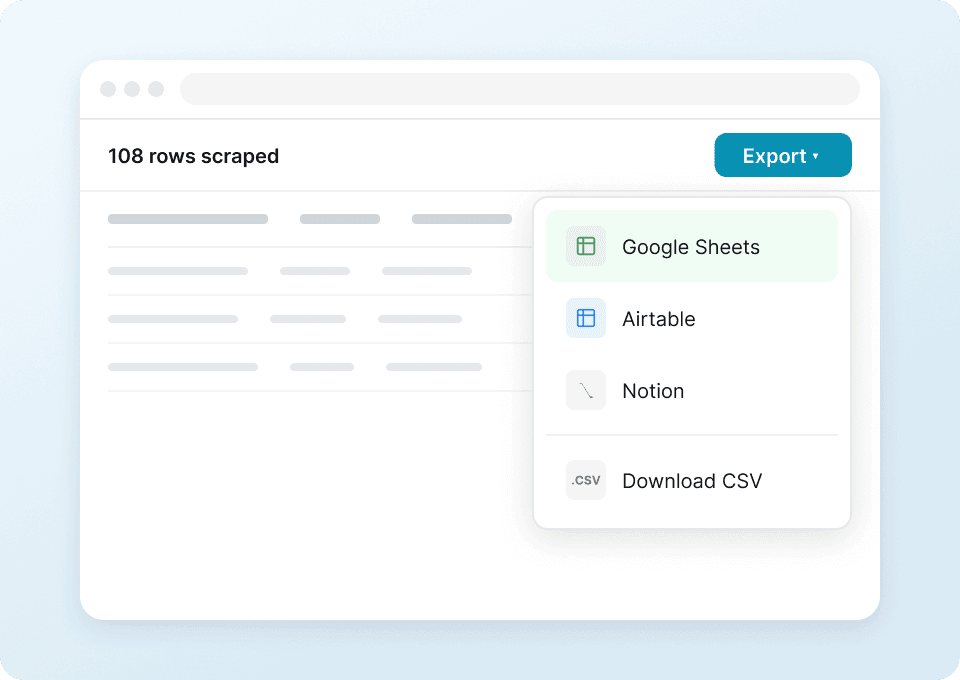
Elgiganten से product information को manually spreadsheets में copy करना समय लेने वाला और गलतियों से भरा काम है। Thunderbit इसे Google Sheets, Notion, Airtable या Excel में one-click export के साथ आसान बना देता है। Elgiganten product data — prices, availability, ratings — को बिना copy-paste की झंझट के analyze करें।
Elgiganten के layout changes के साथ खुद को ढालता है
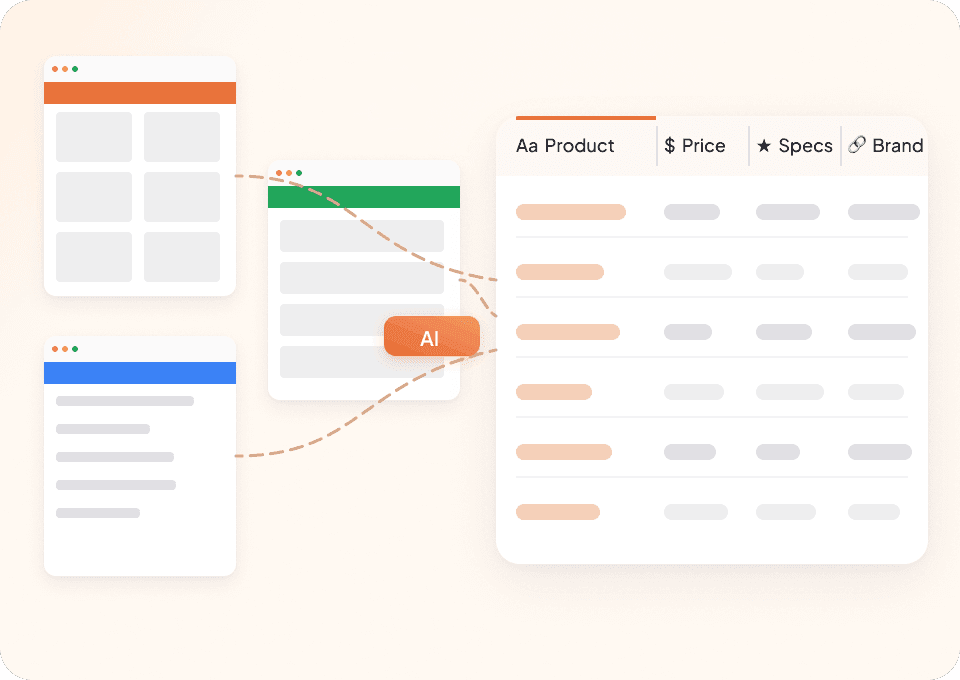
Traditional scrapers जब भी Elgiganten अपनी site layout बदलता है, टूट जाते हैं और लगातार maintenance चाहिए होता है। Thunderbit semantic AI का इस्तेमाल करता है, जो page content को structure नहीं बल्कि meaning के आधार पर समझता है, इसलिए यह अपने-आप adapt हो जाता है। Elgiganten से product names, prices और दूसरे जरूरी data points बिना रुकावट scrape करते रहें।

Thunderbit पारंपरिक Elgiganten scrapers से अलग क्यों है?
Elgiganten से ज़रूरी data पाएं, बिना scraping की आम परेशानियों के।
पारंपरिक scrapers
काम करने का पुराना तरीकाThunderbit AI
ज़्यादा स्मार्ट तरीका






अक्सर पूछे जाने वाले सवाल
संबंधित उपयोग के मामले
Thunderbit के web scraper के और उपयोग के मामले देखें।

HKTVmall Scraper
सिर्फ 2 क्लिक में HKTVmall लिस्टिंग से प्रोडक्ट नाम, कीमत, रेटिंग और बहुत कुछ निकालें — कोडिंग की कोई ज़रूरत नहीं। डेटा को सीधे Excel, Google Sheets या Notion में एक्सपोर्ट करें और HKTVmall डेटा को उपयोगी इनसाइट्स में बदलें।
और जानें ->
Trustpilot स्क्रैपर
Trustpilot की reviews, ratings और reviewer details को सिर्फ 2 clicks में extract करें — फिर data को सीधे Google Sheets, Excel या Notion में export करें। बिना code, बिना copy-paste, बस साफ़ और structured data जो analysis और sharing के लिए तैयार हो।
और जानें ->
Coupang स्क्रेपर
सिर्फ 2 क्लिक में Coupang के प्रोडक्ट नाम, कीमतें और डिस्काउंट रेट निकालें — और तुरंत Excel, Google Sheets या Notion में एक्सपोर्ट करें। कोडिंग की जरूरत नहीं।
और जानें ->
PubMed स्क्रैपर
Thunderbit का PubMed स्क्रैपर AI की मदद से PubMed सर्च रिज़ल्ट्स और आर्टिकल पेजों से structured data निकालना आसान बनाता है। ट्रेंडिंग मेडिकल रिसर्च, क्लिनिकल ट्रायल एविडेंस, abstracts, authors, affiliations, publication dates और links को scrape करके Excel, Google Sheets, Airtable या Notion में export करें।
और जानें ->
Wikipedia स्क्रैपर
Wikipedia के infobox डेटा, संदर्भों और लेख के टेक्स्ट को सिर्फ 2 क्लिक में साफ़-सुथरी, structured spreadsheet में बदलें — और तुरंत Excel, Google Sheets या Notion में export करें, बिना किसी code के.
और जानें ->
Substack स्क्रैपर
सिर्फ 2 क्लिक में Substack के सब्सक्राइबर काउंट, आर्टिकल टाइटल और पब्लिकेशन डिस्क्रिप्शन निकालें — फिर उन्हें Excel, Google Sheets या Notion में एक्सपोर्ट करें। किसी कोड की जरूरत नहीं; Thunderbit का AI पूरी structuring अपने आप कर देता है।
और जानें ->क्या आप अपनी data extraction को तेज़ करना चाहते हैं?
Join 200,000+ professionals already using Thunderbit to automate their web scraping workflows.
फ्री ट्रायल 8 webpages के लिए unlimited credits देता है।



