Substack स्क्रैपर













Thunderbit के साथ Substack data unlock करें
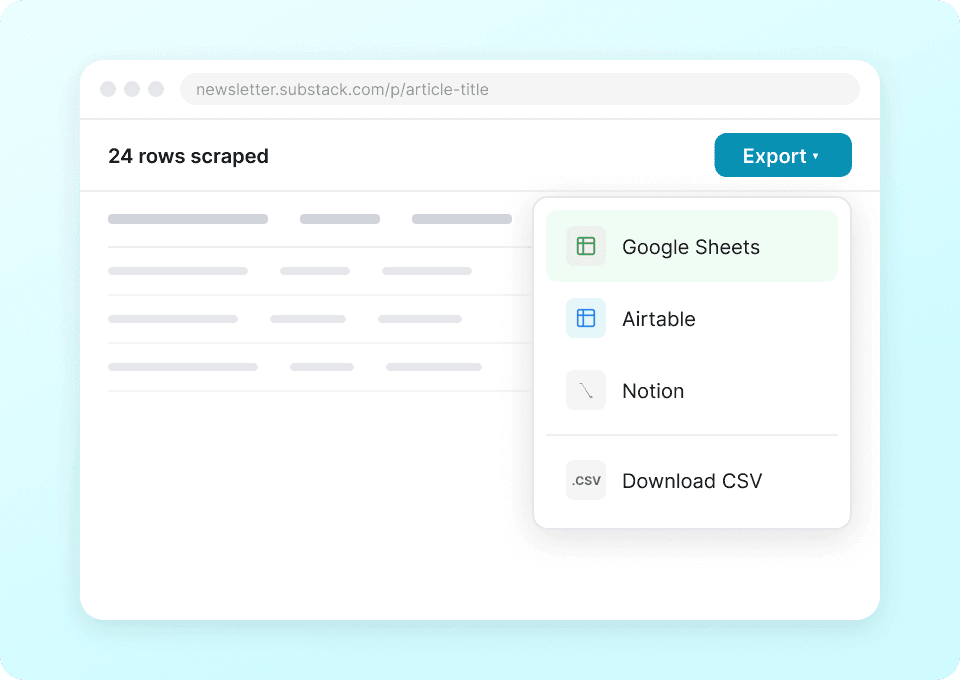
Substack data सीधे अपने apps में भेजें
Substack publication details जैसे author names, article titles और subscriber counts को बार-बार manually copy-paste करना बंद करें। Thunderbit के साथ, एक ही क्लिक में आपका extracted data सीधे Google Sheets, Notion या Airtable में चला जाता है — ताकि आप tedious manual work के बिना publication trends और content performance का विश्लेषण कर सकें।
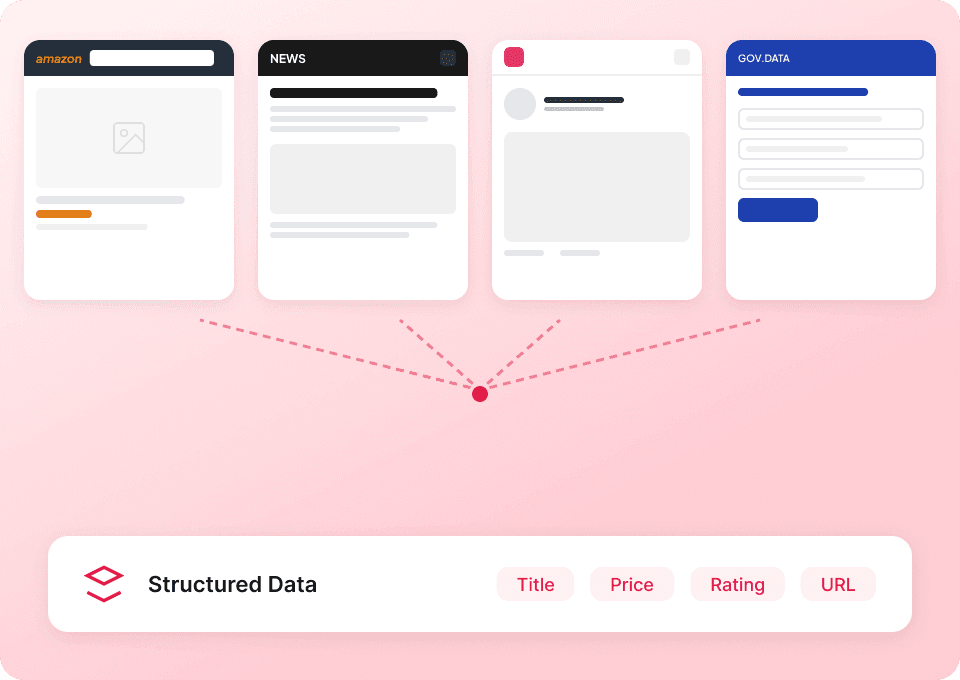
Substack और उससे आगे के लिए एक ही scraper
हर website के लिए अलग tool संभालने की जरूरत नहीं। Thunderbit Substack पर out of the box काम करता है और अन्य लोकप्रिय platforms के लिए 50+ pre-built templates भी देता है। Publication descriptions, article content और बहुत कुछ extract करें — फिर इसी tool से web पर कहीं भी data इकट्ठा करें।
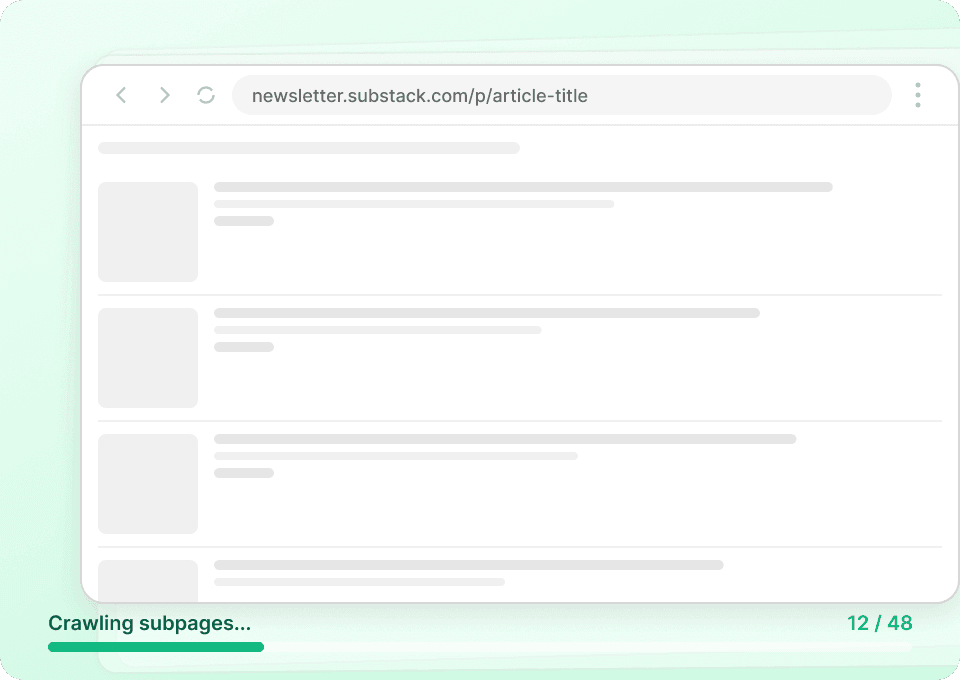
पूरा Substack story जानें
Substack listing pages सिर्फ summaries दिखाते हैं। Thunderbit automatically हर article subpage पर जाकर पूरा content pull करता है, जिससे आपको एक ही pass में complete dataset मिल जाता है। Article titles, author names, publication names और full article text capture करें — वह भी बिना एक भी page manually खोले।
Substack को effectively scrape करने में परेशानी हो रही है?
देखिए Substack data के लिए Thunderbit traditional scrapers से क्यों बेहतर है।
Traditional scrapers
काम करने का पुराना तरीकाThunderbit
ज़्यादा स्मार्ट तरीका







अक्सर पूछे जाने वाले प्रश्न
संबंधित उपयोग के मामले
Thunderbit के web scraper के और उपयोग के मामले देखें।

Priceline स्क्रेपर
Thunderbit के AI की मदद से सिर्फ 2 क्लिक में Priceline से होटल के नाम, कीमतें, रेटिंग और सुविधाएँ निकालें — फिर साफ़, स्ट्रक्चर्ड डेटा तुरंत Excel, Google Sheets या Notion में एक्सपोर्ट करें।
और जानें ->
Elgiganten Scraper
Elgiganten से प्रोडक्ट के नाम, कीमतें और उपलब्धता सिर्फ 2 क्लिक में निकालें — और फिर सीधे Excel, Google Sheets या Notion में एक्सपोर्ट करें। Thunderbit की AI सारी मुश्किल मेहनत खुद संभाल लेती है, ताकि आप सिर्फ सही इनसाइट्स पर ध्यान दे सकें।
और जानें ->
Amazon कीमत स्क्रैपर
Amazon की कीमतों, रेटिंग्स और ASIN को रियल टाइम में ट्रैक करें — सिर्फ 2 क्लिक में डेटा को Excel, Google Sheets या Notion में एक्सपोर्ट करें, किसी कोडिंग की जरूरत नहीं।
और जानें ->
Craigslist फोन नंबर स्क्रैपर
Thunderbit का Craigslist फोन नंबर स्क्रैपर AI की मदद से Craigslist सर्च रिज़ल्ट्स से फोन नंबर और लिस्टिंग डिटेल्स निकालने में मदद करता है। लिस्टिंग्स स्क्रैप करें, हर पोस्ट खोलकर (सबपेज स्क्रैपिंग) कॉन्टैक्ट जानकारी और अतिरिक्त फ़ील्ड्स कैप्चर करें, फिर Excel, Google Sheets, Airtable, Notion, CSV या JSON में एक्सपोर्ट करें।
और जानें ->
Trustpilot स्क्रैपर
Trustpilot की reviews, ratings और reviewer details को सिर्फ 2 clicks में extract करें — फिर data को सीधे Google Sheets, Excel या Notion में export करें। बिना code, बिना copy-paste, बस साफ़ और structured data जो analysis और sharing के लिए तैयार हो।
और जानें ->
United Airlines स्क्रैपर
सिर्फ 2 क्लिक में United Airlines से फ्लाइट नंबर, प्रस्थान समय, आगमन हवाई अड्डे और कीमतें निकालें — फिर उन्हें तुरंत Excel, Google Sheets या Notion में एक्सपोर्ट करें। बाकी काम Thunderbit AI अपने आप संभाल लेता है।
और जानें ->क्या आप अपनी data extraction को तेज़ करना चाहते हैं?
Join 200,000+ professionals already using Thunderbit to automate their web scraping workflows.
फ्री ट्रायल 8 webpages के लिए unlimited credits देता है।



