Wikipedia स्क्रैपर













दो क्लिक में Wikipedia data निकालें
Point करें और तुरंत Wikipedia data extract करें
Wikipedia से data manually copy करना समय लेने वाला और error-prone होता है। Thunderbit आपको बिना code के infobox data, article text, categories और बहुत कुछ extract करने देता है। बस उस data पर point करें जिसे आप चाहते हैं, और दूसरे click में Thunderbit fields पहचानकर उन्हें एक साफ़ table में डाल देता है। किसी complicated setup या CSS selectors की ज़रूरत नहीं पड़ती।
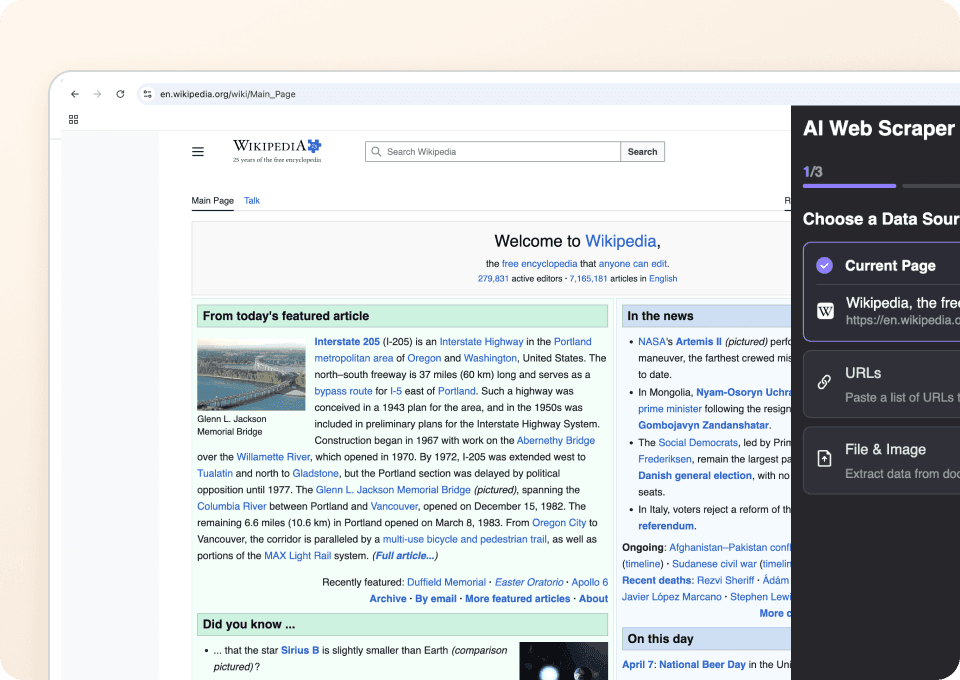
Thunderbit, Wikipedia के layout बदलावों के साथ adapt हो जाता है
Wikipedia का layout लगातार बदलता रहता है, और traditional scrapers हर बदलाव के साथ टूट जाते हैं। Thunderbit semantic AI का इस्तेमाल करता है, जो fixed selectors के बजाय page के meaning को समझती है। इसका मतलब है कि यह layout changes के साथ automatically adapt हो जाता है, ताकि आप बार-बार scraper को patch किए बिना article text, references और structured data निकालते रह सकें।
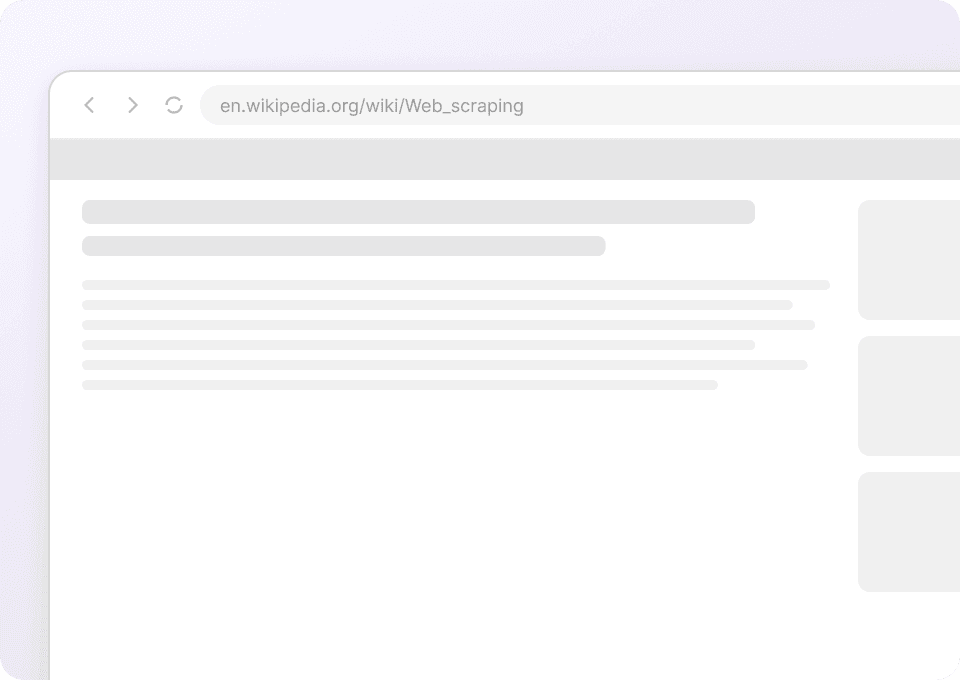
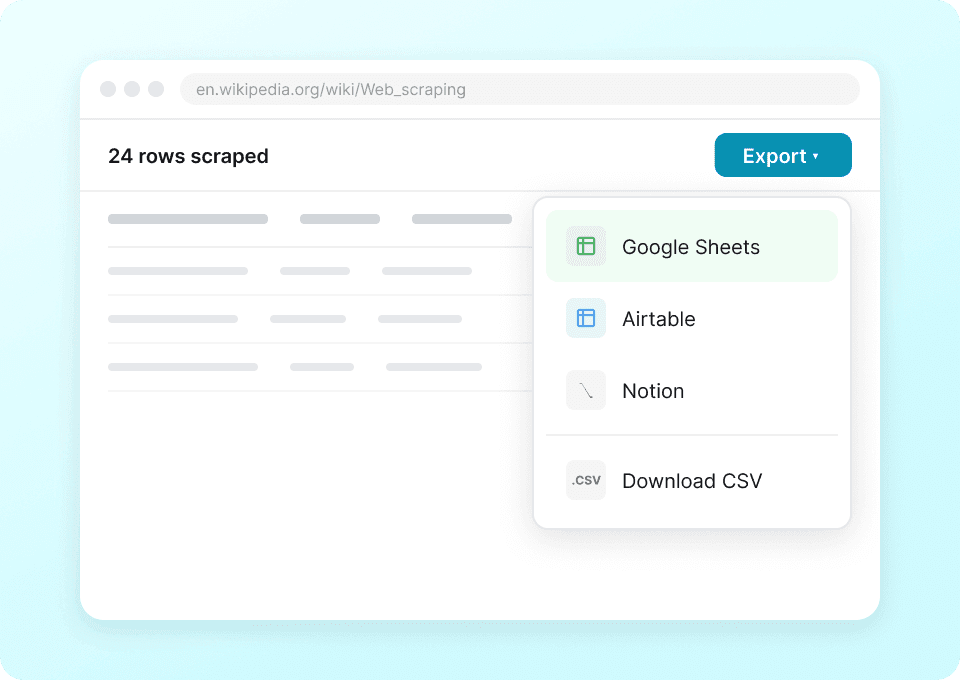
Wikipedia data को अपने tools में export करें
Wikipedia से table data और external links को spreadsheets में copy-paste करने में समय बर्बाद करना बंद करें। Thunderbit आपको निकाले गए data को एक क्लिक में Excel, Google Sheets, Notion या Airtable में export करने देता है। यह Wikipedia के structured data को उन tools में लाने का सबसे तेज़ तरीका है जिन्हें आप पहले से इस्तेमाल करते हैं।
Wikipedia को effectively scrape करने में मुश्किल हो रही है?
देखिए Wikipedia data extraction के लिए Thunderbit traditional scrapers से क्यों बेहतर है।
Traditional scrapers
काम करने का पुराना तरीकाThunderbit
ज़्यादा स्मार्ट तरीका






अक्सर पूछे जाने वाले प्रश्न
संबंधित उपयोग के मामले
Thunderbit के web scraper के और उपयोग के मामले देखें।

बिना कोड वाला Spokeo स्क्रैपर
सिर्फ 2 क्लिक में Spokeo प्रोफ़ाइल की पूरी जानकारी — नाम, उम्र, पता, फोन नंबर और रिश्तेदार — निकालें, फिर उसे Excel, Google Sheets या Notion में एक्सपोर्ट करें। न कोडिंग, न कॉपी-पेस्ट।
और जानें ->
Sports Direct Scraper
Thunderbit के AI की मदद से सिर्फ 2 क्लिक में Sports Direct से प्रोडक्ट के नाम, कीमतें और डिस्काउंट प्रतिशत निकालें — और फिर अपना डेटा तुरंत Excel, Google Sheets या Notion में एक्सपोर्ट करें। न कोडिंग की ज़रूरत, न किसी सेटअप की।
और जानें ->
PubMed स्क्रैपर
Thunderbit का PubMed स्क्रैपर AI की मदद से PubMed सर्च रिज़ल्ट्स और आर्टिकल पेजों से structured data निकालना आसान बनाता है। ट्रेंडिंग मेडिकल रिसर्च, क्लिनिकल ट्रायल एविडेंस, abstracts, authors, affiliations, publication dates और links को scrape करके Excel, Google Sheets, Airtable या Notion में export करें।
और जानें ->
United Airlines स्क्रैपर
सिर्फ 2 क्लिक में United Airlines से फ्लाइट नंबर, प्रस्थान समय, आगमन हवाई अड्डे और कीमतें निकालें — फिर उन्हें तुरंत Excel, Google Sheets या Notion में एक्सपोर्ट करें। बाकी काम Thunderbit AI अपने आप संभाल लेता है।
और जानें ->
PeopleWhiz स्क्रैपर
Thunderbit PeopleWhiz स्क्रैपर आपको AI-संचालित फ़ील्ड सुझावों के साथ PeopleWhiz खोज परिणामों और प्रोफाइलों से डेटा निकालने देता है। शोध, मार्केटिंग या लीड जनरेशन के लिए नाम, संपर्क विवरण, स्थान और भी बहुत कुछ इकट्ठा करें। PeopleWhiz डेटा को संरचित डेटासेट में जल्दी और कुशलता से बदलें।
और जानें ->
Priceline स्क्रेपर
Thunderbit के AI की मदद से सिर्फ 2 क्लिक में Priceline से होटल के नाम, कीमतें, रेटिंग और सुविधाएँ निकालें — फिर साफ़, स्ट्रक्चर्ड डेटा तुरंत Excel, Google Sheets या Notion में एक्सपोर्ट करें।
और जानें ->क्या आप अपनी data extraction को तेज़ करना चाहते हैं?
Join 200,000+ professionals already using Thunderbit to automate their web scraping workflows.
फ्री ट्रायल 8 webpages के लिए unlimited credits देता है।



