Sports Direct Scraper













Sports Direct product data को बिना मेहनत के scrape करें
कोडिंग की झंझट के बिना Sports Direct से ज़रूरी details निकालें।
सिर्फ दो क्लिक में Sports Direct data
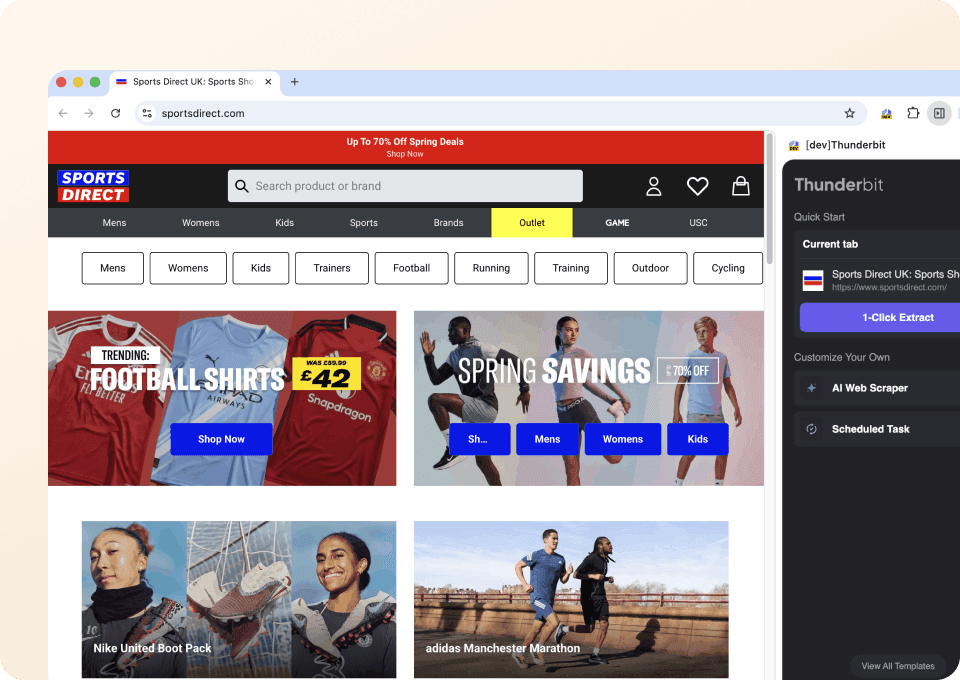
क्या आप complicated scraping tools से परेशान हो गए हैं? Thunderbit आपको सिर्फ दो क्लिक में Sports Direct से product names, prices, discount percentages और बहुत कुछ निकालने देता है। न coding, न CSS selectors — बस ज़रूरी data पर point करें और बाकी काम Thunderbit पर छोड़ दें। किसी setup की ज़रूरत नहीं।
Product details की गहराई तक जाएँ
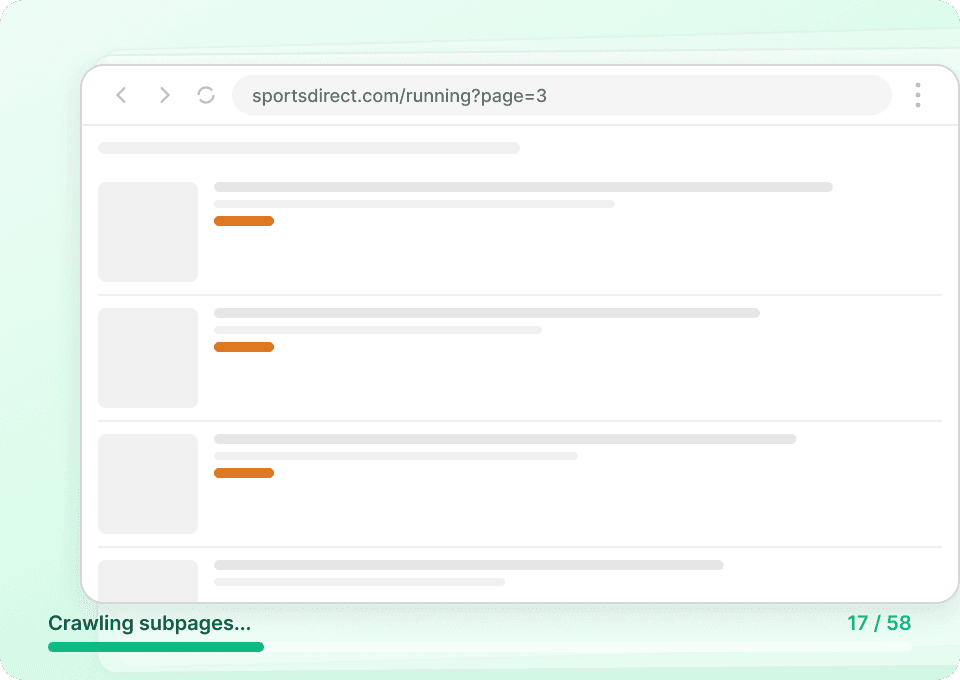
Sports Direct की listing pages में अक्सर वे details नहीं होतीं जिनकी आपको ज़रूरत है। Thunderbit automatically हर product के subpage पर जाकर full descriptions और product codes निकालता है, ताकि आपको एक नज़र में पूरा picture मिल जाए। Surface-level data पर समझौता करना बंद करें — अब manual clicking और copying की ज़रूरत नहीं।
Sports Direct data तुरंत export करें
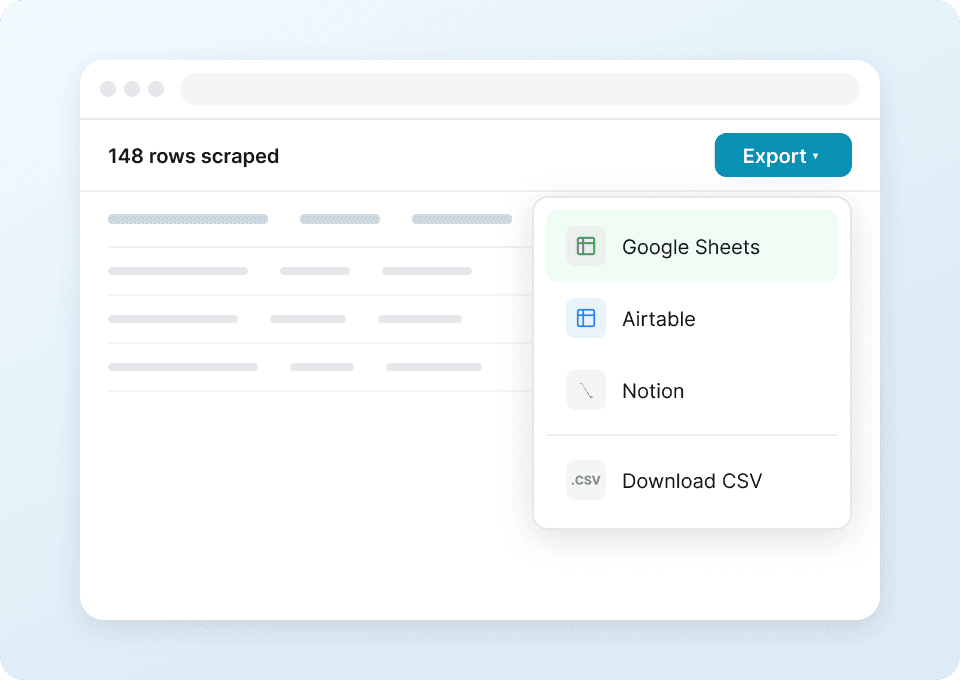
Sports Direct से data को manually spreadsheets में डालना बंद करें। Thunderbit के साथ एक click में आपका extracted data Google Sheets, Notion या Airtable में चला जाता है। prices analyze करें, product availability track करें, और copy-paste की मेहनत के बिना अपना research organize करें।
Thunderbit पारंपरिक Sports Direct scrapers से अलग क्यों है?
Thunderbit AI का इस्तेमाल करता है, जिससे Sports Direct scraping आसान और भरोसेमंद बन जाती है।
Traditional scrapers
काम करने का पुराना तरीकाThunderbit AI
ज़्यादा स्मार्ट तरीका







अक्सर पूछे जाने वाले प्रश्न
संबंधित उपयोग के मामले
Thunderbit के web scraper के और उपयोग के मामले देखें।

PeopleWhiz स्क्रैपर
Thunderbit PeopleWhiz स्क्रैपर आपको AI-संचालित फ़ील्ड सुझावों के साथ PeopleWhiz खोज परिणामों और प्रोफाइलों से डेटा निकालने देता है। शोध, मार्केटिंग या लीड जनरेशन के लिए नाम, संपर्क विवरण, स्थान और भी बहुत कुछ इकट्ठा करें। PeopleWhiz डेटा को संरचित डेटासेट में जल्दी और कुशलता से बदलें।
और जानें ->
बिना कोड वाला Spokeo स्क्रैपर
सिर्फ 2 क्लिक में Spokeo प्रोफ़ाइल की पूरी जानकारी — नाम, उम्र, पता, फोन नंबर और रिश्तेदार — निकालें, फिर उसे Excel, Google Sheets या Notion में एक्सपोर्ट करें। न कोडिंग, न कॉपी-पेस्ट।
और जानें ->
Substack स्क्रैपर
सिर्फ 2 क्लिक में Substack के सब्सक्राइबर काउंट, आर्टिकल टाइटल और पब्लिकेशन डिस्क्रिप्शन निकालें — फिर उन्हें Excel, Google Sheets या Notion में एक्सपोर्ट करें। किसी कोड की जरूरत नहीं; Thunderbit का AI पूरी structuring अपने आप कर देता है।
और जानें ->
Wikipedia स्क्रैपर
Wikipedia के infobox डेटा, संदर्भों और लेख के टेक्स्ट को सिर्फ 2 क्लिक में साफ़-सुथरी, structured spreadsheet में बदलें — और तुरंत Excel, Google Sheets या Notion में export करें, बिना किसी code के.
और जानें ->
Trustpilot स्क्रैपर
Trustpilot की reviews, ratings और reviewer details को सिर्फ 2 clicks में extract करें — फिर data को सीधे Google Sheets, Excel या Notion में export करें। बिना code, बिना copy-paste, बस साफ़ और structured data जो analysis और sharing के लिए तैयार हो।
और जानें ->
Coupang स्क्रेपर
सिर्फ 2 क्लिक में Coupang के प्रोडक्ट नाम, कीमतें और डिस्काउंट रेट निकालें — और तुरंत Excel, Google Sheets या Notion में एक्सपोर्ट करें। कोडिंग की जरूरत नहीं।
और जानें ->क्या आप अपनी data extraction को तेज़ करना चाहते हैं?
Join 200,000+ professionals already using Thunderbit to automate their web scraping workflows.
फ्री ट्रायल 8 webpages के लिए unlimited credits देता है।



