Kakaku.com Scraper













Kakaku pricing data आसानी से निकालें
Thunderbit की मदद से Kakaku से product prices और reviews सरलता से scrape करें।
अपनी Kakaku data collection को automate करें
Kakaku की prices और review counts हर दिन बदलते हैं। पेजों को हाथ से check करने के बजाय, Thunderbit के साथ scheduled scraping सेट करें ताकि product names, lowest prices, average prices और review scores automatically pull हों — और fresh data Google Sheets, Notion या Airtable में अपने आप पहुँच जाए।

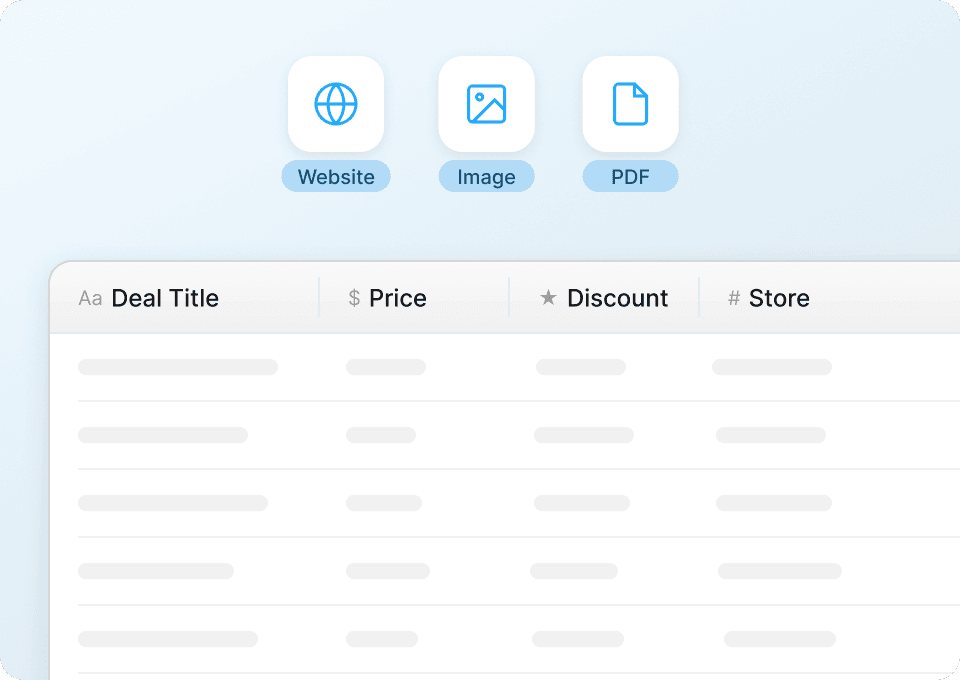
Kakaku data साफ-सुथरा, उपयोग के लिए तैयार
Raw Kakaku data में से सिर्फ वही numbers छाँटने में समय बर्बाद होता है जिनकी आपको सच में जरूरत है। Thunderbit data को extract करते ही automatically structure और clean कर देता है। जब आप इसे Google Sheets, Notion या Airtable में export करते हैं, तो lowest price, average price, price range, review score और review count पहले से formatted होते हैं और analysis के लिए तैयार रहते हैं।
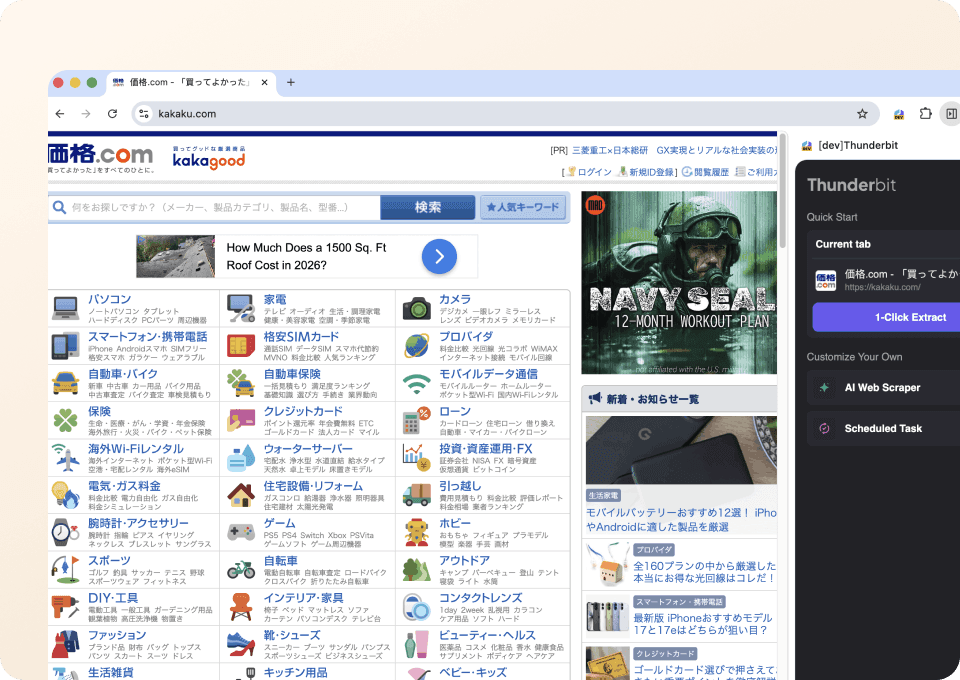
Kakaku scrape करने के लिए बस दो क्लिक
Kakaku listings को manually copy करना या complex scraping tools से जूझना आपका समय खराब करता है। Thunderbit के साथ बस उस data की ओर point करें जिसकी आपको जरूरत है — product names, prices, review scores — और extract करने के लिए click करें। न code, न CSS selectors, न complicated setup की जरूरत।
Traditional Kakaku scrapers से Thunderbit कैसे अलग है?
देखिए कि Thunderbit, brittle traditional methods की तुलना में Kakaku scraping को कैसे आसान बनाता है।
Traditional scrapers
काम करने का पुराना तरीकाThunderbit AI
ज़्यादा समझदारी भरा तरीका







अक्सर पूछे जाने वाले प्रश्न
संबंधित उपयोग के मामले
Thunderbit के web scraper के और उपयोग के मामले देखें।

United Airlines स्क्रैपर
सिर्फ 2 क्लिक में United Airlines से फ्लाइट नंबर, प्रस्थान समय, आगमन हवाई अड्डे और कीमतें निकालें — फिर उन्हें तुरंत Excel, Google Sheets या Notion में एक्सपोर्ट करें। बाकी काम Thunderbit AI अपने आप संभाल लेता है।
और जानें ->
Trustpilot स्क्रैपर
Trustpilot की reviews, ratings और reviewer details को सिर्फ 2 clicks में extract करें — फिर data को सीधे Google Sheets, Excel या Notion में export करें। बिना code, बिना copy-paste, बस साफ़ और structured data जो analysis और sharing के लिए तैयार हो।
और जानें ->
Substack स्क्रैपर
सिर्फ 2 क्लिक में Substack के सब्सक्राइबर काउंट, आर्टिकल टाइटल और पब्लिकेशन डिस्क्रिप्शन निकालें — फिर उन्हें Excel, Google Sheets या Notion में एक्सपोर्ट करें। किसी कोड की जरूरत नहीं; Thunderbit का AI पूरी structuring अपने आप कर देता है।
और जानें ->
UNIQLO Scraper
Thunderbit के AI-संचालित Chrome एक्सटेंशन की मदद से सिर्फ 2 क्लिक में Uniqlo के प्रोडक्ट नाम, कीमतें, रंग और साइज़ निकालें। डेटा को सीधे Google Sheets, Excel या Notion में एक्सपोर्ट करें और अपनी प्रोडक्ट रिसर्च हमेशा अपडेट रखें।
और जानें ->
Wikipedia स्क्रैपर
Wikipedia के infobox डेटा, संदर्भों और लेख के टेक्स्ट को सिर्फ 2 क्लिक में साफ़-सुथरी, structured spreadsheet में बदलें — और तुरंत Excel, Google Sheets या Notion में export करें, बिना किसी code के.
और जानें ->
PubMed स्क्रैपर
Thunderbit का PubMed स्क्रैपर AI की मदद से PubMed सर्च रिज़ल्ट्स और आर्टिकल पेजों से structured data निकालना आसान बनाता है। ट्रेंडिंग मेडिकल रिसर्च, क्लिनिकल ट्रायल एविडेंस, abstracts, authors, affiliations, publication dates और links को scrape करके Excel, Google Sheets, Airtable या Notion में export करें।
और जानें ->क्या आप अपनी data extraction को तेज़ करना चाहते हैं?
Join 200,000+ professionals already using Thunderbit to automate their web scraping workflows.
फ्री ट्रायल 8 webpages के लिए unlimited credits देता है।



