Investing.com स्क्रैपर













Thunderbit के साथ investing data की पूरी ताकत खोलें
Investing data सीधे अपने tools में भेजें
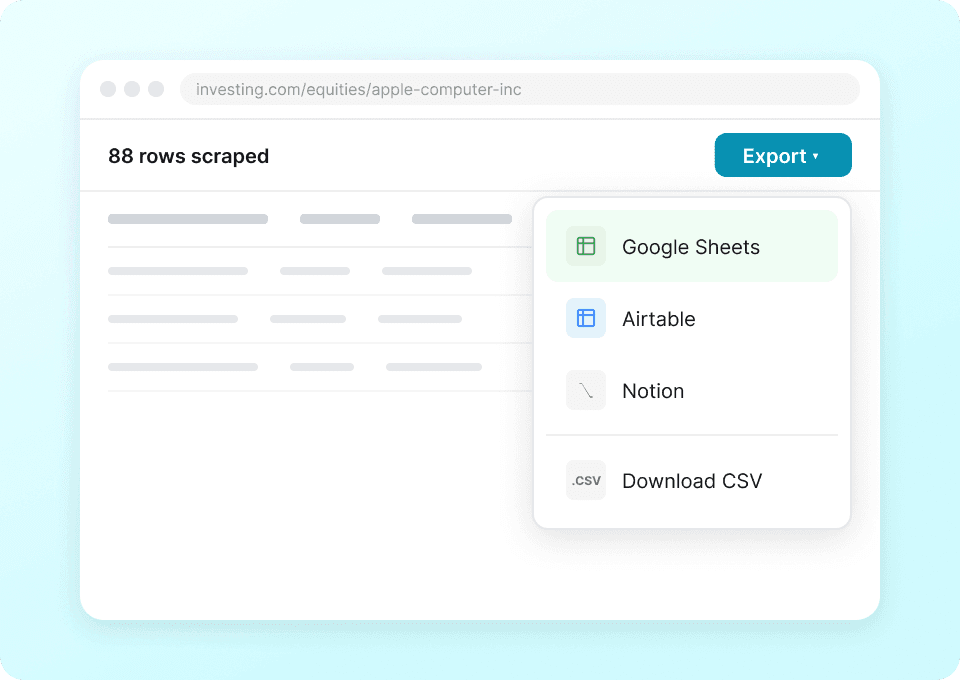
Stock data को copy-paste करने में समय बर्बाद करना बंद करें। Thunderbit के साथ symbols, price, change, volume और market cap निकालना बस एक क्लिक का काम है। यह data सीधे Google Sheets, Notion या Airtable में भेजें — manual entry की ज़रूरत नहीं। स्मार्ट investment decisions के लिए ज़रूरी insights तुरंत पाएं।
हर Investing website के लिए एक ही scraper
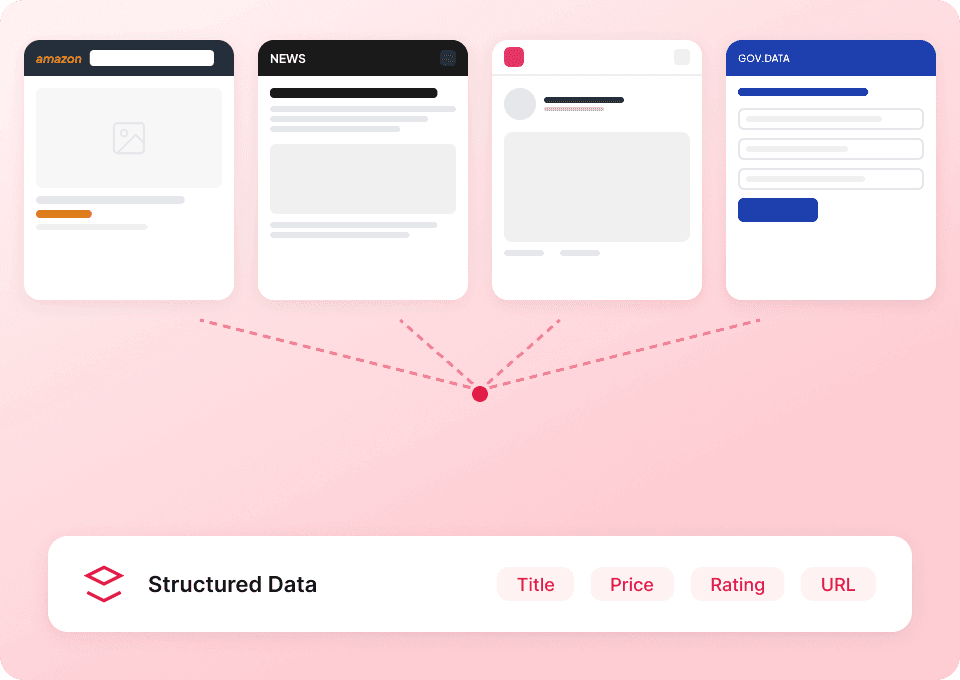
अलग-अलग financial sites के लिए अलग tools संभालते-सम्भालते थक गए हैं? Thunderbit हर investing platform पर काम करता है। 50+ pre-built templates और किसी भी page layout के साथ adapt होने वाली semantic AI की मदद से आप stocks, ETFs या crypto को किसी भी source से track कर सकते हैं — बिना एक भी line of code लिखे।
अपनी Investing data collection को automate करें
Market data हर मिनट बदलती है। अपनी spreadsheets को बार-बार manually refresh करना बंद करें और Thunderbit को काम करने दें। Scheduled scraping के साथ Thunderbit तय अंतराल पर latest symbols, prices, changes, volume और market cap अपने आप pull करता है — ताकि आपका data बिना manual effort के हमेशा updated रहे।

क्या investing data स्क्रैप करना जितना होना चाहिए उससे ज़्यादा मुश्किल है?
देखिए investing research के लिए Thunderbit traditional scrapers से कैसे बेहतर है।
Traditional scrapers
काम करने का पुराना तरीकाThunderbit
ज़्यादा स्मार्ट तरीका







अक्सर पूछे जाने वाले सवाल
संबंधित उपयोग के मामले
Thunderbit के web scraper के और उपयोग के मामले देखें।

बिना कोड वाला Spokeo स्क्रैपर
सिर्फ 2 क्लिक में Spokeo प्रोफ़ाइल की पूरी जानकारी — नाम, उम्र, पता, फोन नंबर और रिश्तेदार — निकालें, फिर उसे Excel, Google Sheets या Notion में एक्सपोर्ट करें। न कोडिंग, न कॉपी-पेस्ट।
और जानें ->
United Airlines स्क्रैपर
सिर्फ 2 क्लिक में United Airlines से फ्लाइट नंबर, प्रस्थान समय, आगमन हवाई अड्डे और कीमतें निकालें — फिर उन्हें तुरंत Excel, Google Sheets या Notion में एक्सपोर्ट करें। बाकी काम Thunderbit AI अपने आप संभाल लेता है।
और जानें ->
Sports Direct Scraper
Thunderbit के AI की मदद से सिर्फ 2 क्लिक में Sports Direct से प्रोडक्ट के नाम, कीमतें और डिस्काउंट प्रतिशत निकालें — और फिर अपना डेटा तुरंत Excel, Google Sheets या Notion में एक्सपोर्ट करें। न कोडिंग की ज़रूरत, न किसी सेटअप की।
और जानें ->
PeopleWhiz स्क्रैपर
Thunderbit PeopleWhiz स्क्रैपर आपको AI-संचालित फ़ील्ड सुझावों के साथ PeopleWhiz खोज परिणामों और प्रोफाइलों से डेटा निकालने देता है। शोध, मार्केटिंग या लीड जनरेशन के लिए नाम, संपर्क विवरण, स्थान और भी बहुत कुछ इकट्ठा करें। PeopleWhiz डेटा को संरचित डेटासेट में जल्दी और कुशलता से बदलें।
और जानें ->
Substack स्क्रैपर
सिर्फ 2 क्लिक में Substack के सब्सक्राइबर काउंट, आर्टिकल टाइटल और पब्लिकेशन डिस्क्रिप्शन निकालें — फिर उन्हें Excel, Google Sheets या Notion में एक्सपोर्ट करें। किसी कोड की जरूरत नहीं; Thunderbit का AI पूरी structuring अपने आप कर देता है।
और जानें ->
Carousell स्क्रैपर
Carousell की listings — item titles, descriptions, prices, और seller details — सिर्फ 2 clicks में extract करें, फिर डेटा सीधे Excel, Google Sheets, या Notion में export करें। किसी code या मुश्किल setup की ज़रूरत नहीं।
और जानें ->क्या आप अपनी data extraction को तेज़ करना चाहते हैं?
Join 200,000+ professionals already using Thunderbit to automate their web scraping workflows.
फ्री ट्रायल 8 webpages के लिए unlimited credits देता है।



