Harvey Norman Scraper













Harvey Norman डेटा को आसानी से एक्सेस करें
Thunderbit की मदद से बिना कोड लिखे Harvey Norman से प्रोडक्ट डेटा निकालें।
Harvey Norman डेटा एक्सट्रैक्शन को बड़े स्तर पर ले जाएँ
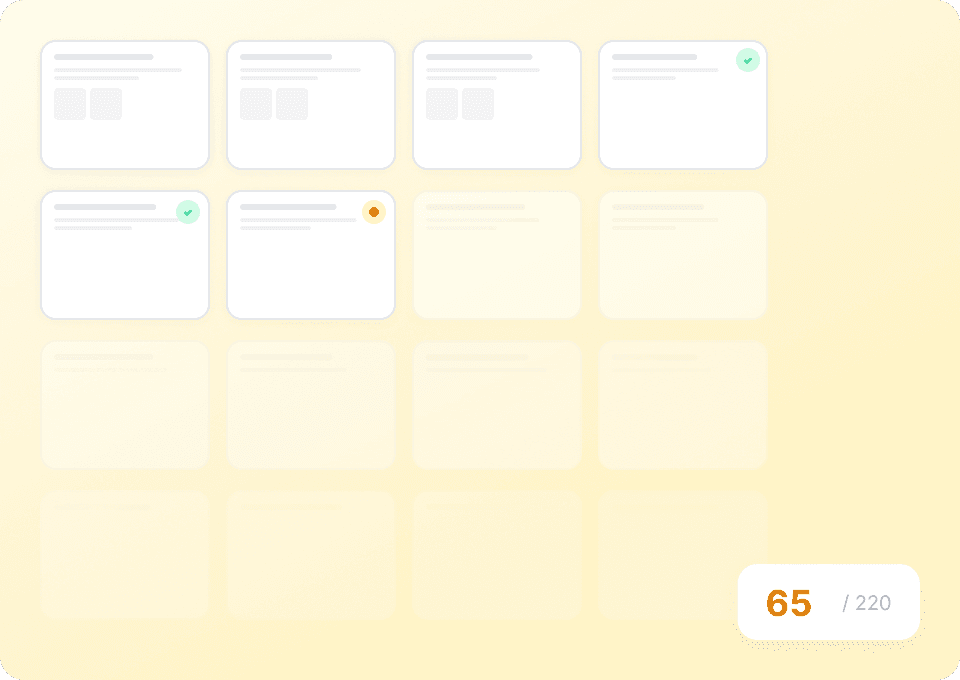
Harvey Norman से product names, prices और discount percentages को एक-एक पेज पर मैन्युअल कॉपी करना स्केल नहीं कर पाता। Thunderbit सैकड़ों Harvey Norman product pages पर अपने आप जा सकता है और एक ही रन में आपकी जरूरत का सारा डेटा निकाल सकता है। बस इसे Harvey Norman URLs की लिस्ट दें और यह काम करने दें।
Harvey Norman के layout बदलावों के साथ भी काम करता है
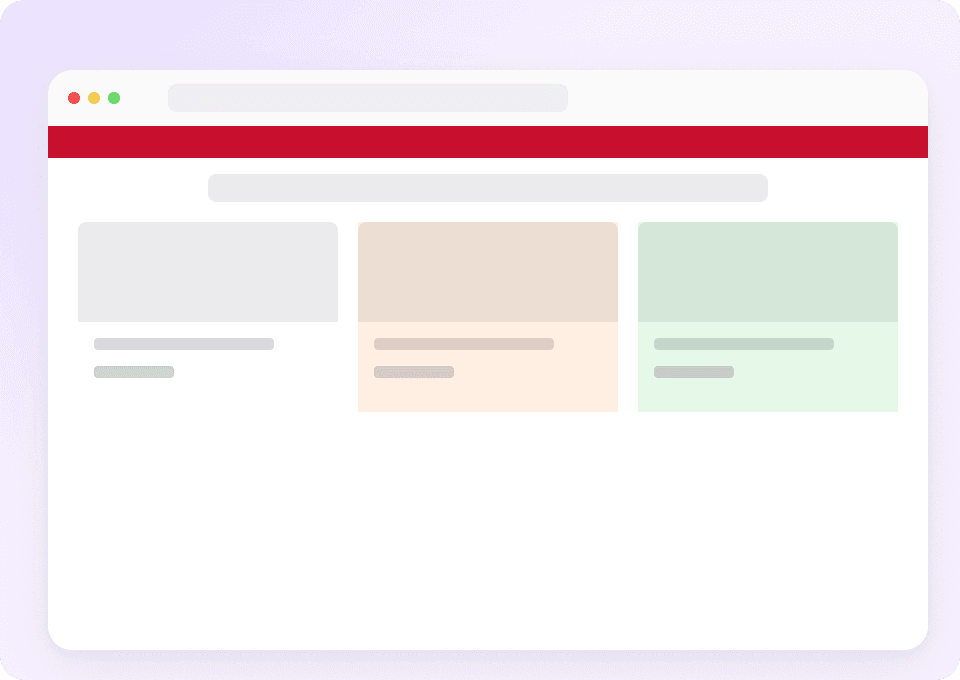
क्या हर बार Harvey Norman पेज redesign करने पर आपका scraper टूट जाता है? Thunderbit सिर्फ fixed selectors नहीं, बल्कि content के अर्थ को समझता है — इसलिए जब Harvey Norman layout अपडेट करता है, Thunderbit अपने आप adapt कर लेता है और बिना किसी manual fix के product names, prices, discount percentages और दूसरी details निकालता रहता है।
Harvey Norman डेटा का one-click export
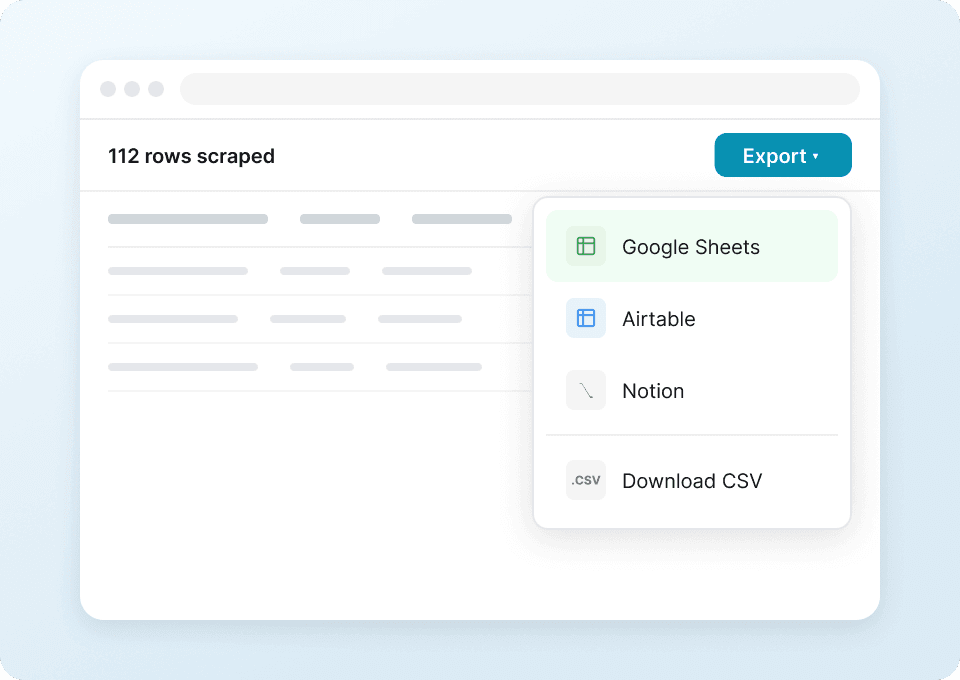
Harvey Norman product data को spreadsheets में मैन्युअल पेस्ट करना बंद करें। Thunderbit के साथ एक क्लिक में आपके द्वारा निकाला गया सब कुछ — product names, prices, discount percentages और बहुत कुछ — सीधे Google Sheets, Notion, Airtable या Excel में भेजा जा सकता है। Harvey Norman की पूरी product range को पहले से कहीं तेज़ analyze करें।
Thunderbit, traditional Harvey Norman scrapers से अलग क्यों है?
Thunderbit AI की मदद से Harvey Norman को आसानी से और सटीकता से scrape करता है।
पारंपरिक scrapers
काम करने का पुराना तरीकाThunderbit Ai
ज़्यादा स्मार्ट तरीका







अक्सर पूछे जाने वाले सवाल
संबंधित उपयोग के मामले
Thunderbit के web scraper के और उपयोग के मामले देखें।

HKTVmall Scraper
सिर्फ 2 क्लिक में HKTVmall लिस्टिंग से प्रोडक्ट नाम, कीमत, रेटिंग और बहुत कुछ निकालें — कोडिंग की कोई ज़रूरत नहीं। डेटा को सीधे Excel, Google Sheets या Notion में एक्सपोर्ट करें और HKTVmall डेटा को उपयोगी इनसाइट्स में बदलें।
और जानें ->
Substack स्क्रैपर
सिर्फ 2 क्लिक में Substack के सब्सक्राइबर काउंट, आर्टिकल टाइटल और पब्लिकेशन डिस्क्रिप्शन निकालें — फिर उन्हें Excel, Google Sheets या Notion में एक्सपोर्ट करें। किसी कोड की जरूरत नहीं; Thunderbit का AI पूरी structuring अपने आप कर देता है।
और जानें ->
Priceline स्क्रेपर
Thunderbit के AI की मदद से सिर्फ 2 क्लिक में Priceline से होटल के नाम, कीमतें, रेटिंग और सुविधाएँ निकालें — फिर साफ़, स्ट्रक्चर्ड डेटा तुरंत Excel, Google Sheets या Notion में एक्सपोर्ट करें।
और जानें ->
PubMed स्क्रैपर
Thunderbit का PubMed स्क्रैपर AI की मदद से PubMed सर्च रिज़ल्ट्स और आर्टिकल पेजों से structured data निकालना आसान बनाता है। ट्रेंडिंग मेडिकल रिसर्च, क्लिनिकल ट्रायल एविडेंस, abstracts, authors, affiliations, publication dates और links को scrape करके Excel, Google Sheets, Airtable या Notion में export करें।
और जानें ->
Carousell स्क्रैपर
Carousell की listings — item titles, descriptions, prices, और seller details — सिर्फ 2 clicks में extract करें, फिर डेटा सीधे Excel, Google Sheets, या Notion में export करें। किसी code या मुश्किल setup की ज़रूरत नहीं।
और जानें ->
बिना कोड वाला Spokeo स्क्रैपर
सिर्फ 2 क्लिक में Spokeo प्रोफ़ाइल की पूरी जानकारी — नाम, उम्र, पता, फोन नंबर और रिश्तेदार — निकालें, फिर उसे Excel, Google Sheets या Notion में एक्सपोर्ट करें। न कोडिंग, न कॉपी-पेस्ट।
और जानें ->क्या आप अपनी data extraction को तेज़ करना चाहते हैं?
Join 200,000+ professionals already using Thunderbit to automate their web scraping workflows.
फ्री ट्रायल 8 webpages के लिए unlimited credits देता है।



