Carrefour Scraper













Carrefour product data निकालना अब आसान
टूटने वाले Carrefour scrapers को अलविदा कहें
क्या आप ऐसे scrapers से परेशान हैं जो Carrefour की website में हर छोटे बदलाव पर बंद हो जाते हैं? ऐसा इसलिए होता है क्योंकि वे brittle selectors पर निर्भर करते हैं। Thunderbit के साथ scraping चलता रहता है। यह page के अर्थ को समझता है, इसलिए layout changes का असर नहीं पड़ता। आपको फिर भी product names, prices, और availability मिलती रहेगी, बिना scraper को बार-बार rebuild किए।
Carrefour product details, आपके तरीके से
Carrefour की किसी भी product listing पर point और click करें, और Thunderbit की AI अपने-आप हर detail page खोल लेती है। यह आपके लिए जरूरी हर field निकालती है — brand, category, discounted price और भी बहुत कुछ — और सबको एक साफ, इस्तेमाल के लिए तैयार table में व्यवस्थित कर देती है। न data miss होता है, न manual copying की जरूरत पड़ती है।
Product collection अब ऑटो-पायलट पर
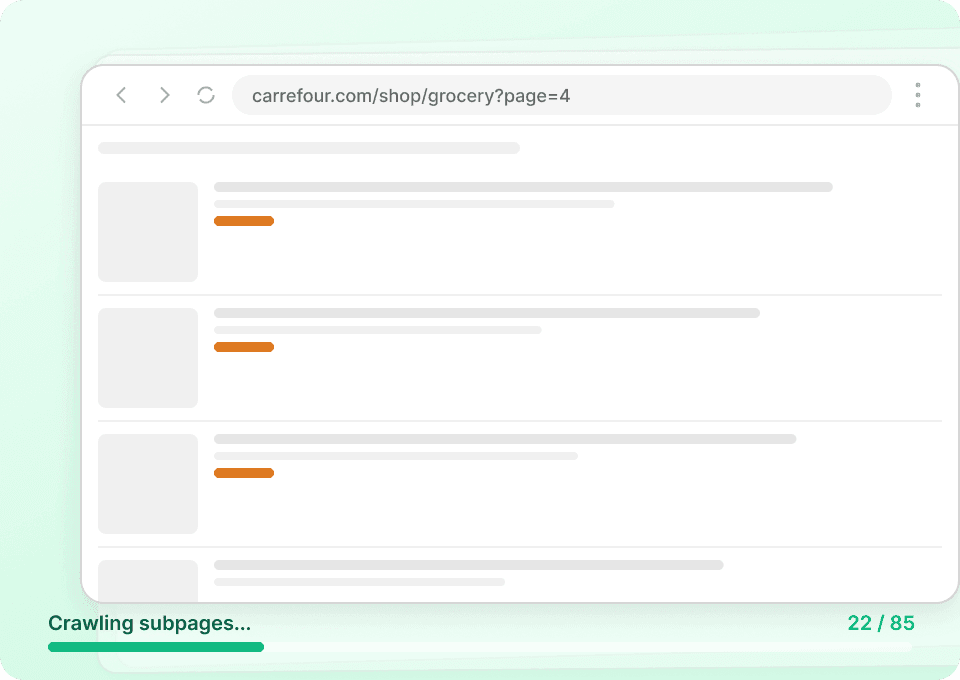
Carrefour की prices और availability रोज़ बदलती हैं। Thunderbit के scheduled runs के साथ आप इसे एक बार सेट करते हैं और यह अपने-आप चलता रहता है — latest data निकालकर आपकी तय timing पर Google Sheets, Airtable, या Notion में पहुंचा देता है। बिना हाथ लगाए ताज़ा और सटीक product data।

Thunderbit पारंपरिक scrapers से अलग क्यों है?
Layout बदलने या data असंगत होने पर भी product data भरोसेमंद तरीके से extract करें।
पारंपरिक scrapers
पुराना तरीकाThunderbit AI
ज़्यादा स्मार्ट तरीका







अक्सर पूछे जाने वाले प्रश्न
संबंधित उपयोग के मामले
Thunderbit के web scraper के और उपयोग के मामले देखें।

Carousell स्क्रैपर
Carousell की listings — item titles, descriptions, prices, और seller details — सिर्फ 2 clicks में extract करें, फिर डेटा सीधे Excel, Google Sheets, या Notion में export करें। किसी code या मुश्किल setup की ज़रूरत नहीं।
और जानें ->
Trustpilot स्क्रैपर
Trustpilot की reviews, ratings और reviewer details को सिर्फ 2 clicks में extract करें — फिर data को सीधे Google Sheets, Excel या Notion में export करें। बिना code, बिना copy-paste, बस साफ़ और structured data जो analysis और sharing के लिए तैयार हो।
और जानें ->
Wikipedia स्क्रैपर
Wikipedia के infobox डेटा, संदर्भों और लेख के टेक्स्ट को सिर्फ 2 क्लिक में साफ़-सुथरी, structured spreadsheet में बदलें — और तुरंत Excel, Google Sheets या Notion में export करें, बिना किसी code के.
और जानें ->
Coupang स्क्रेपर
सिर्फ 2 क्लिक में Coupang के प्रोडक्ट नाम, कीमतें और डिस्काउंट रेट निकालें — और तुरंत Excel, Google Sheets या Notion में एक्सपोर्ट करें। कोडिंग की जरूरत नहीं।
और जानें ->
Substack स्क्रैपर
सिर्फ 2 क्लिक में Substack के सब्सक्राइबर काउंट, आर्टिकल टाइटल और पब्लिकेशन डिस्क्रिप्शन निकालें — फिर उन्हें Excel, Google Sheets या Notion में एक्सपोर्ट करें। किसी कोड की जरूरत नहीं; Thunderbit का AI पूरी structuring अपने आप कर देता है।
और जानें ->
HKTVmall Scraper
सिर्फ 2 क्लिक में HKTVmall लिस्टिंग से प्रोडक्ट नाम, कीमत, रेटिंग और बहुत कुछ निकालें — कोडिंग की कोई ज़रूरत नहीं। डेटा को सीधे Excel, Google Sheets या Notion में एक्सपोर्ट करें और HKTVmall डेटा को उपयोगी इनसाइट्स में बदलें।
और जानें ->क्या आप अपनी data extraction को तेज़ करना चाहते हैं?
Join 200,000+ professionals already using Thunderbit to automate their web scraping workflows.
फ्री ट्रायल 8 webpages के लिए unlimited credits देता है।



