
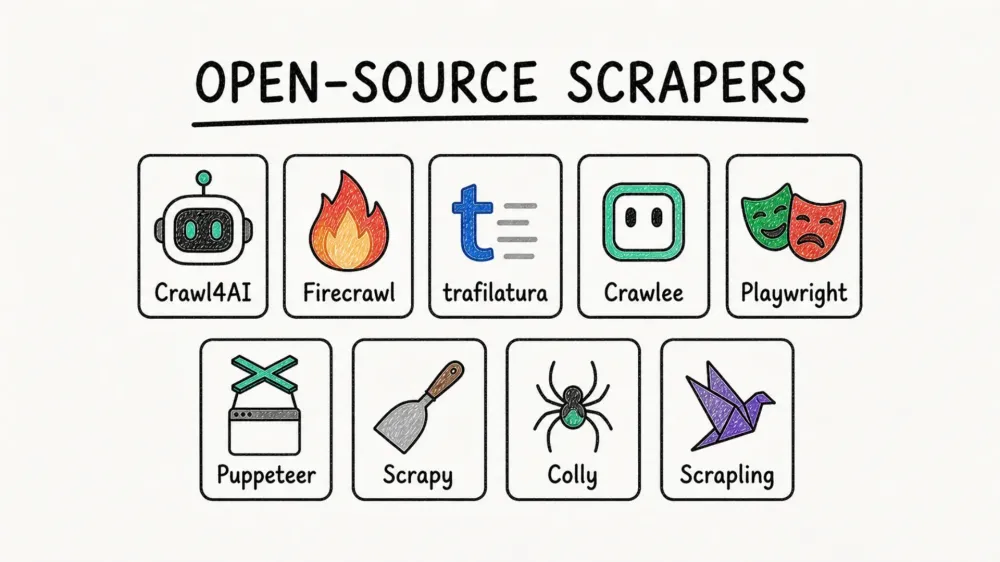
Almost every "best open-source scraper" roundup shares one quiet flaw: nobody runs the tools on the same pages. Scrapy gets tested on a news article, Playwright on some e-commerce demo, Colly on whatever the author had lying around — and then they're ranked head to head, as if those numbers ever meant the same thing. That ranking tells you about the pages, not the tools.
So I did the boring, obvious thing the lists skip. I built one set of fixtures and pushed all nine tools through it: a static catalog, a JavaScript-rendered catalog, an article buried in navigation and footer junk, a deliberately broken HTTP 500, a small internal-link crawl graph, plus two public practice sites. Same ground truth, same measurements, every single run. The scripts and raw output live in one public benchmark repo so you can re-run any of it yourself. What came back is not the neat leaderboard the roundups promise — there is no single winner. There are three different jobs, and the nine tools sort into them almost on their own.
Try Thunderbit for Web Data Extraction
How the bench worked, and the one limit I'll say out loud
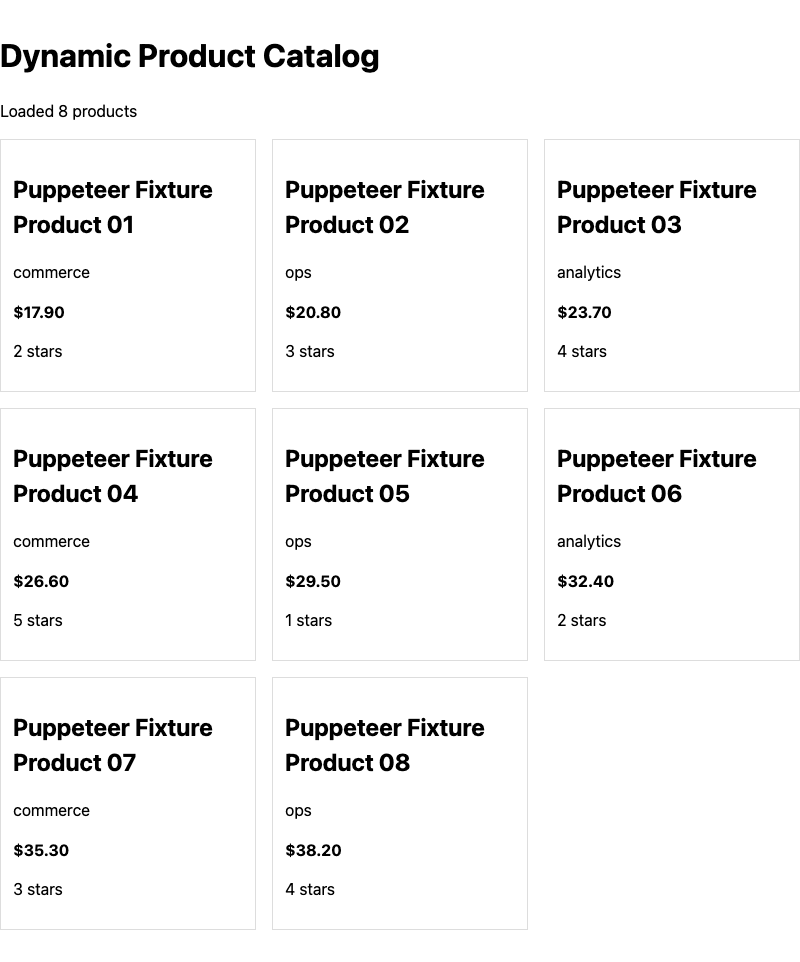
Every tool hit the same fixture shapes: 12 static products spread across two pages, 8 products injected by JavaScript after a delay, an article wrapped in nav/footer boilerplate around three real paragraphs, an intentional server 500, and a graph of internal links. That design is what makes the results line up — "8/8 dynamic products" means the identical thing whether Puppeteer or Crawlee produced it.
Here's the boundary most roundups skip. Each tool's pack mirrors its own copy of those fixtures, so absolute character counts are not strictly comparable across tools — read them as within-tool signals, never as a cross-tool score. The numbers that are comparable are recall (treat it as a rate), JavaScript pass/fail, and structural behavior. One scope note in the same spirit: Crawl4AI's static-catalog run covered page one only, so its 6/6 is full recall on a narrower slice, while the other tools crawled both pages for 12/12 — a smaller scope, not a partial miss. The full reasoning, fixture by fixture, sits in the methodology write-up.
One more caveat before the numbers. Each pack also carries a provisional research score, but I'm deliberately not printing those as a ranked table. They were internal aids for checking each tool against its own evidence, not a league table — and publishing them as one would recreate the exact false-precision problem this whole exercise exists to avoid. This is a synthesis of what the bench showed, not a scoreboard.
The whole field, on one bench
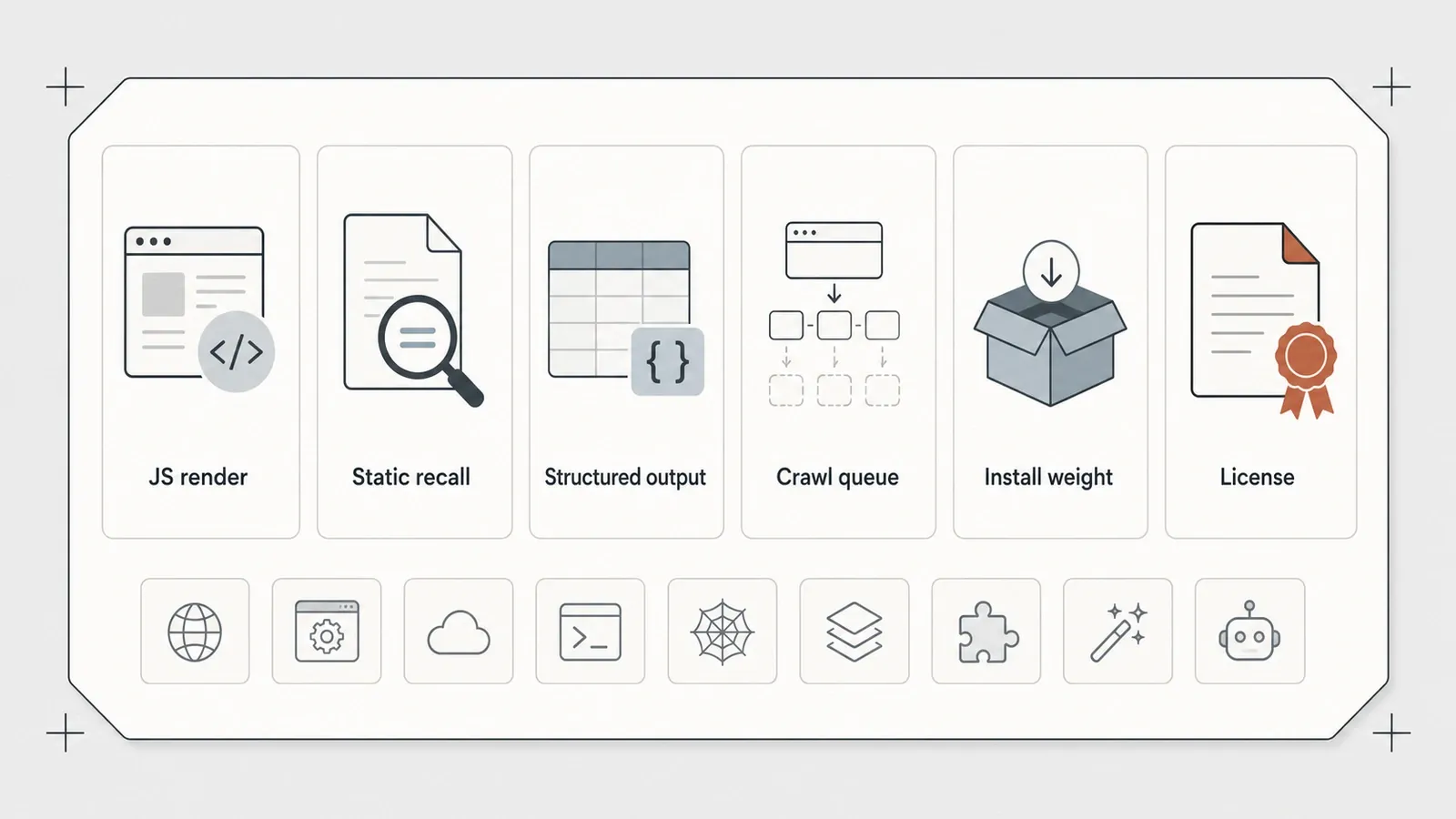
Read down two columns of this table — "Renders JS?" and "Built-in crawl queue" — and the three jobs practically announce themselves.
| Tool | Language | Renders JS? | Static recall | Structured output | Built-in crawl queue | Setup weight | License |
|---|---|---|---|---|---|---|---|
| Crawl4AI | Python | Yes (browser) | 6/6 (page 1) | CSS schema | BFS/DFS built-in | Heavy (2 browser stacks) | Apache-2.0 |
| Firecrawl | Self-hosted | Yes (playwright-service) | Full Markdown | Yes | /v1/crawl | Heaviest (6 containers) | AGPL-3.0 |
| trafilatura | Python | No | 3/3 article | No (text only) | No | Light | Apache-2.0 |
| Crawlee | Node/TS | Engine-optional | 12/12 | Via extraction | Yes (RequestQueue) | Medium (+~80 MiB) | Apache-2.0 |
| Playwright | Node/multi | Yes | 12/12 | Manual | No (hand-written BFS) | Medium (browser) | Apache-2.0 |
| Puppeteer | Node | Yes (Chrome) | 12/12 | Manual | No (hand-written BFS) | Medium (Chrome) | Apache-2.0 |
| Scrapy | Python | No | 12/12 | Feed export (JSON/CSV/XML) | Yes (built-in) | Medium (Twisted deps) | BSD-3 |
| Colly | Go | No | 12/12 | Via callbacks | Depth control | Light (1 binary + Go) | Apache-2.0 |
| Scrapling | Python | No (HTTP fetcher) | 12/12 | Yes | No | Medium ([fetchers]) | BSD-3 |
A note on the metadata in that table and everywhere below: star counts and version numbers were snapshotted in early July 2026, and both drift fast. Refresh them against each project's GitHub and package page before you treat any of them as current.
The single-tool review index
Each project in this roundup has a matching deep-dive review:
- Crawl4AI review
- Firecrawl review
- trafilatura review
- Playwright vs Puppeteer comparison
- Crawlee review
- Scrapy review
- Colly review
- Scrapling review
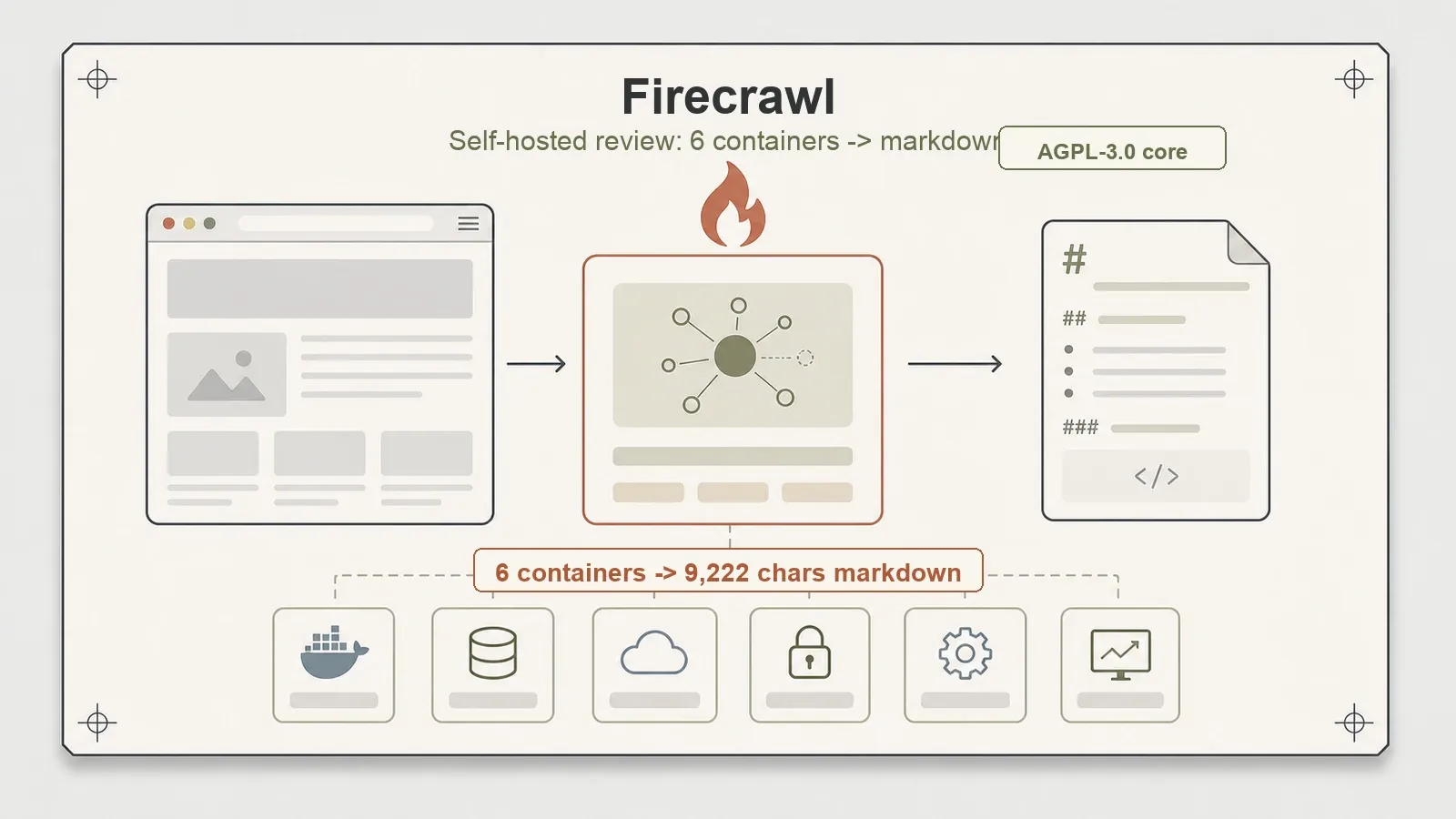
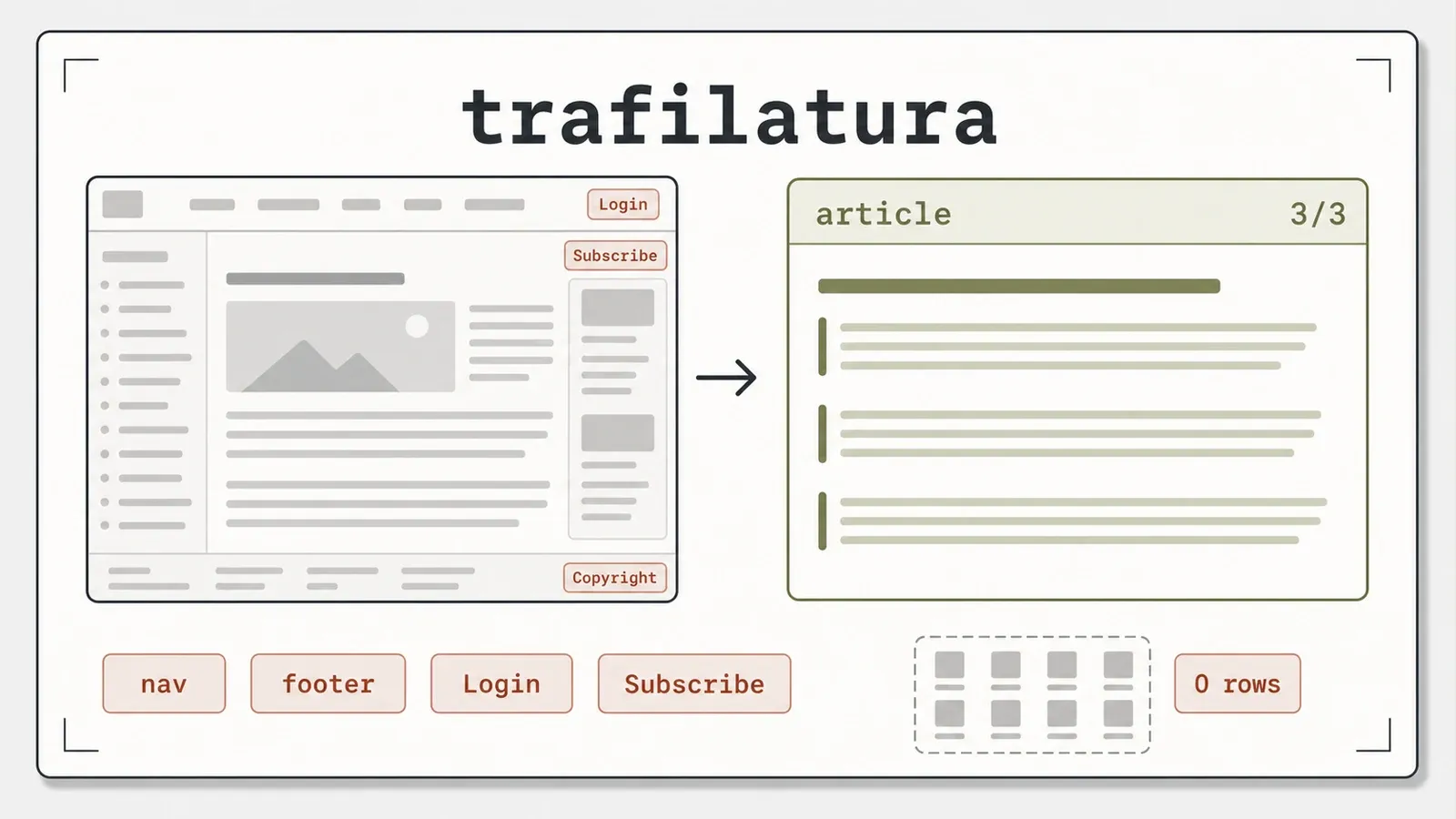
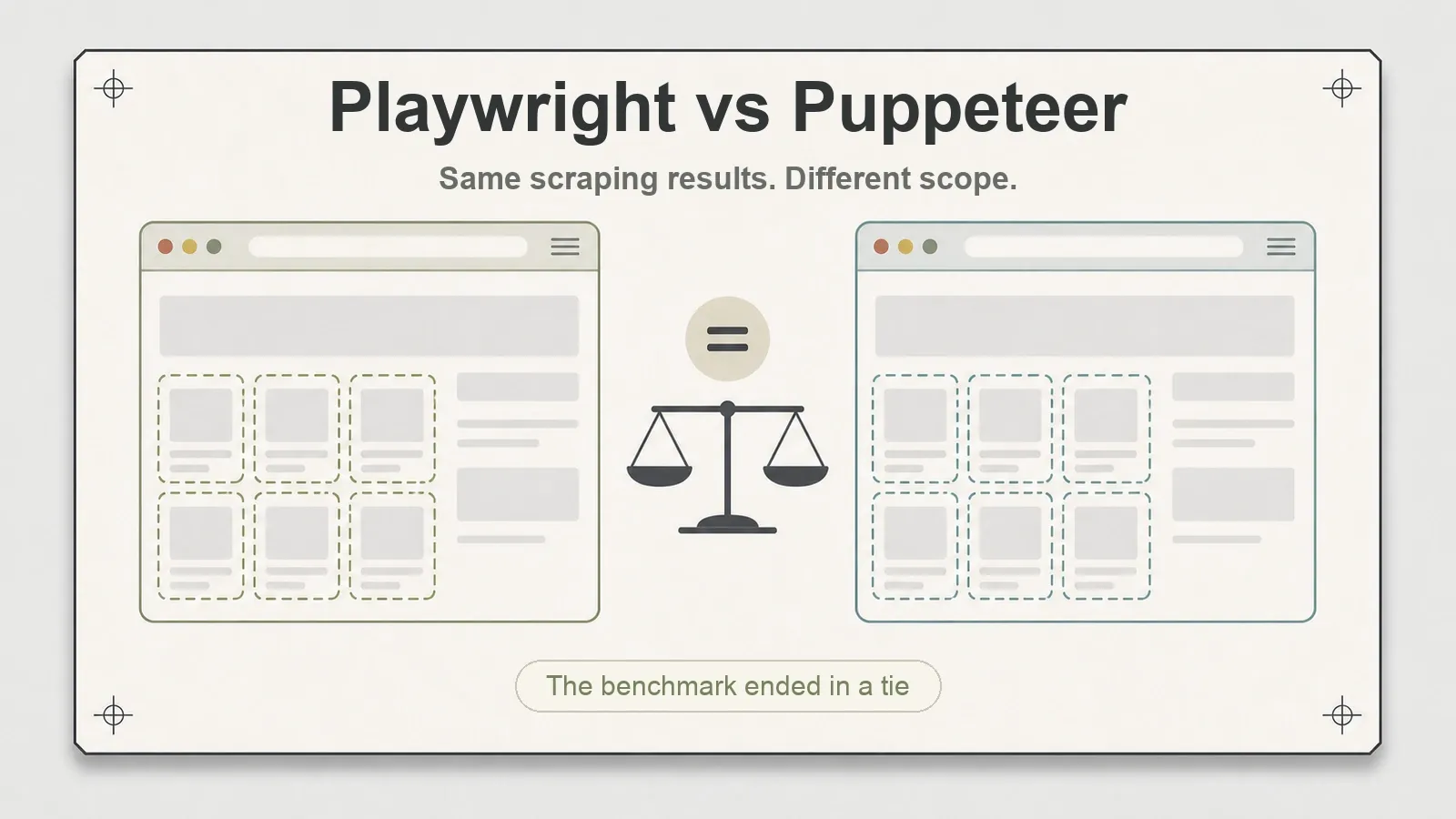
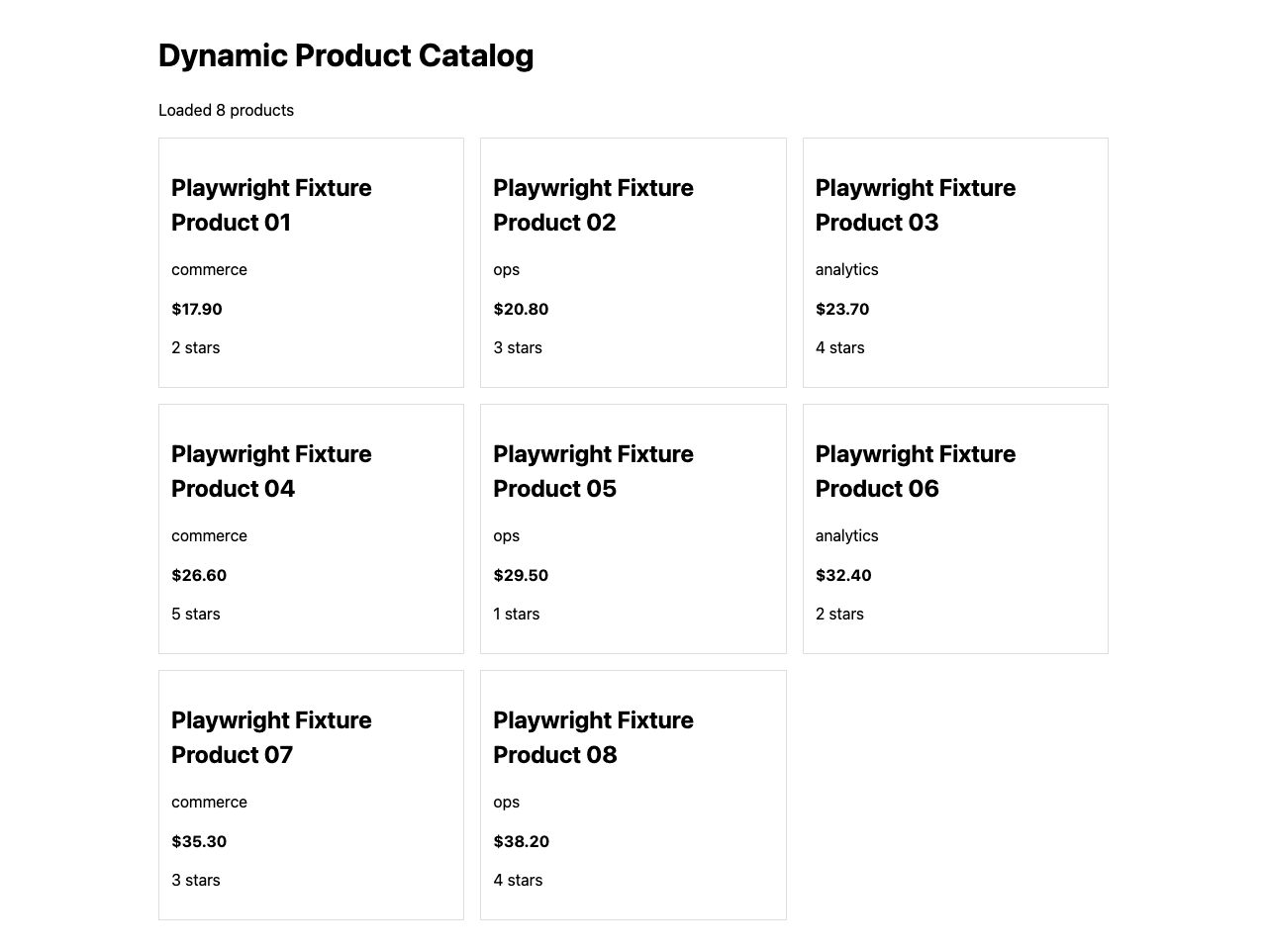
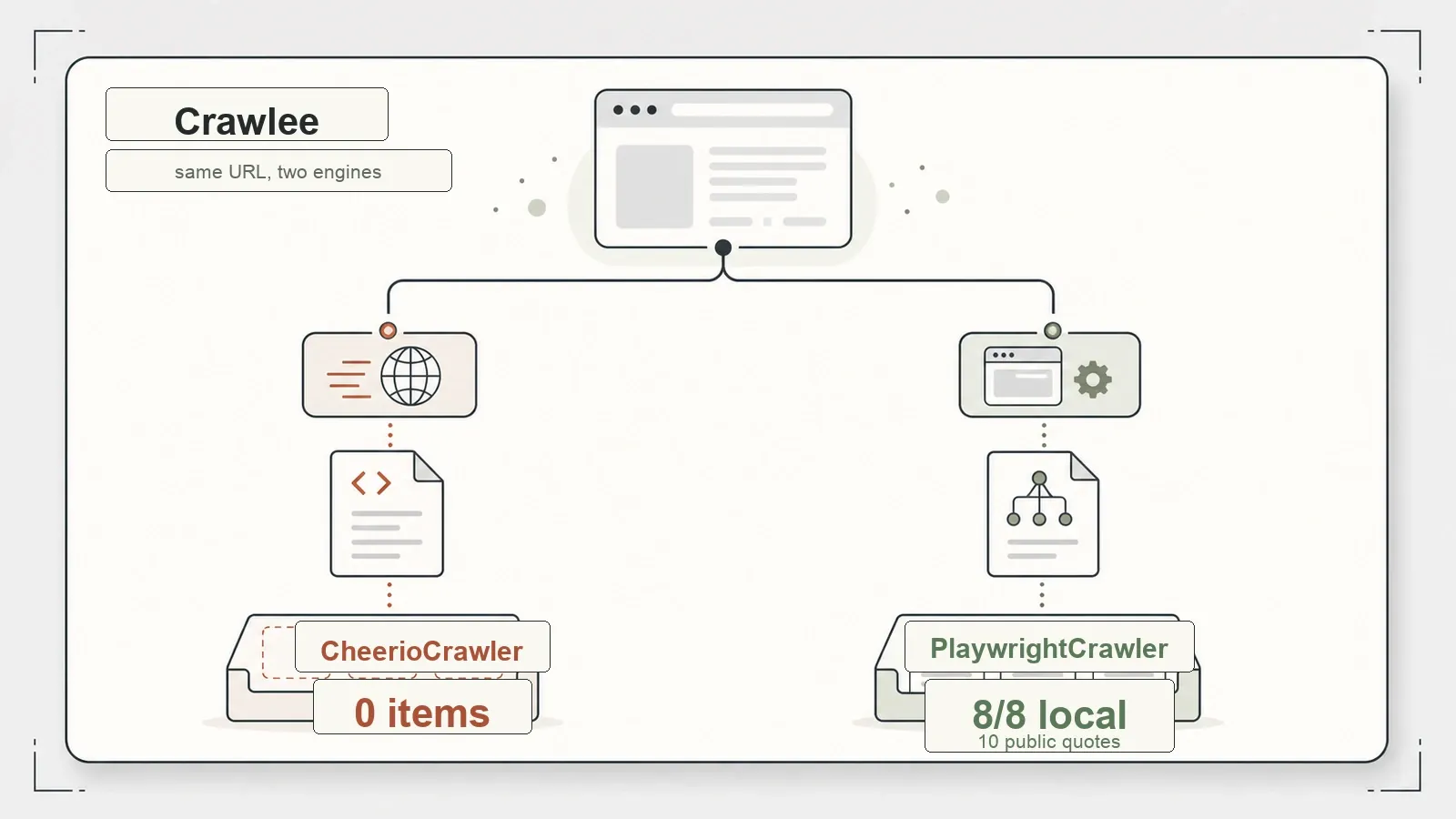
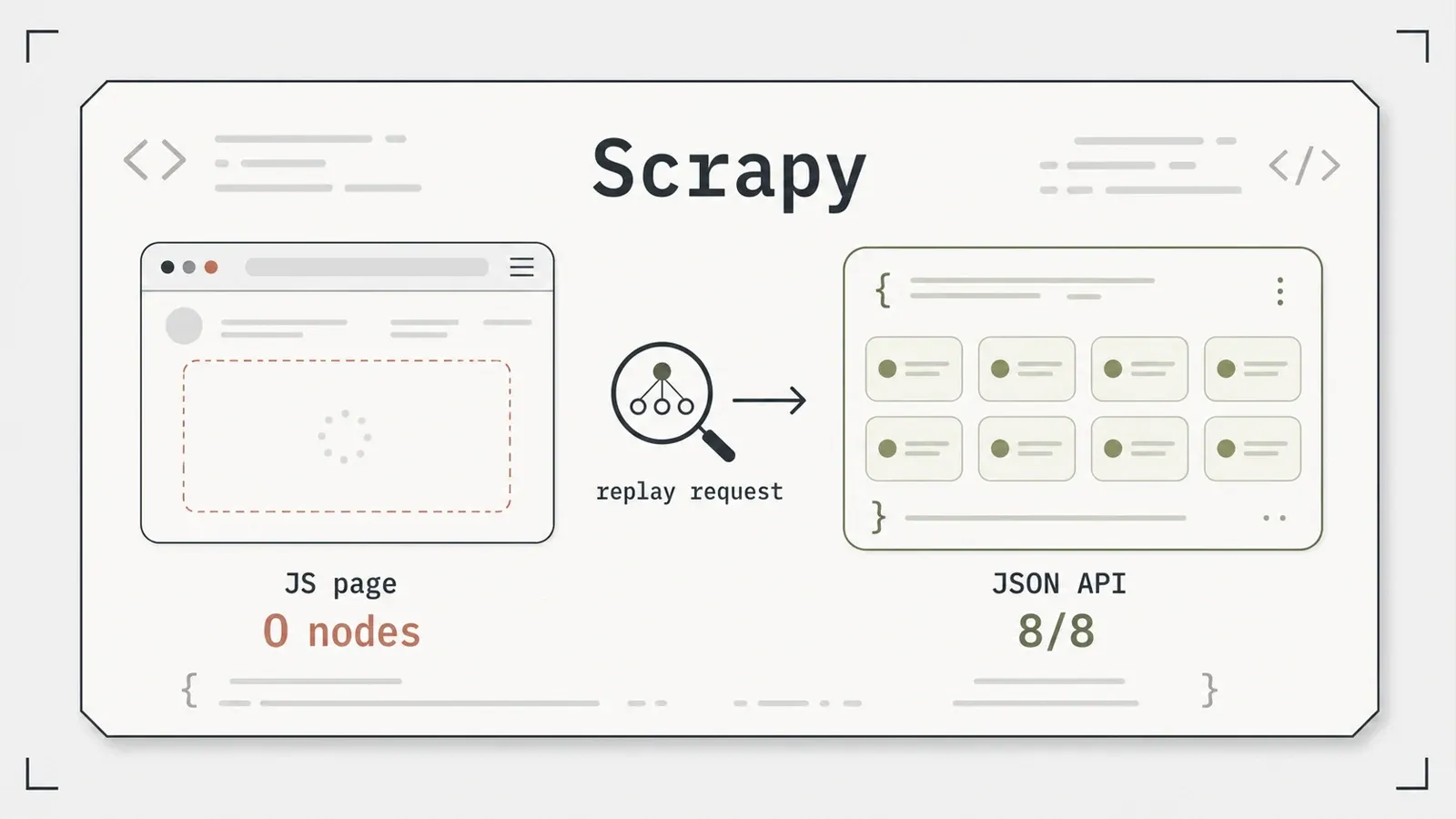
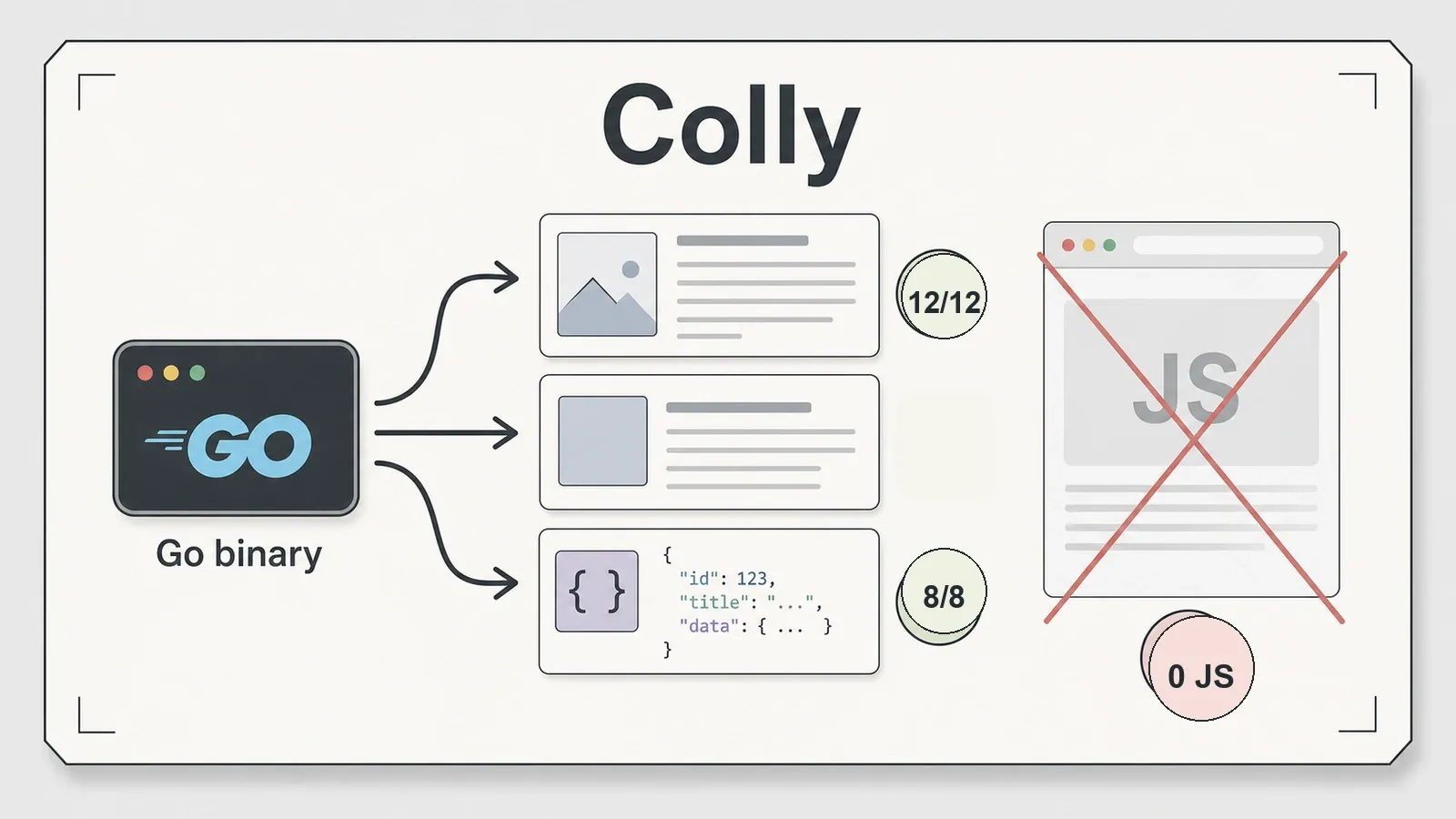
Here are their covers — plus two real screenshots from the JavaScript-rendering test, so the "8/8 dynamic" claim isn't just a number on a page.
Job one: turn a page into LLM-ready text
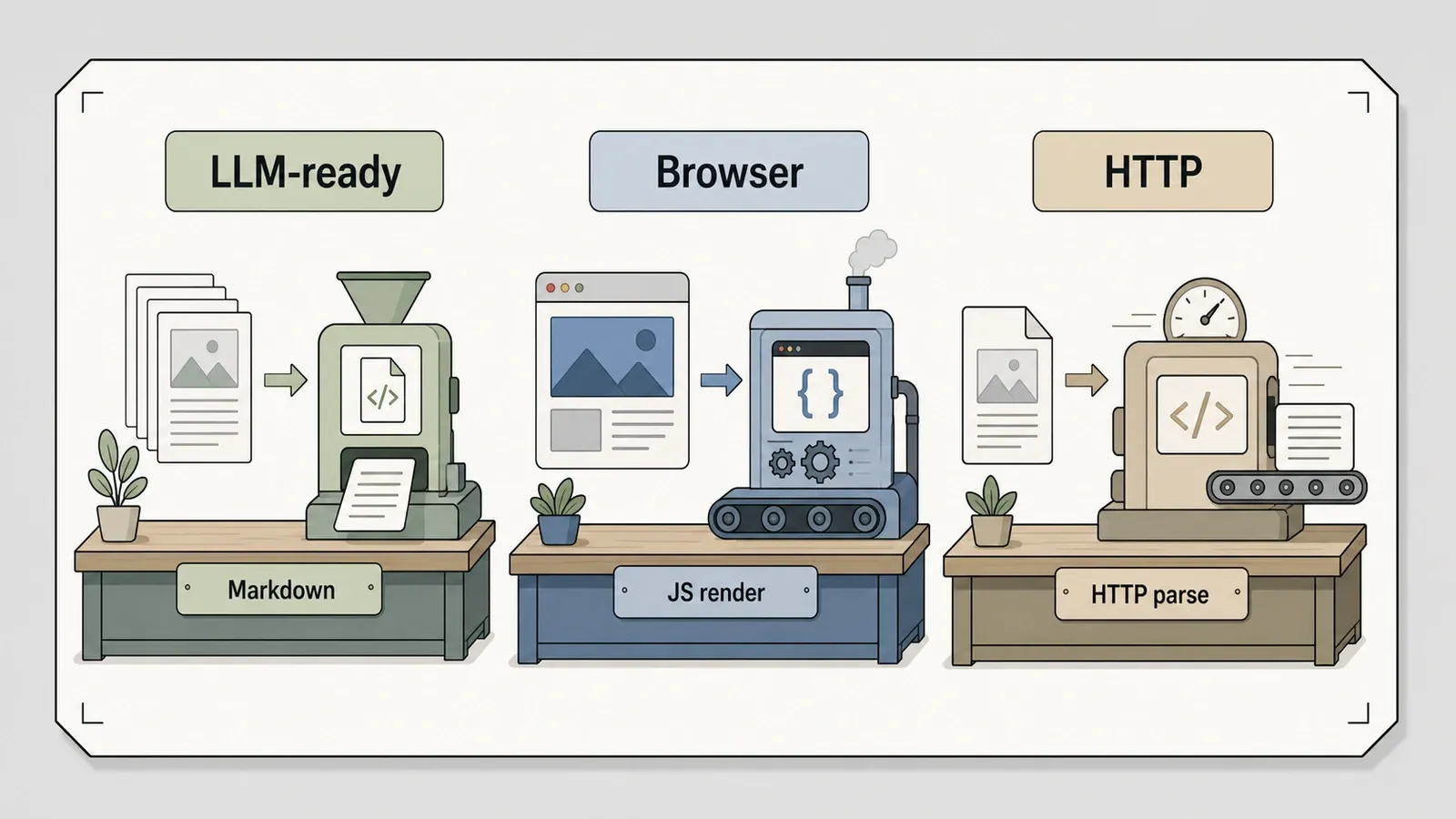
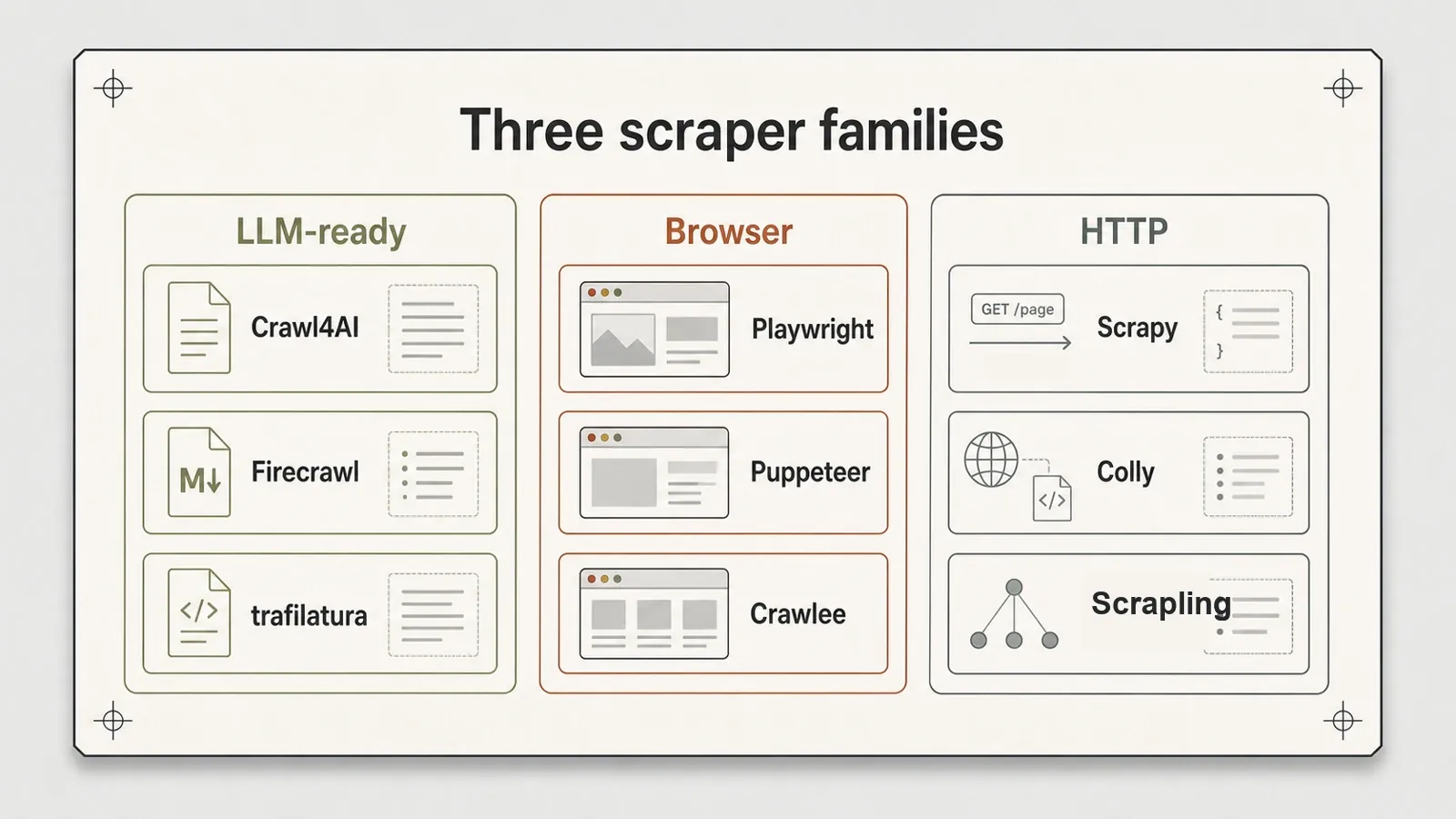
If what you want is clean Markdown to feed a RAG pipeline, three tools compete — and they could not be shaped more differently.
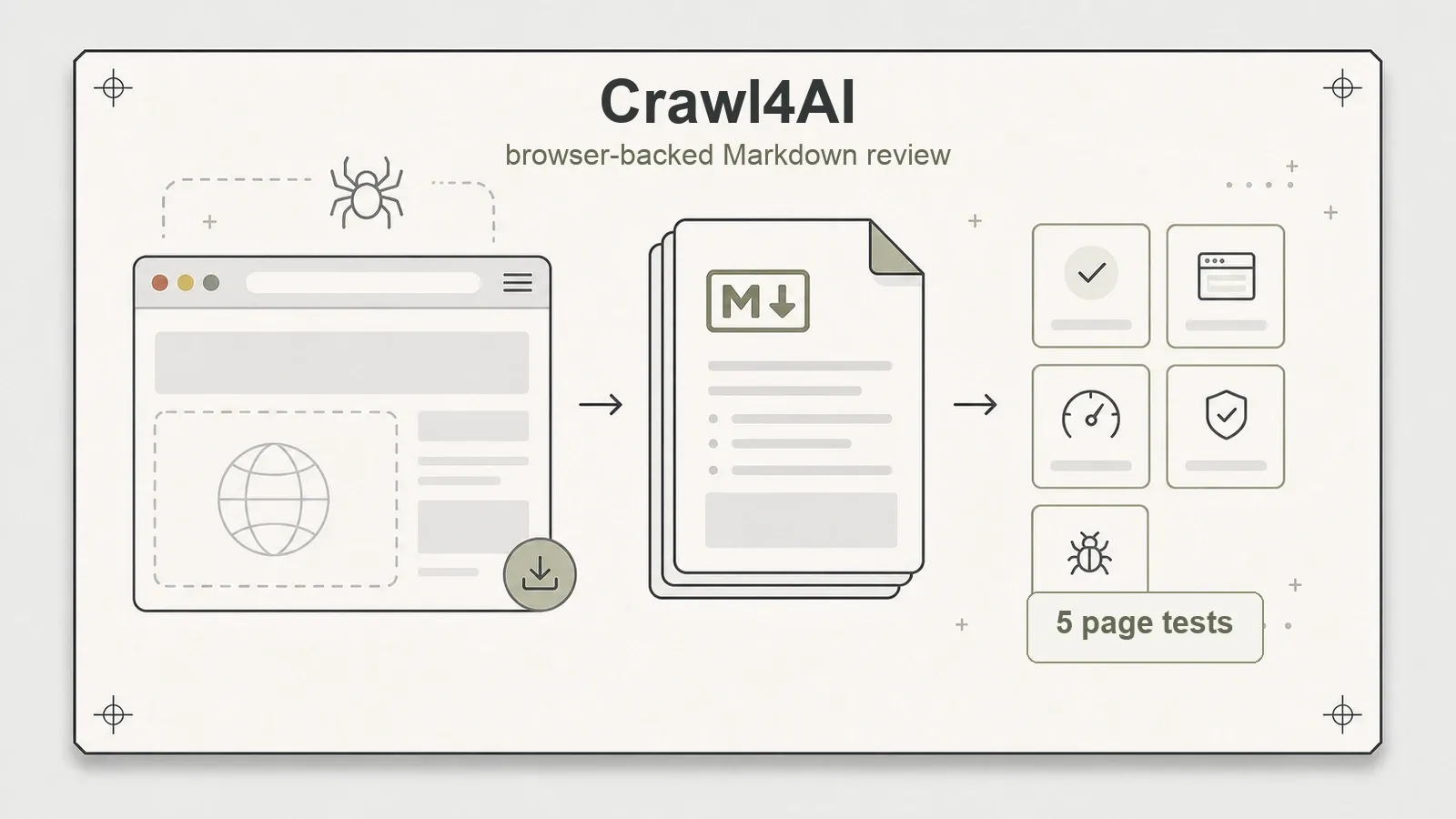
Crawl4AI is, underneath the marketing, a browser-backed Markdown generator. It's worth killing the "adaptive intelligence self-learning selector" story that trails it around the search results: it has no such thing — that's a different library's trick entirely (more on that when we reach Scrapling). What it actually does, it does well. On the Books to Scrape practice site it emitted 13,476 characters of Markdown, it handles CSS-schema extraction for structured pulls, and its built-in BFS deep crawl walked 5 pages on the crawl-graph fixture while rendering a JavaScript page and grabbing a screenshot. Two real dents, though. Its raw Markdown carries the page's boilerplate unless you switch on a content filter, and the intentional 500 came back as success=false — not because Crawl4AI cleanly caught the HTTP error, but because its own content heuristic looked at the tiny error body and tagged it minimal_text ... blocked. And setup drops two browser stacks onto your disk. Version 0.9.0, Apache-2.0, roughly 71k stars as of early July.
Firecrawl is the heavyweight, and self-hosting it genuinely works — I say "genuinely" because the six-container stack (api, playwright-service, redis, rabbitmq, nuq-postgres, and foundationdb) actually came up and produced 9,222 characters of LLM-ready Markdown from the same Books to Scrape page. It rendered a JavaScript page through its bundled playwright-service, and the post-script Einstein quote showed up in the output, which proved the render was real. Two snags I hit were the environment's fault, not Firecrawl's, and I want to be precise so nobody copies the wrong fix: a from-source build tripped a containerd snapshotter flake under colima (I switched to the prebuilt images), and colima's 198.18.x.x DNS range set off Firecrawl's SSRF guard, which I cleared with ALLOW_LOCAL_WEBHOOKS=true — a local-dev workaround, not something to disable in a real deployment. The self-hosted core also lacks Fire-engine, the cloud anti-block layer, and I didn't test the cloud API. The bigger flag is the license: Firecrawl's self-hosted core is AGPL-3.0, which is real legal homework before any commercial use, not a footnote. Around 148k stars as of early July.
trafilatura is the contrarian in the group, and it's the one the AI-hype lists keep forgetting. No browser. No structured rows. Just fast, clean article text in pure Python. On the article fixture it pulled the title plus all 3 of the 3 real paragraphs, stripped the boilerplate completely — no "Login," "Subscribe," or "Copyright" leaked through — and recovered the author and date on top. On a public product page it returned 1,324 characters of clean text. Its limit is exactly what its design implies: point it at a catalog and it hands back 12 product names as text but 0 structured rows — the text is there, the structure isn't, and it renders no JavaScript. Version 2.1.0 (the current release), Apache-2.0, about 6.2k stars. For pure article extraction, it's the first thing I'd reach for.
Those two Markdown character counts — 13,476 from Crawl4AI, 9,222 from Firecrawl — came off the same public page, but do not read them as a quality gap. They reflect different Markdown strategies (how much page chrome each keeps), not a verdict on which output is better. That's the within-tool-signal rule from earlier, playing out in the open.
Job two: render JavaScript reliably
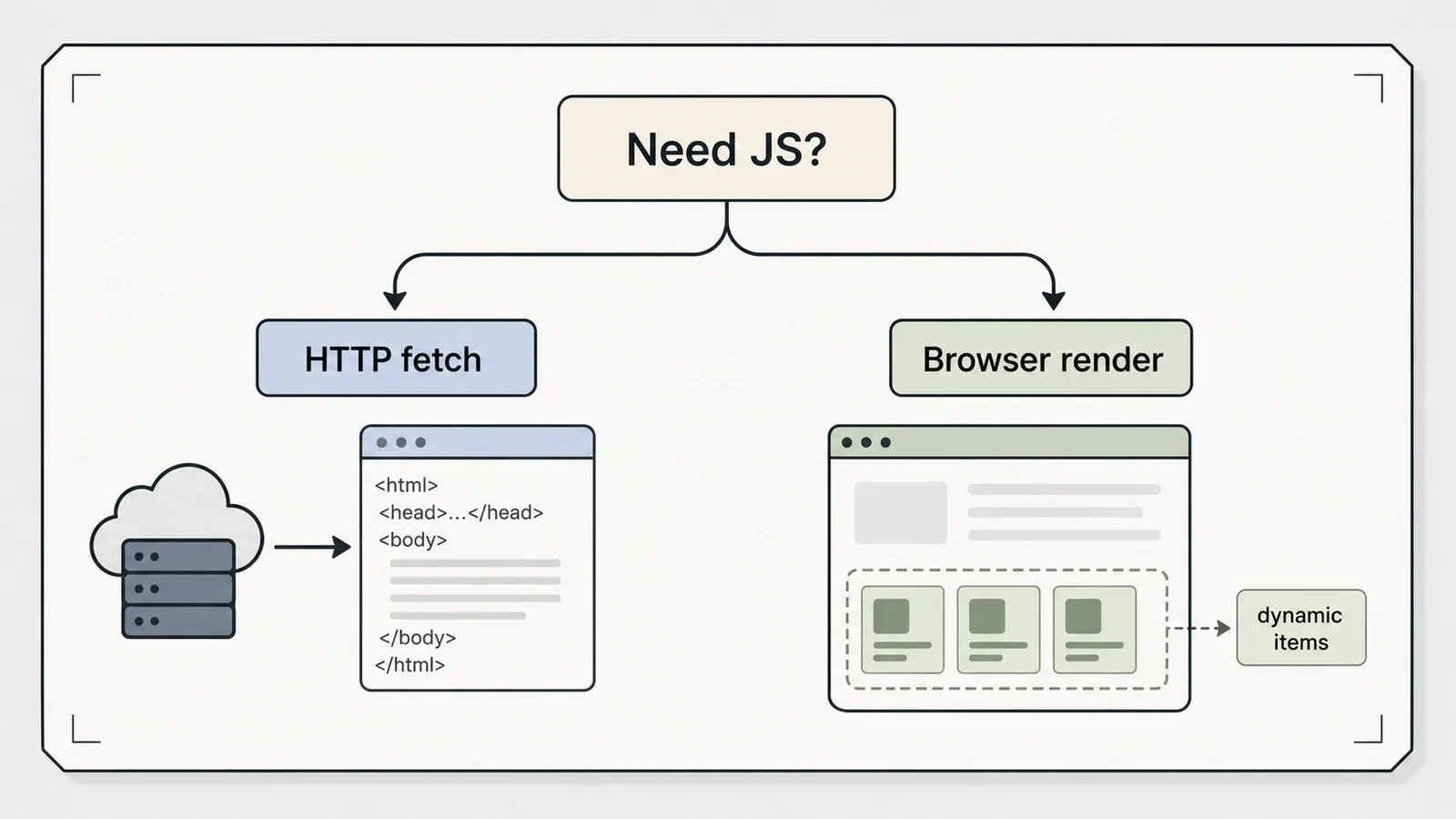
Some data simply isn't in the HTML until scripts run, and that's the moment a real browser stops being optional. Three tools cover this job — and two of them turned out to be very nearly the same tool.
Playwright and Puppeteer tied on every test I threw at them. Both rendered 8/8 dynamic products on the local fixture and 10 on the public Quotes JS site, both hit 12/12 static recall, and both handled the 500 cleanly (Puppeteer hands back a response object instead of throwing). Neither ships a crawl queue, so both needed a hand-written BFS, which reached 12 pages across depth 0–2 on the crawl graph. The only real difference is reach: Playwright drives Chromium, Firefox, and WebKit and speaks Python and .NET, while Puppeteer is Chrome-first and Node-only. Two disclosures, because versions here move quickly: I tested Playwright 1.56.0 against a current 1.61.1 and exercised only Chromium, and Puppeteer 24.16.0 against a current 25.3.0 — re-run or discount accordingly. Both Apache-2.0; roughly 92k and 95k stars respectively.
Crawlee is the one that solves the queue problem the other two leave open. It wraps a Cheerio (HTTP) engine and a Playwright (browser) engine behind a single API, and the contrast on one page is the whole pitch: the Cheerio engine saw 0 JavaScript-injected items, the Playwright engine saw all 8/8 locally (and 10 on the public site), and switching between them is a one-line change. It also gives you a real RequestQueue, which is what earns it a place in this job rather than job three. The catch nobody puts in the headline: the browser engine needs a separate npx playwright install, about 80 MiB that npm install crawlee does not fetch for you. Version 3.17.0, TypeScript, Apache-2.0, around 24.6k stars.
Job three: crawl fast without a browser
No JavaScript on the page means a browser is expensive overkill. Three HTTP-first tools compete here, one per language philosophy, and they disagree in interesting ways.
Scrapy is the engineering-grade framework of the bunch — spiders, feed exports to JSON/CSV/XML, AutoThrottle, the works. It hit 12/12 static recall, pulled the article's 3/3 paragraphs, walked 11 pages across depth 0–2 on the crawl graph, and caught the 500 through handle_httpstatus_list. Its worldview is the interesting part: it doesn't render, it reproduces the request. Thrown at the JavaScript page it got 0 nodes — and then the JSON API sitting behind that same page handed it 8/8. That's the Scrapy philosophy in one data point: find the request the page makes and replay it, don't drive a browser. The cost is a sizable dependency stack (Twisted, lxml, parsel), and I only tested it against small fixtures. Version 2.17.0, BSD-3-Clause, about 63k stars.
Colly is the Go answer, and it's refreshingly literal about what it is: one static binary, callback-driven through OnHTML, OnResponse, and OnError, with depth control. It nailed 12/12 static recall, pulled 8/8 off the JSON API via OnResponse, caught the 500 via OnError, and reached 17 pages under a depth-2 crawl — and I'll phrase it exactly that way, because that page count is the harness's own counter, not a completeness guarantee Colly makes. What it does not do is JavaScript: the dynamic fixture and the Quotes JS site both came back 0, by design. You'll need a Go toolchain to build it, and the module version (v2.3.0) currently runs ahead of the tagged release (v2.2.0). Apache-2.0, roughly 25k stars.
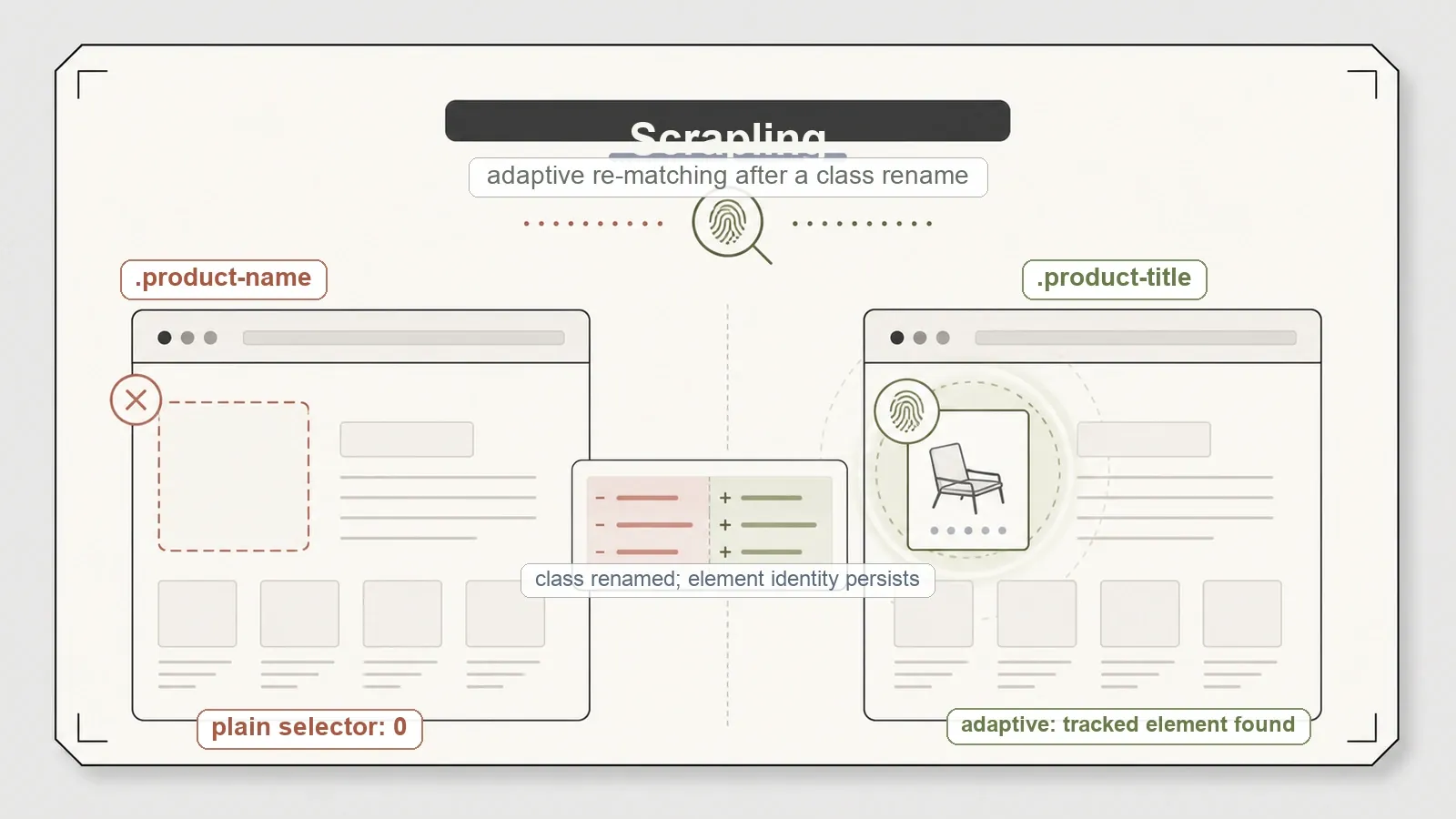
Scrapling is the specialist, and it earns the label. Its adaptive selectors are built to re-find an element after the markup shifts — so when I renamed a target's HTML class from product-name to product-title, a plain selector matched 0, and the adaptive re-match recovered the tracked element anyway. On plain HTTP extraction it hit 12/12 static and 8/8 on the JSON API. The part its own docs don't hide: in a synthetic multi-element test it recovered 1 of 3 — this is resilient element tracking, not total recovery, so don't oversell it in your head. Its base pip install scrapling also needs the [fetchers] extra to get going, and its StealthyFetcher is a compliance caveat, not a feature I'd put on a slide. Version 0.4.10 (the current release), BSD-3-Clause, around 68.7k stars.
The pattern underneath the three jobs
Line the nine up and something clean emerges. Full static recall — a flat 12/12 — is table stakes for every HTTP-first tool; none of them fumbled the easy case, so it's not a differentiator. The browser tools only justify their extra weight when JavaScript is actually in the mix, and they all pay for it in setup: a browser stack, an extra install, or a whole container fleet. And the "built-in crawl queue" column is really the line between a framework and an engine — Scrapy and Crawlee bring orchestration, while Playwright and Puppeteer make you write the BFS yourself. That's the shape of the field. Nobody wins overall because nobody is playing the same game.
So which one should you actually pick
The bench refuses to crown a winner because the right answer isn't a tool, it's a question — which of the three jobs are you doing?
- Need LLM-ready Markdown? Reach for trafilatura when it's clean article text you're after, Crawl4AI when you also want CSS extraction and JavaScript rendering in one library, and Firecrawl when you specifically want a self-hosted service and can clear both the AGPL-3.0 license and the six-container weight.
- Need JavaScript rendered? Playwright or Puppeteer for the raw rendering — pick by engine and language, since they're otherwise a tie — and Crawlee when you also want crawl orchestration handed to you instead of hand-written.
- Crawling static pages or reproducible APIs at scale? Scrapy for a full Python framework, Colly for raw Go speed in a single binary, and Scrapling when surviving markup drift is your specific, recurring pain.
Match the tool to the job and every one of these is a defensible pick. Grab from the wrong category — a browser tool for static pages, or an HTTP parser for a JavaScript app — and the best-rated library on the internet will still fail you.
Where a managed AI API fits instead
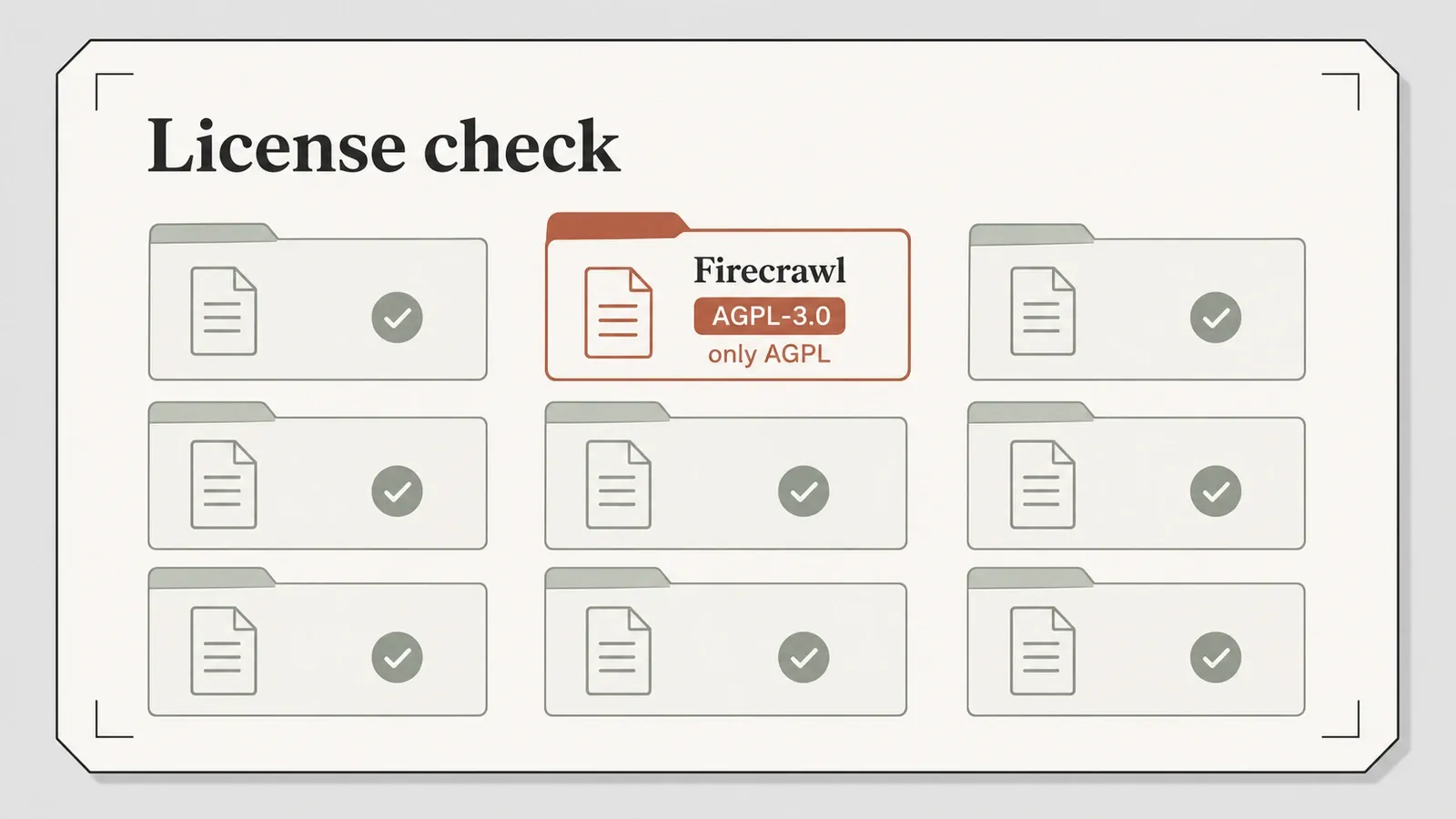
Every tool above is free, open-source, and yours to run. That's also the shared trade-off the bench keeps surfacing: you own the browser environment, the crawl code, the anti-bot arms race, and every bit of the upkeep. For plenty of teams that control is exactly the point, and the license map matters when you take it on — most of the field is permissive (Apache-2.0 across Crawl4AI, Crawlee, Playwright, Puppeteer, and Colly; BSD-3 for Scrapy and Scrapling), with Firecrawl's AGPL-3.0 self-hosted core the one that needs real review before commercial use.
But notice what the bench also mapped: what these tools don't do. Render, crawl, structure, and rotate around blocks — rarely all at once, and never without your maintenance. A managed AI scraping API collapses that stack into a call. Our own developer surface at Thunderbit is one option there, and for a technical audience it's the API, the MCP server, and the CLI that matter, not the browser extension. POST /distill returns clean Markdown and POST /extract returns schema-defined JSON, with JavaScript rendering and anti-bot handled server-side rather than on your machine. There's an official MCP server for agents and coding assistants — thunderbit_suggest_fields runs free to plan an extraction, then thunderbit_distill (1 credit) and thunderbit_extract (20 credits) do the work — and a CLI you can pull in with npx @thunderbit/thunderbit-cli for terminal and cron jobs. For the non-developers on your team there's also a no-code Chrome extension, and the pricing covers both dimensions.
The trade-off is the same one this entire bench circles: run and maintain up to nine libraries yourself at zero per-call cost, or hand off the plumbing and pay per request. Neither choice is wrong. It comes down to how much of the stack you actually want to own. If you'd rather watch how the extraction looks in practice, the Thunderbit YouTube channel walks through it.
Verdict
There is no single best open-source scraper, and any list that confidently hands you one is quietly hiding the question that actually decides it: which of the three jobs are you doing? Turn a page into text, render JavaScript, or crawl fast without a browser — the field sorts cleanly into those buckets, and inside each one the choice comes down to language and setup weight, not some universal champion.
If you take one habit from all this, take this: test on your own pages before you commit to anything. Every number here is reproducible in the benchmark repo for exactly that reason — because the tool that tops a generic roundup and the tool that survives your real targets are not always the same one.
Try Thunderbit for Web Data Extraction Get Started Free
FAQs
What's the best open-source web scraper? There isn't a single one — it depends on the job. For LLM-ready text, trafilatura or Crawl4AI; for JavaScript rendering, Playwright, Puppeteer, or Crawlee; for fast HTTP crawling, Scrapy or Colly. On a shared test bench, each tool was strongest inside its own category and noticeably weaker outside it, which is why one-size rankings mislead.
Which open-source scrapers render JavaScript? Crawl4AI, Firecrawl, Playwright, Puppeteer, and Crawlee's Playwright engine all render JavaScript. Scrapy, Colly, trafilatura, and Scrapling's default HTTP fetcher do not — they either need a reproducible API behind the page (Scrapy's approach, which got 8/8 off the JSON endpoint) or a separate browser mode.
Do I need a headless browser to scrape a site? Only if the data appears after JavaScript runs. If a plain HTTP request plus a parser can reach the content, a browser is expensive overkill — Scrapy, Colly, or Scrapling will be far lighter and faster for that case.
Which of these has the friendliest license for commercial use? Most are permissive: Apache-2.0 (Crawl4AI, Crawlee, Playwright, Puppeteer, Colly) or BSD-3-Clause (Scrapy, Scrapling). The exception is Firecrawl's self-hosted core, which is AGPL-3.0 and warrants real license review before you build a commercial product on it.
Are these benchmark numbers reproducible? Yes. Every runner, fixture, and raw result is in a public MIT-licensed repo. The one caveat to keep in mind: recall and structural results are comparable across tools, but absolute character counts are within-tool signals only, because each pack mirrors the fixtures rather than sharing one canonical copy — so compare rates and pass/fail, not raw character totals.




