Crawl4AI Runs a Real Browser to Make Markdown — and No, It Won't Fix Your Selectors For You

Last Updated on July 17, 2026
Crawl4AI Runs a Real Browser to Make Markdown — and No, It Won't Fix Your Selectors For You
AI Summary
This Crawl4AI review separates the real tool from the surrounding hype. It shows Crawl4AI as a browser-backed Markdown and extraction library, not a self-healing selector system. The tests cover static pages, JavaScript-rendered pages, Markdown output volume, a deliberate 500 page, and a small deep crawl. Crawl4AI performed well when configured explicitly, especially for rendered Markdown and schema-based extraction, but the review also documents the setup weight, misleading anti-bot wording on thin error pages, and deep-crawl wait behavior. It is best read as a practical benchmark for developers building RAG or agent pipelines.

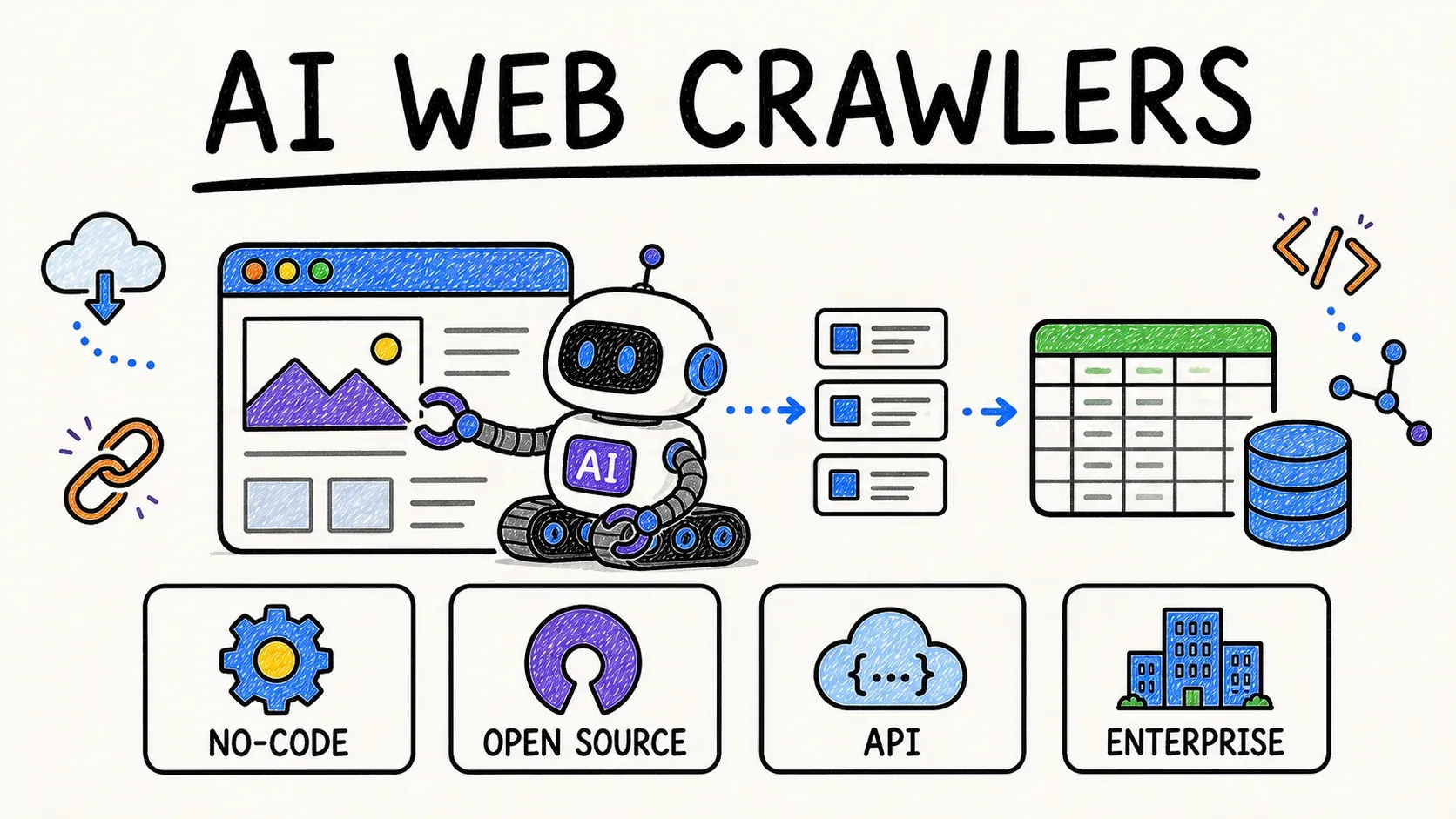
There's a persistent bit of folklore floating around Crawl4AI: that it has some kind of adaptive intelligence, a self-healing brain that re-finds your data when a site rearranges its HTML. It doesn't. That's a different tool (Scrapling, if you're curious). Crawl4AI is something more concrete, and more useful to understand plainly: a headless browser bolted to a Markdown converter, with a CSS/XPath extractor on the side.

I spent a run's worth of tests putting it through static pages, JavaScript-rendered catalogs, a deliberately broken 500 page, and a small deep crawl. The core of it is genuinely good. The parts people gloss over — setup weight, deep-crawl behavior, one misleading error message — are what the rest of this review digs into. Everything below is provisional, based on the tests I actually ran, not a final benchmark. I'll flag what I didn't test so nobody quotes me on things I never touched.

What Crawl4AI actually is (and the myth it isn't)

Strip away the positioning copy and Crawl4AI is three things stacked together.

First, a real browser. Under the hood it drives Playwright, plus a stealth-patched variant called Patchright, to load a page the way Chrome would — running the JavaScript, building the DOM, waiting for content if you tell it to. This is the important bit. It is not an HTTP client that yanks down raw HTML and calls it a day. It boots an actual rendering engine.

Second, a Markdown generator. Once the page is rendered, Crawl4AI converts the DOM into Markdown, which is the format LLMs and RAG pipelines want to eat. The maintainers position the whole project as an LLM-friendly crawler for exactly this reason — feed a URL, get back text a model can reason over.

Third, a structured extractor. If you want clean JSON instead of prose, you hand it a schema — CSS or XPath selectors mapped to field names — via JsonCssExtractionStrategy, and it returns records. (There's also an LLM-based extraction path, but that needs an API key and I didn't test it, so I'm not going to pretend I know how it behaves.)

Here's the part that matters and that the "adaptive intelligence" rumor gets wrong: that schema is static and you write it by hand. You tell Crawl4AI that the product name lives at .product-card h3 and the price at .price, and if the site renames those classes tomorrow, your selectors break and stay broken. Nothing re-heals. There is no fuzzy re-matching. It's a browser, a converter, and selectors you maintain — no more, no less. Understanding that up front saves you from expecting a feature that lives in a different repo.

The primitives you actually work with are named sensibly: AsyncWebCrawler is the engine, BrowserConfig sets up the browser, and CrawlerRunConfig controls a single run (including the wait_for I'll come back to). It's an async-first Python API, which reads cleanly once the naming clicks.

The repo, for the record, sits at 71,259 stars, 7,326 forks, and Apache-2.0 as of 2026-07-07 (unclecode/crawl4ai), on release v0.9.0. Star counts drift, so treat that as a snapshot rather than a live reading — but it tells you this is a heavily used, permissively licensed project, not a weekend experiment.

Setup: the part where two full browser stacks land on your disk

Installation is where Crawl4AI stops behaving like a lightweight library, and it's the thing almost no writeup mentions.

The pip install itself is uneventful. pip install -U crawl4ai completed cleanly — and notably, it installed on Python 3.14.2, even though the docs nominally ask for >=3.10 and my machine had no 3.10–3.13 runtime lying around. Good sign for anyone on a bleeding-edge interpreter.

Then you run crawl4ai-setup, and that's where the disk fills up.

crawl4ai-setup downloads two full browser stacks — Playwright and Patchright

The setup step doesn't pull one browser. It pulls two full stacks — Playwright and Patchright — and the setup log shows it dragging down Chrome for Testing, FFmpeg, and a Headless Shell on top. That's the cost of being a real-browser tool: the browsers have to live somewhere, and here they live on your machine, twice over. If you're on a laptop with a tight SSD or you're building a slim container image where every megabyte counts, plan for it. This is not the footprint of a pure HTTP parser, and it never will be.

To its credit, the tooling is honest about its own health. crawl4ai-doctor ran, passed, and crawled https://crawl4ai.com in 14.65 seconds to prove the browser path works end to end. A built-in doctor command that actually renders a live page is a nice touch — it means "did my install work" has a real answer instead of a shrug.

So the setup verdict is split: the Python side is smooth and forgiving, the browser side is heavy. Both facts are true at once, and you should know both before you commit.

Hands-on: what held up, with the actual numbers

I built a local fixture site with known ground truth — static products, JS-rendered products, an article with deliberate boilerplate, a broken 500 page, and a small link graph — then pointed Crawl4AI at that plus two public demo sites. Here's the scoreboard.

Five-page test matrix: static, dynamic, article, 500 page, and deep crawl

Static pages: clean sweep. The official quickstart against example.com returned Markdown in 1.81s. On my local static catalog, Markdown preserved all 6/6 expected product names, and CSS-schema extraction pulled all 6 records as JSON — name, category, price, rating, and detail URL, every field intact. No drama.

Dynamic pages: also clean, when you ask correctly. This is the load-bearing caveat. On my JS-rendered catalog, adding wait_for="css:.product-card" to the run config gave 8/8 product recall in both Markdown and schema extraction. On the public quotes.toscrape.com/js page, it rendered the JavaScript-injected quotes and saved a usable screenshot as proof the browser genuinely painted the content. The word "dynamic" here isn't aspirational — the browser really renders. But you have to tell it what to wait for. Skip the wait_for and you're grabbing a half-built page.

Static and dynamic pages both hit full recall with an explicit wait

Batch: it holds. arun_many() over six local product URLs came back 6/6, all 200s, in one concurrent pass. Small sample, but the concurrency path did what it says.

Real-site Markdown volume. Against the public Books to Scrape homepage, Crawl4AI produced 13,476 characters of Markdown from a live page in a single call — a concrete sense of how much LLM-ready text one crawl yields off a real catalog.

A single crawl of Books to Scrape produced 13,476 characters of Markdown

Now the rough edges — the parts that only show up once you push past the happy path.

Raw Markdown is broad, by design. On my article fixture, Crawl4AI grabbed the title and all 3/3 body paragraphs — and also the nav text, the related-links block, a fake subscription line, and the footer. That's not a defect; it's what raw Markdown conversion means. The whole rendered page becomes Markdown, boilerplate included. If you want an actual clean article, the documented answer is to opt into a content filter — PruningContentFilter scores nodes by text-to-link density and drops the junk, BM25ContentFilter ranks against a query. I didn't run those filters this pass, so I'm not putting a cleanliness number on them — but the mental model is clear: raw Markdown is the broad default, clean Markdown is a filter you switch on. Don't expect editorial-grade output from the zero-config path.

The 500 page told a small lie. I fed Crawl4AI a deliberately broken page that returns HTTP 500. It correctly reported success=false and status 500 — but the error message read "Blocked by anti-bot protection: Structural: minimal_text on small page." There was no anti-bot wall. It was a tiny error page with almost no visible text, and Crawl4AI's structural heuristic saw the thin body and reached for an anti-bot label. The takeaway for anyone running this at scale: don't trust the "anti-bot" wording at face value. Read the status code and the actual context before you conclude a site is fighting you. Sometimes it's just a small page.

A deliberate 500 page got mislabeled 'anti-bot protection' by the structural heuristic

Deep crawl doesn't inherit your waits. This is the one finding I'd want to know before wiring up a crawl. A direct crawl of my dynamic page with wait_for worked perfectly — 8/8. But when I let the BFS deep crawler discover links from the homepage and follow them, it found 5 pages, succeeded on 3, and failed on 2. One of the failures was that same dynamic catalog page — the one that works fine with an explicit wait. In the deep crawl it saw 45 characters of pre-render text, decided the page was too thin, and bailed with the same misleading "anti-bot" message before the JavaScript ever finished.

The lesson is precise: "Crawl4AI supports dynamic pages" is true, and "a deep crawl automatically waits for every dynamic page it discovers" is not. Those are two separate documented features — per-page waits and deep-crawl strategies — and they don't fuse on their own. If your deep crawl needs to handle JS-heavy pages, you have to wire the waiting into the crawl configuration deliberately. It's a configuration reality, not a bug, but it will absolutely bite you if you assume the happy path scales to discovered links untouched.

Pros and cons, no hedging

Where it earns its stars:

  • One library covers a lot of ground: rendered Markdown, structured JSON extraction, screenshots, batch crawling, and deep crawling, without gluing four tools together.
  • Static extraction is airtight — 6/6 Markdown recall and 6/6 structured records in my tests, fast and lossless.
  • Dynamic rendering genuinely works because there's a genuine browser doing the rendering — 8/8 with an explicit wait, verified with a screenshot.
  • Apache-2.0 license, which is friendly for commercial use, and an actively shipping project (v0.9.0) with a large community behind it.
  • A built-in crawl4ai-doctor that renders a real page to confirm your install is genuinely working.

Where it costs you:

  • Heavy first-run setup: two browser stacks plus FFmpeg and a Headless Shell on disk. Real friction on constrained machines.
  • Raw Markdown includes boilerplate unless you opt into a content filter — the clean path is a deliberate step, not the default.
  • Deep crawling won't auto-apply your dynamic-page waits; JS pages discovered mid-crawl can fail without extra configuration.
  • Error messages can mislead — a thin 500 page came back labeled "anti-bot protection" when nothing was blocking anything.
  • No self-healing selectors. Your CSS/XPath schema is static and yours to maintain when markup changes.

Who should use Crawl4AI, and who should walk past it

Use it if you're a developer building a RAG or agent pipeline and you want one tool that hands you both LLM-ready Markdown and structured JSON from the same rendered page. If your targets are JavaScript-heavy and you're fine writing explicit waits, and you're comfortable running a real headless browser on your own infrastructure, Crawl4AI is a strong, well-maintained fit. The combination of Markdown-for-the-model plus schema-for-the-database, in one Apache-2.0 library, is a real convenience.

Skip it if you want a featherweight HTTP parser that pulls static HTML in milliseconds with no browser — Crawl4AI is deliberately heavier than that, and the browser downloads alone will annoy you. Skip it if you're tight on disk or bandwidth, or deploying into a minimal container where two browser stacks are a dealbreaker. And absolutely skip it if you came looking for self-healing selectors — that's a real feature, it just isn't this tool's.

Where a managed API fits — the Thunderbit angle

Try Thunderbit for Web Data Extraction

Everything above assumes you want to run the browser yourself. That's a legitimate choice, and for a lot of teams it's the right one — total control, zero per-call cost, code you own end to end. But it's worth naming the trade you're making, because at Thunderbit we built our developer stack around the opposite trade: keep the browser, the anti-bot handling, and the JavaScript rendering off your machine entirely.

The parallel is close enough to compare cleanly. Our POST /distill endpoint does what Crawl4AI's Markdown path does — page in, clean LLM-ready Markdown out — except the JS rendering and anti-bot layer run on our side, not on a browser you installed. Our POST /extract endpoint covers the structured side, returning JSON against a schema you define, with a renderMode switch (none, basic, full) instead of a wait_for you tune by hand. Both have batch versions. There's an MCP server too — thunderbit_distill, thunderbit_extract, and a free thunderbit_suggest_fields — so an agent in Claude or Cursor can call it directly, and a npx @thunderbit/thunderbit-cli for terminal, CI, and cron.

The trade comes down to who carries the weight. Crawl4AI is free, open-source, and self-hosted, and you carry the operational weight — the browser downloads, the deep-crawl wiring, the machine it all runs on. Our dev stack is a managed API where that weight is our problem, and the cost shifts to per-call usage. Neither is universally better. If you want to own every layer and pay nothing per request, run Crawl4AI. If you'd rather delete the browser-ops burden and call an endpoint, that's the case for the managed route. Same engine that powers our 100,000-plus-user extension sits behind the API, so it's not a toy tier.

If you're weighing the broader category, our own writeups on AI web scraping and the open-source GitHub scrapers we tested head to head go deeper than I can here without turning this into a different article.

Verdict: should you use Crawl4AI?

Yes — if you're a developer who wants LLM-ready Markdown and structured JSON out of the same rendered page, you're building for RAG or agents, and you'll accept a real headless browser on your infrastructure. In my tests the core did exactly what it promises: 6/6 on static extraction, 8/8 on dynamic pages with an explicit wait, 13,476 characters of Markdown off a live catalog, and clean batch crawling. That's a solid, well-licensed, actively maintained tool doing real work.

Go in clear-eyed about three things, and you'll be fine: the setup drops two browser stacks on your disk, deep crawling won't auto-wait for dynamic pages you discover, and a thin error page can wear a misleading "anti-bot" label. None of those are dealbreakers. All of them are the difference between expecting a miracle and using the actual tool — which, again, is a browser, a Markdown converter, and selectors you maintain. Understand it as that, and it's one of the better ways to turn live pages into text a model can use.

This is a provisional read from a single test run. I didn't stress it with a thousand-page crawl, didn't run the content filters, didn't touch the LLM-extraction path or the Docker server mode. Treat the score in my head as "strong, with homework left" rather than a final grade — and re-check the star count and version before you quote any of the metadata, because both move.

Try Thunderbit for Web Data Extraction Get Started Free

FAQs

Does Crawl4AI have self-healing or adaptive selectors? No. This is the most common misconception about it. Crawl4AI uses static CSS/XPath schemas that you write and maintain — if a site renames the classes your selectors depend on, extraction breaks until you fix the schema. Adaptive, self-relocating selectors are a feature of a different tool (Scrapling), not Crawl4AI.

Do I need a full browser to run Crawl4AI? Effectively yes. Its core value is rendering JavaScript with a real browser, so crawl4ai-setup downloads two browser stacks (Playwright and Patchright) plus FFmpeg and a Headless Shell. If you want a tiny HTTP-only parser with no browser footprint, Crawl4AI is the wrong shape and you'll want a lightweight framework instead.

Why did Crawl4AI say "anti-bot protection" on a page that wasn't blocked? Its structural heuristic flags pages with very little visible text, and the message it emits mentions anti-bot protection. In my test, a deliberate HTTP 500 page with almost no content got that label even though nothing was blocking the request. Always check the status code and the real context before concluding a site is actively fighting you — sometimes it's just a thin or broken page.

Does Crawl4AI's deep crawl handle JavaScript pages automatically? Not on its own. A direct crawl with an explicit wait_for handled my dynamic page at 8/8, but the BFS deep crawl that discovered the same page failed on it — 5 pages found, 3 succeeded, 2 failed — because it didn't wait for the JavaScript to render before judging the page too thin. If your deep crawl needs to cover dynamic pages, you have to configure the waiting deliberately.

How is Crawl4AI different from a managed scraping API like Thunderbit's? Crawl4AI is free, open-source, and self-hosted — you run and maintain the browser and infrastructure yourself, with no per-call cost. Thunderbit's developer stack (/distill for Markdown, /extract for structured JSON, plus MCP and CLI) is a managed API where the rendering, anti-bot handling, and browser ops run on our side and you pay per call. The trade is total control and zero per-request cost versus offloading the operational weight.

Ke
Ke
CTO at Thunderbit | Senior Data Scientist & ML Expert With nearly a decade of experience in machine learning and data science, Ke Shen is a Columbia University alumnus and former Senior Data Scientist at Walmart Labs. With deep, peer-recognized expertise in Python, R, Java, and Statistics, he shares battle-tested insights on taking complex AI algorithms from theory to production-grade architecture.
Table of Contents
Thunderbit · AI web data agent

Extract data from any page in 1 click

Trusted by 250,000+ users
free plan available
Extract Data using AI
Easily transfer data to Google Sheets, Airtable, or Notion
Chrome Store Rating
PRODUCT HUNT#1 Product of the Week