Amazon ASIN 爬蟲










不用逐一手動開商品頁,也能建立 ASIN 清單
收集 Amazon 識別碼、降低對頁面位置的依賴,並直接處理你手上已有的商品網址。
抓出每個商品背後的代碼
One Click Extract 可以辨識 Amazon 商品頁上的 ASIN、父層 ASIN、商品標題、網址、品牌、型號,以及其他可見代碼。每個識別碼都會和它所屬的商品一起保留。
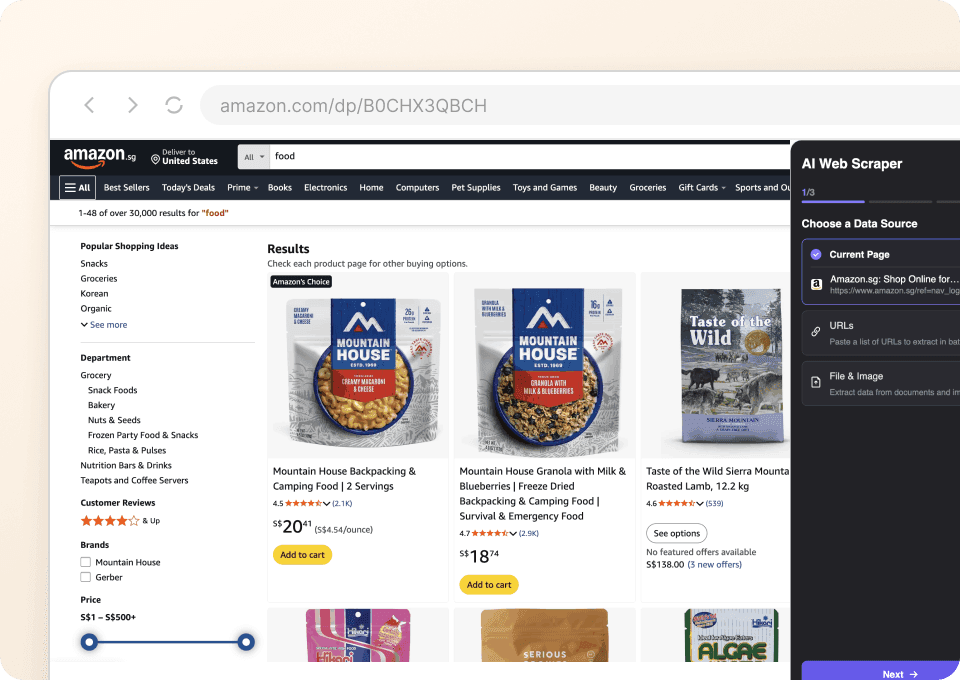
即使頁面元素變動,也能持續找到 ASIN
Amazon 不同分類的識別碼位置並不固定。Thunderbit 會依照欄位含義來讀取資料,而不只是依賴固定選擇器,降低每次版面變動都要重寫擷取規則的麻煩。
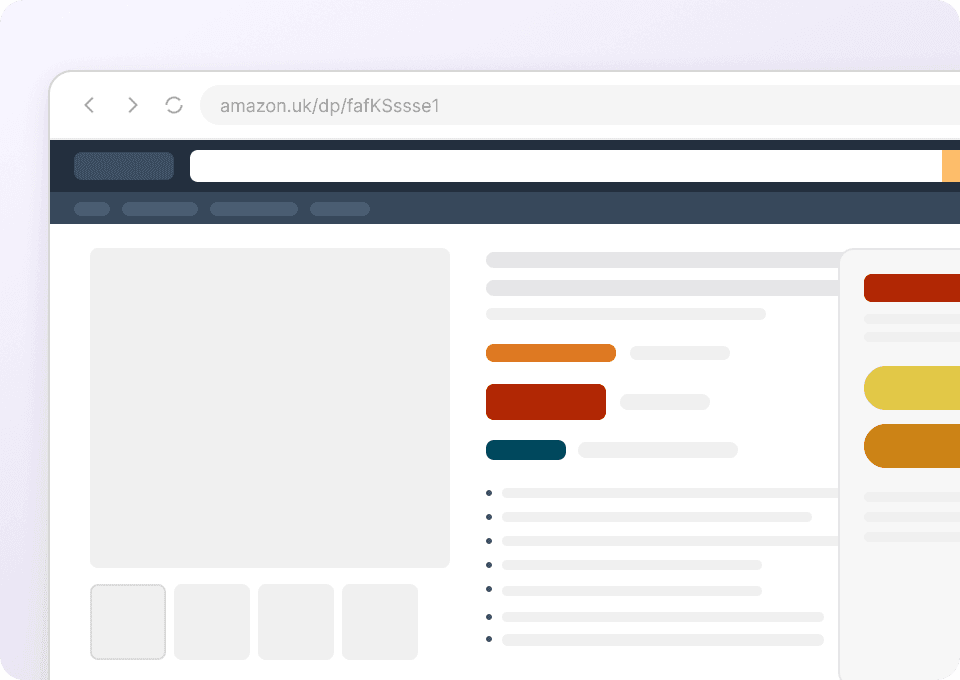
用網址清單直接批次擷取
你可以把 Amazon 商品網址清單交給 Thunderbit,或從搜尋結果開始處理。它能造訪可存取的商品頁,並將所需的識別碼與商品資訊整理成一個結構化表格。
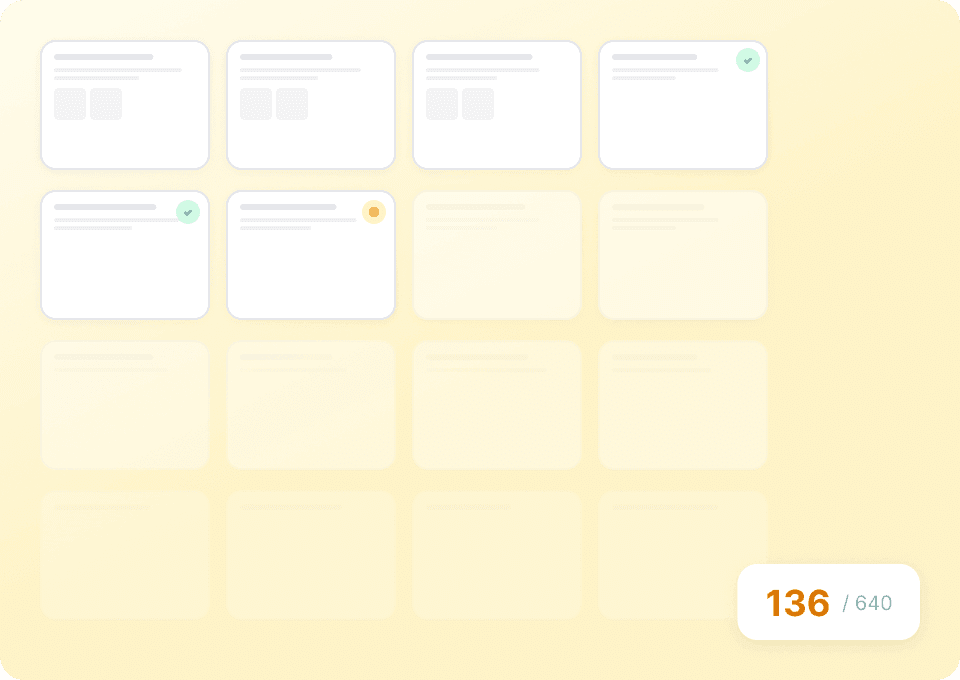
ASIN 工作流程應該是幫助配對商品,而不是增加整理負擔
傳統擷取只會產出一份鬆散清單;Thunderbit 則會把識別碼和對應商品綁在一起。
把 ASIN 複製成鬆散清單
商品關係被切斷了識別碼與每個商品同步保留
Thunderbit 會保留來源脈絡使用 Amazon ASIN 爬蟲可以擷取哪些資料?
可擷取 ASIN、父 ASIN、商品標題、URL、品牌、變體、價格,以及 Amazon 顯示的其他識別資訊。
- ASIN
- 父 ASIN
- Amazon 商品詳情頁 URL
- 商品標題
- 品牌
- 製造商
- 貢獻者姓名
- 貢獻者角色
- 裝訂形式
- 商品分類
- 版本或版次
- 語言
- 頁數
- 出版日期
- EAN
- ISBN
- UPC
- 功能重點
- 商品零件編號
- 型號
- 顏色
- 尺寸
- 格式
- 瀏覽節點名稱
- 瀏覽節點 ID
- 瀏覽節點階層
- 類別銷售排名
- 主要圖片 URL
- 目前價格
- 庫存狀態
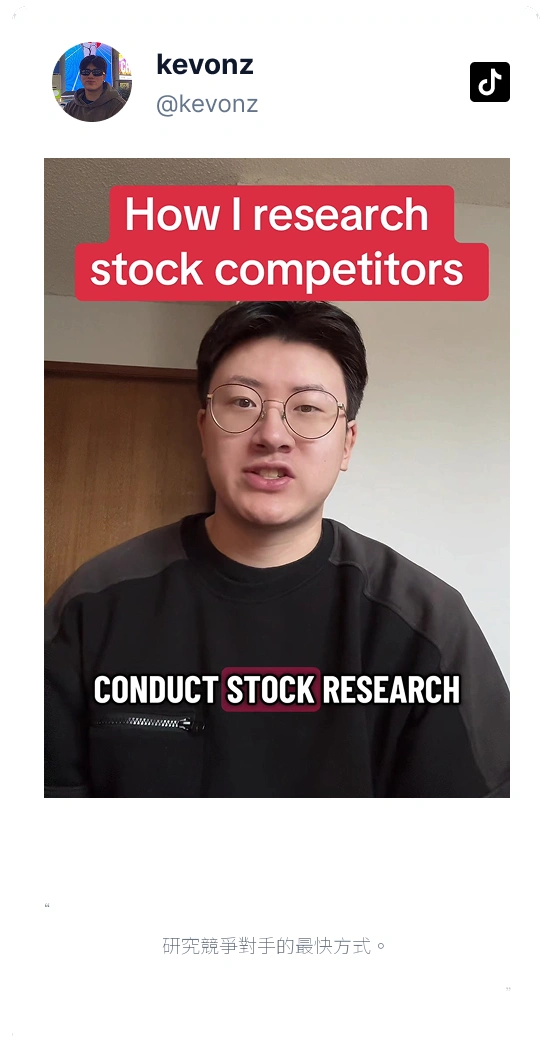
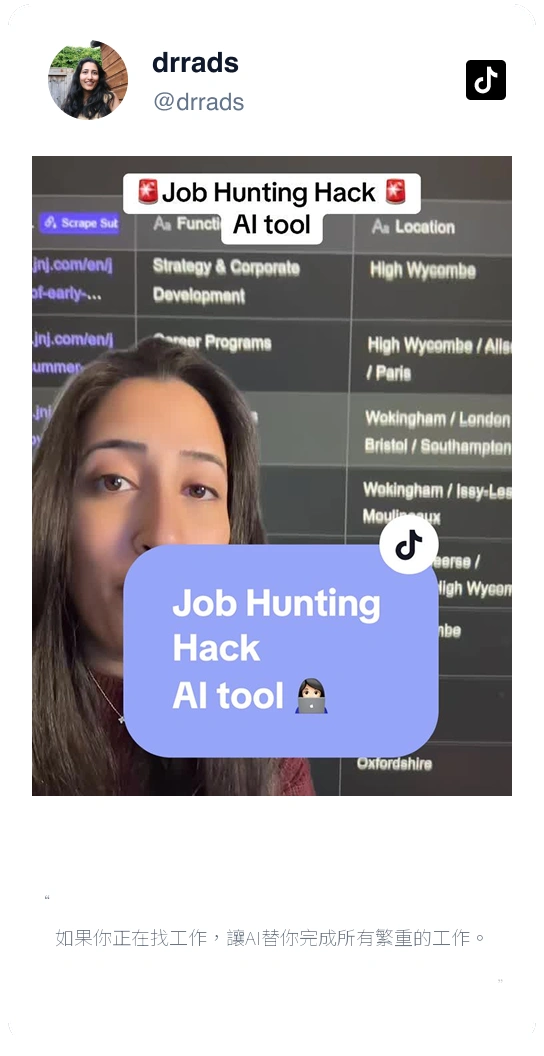
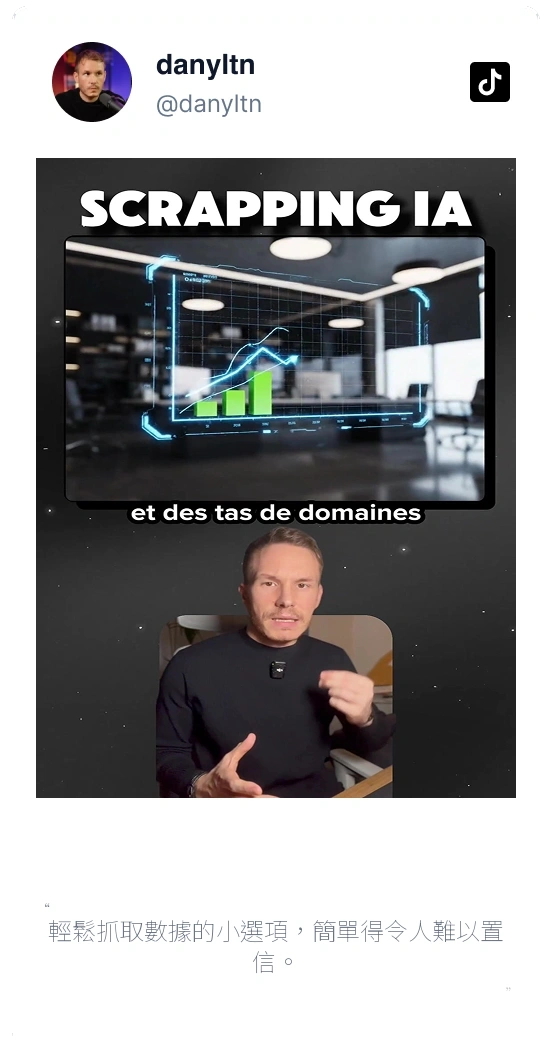
Hear how people use Thunderbit on repetitive page research
The users in these videos share how they move from pages to organized results without maintaining their own scrapers.




Amazon ASIN 問題一次解答
了解哪些識別碼可以擷取、變體會如何影響它們,以及當 Amazon 沒有顯示代碼時會怎麼處理。
Need product facts after finding the ASIN?
Continue with a focused Amazon product, price, or review scraper when the identifier is only the starting point.

免程式 Amazon 爬蟲:商品、價格與評論一鍵抓取
使用 One Click Extract,快速收集 Amazon 頁面上可見的商品名稱、ASIN、價格、賣家、庫存狀態、評分、評論、圖片等資訊。Thunderbit 會自動推薦欄位、在需要時追蹤連結頁面,並免程式匯出結果。
深入了解 ->Amazon 商品爬蟲:價格、規格與變體一次抓取
將 Amazon 商品頁上零散分布的資訊整理成實用的商品表格:識別碼、規格、圖片、賣家、變體、評分與供應狀態都能一次收集,不必先逐一對應每種版面。
深入了解 ->
Amazon 評論爬蟲
使用 One Click Extract 收集 Amazon 上可見的評論文字、星級評分、日期、評論者名稱、有幫助票數、規格變體與產品資訊。您可以用自然語言自訂欄位,無需寫程式即可匯出評論資料。
深入了解 ->
Amazon 價格爬蟲
追蹤買家真正能採取行動的 Amazon 價格:目前售價、折扣、賣家、庫存狀態與規格變體。現在就擷取頁面,或排程稍後再檢查一次。
深入了解 ->
銷售潛在客戶爬蟲
只要兩下點擊,就能從任何銷售潛在客戶來源擷取公司網站、職稱與電子郵件地址,接著直接匯出到 Google Sheets、Airtable 或 Notion。Thunderbit 的 AI 會負責繁重工作,讓你的團隊專心成交。
深入了解 ->
Biltema 爬蟲
Thunderbit Biltema 爬蟲讓你能夠從 Biltema 的商品列表與 SKU 頁面擷取結構化資料。透過 AI 智能欄位建議,快速收集商品名稱、價格、描述、圖片與分類,方便進行分析或庫存管理。非常適合電商專業人士、研究人員與行銷人員取得有價值的 Biltema 數據。
深入了解 ->準備好大幅提升你的資料擷取效率了嗎?
加入 200,000+ 位已使用 Thunderbit 自動化網頁爬取流程的專業人士。
免費試用可用於 8 個網頁,且提供無限額度。



