Zillow Scraper: Compare Listings, Prices, and Home Facts













Compare Zillow Listings with Full Context
Choose fields so displayed price, status, facts, agent, and estimate do not mix.
Extract Zillow Listings in One Click
One Click Extract proposes Zillow fields. Ask for lot size, status, agent, estimate, or another visible detail before the rows are collected.

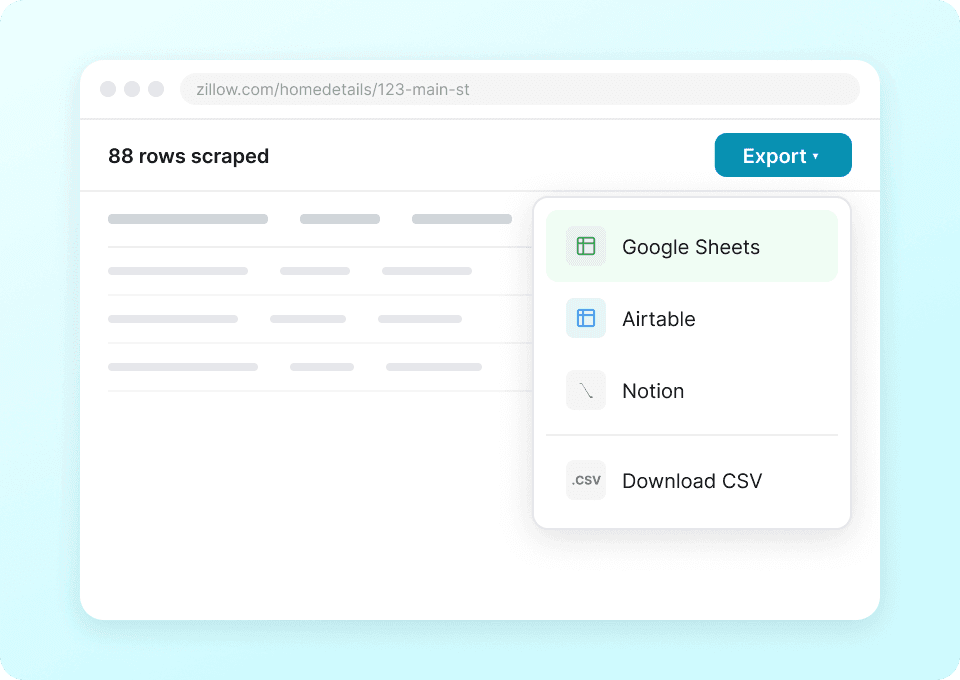
Export Listing Data Directly
Export the chosen listing columns to Sheets, Airtable, or Notion, keeping each visible source link with its home.
Reuse the Workflow on Other Property Sites
Reuse the agent on Redfin, Realtor.com, or an MLS page, then adjust field names to keep cross-site facts clear.
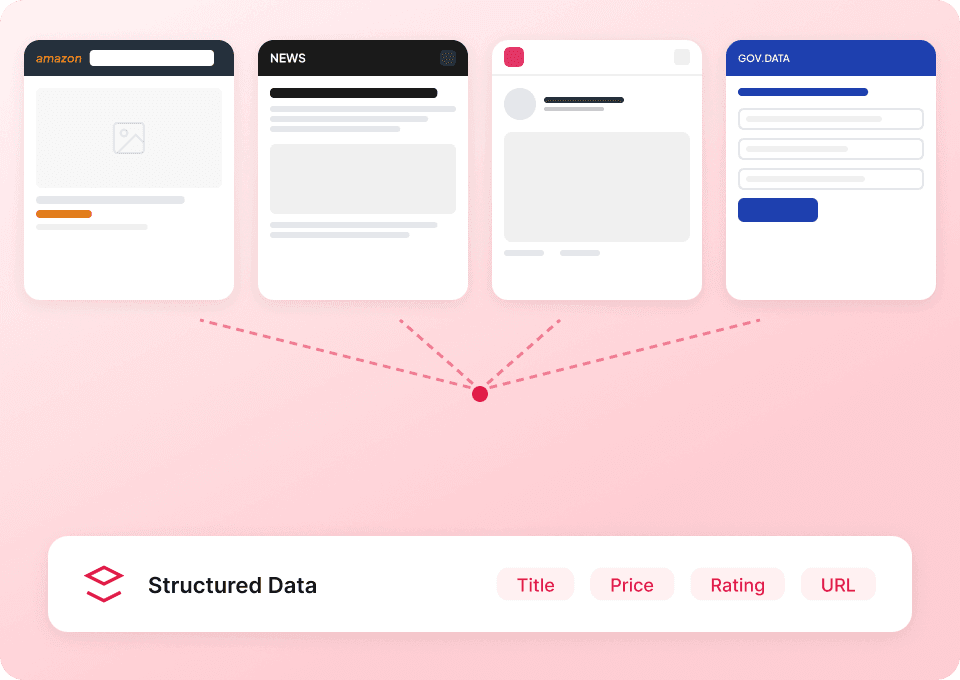
Shortlisting homes: avoid mixing price, estimate, and status
Here’s what changes for Zillow work
Manual copy or selector rules
Typical hurdlesAgent Mode on Zillow pages
What it emphasizesZillow columns for a clear home shortlist
Captured only if shown to you on the page; anything not displayed stays blank.
- Listing URL
- Address
- City
- State
- ZIP code
- Price
- Beds
- Baths
- Square feet
- Lot size
- Price per sqft
- Home type
- Year built
- Days on Zillow
- Status
- Open house date
- Open house start time
- Open house end time
- HOA fee
- Parking
- Heating
- Cooling
- Laundry
- Flooring
- Garage spaces
- Listing agent
- Brokerage
- MLS ID
- Description
- Photos count
Watch property research move from tabs to a sheet
Real Thunderbit users show on video how listing facts become a table they can adjust and review.







Zillow tasks people ask about
Short answers for building a clean shortlist.
Compare the same listings beyond Zillow
Run your agent on Redfin, Realtor.com, or an MLS results page to contrast prices, statuses, and facts side‑by‑side.

Cimri Scraper
The Thunderbit Cimri Scraper enables you to extract structured data from Cimri's product listings and SKU pages. Use AI-powered field suggestions to quickly gather product names, prices, images, discounts, and store ratings for analysis or research. Ideal for e-commerce professionals, marketers, and researchers seeking Cimri data.
Learn more ->
Email Scraper
The Thunderbit Email Scraper helps you extract email addresses and contact information from websites, search engine results, and PDFs. Use AI-powered field suggestions to quickly gather emails, phone numbers, and names for lead generation, research, or outreach. Ideal for marketers, recruiters, and business professionals.
Learn more ->
Sur la table Scraper
The Thunderbit Sur La Table Scraper lets you extract data from Sur La Table’s products, search results, cooking classes, and store locations. Use AI-powered field suggestions to quickly gather product details, class schedules, and store information for analysis or business insights.
Learn more ->
G2 Software Product Overview Scraper
The G2 Software Product Overview Scraper lets you extract detailed software product data from G2, including ratings, reviews, badges, and competitor information. Ideal for marketers, sales teams, and product managers seeking structured insights from G2 product pages. Use Thunderbit's AI-powered tool to streamline your data collection process.
Learn more ->
Superdelivery Scraper
The Thunderbit Superdelivery Scraper enables you to extract product data from Superdelivery vendor SKU lists and category pages. Use AI-powered field suggestions to quickly gather product names, prices, images, brands, and vendor details for inventory management, price comparison, or market research.
Learn more ->
Vatan Bilgisayar Scraper
The Thunderbit Vatan Bilgisayar Scraper lets you extract data from Vatan Bilgisayar's product listings and SKU pages. Use AI-powered field suggestions to quickly gather product names, prices, discounts, images, and product codes for analysis or research. Ideal for e-commerce professionals, marketers, and researchers seeking structured Vatan Bilgisayar data.
Learn more ->Ready to supercharge your data extraction?
Join 200,000+ professionals already using Thunderbit to automate their web scraping workflows.
Free trial provides unlimited credits for 8 webpages.



