trulia-scraper

Trulia Scraper

Scrape Trulia rental listings and property detail pages with Thunderbit’s AI Web Scraper. Use AI Suggest Fields to capture prices, addresses, beds/baths, square footage, amenities, photos, and more, then export to Excel, Google Sheets, Airtable, or Notion.
5.0
Monthly users17.1k
AI-Powered
Real Estate
Get Started Free
Free tier available

Scrape Trulia rental listings and property detail pages with using AI to turn messy real estate pages into clean, structured tables. You click AI Suggest Fields to auto-detect the right columns (price, address, beds/baths, sqft, amenities, photos, and more), then click Scrape to export to Excel, Google Sheets, Airtable, or Notion.

🏠 What is Trulia Scraper

The Trulia Scraper is an AI Web Scraper that helps you extract structured real estate data from without coding. You simply open a Trulia page, run AI Suggest Fields, and Thunderbit’s AI reads the page layout and converts it into a dataset you can download or sync.

Trulia Website Screenshot

With Thunderbit’s subpage scraping, you can scrape a rental results page and then have AI visit each property detail page to enrich your table with deeper fields like amenities, pet policy, fees, and photo URLs.

🧾 What can you scrape with Trulia

Trulia is packed with valuable housing data, but it’s not delivered in spreadsheet form. Thunderbit helps you collect it for workflows like rental comps, market research, lead lists, and portfolio tracking.

🏢 Scrape Trulia Property Detail Data Extraction

Use this when you need deep, property-level data from a specific building or listing detail page such as:
https://www.trulia.com/building/chroma-apartment-homes-6709-independence-ave-canoga-park-ca-91303-2748465340

Trulia Property Detail Screenshot

Steps:

  1. Download the and register an account.
  2. Go to the destination page (example): .
  3. Click AI Suggest Fields to generate recommended column names and data types.
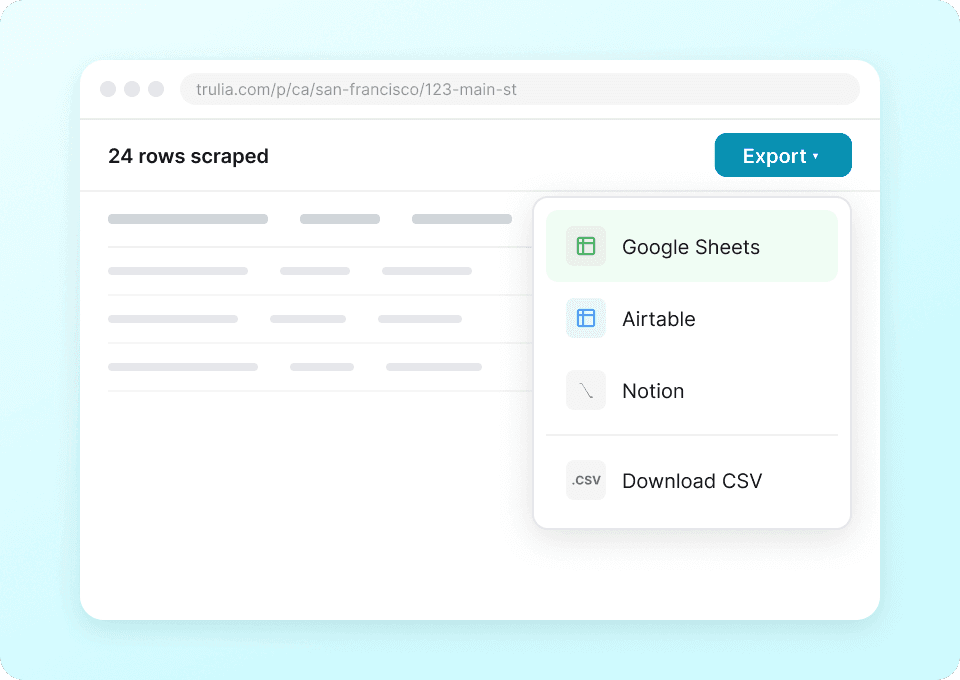
  4. Click Scrape to extract the data, then export to Excel, Google Sheets, Airtable, or Notion.

Column names

ColumnDescription
🏷️ Property / Building NameThe building or property name shown on the detail page.
📍 AddressFull street address, city, state, and ZIP.
🌐 Listing URLThe direct link to the property detail page.
💲 Price RangeDisplayed rent range (or price) for available units.
🛏️ BedsBedroom count (single value or range by unit).
🛁 BathsBathroom count (single value or range by unit).
📐 Square FootageSqft value or range for units.
🏢 Property TypeApartment, condo, house, townhome, etc.
AmenitiesAmenities list (parking, gym, pool, laundry, etc.).
🐾 Pet PolicyPet rules such as cats/dogs allowed and restrictions.
💵 Fees / DepositsApplication fee, security deposit, move-in fees when available.
📞 Contact / Leasing InfoPhone number, contact CTA text, or leasing office info when shown.
🖼️ Photo URLsImage links for the property gallery (useful for Airtable/Notion).
🗓️ AvailabilityAvailability status or move-in dates when listed.

🏘️ Scrape Trulia Rental Listing Scraping

Use this when you want to collect many listings from a search or category page such as:
https://www.trulia.com/for_rent/CA/

Trulia Rental Listing Screenshot

Steps:

  1. Download the and register an account.
  2. Go to the destination page (example): .
  3. Click AI Suggest Fields to generate recommended columns for the results grid.
  4. Click Scrape to collect listings, then download as CSV/JSON or export to Sheets/Airtable/Notion.

Column names

ColumnDescription
🏠 Listing TitleThe listing headline (often includes beds/baths or property type).
📍 Address / LocationAddress or neighborhood/city shown on the card.
💲 Rent PriceThe displayed rent price (or range).
🛏️ BedsBedroom count shown on the listing card.
🛁 BathsBathroom count shown on the listing card.
📐 SqftSquare footage shown on the card (if available).
🏷️ Property TypeApartment, house, condo, townhome, etc.
Key HighlightsBadges like “New”, “Pet Friendly”, “Parking”, “Laundry”, etc.
🌐 Listing URLLink to the listing detail page (great for subpage enrichment).
🖼️ Thumbnail Image URLMain image URL from the listing card.
🏙️ CityParsed city value when present.
🗺️ StateParsed state value when present.
📮 ZIP CodeParsed ZIP when present.

🎯 Why Use Trulia Tool

Scraping Trulia helps you build a reliable dataset for decisions that depend on current market inventory.

  • Real estate agents & teams: Build rental comps, track price changes, and maintain a live inventory list for clients.
  • Property managers: Monitor competing properties, amenities, and rent ranges across neighborhoods.
  • Investors: Compare submarkets, track rent trends, and evaluate unit mix (beds/baths/sqft) at scale.
  • Marketing & lead gen: Create targeted outreach lists by location, property type, or building class (where contact info is available).
  • Researchers & analysts: Turn listings into structured data for dashboards, forecasting, and reporting.

Thunderbit is especially useful when you need:

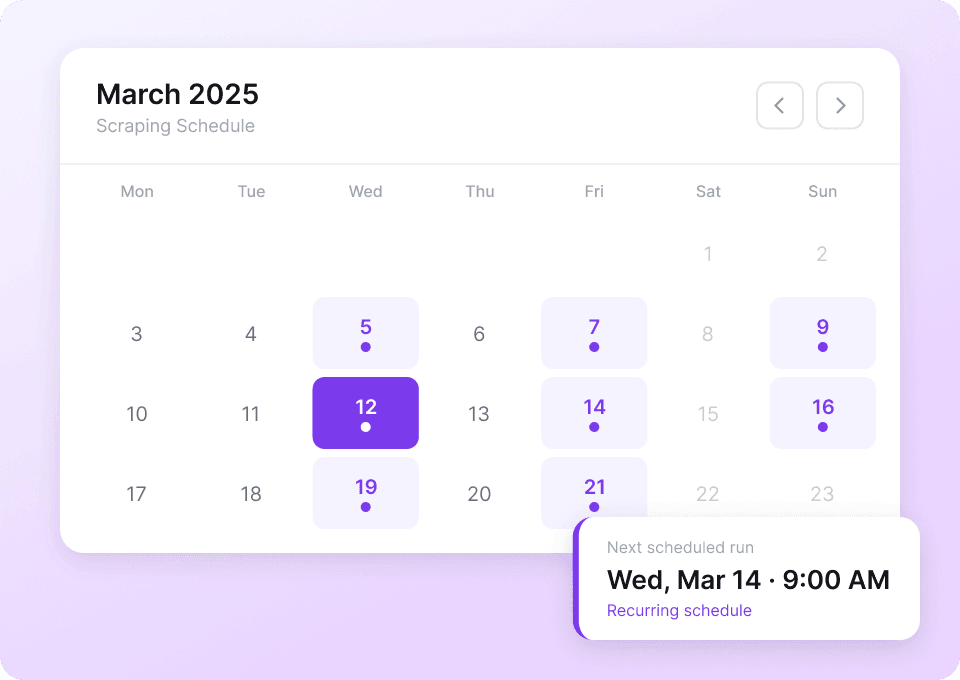
  • Pagination scraping for multi-page results and infinite scroll patterns
  • Subpage scraping to enrich listing rows with detail-page fields (amenities, policies, fees, photos)
  • Clean exports to the tools you already use

🧩 How to Use Trulia Chrome Extension

  1. Install the Thunderbit Chrome Extension: Get it from the and create your account.
  2. Navigate to a Trulia page: Open a rental results page like or a detail page like a .
  3. Activate AI-Powered Scraper: Click AI Suggest Fields to generate columns, adjust if needed, then click Scrape.
    Optional: Use Scrape Subpages to visit each listing URL and append more fields to your table.

Helpful reading if you’re new to scraping:

  • More guides on the

💳 Pricing for Trulia

Thunderbit uses a simple credit system:

  • 1 credit = 1 output row in your results table
  • Exports are free: download CSV/JSON or export to Excel, Google Sheets, Airtable, or Notion at no extra cost

You can start with the Free tier and scrape 6 pages per month. If you start a free trial, you can scrape 10 pages for free, which is a practical way to test Trulia rental listing scraping and subpage enrichment before upgrading.

Paid plans scale with your workflow (monthly or yearly), and the yearly plan is typically more cost effective because it includes a discount compared to paying month-to-month. You can review the latest options on .

Typical cost per run depends on how many rows you extract:

  • Scraping a results page with 30 listings produces about 30 rows (about 30 credits)
  • Scraping multiple pages or enriching with subpages increases total rows, since each listing becomes a row in your dataset

❓ FAQ

  1. What is the AI Powered Trulia Scraper?
    The AI Powered Trulia Scraper is a workflow in Thunderbit that uses AI to read Trulia pages and output structured data like price, address, beds/baths, sqft, amenities, and images. Instead of manually selecting HTML elements, you click AI Suggest Fields and Thunderbit proposes a ready-to-scrape table you can refine.

  2. What is Thunderbit?
    is an AI web scraping and productivity Chrome Extension that helps you extract data from websites, PDFs, and images into structured formats. It’s built for business teams who want fast setup, reliable extraction, and easy exports to tools like Google Sheets, Airtable, and Notion.

  3. Can I scrape both listing pages and property detail pages on Trulia?
    Yes. You can scrape a rental results page (to collect many listings quickly) and also scrape a single property detail page (to capture deeper building or unit information). Many teams scrape listing pages first, then use subpage scraping to enrich each row with detail-page fields.

  4. What data fields can I extract from Trulia?
    Common fields include rent price, address, beds, baths, square footage, property type, listing URL, and image URLs. On detail pages, you can often capture amenities, pet policy, fees/deposits, and other building-level information depending on what’s displayed.

  5. How does subpage scraping work for Trulia listings?
    After scraping a results page, you’ll have a column with each Listing URL. Thunderbit can open each URL and extract additional fields from the detail page, then append those values back into your original table so you end up with one enriched dataset.

  6. Can Thunderbit handle pagination and infinite scroll on Trulia?
    Thunderbit supports pagination scraping, including click-to-next pagination and infinite scroll patterns. This is useful when you need to collect hundreds of listings across multiple pages for a state, city, or neighborhood search.

  7. Do I need coding skills to use Thunderbit on Trulia?
    No. Thunderbit is designed for non-technical workflows: open the page, click AI Suggest Fields, then click Scrape. If you want more control, you can rename columns, change data types (text/number/date/URL/image), and add field instructions.

  8. Where can I export Trulia data after scraping?
    You can export to Excel, Google Sheets, Airtable, or Notion, or download as CSV or JSON. This makes it easy to build rental comp trackers, market dashboards, or internal databases for your team.

  9. Is it safe and compliant to scrape Trulia data?
    You should always follow Trulia’s terms, respect privacy, and comply with applicable laws and regulations in your region. Thunderbit is a tool for structuring data you choose to collect; how you use that data should align with your legal and compliance requirements.

📚 Learn More

  • Get the extension:
  • Explore product details:
  • See pricing options:
  • Learn scraping fundamentals:
  • Turn web pages into spreadsheets:
  • Browse more tutorials:
  • Videos and walkthroughs: