Real Estate Scraper: Compare Listings Across Property Sites













Compare Listings Across Property Sites
Adapt to page layouts, revisit chosen markets, and preserve one clean row per home.
Skip Site-by-Site Selector Setup
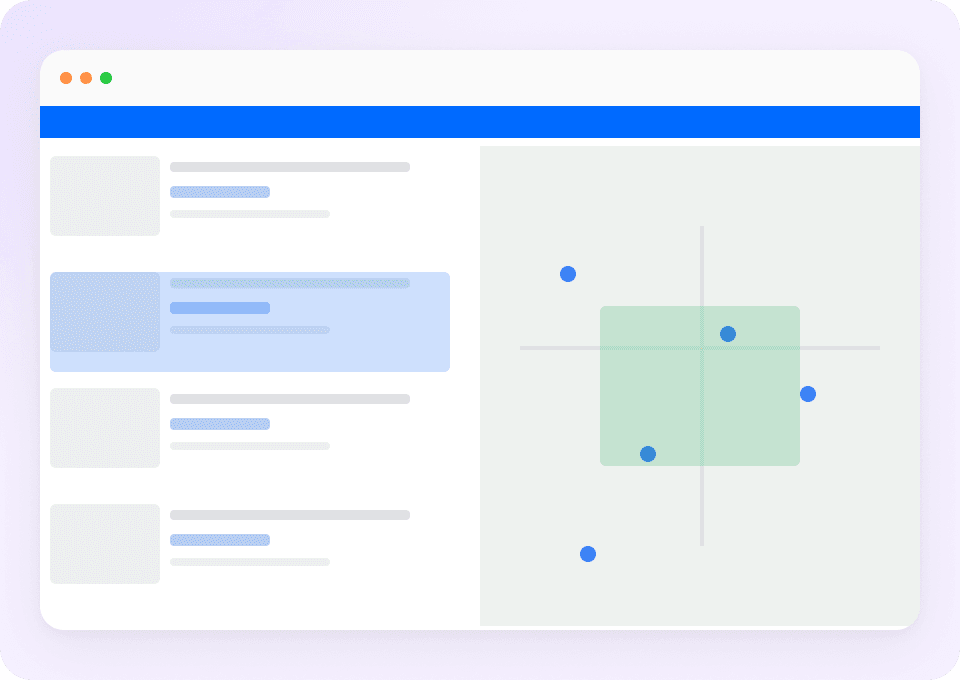
Thunderbit reads the visible meaning of price, status, beds, baths, and area, so you can work across property sites without building CSS rules for each layout.
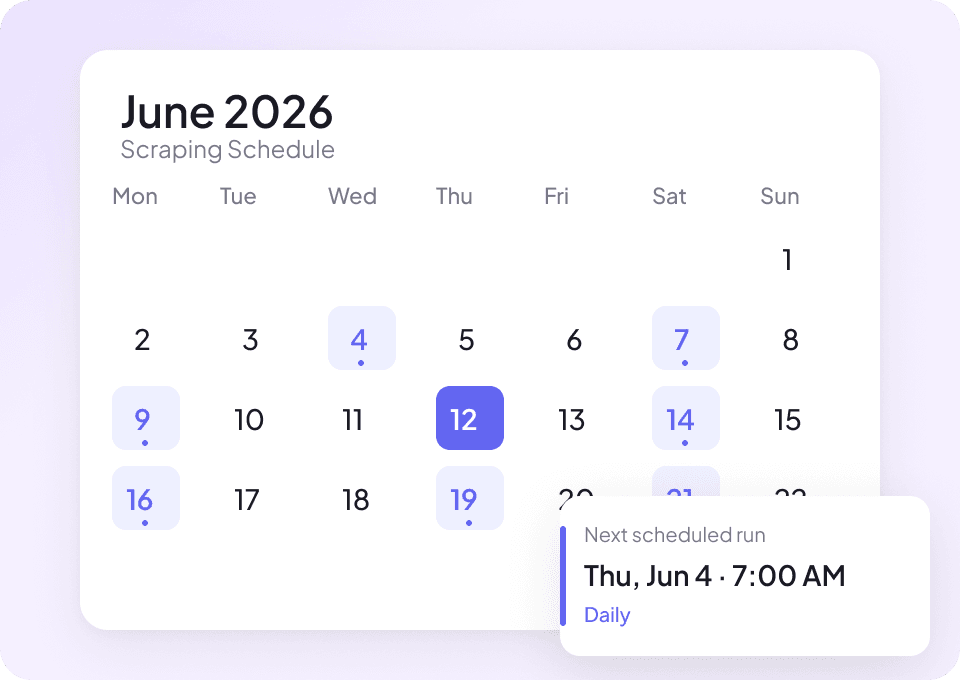
Refresh Listing Data on a Schedule
Schedule another run on the same search or listing pages to get a new view of price, status, or availability.
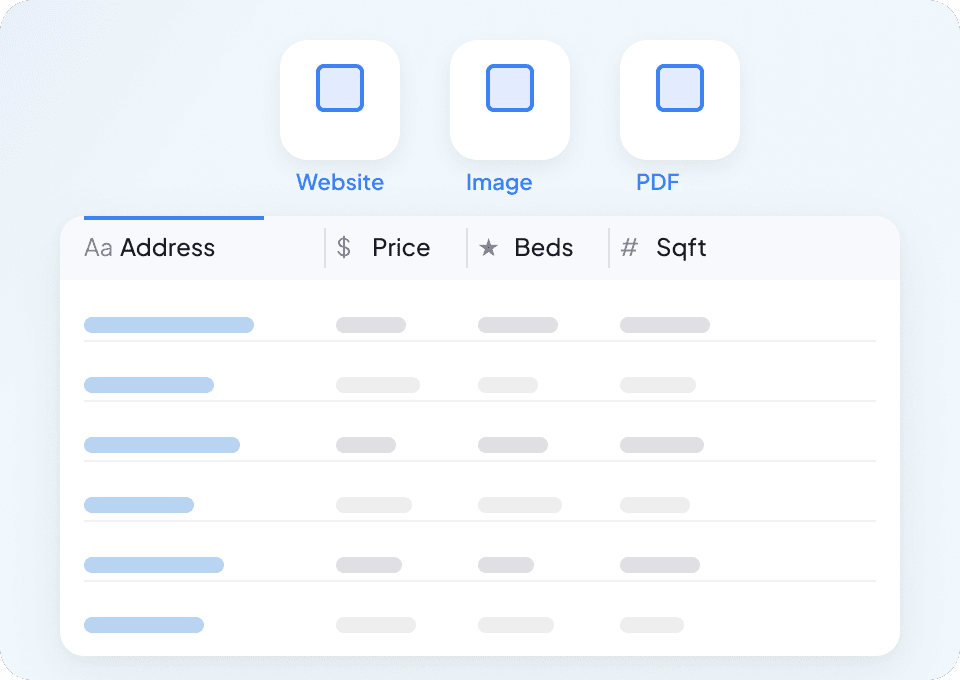
Keep Each Property in One Clean Row
Source, address, price, home facts, agent, and status remain separate columns. Any fact the site does not display stays blank.
Compare Property Listings Without Building a Scraper
Keep search-page and property-page facts attached to the same home.
Manual Copying or Selector Tools
Context gets separatedThunderbit AI Agent
Open a property page and startA shared schema for mixed property listings
Each housing source fills only the facts and listing context it displays.
- listing_url
- address
- city
- state
- postal_code
- neighborhood
- price
- price_change
- beds
- baths
- half_baths
- square_feet
- lot_size
- property_type
- listing_status
- days_on_market
- year_built
- hoa_fee
- price_per_sqft
- open_house_date
- open_house_start_time
- open_house_end_time
- agent_name
- brokerage
- agent_phone
- mls_id
- listing_id
- photo_url
- virtual_tour_url
- description_snippet
Watch analysts organize listings with Thunderbit
Customer videos show people turning listing facts into rows and changing the fields for their own comparison.







Designing one table for different housing sources
A shared schema works only when source-specific gaps remain visible.
Move from collected listings to market questions
Separate rentals from homes for sale, compare local areas, or review agents across the sites you choose.

PTTAVM Scraper
The Thunderbit PTTAVM Scraper enables you to extract structured data from PTTAVM product listings and SKU pages. Gather product names, prices, discounts, images, and detailed descriptions quickly using AI-powered field suggestions. Ideal for e-commerce professionals, marketers, and researchers seeking accurate PTTAVM data.
Learn more ->
Epey Scraper
The Thunderbit Epey Scraper enables you to extract structured data from Epey product listing and SKU pages. Gather product names, prices, SKUs, images, and store ratings for analysis or price monitoring. Ideal for e-commerce professionals, researchers, and businesses seeking actionable Epey data.
Learn more ->
Email Scraper
The Thunderbit Email Scraper helps you extract email addresses and contact information from websites, search engine results, and PDFs. Use AI-powered field suggestions to quickly gather emails, phone numbers, and names for lead generation, research, or outreach. Ideal for marketers, recruiters, and business professionals.
Learn more ->
Superdelivery Scraper
The Thunderbit Superdelivery Scraper enables you to extract product data from Superdelivery vendor SKU lists and category pages. Use AI-powered field suggestions to quickly gather product names, prices, images, brands, and vendor details for inventory management, price comparison, or market research.
Learn more ->
Fooby Scraper
The Thunderbit Fooby Scraper lets you extract recipe data from Fooby, including recipe names, ingredients, preparation times, and nutritional values. Use AI-powered field suggestions to quickly gather structured recipe information for food blogs, nutrition analysis, or culinary projects.
Learn more ->
G2 Software Product Overview Scraper
The G2 Software Product Overview Scraper lets you extract detailed software product data from G2, including ratings, reviews, badges, and competitor information. Ideal for marketers, sales teams, and product managers seeking structured insights from G2 product pages. Use Thunderbit's AI-powered tool to streamline your data collection process.
Learn more ->Ready to supercharge your data extraction?
Join 200,000+ professionals already using Thunderbit to automate their web scraping workflows.
Free trial provides unlimited credits for 8 webpages.



