apartments-com-scraper

Apartments.com Scraper

Thunderbit’s Apartments.com Scraper helps you extract rental listings and property details with AI in just a couple of clicks. Scrape prices, beds/baths, square footage, amenities, addresses, and listing URLs, then use subpage scraping to pull richer details from each property page. Export results to Excel, Google Sheets, Airtable, or Notion.
5.0
Monthly users16.2k
AI-Powered
Real Estate
Get Started Free
Free tier available

Thunderbit’s Apartments.com Scraper helps you turn rental listings into clean, structured data using AI. You can extract prices, beds/baths, square footage, amenities, addresses, and listing URLs in a couple of clicks, then enrich your dataset with subpage scraping to pull deeper property details. Export your results to Excel, Google Sheets, Airtable, or Notion for analysis, reporting, and rent monitoring.

🏢 What is Apartments.com Scraper

The Apartments.com Scraper is an built for extracting rental listings and property details from . You simply open the page you want (city results, luxury filters, or any listing view), click AI Suggest Columns, then click Scrape—Thunderbit’s AI reads the page and structures the data into a table you can download or export.

Apartments.com Screenshot

🧾 What can you scrape with Apartments.com

Apartments.com is commonly used for market research, rent comps, and inventory tracking. With Thunderbit, you can scrape both listing result pages and then use Subpage Scraping to visit each property page for richer details (amenities, fees, policies, contact info, and more).

Scrape Apartments.com Regional Rent Index

Use this workflow to build a regional rent index from a city results page like . This is useful for tracking median asking rent, comparing neighborhoods, and building comp sets for internal reporting.

Regional Rent Index Screenshot

Steps:

  1. Download the and register an account.
  2. Go to the destination page, for example: .
  3. Click AI Suggest Columns to generate recommended column names and data types.
  4. Click Scrape to extract the data, then export to Excel, Google Sheets, Airtable, or Notion.

Column names

ColumnDescription
🏷️ Listing TitleThe property or community name shown on the results card.
🌐 Listing URLDirect link to the property detail page for subpage enrichment.
💲 Rent PriceThe displayed asking rent (often a range).
🛏️ BedsBedroom count (studio/1/2/3+), when available on the card.
🛁 BathsBathroom count, when available.
📐 Square FootageListed size or size range (sq ft), when shown.
📍 Address / NeighborhoodLocation text shown on the listing card.
Rating / ReviewsRating or review count if displayed.
🖼️ Image URLMain listing image for visual reference in Airtable/Notion.
🏢 Property TypeApartment, condo, townhome, etc., if shown.
🕒 Listing Update / AvailabilityAny “available now” or timing text shown on the card.

Scrape Apartments.com Luxury Apartment Pricing Study

Use this workflow to run a luxury pricing study from filtered pages like . This is ideal for benchmarking premium inventory, tracking price per square foot, and monitoring concessions or availability changes over time.

Luxury Apartment Pricing Study Screenshot

Steps:

  1. Download the and register an account.
  2. Go to the destination page, for example: .
  3. Click AI Suggest Columns to generate recommended fields for luxury pricing analysis.
  4. Click Scrape to collect the dataset and export it to your preferred tool.

Column names

ColumnDescription
🏙️ City / MarketThe market you’re studying (e.g., Los Angeles, CA).
🏷️ Property NameThe community name shown in the results.
🌐 Property URLLink to the property page for subpage scraping (amenities, fees, policies).
💰 Luxury Rent PriceAsking rent or rent range for luxury inventory.
🧮 Price per Sq Ft (Derived)A calculated field you can create after export using rent and square footage.
🛏️ Unit Mix (Beds)Bedroom options shown (studio/1/2/3+).
🛁 BathroomsBathroom count when listed.
📐 Sq Ft RangeSize range for units, when available.
Amenities HighlightsKey amenities shown on the card (e.g., pool, fitness center).
📍 AddressStreet address or area text shown.
📞 Phone (Subpage)Often available on the property page; great for outreach workflows.

🎯 Why Use Apartments.com Tool

Scraping Apartments.com is valuable when you need repeatable, structured rental market data without manual copy/paste. Thunderbit is designed for business workflows where speed, accuracy, and export options matter.

Common ways you can use an Apartments.com scraper:

  • Real estate teams & agents: Build rent comps, track availability, and create neighborhood snapshots for clients.
  • Property managers: Monitor competing properties, unit mix, and pricing changes across your submarket.
  • Investors & analysts: Create datasets for underwriting, rent trend analysis, and supply tracking.
  • Marketing teams: Map inventory by location, identify positioning (luxury vs. value), and track messaging/amenities.
  • Researchers: Collect structured data for housing studies, affordability analysis, and market comparisons.

Thunderbit advantages for Apartments.com workflows:

  • AI Suggest Columns: AI reads the page and proposes the right fields and data types.
  • Pagination support: Scrape multi-page results and infinite scroll style pages.
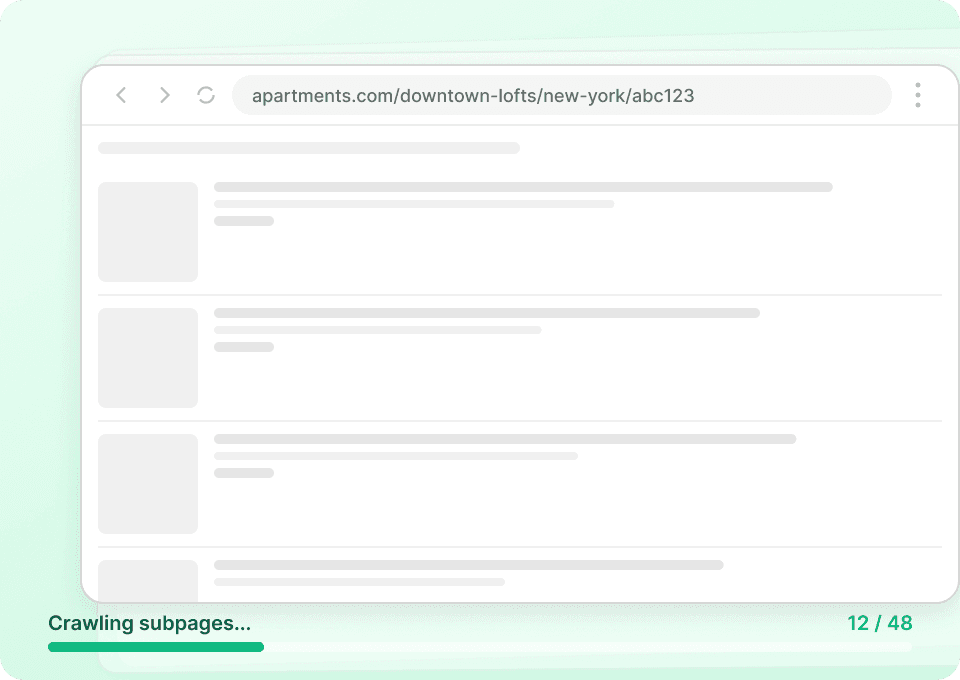
  • Subpage Scraping: Visit each property URL and enrich your table with deeper details (amenities, policies, fees, contact info).
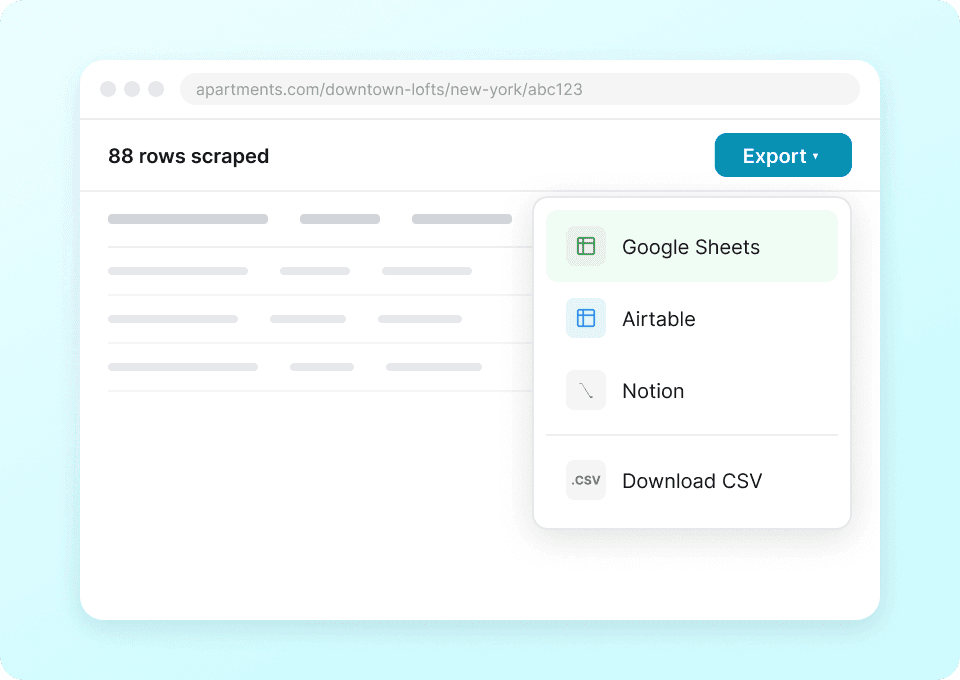
  • Free export: Download CSV/JSON or export to Google Sheets, Airtable, Notion, or Excel.

If you’re new to scraping, these guides can help you plan your workflow:

🧩 How to Use Apartments.com Chrome Extension

  1. Install the Thunderbit Chrome Extension: Get it from the and create your account on .
  2. Navigate to an Apartments.com page: Open a city market page (example: ) or a filtered view (example: ).
  3. Activate AI-Powered Scraper: Click AI Suggest Columns to generate a ready-to-scrape table, then adjust column names or data types if needed.
  4. Scrape and enrich: Click Scrape for the listing page, then use Scrape Subpages to pull details from each property page (great for amenities, policies, and contact fields).

💳 Pricing for Apartments.com

Thunderbit uses a simple credit system:

  • 1 credit = 1 output row in your results table (for example, one property listing row).
  • AI-powered scraping is included, and exporting is free (CSV/JSON, Excel, Google Sheets, Airtable, Notion).

Free options to get started:

  • Free plan: scrape 6 pages per month (page-based allowance on the free tier).
  • Free trial: scrape 10 pages for free, which is enough to test a city market plus subpage enrichment.

Paid plans (monthly and yearly) scale with your workload. If you scrape regularly for rent monitoring or market research, the yearly plan is typically more cost effective due to the discount.

You can review the latest options on .

TierMonthly PriceYearly PriceYearly Total PriceCredits (Monthly)Credits (Yearly)
FreeFreeFreeFree6 pagesN/A
Starter$15$9$1085005,000
Pro 1$38$16.5$1993,00030,000
Pro 2$75$33.8$3986,00060,000
Pro 3$125$68.4$79610,000120,000
Pro 4$249$137.5$1,59220,000240,000

❓ FAQ

  1. What is the AI Powered Apartments.com Scraper?
    The AI Powered Apartments.com Scraper is an that extracts structured rental listing data from Apartments.com result pages and property detail pages. Instead of manually selecting elements, you click AI Suggest Columns and Thunderbit’s AI builds a table you can scrape and export.

  2. What is Thunderbit?
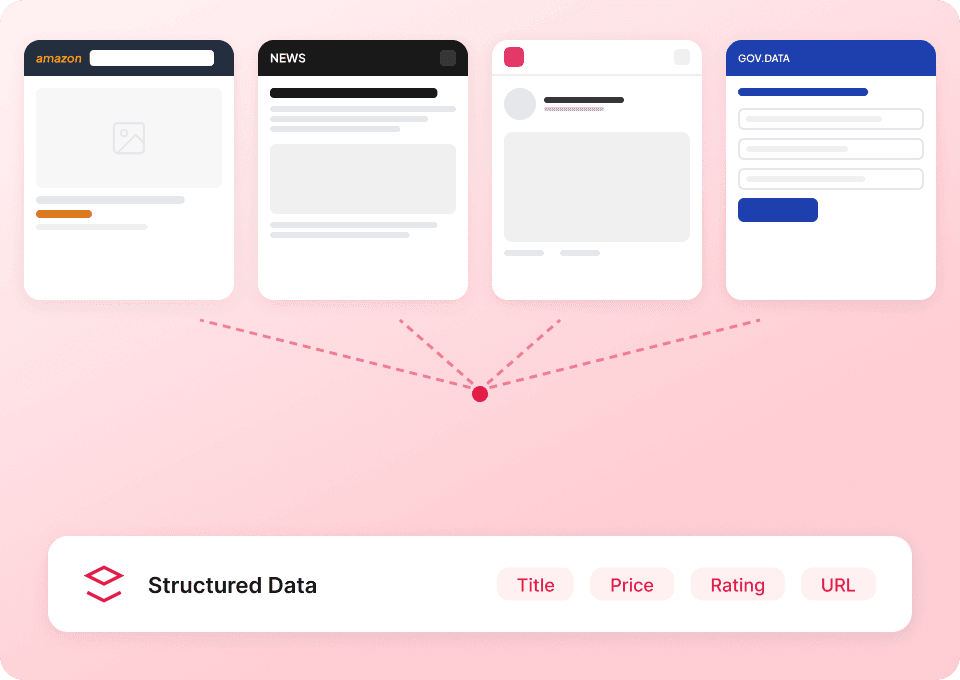
    is an AI productivity tool and Chrome extension that helps you scrape data from websites, PDFs, and images, then export it into the tools you already use. It’s built for business teams who want reliable extraction without writing code or maintaining brittle scraping rules.

  3. What data can I extract from Apartments.com listings?
    You can typically extract property name, rent price, beds/baths, square footage, address, images, and the listing URL from results pages. With subpage scraping, you can often add amenities, policies, fees, leasing office contact details, and richer unit availability information depending on what the property page displays.

  4. How does Subpage Scraping work for property details?
    After scraping a results page, Thunderbit can open each Property URL in your table and extract additional fields from the detail page. This is useful when the listing card is brief but the property page contains amenities, pet policy, parking info, or contact phone numbers you want in the same dataset.

  5. Can Thunderbit handle pagination on Apartments.com?
    Yes. Thunderbit supports common pagination patterns, including next-page buttons and infinite scroll behaviors. This matters for large markets where listings span many pages and you want a complete dataset rather than a single screen of results.

  6. Do I need to know coding to use Thunderbit?
    No. Thunderbit is designed for non-technical workflows: open the page, click AI Suggest Columns, then click Scrape. You can still customize columns and data types, but you don’t need Python, selectors, or scraping infrastructure.

  7. How much does it cost to scrape Apartments.com with Thunderbit?
    Costs are based on credits, where 1 credit equals 1 output row. You can start with the free plan (6 pages per month) or the free trial (10 pages) to estimate how many rows you typically collect per run, then choose a plan on the .

  8. Can I export Apartments.com data to Google Sheets or Airtable?
    Yes. Thunderbit supports exports to Excel, Google Sheets, Airtable, and Notion, plus CSV and JSON downloads. This makes it easy to build rent dashboards, comp trackers, or internal databases without extra tooling.

  9. Is it okay to scrape Apartments.com data?
    Scraping rules depend on the website’s terms and applicable laws, and you should only collect and use data you have the right to use. In practice, many teams scrape publicly available listing information for analysis, but you should review Apartments.com terms and follow responsible data practices.

📚 Learn More

  • Get started with the extension:
  • Explore product details and use cases:
  • Read more tutorials and workflows:
  • Practical guides:

When you’re ready, open your target Apartments.com market page, click AI Suggest Columns, and scrape your first dataset in minutes with Thunderbit.