Waitrose स्क्रेपर













Waitrose product data को बिना मेहनत के निकालें
Waitrose से product name, price और बहुत कुछ आसानी से पाएं।
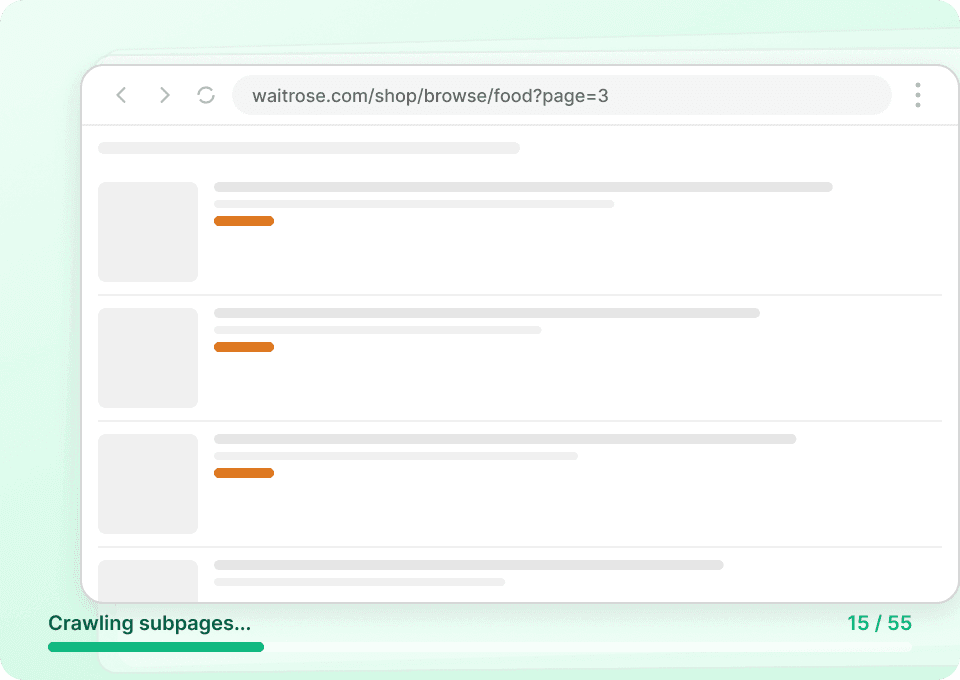
पूरी product story हासिल करें
Waitrose की category pages पर सिर्फ basic जानकारी दिखती है। Thunderbit अपने आप हर product page पर जाता है और offers, unit price और detailed descriptions समेत पूरी जानकारी निकालता है — ताकि आपको manual clicking किए बिना पूरा picture मिले। कम मेहनत में ज़्यादा समय बचाइए और comprehensive data इकट्ठा कीजिए।
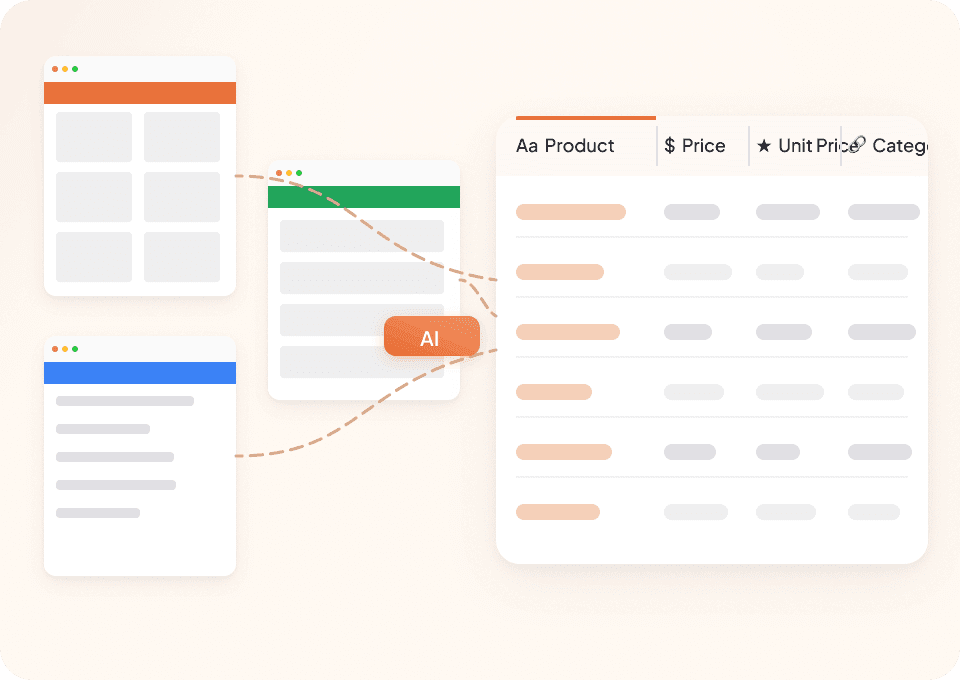
Waitrose के साथ-साथ और भी बहुत कुछ scrape करें
खुद को सिर्फ एक ही काम करने वाले tools तक सीमित न रखें। Thunderbit Waitrose और किसी भी दूसरे website, PDF या document पर काम करता है जिसे आपको scrape करना हो। 50+ pre-built templates और नए page layout को सीखने की क्षमता के साथ, आप लगभग कहीं से भी product names, categories और nutritional details निकाल सकते हैं।
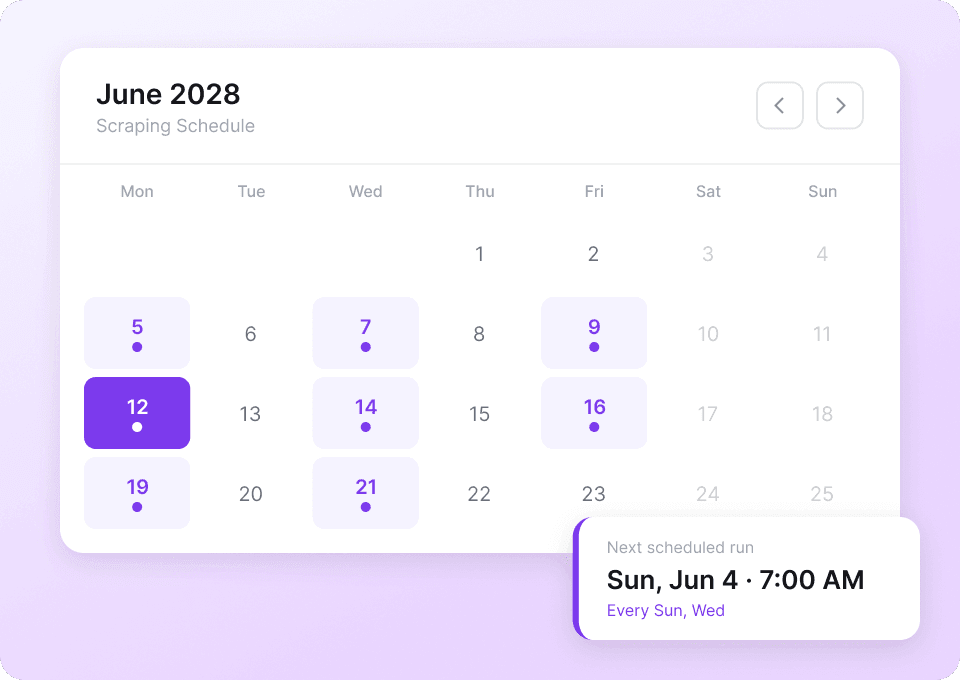
हमेशा updated Waitrose data पाएं
Waitrose पर prices और offers लगातार बदलते रहते हैं। Thunderbit को schedule पर automatic scraping के लिए सेट करें — products के prices, offers और availability समेत। ताज़ा जानकारी सीधे Google Sheets, Airtable या Notion में पहुँचती है, और आपको कुछ भी manually नहीं करना पड़ता।
Thunderbit पारंपरिक Waitrose scrapers से अलग क्यों है?
Website बदलने पर भी Waitrose data को आसानी से extract करें।
पारंपरिक scrapers
काम करने का पुराना तरीकाThunderbit AI
ज़्यादा स्मार्ट तरीका







अक्सर पूछे जाने वाले सवाल
संबंधित उपयोग के मामले
Thunderbit के web scraper के और उपयोग के मामले देखें।

United Airlines स्क्रैपर
सिर्फ 2 क्लिक में United Airlines से फ्लाइट नंबर, प्रस्थान समय, आगमन हवाई अड्डे और कीमतें निकालें — फिर उन्हें तुरंत Excel, Google Sheets या Notion में एक्सपोर्ट करें। बाकी काम Thunderbit AI अपने आप संभाल लेता है।
और जानें ->
UNIQLO Scraper
Thunderbit के AI-संचालित Chrome एक्सटेंशन की मदद से सिर्फ 2 क्लिक में Uniqlo के प्रोडक्ट नाम, कीमतें, रंग और साइज़ निकालें। डेटा को सीधे Google Sheets, Excel या Notion में एक्सपोर्ट करें और अपनी प्रोडक्ट रिसर्च हमेशा अपडेट रखें।
और जानें ->
Carousell स्क्रैपर
Carousell की listings — item titles, descriptions, prices, और seller details — सिर्फ 2 clicks में extract करें, फिर डेटा सीधे Excel, Google Sheets, या Notion में export करें। किसी code या मुश्किल setup की ज़रूरत नहीं।
और जानें ->
Substack स्क्रैपर
सिर्फ 2 क्लिक में Substack के सब्सक्राइबर काउंट, आर्टिकल टाइटल और पब्लिकेशन डिस्क्रिप्शन निकालें — फिर उन्हें Excel, Google Sheets या Notion में एक्सपोर्ट करें। किसी कोड की जरूरत नहीं; Thunderbit का AI पूरी structuring अपने आप कर देता है।
और जानें ->
PlayStation Scraper
PlayStation गेम डेटा—जैसे शीर्षक, शैली, कीमत और रेटिंग—सिर्फ 2 क्लिक में निकालें, फिर उसे सीधे Excel, Google Sheets या Notion में एक्सपोर्ट करें। अब हाथ से कॉपी‑पेस्ट करने की जरूरत नहीं।
और जानें ->
Coupang स्क्रेपर
सिर्फ 2 क्लिक में Coupang के प्रोडक्ट नाम, कीमतें और डिस्काउंट रेट निकालें — और तुरंत Excel, Google Sheets या Notion में एक्सपोर्ट करें। कोडिंग की जरूरत नहीं।
और जानें ->क्या आप अपनी data extraction को तेज़ करना चाहते हैं?
Join 200,000+ professionals already using Thunderbit to automate their web scraping workflows.
फ्री ट्रायल 8 webpages के लिए unlimited credits देता है।



