LinkedIn कंपनी स्क्रेपर

प्रमुख कंपनियों के पेशेवरों का भरोसा













कुछ ही सेकंड में Linkedin company डेटा पाएं
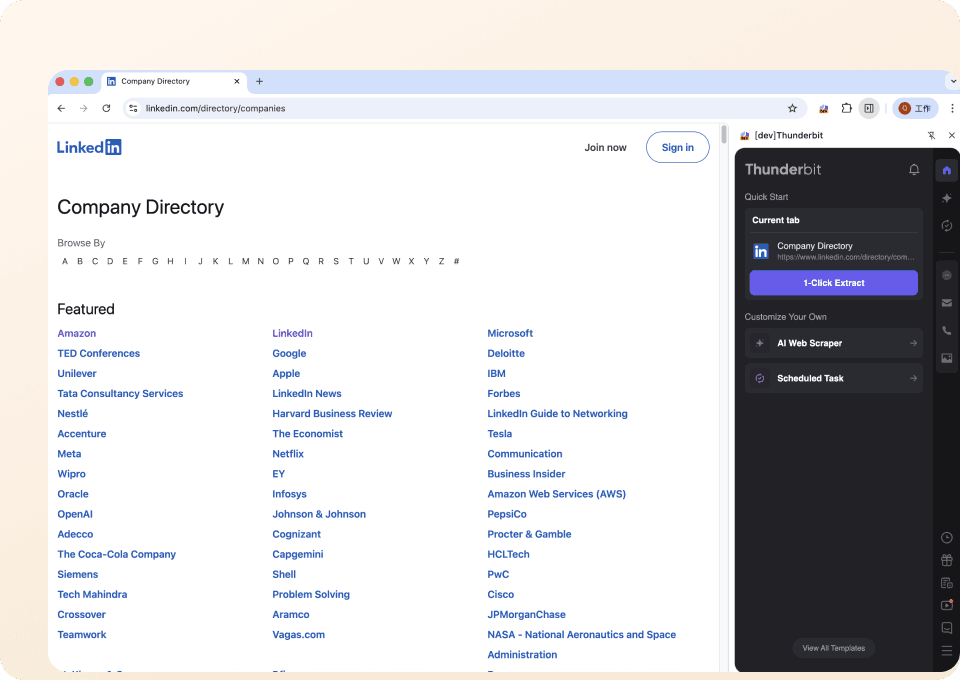
दो क्लिक में company data निकालें
क्या आप manually LinkedIn company data कॉपी करते-करते थक गए हैं? Thunderbit सिर्फ दो क्लिक में company name, size, industry और बहुत कुछ निकाल देता है। न कोई complicated setup, न coding—बस जिस डेटा की जरूरत है उस पर पॉइंट करें, और Thunderbit उसे तुरंत निकाल देता है। समय बर्बाद करना बंद करें और smart scraping शुरू करें।
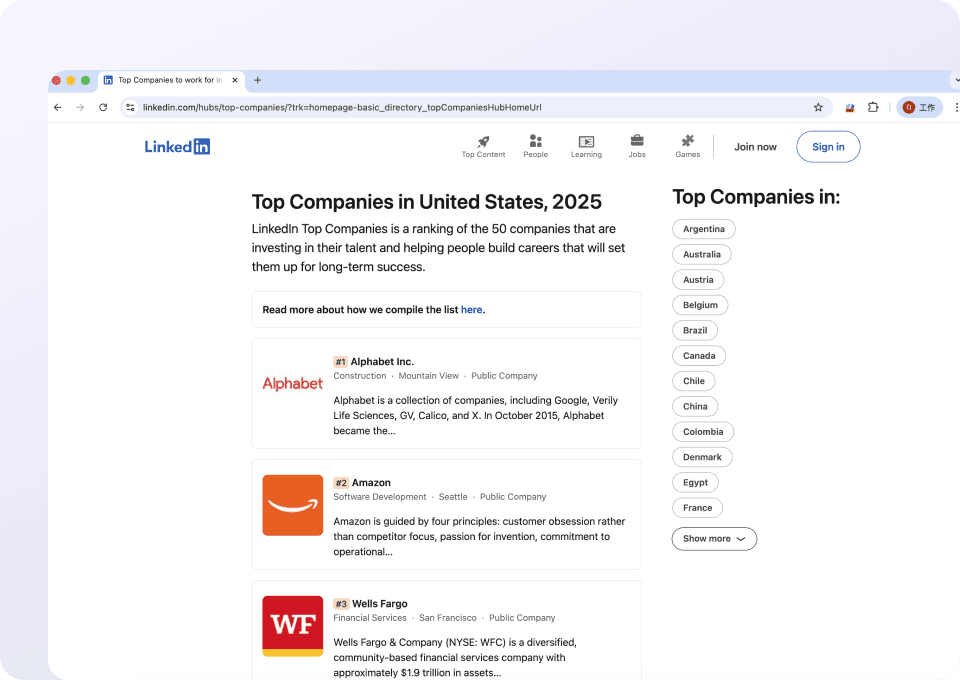
Linkedin company layout बदलावों के साथ खुद को ढाल लेता है
LinkedIn company pages बार-बार बदलती रहती हैं, जिससे traditional scrapers टूट जाते हैं। Thunderbit fixed CSS selectors पर नहीं, बल्कि पेज के अर्थ पर काम करता है। इसलिए layout बदलने पर भी आप भरोसा कर सकते हैं कि Thunderbit company descriptions, website URLs और दूसरी जरूरी जानकारी सही तरीके से निकालता रहेगा।
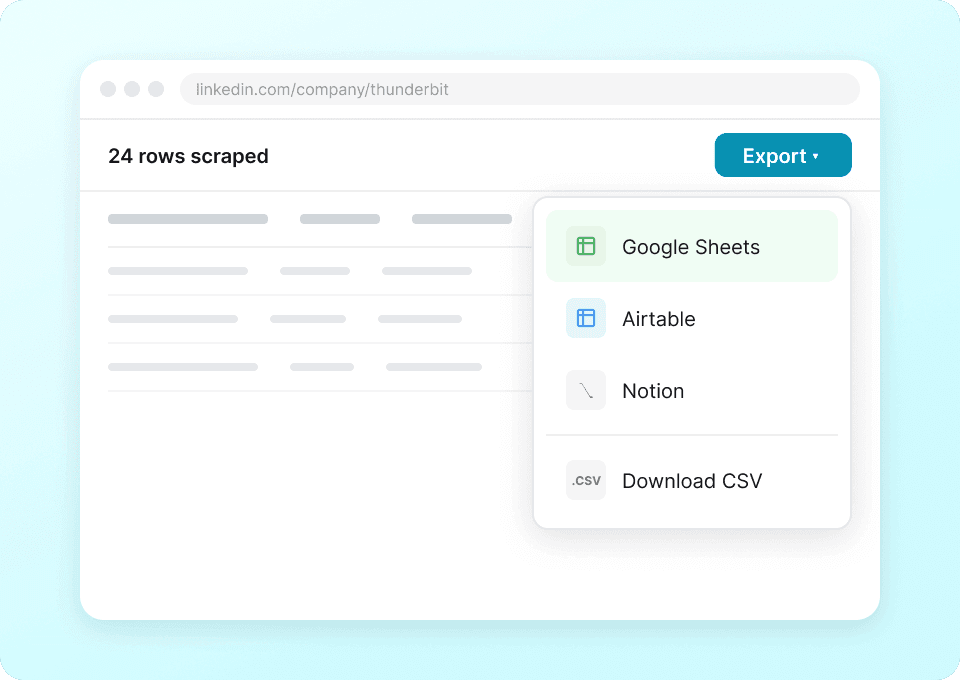
साफ-सुथरा Linkedin company डेटा, तुरंत
LinkedIn company profiles को scrape करने के बाद messy data साफ करने में समय बर्बाद न करें। Thunderbit जानकारी निकालते ही उसे अपने-आप structure और format कर देता है। Google Sheets, Notion या Airtable में सीधे export करें और company name, headquarters location जैसी साफ और इस्तेमाल के लिए तैयार जानकारी तुरंत पाएं।
LinkedIn कंपनी डेटा स्क्रैप करने में परेशानी हो रही है?
देखिए Thunderbit कैसे कंपनी डेटा निकालना आसान बनाता है, LinkedIn पर भी।
पारंपरिक स्क्रेपर
काम करने का पुराना तरीकाThunderbit
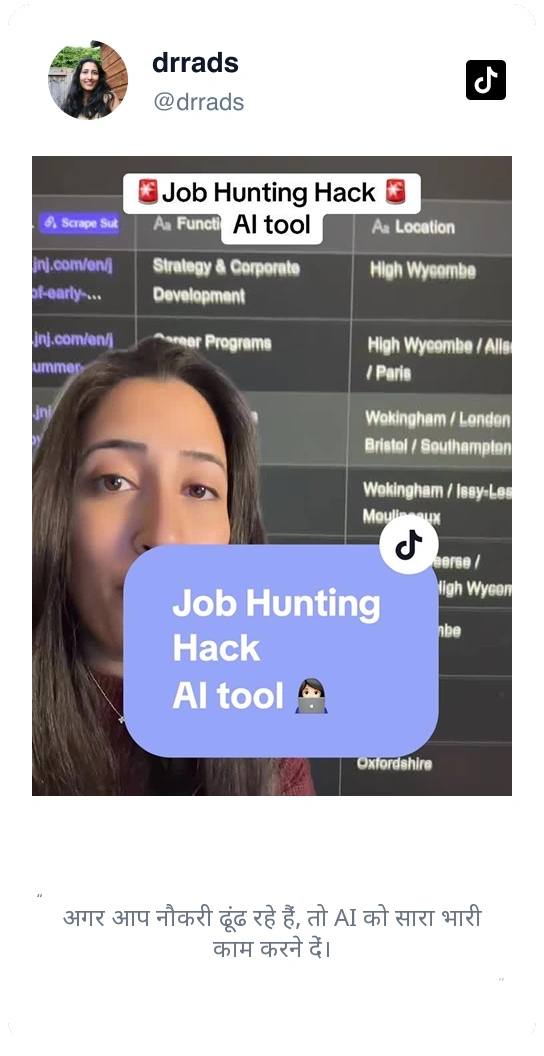
ज़्यादा स्मार्ट तरीकासिर्फ हमारी बात पर भरोसा मत करें
देखें Thunderbit के बारे में हमारे उपयोगकर्ता क्या कहते हैं।






अक्सर पूछे जाने वाले सवाल
संबंधित उपयोग के मामले
Thunderbit के वेब स्क्रैपर के और उपयोग के मामले देखें।

Elgiganten Scraper
Thunderbit के AI की मदद से सिर्फ दो क्लिक में Elgiganten से प्रोडक्ट नाम, कीमतें और उपलब्धता का डेटा निकालें — बाकी भारी काम AI कर देगा।
और जानें ->
Priceline स्क्रेपर
Thunderbit की AI की मदद से बस कुछ क्लिक में Priceline से होटल के नाम, कीमतें और रेटिंग निकालें।
और जानें ->
वीडियो स्क्रैपर
Thunderbit का Video Scraper आपको AI की मदद से सिर्फ कुछ क्लिक में वीडियो और क्रिएटर डेटा निकालने देता है। वीडियो लिस्टिंग, परफॉर्मेंस मेट्रिक्स और प्रोफ़ाइल डिटेल्स स्क्रैप करें, फिर ट्रैकिंग और इन्फ्लुएंसर रिसर्च के लिए डेटा को Excel, Google Sheets, Airtable या Notion में एक्सपोर्ट करें।
और जानें ->
HKTVmall Scraper
बस कुछ ही क्लिक में HKTVmall लिस्टिंग से प्रोडक्ट के नाम, कीमतें और ग्राहक रेटिंग तक निकालें — किसी जटिल सेटअप की ज़रूरत नहीं।
और जानें ->
विकिपीडिया स्क्रैपर
विकिपीडिया के इन्फोबॉक्स डेटा, संदर्भ और लेख के पाठ को एक साफ़-सुथरी स्प्रेडशीट में लाएँ — बिना कोड के, AI आपके लिए संरचना तैयार कर देता है।
और जानें ->
सबस्टैक स्क्रैपर
सबस्टैक के सब्सक्राइबर काउंट, लेख शीर्षक और प्रकाशन विवरण एक साफ़ स्प्रेडशीट में लाएँ — कोड की ज़रूरत नहीं, AI खुद संरचना बना देता है।
और जानें ->क्या आप अपने डेटा एक्सट्रैक्शन को तेज़ करने के लिए तैयार हैं?
100,000+ पेशेवरों से जुड़ें जो पहले से ही Thunderbit का उपयोग अपने वेब स्क्रैपिंग वर्कफ़्लो को ऑटोमेट करने के लिए कर रहे हैं।
मुफ्त ट्रायल 8 वेबपेजों के लिए असीमित क्रेडिट देता है।