Kohl's Scraper













Kohl's डेटा को आसानी से unlock करें
Kohl's से product data को बिना मेहनत के निकालें, जिसमें prices और reviews भी शामिल हैं।
Kohl's data collection को automate करें
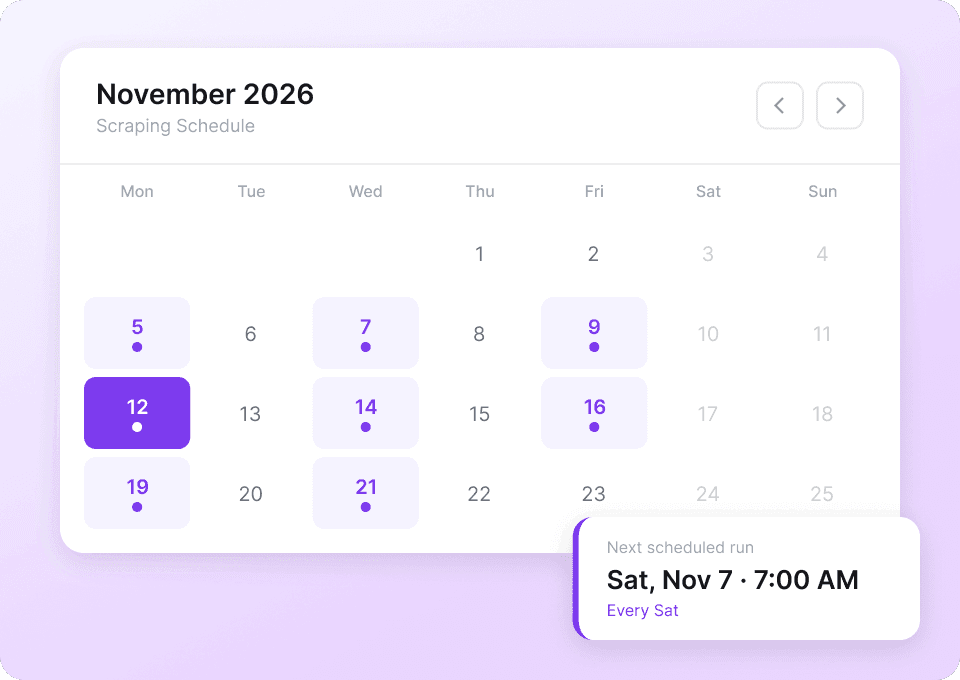
Kohl's की product information — जैसे prices, ratings और availability — लगातार बदलती रहती है। हर listing को manually check करना समय लेने वाला काम है। Thunderbit के साथ scheduled scraping सेट करें, ताकि यह अपने-आप चलता रहे और ताज़ा डेटा सीधे आपकी Google Sheets में पहुँच जाए, बिना आपकी मेहनत के। अपने schedule के अनुसार product name, price, sale price, rating, review count और brand को अपने-आप track करें।
Product की पूरी जानकारी हासिल करें
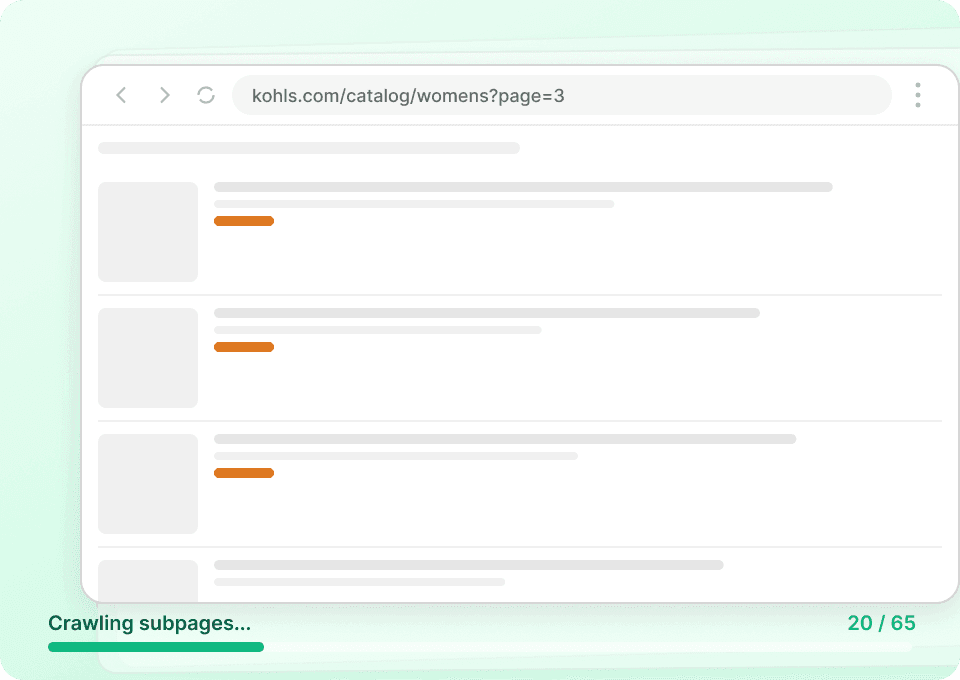
Kohl's की listing pages अक्सर हर item की जानकारी का सिर्फ़ preview दिखाती हैं। Thunderbit अपने-आप हर product page पर जाता है और sizes, materials, detailed descriptions जैसी सारी ज़रूरी जानकारी निकाल लेता है — फिर उसे आपके dataset में अतिरिक्त columns के रूप में दिखाता है। हर product की पूरी तस्वीर पाएँ, जिसमें product name, price, sale price, rating, review count और brand शामिल हैं।
सिर्फ़ दो क्लिक में डेटा निकालें
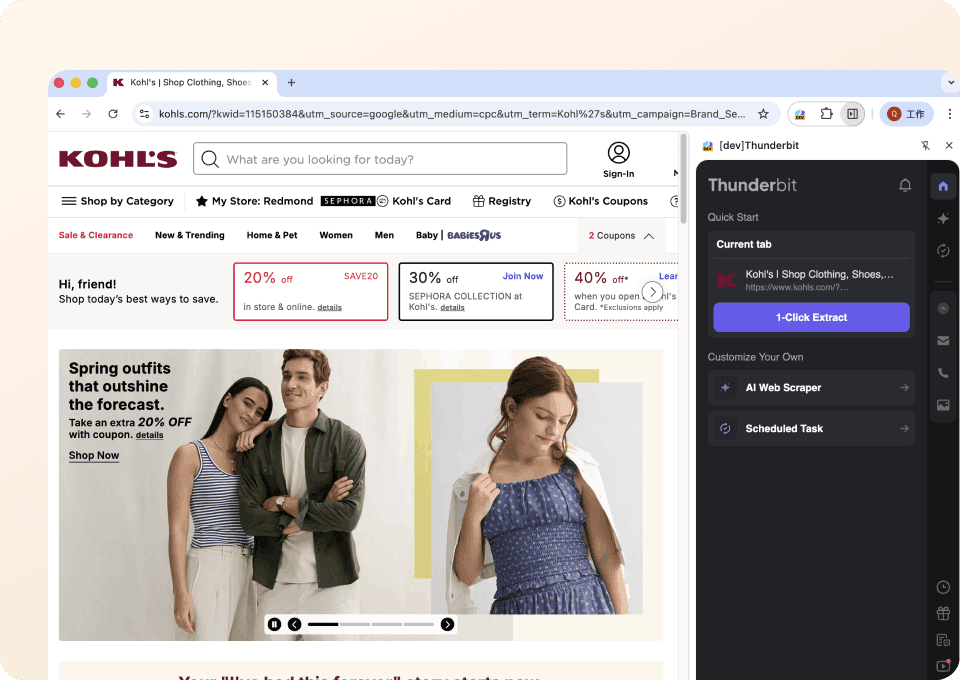
न coding, न complex setup। Thunderbit से Kohl's product data scrape करना बेहद आसान हो जाता है — बस जिन fields की ज़रूरत है उन पर point करें, दो बार click करें, और आपका data तैयार है। Product name, price, sale price, rating, review count और brand को सीधे Google Sheets, Excel या Notion में export करें, बिना किसी technical expertise के।
Thunderbit पारंपरिक Kohl's scrapers से अलग क्यों है?
Manual configuration और टूटे हुए scrapers की झंझट के बिना kohl's से data निकालें।
पारंपरिक scrapers
पुराना तरीकाThunderbit AI
ज़्यादा स्मार्ट तरीका







अक्सर पूछे जाने वाले प्रश्न
संबंधित उपयोग के मामले
Thunderbit के web scraper के और उपयोग के मामले देखें।

Steam Scraper
सिर्फ 2 क्लिक में Steam गेम के नाम, कीमतें और यूज़र रिव्यू स्कोर निकालें—कोई कोडिंग नहीं चाहिए। साफ़ डेटा को सीधे Excel, Google Sheets या Notion में एक्सपोर्ट करें और तुरंत विश्लेषण शुरू करें।
और जानें ->
PeopleWhiz स्क्रैपर
Thunderbit PeopleWhiz स्क्रैपर आपको AI-संचालित फ़ील्ड सुझावों के साथ PeopleWhiz खोज परिणामों और प्रोफाइलों से डेटा निकालने देता है। शोध, मार्केटिंग या लीड जनरेशन के लिए नाम, संपर्क विवरण, स्थान और भी बहुत कुछ इकट्ठा करें। PeopleWhiz डेटा को संरचित डेटासेट में जल्दी और कुशलता से बदलें।
और जानें ->
वीडियो स्क्रैपर
Thunderbit का Video Scraper आपको AI की मदद से सिर्फ कुछ क्लिक में वीडियो और क्रिएटर डेटा निकालने देता है। वीडियो लिस्टिंग, परफॉर्मेंस मेट्रिक्स और प्रोफ़ाइल डिटेल्स स्क्रैप करें, फिर ट्रैकिंग और इन्फ्लुएंसर रिसर्च के लिए डेटा को Excel, Google Sheets, Airtable या Notion में एक्सपोर्ट करें।
और जानें ->
Elgiganten Scraper
Elgiganten से प्रोडक्ट के नाम, कीमतें और उपलब्धता सिर्फ 2 क्लिक में निकालें — और फिर सीधे Excel, Google Sheets या Notion में एक्सपोर्ट करें। Thunderbit की AI सारी मुश्किल मेहनत खुद संभाल लेती है, ताकि आप सिर्फ सही इनसाइट्स पर ध्यान दे सकें।
और जानें ->
Substack स्क्रैपर
सिर्फ 2 क्लिक में Substack के सब्सक्राइबर काउंट, आर्टिकल टाइटल और पब्लिकेशन डिस्क्रिप्शन निकालें — फिर उन्हें Excel, Google Sheets या Notion में एक्सपोर्ट करें। किसी कोड की जरूरत नहीं; Thunderbit का AI पूरी structuring अपने आप कर देता है।
और जानें ->
Priceline स्क्रेपर
Thunderbit के AI की मदद से सिर्फ 2 क्लिक में Priceline से होटल के नाम, कीमतें, रेटिंग और सुविधाएँ निकालें — फिर साफ़, स्ट्रक्चर्ड डेटा तुरंत Excel, Google Sheets या Notion में एक्सपोर्ट करें।
और जानें ->क्या आप अपनी data extraction को तेज़ करना चाहते हैं?
Join 200,000+ professionals already using Thunderbit to automate their web scraping workflows.
फ्री ट्रायल 8 webpages के लिए unlimited credits देता है।



