ब्राउज़र ऑटोमेशन पर मेरा पहला प्रयोग कुछ यूं था: देर रात, ठंडी हो चुकी कॉफी, और प्रोडक्ट लिंक से भरी एक स्प्रेडशीट जिसे देखकर ही copy-paste करने का मन नहीं कर रहा था। इससे बेहतर कोई तरीका होना ही चाहिए था।
और है भी। Browser automation अब सिर्फ़ डेवलपर्स की एक खास तरकीब नहीं रह गया है—यह एक ज़रूरी business tool बन चुका है। लेकिन वेब भी लगातार मुश्किल होता जा रहा है: साइटें content को dynamically load करती हैं, data को buttons के पीछे छिपाती हैं, और बार-बार pop-ups दिखाती हैं।
यहाँ 15 browser automation tools हैं जिन्हें मैंने टेस्ट किया है—इनमें AI scrapers जैसे Thunderbit भी शामिल हैं—और इन्हें अलग-अलग skill levels और use cases के हिसाब से चुना गया है।
Browser Automation क्या है? Web Automation और Web Scraping की ताकत समझें
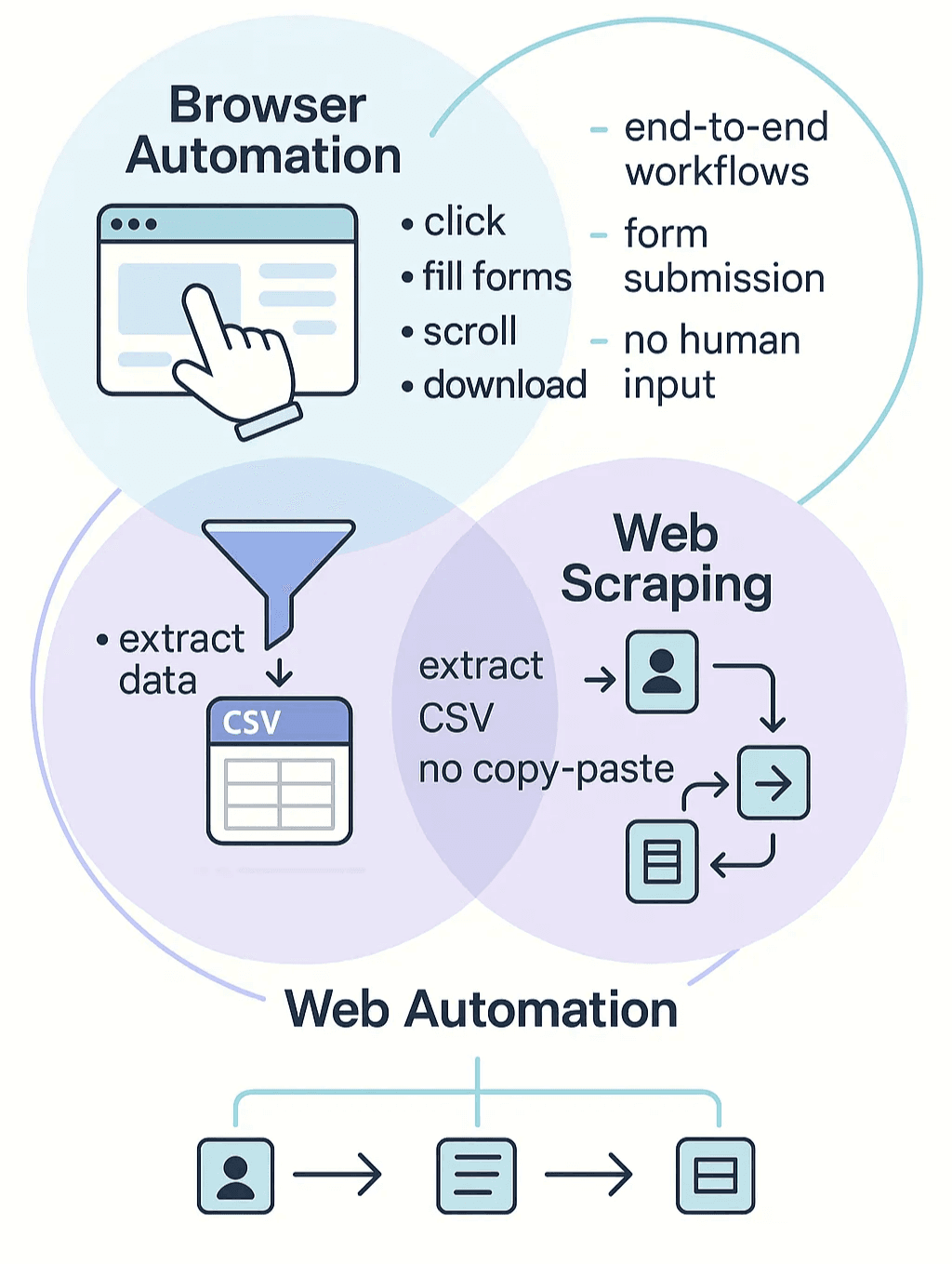
इसे आसान भाषा में समझते हैं: browser automation वह software है जो आपके browser में किए जाने वाले कामों की नकल करता है—links पर क्लिक करना, forms भरना, page scroll करना, files डाउनलोड करना—वो भी बिना आपके हाथ लगाए। इसे अपने digital assistant की तरह सोचिए, जो बार-बार वही web tasks करता रहता है जिन्हें आप खुद नहीं करना चाहते (oxylabs.io Pricing).
Web scraping browser automation का एक खास रूप है, जिसका focus websites से data निकालकर उसे structured format—जैसे spreadsheet या database—में बदलना होता है, ताकि आप उसे सच में इस्तेमाल कर सकें। अब copy-paste का झंझट खत्म। Web automation एक broader term है जिसमें ये दोनों आते हैं: web apps के साथ किसी भी interaction को automate करना—data extraction से लेकर forms submit करने तक, या पूरे workflows चलाने तक (proxidize.com Pricing).
आज browser automation इतना बड़ा मुद्दा क्यों है? Modern websites dynamic होती हैं और JavaScript-heavy भी। Content scroll करने पर लोड होता है, buttons hidden info दिखाते हैं, और कई बार data तक पहुँचने के लिए login या अलग-अलग clicks करने पड़ते हैं। पुराने static HTML-fetch करने वाले scrapers अब पीछे छूट जाते हैं। Browser automation tools असल में एक real browser को control करते हैं (कभी-कभी headless mode में—यानी बिना UI के), इसलिए वे इस तरह की dynamic content handling और real user actions की simulation कर सकते हैं (creative-tim.com Pricing).
संक्षेप में: modern web के साथ काम करने और data निकालने का browser automation ही असली secret sauce है—खासकर तब, जब चीज़ें messy हो जाएँ।
Modern Businesses के लिए Browser Automation क्यों ज़रूरी है
अब business value की बात करें। Browser automation और web scraping सिर्फ tech experts के लिए नहीं हैं—अब ये sales, ecommerce, operations, और लगभग हर उस team के लिए mission-critical हो चुके हैं जो web data पर निर्भर करती है।
क्यों?
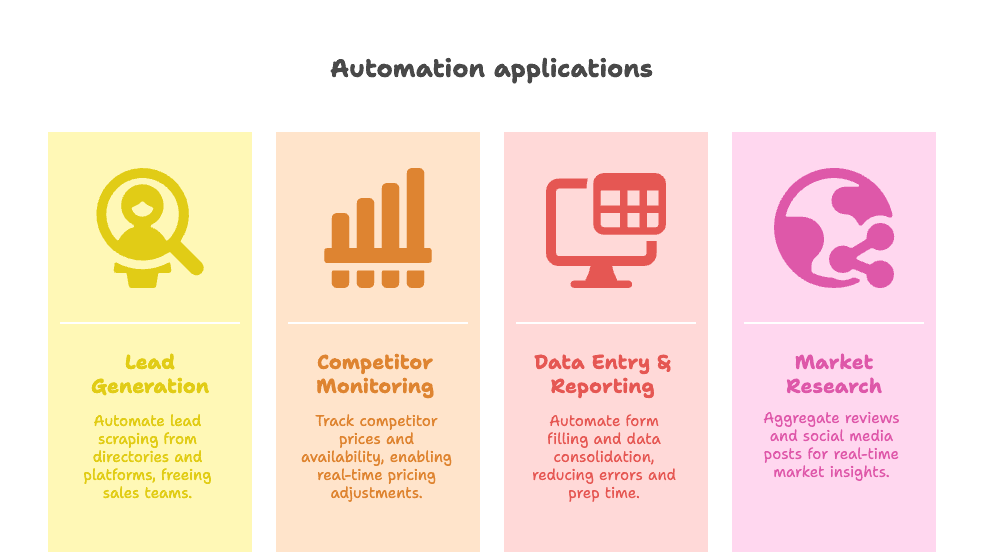
- Lead Generation: Business directories, LinkedIn, या Google Maps से fresh leads अपने आप निकालिए, जब आप सो रहे हों तब भी। Automation इस्तेमाल करने वाली sales teams रिपोर्ट करती हैं कि वे lead ढूँढने के बजाय 82% ज़्यादा समय actual selling में लगाती हैं (venasolutions.com Pricing).
- Competitor Monitoring & Price Tracking: Ecommerce teams bots का इस्तेमाल करके competitor prices और product availability रोज़ाना मॉनिटर करती हैं, और अपनी pricing को लगभग real time में adjust करती हैं (groupbwt.com Pricing).
- Data Entry & Reporting: Forms भरने का काम automate करें, अलग-अलग sources से data एक जगह लाएँ, और human errors कम करें। एक healthcare firm ने manual data entry 60% तक घटाई और report preparation time 40% कम कर दिया (groupbwt.com Pricing).
- Market Research: Reviews, listings, या social media posts को aggregate करके ऐसे real-time insights लीजिए जो हाथ से जुटाना लगभग नामुमकिन होता।
और numbers भी यही कहानी बताते हैं:
- अब लगभग पूरे internet traffic का आधा bots से आता है—जिसका बड़ा हिस्सा automation और scraping है।
- 65% organizations AI और analytics projects को fuel करने के लिए web scraping का इस्तेमाल करती हैं।
- डिजिटल automation investments पर पहले साल में 30–200% ROI मिलना आम बात है।
Browser automation के business फायदे समझने के लिए यह छोटा सा table देखिए:
| Business Scenario | Automation का फायदा |
|---|---|
| Lead Generation | तेज़ी से lead lists तैयार करता है, sales reps को closing deals पर फोकस करने देता है |
| Price Tracking | real-time market awareness, dynamic pricing, competitor changes पर तुरंत प्रतिक्रिया |
| Data Entry & Reporting | boring copy-paste हटाता है, errors कम करता है, data को updated रखता है |
| Market Research & Competitive Analysis | बड़े datasets को insights में बदलता है, data-driven strategy को सपोर्ट करता है |
साफ़ शब्दों में: modern businesses को तेज़, accurate और competitive रखने का तरीका browser automation ही है।
Browser Automation Tool Categories: AI Web Scraper से लेकर No-Code Solutions तक
सारे browser automation tools एक जैसे नहीं होते। आपकी background और जरूरत के हिसाब से आपको इन चार मुख्य categories में से चुनना होगा:
- Developer Tools: उन लोगों के लिए जो code लिखना पसंद करते हैं (जैसे Selenium, Puppeteer, Playwright, Cypress)। Maximum flexibility मिलती है, लेकिन programming skills चाहिए।
- No-Code/Low-Code Platforms: Visual builders और recorders (जैसे Browserflow, Axiom.ai, UI Vision) जो non-technical users को clicks या drag-and-drop blocks से automation बनाने देते हैं।
- Enterprise RPA Suites: बड़े scale के end-to-end business process automation के लिए बनाए गए heavyweight platforms (UiPath, Automation Anywhere, Microsoft Power Automate)।
- AI-Powered Solutions: नए और तेज़ी से लोकप्रिय हो रहे tools—जैसे Thunderbit—जो AI से web pages को “read” करते हैं, बदलावों के अनुसार adapt होते हैं, और सिर्फ कुछ clicks या plain English instructions से automation करवा देते हैं।
हर category की अपनी strengths हैं। Developers को full control मिलता है, business users को speed और simplicity, और AI-powered tools इन दोनों के बीच की दूरी कम कर रहे हैं—ताकि powerful automation सबके लिए accessible हो सके।
Thunderbit: सबके लिए AI Web Scraper
AI की मदद से किसी भी वेबसाइट से data निकालें Get Started Free
साफ़ कहूँ तो, मेरी थोड़ी bias है—लेकिन वजह सही है। Thunderbit वह tool है जो काश मुझे कई साल पहले मिल गया होता। यह एक AI-powered Chrome extension है, जिससे कोई भी—हाँ, code न जानने वाला भी—सिर्फ़ दो clicks में किसी भी website से structured data निकाल सकता है।
Thunderbit अलग क्यों है:
- AI Suggest Fields: बस “AI Suggest Fields” पर क्लिक करें, Thunderbit page को पढ़ता है, best columns सुझाता है, और आपके लिए scraper सेट कर देता है।
- Subpage Scraping: ज़्यादा details चाहिए? Thunderbit automatically हर subpage (जैसे product या profile pages) पर जाकर data table को enrich कर देता है।
- Scheduled Scraping: एक बार सेट कीजिए और भूल जाइए। Scrapes को intervals पर schedule करें—price monitoring, stock checks, या recurring lead pulls के लिए perfect।
- Instant Data Scraper Templates: Amazon, Zillow, या Instagram जैसी popular sites के लिए बस template चुनिए और एक click में data export कर दीजिए।
- Free Data Export: Results को CSV, Excel में डाउनलोड कीजिए, या सीधे Google Sheets, Airtable, या Notion में push कर दीजिए—exports के लिए कोई paywall नहीं।
- AI Data Transformation: Data scrape करते समय ही उसे summarize, categorize, translate, या reformat कर सकते हैं—AI भारी काम संभाल लेता है (Thunderbit Blog).
यह किसके लिए है? Sales teams, ecommerce operators, realtors, marketers—यानी लगभग हर वह व्यक्ति जिसे web data चाहिए, लेकिन code या टूटने वाले पुराने scrapers से जूझना नहीं चाहता।
मुझे क्या पसंद है: Thunderbit site changes के साथ खुद को adjust कर लेता है (broken scripts की टेंशन नहीं), JavaScript-heavy pages संभालता है, और scraping को takeout order करने जितना आसान बना देता है। ऊपर से, इसे try करना free है, और paid plans सिर्फ $9/month से शुरू होते हैं (Thunderbit Pricing). अगर आप इसे चलते-फिरते देखना चाहते हैं, तो Thunderbit Chrome Extension देखें या Thunderbit Blog पर और tips पढ़ें।
Thunderbit AI Web Scraper को मुफ़्त में आज़माएँ
Selenium: Browser Automation का Classic Framework
Selenium browser automation का OG है—इसे developers और QA engineers के लिए Swiss Army knife समझिए। यह open-source है, सभी major browsers को सपोर्ट करता है, और Java, Python, C#, JavaScript समेत कई languages में scripts लिखने देता है।
ताकतें:
- Cross-browser, cross-platform: हर जगह काम करता है, CI/CD के साथ जुड़ता है, और कई automated test suites की backbone है।
- Mature ecosystem: ढेरों plugins, cloud grid providers, और strong community support।
- Free और open-source: License fees नहीं।
सीमाएँ: Programming skills चाहिए, maintenance कभी-कभी मुश्किल हो सकती है (खासकर जब websites बदलती हैं), और बड़े scraping jobs के लिए यह सबसे तेज़ नहीं है। फिर भी, अगर आप developer या QA pro हैं, तो Selenium जानना ज़रूरी है।
Puppeteer: Web Scraping के लिए Headless Browser Automation
Google का Puppeteer एक Node.js library है जो Chrome या Chromium को control करती है—default रूप से headless mode में। यह उन developers की पसंद है जो Chrome automate करना चाहते हैं, dynamic content scrape करना चाहते हैं, या PDFs/screenshots generate करना चाहते हैं।
ताकतें:
- Modern JavaScript API: Complex browser tasks को script करना आसान।
- Headless mode: Scraping या testing के लिए तेज़ और resource-efficient।
- Dynamic sites के लिए बढ़िया: JavaScript-heavy pages को आसानी से संभालता है।
सीमाएँ: मुख्य रूप से JavaScript/Node.js users के लिए, और Chrome/Chromium पर फोकस्ड (Firefox support बेहतर हो रहा है)। अगर आपको Safari या Edge चाहिए, तो Playwright देखें।
Playwright: Modern Web Apps के लिए Cross-Browser Automation
Microsoft का Playwright एक नया लेकिन दमदार tool है। यह एक ही API से Chromium, Firefox, और WebKit (Safari का engine) सपोर्ट करता है, और JavaScript, Python, Java, तथा .NET में काम करता है।

ताकतें:
- सही मायनों में cross-browser automation: एक script, सारे browsers।
- Auto-wait और reliability: flaky tests और scraping errors कम करता है।
- बेहतरीन debugging tools: Inspector, trace viewer, और codegen।
सीमाएँ: Selenium की तुलना में ecosystem थोड़ा नया है, लेकिन तेज़ी से mature हो रहा है। नया project शुरू कर रहे हैं, तो Playwright शानदार विकल्प है।
Cypress: सरल Web Automation और Testing
Cypress modern web apps के लिए बनाया गया developer-friendly end-to-end testing tool है। यह tests को browser के अंदर चलाता है, real-time debugging देता है, और front-end teams में बहुत पसंद किया जाता है।
ताकतें:
- All-in-one test runner: Visual, interactive, और तेज़।
- Automatic waits: कम flaky tests, कम manual timing code।
- SPAs के लिए बढ़िया: Asynchronous behavior को smoothly संभालता है।
सीमाएँ: पहले यह mainly Chrome-focused था (अब Firefox/WebKit भी सपोर्ट करता है), और scraping या multi-tab workflows के लिए नहीं बनाया गया। अपने apps की testing के लिए अच्छा है, third-party sites scraping के लिए नहीं।
No-Code और Low-Code Browser Automation Tools
Browserflow
Browserflow एक Chrome extension है जो आपको visual तरीके से automation “flows” बनाने देता है—कोड की जरूरत नहीं। Click करके actions record करें, steps adjust करें, और scraping, form filling, या data entry जैसे काम automate करें।
मुख्य बातें:
- Visual flow builder: Steps को drag-and-drop करें, loops या conditions जोड़ें।
- Google Sheets integration: Data सीधे Sheets में export करें।
- Cloud scheduling: Flows को schedule पर चलाएँ (paid plans)।
यह non-technical users के लिए perfect है जो repetitive web tasks automate करना चाहते हैं, बिना IT को परेशान किए।
Axiom.ai
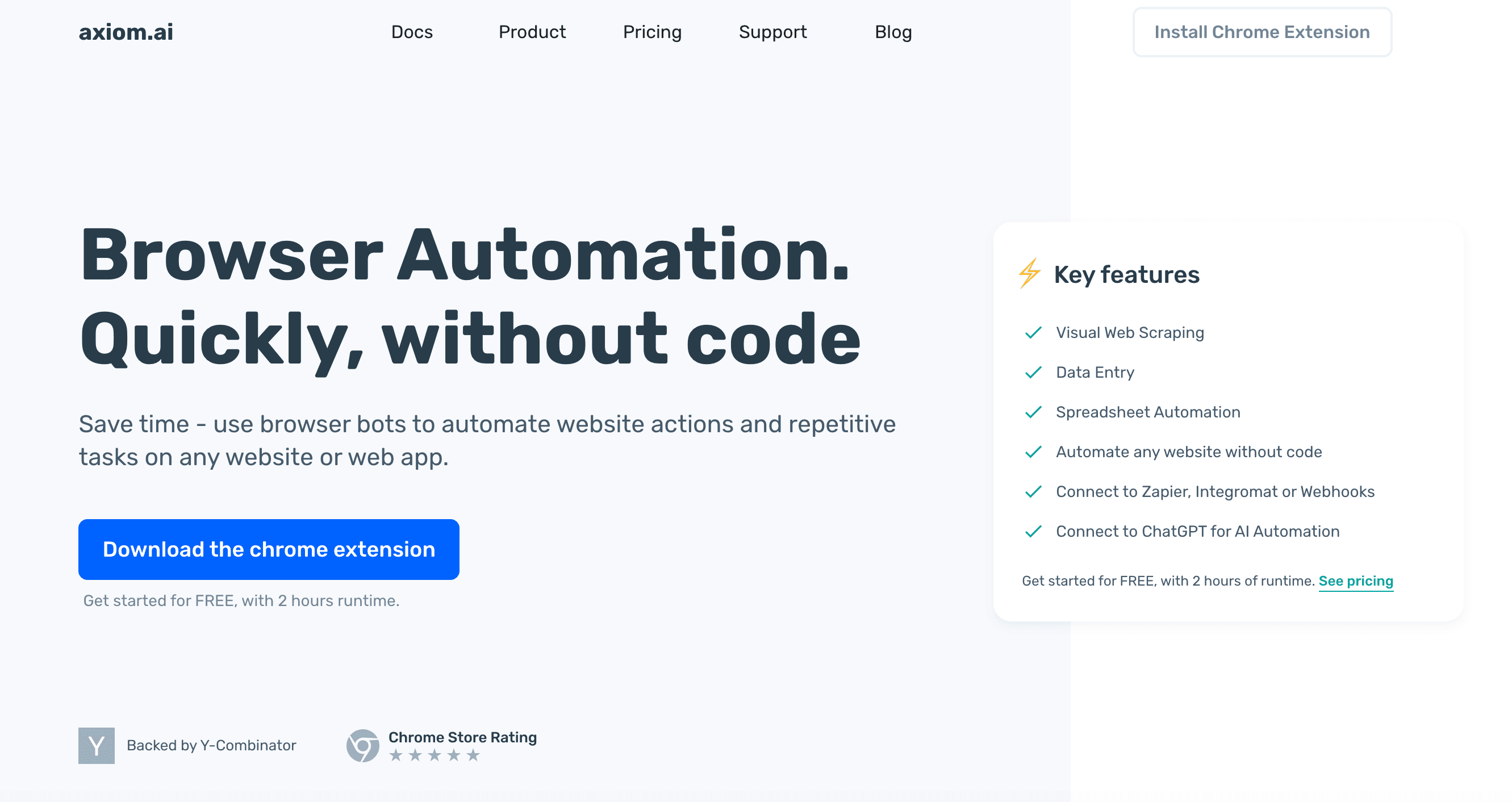
Axiom.ai एक और no-code Chrome extension है जो business process automation पर फोकस करता है (Axiom.ai Pricing). Step-by-step bots बनाइए, Google Sheets, APIs, और यहाँ तक कि Zapier के साथ integrate कीजिए।
मुख्य बातें:
- Bot-building interface: Actions को visually assemble करें।
- Pre-built templates: Common workflows के साथ जल्दी शुरुआत करें।
- Cloud scheduling और integrations: Web apps के बीच automation करें।
Operations teams या उन लोगों के लिए बढ़िया जो बिना code लिखे data transfers और web tasks automate करना चाहते हैं।
UI Vision, Browser Automation Studio, TagUI
- UI Vision: Open-source browser extension, जिसमें Selenium IDE जैसी commands और visual automation (image recognition, OCR) मिलती हैं। Free, cross-platform, और desktop apps तक automate कर सकती है।
- Browser Automation Studio: Windows app जिसमें visual scripting IDE, multi-threading, और standalone bots compile करने की क्षमता है। Powerful है, लेकिन सीखने में थोड़ा समय लगता है।
- TagUI: Open-source command-line RPA tool, जिसमें आप plain English (या अन्य languages) में automation scripts लिख सकते हैं। Tech-savvy users के लिए free और flexible solution।
Enterprise-Grade RPA Tools
UiPath
UiPath एक heavyweight RPA platform है जो browser tasks से लेकर desktop apps तक सब automate कर सकता है। Visual workflow designer, AI computer vision, और मजबूत orchestration इसे बड़े संगठनों में पसंदीदा बनाती है।
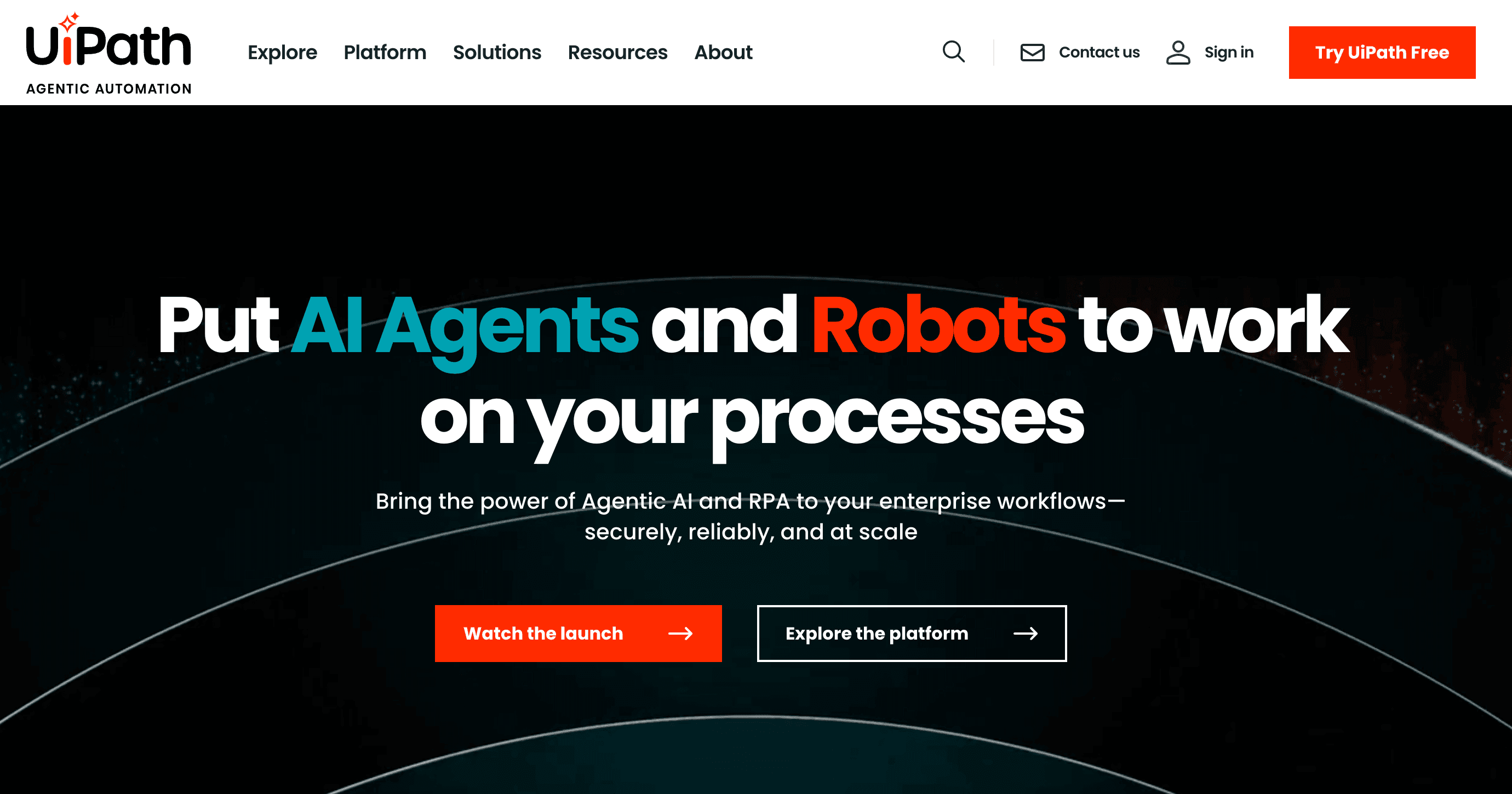
ताकतें: Enterprise-scale, strong community, attended और unattended—दोनों automation सपोर्ट।
सीमाएँ: महँगा है, और advanced features सीखने में समय लगता है। बड़े automation ambitions वाली companies के लिए सबसे उपयुक्त।
Automation Anywhere
एक और top RPA suite, Automation Anywhere cloud-first automation, visual bot builder, और business apps के साथ मजबूत integration देता है (Automation Anywhere Pricing).
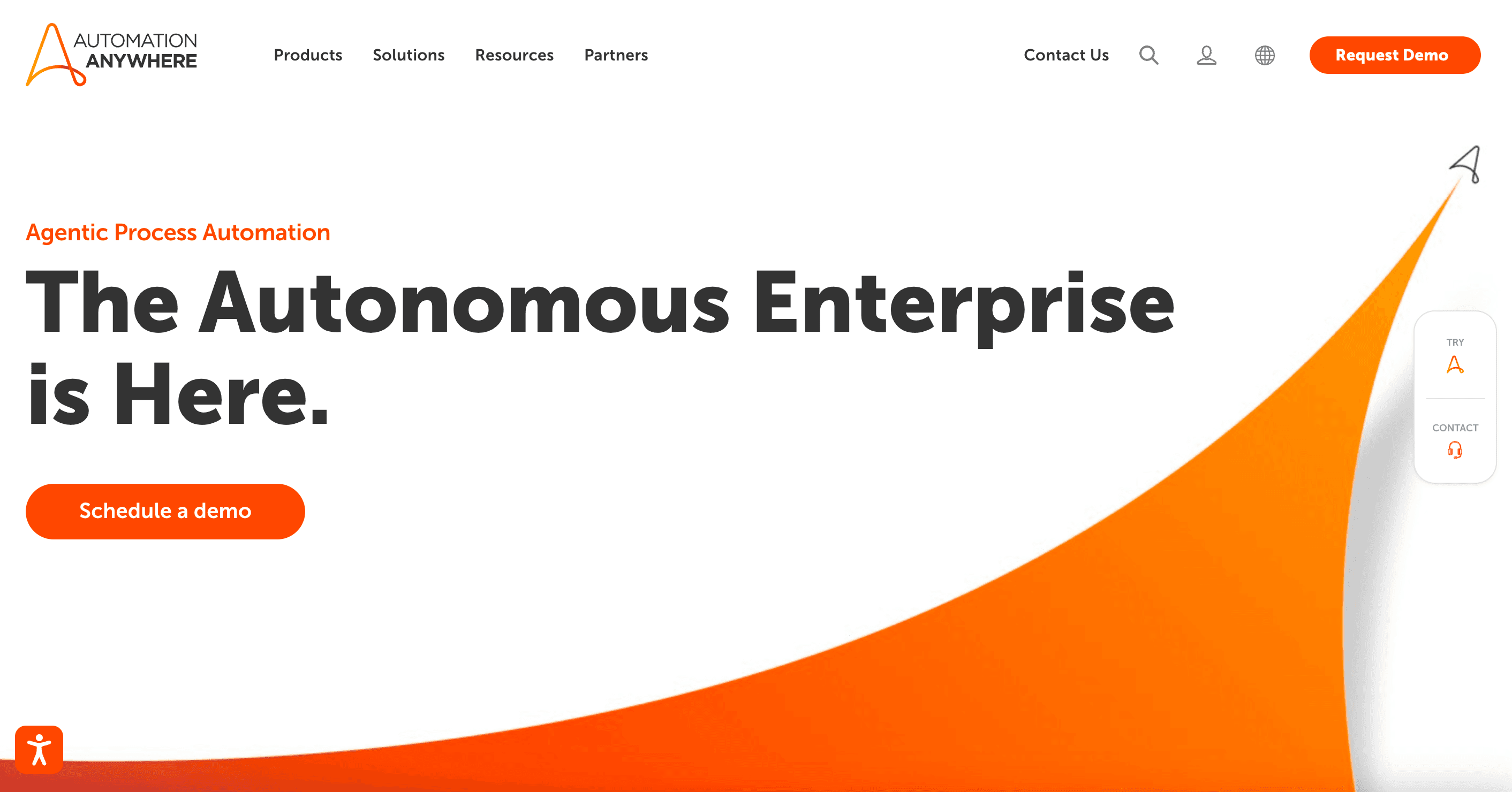
ताकतें: User-friendly, cloud-native, front-office और back-office automation दोनों के लिए अच्छा।
सीमाएँ: UiPath जैसी cost और complexity, लेकिन enterprises के लिए solid choice।
Microsoft Power Automate
अगर आप Microsoft ecosystem में हैं, तो Power Automate Office 365 users के लिए browser और desktop automation लेकर आता है (Microsoft Power Automate Pricing).
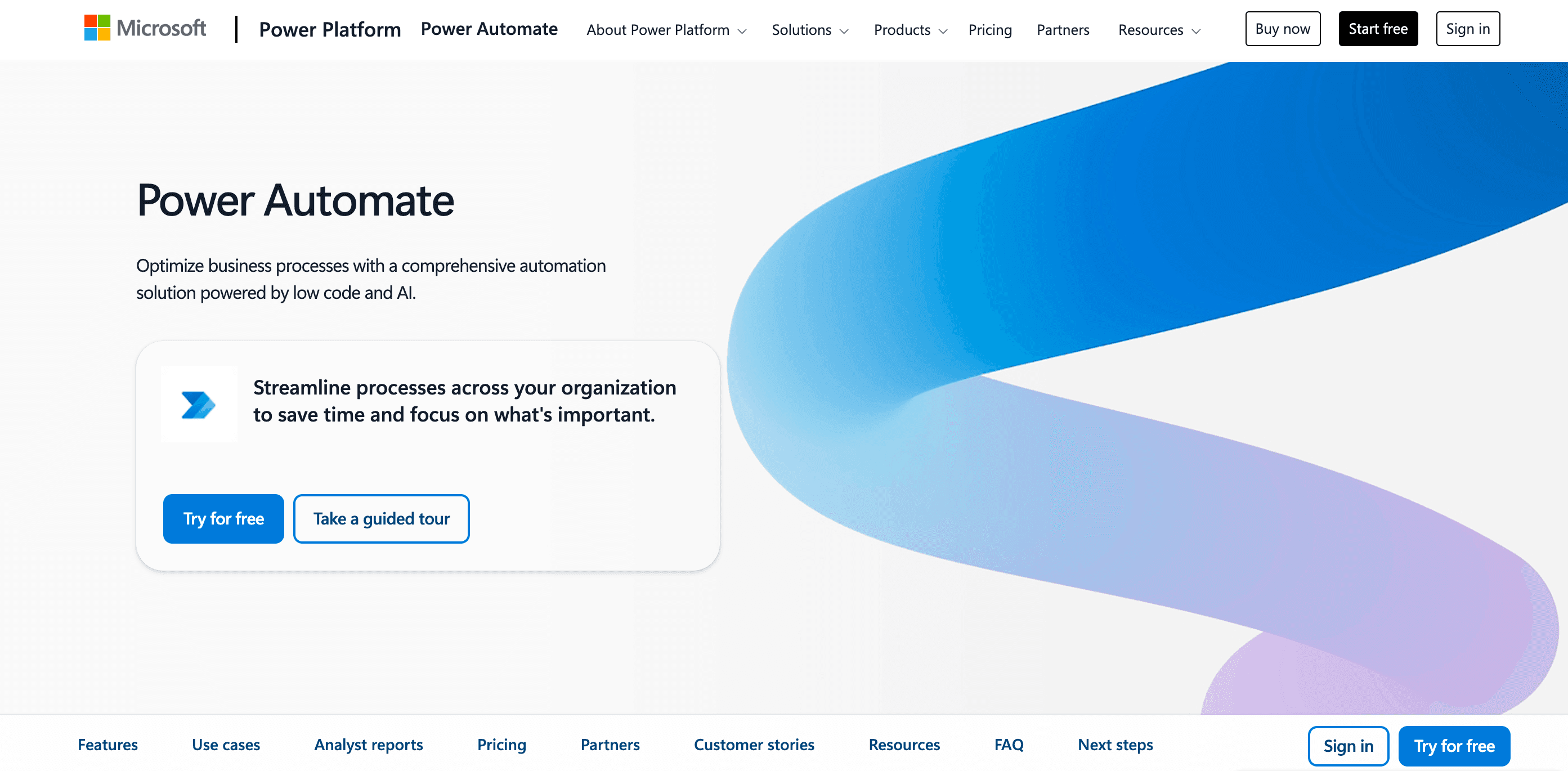
ताकतें: Microsoft apps के साथ tight integration, existing customers के लिए affordable, और business users के लिए आसान।
सीमाएँ: Windows-centric है, advanced RPA features में अभी उतना mature नहीं, लेकिन तेज़ी से बेहतर हो रहा है।
BrowserStack Automate
BrowserStack Automate कोई script builder नहीं है—यह एक cloud platform है जो आपके Selenium, Playwright, या Cypress scripts को हज़ारों browser/device combinations पर चलाता है (BrowserStack Pricing).
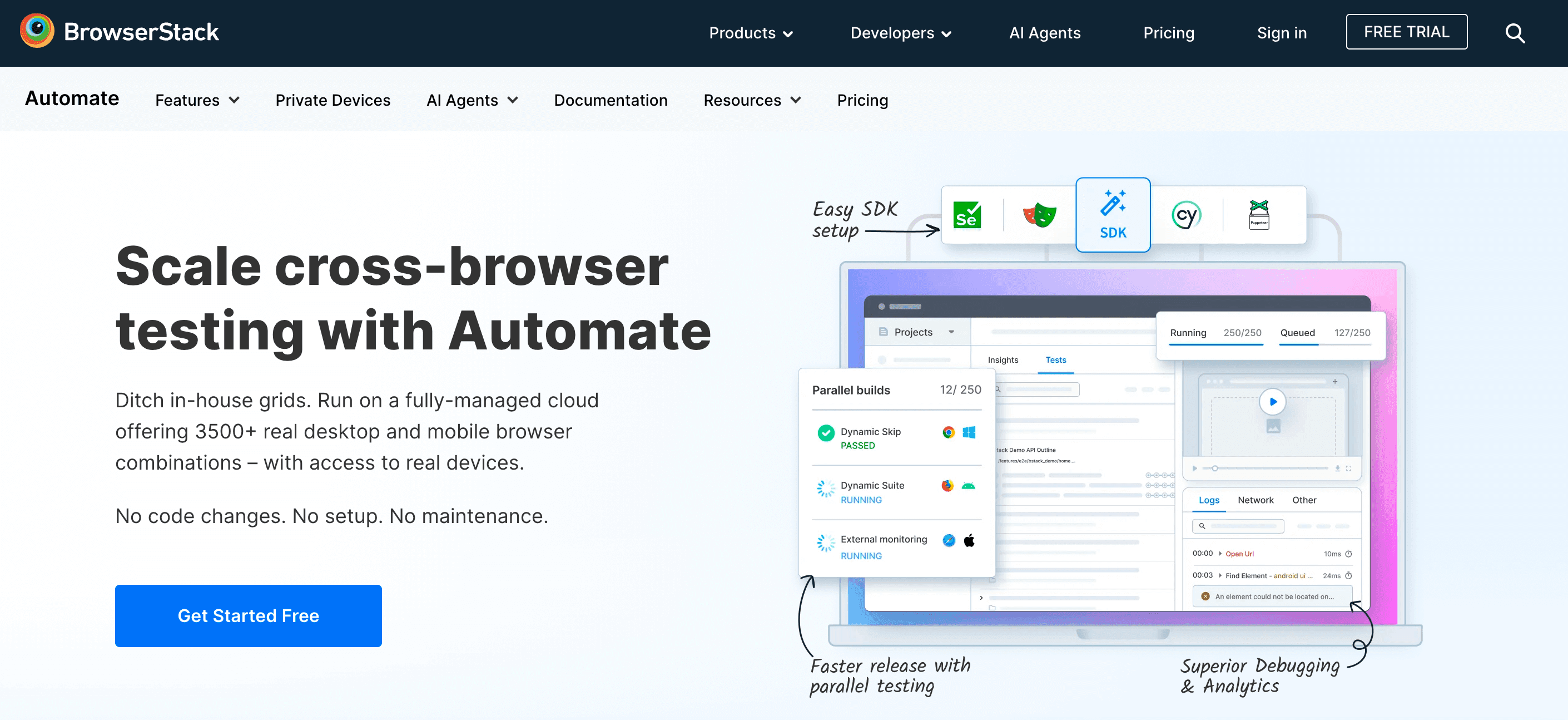
ताकतें: विशाल coverage, parallel test execution, और infrastructure maintain करने की ज़रूरत नहीं।
सीमाएँ: Automations बनाने के लिए नहीं, लेकिन scale पर cross-browser testing के लिए बहुत ज़रूरी।
अपनी ज़रूरत के हिसाब से Best Browser Automation Tool कैसे चुनें
सबसे अच्छे Web Scraping Tools की तुलना करें Get Started Free
सही tool चुनना नया phone चुनने जैसा लग सकता है—सबकी अपनी राय होती है, और अंत में फर्क आपकी ज़रूरत से पड़ता है। मेरा step-by-step तरीका यह है:
- अपना goal तय करें: क्या आप data scrape करना चाहते हैं, business processes automate करना चाहते हैं, या web apps test करना चाहते हैं?
- अपनी team की skills देखें: Developers? code-based tools चुनें। Business users? No-code या AI-powered tools जैसे Thunderbit।
- Complexity समझें: Simple scraping? Thunderbit या Browserflow try करें। Complex, multi-app workflows? UiPath या Power Automate देखें।
- Browser compatibility जाँचें: Cross-browser चाहिए? Playwright या Selenium। सिर्फ Chrome चल जाए? Puppeteer, Cypress, या ज़्यादातर no-code tools ठीक हैं।
- Scale पर सोचें: बहुत बड़े jobs के लिए code-based tools या enterprise RPA सबसे अच्छे हैं। Moderate needs के लिए browser extensions काफी हैं।
- Budget: Open-source tools free होते हैं, लेकिन setup ज़्यादा मांगते हैं। No-code और AI tools SMBs के लिए affordable हैं। RPA suites निवेश हैं।
यहाँ एक quick comparison है:
| Tool Category | Use करना कितना आसान है | Features & Power | किसके लिए सबसे अच्छा |
|---|---|---|---|
| Code-Based Frameworks | सीखने में समय लगता है | Maximum flexibility | Developers, QA engineers |
| No-Code Tools | बहुत आसान | Moderate complexity | Business users, analysts |
| Enterprise RPA | Medium (training चाहिए) | End-to-end automation | Large organizations, RPA teams |
| AI-Powered Tools | सबसे आसान | Smart, adaptive scraping | Sales, ops, non-technical users |
Browser Automation, Web Scraping, और AI Web Scraper Technology के Future Trends
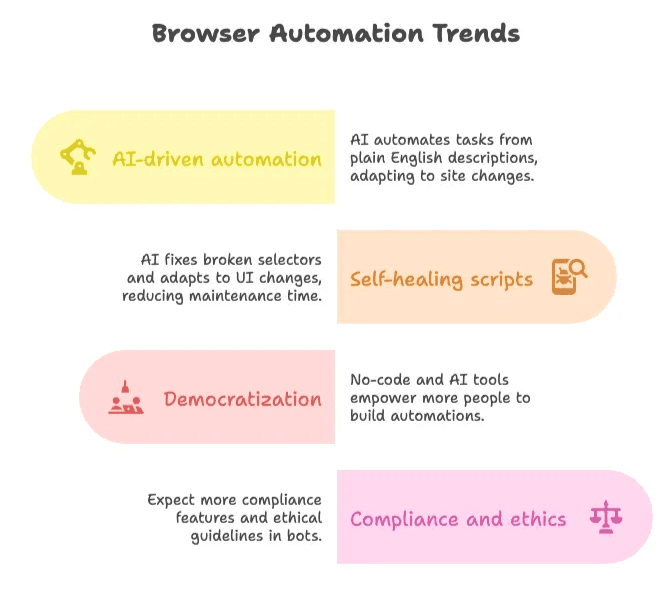
- AI-driven automation: Thunderbit जैसे tools आगे बढ़ रहे हैं, जहाँ user plain English में task बता सकता है और tool खुद site changes के अनुसार adapt हो जाता है (Thunderbit Blog).
- Self-healing scripts: AI अब broken selectors को ठीक कर सकता है और UI changes के अनुसार adjust हो सकता है, जिससे maintenance time 50% तक घट सकता है (lambdatest.com Pricing).
- Democratization: No-code और AI-powered tools की वजह से और ज़्यादा “citizen developers” अपनी automations खुद बना रहे हैं (firecrawl.dev Pricing).
- Compliance और ethics: जैसे-जैसे bots बढ़ेंगे, built-in compliance features और ethical guidelines भी बढ़ेंगे (browsercat.com Pricing).
निचोड़ यह है: browser automation और भी powerful और user-friendly होता जाएगा। अगर आप अभी automate नहीं कर रहे, तो आप समय और पैसा दोनों छोड़ रहे हैं।
निष्कर्ष: सही Browser Automation Tool से अपने Business को तेज़ बनाइए
Browser automation सिर्फ एक tech trend नहीं है—यह modern, data-driven business की रीढ़ है। चाहे आप solo operator हों या Fortune 500 की टीम का हिस्सा, सही tool आपके घंटों बचा सकता है, accuracy बढ़ा सकता है, और ऐसे insights दे सकता है जिनके बारे में आपने सोचा भी नहीं था।
मेरी सलाह? छोटी शुरुआत करें। इस list में से कोई एक tool चुनें—अगर आप बिना code के सबसे आसान और सबसे accurate web scraping चाहते हैं, तो Thunderbit शुरू करने के लिए शानदार जगह है। इसे किसी real task पर आज़माइए, खुद ROI देखिए, और फिर जैसे-जैसे growth हो, scale बढ़ाइए।
और याद रखिए: भविष्य उन लोगों का है जो automate करते हैं। तो अपना digital assistant उठाइए, tedious web work को अलविदा कहिए, और वापस मज़ेदार कामों पर आइए।
Thunderbit के साथ automation शुरू करें
FAQs
-
Browser automation, web scraping, और web automation में क्या अंतर है?
Browser automation browser में human actions की नकल करता है—click करना, scroll करना, और forms भरना। Web scraping websites से structured data (जैसे tables) निकालने पर केंद्रित है। Web automation broader category है जिसमें ये दोनों आते हैं, यानी browser के ज़रिए automate होने वाला कोई भी task—जैसे form submission, data collection, या full workflows।
-
Businesses browser automation में निवेश क्यों कर रहे हैं?
क्योंकि इससे समय बचता है, errors कम होते हैं, और performance बेहतर होती है। Sales teams leads scrape करती हैं, ecommerce prices track करता है, और operations data entry automate करते हैं। Studies के अनुसार पहले साल में 30–200% ROI मिलता है, और 65% companies AI और analytics projects के लिए web data का इस्तेमाल करती हैं।
-
मैं developer नहीं हूँ—क्या मैं फिर भी websites scrape कर सकता हूँ?
हाँ! Thunderbit जैसे tools non-coders के लिए बनाए गए हैं। बस Chrome extension install कीजिए, “AI Suggest Fields” पर क्लिक कीजिए, और Thunderbit आपके लिए structured data निकाल देगा—dynamic pages से भी। यह तेज़, accurate, और try करने के लिए free है। Sales, ecommerce, और research teams के लिए perfect।
और जानें: