
Sales Navigator से लिस्ट एक्सपोर्ट करना बाहर से बहुत आसान लगता है, लेकिन इसे सही तरीके से काम में लाना थोड़ा पेचीदा हो सकता है। सेल्स टीमें CRM में एक साफ-सुथरी अकाउंट या लीड लिस्ट चाहती हैं। मार्केटिंग को कैंपेन ऑडियंस चाहिए। RevOps को सोर्स ट्रैकिंग, डुप्लिकेशन कंट्रोल और गवर्नेंस की जरूरत होती है। दिक्कत यह है कि Sales Navigator को बिना किसी सीमा के बल्क एक्सपोर्ट के लिए बनाया ही नहीं गया है, और यही बात compliance और data quality — दोनों के लिए अहम है.
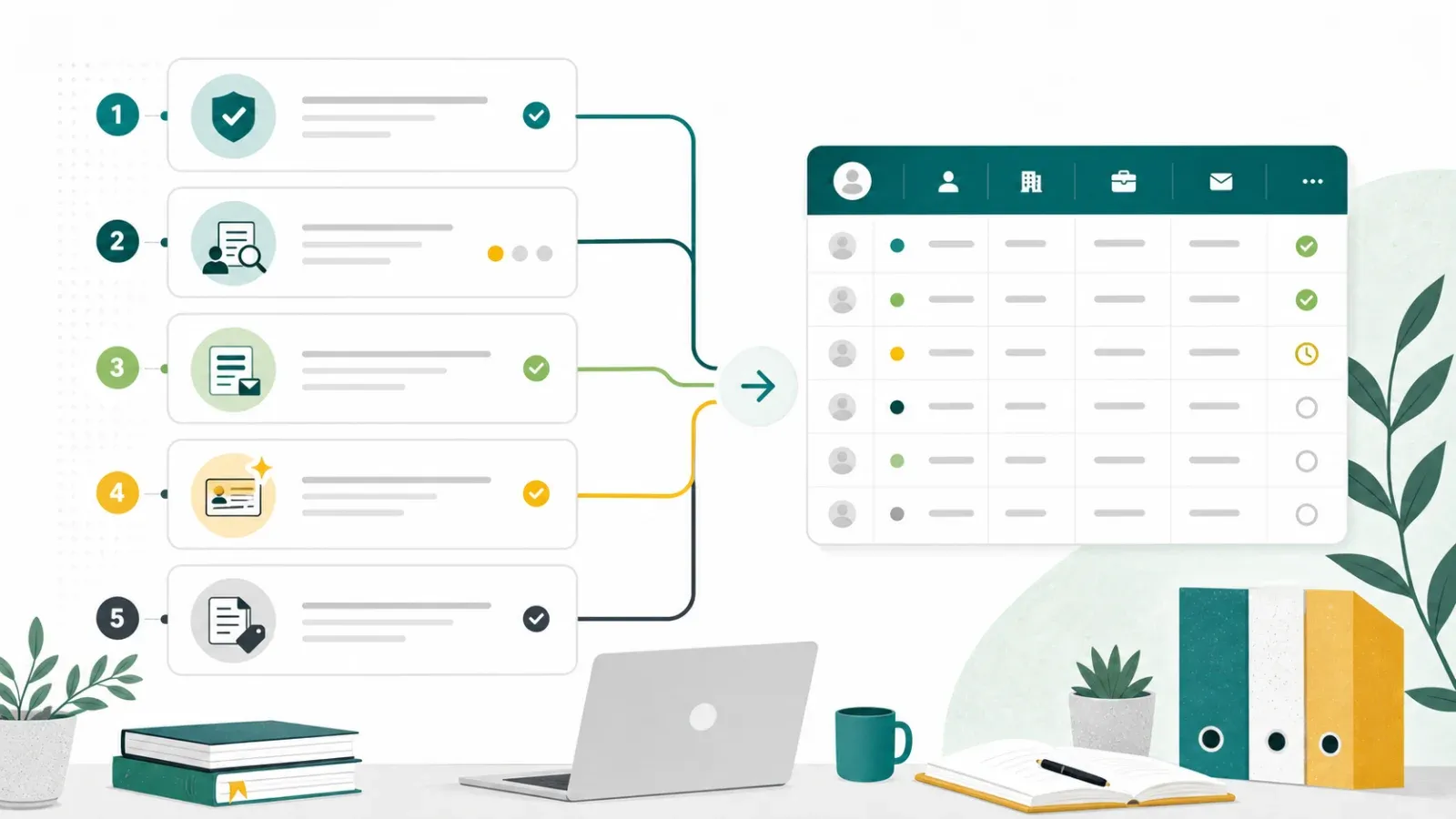
2026 में सबसे सुरक्षित तरीका यह नहीं है कि "कोई scraper ढूँढो और सब कुछ बाहर निकाल लो।" सही तरीका यह है कि जहाँ उपलब्ध हो, LinkedIn-approved रास्तों का इस्तेमाल करें, छोटे manual exports को सीमित रखें, और बाद की जानकारी को स्पष्ट source tracking के साथ अपने CRM में भेजें। यह गाइड Sales Navigator पेजों की third-party scraping पर निर्भर किए बिना, व्यावहारिक विकल्प समझाती है.
LinkedIn की Sales Navigator data export guidance देखें Get Started Free
क्या आप Sales Navigator से लिस्ट एक्सपोर्ट कर सकते हैं?
Sales Navigator research और relationship management के लिए बहुत उपयोगी हो सकता है, लेकिन export की सुविधा plan, workflow और LinkedIn के अपने rules से सीमित रहती है। 1 जुलाई 2026 तक, LinkedIn की help documentation के अनुसार Sales Navigator data के लिए CSV/XLS export उपलब्ध नहीं है, जबकि Advanced Plus customers के लिए CRM Sync उपलब्ध है। LinkedIn ने third-party tools को लेकर एक prohibited-software policy भी प्रकाशित की है, जिसमें scraping, automation, या किसी भी unauthorized तरीके से LinkedIn को access करने वाले टूल शामिल हैं.
इसलिए असली सवाल यह नहीं है कि "कौन-सा shortcut सबसे ज़्यादा fields export करता है?" असली सवाल यह है:
- आपकी टीम को Sales Navigator के बाहर सच में किन data की जरूरत है?
- उस data के लिए कोई approved export या sync path है?
- क्या यह workflow आपके CRM, Sales Navigator, या LinkedIn Ads के अंदर ही संभाला जा सकता है?
- अगर बाद में enrichment जोड़ते हैं, तो क्या वह permitted sources और clear lawful basis पर आधारित है?
टीमें Sales Navigator lists को LinkedIn के बाहर क्यों ले जाना चाहती हैं
Sales Navigator इसलिए काम का है क्योंकि यह teams को accounts, leads, buying-committee members और relationship signals पहचानने में मदद करता है। आम तौर पर टीमें यह जानकारी LinkedIn के बाहर इन चार कारणों से चाहती हैं:
- CRM follow-up: reps को Salesforce, HubSpot, Dynamics या किसी अन्य CRM में account ownership, next steps और activity history चाहिए।
- Campaign operations: marketing teams को webinars, email campaigns, events, या account-based programs के लिए साफ segments चाहिए।
- Deduplication: RevOps को duplicate outreach से बचना और account records को consistent रखना होता है।
- Reporting: leadership देखना चाहती है कि LinkedIn-based research meetings, pipeline और revenue में बदल रही है या नहीं।
ये लक्ष्य बिलकुल सही हैं। सावधानी workflow के तरीके में रखनी होती है.
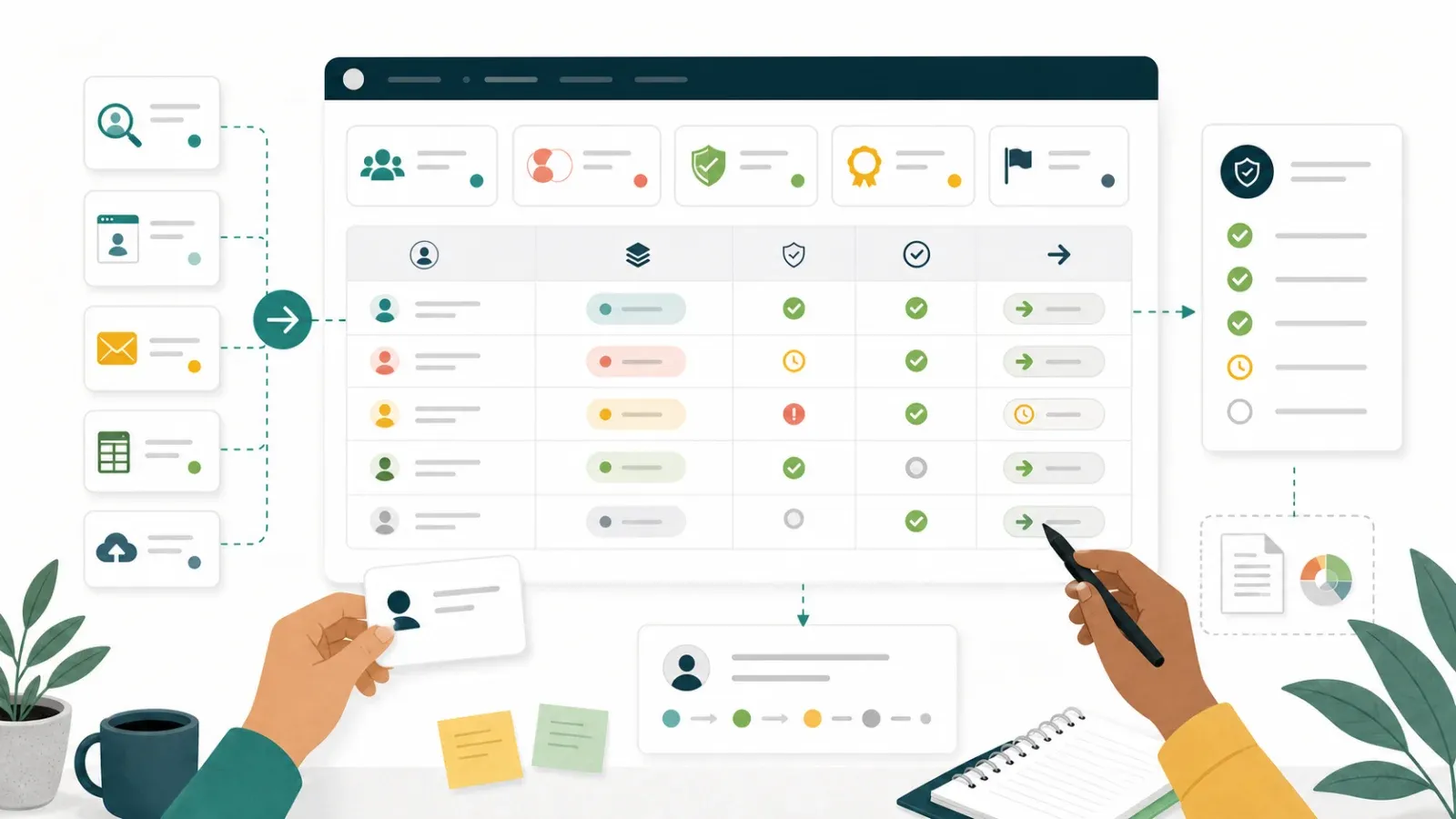
Sales Navigator export का compliant playbook
1. अगर आपके plan में CRM Sync है, तो उसका इस्तेमाल करें
Sales Navigator Advanced Plus पर काम करने वाली teams के लिए LinkedIn का CRM Sync सबसे साफ रास्ता है। इसे Sales Navigator activity को supported CRMs से जोड़ने के लिए बनाया गया है, जिससे manual re-entry कम होती है और reps account records को aligned रख पाते हैं.
क्या करें:
- Confirm करें कि आपके Sales Navigator plan में CRM Sync शामिल है।
- देखें कि admin ने कौन-से CRM objects और fields enable किए हैं।
- तय करें कि reps leads, accounts, notes, या activity signals sync करेंगे या नहीं।
- CRM में source fields जोड़ें ताकि LinkedIn-originated research track हो सके।
- Outreach शुरू करने से पहले synced records की review करें।
Best for: ऐसी sales teams जिनका CRM process admin-controlled है और Sales Navigator workflow नियमित रूप से चलता है।
2. छोटी manual lists को छोटा ही रखें
एक-बार की research के लिए manual copying अभी भी सबसे सुरक्षित विकल्प हो सकता है। यह धीमा जरूर है, लेकिन इससे इंसान तय कर सकता है कि कौन-से records campaign में जाएँगे, और list किसी खास business purpose से जुड़ी रहती है.
इसका उपयोग तब करें जब:
- list छोटी हो
- campaign high-touch हो
- जरूरत के fields कम हों
- rep को judgment चाहिए, volume नहीं
एक practical manual list में सिर्फ वही fields होने चाहिए जो टीम को चाहिए: name, role, company, profile URL, account owner, source, date captured, और next action। सिर्फ इसलिए extra personal data न लें कि वह दिखाई दे रहा है।
3. Campaign leads के लिए LinkedIn Lead Gen Forms का उपयोग करें
अगर goal campaign lead capture है, तो LinkedIn Lead Gen Forms आम तौर पर research lists export करने की कोशिश से बेहतर विकल्प हैं। ये LinkedIn के ad workflow के जरिए submitted lead information collect करते हैं और कई CRM तथा marketing automation systems से जुड़ सकते हैं.
इसका उपयोग तब करें जब:
- आप paid campaigns चला रहे हों
- consented form submissions चाहिए हों
- बेहतर attribution चाहिए हो
- repeatable marketing workflow चाहिए हो
4. LinkedIn के बाहर permitted sources से enrichment करें
जब कोई lead या account पहले से किसी approved path से आपके CRM में आ चुका हो, तब enrichment permitted sources से होनी चाहिए: आपकी own website forms, customer interactions, company websites, public business directories, webinar registrations, आपके control वाले event platforms, या licensed data providers.
Sales Navigator data को approved channels के अंदर ही रखें.
एक अलग sales-ops workflow में, Thunderbit जैसे tools permitted public web pages, PDFs, partner directories, या event pages से structured data निकालने में मदद कर सकते हैं, जिन्हें आपकी टीम process करने के लिए allowed है, और फिर उस data को Sheets, Airtable, Notion, या आपके CRM workflow में export किया जा सकता है.
Permitted web data workflows के लिए Thunderbit इस्तेमाल करें
क्या नहीं करना चाहिए
Sales Navigator पर unauthorized scraping या browser automation पर workflow न बनाएं। इससे कई जोखिम पैदा होते हैं:
- account restrictions या access loss
- data provenance साफ न रहना
- CRM में duplicate या stale records
- privacy और outreach-compliance issues
- page layout बदलते ही टूटने वाले brittle workflows
अगर कोई तरीका इस सोच पर टिका है कि "शायद platform notice नहीं करेगा," तो वह एक टिकाऊ RevOps process नहीं है।
तुलना: Sales Navigator research को workflow में ले जाने के सुरक्षित तरीके
| Approach | Best For | Strengths | Limits / Watchouts |
|---|---|---|---|
| CRM Sync | Advanced Plus sales teams | Admin-controlled, repeatable, cleaner governance | Requires eligible plan and CRM setup |
| Manual small list | High-touch account research | Human judgment, low tooling risk | Slow, not for bulk list building |
| LinkedIn Lead Gen Forms | Paid campaign capture | Submitted lead data, attribution, CRM integrations | Requires ad workflow and budget |
| Licensed data provider | Enrichment and contact validation | Contracted data source, coverage at scale | Cost, data-quality review needed |
| Permitted web extraction outside LinkedIn | Company sites, event pages, directories, PDFs | Flexible structured output for adjacent workflows | Must verify source rights and data use |
Export के बाद data hygiene
लिस्ट आपके CRM तक किसी भी तरीके से पहुँचे, cleanup ज़रूर करें। यहीं पर अक्सर टीमें चुपचाप जीतती या हारती हैं.
- Source tag करें:
source = LinkedIn Sales Navigator researchयाsource = LinkedIn Lead Gen Formजैसे fields का उपयोग करें। - Outreach से पहले deduplicate करें: जहाँ सही हो, domain, email, CRM account ID, या profile URL से match करें।
- Research और contact permission अलग रखें: Sales Navigator में किसी व्यक्ति को देख लेना उन्हें email करने की अनुमति नहीं है।
- Contact fields verify करें: campaign भेजने से पहले approved verification और enrichment sources का उपयोग करें।
- Opt-out handling document करें: सुनिश्चित करें कि unsubscribe और removal requests CRM तक वापस flow करें।
मुख्य निष्कर्ष
- Sales Navigator account और lead research के लिए उपयोगी है, लेकिन bulk export paths जानबूझकर सीमित रखे गए हैं।
- जब repeatable workflows चाहिए हों, तो CRM Sync और Lead Gen Forms जैसे LinkedIn-approved routes को प्राथमिकता दें।
- छोटी, high-touch research के लिए manual lists ठीक हैं, लेकिन उन्हें सीमित और अच्छी तरह documented रखना चाहिए।
- Sales Navigator data के लिए third-party scraping को shortcut की तरह न पेश करें।
- Thunderbit adjacent, permitted public-web workflows में मदद कर सकता है, जैसे company websites, public directories, PDFs, और event pages जिन्हें आपकी टीम process कर सकती है।
FAQs
1. क्या मैं Sales Navigator lead list को CSV में export कर सकता हूँ?
LinkedIn की Sales Navigator help documentation के अनुसार 1 जुलाई 2026 तक Sales Navigator data के लिए CSV/XLS export उपलब्ध नहीं है। Teams को LinkedIn के current help center की समीक्षा करनी चाहिए क्योंकि plan features बदल सकते हैं।
2. Sales Navigator research को CRM से जोड़ने का सबसे सुरक्षित तरीका क्या है?
Eligible plans के लिए CRM Sync सबसे सुरक्षित और repeatable route है, क्योंकि यह Sales Navigator product के अंदर built-in होता है और admins द्वारा managed रहता है।
3. क्या मुझे Sales Navigator scrape करने के लिए browser extension का उपयोग करना चाहिए?
नहीं। compliance और account safety के कारण Sales Navigator pages पर third-party scraping या browser automation से बचें। इसके बजाय approved sync, campaign, या manual workflows का उपयोग करें।
4. Thunderbit sales team की कहाँ मदद कर सकता है?
Thunderbit permitted public-web sources के साथ मदद कर सकता है: company websites, public directories, PDFs, आपके control वाले event pages, और अन्य web pages जहाँ extraction allowed हो।
5. Leads को CRM में ले जाने के बाद मुझे क्या track करना चाहिए?
Source, capture date, owner, campaign, जहाँ relevant हो consent/permission status, deduplication status, और opt-out handling track करें।
और जानें
- डेटा scraping क्या है और इसे कैसे करें
- Leads export कैसे करें: शुरुआती लोगों के लिए step-by-step guide
Permitted web data extraction के लिए Thunderbit आज़माएँ Get Started Free




