
Craigslist ऐसा लगता है जैसे 2003 के बाद से बदला ही नहीं, लेकिन उन सादे टेक्स्ट वाली लिस्टिंग में छिपा डेटा हैरान करने वाला रूप से क़ीमती है। ~127 मिलियन मासिक विज़िट और हर महीने लाखों नई पोस्टिंग के साथ, यह अब भी अमेरिका के सबसे बड़े classified ad प्लेटफ़ॉर्म्स में से एक है—और इसमें जुड़ने के लिए कोई public API भी नहीं है।
मैंने Thunderbit में automation tools बनाने में सालों बिताए हैं, और sales, operations, और real estate टीमों से मैं लगातार एक ही बात सुनता हूँ: "मुझे Craigslist डेटा spreadsheet में चाहिए, और मैं तीन घंटे तक copy-paste नहीं करना चाहता।" दिक्कत यह है कि ज़्यादातर "best Craigslist scraper" गाइड या तो पुराने हो चुके हैं, मुश्किल हिस्सों को छोड़ देते हैं (जैसे anti-bot protections), या बस tools की सूची दे देते हैं, बिना असल तुलना किए।
इसीलिए मैंने यह गाइड 10 ऐसे tools के साथ तैयार की है जो सचमुच 2026 में भी काम करते हैं—no-code Chrome extensions से लेकर enterprise proxy platforms और open-source Python libraries तक। चाहे आप ऐसे business user हों जिसने कभी code की एक line नहीं लिखी, या ऐसे developer हों जो Python में सोचते हों, यहाँ आपके लिए कुछ है।
2026 में Craigslist क्यों Scrape करें? Business Teams के लिए प्रमुख Use Cases
Craigslist भले ही पुराना-सा लगे, लेकिन यही इसकी खासियत और इसकी value का हिस्सा है। यह अब भी classifieds sites में दुनिया भर में #3 पर रैंक करता है, और अपनी official directory में अमेरिका और territories की 416 entries पर काम करता है। यह बहुत सारा hyperlocal inventory है, जो कहीं और एक ही जगह पर मौजूद ही नहीं है।
मैंने टीमों को बार-बार जिन use cases पर लौटते देखा है, वे ये हैं:
- Lead generation: Services और gigs की posts में अक्सर business description, geography, और Craigslist relay contact path होता है—sales teams के लिए local lead list बनाने के लिए काफी।
- Real estate monitoring: Housing pages पर rent, neighborhood, beds/baths, square footage, और timestamps दिखते हैं—rent comps और availability tracking के लिए बिल्कुल सही।
- Competitive pricing: For-sale listings में title, price, condition, और location दिखता है, जो resale या arbitrage research के लिए सोने जैसा है।
- Recruiting और labor monitoring: Jobs और gigs categories में compensation, employment type, और role descriptions मिलते हैं, जिससे local talent market का scan किया जा सकता है।
- Multi-region market analysis: क्योंकि Craigslist subdomain और city के हिसाब से segmented है, आप pricing, volume, या category mix के लिए region-by-region query कर सकते हैं।
- Workflow automation: बहुत से users बस इतना चाहते हैं कि Craigslist डेटा CSV, Google Sheets, Airtable, या CRM में अपने-आप जाए—बिना manual browsing के।
एक user ने बताया कि जो daily Craigslist scrape पहले 60–90 मिनट लेता था, वह automation के साथ घटकर लगभग 5 मिनट रह गया। यही वह समय-बचत है जो तेज़ी से बहुत बड़ा फर्क बनाती है।
AI के साथ Craigslist डेटा स्क्रैप करें Get Started Free
सबसे अच्छे Craigslist Scrapers कैसे चुने गए: हमारा Evaluation Criteria
सभी Craigslist scrapers बराबर नहीं होते, और "best" tool इस पर बहुत निर्भर करता है कि आप कौन हैं और आपको क्या चाहिए। मैंने हर tool को छह dimensions पर परखा:
- Setup की आसानी — क्या यह beginner-friendly (no-code) है, या developer की ज़रूरत है?
- Craigslist anti-bot handling — क्या इसमें built-in proxy rotation, CAPTCHA handling, या browser fingerprinting है?
- Pricing tier — Free, freemium, paid, या enterprise?
- Data export options — CSV, Excel, Google Sheets, Airtable, Notion, JSON, database?
- Multi-region support — क्या यह सभी 416 Craigslist U.S. sites पर scrape कर सकता है, या एक समय में सिर्फ एक city तक सीमित है?
- Maintenance effort — क्या Craigslist का page layout बदलने पर tool टूट जाता है, या अपने-आप adapt करता है?
मुझे मिली किसी भी competing article में इस तरह consistent criteria के साथ side-by-side comparison नहीं था—तो अगर आप धुंधली "top 10" lists से परेशान रहे हैं, तो यह आपके लिए है।
एक नज़र में 10 सर्वश्रेष्ठ Craigslist Scrapers
हर tool पर गहराई से जाने से पहले, यहाँ master comparison table है। मैंने इन्हें तीन lanes में बाँटा है: business users के लिए no-code tools, scale के लिए enterprise platforms, और developers के लिए open-source libraries।
| Tool | Type | Free Tier? | Proxy / Anti-Bot Support | CAPTCHA Handling | Export Formats | Best For |
|---|---|---|---|---|---|---|
| Thunderbit | बिना कोड वाला Chrome extension | हाँ (6 pages/माह) | Browser mode (मध्यम runs के लिए proxy की ज़रूरत नहीं) | लागू नहीं (browser session) | Excel, Sheets, Airtable, Notion, CSV, JSON | गैर-तकनीकी business users |
| Bright Data | Enterprise scraper + proxy + dataset | Trial | Managed unblocking, proxies, retries, rendering | हाँ (auto-solved) | JSON, NDJSON, CSV, Parquet, XLSX, API | Enterprise-scale collection |
| Oxylabs | API + proxy stack | Trial | Managed unblocking, residential/ISP proxies | हाँ | HTML, screenshot, API outputs | Enterprise infra चाहने वाले developers |
| Apify | Cloud actor marketplace | हाँ ($5/माह credits) | Proxy rotation (actor पर निर्भर) | आंशिक / actor-specific | JSON, CSV, XML, Excel, JSONL | Flexible low-code cloud automation |
| ParseHub | No-code visual scraper | हाँ | Paid proxy rotation, cloud runs | मुख्य feature नहीं | CSV, JSON, API/S3/Dropbox (paid) | Budget no-code users |
| Phantombuster | Cloud automation platform | हाँ (limited) | Proxy support उपलब्ध | Credits / workflow-based | CSV, JSON (paid) | Multi-platform sales automation |
| Scrapy | Open-source Python crawler | Free (OSS) | अपने proxies/middleware खुद लाएँ | नहीं | JSON, JSONL, CSV, XML, DB | Production crawlers |
| Playwright | Open-source browser automation | Free (OSS) | अपना browser/proxy खुद लाएँ | नहीं | Custom export | Browser-level control |
| Selenium | Open-source browser automation | Free (OSS) | अपना browser/proxy खुद लाएँ | नहीं | Custom export | Legacy multi-language stacks |
| BeautifulSoup | Open-source HTML parser | Free (OSS) | स्वयं कोई नहीं | नहीं | Custom export | Lightweight parsing |
यहाँ तीन साफ़ lane दिखाई देते हैं:
- No-code tools (Thunderbit, ParseHub, Phantombuster) उन business users के लिए जो engineering overhead के बिना data चाहते हैं।
- Enterprise platforms (Bright Data, Oxylabs, Apify) उन teams के लिए जिन्हें scale, anti-bot infrastructure, और managed delivery चाहिए।
- Open-source developer tools (Scrapy, Playwright, Selenium, BeautifulSoup) अधिकतम control के लिए—setup, maintenance, और proxy management की कीमत पर।
अब, विस्तार से देखते हैं।
1. Thunderbit
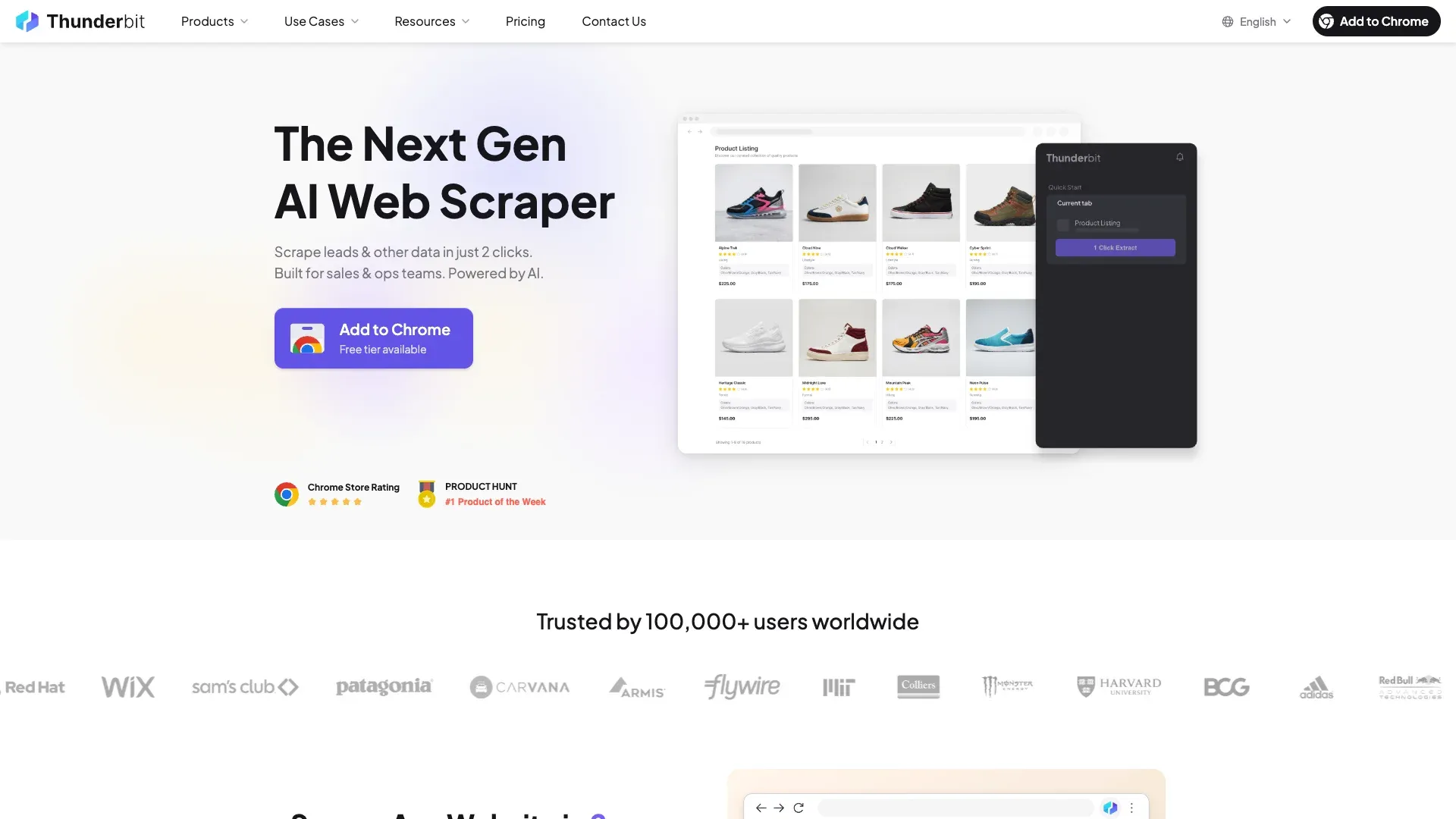 Thunderbit एक AI-powered Chrome extension है, जो उन लोगों के लिए बनाई गई है जो किसी भी website—Craigslist सहित—से बिना code लिखे या proxies configure किए structured data चाहते हैं।
यहाँ मैं थोड़ा biased हूँ (इसे हमने बनाया है), लेकिन Thunderbit को पहले रखने की वजह यह है कि यह non-technical users के लिए Craigslist scraping की खास परेशानियों को हल करता है: categories के बीच बदलने वाले page layouts, detail-page enrichment, और CSS selectors बदलने पर होने वाली लगातार breakage।
Craigslist पर यह कैसे काम करता है:
- Thunderbit Chrome Extension इंस्टॉल करें और कोई भी Craigslist listings page खोलें (मान लीजिए, आपके शहर में apartments)।
- "AI Suggest Fields" पर क्लिक करें — Thunderbit की AI page पढ़ती है और वहाँ मौजूद डेटा के हिसाब से columns सुझाती है। Housing के लिए आपको Title, Price, Sqft, Bedrooms, Location, Date Posted, Link मिलेंगे। Jobs के लिए Title, Compensation, Job Type, वगैरह मिलेंगे। किसी manual selector configuration की ज़रूरत नहीं।
- "Scrape" पर क्लिक करें और देखें कि data structured table में भर रहा है।
- Pagination संभालें—Thunderbit Craigslist की click-based pagination के साथ काम करता है।
- हर individual listing पर जाकर detail-page-only fields निकालने के लिए "Scrape Subpages" का उपयोग करें: full description, सभी images, embedded contact info, और भी बहुत कुछ।
- Google Sheets, Excel, Airtable, Notion, या CSV में export करें—free में।
मुख्य features:
- AI-powered field detection: अलग-अलग Craigslist categories के साथ अपने-आप adapt करता है—housing में sqft/bedrooms columns, jobs में compensation/job type, for-sale में condition/price। Zero manual CSS work।
- Subpage scraping: results page scrape करने के बाद हर listing पर जाकर detail-page fields निकालता है (full description, images, contact info)।
- Browser-based scraping mode: आपके अपने Chrome session के अंदर चलता है, इसलिए मध्यम volume के लिए proxy की ज़रूरत नहीं। इससे लागत और complexity की एक बड़ी परत हट जाती है।
- Zero maintenance: AI हर बार page को नए सिरे से पढ़ती है। जब Craigslist अपना layout बदलता है (और बदलता है), आपका scraper नहीं टूटता।
- Free export: Excel, Google Sheets, Airtable, Notion, CSV, JSON—exports पर कोई paywall नहीं।
Pricing: Free tier (6 pages/माह), free trial (10 pages), और अधिक volume के लिए paid plans।
Best for: Craigslist services/gigs से leads scrape करने वाली sales teams, rental pricing monitor करने वाली real estate teams, developer support के बिना structured Craigslist data चाहने वाली operations teams, और वे लोग जो data को scrape, label, और export एक ही step में करना चाहते हैं।
Craigslist scraping के लिए Thunderbit आज़माएँ
2. Bright Data
 Bright Data enterprise स्तर का heavyweight विकल्प है। इस सूची में यह अकेला platform है जिसके पास dedicated Craigslist Scraper product page और Craigslist Dataset marketplace दोनों हैं।
अगर आपको अमेरिका के सभी regions में रोज़ हज़ारों Craigslist listings scrape करनी हैं, तो Bright Data उसी scale के लिए बनाया गया है। इसका Web Unlocker IPs, retries, rendering, और blocking को संभालता है—जिसमें डिफ़ॉल्ट रूप से auto-solving CAPTCHAs शामिल है। Web Scraper IDE आपको custom Craigslist collection workflows बनाने देता है, और आप programmatically सभी 416 regional URLs पर iterate कर सकते हैं।
मुख्य features:
- विशाल residential proxy network (millions of IPs)
- Built-in CAPTCHA solving और anti-bot bypass
- Craigslist-specific scraper और dataset products
- Export: JSON, NDJSON, CSV, Parquet, XLSX, API delivery, webhooks
Pricing: Craigslist scraper $0.5 per 1K page loads pay-as-you-go पर चलता है, और 380K page loads के लिए $499 जैसे plans भी हैं। Residential proxies [$4/GB] pay-as-you-go पर शुरू होते हैं। एक हफ्ते के लिए 1K request free trial मिलता है।
Best for: ऐसे enterprise teams जिन्हें guaranteed uptime और dedicated support के साथ high-volume, multi-region Craigslist collection चाहिए। बजट-conscious छोटी teams को कहीं और देखना चाहिए।
3. Oxylabs
 Oxylabs एक premium proxy और scraping infrastructure provider है, जिसके पास dedicated Craigslist Scraper API और Craigslist proxies page है।
Oxylabs का रुख Bright Data के all-in-one approach की तुलना में ज़्यादा developer-oriented है। इसका Web Scraper API और Web Unblocker JS rendering, retries, session handling, fingerprint generation, और व्यापक anti-bot handling को support करते हैं। Craigslist Scraper API का free trial 2,000 results तक जाता है।
मुख्य features:
- Residential और ISP proxy pools (residential $6/GB से, ISP $0.60/IP से)
- Auto fingerprint और session management वाला Web Unblocker
- Craigslist-specific API endpoint
- 7-day free trial उपलब्ध
Pricing: "Other sites" scraper API लगभग $0.15/1K results बिना JS के, $0.35/1K JS के साथ से शुरू होता है। Web Unblocker का micro tier लगभग $75/month से शुरू होता है। Scale पर residential proxies $1TB पर $0.50/GB तक जा सकते हैं।
Best for: Developer teams जो sustained Craigslist scraping के लिए managed proxy infrastructure और API-based workflows चाहते हैं। जो teams पहले से अन्य projects के लिए Oxylabs proxies इस्तेमाल कर रही हैं, उनके लिए Craigslist जोड़ना आसान होगा।
4. Apify
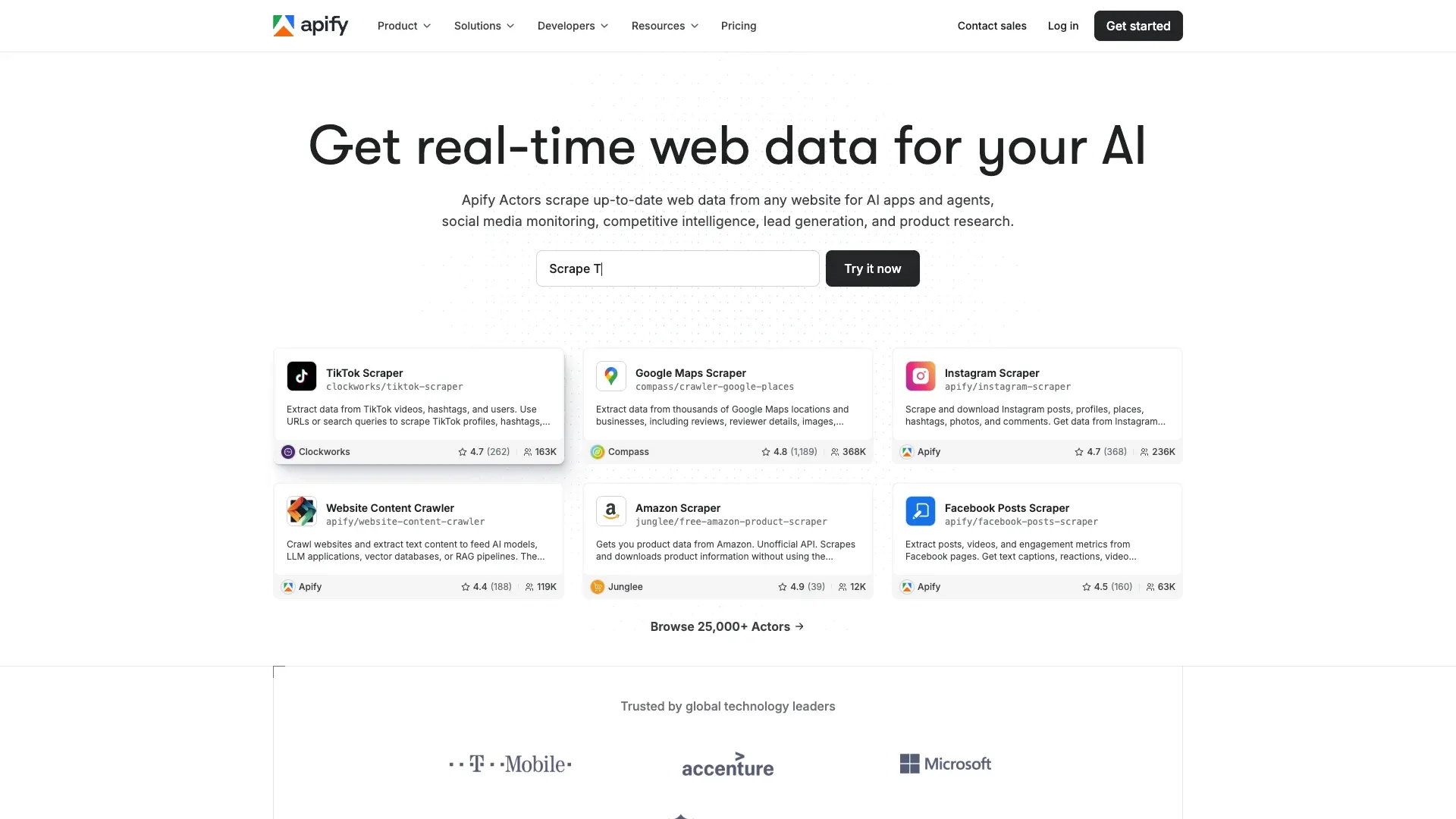 Apify एक cloud-based web scraping और automation platform है, जिसमें पहले से बने "Actors" का marketplace है—ऐसे scraper templates जिन्हें आप बिना code लिखे चला सकते हैं।
Apify पर Craigslist का परिदृश्य दिलचस्प है: कई community-maintained Craigslist actors हैं, और उनकी quality बहुत अलग-अलग है। ivanvs/craigslist-scraper actor के 829 total users और 5.0 rating हैं, जबकि automation-lab/craigslist-scraper के 44 users और 1.0 rating हैं। गुणवत्ता असमान है, इसलिए commit करने से पहले test करना बेहतर रहेगा।
मुख्य features:
- कई Craigslist actors उपलब्ध (कुछ ~120 listings per page built-in delays के साथ निकालते हैं)
- Cloud execution, scheduled runs, API access, webhook integrations
- Proxy rotation उपलब्ध
- Export: JSON, CSV, XML, Excel, JSONL
Pricing: Free tier के साथ $5/month credits, paid plans लगभग ~$49/month से। Heavy usage पर per-compute pricing बढ़ सकती है—अपने CU consumption पर नज़र रखें।
Best for: वे teams जो infrastructure खुद manage किए बिना cloud-hosted solution चाहते हैं, low-code configuration के साथ सहज users, और scheduled, recurring Craigslist scrapes की ज़रूरत वाली teams।
5. ParseHub
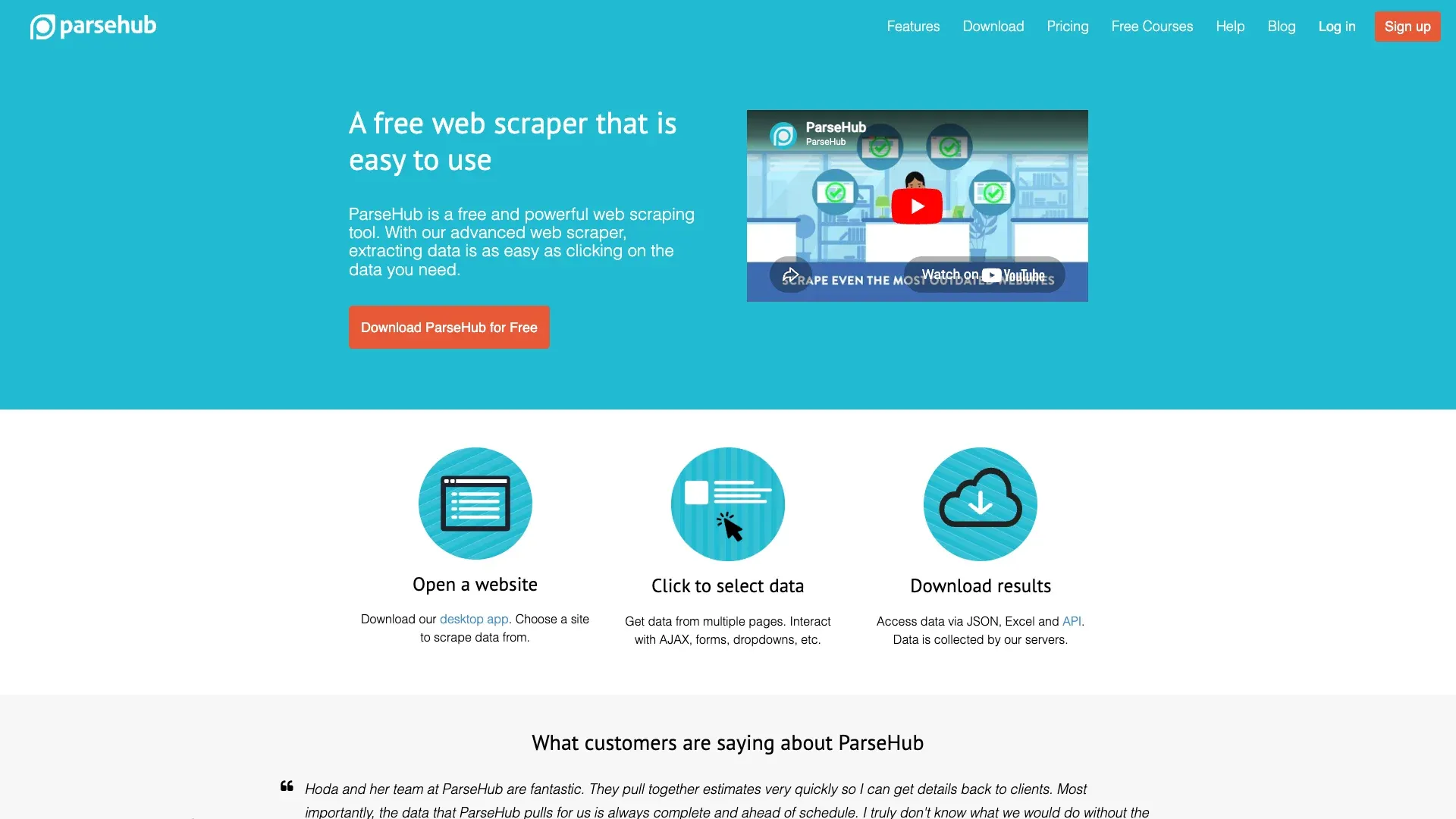 ParseHub एक desktop-based visual web scraping tool है, जहाँ आप page elements पर point-and-click करके तय करते हैं कि क्या extract करना है।
ParseHub में Craigslist scrape सेट करने के लिए आप listing titles, prices, और links पर क्लिक करते हैं, ताकि tool को सिखा सकें कि क्या लेना है। यह AJAX click loops के ज़रिए pagination संभालता है और paid plans पर cloud runs support करता है। Free tier में आपको 5 projects तक मिलते हैं, जो छोटे scale के Craigslist काम के लिए काफ़ी ठीक है।
मुख्य features:
- Visual point-and-click workflow builder
- Pagination और dynamic content handling
- Paid plans पर cloud runs और scheduling
- Export: CSV, Excel, JSON
Pricing: Free tier (5 projects), और ज़्यादा pages तथा scheduled runs के लिए paid plans लगभग ~$189/month से।
Limitations: बड़े scale scrapes पर धीमा हो सकता है, free tier पर scheduled runs सीमित हैं, और—सबसे अहम—यह CSS-selector-based है, इसलिए Craigslist का layout बदलने पर manual maintenance चाहिए।
Best for: व्यक्तिगत users या छोटी teams जिनकी scraping ज़रूरतें मध्यम हैं और जो visual, no-code tool चाहते हैं, लेकिन AI-powered field detection नहीं चाहिए।
6. Phantombuster
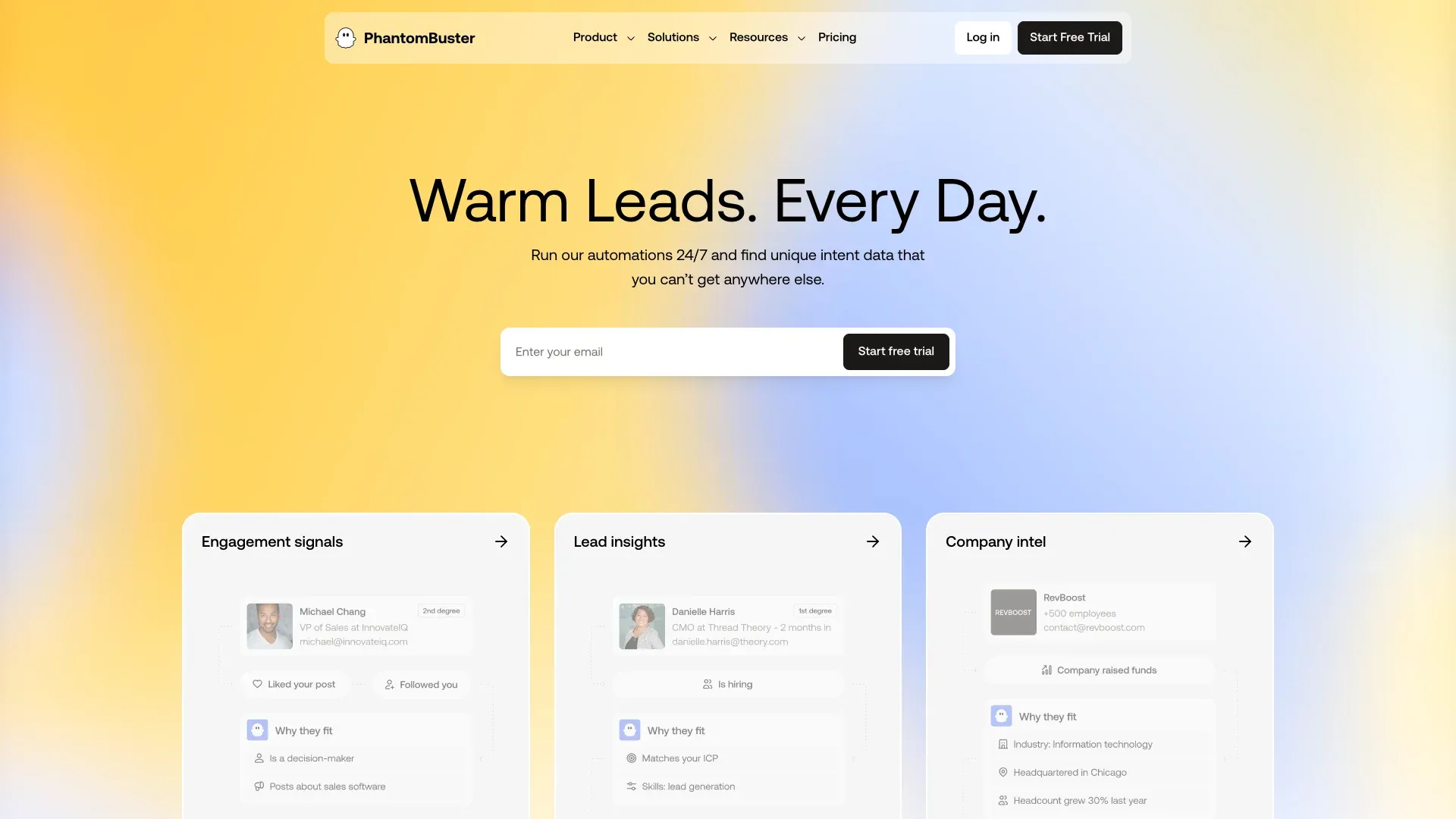 Phantombuster एक cloud-based automation platform है जो मूल रूप से LinkedIn और social media scraping के लिए लोकप्रिय हुई। यह Craigslist-native tool नहीं है, लेकिन इसका Web Element Extractor CSS selectors का उपयोग करके public pages scrape कर सकता है।
Phantombuster में Craigslist scrape configure करना dedicated tool की तुलना में ज़्यादा काम माँगता है—आपको selectors specify करने होंगे, workflow बनाना होगा, और scheduling सेट करनी होगी। लेकिन अगर आप पहले से LinkedIn या social media lead gen के लिए Phantombuster इस्तेमाल कर रहे हैं, तो Craigslist को pipeline में जोड़ना सीधा है।
मुख्य features:
- पहले से बने automation templates और cloud execution
- Scheduling और CRM integrations
- Proxy support और CAPTCHA-solving credits उपलब्ध
- Export: paid plans पर CSV, JSON (free tier में 10 rows की cap)
Pricing: 5 slots, 2h/माह, और 10-row export cap वाला free tier। Paid annual plans लगभग ~$56/month से, billed annually।
Best for: Sales teams जो पहले से multi-platform lead generation के लिए Phantombuster use कर रही हैं और Craigslist को अपने workflow में जोड़ना चाहती हैं।
7. Scrapy
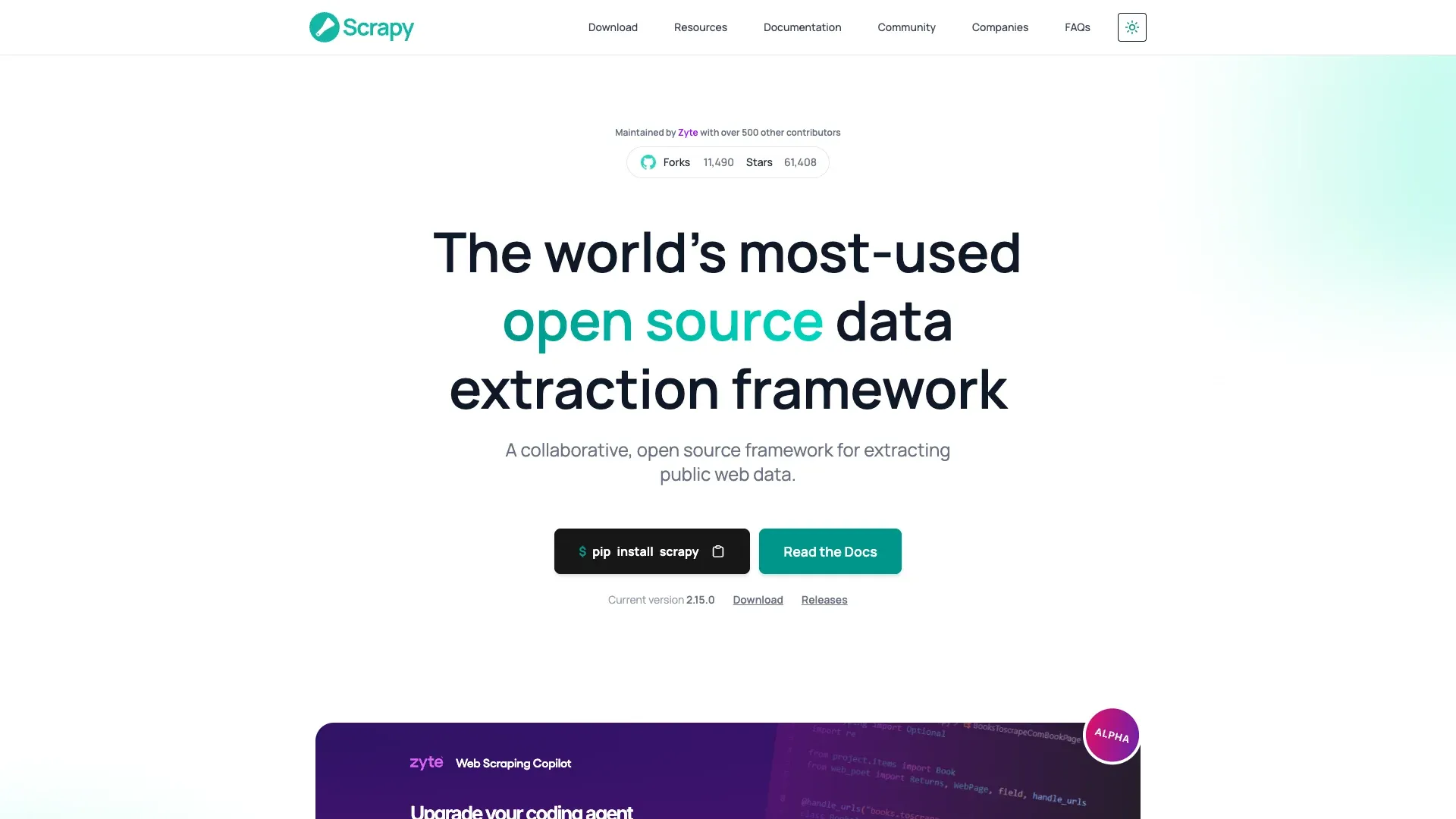 Scrapy सबसे लोकप्रिय open-source Python web scraping framework है, और उन developer teams के लिए यह स्पष्ट विकल्प है जो अपने Craigslist crawling पर अधिकतम control चाहते हैं।
Latest stable version 2.15.0 (9 अप्रैल 2026) है। Scrapy multi-region crawling (सभी regional URLs पर iterate), built-in request scheduling और throttling, downloader middleware के ज़रिए proxy rotation, और CSV, JSON, JSONL, XML, तथा database pipelines के लिए feed exports support करता है। ज़रूरत पड़ने पर scrapy-playwright plugin browser-level rendering जोड़ देता है।
मुख्य features:
- Highly customizable, production-grade crawler
- Proxies, retries, cookies, और user-agent rotation के लिए middleware
- Feed exports: JSON, JSONL, CSV, XML, database pipelines
- Free और open-source
छिपी हुई लागत: Scrapy खुद free है, लेकिन Craigslist पर scale पर इसे चलाने का मतलब है proxy subscriptions ($50–500+/month), hosting/server costs, और जब Craigslist अपना HTML structure बदलता है तो ongoing maintenance।
Best for: Python अनुभव वाली developer teams जिन्हें maximum flexibility, existing proxy infrastructure, और high-volume multi-region Craigslist crawling चाहिए।
8. Playwright
 Playwright Microsoft की एक modern browser automation library है, जो Chromium, Firefox, और WebKit को programmatically control करती है। Current release cadence सक्रिय है—v1.59.1 1 अप्रैल 2026 को जारी हुआ।
Developer communities में Craigslist scraping के लिए Selenium की तुलना में Playwright को increasingly recommended choice माना जा रहा है। यह तेज़ है, अधिक reliable है, और playwright-extra जैसे community plugins के साथ बेहतर anti-detection stealth देता है। यह headless और headed modes, elements के लिए auto-waits, network interception, और screenshot/PDF capture support करता है।
मुख्य features:
- Python, JavaScript/TypeScript, Java, और .NET support करता है
- Headless और headed browser modes
- Elements के लिए auto-wait, network interception
- Free और open-source
Craigslist advantage: Playwright raw HTTP requests की तुलना में असली user behavior को अधिक convincingly mimic कर सकता है, जिससे blocking risk कम होता है। Reddit पर community sentiment नए projects के लिए लगातार Playwright को Selenium से ऊपर रखता है।
छिपी हुई लागत: Scrapy जैसी ही—proxy costs, hosting, और जब selectors टूटें तो maintenance।
Best for: वे developers जिन्हें fine-grained browser control चाहिए, JavaScript-rendered content संभालने वाले scrapers बना रही teams, और वे लोग जो Selenium का modern विकल्प चाहते हैं।
9. Selenium
 Selenium लंबे समय से इस्तेमाल होने वाला, व्यापक रूप से लोकप्रिय browser automation framework है। Latest release 4.43.0 (10 अप्रैल 2026) है, और यह BiDi तथा network-control capabilities को लगातार बढ़ा रहा है।
Selenium कई भाषाओं (Python, Java, C#, JavaScript) और सभी प्रमुख browsers को support करता है। यह पूरे browser sessions simulate कर सकता है, ज़रूरत हो तो login संभाल सकता है, और pages पर scroll कर सकता है। लेकिन Playwright की तुलना में यह धीमा, ज़्यादा verbose, और undetected-chromedriver जैसी अतिरिक्त stealth libraries के बिना bot के रूप में पहचान में आने की संभावना ज़्यादा रखता है।
मुख्य features:
- Multi-language support (Python, Java, C#, JavaScript)
- Full browser session simulation
- Mature ecosystem with extensive documentation
- Free और open-source
Limitations: 2026 में community sentiment greenfield projects के लिए Playwright की ओर झुका हुआ है। एक Reddit thread में नोट किया गया कि Cloudflare अभी भी Selenium को “residential proxies” के साथ भी detect कर रहा था—stealth out of the box कठिन है।
Best for: वे developer teams जिन्होंने पहले से Selenium में निवेश किया है और migrate नहीं करना चाहते, वे projects जिन्हें multi-language support (Java, C#) चाहिए, और पुराने scraping setups।
10. BeautifulSoup
 BeautifulSoup HTML और XML parse करने के लिए एक हल्की Python library है। Current PyPI version 4.14.3 (30 नवंबर 2025) है।
एक महत्वपूर्ण स्पष्टता: BeautifulSoup एक parser है, full scraper नहीं। यह web pages fetch नहीं करता और browser automation भी नहीं संभालता। आप इसे HTTP fetching के लिए requests library के साथ जोड़ते हैं, और यह दिए गए HTML को parse करता है। इससे यह developers के लिए सबसे आसान entry point बन जाता है, लेकिन साथ ही सबसे सीमित भी।
मुख्य features:
- सीखने में बेहद आसान—बहुत कम code चाहिए
- छोटे scale या one-off Craigslist scrapes के लिए बढ़िया
- Free और open-source
Limitations: Built-in pagination handling नहीं, JavaScript rendering नहीं, proxy rotation नहीं—ये सब आपको manually जोड़ना होगा। अगर Craigslist अपना HTML structure बदलता है, तो आपके selectors टूट जाते हैं और आपको उन्हें हाथ से ठीक करना पड़ता है।
Best for: Python beginners जो कम से कम setup के साथ Craigslist scraping आज़माना चाहते हैं, single category या region से जल्दी one-off data pull करना चाहते हैं, और developers जिन्हें बस एक lightweight parser चाहिए।
Craigslist Anti-Ban Playbook: Proxies, Rate Limits, और क्या आपको Block कराता है
यह वह section है जिसे ज़्यादातर Craigslist scraping guides छोड़ देते हैं, और यही सबसे महत्वपूर्ण है। Scraperly की अप्रैल 2026 testing Craigslist को 3/5 difficulty वाला target मानती है, और custom CAPTCHA, rate limiting, तथा IP blocking का हवाला देती है। Bright Data का tutorial plain HTTP के बजाय Web Unlocker या Playwright-based Scraping Browser की ओर ले जाता है। Oxylabs का proxy page कहता है कि Craigslist proxies detect कर सकता है और residential proxies सबसे अच्छा विकल्प हैं।
असल में यह काम करता है:
| Strategy | Craigslist पर प्रभावशीलता | Cost | Complexity |
|---|---|---|---|
| Residential proxies | ✅ उच्च | $$ ($4–6/GB) | मध्यम |
| ISP proxies | ✅ उच्च | $ ($0.60–0.80/IP) | मध्यम |
| Datacenter proxies | ⚠️ कम (अक्सर blocked) | $ ($0.20–0.40/IP) | कम |
| Browser-based scraping (अपना session) | ✅ मध्यम-उच्च | Free | कम |
| Rate limiting + random delays | ✅ अनिवार्य आधार | Free | कम |
कार्रवाई योग्य सुझाव:
- Request delays: Requests के बीच कम से कम 2–5 सेकंड रखें। Scraperly सुझाव देता है कि प्रति IP 5–10 requests/minute के आसपास रहें और 20–30 requests के बाद rotate करें।
- Session rotation: User agents और browser fingerprints को rotate करें। Predictable crawl patterns जल्दी पकड़ लिए जाते हैं।
- Datacenter proxies से बचें: वे सस्ते होते हैं, लेकिन Craigslist पर जल्दी block हो जाते हैं।
- Browser-based scraping मध्यम volume के लिए proxy problem को पूरी तरह काट देता है। Thunderbit का browser mode आपके अपने Chrome session के भीतर चलता है—proxy setup नहीं, IP rotation नहीं, लागत नहीं। अधिकांश business users जो कुछ सौ listings scrape कर रहे हैं, उनके लिए यह पर्याप्त से भी अधिक है।
और यहाँ वह maintenance angle है जिसे ज़्यादातर लोग चूक जाते हैं: जब Craigslist अपना CSS बदलता है (और यह समय-समय पर करता है), तो CSS-selector-based हर scraper टूट जाता है। आपको page inspect करना होता है, नए selectors ढूँढ़ने होते हैं, अपना code update करना होता है, और फिर से test करना होता है। Thunderbit जैसे AI-powered tools इससे पूरी तरह बचते हैं—AI हर बार page structure नए सिरे से पढ़ती है, इसलिए layout changes आपके workflow को नहीं तोड़ते।
Code बनाम No-Code: Craigslist Scraping के दो पूरे Walkthroughs
मुझे पता है कि इस article का audience लगभग 50/50 बँटा है: non-technical business users जिन्हें बस data चाहिए, और beginner-to-intermediate developers जिन्हें working code चाहिए। इसलिए यहाँ दोनों रास्ते side by side हैं।
No-Code: Thunderbit से Craigslist कैसे Scrape करें (Step-by-Step)
- Chrome Web Store से Thunderbit Chrome Extension इंस्टॉल करें।
- Craigslist listings page पर जाएँ — उदाहरण के लिए, आपके शहर के apartments (
https://yourcity.craigslist.org/search/apa). - "AI Suggest Fields" पर क्लिक करें — Thunderbit की AI page पढ़ती है और category के हिसाब से columns सुझाती है। Housing के लिए आपको Title, Price, Sqft, Bedrooms, Location, Date Posted, Link दिखेंगे।
- सुझाए गए columns की समीक्षा करें और ज़रूरत हो तो उन्हें बदलें। Click करके fields जोड़ें या हटाएँ।
- "Scrape" पर क्लिक करें — देखें कि data structured table में भर रहा है।
- Pagination संभालें — pages के बीच क्लिक करें या Thunderbit को इसे संभालने दें।
- हर individual listing पर जाकर detail-page-only fields को समृद्ध करने के लिए "Scrape Subpages" का उपयोग करें: full description, सभी images, embedded contact info।
- Google Sheets, Excel, Airtable, Notion, या CSV में—free में—export करें।
पूरी प्रक्रिया results page के लिए लगभग 2 मिनट लेती है। कोई CSS selectors नहीं, कोई proxies नहीं, कोई code नहीं।
Code Path: Python + Playwright से Craigslist कैसे Scrape करें
Playwright 2026 में developer forums में Craigslist scraping के लिए सबसे ज़्यादा recommended library है। यहाँ एक working Python snippet है जो Craigslist housing results page scrape करता है, title/price/link निकालता है, pagination संभालता है, और results output करता है।
Approach यह है: पहले JSON-LD structured data कोशिश करें (Craigslist कुछ pages पर ItemList schema embed करता है), फिर DOM selectors पर fall back करें। Pagination s=120 से होती है।
import asyncio, json
from urllib.parse import urlparse, parse_qs, urlencode, urlunparse
from playwright.async_api import async_playwright

def next_page_url(url, step=120):
    p = urlparse(url)
    qs = parse_qs(p.query)
    offset = int(qs.get("s", ["0"])[0]) + step
    qs["s"] = [str(offset)]
    return urlunparse((p.scheme, p.netloc, p.path, "", urlencode(qs, doseq=True), ""))

async def scrape_page(page, url):
    await page.goto(url, wait_until="domcontentloaded")
    await page.wait_for_timeout(1500)
    data = []
    # पहले JSON-LD आज़माएँ
    for raw in await page.locator('script[type="application/ld+json"]').all_text_contents():
        try:
            obj = json.loads(raw)
        except Exception:
            continue
        if isinstance(obj, dict) and obj.get("@type") == "ItemList":
            for item in obj.get("itemListElement", []):
                thing = item.get("item", {})
                data.append({
                    "title": thing.get("name"),
                    "price": thing.get("offers", {}).get("price"),
                    "link": thing.get("url"),
                })
            if data:
                return data
    # Fallback: DOM selectors
    cards = page.locator("div.cl-search-result, li.cl-static-search-result")
    count = await cards.count()
    for i in range(count):
        card = cards.nth(i)
        title = await card.locator("a.posting-title, a.titlestring").first.text_content()
        link = await card.locator("a.posting-title, a.titlestring").first.get_attribute("href")
        price = (await card.locator(".price, .result-price").first.text_content()
                 if await card.locator(".price, .result-price").count() else None)
        data.append({"title": (title or "").strip(), "price": (price or "").strip(), "link": link})
    return data

async def main():
    start_url = "https://newyork.craigslist.org/search/apa?query=studio"
    async with async_playwright() as p:
        browser = await p.chromium.launch(headless=True)
        page = await browser.new_page()
        url = start_url
        all_rows = []
        for _ in range(3):  # 3 pages scrape करें
            rows = await scrape_page(page, url)
            if not rows:
                break
            all_rows.extend(rows)
            url = next_page_url(url)
        await browser.close()
        for row in all_rows[:10]:
            print(row)

asyncio.run(main())
इस script से आगे आपको क्या चाहिए होगा: Playwright install किया हुआ हो (pip install playwright && playwright install), high-volume runs के लिए proxy configuration, और अगर rate limits लगें तो manual CAPTCHA handling। यही tradeoff है: full control, लेकिन full responsibility।
Free बनाम Paid: हर Craigslist Scraper के लिए Honest Cost Breakdown
यह वह table है जो मुझे इस topic पर research शुरू करते समय चाहिए थी। web scraping में "free" एक loaded word है।
| Tool | Completely Free? | Free Tier Limits | Paid Starting Price | Hidden Costs |
|---|---|---|---|---|
| Thunderbit | Free tier (6 pages) | 6 pages/माह; free trial = 10 pages | Higher volume के लिए paid plans | कोई नहीं—export free है |
| Scrapy | ✅ Open source | Unlimited | $0 | Proxy costs, hosting, maintenance |
| BeautifulSoup | ✅ Open source | Unlimited | $0 | Proxy costs, hosting, maintenance |
| Playwright | ✅ Open source | Unlimited | $0 | Proxy costs, hosting, maintenance |
| Selenium | ✅ Open source | Unlimited | $0 | Proxy costs, hosting, maintenance |
| ParseHub | Free tier | 5 projects | ~$189/माह | Free पर सीमित scheduled runs |
| Apify | Free tier | $5/माह credits free | ~$49/माह | Per-compute pricing बढ़ सकती है |
| Phantombuster | Free tier | 5 slots, 2h/माह, 10-row export | ~$56/माह (annual) | Per-slot pricing |
| Bright Data | केवल trial | 1K requests/1 हफ्ता | ~$500+/माह | Proxy costs extra |
| Oxylabs | केवल trial | 2K results / 1GB | ~$75+/माह (Unblocker) | Enterprise pricing |
"free" open-source tools पर बड़ा asterisk यह है: Scrapy, Playwright, Selenium, और BeautifulSoup install करने में $0 लगते हैं, लेकिन Craigslist पर इन्हें scale पर चलाने का मतलब है setup के लिए developer time के घंटे, residential proxies के लिए $50–500+/month, और जब भी Craigslist अपना HTML बदलता है तब ongoing maintenance। Thunderbit की AI हर बार page नए सिरे से पढ़ती है (zero maintenance), exports free हैं, और browser-based scraping मध्यम volume के लिए proxy costs हटा देता है। गैर-developers के लिए यह सचमुच बड़ा फायदा है।
आप वास्तव में क्या Extract कर सकते हैं: Category के हिसाब से Craigslist Data Fields
अलग-अलग Craigslist categories में data structures बिल्कुल अलग होते हैं। एक housing listing, job posting जैसी बिल्कुल नहीं दिखती। यहाँ दिखाया गया है कि आप हर major section से वास्तविक रूप में क्या extract कर सकते हैं:
| Craigslist Category | Extractable Fields | Contact Info Available? |
|---|---|---|
| Housing / Apartments | Title, Price, Sqft, Bedrooms, Bathrooms, Location, Date, Images, Description, Map Link, Availability, Pet Policy, Laundry/Parking | ⚠️ कभी-कभी (anonymized email relay) |
| For Sale | Title, Price, Condition, Location, Date, Images, Description, Make/Model/Year (varies) | ⚠️ कभी-कभी |
| Jobs | Title, Company, Compensation, Location, Job Type, Experience Level, Date, Description | बहुत कम (सिर्फ apply link) |
| Services | Title, Location, Description, Images | ⚠️ कभी-कभी |
| Gigs | Title, Compensation, Location, Date, Description | ⚠️ कभी-कभी |
कुछ अहम बातें:
- Contact info: Craigslist खास तौर पर direct email scraping रोकने के लिए anonymized email relays का उपयोग करता है। जो tools "emails extract" करने का दावा करते हैं, वे अक्सर relay address (
reply+randomstring@craigslist.org) निकाल रहे होते हैं, poster का असली email नहीं। - Detail-page fields जैसे full description, सभी images, और embedded contact info केवल तब दिखाई देते हैं जब आप हर individual listing पर जाते हैं—not search results page पर।
- Thunderbit का "AI Suggest Fields" current page पर उपलब्ध fields को अपने-आप पहचानता है और सही column structure सुझाता है। Housing scrape करने वाले user को sqft/bedrooms columns मिलते हैं; jobs scrape करने वाले user को compensation/job-type columns—बिना manual configuration के। इसका subpage scraping फिर हर listing पर जाकर detail-page-only fields लाता है।
कानूनी Reality Check: Craigslist TOS, 3Taps Case, और आपको क्या जानना चाहिए
मैं वकील नहीं हूँ, और यह legal advice नहीं है। लेकिन मुझे पता है users इस बारे में चिंता करते हैं, और इसका सीधा जवाब देना ज़रूरी है।
मुख्य precedent: Craigslist v. 3Taps (2013) में Craigslist ने cease-and-desist भेजने के बाद listings scrape और republish करने पर 3Taps के खिलाफ injunction हासिल किया। आरोप था कि 3Taps ने proxy servers का उपयोग करके IP blocks bypass किए, और court ने block के बाद access को संभावित रूप से "without authorization" माना। EFF ने नोट किया कि मामला 2015 में settle हो गया।
Craigslist के Terms of Use स्पष्ट रूप से site के साथ interact करने के लिए "robots, spiders, scripts, scrapers, crawlers, or any automated or manual equivalent" के उपयोग को प्रतिबंधित करते हैं। वे उल्लंघन के लिए 24 घंटे की अवधि में पहली 1,000 page views के बाद प्रति page $0.25 के liquidated damages तक निर्धारित करते हैं।
व्यावहारिक मार्गदर्शन:
- ✅ Market research या personal use के लिए public listing data scrape करें
- ✅ robots.txt और rate limits का सम्मान करें
- ⚠️ Scraped listings को mass-republish न करें
- ⚠️ Scraped contact info का unsolicited marketing के लिए उपयोग न करें
- ❌ Block होने के बाद technical access restrictions को bypass न करें
अंतर महत्वपूर्ण है: अपने विश्लेषण के लिए publicly visible data scrape करना, mass-republishing या spam के लिए email harvesting से अलग है। लेकिन ध्यान रहे कि Craigslist ऐतिहासिक रूप से terms enforcement से IP blocking और फिर legal action तक बढ़ चुका है।
आपके लिए कौन-सा Craigslist Scraper सबसे अच्छा है?
सभी 10 का परीक्षण और मूल्यांकन करने के बाद, मेरी scenario-based recommendation यह है:
- गैर-तकनीकी business user जिसे Craigslist data जल्दी चाहिए → Thunderbit। No code, AI-powered field detection, zero maintenance, free export। "मुझे यह data चाहिए" से "यह मेरी spreadsheet में है" तक का सबसे तेज़ रास्ता।
- Enterprise team जो हर region में रोज़ हज़ारों listings scrape करती है → Bright Data। Craigslist-specific scraper, विशाल proxy infrastructure, auto-CAPTCHA solving, dedicated support।
- Developer team जिसे managed API/proxy infrastructure चाहिए → proxy-first workflows के लिए Oxylabs, और actor-marketplace flexibility के लिए Apify।
- Developer जो full control और customization चाहता है → Scrapy + Playwright। Open-source, maximum flexibility, लेकिन proxies और maintenance आपको खुद संभालनी होगी।
- Budget-conscious user जिसकी ज़रूरतें मध्यम हैं → Apify free tier ($5/माह credits) या ParseHub free tier (5 projects)।
- Sales team जो पहले से multi-platform lead gen tools इस्तेमाल कर रही है → Phantombuster। अपने existing pipeline में Craigslist जोड़ें।
- Python beginner जो one-off scrape कर रहा है → BeautifulSoup + requests। कम code, कम setup, कम क्षमता।
अधिकांश non-technical business users के लिए Thunderbit ease, accuracy, और cost का सबसे अच्छा संतुलन देता है। Developers के लिए Scrapy + Playwright सबसे शक्तिशाली संयोजन है। Enterprise scale के लिए Bright Data को हराना मुश्किल है।
अगर आप देखना चाहते हैं कि AI-powered Craigslist scraping वास्तव में कैसा दिखता है, तो Thunderbit आज़माएँ—free tier आपके अपने use case पर test करने के लिए पर्याप्त है। और अगर आप web scraping techniques में और गहराई चाहते हैं, तो हमारे guides देखें: Google Sheets में scrape कैसे करें, best automated web scraping tools, और blocked हुए बिना web scraping। आप step-by-step video walkthroughs के लिए हमारा YouTube channel भी देख सकते हैं।
Happy scraping—और आपकी data हमेशा साफ़, structured, और action-ready रहे।
FAQs
क्या Craigslist listings scrape करना legal है?
Craigslist के Terms of Use automated scraping को स्पष्ट रूप से प्रतिबंधित करते हैं, और Craigslist v. 3Taps case प्रमुख legal precedent है। personal या analytical use के लिए public listing data scrape करना mass-republishing या spam से आम तौर पर अलग माना जाता है, लेकिन आपको हमेशा rate limits और site rules का सम्मान करना चाहिए—और यह legal advice नहीं है।
क्या मैं बिना coding के Craigslist scrape कर सकता हूँ?
हाँ। Thunderbit, ParseHub, और Apify जैसे tools Craigslist data extract करने के लिए no-code या low-code options देते हैं। Thunderbit की AI-powered field detection इसे खास तौर पर आसान बनाती है—बस "AI Suggest Fields" और "Scrape" पर क्लिक करें।
सबसे अच्छा free Craigslist scraper कौन-सा है?
Developers के लिए Scrapy या BeautifulSoup पूरी तरह free और open-source हैं (हालाँकि proxy और maintenance costs बढ़ती जाती हैं)। Non-coders के लिए Thunderbit का free tier (6 pages/month) सबसे अच्छा starting point है, और ParseHub का free tier (5 projects) एक और विकल्प है।
Craigslist scrape करते समय block होने से कैसे बचूँ?
Rate limiting का उपयोग करें (कम से कम 2–5 सेकंड की देरी), user agents rotate करें, datacenter proxies से बचें (Craigslist पर residential या ISP proxies कहीं बेहतर काम करते हैं), और predictable crawl patterns न अपनाएँ। मध्यम volume के लिए Thunderbit जैसे browser-based scraping tools अपने Chrome session के भीतर चलकर proxy problem को पूरी तरह bypass कर देते हैं।
क्या मैं एक साथ सभी Craigslist regions scrape कर सकता हूँ?
Scrapy या Playwright जैसे developer tools के साथ आप programmatically सभी 416 U.S./territory regional URLs पर loop कर सकते हैं। Bright Data और Oxylabs जैसे enterprise tools में multi-region scraping built in है। Thunderbit के साथ आप हर regional site खोलकर same workflow से scrape कर सकते हैं—AI हर page के अनुसार अपने-आप adapt कर जाती है।
Craigslist scraping के लिए Thunderbit आज़माएँ Get Started Free
और जानें




