Thunderbit’s Monster Scraper helps you turn Monster.com pages into clean, structured datasets using AI. You can extract job listings, follow pagination, visit each job or article subpage for richer details, and export to Excel, Google Sheets, Airtable, Notion, CSV, or JSON. If you need a fast way to build lead lists, track hiring trends, or collect content research, you can do it with a couple of clicks using .
🤖 What is Monster Scraper
The AI-Powered Monster Scraper is an that lets you scrape data from using AI to read the page and structure the data into columns. You simply open the page you want (job results or career advice), click AI Suggest Columns, then click Scrape to generate a table you can download or send to your tools.

🧰 What can you scrape with Monster
Monster is useful for both job market data and content research. With Thunderbit, you can scrape listing pages, handle pagination (click-based or infinite scroll), and use Subpage Scraping to open each job post or article and enrich your dataset with details that are not visible on the listing page.
Scrape Monster Job Listings
Scrape job results like this customer service search page in San Jose to build a structured dataset for recruiting ops, market research, or competitive hiring analysis.
Use case URL:

Steps:
- Download the and register an account.
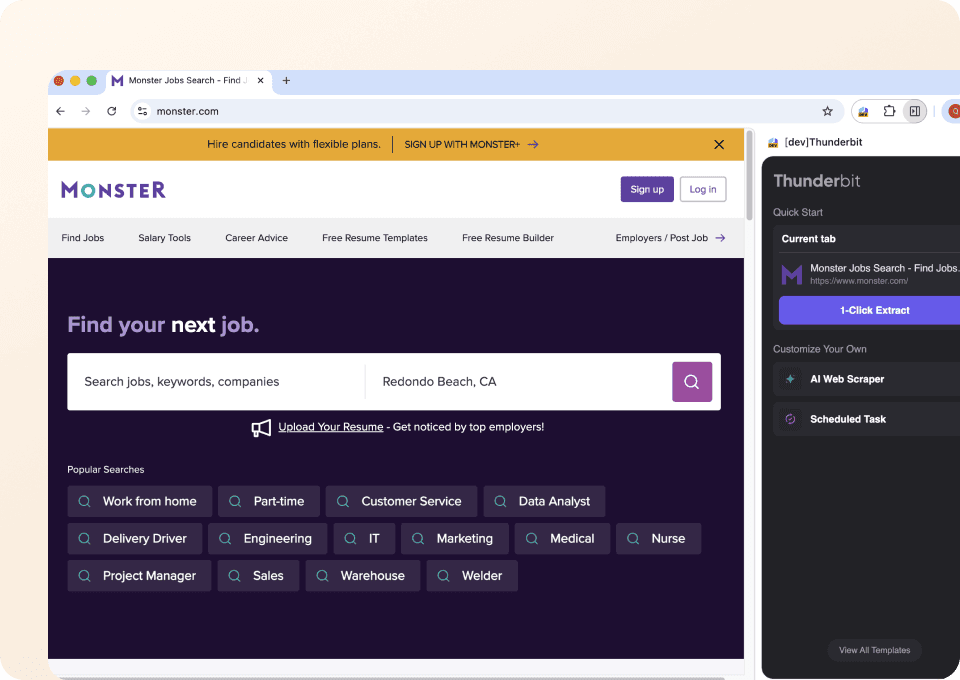
- Go to the destination page, for example: .
- Click AI Suggest Columns to generate recommended fields for this page (you can edit names and data types).
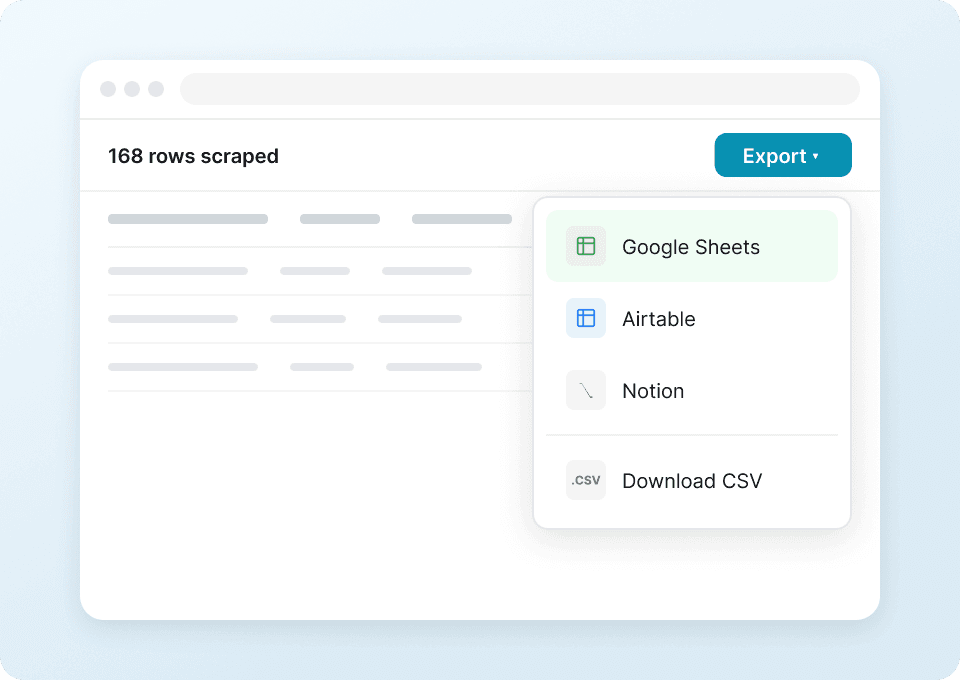
- Click Scrape to extract the data, then export to Excel, Google Sheets, Airtable, Notion, CSV, or JSON.
Column names
| Column | Description |
|---|---|
| 🧑💼 Job Title | The title of the job listing shown in results. |
| 🏢 Company | The employer or hiring company name. |
| 📍 Location | City/state (or remote/hybrid) location displayed on the listing. |
| 🔗 Job URL | Direct link to the job detail page for subpage enrichment. |
| 🗓️ Posted Date | The posting date or relative time (when available). |
| 💼 Employment Type | Full-time, part-time, contract, temporary (when available). |
| 💰 Salary | Salary or pay range if listed on the page or subpage. |
| 🧾 Job Summary | Short snippet/preview text from the listing. |
| 🏷️ Keywords / Category | Role category or extracted keywords (optional via Field AI Prompt). |
| 📄 Job Description (Subpage) | Full description pulled by Subpage Scraping from the job page. |
| 📬 Apply URL (Subpage) | Application link captured from the job detail page. |
Scrape Monster Career Advice Articles
Scrape Monster’s career advice hub to collect article metadata for content planning, SEO research, or internal knowledge bases.
Use case URL:

Steps:
- Download the and register an account.
- Go to the destination page, for example: .
- Click AI Suggest Columns to let AI propose the best columns for article extraction.
- Click Scrape to collect the data and export it to your preferred format.
Column names
| Column | Description |
|---|---|
| 📰 Article Title | The headline of the career advice article. |
| 🔗 Article URL | Link to the full article page for subpage scraping. |
| 🗂️ Category | The section/topic (interviewing, resumes, career change, etc.). |
| ✍️ Author | Author name if shown on the listing or article page. |
| 🗓️ Publish Date | Publication date when available. |
| 🧠 Summary / Excerpt | Short preview text from the listing page. |
| 🖼️ Cover Image URL | Main image URL (useful for Notion/Airtable image fields). |
| 🧾 Full Article Text (Subpage) | The full content extracted from the article page. |
| 🏷️ Tags / Keywords | Tags or AI-labeled keywords (optional via Field AI Prompt). |
🎯 Why Use Monster Scraper Tool
Scraping Monster can support multiple workflows across teams, especially when you need structured data for analysis or operations.
- Recruiting & staffing teams: Build role/location datasets, track hiring volume, and compare job requirements across companies.
- Sales teams (HR tech, training, benefits): Identify target accounts that are actively hiring and prioritize outreach based on role types and locations.
- Marketing teams: Analyze job market language to improve messaging, positioning, and campaign targeting.
- Ecommerce ops and analysts (yes, really): Use job data as a signal for regional expansion, labor market shifts, or competitor activity.
- Content & SEO teams: Collect career advice articles, categorize topics, and build a research library for content planning.
Thunderbit is designed for business users: AI adapts to page layout changes, supports pagination, and can enrich your table by visiting each job or article page with Subpage Scraping.
🧩 How to Use Monster Chrome Extension
- Install the Thunderbit Chrome Extension: Get it from the and create your account on .
- Navigate to a Monster page: Open a results page like or a content hub like .
- Activate AI-Powered Scraper: Click AI Suggest Columns to generate fields, adjust data types (text, date, URL, image), and add optional Field AI Prompts to label or format data.
- Scrape, paginate, and enrich: Click Scrape, enable pagination if needed, then use Scrape Subpages to pull full job descriptions, apply links, author info, or full article text.
If you’re new to scraping, these guides can help:
💳 Pricing for Monster
Thunderbit uses a simple credit system:
- 1 credit = 1 output row in your results table (for example, one job listing row).
- Data export is free: you can export to Excel, Google Sheets, Airtable, Notion, CSV, or JSON at no extra cost.
You can start with the Free tier and scrape 6 pages per month. If you start a free trial, you can scrape 10 pages for free, which is a practical way to test pagination and subpage enrichment on Monster.
Paid plans scale with your workload:
- Starter is a fit for light scraping (hundreds of rows per month).
- Pro tiers support ongoing recruiting ops, market monitoring, and larger exports.
- The yearly plan is typically more cost effective because it includes a discount compared to paying month to month.
See current options on .
❓ FAQ
-
What is the AI Powered Monster Scraper?
The AI Powered Monster Scraper is an AI-driven scraper that extracts structured data from Monster.com job listings and career advice pages. It uses AI to detect fields on the page, so you can generate a clean table without writing code. -
What is Thunderbit?
is an AI Web Scraper Chrome Extension that helps you extract data from websites, PDFs, and images into structured formats. It’s built for business workflows like lead generation, recruiting research, ecommerce operations, and marketing analysis, with exports to tools you already use. -
Can Thunderbit scrape Monster job details from each job page?
Yes. After scraping a listing page, you can use Subpage Scraping to visit each Job URL and pull fields like full job description, salary (if present), requirements, and apply links. This is useful when the listing page only shows a short snippet. -
How does Thunderbit handle pagination on Monster search results?
Thunderbit supports pagination scraping for both click-to-next pages and infinite scroll patterns. You can scrape multiple pages of results to reach your target row count, which is helpful for building a complete dataset for a city, role, or company. -
What data can I export from Monster into Google Sheets or Excel?
You can export any columns you define, including job title, company, location, posted date, job URL, and subpage fields like full description. Exports are available as Excel/CSV for spreadsheets, or direct integrations for Google Sheets, Airtable, and Notion. -
Do I need coding skills to use the Monster Scraper?
No. The workflow is designed around AI Suggest Columns and a single Scrape action. If you want more control, you can rename columns, change data types, and add Field AI Prompts, but none of that requires code. -
What is the difference between Cloud Scraping and Browser Scraping for Monster?
Cloud Scraping runs faster and can scrape batches of pages quickly, which is useful for public pages. Browser Scraping runs inside your Chrome session and is better when a site requires login or you need the same browser context; you can choose the mode that fits your Monster workflow. -
How many rows can I scrape from Monster in one run?
The practical limit depends on the pages you scrape and your available credits, since each output row costs 1 credit. Many teams scrape hundreds of rows at a time (for example, multiple pages of job results), then enrich only the most relevant rows with subpage scraping. -
Is it okay to scrape Monster.com data?
You should always follow Monster’s terms, respect privacy, and comply with applicable laws and regulations in your region. Thunderbit is a productivity tool; how you use the extracted data should align with your compliance requirements and internal policies.
📚 Learn More
- Get started with the extension:
- Explore product details:
- Read more tutorials:
- Popular guides:
If you want to scrape Monster job listings or career advice content into a structured dataset today, install Thunderbit and run AI Suggest Columns → Scrape from the page you’re viewing.