

Thunderbit’s FlexJobs Scraper helps you turn FlexJobs pages into clean, structured datasets using AI. You can scrape remote job listings and career advice articles, then use subpage scraping to enrich each row with full job details or full article content. Export your results to Excel, Google Sheets, Airtable, or Notion in minutes with Thunderbit.
🤖 What is FlexJobs Scraper
The AI-Powered FlexJobs Scraper is an AI Web Scraper that extracts data from FlexJobs and organizes it into a table you can download or sync to your tools. You simply open the page you want (like the jobs directory or the blog), click AI Suggest Columns, then click Scrape.
It’s built for real-world workflows where you need more than what’s visible on a listing page. With Subpage Scraping, Thunderbit can visit each job post or article page and add extra fields (like full descriptions, requirements, categories, author, and more) back into your dataset.
🧲 What can you scrape with FlexJobs
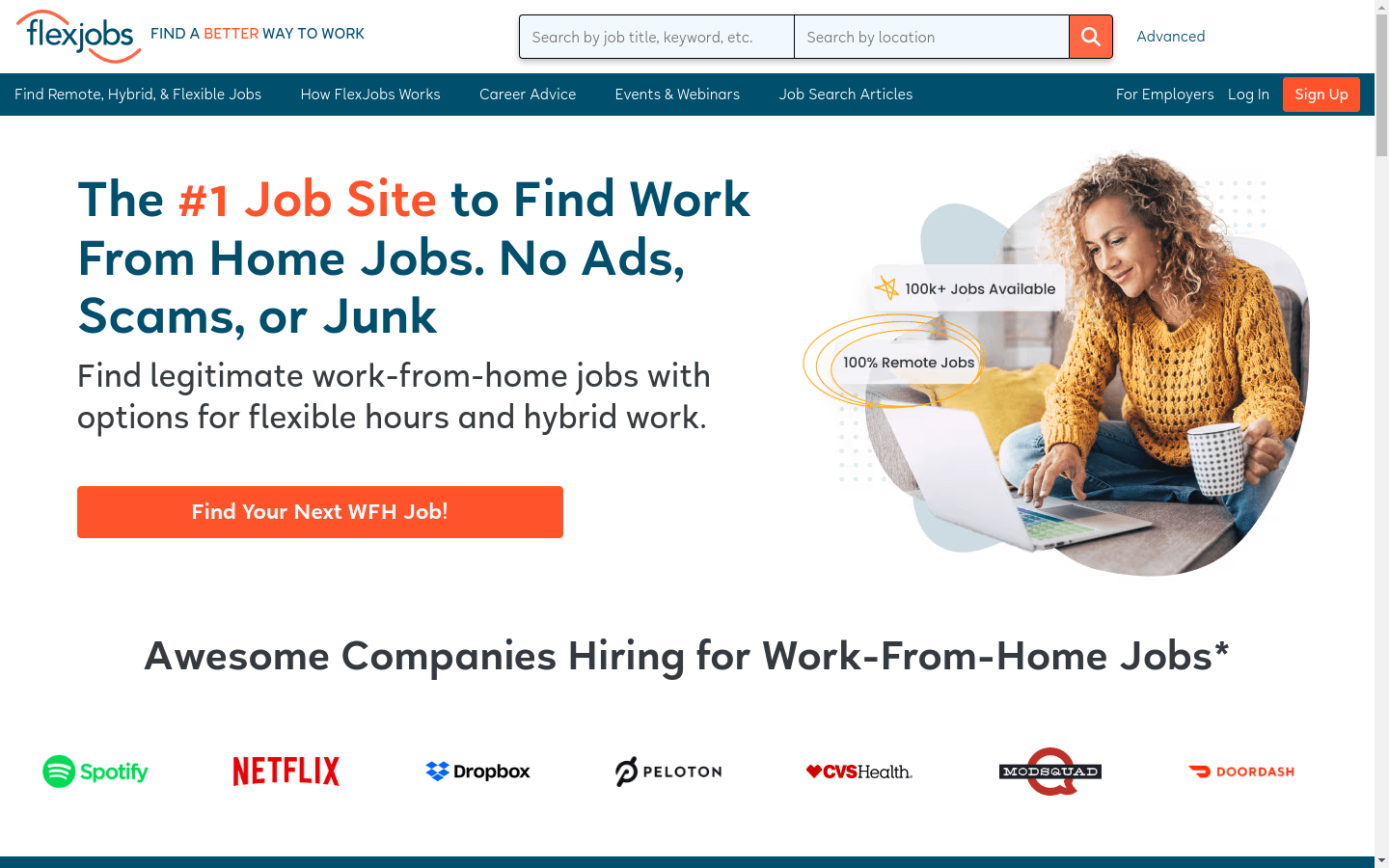
FlexJobs is widely used for finding remote jobs, hybrid roles, and flexible work opportunities, plus career resources. With Thunderbit, you can scrape both job listings and content pages for research, lead generation, recruiting ops, and content analysis.
🧑💻 Scrape FlexJobs Remote Job Listings
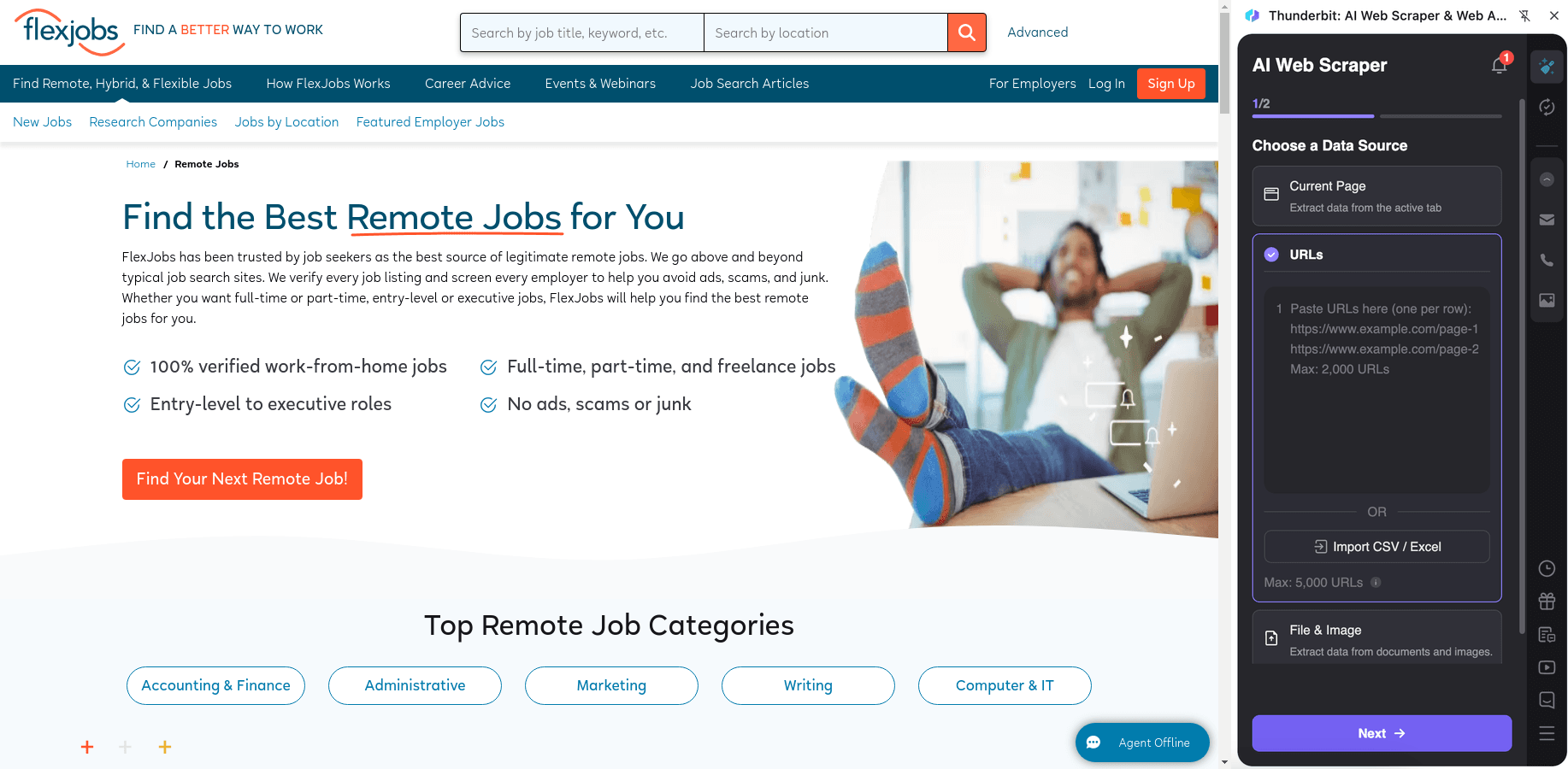
Scrape the job listings directory at FlexJobs Jobs to build a structured database of roles, companies, and job metadata. Then enrich each row by scraping each job’s subpage for full descriptions, requirements, and application details.
Steps:
- Download the Thunderbit Chrome Extension and register an account.
- Go to the destination page, for example: https://www.flexjobs.com/jobs.
- Click AI Suggest Columns to generate recommended column names and data types.
- Click Scrape to run the scraper, then export to Excel, Google Sheets, Airtable, or Notion.
Column names
| Column | Description |
|---|---|
| 🧾 Job Title | The title of the job listing shown on the results page. |
| 🏢 Company | The employer or hiring company name (when available). |
| 📍 Location / Remote Type | Location info such as remote, US-only, state restrictions, or city/state. |
| 🕒 Job Type | Full-time, part-time, freelance, contract, temporary, etc. |
| 🧩 Category / Career Level | Job category and/or seniority level when listed. |
| 🗓️ Posted Date | The date the job was posted or last updated (if shown). |
| 🔗 Job URL | Direct link to the job detail page for subpage scraping. |
| 📝 Short Summary | The snippet/preview text from the listing page. |
| 🧠 Skills / Keywords | Key skills or tags shown on the listing (if present). |
| 📄 Full Job Description (Subpage) | The complete job description pulled from the job detail page. |
| ✅ Requirements (Subpage) | Requirements/qualifications extracted from the job detail page. |
| 📬 How to Apply (Subpage) | Application instructions or application link details when available. |
📚 Scrape FlexJobs Career Advice Articles
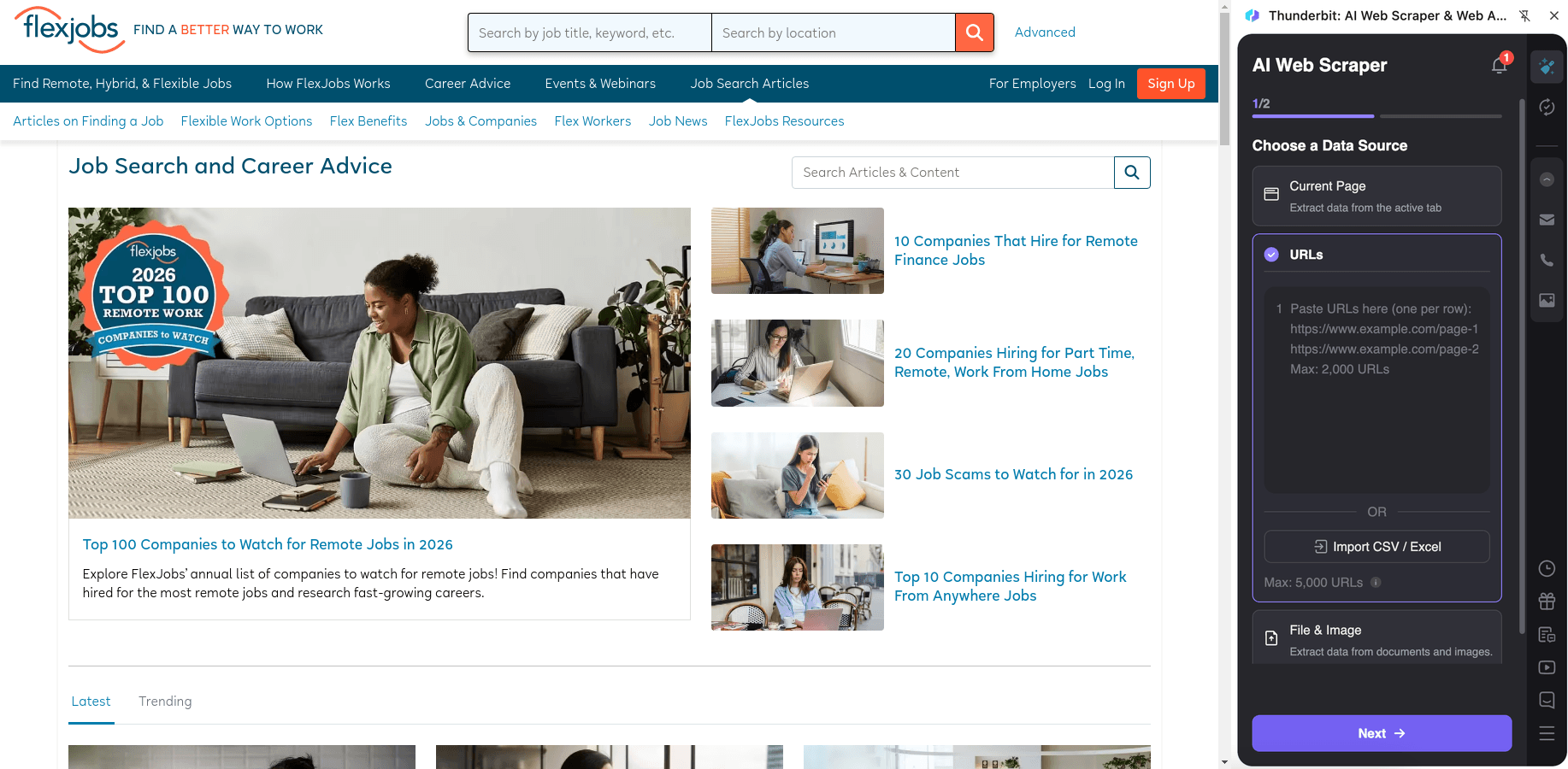
Scrape the FlexJobs blog at FlexJobs Blog to collect article metadata for content research, SEO analysis, or building an internal knowledge base. Use subpage scraping to capture the full article text, headings, and author details.
Steps:
- Download the Thunderbit Chrome Extension and register an account.
- Go to the destination page, for example: https://www.flexjobs.com/blog.
- Click AI Suggest Columns to generate recommended column names and data types.
- Click Scrape to extract the data, then export to Excel, Google Sheets, Airtable, or Notion.
Column names
| Column | Description |
|---|---|
| 📰 Article Title | The headline of the blog post. |
| 🔗 Article URL | Link to the article page for subpage scraping. |
| ✍️ Author | The author name when displayed. |
| 🗓️ Publish Date | The date the article was published. |
| 🏷️ Category / Tag | Blog category or tag (if shown on listing or subpage). |
| 🧷 Excerpt | Short preview text from the blog listing page. |
| 🖼️ Featured Image URL | The main image associated with the article (if available). |
| 🧾 Full Article Content (Subpage) | The full text content extracted from the article page. |
| 🔠 Headings (Subpage) | H2/H3 headings captured for outlining and analysis. |
| ⏱️ Reading Time (Optional) | Estimated reading time if the page provides it. |
🎯 Why Use FlexJobs Scraper Tool
Scraping FlexJobs can support multiple teams and workflows where structured data matters.
- Recruiting & talent ops: Build a searchable pipeline of remote roles by category, location constraints, and job type. You can track trends over time and share a standardized dataset with your team.
- Sales & partnerships: Identify companies hiring for remote roles and enrich your lead lists by industry, hiring velocity, and role types.
- Career coaches & creators: Collect job market signals and organize career advice articles into a content library for newsletters, courses, or coaching programs.
- Marketing & SEO teams: Analyze FlexJobs blog topics, publishing cadence, and content structure to inform your own editorial planning.
- Ecommerce ops and analysts (yes, too): If you run a job board, staffing marketplace, or HR product, you can use scraped job data for competitive research and taxonomy building.
Thunderbit is designed for business users who want speed and reliability without maintaining brittle scraping scripts. When page layouts change, the AI reads the page again and adapts.
🧩 How to Use FlexJobs Chrome Extension
- Install the Thunderbit Chrome Extension: Get it from the Chrome Web Store and create your account.
- Navigate to a FlexJobs page: Open FlexJobs Jobs for listings or FlexJobs Blog for articles.
- Activate AI-Powered Scraper: Click AI Suggest Columns to generate fields, then adjust column names and data types if needed (Text, Date, URL, Image, etc.).
- Scrape and enrich with subpages: Click Scrape for the listing page, then use Scrape Subpages to pull full job details or full article content into the same table.
Helpful resources if you’re new to scraping:
- What Is Data Scraping and How to Do It in 2025
- How to Scrape Any Website Using AI
- How to Scrape Website Data into Excel using AI
- What Is List Crawling and How to Do It Using AI
- More guides on the Thunderbit Blog
💳 Pricing for FlexJobs Scraper
Thunderbit uses a simple credit system:
- 1 credit = 1 output row in your results table (for example, one job listing row or one blog article row).
- Data export is free: you can export to Excel, Google Sheets, Airtable, or Notion, or download CSV/JSON.
You can start with the Free tier and scrape 6 pages per month. If you start a free trial, you can scrape 10 pages for free, which is a good way to test job listing pagination and subpage enrichment before upgrading.
Paid plans scale with your workload:
- Starter is a fit for light scraping and one-off projects.
- Pro tiers are better for ongoing recruiting ops, job market monitoring, and content tracking.
- The yearly plan is typically the most cost-effective option because it includes a discount compared to monthly pricing.
You can review options on Thunderbit Pricing.
❓ FAQ
-
What is the AI Powered FlexJobs Scraper?
The AI Powered FlexJobs Scraper is a Thunderbit workflow that extracts FlexJobs job listings and blog articles into structured rows and columns. It uses AI to understand the page layout, so you can scrape quickly and still get clean fields like title, company, location, and URLs.
You can also enrich results using subpage scraping to capture full job descriptions or full article content. -
What is Thunderbit?
Thunderbit is an AI web scraping Chrome Extension that helps you extract data from websites, PDFs, and images into structured tables. It’s built for business workflows like lead generation, recruiting, ecommerce operations, and market research.
You typically click AI Suggest Columns and then Scrape, and Thunderbit handles pagination and subpages when needed. -
Do I need coding skills to scrape FlexJobs?
No. Thunderbit is designed for non-technical workflows, so you don’t need Python, selectors, or scraping infrastructure.
If you can navigate to a page and click a couple of buttons, you can build a dataset. -
Can Thunderbit scrape job details from each job post page?
Yes. After scraping the listing page, you can use Subpage Scraping to visit each job URL and extract deeper fields like full description, requirements, and application instructions.
This is useful when the listing page only shows a short summary. -
How does Thunderbit handle pagination and infinite scroll on FlexJobs?
Thunderbit supports pagination scraping for both click-to-next pagination and infinite scroll patterns. You can scrape multiple pages in one run, which is helpful when you’re collecting hundreds of job listings.
If you choose Cloud Scraping, Thunderbit can process batches quickly (often up to 50 pages at a time, depending on the site behavior). -
What data formats can I export to?
You can export scraped data to Excel, Google Sheets, Airtable, or Notion, or download it as CSV or JSON.
Export is free, so you can focus your budget on scraping volume rather than file access. -
What’s the difference between Cloud Scraping and Browser Scraping for FlexJobs?
Browser Scraping runs in your Chrome session, which is helpful if a site requires login or personalized access. Cloud Scraping runs on Thunderbit’s cloud infrastructure and is usually faster for public pages.
If you’re scraping pages that depend on your account session, Browser Scraping is often the better choice. -
How many rows can I scrape, and what does “500 max rows” mean?
The “max rows” value (like 500) is a practical guideline for a single run depending on the page structure and your configuration. Your actual capacity depends on pagination depth, credits, and whether you’re enriching with subpages.
Since 1 credit equals 1 output row, you can estimate cost by the number of jobs or articles you plan to collect. -
Is it okay to scrape FlexJobs data?
You should always follow FlexJobs’ terms, respect privacy, and comply with applicable laws and regulations. Thunderbit is a tool that helps you extract and structure data, but you are responsible for using it appropriately.
If you’re unsure, start with a small test scrape and confirm your intended use aligns with your compliance requirements.
📘 Learn More
- Get the extension: Thunderbit Chrome Extension
- Explore product details: Thunderbit Official Website
- Pricing and plans: Thunderbit Pricing
- Learn scraping fundamentals: What Is Data Scraping and How to Do It in 2025
- Scrape to spreadsheets: How to Scrape Website Data into Excel using AI
- Scrape smarter with AI: How to Scrape Any Website Using AI
- Watch tutorials: Thunderbit YouTube Channel