
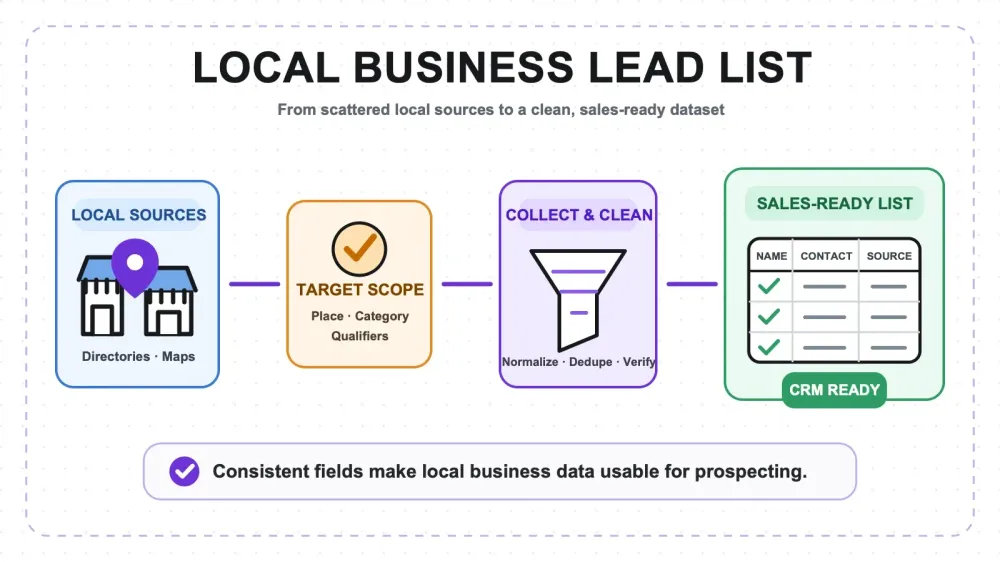
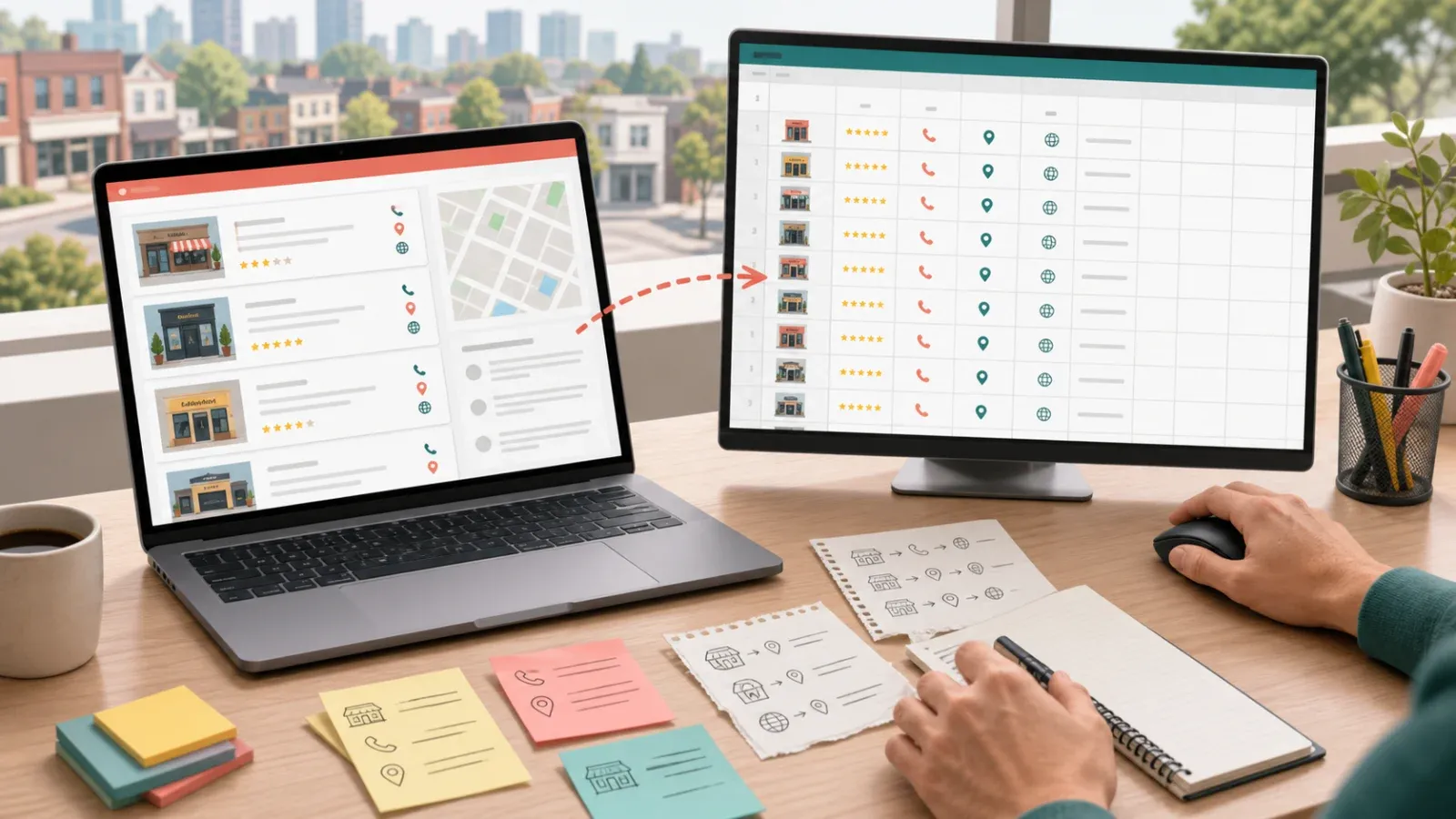
If you've ever tried to launch outbound in a new city, you know the first hour is never the pitch. It's the list. You open Yelp, you copy a phone number, you paste it into a spreadsheet, you go back for the next one, and forty minutes later you have eleven rows and a headache. Multiply that across three cities and five business categories and the "quick prospecting exercise" quietly eats a week.
A good local business lead list fixes that. It turns a vague target ("restaurants in Austin," "dentists in Manchester") into a clean, structured file your reps can actually work the same afternoon. This guide walks through what one is, why sales, marketing, and regional expansion teams keep coming back to it, how to scope one properly, which fields separate a usable list from a junk export, and when it makes sense to stop building lists by hand and hand the job to a managed scraping service instead.
What Is a Local Business Lead List?
A local business lead list is a structured dataset of businesses in a defined geography and category, with enough contact and context fields attached that a rep can qualify and reach out without doing extra research first.
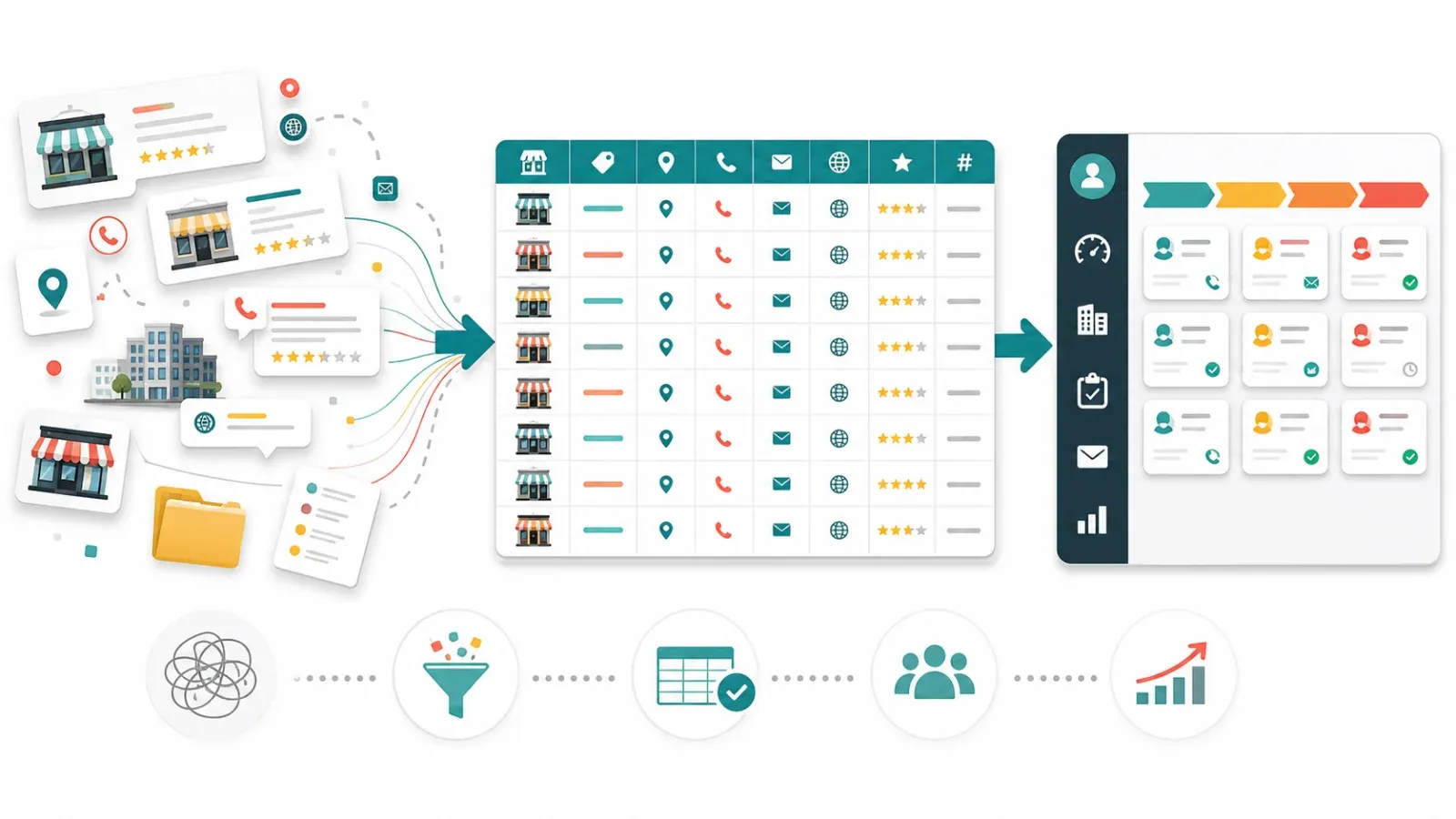
The key word is structured. A pile of business names is not a lead list. A screenshot of a map is not a lead list. A lead list is rows and columns: one business per row, consistent fields in every column, so you can sort it, filter it, dedupe it, score it, and push it straight into your CRM or a cold email tool.
Think of it as the raw material for prospecting. The source you choose, whether Yelp, local directories, or industry association listings, determines the coverage. How you structure it determines whether it's actually usable.
Why Sales, Marketing, and Regional Expansion Teams Need One
Different teams reach for the same list for different reasons:
- Sales / SDR teams need volume and contactability. They're running outbound, and their conversion math depends on feeding reps a steady stream of qualified, reachable businesses. A phone number and an email on every row is the difference between "smiling and dialing" and "still building the list."
- Marketing teams need segmentation. A lead list broken out by city, category, and size lets them run geo-targeted campaigns, build lookalike audiences, and test messaging by vertical instead of blasting everyone the same way.
- Regional expansion / partnerships teams need a map of the market before they commit. Before you hire a rep in a new metro or sign a local distributor, you want to know how many target businesses actually exist there, where they cluster, and how the density compares to a market you already understand. A lead list is a cheap way to size a region before you spend real money on it.
In all three cases the alternative is the same: someone doing manual research, one tab at a time, and the cost of that manual work almost always exceeds what a properly built list would have cost.
How to Define Your Target: Country, City, and Category
Most bad lead lists come from a scope that was never written down. Before you extract a single row, pin down three things.
1. Geography. Start with the country, then narrow to the metro, city, or even a set of postal codes. "Australia" is not a scope; "cafés in inner-city Melbourne postcodes 3000–3006" is. The tighter the boundary, the less noise you'll have to clean out later, and the easier it is to tell whether your list is actually complete.
2. Business category. Use the categories your source actually uses. Yelp and local directories each classify businesses their own way, and "restaurant" vs. "café" vs. "bakery" can pull very different sets. Decide whether you want a narrow category (orthodontists only) or a broad net (all dental practices) and be explicit about it, because it changes the count dramatically.
3. Qualifiers. This is what most people skip. Do you only want businesses with a website? A phone number? A minimum review count, so you're filtering out places that closed years ago? Any signal of size, hours, or activity? Writing these down up front turns "give me all the plumbers" into a list your reps won't complain about.
A good rule of thumb: if you can't describe your target in one sentence that includes a place, a category, and at least one qualifier, the list isn't scoped yet.
What Fields a High-Quality Lead List Should Contain
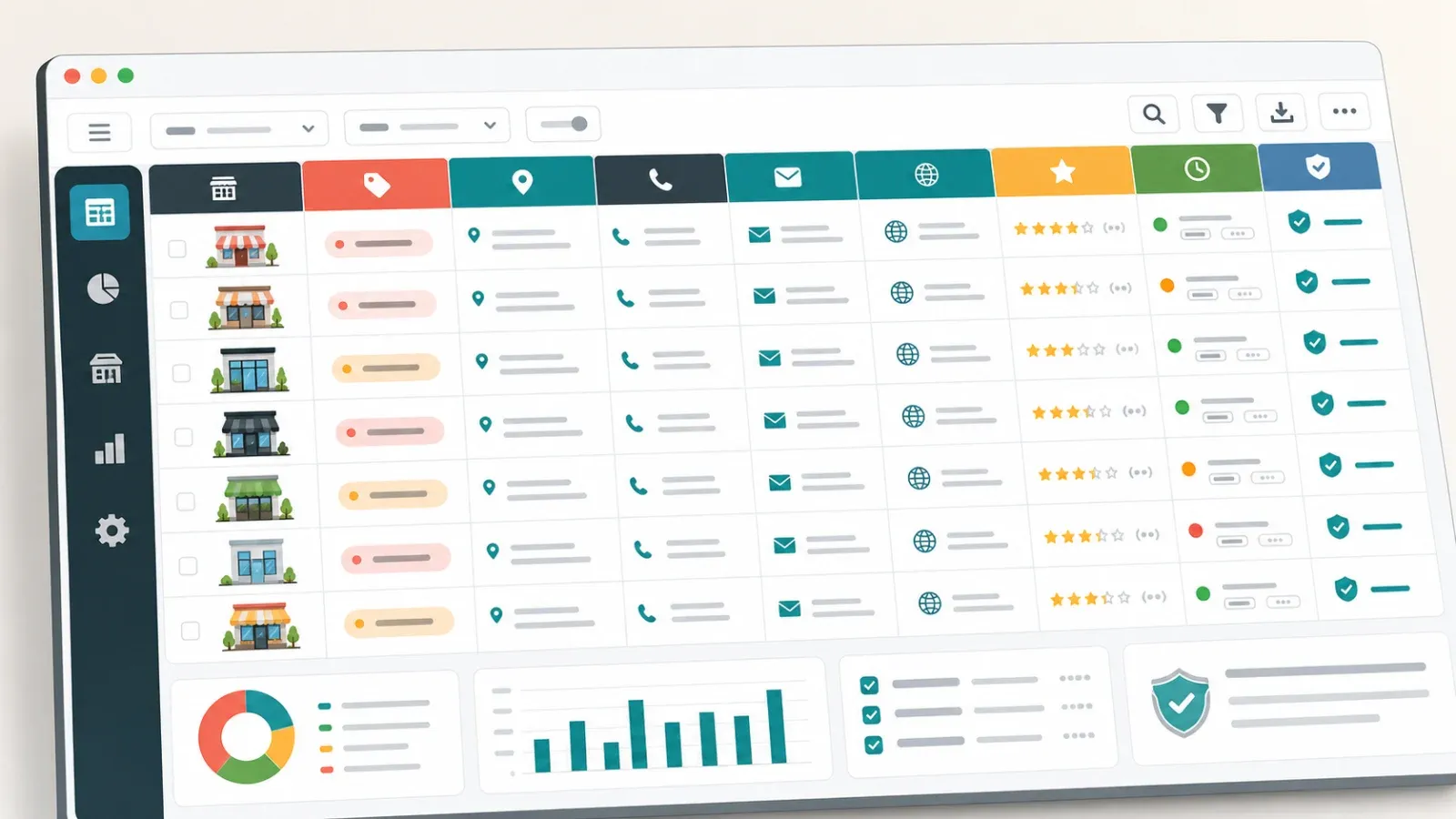
Coverage gets you rows. Fields make those rows worth working. Here's the set that separates a usable list from a raw dump:
| Field | Why it matters |
|---|---|
| Business name | The anchor. Also your primary dedupe key. |
| Category / type | Lets you segment and route leads by vertical. |
| Full address | Confirms the business is in your target area. |
| City / region / postal code | Broken out separately so you can filter and group. |
| Phone number | The workhorse channel for local outbound. |
| Enables cold email and multichannel sequences. | |
| Website | A size/legitimacy signal and a research shortcut. |
| Rating & review count | A proxy for activity, quality, and whether the place is still alive. |
| Business hours / status | Filters out permanently closed listings. |
| Source URL | Lets a rep verify the record in one click. |
Not every project needs all of these, and some fields (email in particular) won't exist for every business no matter how you collect them. But a list that includes name, category, address, city, phone, and source is already in a completely different league from a bare name-and-address export. Add rating and website and you can start scoring and prioritizing before a rep ever touches it.
One field worth calling out: source URL. It feels optional and it's the first thing people drop. Don't. When a rep questions a record, or when you need to enrich it later, being one click away from the original listing saves an enormous amount of back-and-forth.
What a Sample Lead List Looks Like
Here's a small slice of what a finished, ready-to-work file looks like, three cafés in a single scope:
| Business name | Category | Address | City | Phone | Website | Rating | Reviews | Source | |
|---|---|---|---|---|---|---|---|---|---|
| Corner Roast Coffee | Café | 122 King St | Melbourne | +61 3 9xxx xxxx | hello@cornerroast.com.au | cornerroast.com.au | 4.6 | 312 | yelp.com/… |
| Little Lane Espresso | Café | 8 Little Lane | Melbourne | +61 3 9xxx xxxx | — | littlelane.coffee | 4.8 | 540 | yelp.com/… |
| Dockside Beans | Café | 55 Harbour Esp | Melbourne | +61 3 9xxx xxxx | info@docksidebeans.au | docksidebeans.au | 4.3 | 97 | yelp.com/… |
Notice a few things. Every row has the same fields. Missing values (Little Lane has no public email) are marked clearly rather than left blank or guessed. Rating and review count are there so you can immediately sort by traction. And every row carries a source link. That's the standard you're aiming for, not "a big spreadsheet," but a consistent one.
Case Study: A 15,000-Record Cross-Region Dataset
To make this concrete, here's an anonymized example of a project at real scale.
A B2B team was preparing to expand into a new country and needed to understand the market before committing headcount. They wanted a single business category across roughly a dozen metropolitan areas, and they needed it structured well enough to both size the opportunity and feed their SDRs on day one.
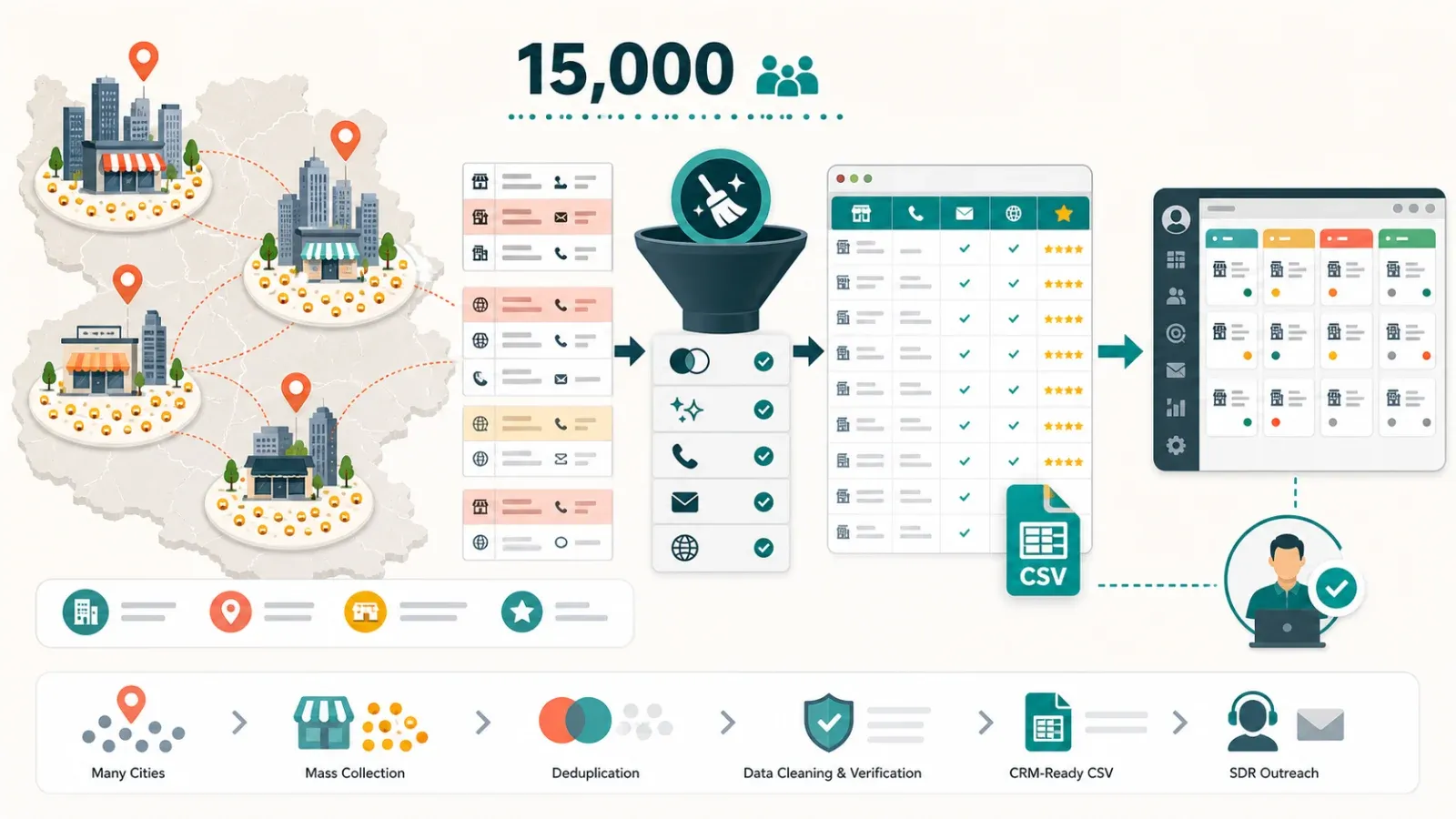
Doing this by hand was a non-starter. A rough estimate: at even a generous two minutes per business to find it, copy the fields, and clean the row, 15,000 records is over 500 hours of manual work, before anyone deduped or QA'd a thing. That's three months of one person doing nothing else.
Instead the collection was run as a managed extraction. The final deliverable was about 15,000 rows across the target regions, each with business name, category, full address, city, phone, website, rating, review count, and source URL, with email attached wherever it was publicly available. Duplicates across overlapping searches were removed, permanently-closed listings were filtered out, and the whole thing was delivered as a clean CSV the team could load into their CRM the same week.
The payoff wasn't just the raw list. Because the data was structured and tagged by region, the expansion team could see business density city by city, spot which metros were dense enough to justify a dedicated rep, and hand their SDRs a pre-segmented file instead of a research assignment. The list did double duty: market sizing and prospecting fuel.
When to Use a Managed Scraping Service Instead of Doing It Yourself
Building lists by hand, or wiring up your own scraper, is perfectly reasonable up to a point. The honest question is where that point is.
Doing it yourself makes sense when:
- The list is small (dozens to low hundreds of businesses).
- You need it once, not on an ongoing basis.
- Your scope is a single city and a single category.
- You have someone with the time and it's genuinely cheaper than paying for it.
A managed scraping service makes more sense when:
- You need thousands of records, or coverage across many cities and categories.
- The math flips, manual collection would cost more in salaried hours than the project quote.
- You need consistent fields, deduplication, and closed-business filtering that hand-collection tends to get wrong.
- You want it delivered in a clean, CRM-ready format instead of raw exports you still have to normalize.
- It's recurring, you'll want the same regions refreshed on a cadence.
The tell is usually the same: the moment you catch yourself budgeting days of someone's time to copy-paste rows, you've crossed into managed-service territory. The point of prospecting is talking to prospects, not assembling the spreadsheet that lets you start.
Why Teams Bring This to Thunderbit
Once you've decided to hand the list off, the next question is who to hand it to. Plenty of freelancers and data shops will take a scraping brief. Here's what actually matters when you're the one waiting on the file, and where we've built our advantage.
Behind the service is our own AI extraction engine, the same technology that powers Thunderbit's scraping product, so we're not stitching together brittle scripts for your project. You never touch any of it; you just get the finished list. But it's why the speed and coverage below are real rather than aspirational.
- We collect fast. Scraping at scale is our core product, not a side hustle. What takes a person weeks of copy-pasting, we run in a fraction of the time, so a 15,000-row cross-region pull is a matter of days, not a quarter of someone's calendar.
- We collect the whole market, not a sample. Coverage is where most lead lists quietly fail, they grab the first few pages and call it done. We're built to sweep an entire category across every city in scope, deduplicate across overlapping searches, and hand you the full picture instead of a convenient slice of it.
- We own the result, so you don't have to babysit it. You don't get a raw dump to clean up yourself. We handle the deduplication, drop permanently-closed listings, normalize the fields, and QA the file before it reaches you. If something looks off, that's on us to fix, not on your team to chase. You get a list you can trust and load straight into your CRM.
- We turn it around quickly. Speed isn't just the scraping, it's the whole loop. You submit a scope, we come back with a quote and a real sample within one business day, and finished projects land fast enough to keep your outbound on schedule instead of stalling on data.
Put simply: you describe the target once, and you get back a complete, cleaned, ready-to-work list, without spending your own hours on the part that isn't selling.
Get a Quote and a Sample
If you'd rather skip the manual grind and get a clean, structured lead list built to your exact scope, tell us what you're targeting, the country, cities, business category, the fields you need, and roughly how many records.
Submit your requirements and Thunderbit will send back a quote and a sample within one business day. Projects start at $200.
You describe the target; we deliver the list, deduped, structured, and ready to work.




