TikTok Profile Scraper

द्वारा
Extract key details from any TikTok profile, including bio, followers, and total likes, into a structured table for quick analysis.

Scrape hundreds of webpages with the Thunderbit Chrome Extension in one click, try the Thunderbit API for free, or use our वेब स्क्रैपिंग सेवा to save engineering time.

Scrape TikTok Profiles in SecondsCollect TikTok profile data with Thunderbit’s Chrome extension—no manual copying required.

Scrape TikTok Profiles in Seconds

Thunderbit lets you gather TikTok profile information such as nickname, bio, followers, and total likes directly from any profile page. Just enter the profile URL, and Thunderbit structures the data for you—no coding or spreadsheets needed. You can also export your results to Google Sheets, Airtable, or Notion for further analysis. Thunderbit supports scraping from subpages and offers AI-powered field suggestions to make your workflow even faster.

How to Extract TikTok Profile Info Using Thunderbit

step_01.png
STEP 1Download and InstallDownload and install the Thunderbit Chrome Extension from the Thunderbit Chrome Extension Download Page. Once installed, log in or create a free account to get started.
step_02.png
STEP 2Open ExtensionNavigate to the TikTok profile page you want to extract information from. Open the Thunderbit Chrome Extension and select the 'TikTok Profile Scraper' tool. Enter the TikTok profile URL in the provided field.
step03.png
STEP 3Click the Extract TikTok Profile Info ButtonClick the 'Extract TikTok Profile Info' button. Thunderbit will process the profile and display the extracted data, including nickname, profile picture, bio, signature, number of videos, followers, and total likes in a table. You can export the results to Excel, Google Sheets, Airtable, Notion, or download them as CSV or JSON.

Learn how to extract TikTok profile data for research and analysis

Collect Key TikTok Profile Information
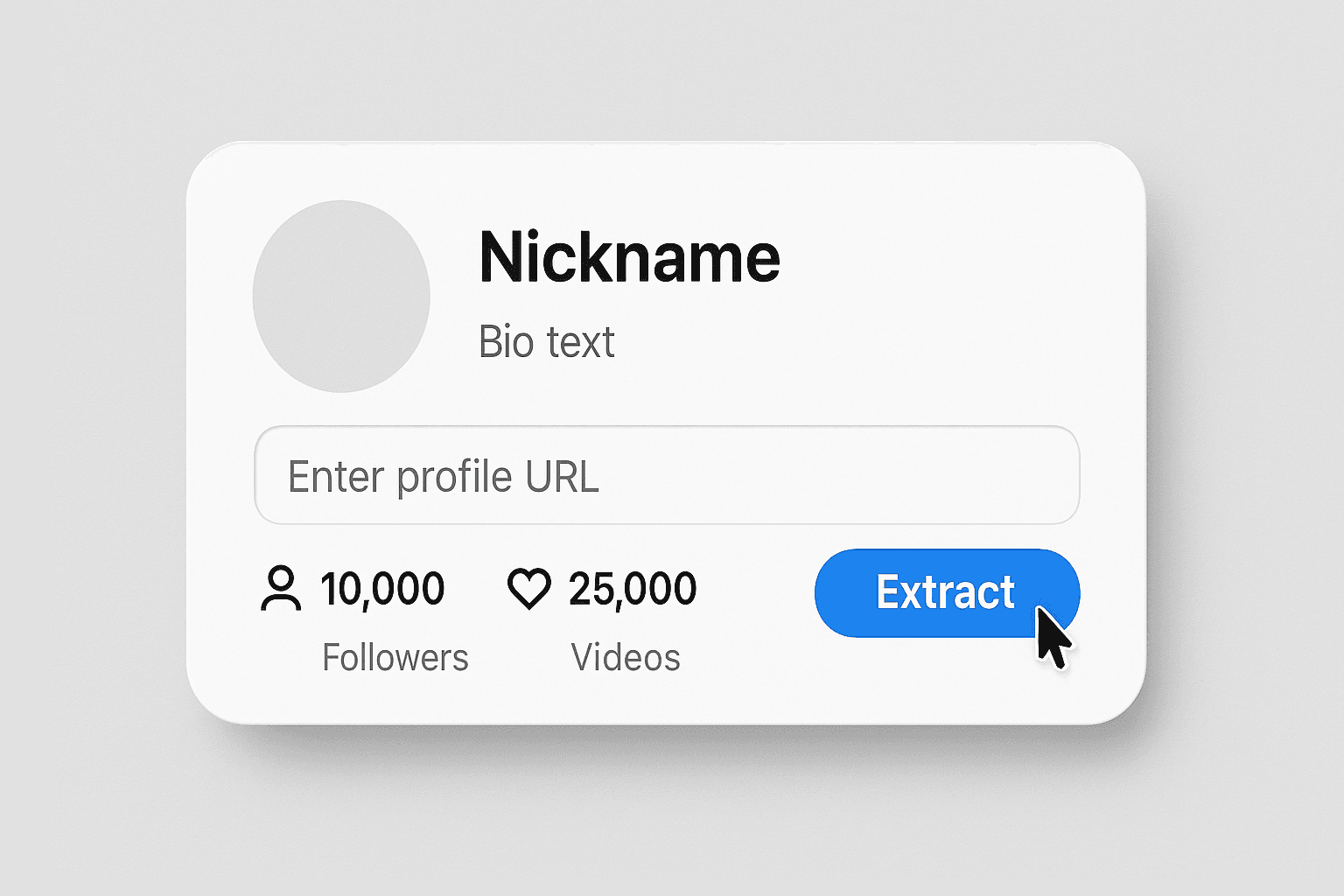
The TikTok Profile Scraper allows you to extract essential details from any public TikTok profile by simply entering the profile URL. It gathers data such as nickname, profile picture, bio, signature, number of videos, followers, and total likes. This tool is ideal for social media managers, marketers, and researchers who need to analyze influencer profiles or monitor competitor activity without manual data entry.
मुफ्त में शुरू करें
1-Collect Key TikTok Profile Information.png

Automate Social Media Research

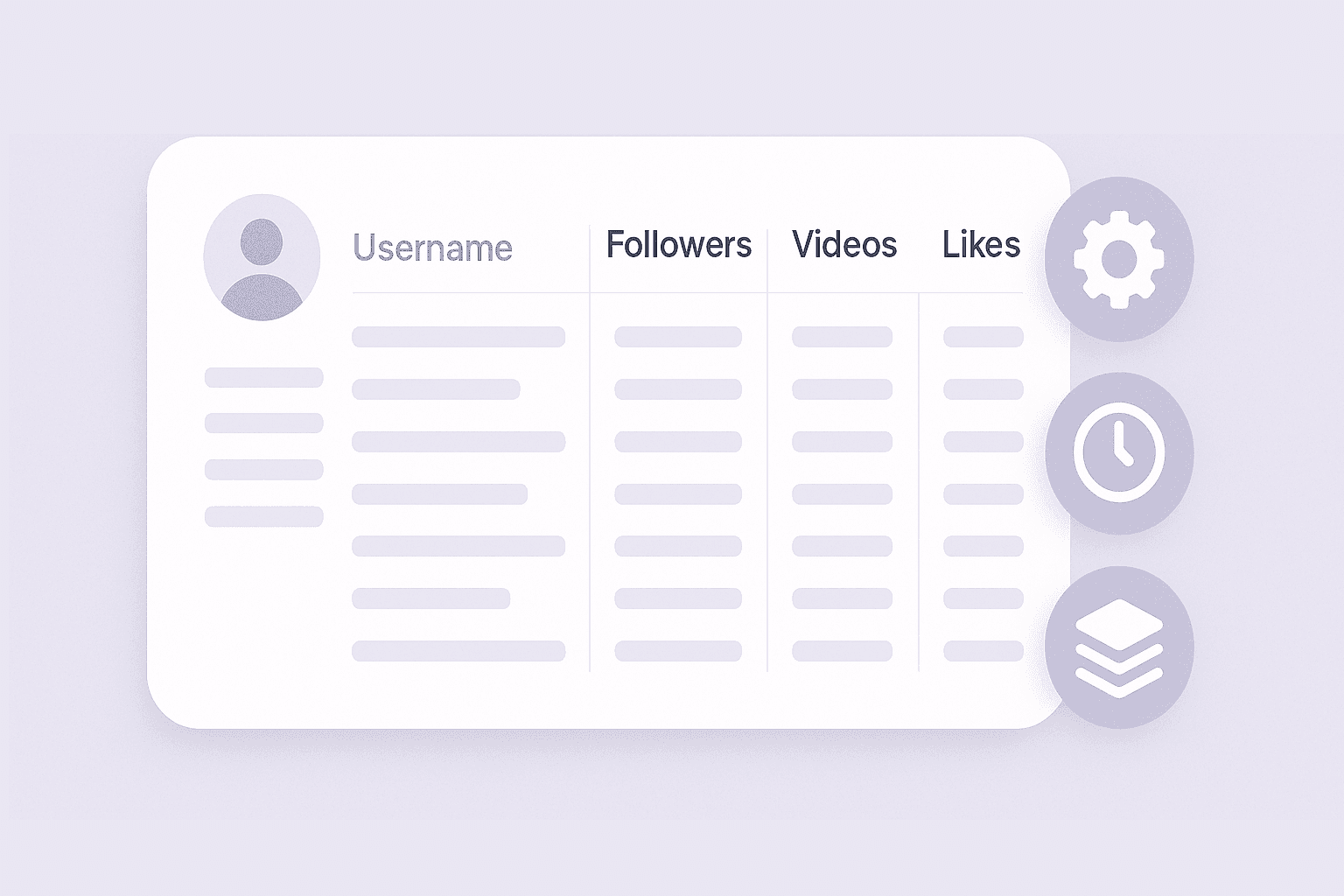
By automating the extraction of TikTok profile data, you can save significant time compared to manual research. The tool ensures accuracy by capturing all relevant fields in a structured table, reducing the risk of missing important information. This is especially useful for agencies and brands tracking multiple profiles or compiling influencer lists for campaigns.
मुफ्त में शुरू करें
2-Automate Social Media Research.png

Export Data for Reporting and Collaboration
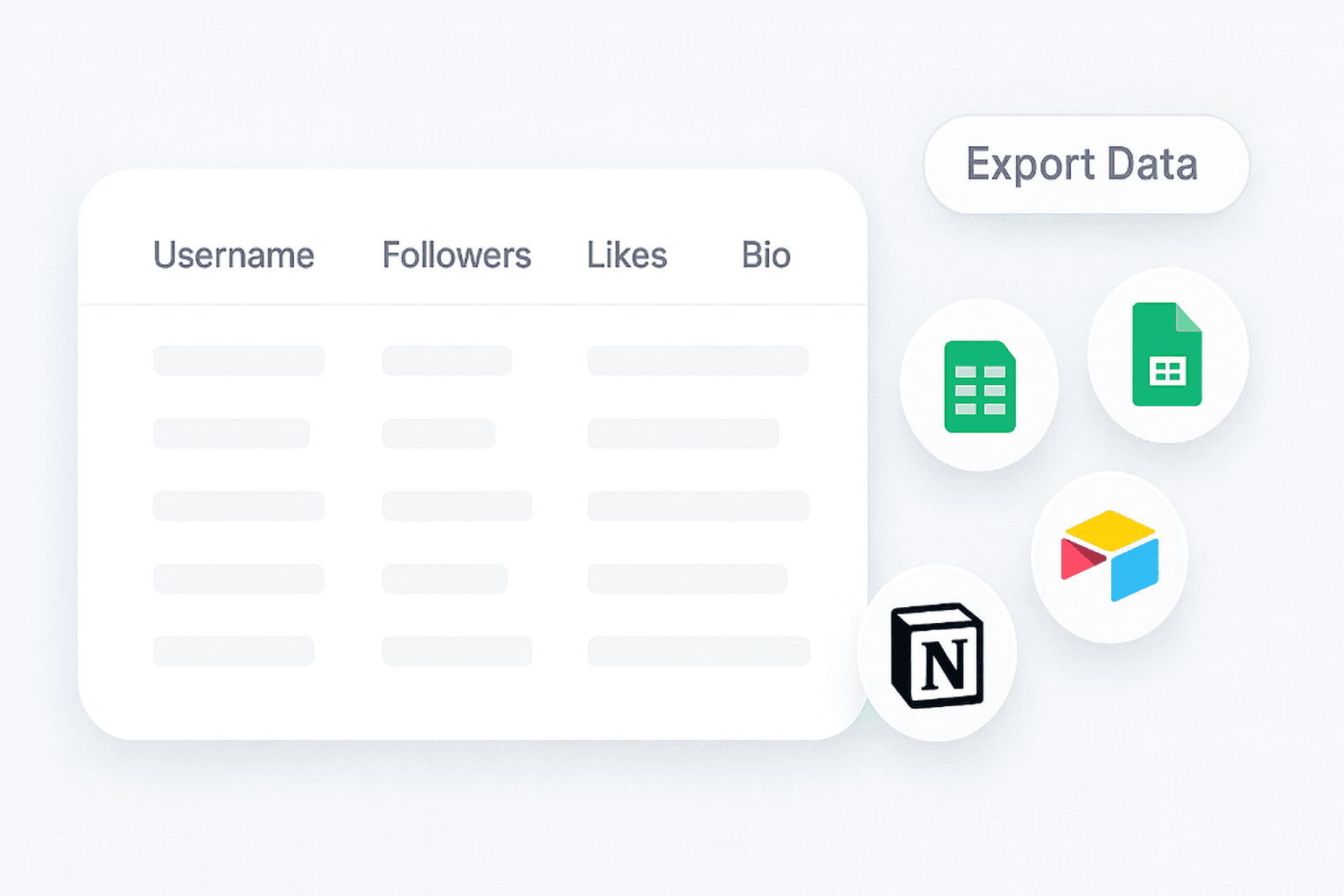
Once the TikTok profile data is extracted, you can export the results to Excel, Google Sheets, Airtable, or Notion. The output is organized in a table format, making it easy to integrate into your existing reporting workflows or share with your team. This streamlines the process of building reports, tracking influencer metrics, or maintaining up-to-date records.
मुफ्त में शुरू करें
3-Export Data for Reporting and Collaboration.png

Support Influencer Marketing and Competitive Analysis
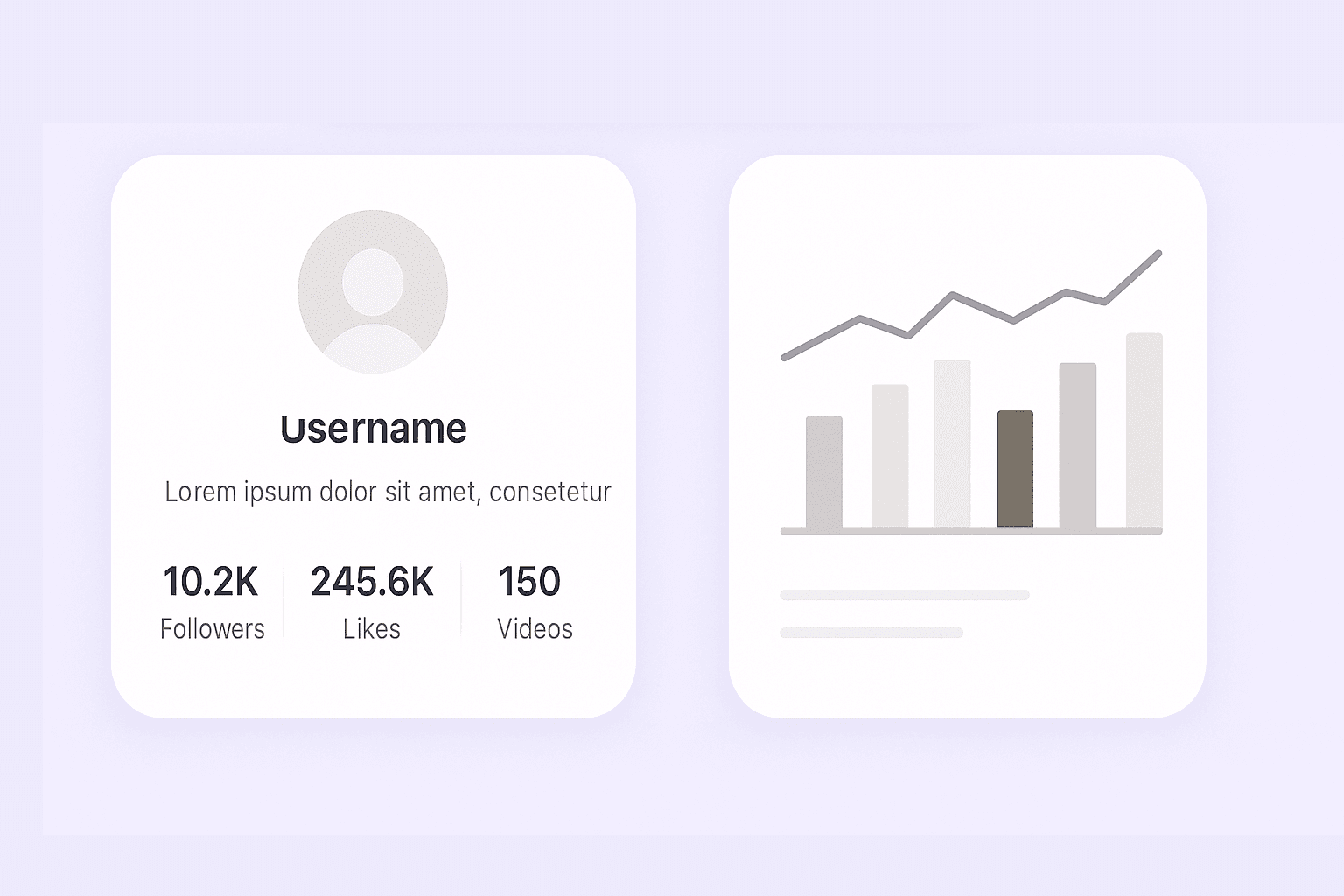
Use the TikTok Profile Scraper to quickly gather data for influencer vetting, campaign planning, or competitor benchmarking. By having access to up-to-date profile statistics and bios, marketing teams can make informed decisions about partnerships and monitor trends in their industry. The tool is also valuable for researchers studying social media engagement and content strategies.
मुफ्त में शुरू करें
4-Support Influencer Marketing and Competitive Analysis.png

और मुफ्त टूल्स खोजें

YouTube Thumbnail Downloader

URL से वीडियो थंबनेल इमेज हाई क्वालिटी में पाएं, उपलब्ध साइज का प्रीव्यू देखें, और बिना साइनअप के अपनी ज़रूरत वाला थंबनेल डाउनलोड करें।

सोशल मीडिया हैशटैग जेनरेटर

किसी भी इमेज को अपलोड करें और अपने पोस्ट के लिए तुरंत सबसे बेहतर AI-आधारित सोशल मीडिया हैशटैग पाएं। कस्टमाइज़्ड हैशटैग सुझावों के साथ विज़िबिलिटी बढ़ाएं, सही ऑडियंस तक पहुँचें और एंगेजमेंट को बढ़ावा दें। यह इन्फ्लुएंसर्स, ब्रांड्स और क्रिएटर्स के लिए बिल्कुल सही है, जो सोशल मीडिया पर तेज़ी से ग्रो करना चाहते हैं।

YouTube ट्रांसक्रिप्ट एक्सट्रैक्टर

एक URL से वीडियो ट्रांसक्रिप्ट निकालें और टाइमस्टैम्प के साथ साफ़, पढ़ने योग्य टेक्स्ट पाएं। नोट्स, रिसर्च और कंटेंट समीक्षा के लिए सबटाइटल कॉपी या डाउनलोड करें।

YouTube चैनल स्क्रैपर

सार्वजनिक चैनल वीडियो को शीर्षक, विवरण, तारीख और आँकड़ों के साथ एक व्यवस्थित टेबल में स्क्रैप करें। इसका उपयोग परफॉर्मेंस ट्रेंड्स का विश्लेषण करने और कंटेंट रिसर्च को तेज़ करने के लिए करें।

Product Hunt लॉन्च स्क्रैपर

Scrape daily new product launches from Product Hunt and get structured data for trend analysis, inspiration, or competitor research.

Pinterest स्क्रैपर

पिन, बोर्ड, प्रोफ़ाइल और खोज परिणामों से संरचित Pinterest डेटा निकालें। शोध, ट्रेंड ट्रैकिंग और कंटेंट संग्रह के लिए साफ़-सुथरे परिणाम पाएँ।

सोशल मीडिया पोस्ट राइटर

किसी विषय या कीवर्ड्स से प्लेटफ़ॉर्म-रेडी सोशल पोस्ट बनाइए, जिससे समय बचे और आपका संदेश साफ़ व आकर्षक बना रहे।


अभी और टूल्स खोजें

Thunderbit के बारे में उपयोगकर्ता क्या कहते हैं

Taryn W.Growth Strategist@Thunderbit ने मेरे competitor research करने का तरीका बदल दिया। मैं 'AI Suggest Fields' पर क्लिक करती/करता हूं, और यह paginated results के साथ एक साफ टेबल बना देता है—ना coding, ना CSS. लंबे marketplaces से product data analyze करते समय बहुत समय बचता है।
Miles T.Sales Development Consultantमैं directories से emails और phone numbers निकालने के लिए Thunderbit का इस्तेमाल करता हूं। यह एक क्लिक में साफ contact info निकाल देता है, और Sheets या Notion में export करना कुछ ही सेकंड लेता है। कोई extra setup नहीं, कोई coding नहीं—बस तुरंत उपयोग करने लायक data।
Rhea C.E-commerce AnalystThunderbit मुझे कई pages में SKU data monitor करने में मदद करता है। मैं listings स्क्रैप करती/करता हूं, फिर Subpage Scraping से full product specs, pricing, reviews और stock खींच लेती/लेता हूं। AI सब कुछ मेरे तय किए columns में व्यवस्थित कर देता है।
Cassian B.Real Estate AdvisorThunderbit का Scheduled Scraper real estate tracking को आसान बनाता है। मैं interval को plain English में बताता हूं, और यह अपने आप updated listings, prices और links निकालता रहता है, बिना setup दोबारा छुए। सरल और बहुत practical।
Dorian B.Content & SEO Specialistमैं scraped blog content को साफ और tag करने के लिए Thunderbit के Field AI Prompts का उपयोग करता हूं। यह titles, authors निकालता है और categories भी सुझाता है। dynamic sites और subpages पर बढ़िया काम करता है—structured SEO datasets बनाने के लिए perfect।
Lina K.Marketplace Operations Leadहम Thunderbit से niche stores के SKUs track करते हैं। Cloud Scraping एक बार में 50 pages संभाल लेता है, और login-required sites के लिए हम browser mode में switch कर देते हैं। यह तेज़, flexible है, और लगातार maintenance या manual edits नहीं चाहिए।
Jorge F.Inbound Sales ManagerThunderbit का AI Autofill सच में lifesaver है। contact info स्क्रैप करने के बाद, मैं इसका इस्तेमाल सीधे browser में lead forms भरने के लिए करता हूं। बस tab चुनता हूं, और यह scraped row से सब कुछ भर देता है। manual input की जरूरत नहीं।
Alina D.Freelance Researcherमैं PDFs, image-based sites और infinite scroll pages से data निकालने के लिए Thunderbit पर भरोसा करती हूं। यह AI के साथ messy formats संभाल लेता है और ready-to-export tables देता है, जिन्हें मैं कुछ ही सेकंड में Google Sheets या Airtable में भेज सकती हूं।
Taryn W.Growth Strategist@Thunderbit ने मेरे competitor research करने का तरीका बदल दिया। मैं 'AI Suggest Fields' पर क्लिक करती/करता हूं, और यह paginated results के साथ एक साफ टेबल बना देता है—ना coding, ना CSS. लंबे marketplaces से product data analyze करते समय बहुत समय बचता है।
Miles T.Sales Development Consultantमैं directories से emails और phone numbers निकालने के लिए Thunderbit का इस्तेमाल करता हूं। यह एक क्लिक में साफ contact info निकाल देता है, और Sheets या Notion में export करना कुछ ही सेकंड लेता है। कोई extra setup नहीं, कोई coding नहीं—बस तुरंत उपयोग करने लायक data।
Rhea C.E-commerce AnalystThunderbit मुझे कई pages में SKU data monitor करने में मदद करता है। मैं listings स्क्रैप करती/करता हूं, फिर Subpage Scraping से full product specs, pricing, reviews और stock खींच लेती/लेता हूं। AI सब कुछ मेरे तय किए columns में व्यवस्थित कर देता है।
Cassian B.Real Estate AdvisorThunderbit का Scheduled Scraper real estate tracking को आसान बनाता है। मैं interval को plain English में बताता हूं, और यह अपने आप updated listings, prices और links निकालता रहता है, बिना setup दोबारा छुए। सरल और बहुत practical।
Dorian B.Content & SEO Specialistमैं scraped blog content को साफ और tag करने के लिए Thunderbit के Field AI Prompts का उपयोग करता हूं। यह titles, authors निकालता है और categories भी सुझाता है। dynamic sites और subpages पर बढ़िया काम करता है—structured SEO datasets बनाने के लिए perfect।
Lina K.Marketplace Operations Leadहम Thunderbit से niche stores के SKUs track करते हैं। Cloud Scraping एक बार में 50 pages संभाल लेता है, और login-required sites के लिए हम browser mode में switch कर देते हैं। यह तेज़, flexible है, और लगातार maintenance या manual edits नहीं चाहिए।
Jorge F.Inbound Sales ManagerThunderbit का AI Autofill सच में lifesaver है। contact info स्क्रैप करने के बाद, मैं इसका इस्तेमाल सीधे browser में lead forms भरने के लिए करता हूं। बस tab चुनता हूं, और यह scraped row से सब कुछ भर देता है। manual input की जरूरत नहीं।
Alina D.Freelance Researcherमैं PDFs, image-based sites और infinite scroll pages से data निकालने के लिए Thunderbit पर भरोसा करती हूं। यह AI के साथ messy formats संभाल लेता है और ready-to-export tables देता है, जिन्हें मैं कुछ ही सेकंड में Google Sheets या Airtable में भेज सकती हूं।

अक्सर पूछे जाने वाले प्रश्न

AI का उपयोग करके डेटा निकालें
डेटा को Google Sheets, Airtable या Notion में आसानी से ट्रांसफर करें
Chrome Store Rating
PRODUCT HUNT#1 Product of the Week