Table Extraction

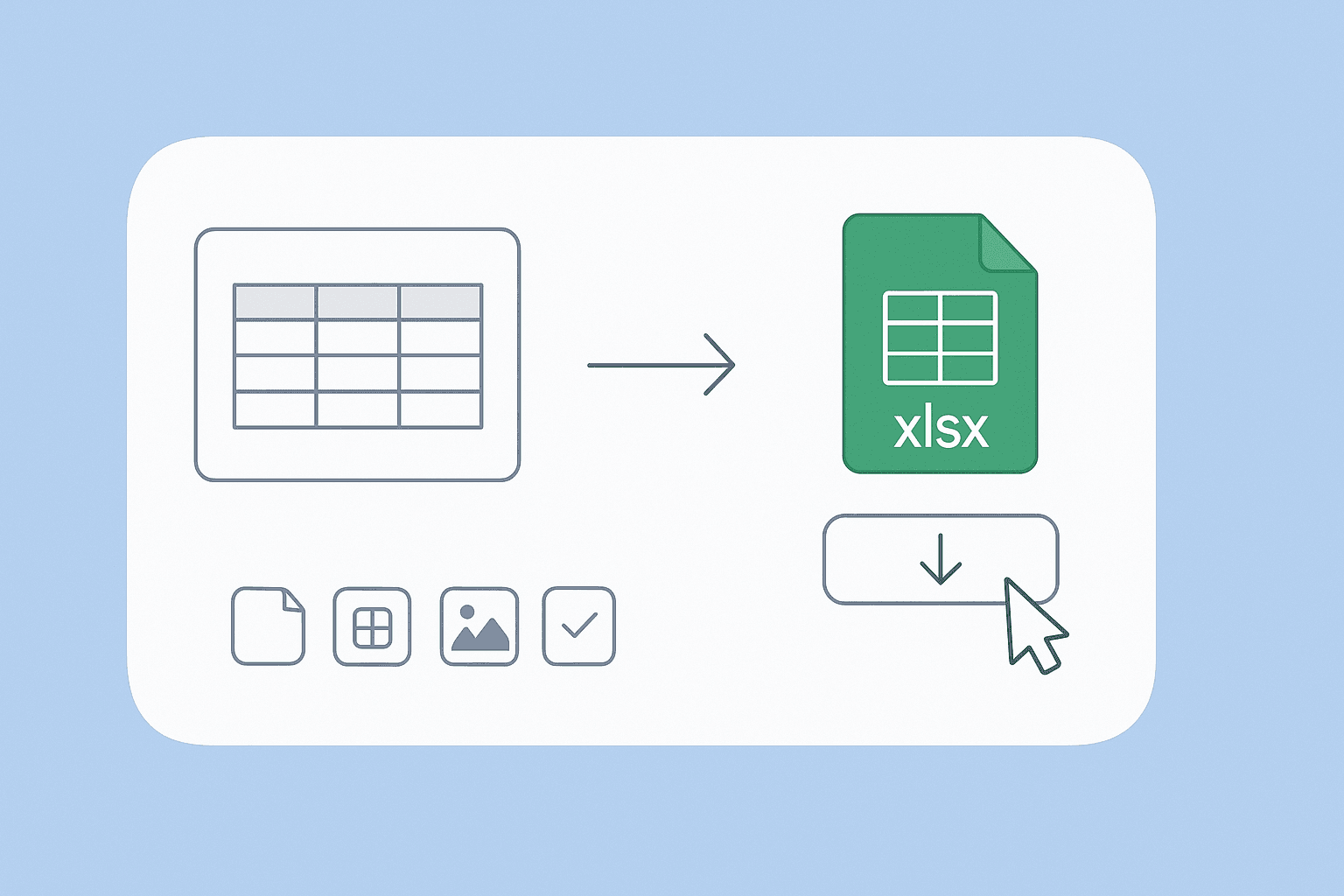
Convert tables from images into downloadable Excel files(CSV.). Quickly turn visual or scanned tables into structured spreadsheets for easy analysis.

यहाँ PNG छवि छोड़ें, या क्लिक करके चुनें
PNG · ≤ 10 MB
📄
Loading PDF engine…
Up to 10 files · processed locally

क्या आप बल्क में डेटा स्क्रैप करना चाहते हैं? Thunderbit को मुफ्त में आज़माएँ।

Chrome Store Rating
PRODUCT HUNT#1 Product of the Week
Accenture logoCriteo logoGrammarly logoVerisk logoklook logoPuma logoRingCentral logoAccenture logoCriteo logoGrammarly logoVerisk logoklook logoPuma logoRingCentral logoAccenture logoCriteo logoGrammarly logoVerisk logoklook logoPuma logoRingCentral logoAccenture logoCriteo logoGrammarly logoVerisk logoklook logoPuma logoRingCentral logoAccenture logoCriteo logoGrammarly logoVerisk logoklook logoPuma logoRingCentral logoAccenture logoCriteo logoGrammarly logoVerisk logoklook logoPuma logoRingCentral logo
Transform Images to Excel(CSV.) Tables FastExtract tables from images and export them as Excel files(CSV.) in just a few clicks with Thunderbit.
chrome-web-store
इंस्टॉल करें:Chrome Web Store

Transform Images to Excel(CSV.) Tables Fast

Thunderbit’s Table Extraction tool lets you upload images containing tables and automatically converts them into structured Excel files(CSV.). No manual data entry or formatting required—just upload your file and download the results. Thunderbit’s AI-powered extraction works on scanned documents, PDFs, and images, making it ideal for digitizing reports, invoices, or research data. Export your tables directly to Google Sheets, Airtable, or Notion for further analysis and collaboration.

How to Extract Tables to Excel(CSV.) Using Thunderbit

step_01.png
STEP 1Download and InstallDownload and install the Thunderbit Chrome Extension from the Thunderbit Chrome Extension Download Page. Once installed, log in or create a free account to get started.
step_02.png
STEP 2Open ExtensionNavigate to the image containing the table you want to extract. Open the Thunderbit Chrome Extension and select the "Table Extraction" tool from the menu. Upload your image or document by dragging and dropping it into the provided area.
step03.png
STEP 3Click the Extract Table to Excel(CSV.) ButtonClick the "Extract Table to Excel(CSV.)" button. Thunderbit will analyze your file, detect all tables, and convert them into an Excel(CSV.) file. Once the extraction is complete, download the Excel(CSV.) file to your device for further use.

Learn how to convert tables from images into Excel files(CSV.)

Extract Tables from Images
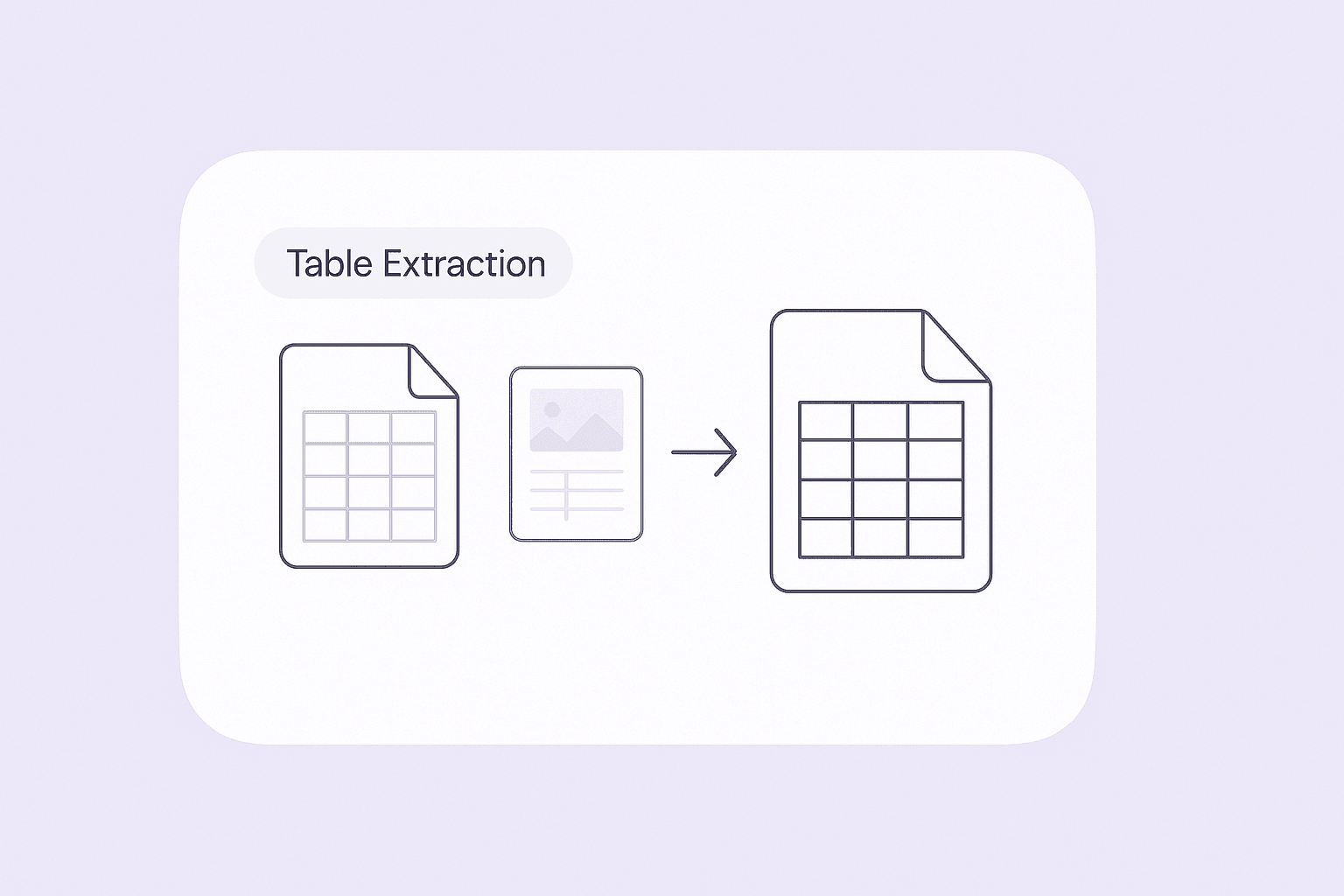
The Table Extraction tool allows you to upload images containing tables and automatically converts them into structured Excel files(CSV.). This feature is ideal for professionals who frequently receive data in non-editable formats, such as scanned reports or screenshots. By transforming these tables into editable spreadsheets, you can quickly analyze, edit, or share the data without manual re-entry, saving significant time and reducing errors.
मुफ्त में शुरू करें
ChatGPT Image Nov 24, 2025, 03_53_24 PM (1).png

Detect Multiple Tables and Preserve Structure
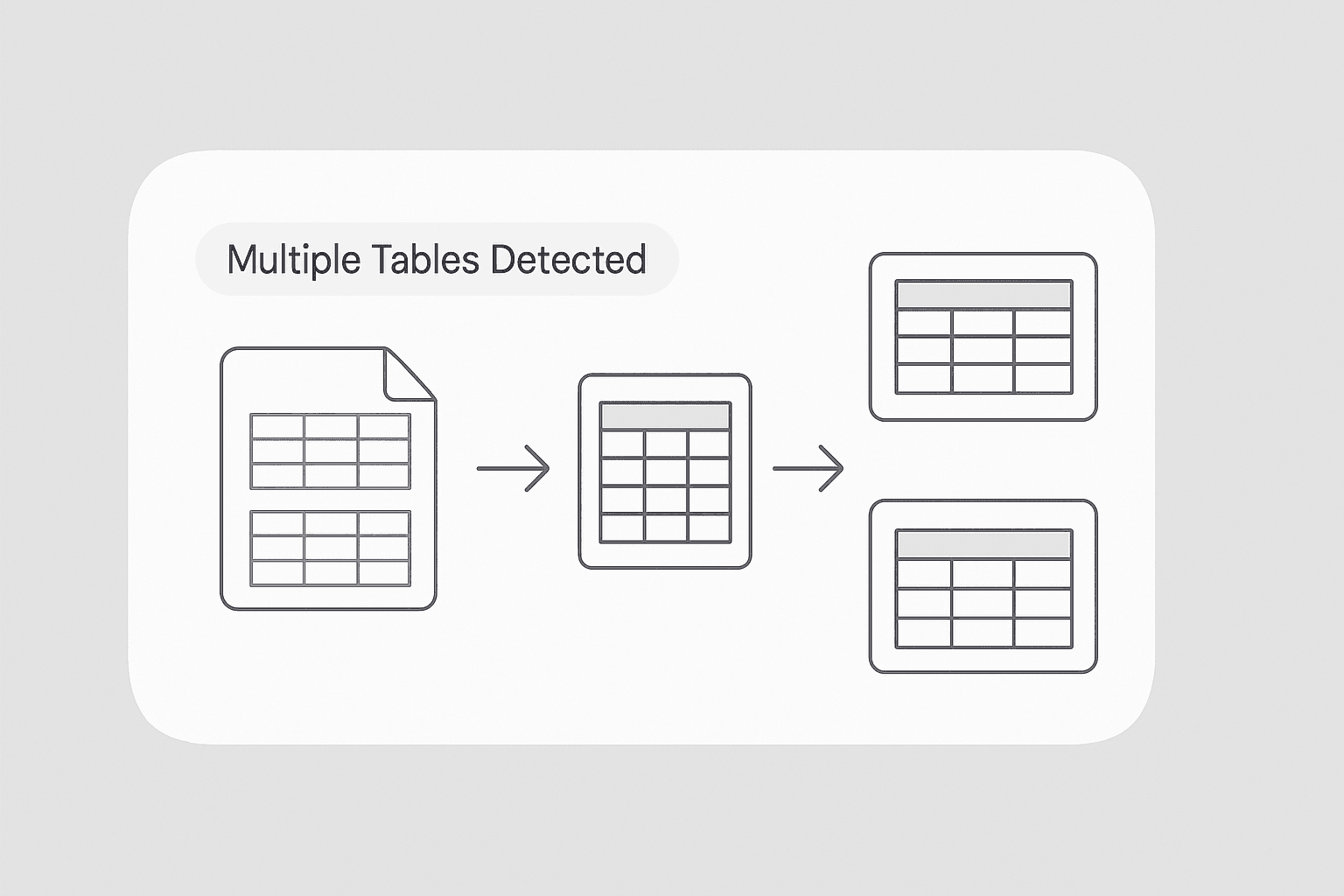
With advanced detection capabilities, the tool identifies all tables within a single file, even if there are multiple tables present. Each table is extracted with its original headers and row structure, ensuring that no information is lost or misrepresented. This is especially useful for users who work with complex documents, such as financial statements or research papers, where multiple tables need to be captured accurately.
मुफ्त में शुरू करें
ChatGPT Image Nov 24, 2025, 03_56_13 PM (1).png

Export Data Directly to Excel(CSV.)

Once the tables are extracted, you can download them as Excel files(CSV.) for immediate use. The exported data maintains the original table formatting, making it easy to integrate into your existing workflows. Whether you need to perform calculations, create charts, or share the data with colleagues, the Excel output ensures compatibility with popular productivity tools and streamlines your data management process.
मुफ्त में शुरू करें
ChatGPT Image Nov 24, 2025, 03_58_46 PM (1).png

Simplify Data Collection for Research and Reporting
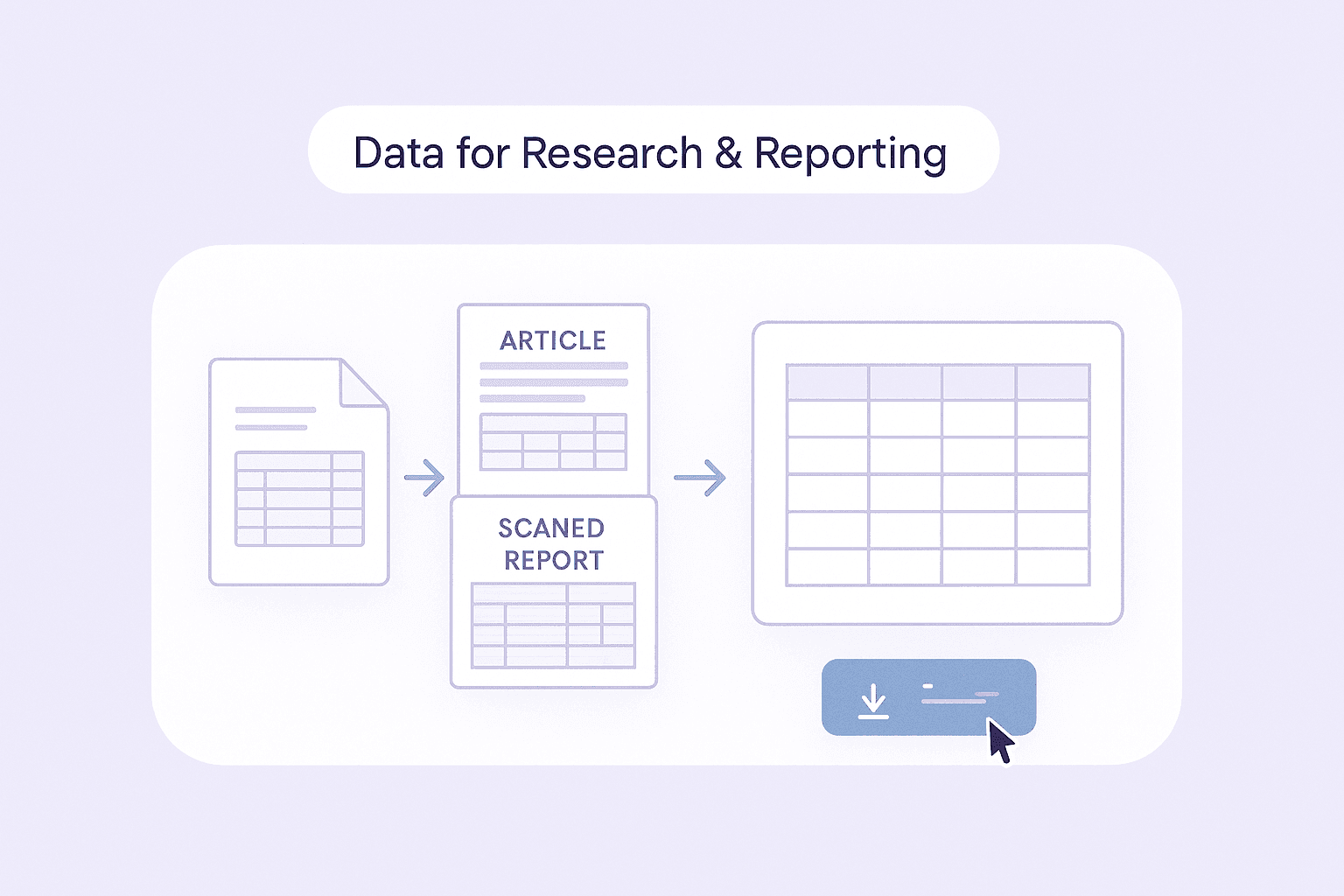
Researchers, analysts, and business professionals can use this tool to quickly gather tabular data from a variety of sources, including scanned documents, academic articles, and printed reports. By automating the extraction process, you can focus on analyzing the data rather than spending hours on manual data entry. This capability is particularly valuable for compiling large datasets or preparing reports that require accurate and organized information.
मुफ्त में शुरू करें
ChatGPT Image Nov 24, 2025, 04_03_11 PM (1).png

और मुफ्त टूल्स देखें

इमेज से एक्सेल कन्वर्टर

टेबल, रसीदों या सूचियों की तस्वीरों को संरचित JSON ऐरे में बदलें, ताकि उन्हें आसानी से Excel में निर्यात किया जा सके। मैन्युअल डेटा एंट्री में समय बचाएँ और सटीकता सुनिश्चित करें।

पीडीएफ से CSV कन्वर्टर

PDF फाइलों में मौजूद टेबल्स को स्प्रेडशीट के लिए साफ़-सुथरे CSV में बदलें। PDF अपलोड करें और कुछ ही सेकंड में व्यवस्थित पंक्तियाँ व कॉलम डाउनलोड करें। इनवॉइस, रिपोर्ट और स्टेटमेंट के लिए आदर्श।

JPG से Excel कनवर्टर

OCR का उपयोग करके JPG टेबल इमेज को संपादन योग्य Excel फ़ाइलों में बदलें। पंक्तियों और कॉलमों को सटीक रूप से निकालकर मैन्युअल डेटा एंट्री का समय बचाएँ।

JPG से पाठ कन्वर्टर

OCR का उपयोग करके JPG इमेजों को संपादन योग्य पाठ में बदलें। स्कैन, स्क्रीनशॉट और नोट्स से शब्द निकालें ताकि आप सामग्री को तेज़ी से कॉपी, खोज और दोबारा उपयोग कर सकें।

PNG से टेक्स्ट कन्वर्टर

OCR का उपयोग करके PNG इमेज से संपादन योग्य टेक्स्ट निकालें। स्क्रीनशॉट और स्कैन किए गए ग्राफ़िक्स को खोजने योग्य कॉपी में बदलें, ताकि उनका पुन: उपयोग और संपादन किया जा सके।

PNG से Excel कन्वर्टर

OCR का उपयोग करके PNG टेबल इमेजों को संरचित Excel स्प्रेडशीट में बदलें। डेटा एंट्री और रिपोर्टिंग को तेज़ बनाने के लिए पंक्तियाँ, स्तंभ और प्रमुख फ़ॉर्मेटिंग बनाए रखें।

Invoice OCR

Extracts text from invoice PDFs or images, making it easy to digitize and organize billing information for faster processing.

इमेज से टेक्स्ट कन्वर्टर

किसी भी इमेज से कुछ ही सेकंड में टेक्स्ट निकालें और उसे संपादन योग्य, संरचित सामग्री में बदलें। मैनुअल टाइपिंग में लगने वाला समय बचाएँ और अपने वर्कफ़्लो को आसान बनाएँ।

एआई ईमेल विषय पंक्ति जनरेटर

एक छोटी-सी जानकारी के आधार पर आकर्षक ईमेल विषय पंक्तियाँ बनाएं। AI-संचालित सुझावों से ओपन रेट बढ़ाएँ। तेज़, आसान और बिना साइन-अप के।

Amazon प्रोडक्ट्स स्क्रैपर

Amazon उत्पादों के URL पेस्ट करके उनसे प्रोडक्ट जानकारी निकालें। शीर्षक, कीमत, रेटिंग और अन्य विवरणों को एक व्यवस्थित टेबल में पाएं, ताकि आप उन्हें जल्दी से एक्सपोर्ट और रिव्यू कर सकें।

AI Sales Email Generator

Create personalized sales emails in seconds with the free AI Sales Email Generator. Perfect for sales teams and entrepreneurs. Try it now and boost your outreach with Thunderbit’s suite of AI tools.

फ़ोन नंबर एक्सट्रैक्टर

वेबपेजों, फ़ाइलों या टेक्स्ट को तेज़ी से स्कैन करके फ़ोन नंबर खोजें। कुछ ही सेकंड में साफ़, निर्यात योग्य सूची पाएँ—कॉन्टैक्ट लिस्ट बनाने या डेटा सत्यापित करने के लिए आदर्श।

ईमेल एक्सट्रैक्टर और वेरिफ़ायर

वेबपेज, पीडीएफ़, या टेक्स्ट से Email Extractor के साथ ईमेल पते खोजें और निकालें। तेज़, सटीक, और कभी भी एक्सपोर्ट करने के लिए तैयार।

ईमेल विषय पंक्ति परीक्षक

विषय पंक्ति की लंबाई, स्पष्टता, तात्कालिकता, वैयक्तिकरण और स्पैम जोखिम के आधार पर स्कोर करें। खुलने की दर सुधारने के लिए उपयोगी सुझाव पाएं।

अभी और टूल्स खोजें

Thunderbit के बारे में उपयोगकर्ता क्या कहते हैं

Taryn W.Growth Strategist@Thunderbit ने मेरे competitor research करने का तरीका बदल दिया। मैं 'AI Suggest Fields' पर क्लिक करती हूँ, और यह paginated results के across एक साफ table बना देता है—कोडिंग नहीं, CSS नहीं। लंबे-tail marketplaces से product data analyze करते समय यह बहुत समय बचाता है।
Miles T.Sales Development Consultantमैं Thunderbit का उपयोग directories से emails और phone numbers लेने के लिए करता हूँ। यह एक क्लिक में साफ contact info निकाल देता है, और Sheets या Notion में export करना कुछ ही सेकंड लेता है। कोई extra setup नहीं, कोई coding नहीं—बस काम का data तुरंत तैयार।
Rhea C.E-commerce AnalystThunderbit मुझे कई पेजों पर SKU data मॉनिटर करने में मदद करता है। मैं listings स्क्रैप करती हूँ, फिर Subpage Scraping से पूरी product specs, pricing, reviews और stock लेती हूँ। AI सब कुछ मेरे तय किए हुए columns में व्यवस्थित कर देता है।
Cassian B.Real Estate AdvisorThunderbit का Scheduled Scraper real estate tracking को आसान बनाता है। मैं interval को simple English में बताता हूँ, और यह सेटअप दोबारा छुए बिना खुद ही updated listings, prices और links निकाल देता है। आसान और बहुत practical।
Dorian B.Content & SEO Specialistमैं Thunderbit के Field AI Prompts का इस्तेमाल scraped blog content को साफ और tag करने के लिए करता हूँ। यह titles, authors निकालता है और categories तक suggest करता है। Dynamic sites और subpages पर बहुत बढ़िया काम करता है—structured SEO datasets बनाने के लिए perfect।
Lina K.Marketplace Operations Leadहम Thunderbit से niche stores के SKUs ट्रैक करते हैं। Cloud Scraping एक बार में 50 pages संभाल लेता है, और login-required sites के लिए हम browser mode पर स्विच कर देते हैं। यह तेज़, flexible है, और लगातार maintenance या manual edits नहीं मांगता।
Jorge F.Inbound Sales ManagerThunderbit का AI Autofill बहुत बड़ा सहारा है। contact info स्क्रैप करने के बाद, मैं इसका इस्तेमाल सीधे browser में lead forms भरने के लिए करता हूँ। मैं बस tab चुनता हूँ, और यह scraped row से सब कुछ भर देता है। manual input की जरूरत नहीं।
Alina D.Freelance Researcherमैं PDFs, image-based sites और infinite scroll pages से data निकालने के लिए Thunderbit पर भरोसा करती हूँ। यह messy formats को AI से संभालता है और ready-to-export tables देता है जिन्हें मैं कुछ ही सेकंड में Google Sheets या Airtable में भेज सकती हूँ।
Taryn W.Growth Strategist@Thunderbit ने मेरे competitor research करने का तरीका बदल दिया। मैं 'AI Suggest Fields' पर क्लिक करती हूँ, और यह paginated results के across एक साफ table बना देता है—कोडिंग नहीं, CSS नहीं। लंबे-tail marketplaces से product data analyze करते समय यह बहुत समय बचाता है।
Miles T.Sales Development Consultantमैं Thunderbit का उपयोग directories से emails और phone numbers लेने के लिए करता हूँ। यह एक क्लिक में साफ contact info निकाल देता है, और Sheets या Notion में export करना कुछ ही सेकंड लेता है। कोई extra setup नहीं, कोई coding नहीं—बस काम का data तुरंत तैयार।
Rhea C.E-commerce AnalystThunderbit मुझे कई पेजों पर SKU data मॉनिटर करने में मदद करता है। मैं listings स्क्रैप करती हूँ, फिर Subpage Scraping से पूरी product specs, pricing, reviews और stock लेती हूँ। AI सब कुछ मेरे तय किए हुए columns में व्यवस्थित कर देता है।
Cassian B.Real Estate AdvisorThunderbit का Scheduled Scraper real estate tracking को आसान बनाता है। मैं interval को simple English में बताता हूँ, और यह सेटअप दोबारा छुए बिना खुद ही updated listings, prices और links निकाल देता है। आसान और बहुत practical।
Dorian B.Content & SEO Specialistमैं Thunderbit के Field AI Prompts का इस्तेमाल scraped blog content को साफ और tag करने के लिए करता हूँ। यह titles, authors निकालता है और categories तक suggest करता है। Dynamic sites और subpages पर बहुत बढ़िया काम करता है—structured SEO datasets बनाने के लिए perfect।
Lina K.Marketplace Operations Leadहम Thunderbit से niche stores के SKUs ट्रैक करते हैं। Cloud Scraping एक बार में 50 pages संभाल लेता है, और login-required sites के लिए हम browser mode पर स्विच कर देते हैं। यह तेज़, flexible है, और लगातार maintenance या manual edits नहीं मांगता।
Jorge F.Inbound Sales ManagerThunderbit का AI Autofill बहुत बड़ा सहारा है। contact info स्क्रैप करने के बाद, मैं इसका इस्तेमाल सीधे browser में lead forms भरने के लिए करता हूँ। मैं बस tab चुनता हूँ, और यह scraped row से सब कुछ भर देता है। manual input की जरूरत नहीं।
Alina D.Freelance Researcherमैं PDFs, image-based sites और infinite scroll pages से data निकालने के लिए Thunderbit पर भरोसा करती हूँ। यह messy formats को AI से संभालता है और ready-to-export tables देता है जिन्हें मैं कुछ ही सेकंड में Google Sheets या Airtable में भेज सकती हूँ।

Frequently Asked Questions

AI का उपयोग करके डेटा निकालें
डेटा को आसानी से Google Sheets, Airtable, या Notion में ट्रांसफर करें
Chrome Store Rating
PRODUCT HUNT#1 Product of the Week