सरल ट्विटर पोस्ट स्क्रैपर

प्रमुख कंपनियों के पेशेवरों का भरोसा













Thunderbit के साथ Twitter पोस्ट डेटा अनलॉक करें
कुछ ही क्लिक में twitter-post से मूल्यवान डेटा आसानी से निकालें।
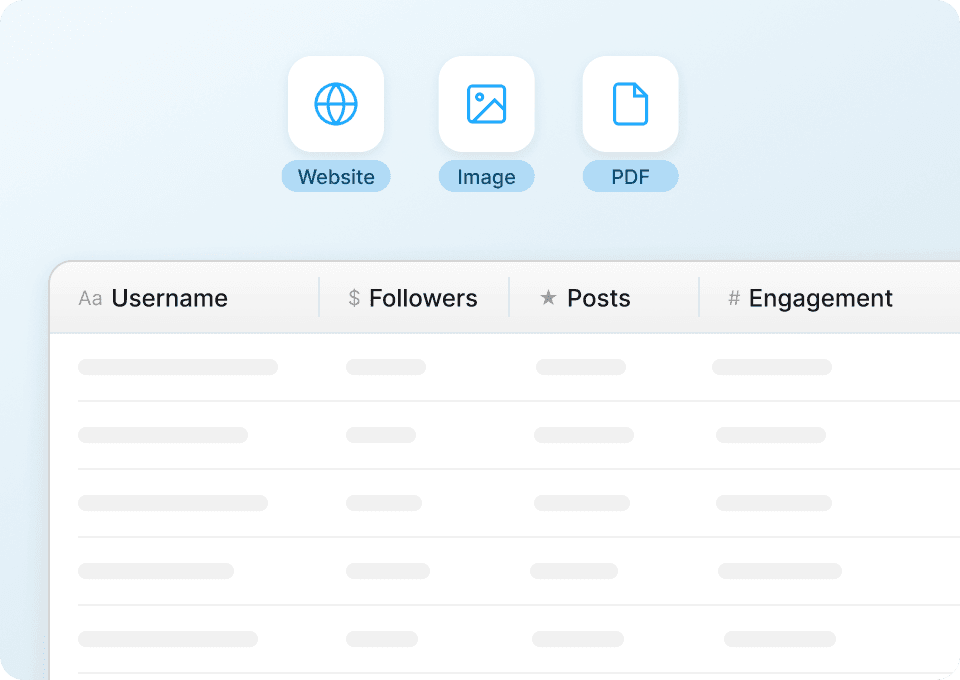
तुरंत साफ़ Twitter पोस्ट डेटा पाएँ
twitter-post से मिलने वाले गंदे, असंरचित डेटा से परेशान हैं? Thunderbit डेटा निकालते ही ट्वीट टेक्स्ट, यूज़रनेम, टाइमस्टैम्प और अन्य जानकारी को अपने-आप साफ़ और फ़ॉर्मैट कर देता है। विश्लेषण के लिए तैयार संरचित डेटा पाएँ। मैन्युअल क्लीनिंग की अब ज़रूरत नहीं।
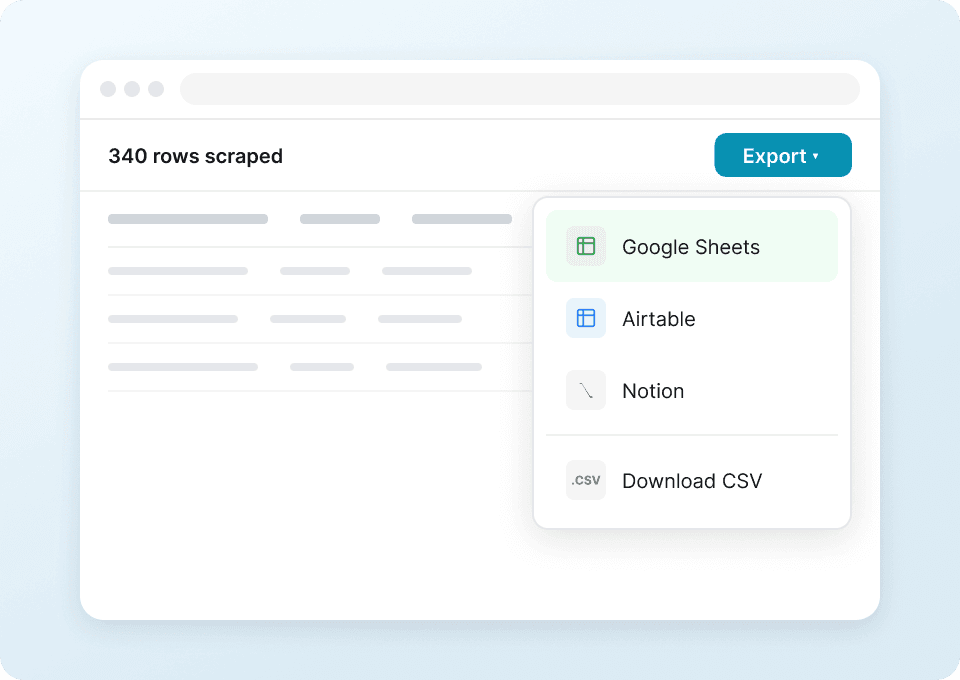
एक क्लिक में Twitter पोस्ट डेटा एक्सपोर्ट करें
twitter-post डेटा को कॉपी-पेस्ट करने में समय बर्बाद करना बंद करें। Thunderbit के साथ आप अपना स्क्रैप किया हुआ डेटा एक ही क्लिक में Google Sheets, Notion, या Airtable में सीधे एक्सपोर्ट कर सकते हैं। ट्वीट टेक्स्ट, यूज़र हैंडल, रिट्वीट काउंट और बहुत कुछ अपने पसंदीदा टूल्स में तुरंत विश्लेषित करें।
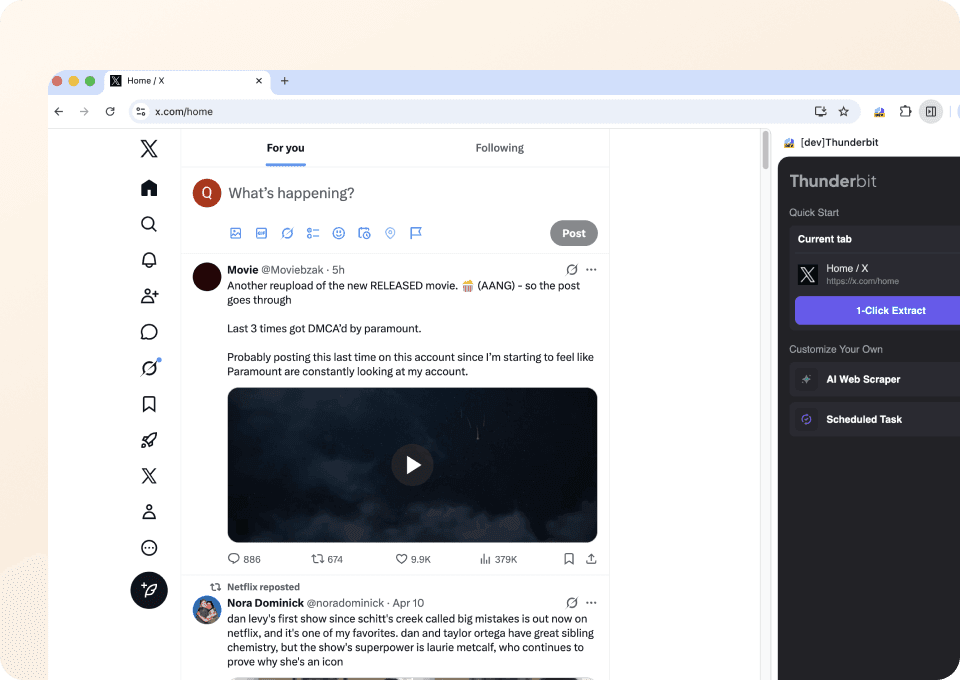
दो क्लिक में Twitter पोस्ट डेटा एक्सट्रैक्शन
जटिल सेटअप और कोडिंग भूल जाइए। Thunderbit आपको सिर्फ़ दो क्लिक में twitter-post से डेटा निकालने देता है। बस उस डेटा पर इशारा करें जिसे आप चाहते हैं—ट्वीट टेक्स्ट, यूज़रनेम, लाइक काउंट—और एक्सट्रैक्ट पर क्लिक करें। इतना आसान।
पारंपरिक twitter-post स्क्रैपर्स से Thunderbit अलग क्यों है?
पारंपरिक स्क्रैपर्स की झंझट के बिना twitter-post से डेटा निकालें।
पारंपरिक स्क्रैपर्स
काम करने का पुराना तरीकाThunderbit AI
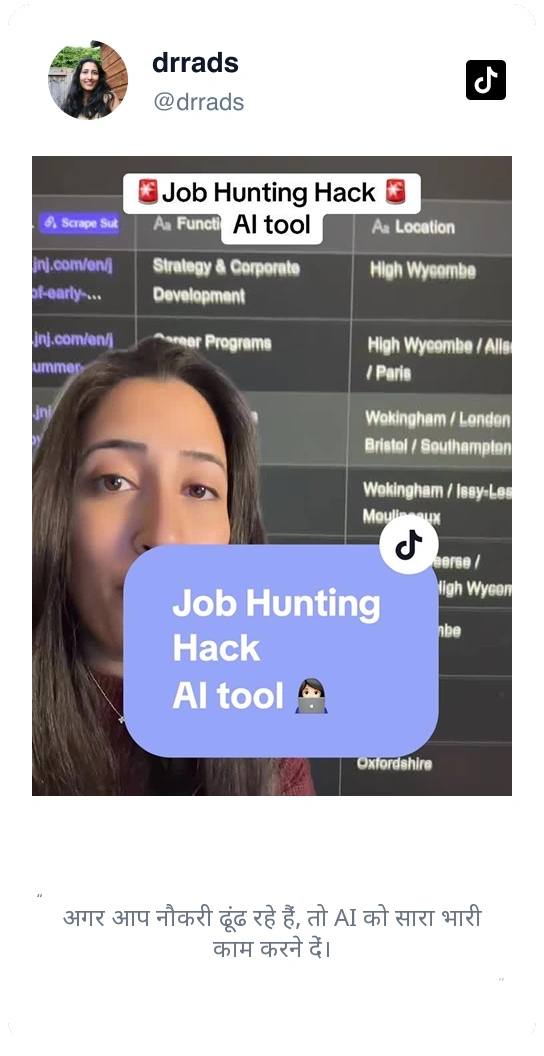
ज़्यादा स्मार्ट तरीकासिर्फ हमारी बात पर भरोसा मत करें
देखें Thunderbit के बारे में हमारे उपयोगकर्ता क्या कहते हैं।







अक्सर पूछे जाने वाले प्रश्न
संबंधित उपयोग के मामले
Thunderbit के वेब स्क्रैपर के और उपयोग के मामले देखें।

HKTVmall Scraper
बस कुछ ही क्लिक में HKTVmall लिस्टिंग से प्रोडक्ट के नाम, कीमतें और ग्राहक रेटिंग तक निकालें — किसी जटिल सेटअप की ज़रूरत नहीं।
और जानें ->
PubMed Scraper
Thunderbit का PubMed Scraper आपको AI की मदद से PubMed के सर्च रिज़ल्ट्स और आर्टिकल पेजों से व्यवस्थित (structured) डेटा निकालने में मदद करता है। ट्रेंडिंग मेडिकल रिसर्च, क्लिनिकल ट्रायल से जुड़े प्रमाण, एब्स्ट्रैक्ट, लेखक, संस्थागत संबद्धताएँ, प्रकाशन तिथियाँ और लिंक स्क्रैप करें—और फिर डेटा को Excel, Google Sheets, Airtable या Notion में एक्सपोर्ट करें।
और जानें ->
PlayStation Scraper
कुछ ही क्लिक में PlayStation गेम डेटा जैसे शीर्षक, जेनर और डिस्काउंटेड कीमत हासिल करें — मैन्युअल कॉपी-पेस्ट की झंझट अब खत्म।
और जानें ->
सबस्टैक स्क्रैपर
सबस्टैक के सब्सक्राइबर काउंट, लेख शीर्षक और प्रकाशन विवरण एक साफ़ स्प्रेडशीट में लाएँ — कोड की ज़रूरत नहीं, AI खुद संरचना बना देता है।
और जानें ->
Trivago स्क्रैपर
बस कुछ ही क्लिक में Trivago से होटल के नाम, कीमतें और रेटिंग्स स्क्रैप करें — किसी कोडिंग या सेटअप की ज़रूरत नहीं।
और जानें ->
PeopleWhiz स्क्रैपर
Thunderbit PeopleWhiz स्क्रैपर आपको AI-संचालित फ़ील्ड सुझावों के साथ PeopleWhiz खोज परिणामों और प्रोफाइलों से डेटा निकालने देता है। शोध, मार्केटिंग या लीड जनरेशन के लिए नाम, संपर्क विवरण, स्थान और भी बहुत कुछ इकट्ठा करें। PeopleWhiz डेटा को संरचित डेटासेट में जल्दी और कुशलता से बदलें।
और जानें ->क्या आप अपने डेटा एक्सट्रैक्शन को तेज़ करने के लिए तैयार हैं?
100,000+ पेशेवरों से जुड़ें जो पहले से ही Thunderbit का उपयोग अपने वेब स्क्रैपिंग वर्कफ़्लो को ऑटोमेट करने के लिए कर रहे हैं।
मुफ्त ट्रायल 8 वेबपेजों के लिए असीमित क्रेडिट देता है।