Tumblr 爬虫













Thunderbit के साथ Tumblr डेटा अनलॉक करें
पोस्ट कंटेंट और like counts जैसी Tumblr जानकारी को आसानी से निकालें।
Tumblr की पूरी कहानी पाएं
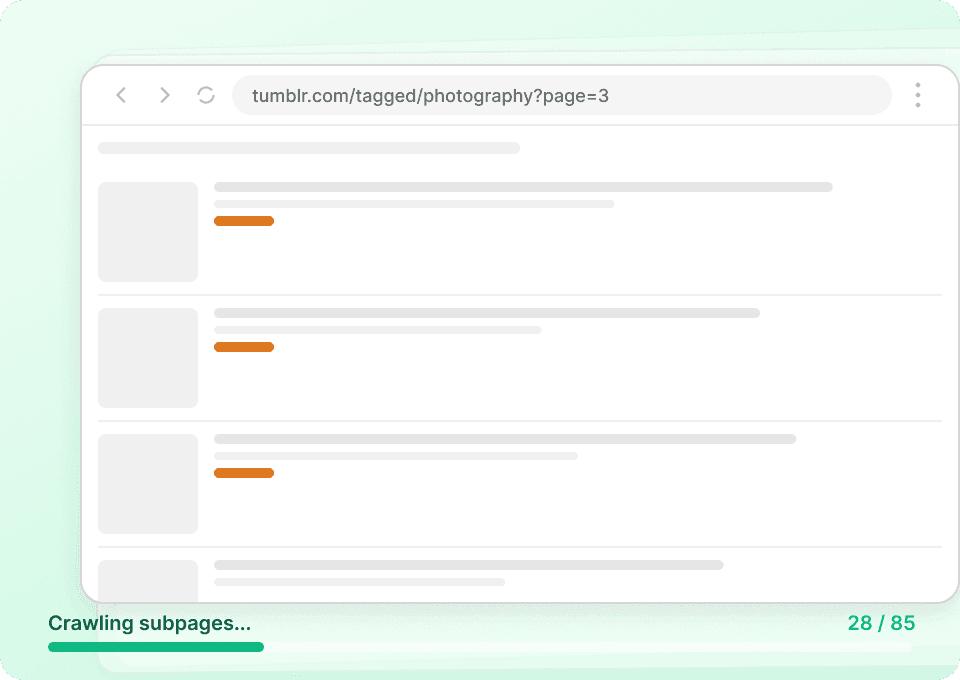
Tumblr की listing pages पर सिर्फ छोटे-छोटे snippets दिखते हैं। पूरी जानकारी पाने के लिए आपको पूरा post content, author details और उससे जुड़ा सारा metadata चाहिए। Thunderbit अपने-आप हर linked post page पर जाता है, पूरी जानकारी निकालता है और उसे नए columns के रूप में जोड़ देता है — ताकि आप post IDs, publish dates और बहुत कुछ बिना manual clicking के capture कर सकें।
अपने Tumblr data collection को automate करें
Tumblr डेटा लगातार बदलता रहता है। बार-बार उन्हीं blogs पर जाकर फिर से scrape करना समय लेने वाला और गलती-भरा काम है। Thunderbit के scheduled scraping के साथ आप recurring extractions को autopilot पर चला सकते हैं। ताज़ा like counts और post content सीधे Google Sheets में मिलते रहेंगे — बिना किसी manual काम के।

सिर्फ दो क्लिक में Tumblr posts scrape करें
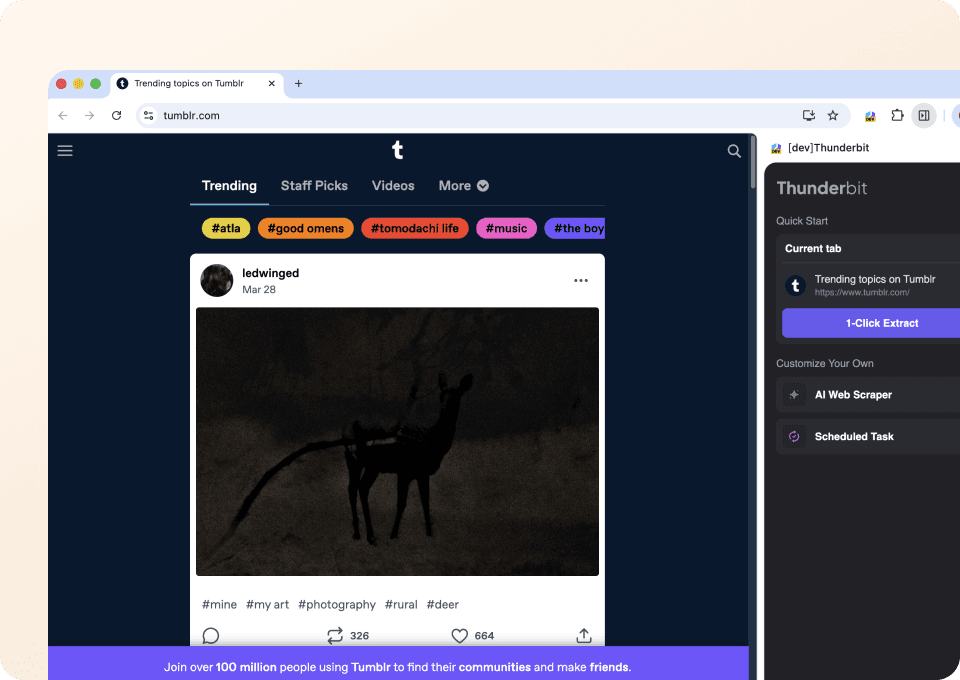
कोड या CSS selectors की जरूरत नहीं। Thunderbit आपको सिर्फ दो clicks में Tumblr data निकालने देता है। बस जिस चीज़ को आप चाहते हैं उस पर point करें — post type, author, content, like count — और Thunderbit की semantic AI संबंधित fields पहचानकर सब कुछ अपने-आप extract कर लेती है।
पारंपरिक Tumblr scrapers से Thunderbit अलग कैसे है?
Layout बदलने या अचानक अपडेट होने पर भी Tumblr डेटा आसानी से निकालें।
पारंपरिक scrapers
काम करने का पुराना तरीकाThunderbit AI
ज़्यादा स्मार्ट तरीका







अक्सर पूछे जाने वाले सवाल
संबंधित उपयोग के मामले
Thunderbit के web scraper के और उपयोग के मामले देखें।

Coupang स्क्रेपर
सिर्फ 2 क्लिक में Coupang के प्रोडक्ट नाम, कीमतें और डिस्काउंट रेट निकालें — और तुरंत Excel, Google Sheets या Notion में एक्सपोर्ट करें। कोडिंग की जरूरत नहीं।
और जानें ->
Substack स्क्रैपर
सिर्फ 2 क्लिक में Substack के सब्सक्राइबर काउंट, आर्टिकल टाइटल और पब्लिकेशन डिस्क्रिप्शन निकालें — फिर उन्हें Excel, Google Sheets या Notion में एक्सपोर्ट करें। किसी कोड की जरूरत नहीं; Thunderbit का AI पूरी structuring अपने आप कर देता है।
और जानें ->
United Airlines स्क्रैपर
सिर्फ 2 क्लिक में United Airlines से फ्लाइट नंबर, प्रस्थान समय, आगमन हवाई अड्डे और कीमतें निकालें — फिर उन्हें तुरंत Excel, Google Sheets या Notion में एक्सपोर्ट करें। बाकी काम Thunderbit AI अपने आप संभाल लेता है।
और जानें ->
PlayStation Scraper
PlayStation गेम डेटा—जैसे शीर्षक, शैली, कीमत और रेटिंग—सिर्फ 2 क्लिक में निकालें, फिर उसे सीधे Excel, Google Sheets या Notion में एक्सपोर्ट करें। अब हाथ से कॉपी‑पेस्ट करने की जरूरत नहीं।
और जानें ->
UNIQLO Scraper
Thunderbit के AI-संचालित Chrome एक्सटेंशन की मदद से सिर्फ 2 क्लिक में Uniqlo के प्रोडक्ट नाम, कीमतें, रंग और साइज़ निकालें। डेटा को सीधे Google Sheets, Excel या Notion में एक्सपोर्ट करें और अपनी प्रोडक्ट रिसर्च हमेशा अपडेट रखें।
और जानें ->
Amazon कीमत स्क्रैपर
Amazon की कीमतों, रेटिंग्स और ASIN को रियल टाइम में ट्रैक करें — सिर्फ 2 क्लिक में डेटा को Excel, Google Sheets या Notion में एक्सपोर्ट करें, किसी कोडिंग की जरूरत नहीं।
और जानें ->क्या आप अपनी data extraction को तेज़ करना चाहते हैं?
Join 200,000+ professionals already using Thunderbit to automate their web scraping workflows.
फ्री ट्रायल 8 webpages के लिए unlimited credits देता है।



