TikTok टिप्पणियाँ स्क्रैपर













हर TikTok comment निकालें — बिना copy-paste के
Thunderbit किसी भी TikTok video से comment text, usernames, likes, और replies निकालता है — ताकि आपको कुछ भी कॉपी न करना पड़े।
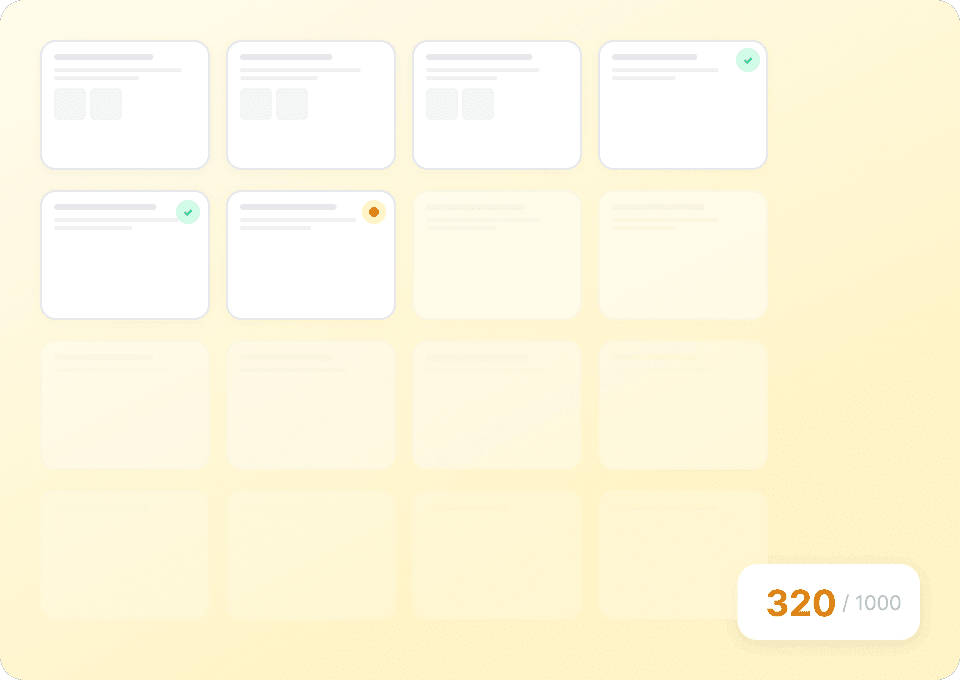
TikTok comment collection को scale करें
Comments को हाथ से copy करना scalable नहीं है। Thunderbit एक ही run में सैकड़ों TikTok videos को bulk-scrape करता है — बस video URLs की एक list डालें, और यह comment text, usernames, like counts, और reply counts निकालकर structured format में export के लिए तैयार कर देता है।
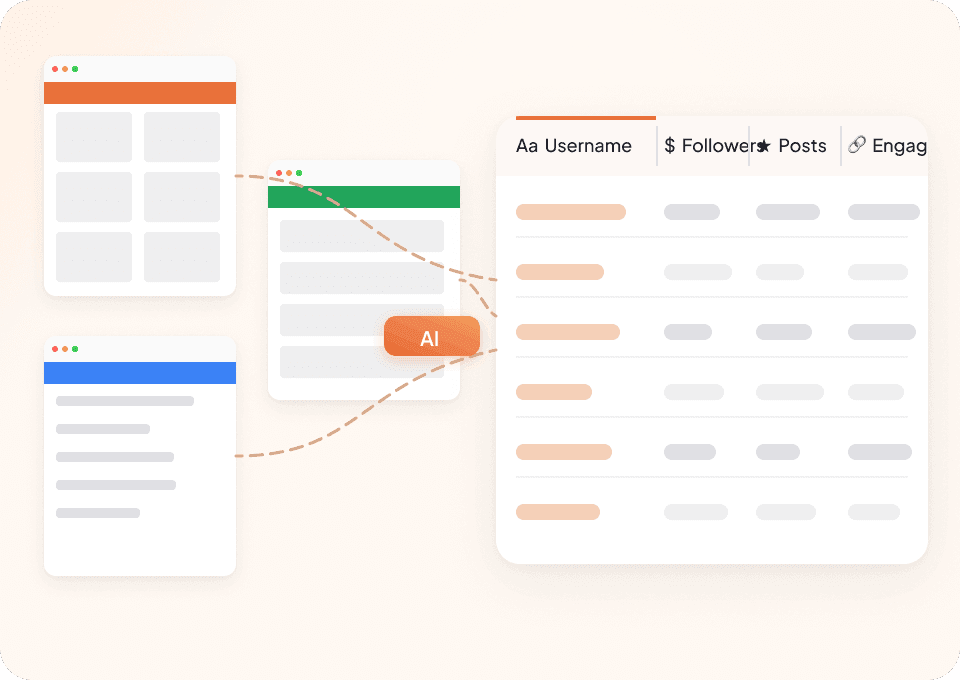
हर platform के लिए एक ही scraper
हर site के लिए अलग scraper क्यों संभालना? Thunderbit TikTok और लगभग किसी भी दूसरी website पर out of the box काम करता है, 50+ pre-built templates के साथ। Comment text, usernames, और engagement को हर जगह एक ही तरीके से निकालें।
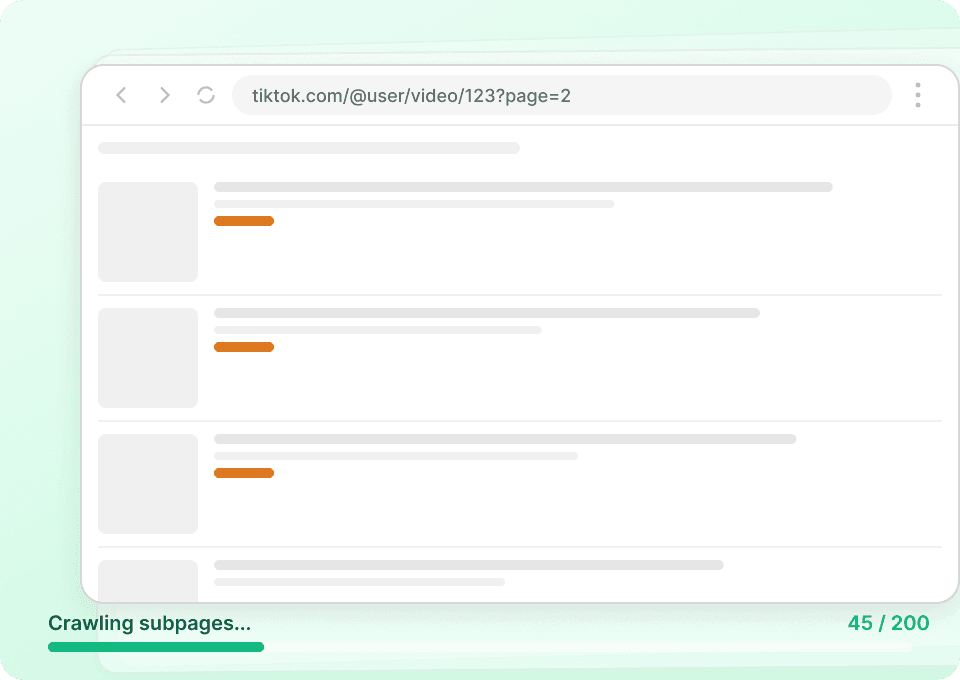
Subpage scraping के साथ और गहराई में जाएँ
Comment list सिर्फ ऊपर-ऊपर की जानकारी दिखाती है। Thunderbit अपने-आप हर linked subpage — जैसे commenter profiles — को follow कर सकता है और user IDs और engagement metrics जैसी extra details को नए columns के रूप में जोड़ सकता है। सिर्फ text नहीं, पूरी तस्वीर पाएं।
पारंपरिक tiktok-comments scrapers से Thunderbit अलग क्यों है?
जटिल CSS selectors से जूझना बंद करें और ज़रूरी data सीधे पाना शुरू करें।
पारंपरिक scrapers
काम करने का पुराना तरीकाThunderbit AI
ज़्यादा समझदार तरीका






अक्सर पूछे जाने वाले प्रश्न
संबंधित उपयोग के मामले
Thunderbit के web scraper के और उपयोग के मामले देखें।

United Airlines स्क्रैपर
सिर्फ 2 क्लिक में United Airlines से फ्लाइट नंबर, प्रस्थान समय, आगमन हवाई अड्डे और कीमतें निकालें — फिर उन्हें तुरंत Excel, Google Sheets या Notion में एक्सपोर्ट करें। बाकी काम Thunderbit AI अपने आप संभाल लेता है।
और जानें ->
PubMed स्क्रैपर
Thunderbit का PubMed स्क्रैपर AI की मदद से PubMed सर्च रिज़ल्ट्स और आर्टिकल पेजों से structured data निकालना आसान बनाता है। ट्रेंडिंग मेडिकल रिसर्च, क्लिनिकल ट्रायल एविडेंस, abstracts, authors, affiliations, publication dates और links को scrape करके Excel, Google Sheets, Airtable या Notion में export करें।
और जानें ->
Amazon कीमत स्क्रैपर
Amazon की कीमतों, रेटिंग्स और ASIN को रियल टाइम में ट्रैक करें — सिर्फ 2 क्लिक में डेटा को Excel, Google Sheets या Notion में एक्सपोर्ट करें, किसी कोडिंग की जरूरत नहीं।
और जानें ->
Craigslist फोन नंबर स्क्रैपर
Thunderbit का Craigslist फोन नंबर स्क्रैपर AI की मदद से Craigslist सर्च रिज़ल्ट्स से फोन नंबर और लिस्टिंग डिटेल्स निकालने में मदद करता है। लिस्टिंग्स स्क्रैप करें, हर पोस्ट खोलकर (सबपेज स्क्रैपिंग) कॉन्टैक्ट जानकारी और अतिरिक्त फ़ील्ड्स कैप्चर करें, फिर Excel, Google Sheets, Airtable, Notion, CSV या JSON में एक्सपोर्ट करें।
और जानें ->
PeopleWhiz स्क्रैपर
Thunderbit PeopleWhiz स्क्रैपर आपको AI-संचालित फ़ील्ड सुझावों के साथ PeopleWhiz खोज परिणामों और प्रोफाइलों से डेटा निकालने देता है। शोध, मार्केटिंग या लीड जनरेशन के लिए नाम, संपर्क विवरण, स्थान और भी बहुत कुछ इकट्ठा करें। PeopleWhiz डेटा को संरचित डेटासेट में जल्दी और कुशलता से बदलें।
और जानें ->
Trivago स्क्रेपर
सिर्फ 2 क्लिक में Trivago से होटल के नाम, कीमतें, रेटिंग और रिव्यू निकालें — फिर तुरंत Excel, Google Sheets या Notion में एक्सपोर्ट करें। किसी कोडिंग या सेटअप की ज़रूरत नहीं।
और जानें ->क्या आप अपनी data extraction को तेज़ करना चाहते हैं?
Join 200,000+ professionals already using Thunderbit to automate their web scraping workflows.
फ्री ट्रायल 8 webpages के लिए unlimited credits देता है।



