Screwfix Scraper













Thunderbit के साथ Screwfix डेटा अनलॉक करें
Screwfix से प्रोडक्ट डेटा घंटों नहीं, मिनटों में निकालें।
साफ-सुथरा Screwfix डेटा, तुरंत पाएँ
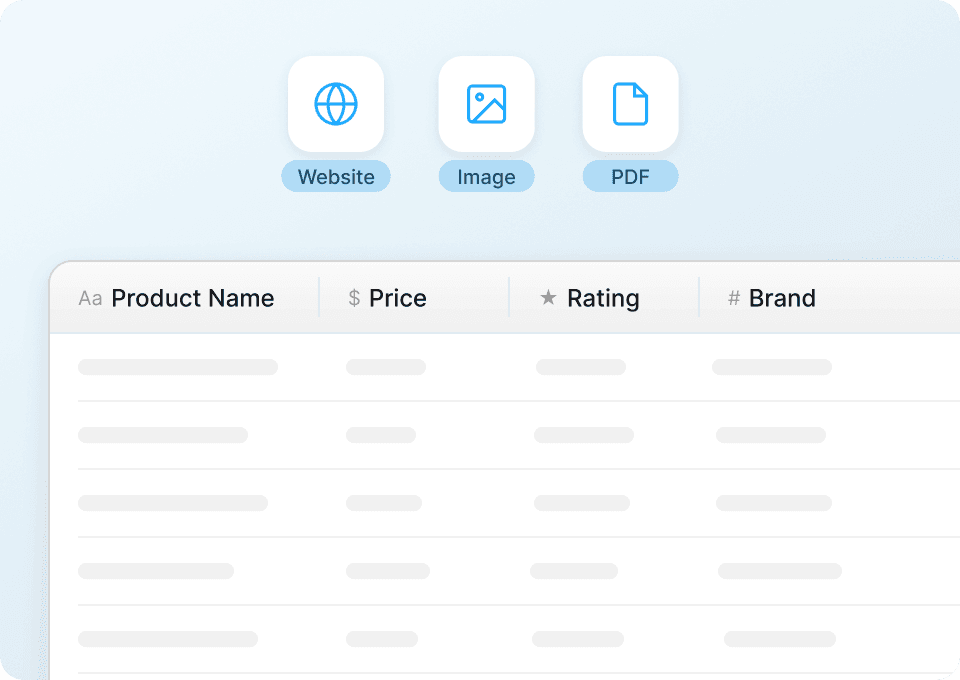
Screwfix पर product names, prices, product codes, ratings, review counts और brand details ढूँढना काफी समय लेने वाला काम है। Thunderbit स्क्रैप करते ही सब कुछ अपने-आप structure और format कर देता है — न manual cleaning, न raw data को संभालने की झंझट। Screwfix से साफ और ready-to-use जानकारी के साथ तुरंत analysis शुरू करें।
Screwfix डेटा का एक-क्लिक export
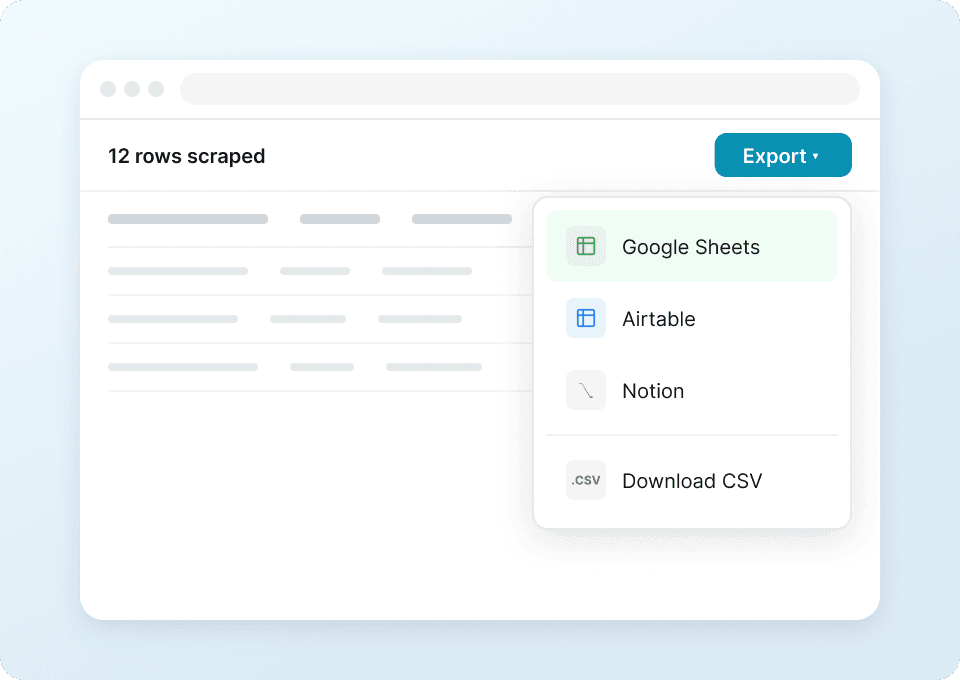
Screwfix से product details को एक-एक करके spreadsheet में copy-paste करने से थक गए हैं? Thunderbit इस repetitive काम को खत्म कर देता है। एक ही क्लिक में अपना scraped Screwfix data सीधे Google Sheets, Notion या Airtable में भेजें। कीमतें track करें, product ratings monitor करें, और data को बिना किसी परेशानी के manage करें — tab switch करने की भी ज़रूरत नहीं।
सिर्फ दो क्लिक में Screwfix स्क्रैप करें
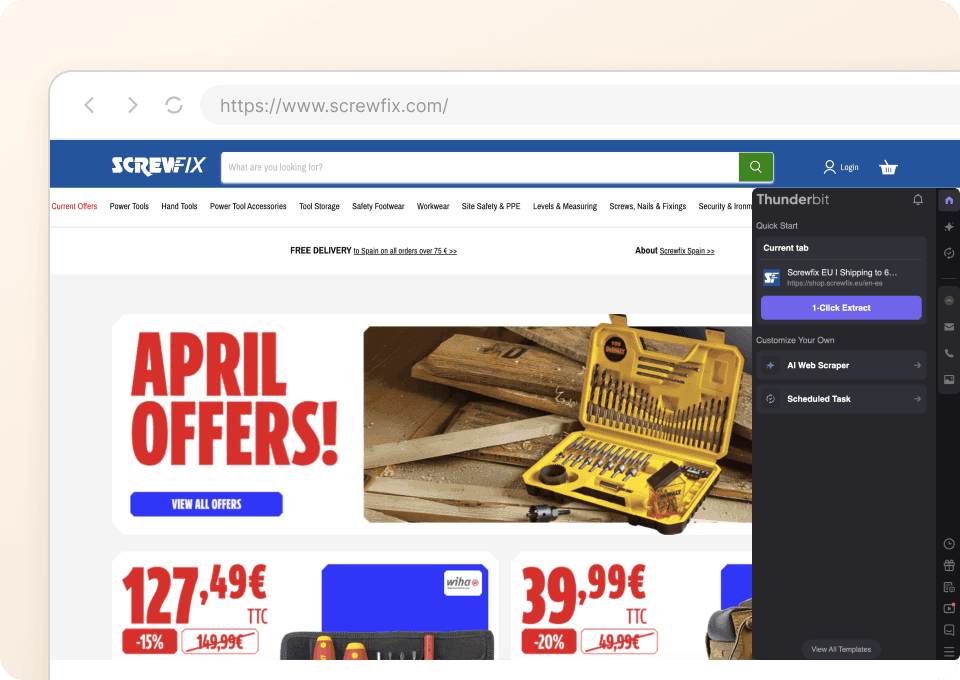
जटिल setup और coding को भूल जाइए। Thunderbit के साथ Screwfix scraping बेहद आसान हो जाता है। बस अपने cursor को उस डेटा पर ले जाएँ जिसकी आपको ज़रूरत है — जैसे product names, prices, stock codes या ratings — और extract करने के लिए क्लिक करें। बाकी काम Thunderbit का AI संभाल लेता है, और बिना technical expertise के आपको ज़रूरी Screwfix डेटा दे देता है।
Thunderbit पारंपरिक Screwfix स्क्रैपर्स से अलग क्यों है?
Website का structure बदलने पर भी Screwfix डेटा बिना मेहनत के निकालें।
पारंपरिक स्क्रैपर्स
काम करने का पुराना तरीकाThunderbit AI
ज़्यादा स्मार्ट तरीका







अक्सर पूछे जाने वाले प्रश्न
संबंधित उपयोग के मामले
Thunderbit के web scraper के और उपयोग के मामले देखें।

Carousell स्क्रैपर
Carousell की listings — item titles, descriptions, prices, और seller details — सिर्फ 2 clicks में extract करें, फिर डेटा सीधे Excel, Google Sheets, या Notion में export करें। किसी code या मुश्किल setup की ज़रूरत नहीं।
और जानें ->
UNIQLO Scraper
Thunderbit के AI-संचालित Chrome एक्सटेंशन की मदद से सिर्फ 2 क्लिक में Uniqlo के प्रोडक्ट नाम, कीमतें, रंग और साइज़ निकालें। डेटा को सीधे Google Sheets, Excel या Notion में एक्सपोर्ट करें और अपनी प्रोडक्ट रिसर्च हमेशा अपडेट रखें।
और जानें ->
Trivago स्क्रेपर
सिर्फ 2 क्लिक में Trivago से होटल के नाम, कीमतें, रेटिंग और रिव्यू निकालें — फिर तुरंत Excel, Google Sheets या Notion में एक्सपोर्ट करें। किसी कोडिंग या सेटअप की ज़रूरत नहीं।
और जानें ->
United Airlines स्क्रैपर
सिर्फ 2 क्लिक में United Airlines से फ्लाइट नंबर, प्रस्थान समय, आगमन हवाई अड्डे और कीमतें निकालें — फिर उन्हें तुरंत Excel, Google Sheets या Notion में एक्सपोर्ट करें। बाकी काम Thunderbit AI अपने आप संभाल लेता है।
और जानें ->
PeopleWhiz स्क्रैपर
Thunderbit PeopleWhiz स्क्रैपर आपको AI-संचालित फ़ील्ड सुझावों के साथ PeopleWhiz खोज परिणामों और प्रोफाइलों से डेटा निकालने देता है। शोध, मार्केटिंग या लीड जनरेशन के लिए नाम, संपर्क विवरण, स्थान और भी बहुत कुछ इकट्ठा करें। PeopleWhiz डेटा को संरचित डेटासेट में जल्दी और कुशलता से बदलें।
और जानें ->
बिना कोड वाला Spokeo स्क्रैपर
सिर्फ 2 क्लिक में Spokeo प्रोफ़ाइल की पूरी जानकारी — नाम, उम्र, पता, फोन नंबर और रिश्तेदार — निकालें, फिर उसे Excel, Google Sheets या Notion में एक्सपोर्ट करें। न कोडिंग, न कॉपी-पेस्ट।
और जानें ->क्या आप अपनी data extraction को तेज़ करना चाहते हैं?
Join 200,000+ professionals already using Thunderbit to automate their web scraping workflows.
फ्री ट्रायल 8 webpages के लिए unlimited credits देता है।



