ReversePhoneLookup स्क्रेपर













एक फोन नंबर को पूरी owner profile में बदलें
Owner name, address, carrier, age, relatives — Thunderbit नंबर के पीछे की हर जानकारी निकालकर साफ-सुथरे तरीके से export करता है।
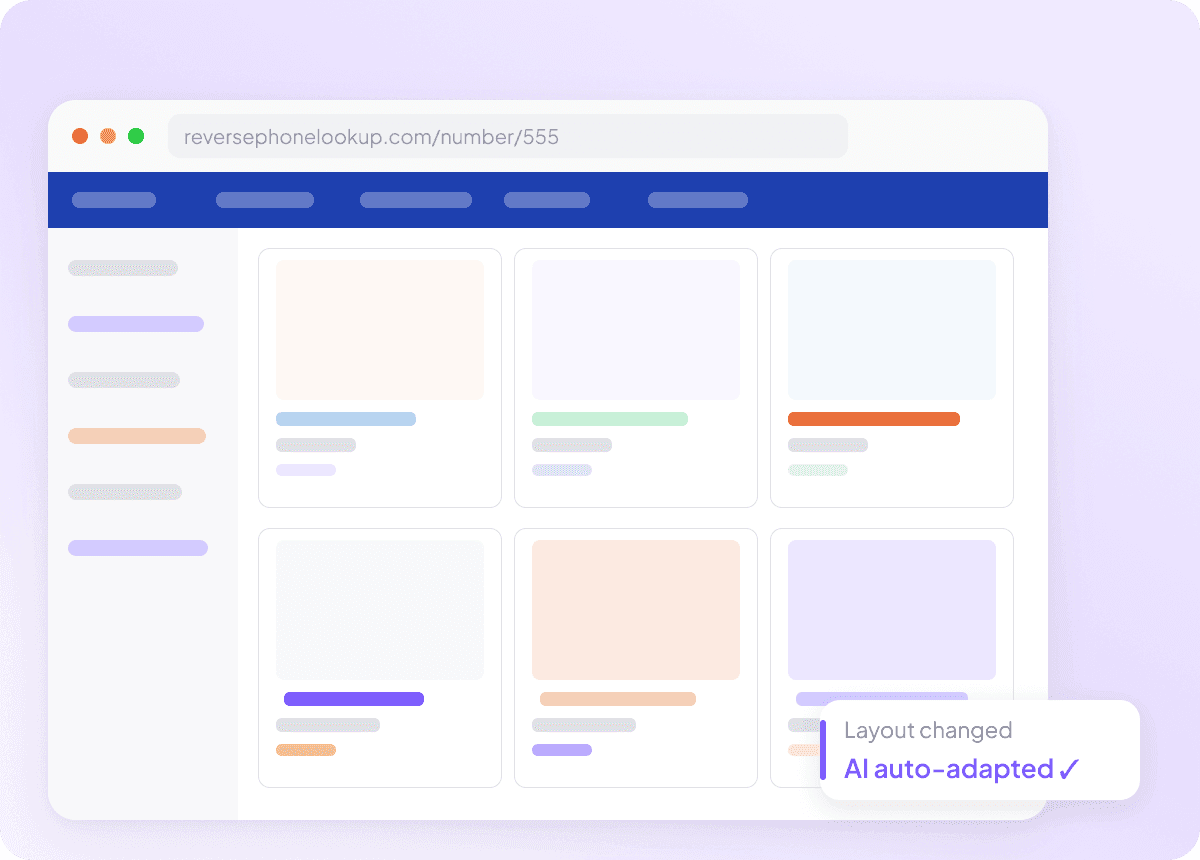
साइट बदलने पर भी काम करता रहता है
ReversePhoneLookup का layout अक्सर बदलता रहता है और आम scrapers टूट जाते हैं। Thunderbit पेज को fixed locations के बजाय meaning के आधार पर पढ़ता है, इसलिए site update होने के बाद भी owner name, address, age, carrier और relatives निकालता रहता है — बिना maintenance के।
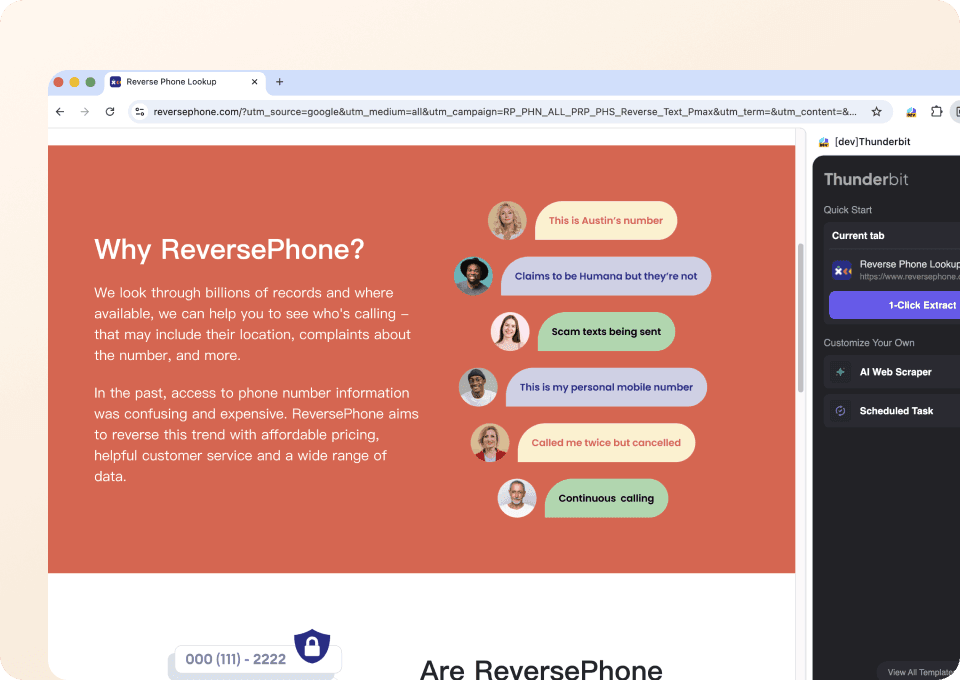
सिर्फ दो क्लिक में नंबर से डेटा तक
Phone type, carrier और address को हाथ से copy करना थकाऊ होता है। Thunderbit में न code चाहिए, न setup — बस number के पीछे मौजूद data पर point करें और owner name, address, carrier वगैरह निकालने के लिए click करें।
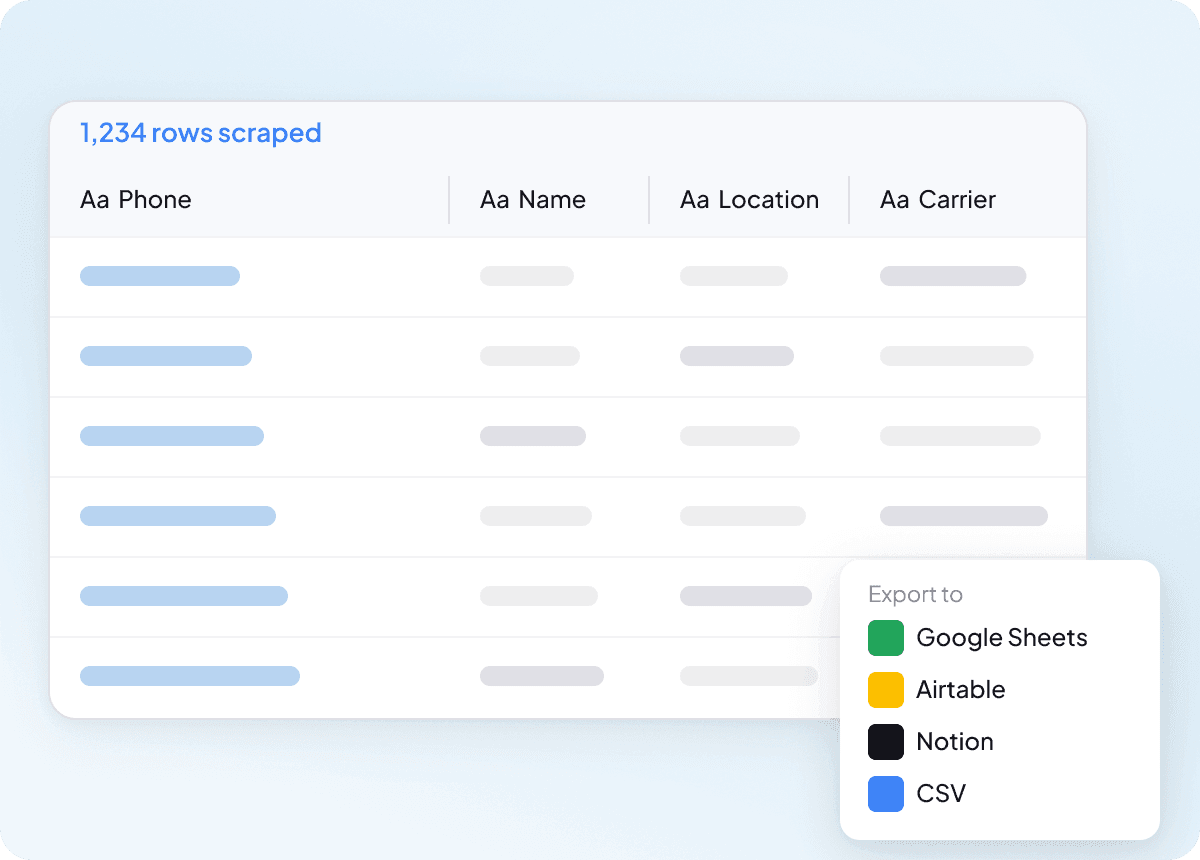
अपने tools में एक क्लिक में export करें
Results को copy-paste करना बंद करें। एक ही क्लिक में आप जो भी extract करें — owner names, addresses, phone type, carrier, age, relatives — सब सीधे Google Sheets, Notion, या Airtable में भेज सकते हैं, जहाँ वे filter या analyze करने के लिए तैयार होंगे।
पारंपरिक ReversePhoneLookup scrapers से Thunderbit बेहतर क्यों है
ReversePhoneLookup अपना layout बदल दे, तब भी phone number data आसानी से extract करें।
Traditional scrapers
काम करने का पुराना तरीकाThunderbit AI
ज़्यादा स्मार्ट तरीका






अक्सर पूछे जाने वाले प्रश्न
संबंधित उपयोग के मामले
Thunderbit के web scraper के और उपयोग के मामले देखें।

Steam Scraper
सिर्फ 2 क्लिक में Steam गेम के नाम, कीमतें और यूज़र रिव्यू स्कोर निकालें—कोई कोडिंग नहीं चाहिए। साफ़ डेटा को सीधे Excel, Google Sheets या Notion में एक्सपोर्ट करें और तुरंत विश्लेषण शुरू करें।
और जानें ->
Amazon कीमत स्क्रैपर
Amazon की कीमतों, रेटिंग्स और ASIN को रियल टाइम में ट्रैक करें — सिर्फ 2 क्लिक में डेटा को Excel, Google Sheets या Notion में एक्सपोर्ट करें, किसी कोडिंग की जरूरत नहीं।
और जानें ->
Priceline स्क्रेपर
Thunderbit के AI की मदद से सिर्फ 2 क्लिक में Priceline से होटल के नाम, कीमतें, रेटिंग और सुविधाएँ निकालें — फिर साफ़, स्ट्रक्चर्ड डेटा तुरंत Excel, Google Sheets या Notion में एक्सपोर्ट करें।
और जानें ->
Elgiganten Scraper
Elgiganten से प्रोडक्ट के नाम, कीमतें और उपलब्धता सिर्फ 2 क्लिक में निकालें — और फिर सीधे Excel, Google Sheets या Notion में एक्सपोर्ट करें। Thunderbit की AI सारी मुश्किल मेहनत खुद संभाल लेती है, ताकि आप सिर्फ सही इनसाइट्स पर ध्यान दे सकें।
और जानें ->
Trustpilot स्क्रैपर
Trustpilot की reviews, ratings और reviewer details को सिर्फ 2 clicks में extract करें — फिर data को सीधे Google Sheets, Excel या Notion में export करें। बिना code, बिना copy-paste, बस साफ़ और structured data जो analysis और sharing के लिए तैयार हो।
और जानें ->
बिना कोड वाला Spokeo स्क्रैपर
सिर्फ 2 क्लिक में Spokeo प्रोफ़ाइल की पूरी जानकारी — नाम, उम्र, पता, फोन नंबर और रिश्तेदार — निकालें, फिर उसे Excel, Google Sheets या Notion में एक्सपोर्ट करें। न कोडिंग, न कॉपी-पेस्ट।
और जानें ->क्या आप अपनी data extraction को तेज़ करना चाहते हैं?
Join 200,000+ professionals already using Thunderbit to automate their web scraping workflows.
फ्री ट्रायल 8 webpages के लिए unlimited credits देता है।



