Liverpool Scraper













सिर्फ दो क्लिक में Liverpool data unlock करें
Thunderbit आपको बिना कोड लिखे Liverpool से product data निकालने देता है।
Copy-paste की झंझट खत्म करें
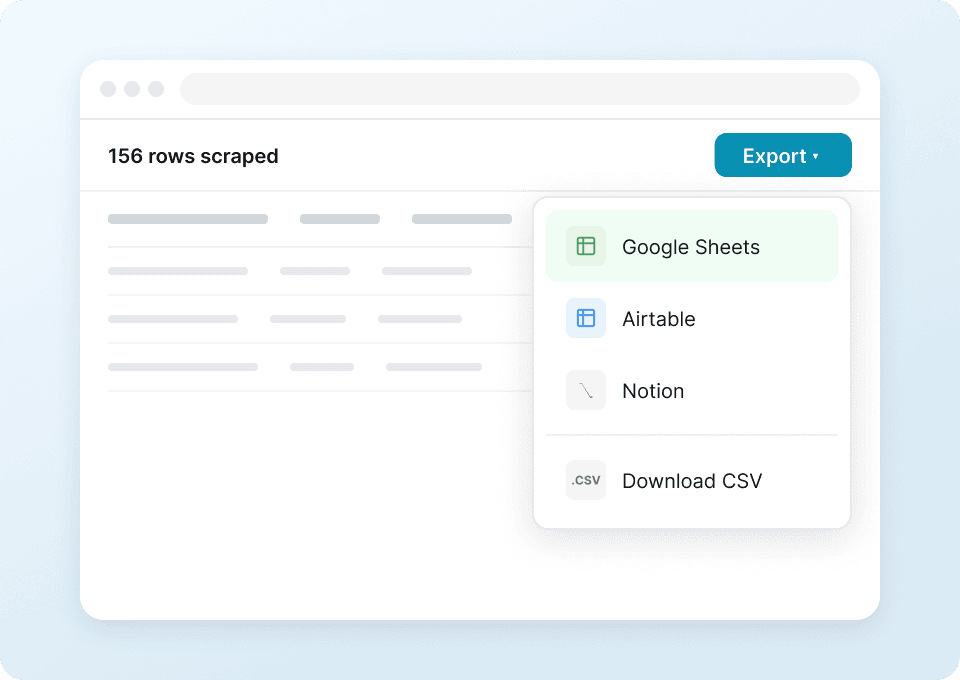
क्या आप Liverpool से product names, prices, discount percentages और specifications को एक-एक करके manually copy करने से थक गए हैं? Thunderbit के साथ, सिर्फ एक click में आपका सारा extracted data सीधे Google Sheets, Notion या Airtable में चला जाता है — analysis और comparison के लिए तैयार।
हमेशा ताज़ा data पाएँ
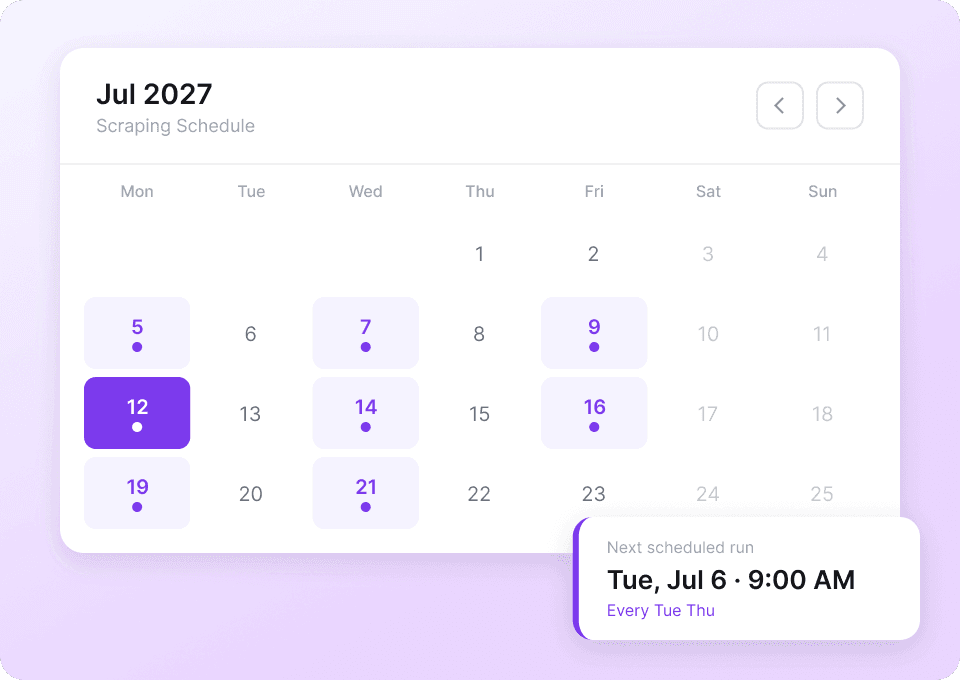
Liverpool की product listings लगातार बदलती रहती हैं — prices बदलते हैं, discounts update होते हैं, और रोज़ नए items जुड़ते हैं। Thunderbit की scheduled scraping के साथ fresh data अपने-आप आपकी spreadsheets में पहुँच जाता है, ताकि आप market changes को track कर सकें और बिना देरी action ले सकें।
साफ-सुथरा, इस्तेमाल के लिए तैयार data
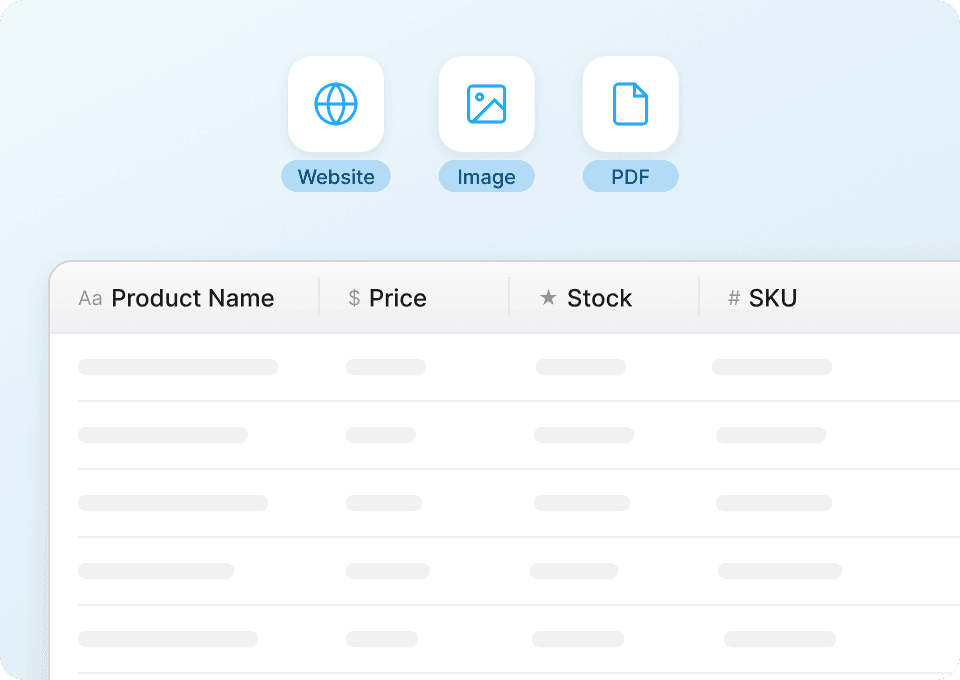
Raw data तभी काम आता है जब वह organized हो। Thunderbit scrape करते समय ही आपके Liverpool product data को automatically clean और structure कर देता है — product names, prices, model numbers और specifications एक consistent format में मिलते हैं, जिन्हें बिना manual cleanup के सीधे इस्तेमाल किया जा सकता है।
Thunderbit पारंपरिक Liverpool scrapers से अलग क्यों है?
AI की ताकत से Liverpool को और आसान और तेज़ तरीके से scrape करें।
पारंपरिक scrapers
पुराना तरीकाThunderbit AI
ज़्यादा स्मार्ट तरीका



अक्सर पूछे जाने वाले प्रश्न
संबंधित उपयोग के मामले
Thunderbit के web scraper के और उपयोग के मामले देखें।

HKTVmall Scraper
सिर्फ 2 क्लिक में HKTVmall लिस्टिंग से प्रोडक्ट नाम, कीमत, रेटिंग और बहुत कुछ निकालें — कोडिंग की कोई ज़रूरत नहीं। डेटा को सीधे Excel, Google Sheets या Notion में एक्सपोर्ट करें और HKTVmall डेटा को उपयोगी इनसाइट्स में बदलें।
और जानें ->
Coupang स्क्रेपर
सिर्फ 2 क्लिक में Coupang के प्रोडक्ट नाम, कीमतें और डिस्काउंट रेट निकालें — और तुरंत Excel, Google Sheets या Notion में एक्सपोर्ट करें। कोडिंग की जरूरत नहीं।
और जानें ->
Trustpilot स्क्रैपर
Trustpilot की reviews, ratings और reviewer details को सिर्फ 2 clicks में extract करें — फिर data को सीधे Google Sheets, Excel या Notion में export करें। बिना code, बिना copy-paste, बस साफ़ और structured data जो analysis और sharing के लिए तैयार हो।
और जानें ->
PlayStation Scraper
PlayStation गेम डेटा—जैसे शीर्षक, शैली, कीमत और रेटिंग—सिर्फ 2 क्लिक में निकालें, फिर उसे सीधे Excel, Google Sheets या Notion में एक्सपोर्ट करें। अब हाथ से कॉपी‑पेस्ट करने की जरूरत नहीं।
और जानें ->
Priceline स्क्रेपर
Thunderbit के AI की मदद से सिर्फ 2 क्लिक में Priceline से होटल के नाम, कीमतें, रेटिंग और सुविधाएँ निकालें — फिर साफ़, स्ट्रक्चर्ड डेटा तुरंत Excel, Google Sheets या Notion में एक्सपोर्ट करें।
और जानें ->
Substack स्क्रैपर
सिर्फ 2 क्लिक में Substack के सब्सक्राइबर काउंट, आर्टिकल टाइटल और पब्लिकेशन डिस्क्रिप्शन निकालें — फिर उन्हें Excel, Google Sheets या Notion में एक्सपोर्ट करें। किसी कोड की जरूरत नहीं; Thunderbit का AI पूरी structuring अपने आप कर देता है।
और जानें ->क्या आप अपनी data extraction को तेज़ करना चाहते हैं?
Join 200,000+ professionals already using Thunderbit to automate their web scraping workflows.
फ्री ट्रायल 8 webpages के लिए unlimited credits देता है।



