LinkTree Scraper













Thunderbit के साथ Linktree data को आसानी से unlock करें
किसी भी Linktree profile से link titles, URLs, descriptions और भी बहुत कुछ extract करें।
साफ-सुथरा Linktree data, तुरंत इस्तेमाल के लिए तैयार
बार-बार copy-paste करके Linktree data को manually clean करना बहुत झंझट वाला काम है। Thunderbit extraction के दौरान link titles, URLs, descriptions और अन्य fields को अपने-आप व्यवस्थित कर देता है। Google Sheets, Notion या Airtable के लिए perfectly formatted data पाएं—कोई coding नहीं चाहिए।
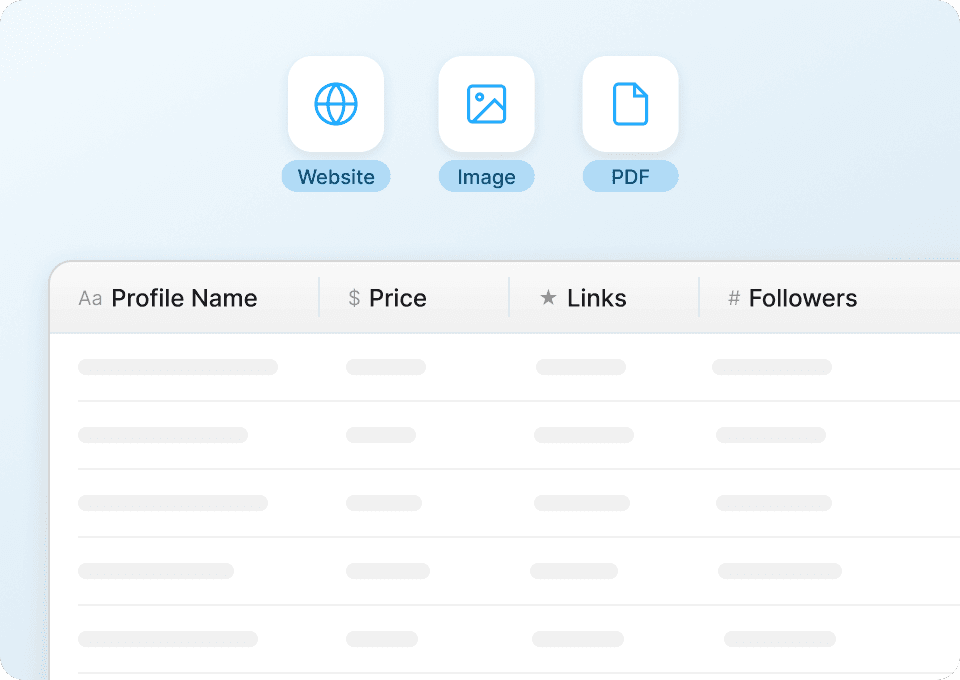
सिर्फ Linktree listing से आगे तक जाएँ
Linktree profile सिर्फ सतह दिखाता है। Thunderbit हर linked page पर अपने-आप जा सकता है और वहाँ की richer details निकाल सकता है, जिन्हें आपके dataset में नए columns के रूप में जोड़ दिया जाता है। built-in subpage scraping के साथ सिर्फ links की list नहीं, बल्कि पूरी picture पाएं।
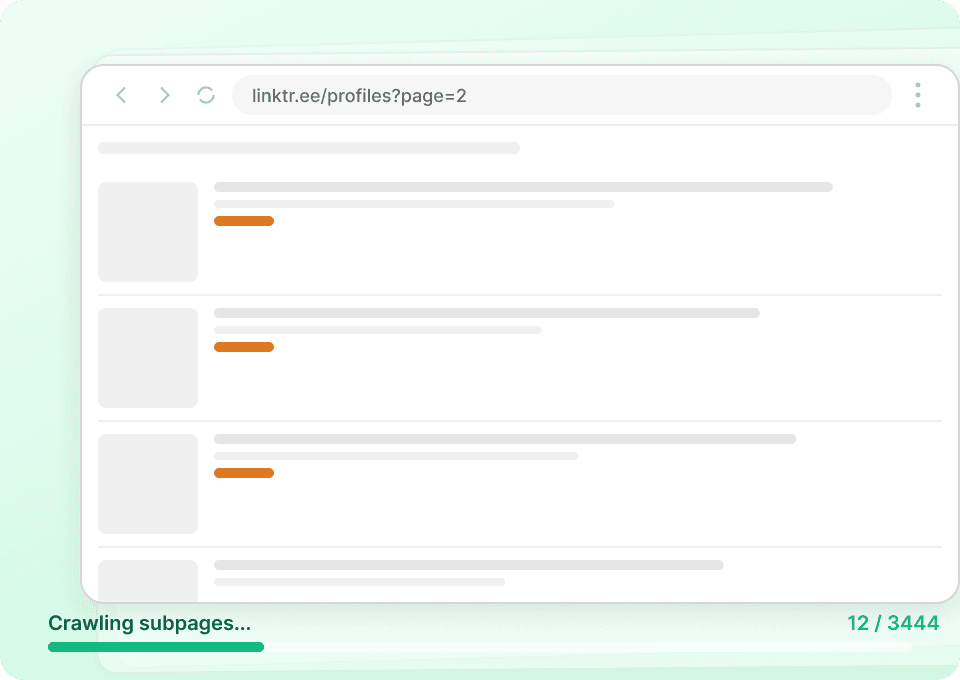
Thunderbit, Linktree के बदलावों के साथ खुद को ढाल लेता है
Linktree के layouts बदलते रहते हैं, जिससे fixed CSS selectors पर चलने वाले traditional scrapers टूट जाते हैं। Thunderbit की semantic AI हर element के meaning को समझती है, इसलिए Linktree अपना design अपडेट करे तब भी यह चलता रहता है—लगातार maintenance की ज़रूरत नहीं पड़ती।
पारंपरिक Linktree scrapers से Thunderbit अलग क्यों है?
AI के साथ Linktree data को आसानी से extract करें, चाहे चीज़ें बदलें भी।
पारंपरिक scrapers
काम करने का पुराना तरीकाThunderbit AI
ज़्यादा स्मार्ट तरीका







अक्सर पूछे जाने वाले प्रश्न
संबंधित उपयोग के मामले
Thunderbit के web scraper के और उपयोग के मामले देखें।

बिना कोड वाला Spokeo स्क्रैपर
सिर्फ 2 क्लिक में Spokeo प्रोफ़ाइल की पूरी जानकारी — नाम, उम्र, पता, फोन नंबर और रिश्तेदार — निकालें, फिर उसे Excel, Google Sheets या Notion में एक्सपोर्ट करें। न कोडिंग, न कॉपी-पेस्ट।
और जानें ->
Trustpilot स्क्रैपर
Trustpilot की reviews, ratings और reviewer details को सिर्फ 2 clicks में extract करें — फिर data को सीधे Google Sheets, Excel या Notion में export करें। बिना code, बिना copy-paste, बस साफ़ और structured data जो analysis और sharing के लिए तैयार हो।
और जानें ->
UNIQLO Scraper
Thunderbit के AI-संचालित Chrome एक्सटेंशन की मदद से सिर्फ 2 क्लिक में Uniqlo के प्रोडक्ट नाम, कीमतें, रंग और साइज़ निकालें। डेटा को सीधे Google Sheets, Excel या Notion में एक्सपोर्ट करें और अपनी प्रोडक्ट रिसर्च हमेशा अपडेट रखें।
और जानें ->
United Airlines स्क्रैपर
सिर्फ 2 क्लिक में United Airlines से फ्लाइट नंबर, प्रस्थान समय, आगमन हवाई अड्डे और कीमतें निकालें — फिर उन्हें तुरंत Excel, Google Sheets या Notion में एक्सपोर्ट करें। बाकी काम Thunderbit AI अपने आप संभाल लेता है।
और जानें ->
PubMed स्क्रैपर
Thunderbit का PubMed स्क्रैपर AI की मदद से PubMed सर्च रिज़ल्ट्स और आर्टिकल पेजों से structured data निकालना आसान बनाता है। ट्रेंडिंग मेडिकल रिसर्च, क्लिनिकल ट्रायल एविडेंस, abstracts, authors, affiliations, publication dates और links को scrape करके Excel, Google Sheets, Airtable या Notion में export करें।
और जानें ->
Amazon कीमत स्क्रैपर
Amazon की कीमतों, रेटिंग्स और ASIN को रियल टाइम में ट्रैक करें — सिर्फ 2 क्लिक में डेटा को Excel, Google Sheets या Notion में एक्सपोर्ट करें, किसी कोडिंग की जरूरत नहीं।
और जानें ->क्या आप अपनी data extraction को तेज़ करना चाहते हैं?
Join 200,000+ professionals already using Thunderbit to automate their web scraping workflows.
फ्री ट्रायल 8 webpages के लिए unlimited credits देता है।



