ContactOut Scraper













Thunderbit के साथ बिना मेहनत डेटा निकालें
Thunderbit lead data extraction को आसान बनाता है, ताकि आप बिक्री पर ज़्यादा समय दे सकें।
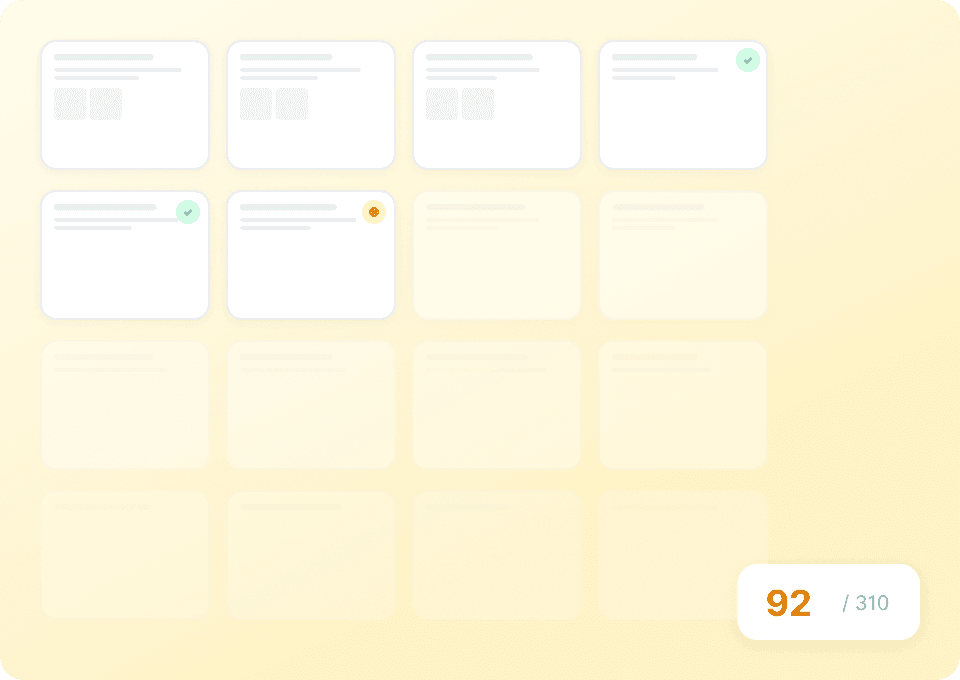
अपनी data extraction को scale करें
ContactOut profiles को एक-एक करके scrape करना धीमा और लंबे समय तक चलने योग्य नहीं है। Thunderbit आपको एक साथ सैकड़ों profiles bulk में निकालने देता है — बस URLs की एक सूची दें और Thunderbit सभी से names, emails और LinkedIn URLs अपने आप pull कर लेता है।
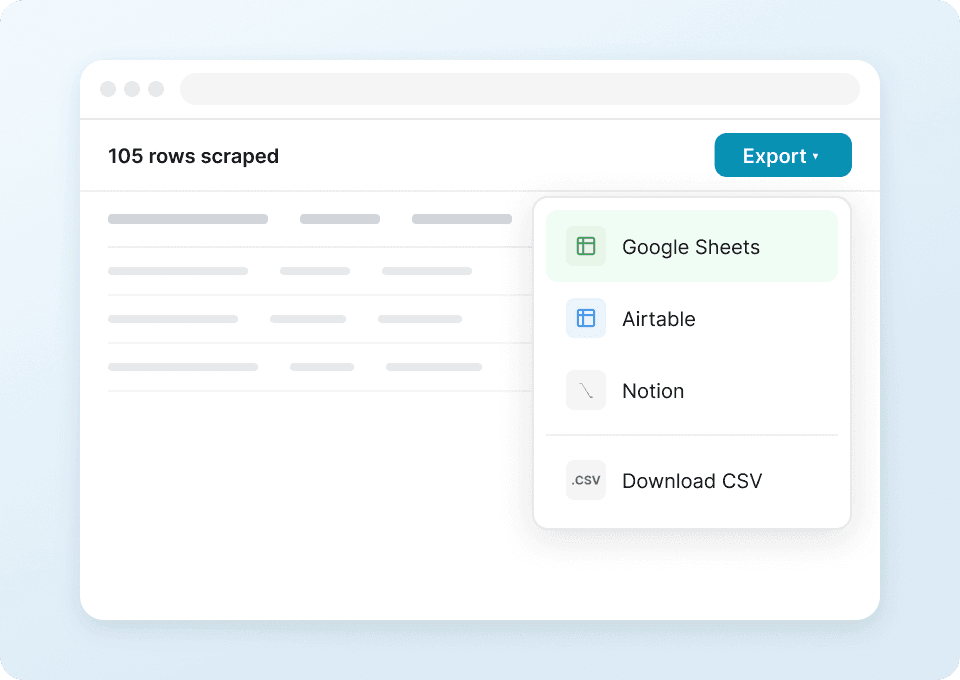
डेटा export करें, copy-paste छोड़ें
Rows को हाथ से spreadsheets में copy करना बंद करें। एक क्लिक में Thunderbit आपका scraped ContactOut data सीधे Google Sheets, Notion या Airtable में भेज देता है — structured और ready to use, वहीं जहाँ आपकी team पहले से काम करती है।
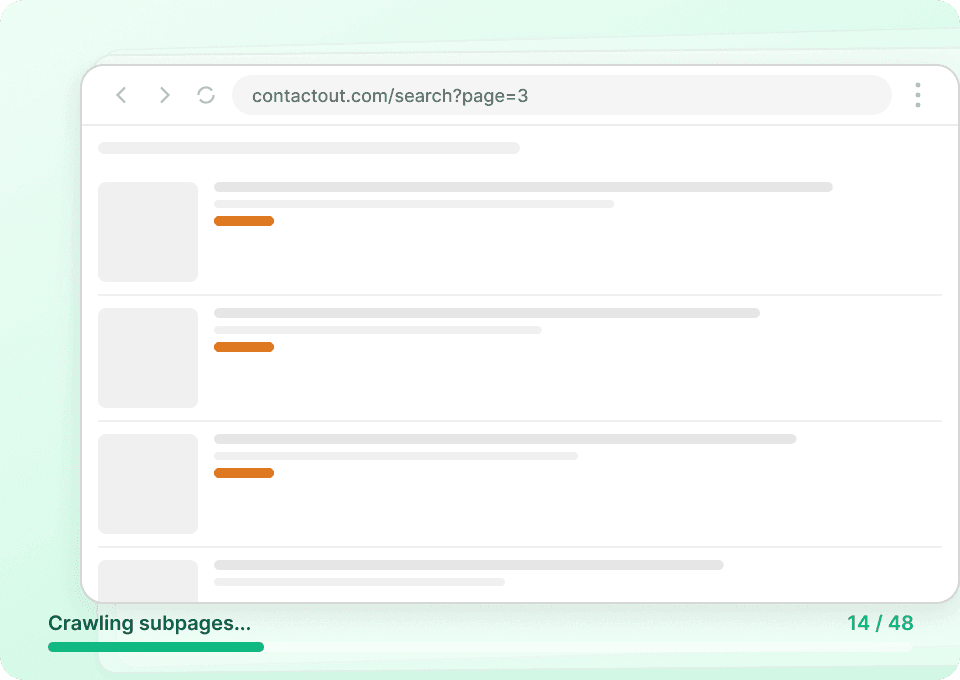
पूरा विवरण पाएं
ContactOut की listing pages अक्सर सिर्फ summary information दिखाती हैं। Thunderbit अपने आप हर contact की profile subpage पर जा सकता है और अतिरिक्त details — जैसे job titles, company info और बहुत कुछ — निकाल सकता है, ताकि आप एक richer और more complete dataset बना सकें।
Traditional ContactOut scrapers से Thunderbit कैसे अलग है?
Thunderbit website changes के साथ खुद को adapt कर लेता है, जिससे data extraction सरल और consistent बनती है।
Traditional scrapers
काम करने का पुराना तरीकाThunderbit AI
ज़्यादा स्मार्ट तरीका







अक्सर पूछे जाने वाले सवाल
संबंधित उपयोग के मामले
Thunderbit के web scraper के और उपयोग के मामले देखें।

Trustpilot स्क्रैपर
Trustpilot की reviews, ratings और reviewer details को सिर्फ 2 clicks में extract करें — फिर data को सीधे Google Sheets, Excel या Notion में export करें। बिना code, बिना copy-paste, बस साफ़ और structured data जो analysis और sharing के लिए तैयार हो।
और जानें ->
UNIQLO Scraper
Thunderbit के AI-संचालित Chrome एक्सटेंशन की मदद से सिर्फ 2 क्लिक में Uniqlo के प्रोडक्ट नाम, कीमतें, रंग और साइज़ निकालें। डेटा को सीधे Google Sheets, Excel या Notion में एक्सपोर्ट करें और अपनी प्रोडक्ट रिसर्च हमेशा अपडेट रखें।
और जानें ->
Trivago स्क्रेपर
सिर्फ 2 क्लिक में Trivago से होटल के नाम, कीमतें, रेटिंग और रिव्यू निकालें — फिर तुरंत Excel, Google Sheets या Notion में एक्सपोर्ट करें। किसी कोडिंग या सेटअप की ज़रूरत नहीं।
और जानें ->
United Airlines स्क्रैपर
सिर्फ 2 क्लिक में United Airlines से फ्लाइट नंबर, प्रस्थान समय, आगमन हवाई अड्डे और कीमतें निकालें — फिर उन्हें तुरंत Excel, Google Sheets या Notion में एक्सपोर्ट करें। बाकी काम Thunderbit AI अपने आप संभाल लेता है।
और जानें ->
Carousell स्क्रैपर
Carousell की listings — item titles, descriptions, prices, और seller details — सिर्फ 2 clicks में extract करें, फिर डेटा सीधे Excel, Google Sheets, या Notion में export करें। किसी code या मुश्किल setup की ज़रूरत नहीं।
और जानें ->
Steam Scraper
सिर्फ 2 क्लिक में Steam गेम के नाम, कीमतें और यूज़र रिव्यू स्कोर निकालें—कोई कोडिंग नहीं चाहिए। साफ़ डेटा को सीधे Excel, Google Sheets या Notion में एक्सपोर्ट करें और तुरंत विश्लेषण शुरू करें।
और जानें ->क्या आप अपनी data extraction को तेज़ करना चाहते हैं?
Join 200,000+ professionals already using Thunderbit to automate their web scraping workflows.
फ्री ट्रायल 8 webpages के लिए unlimited credits देता है।



