British Airways Scraper













British Airways flight data को बिना मेहनत के extract करें
British Airways से flight number, price और बहुत कुछ आसानी से पाएँ।
सिर्फ दो क्लिक में British Airways scrape करें
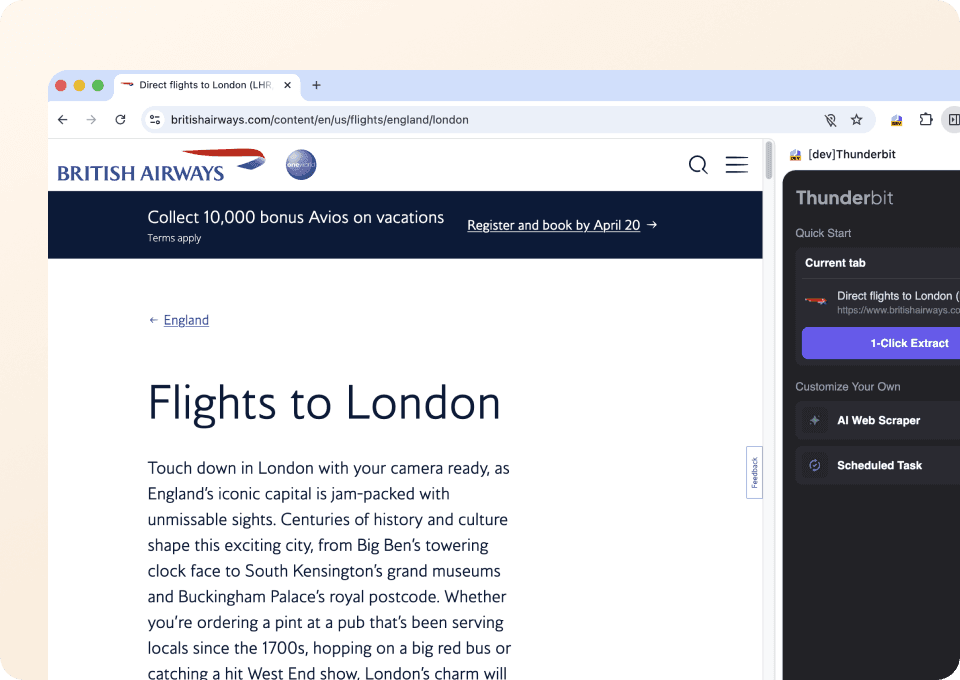
British Airways flight data को manually copy करने में समय बर्बाद करना बंद करें। Thunderbit आपको flight number, departure airport, arrival airport, departure date, arrival date, और price पर point करने देता है, फिर सिर्फ दो clicks में सब कुछ extract कर लेता है। किसी complicated setup या coding की ज़रूरत नहीं — बस highlight करें और आगे बढ़ें।
हर website के लिए एक ही scraper
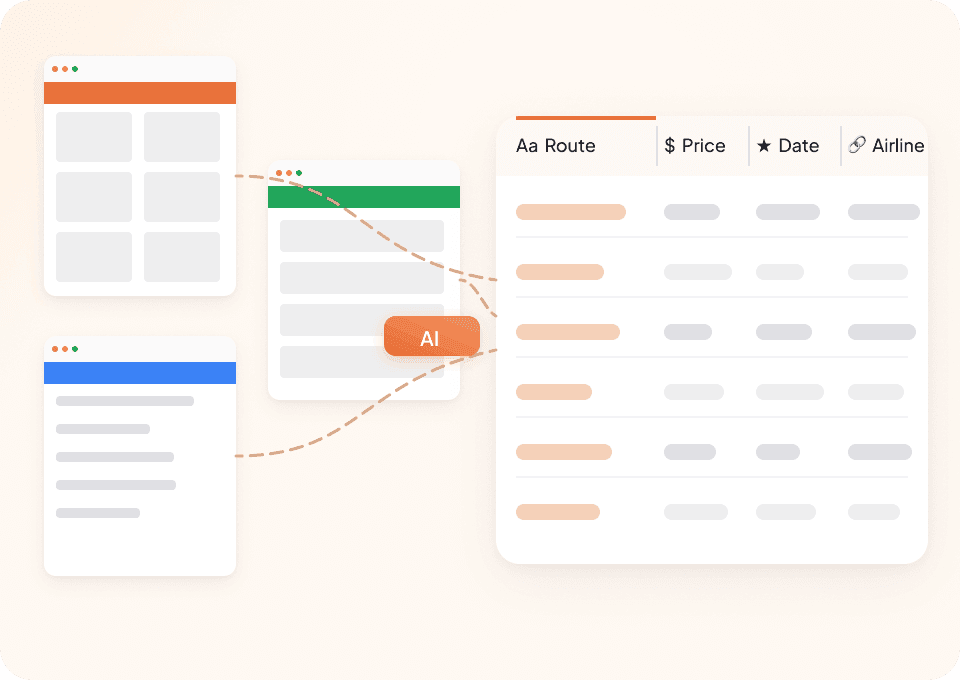
हर website के लिए अलग-अलग tools इस्तेमाल करने की ज़रूरत क्यों? Thunderbit British Airways और सैकड़ों दूसरी sites पर काम करता है, और शुरुआत के लिए 50+ pre-built templates भी देता है। चाहे आपको flight details चाहिए हों या कोई और travel data, Thunderbit आपके काम आता है।
अपने British Airways data को automate करें
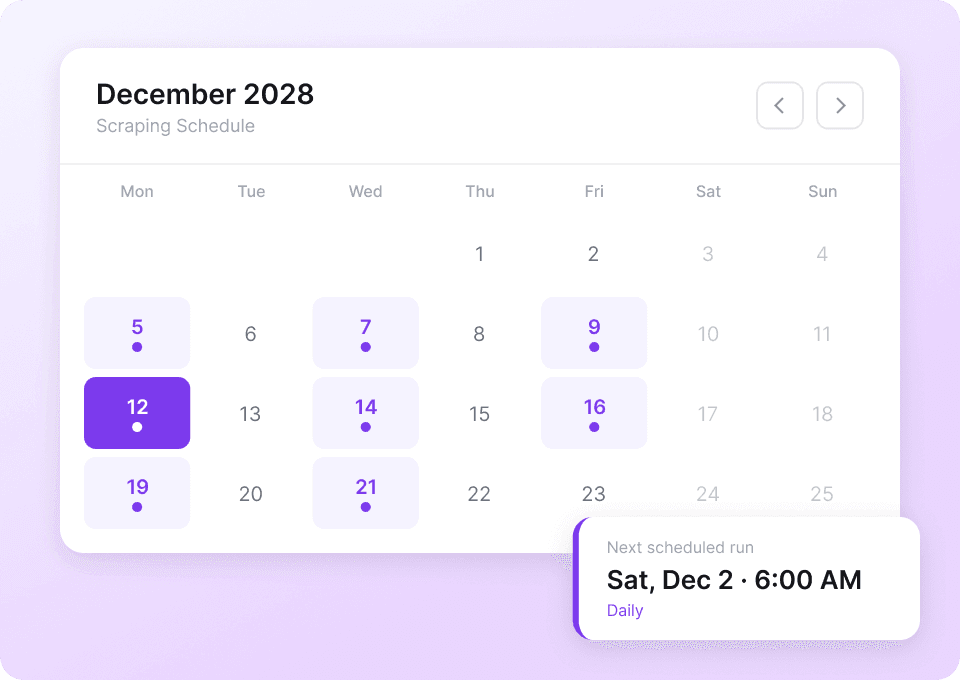
British Airways flight data लगातार बदलता रहता है। हर दिन manually check करना समय लेने वाला काम है। Thunderbit के साथ scheduled scraping set करें ताकि flight numbers और prices जैसी जानकारी autopilot पर automatically निकाली जा सके। ताज़ा data नियमित रूप से सीधे Google Sheets, Notion, या Airtable में पाते रहें।
Thunderbit पारंपरिक British Airways scrapers से अलग क्यों है?
British Airways अपनी site बदले तब भी flight data को आसानी से scrape करें।
पारंपरिक scrapers
काम करने का पुराना तरीकाThunderbit AI
ज़्यादा स्मार्ट तरीका







अक्सर पूछे जाने वाले प्रश्न
संबंधित उपयोग के मामले
Thunderbit के web scraper के और उपयोग के मामले देखें।

वीडियो स्क्रैपर
Thunderbit का Video Scraper आपको AI की मदद से सिर्फ कुछ क्लिक में वीडियो और क्रिएटर डेटा निकालने देता है। वीडियो लिस्टिंग, परफॉर्मेंस मेट्रिक्स और प्रोफ़ाइल डिटेल्स स्क्रैप करें, फिर ट्रैकिंग और इन्फ्लुएंसर रिसर्च के लिए डेटा को Excel, Google Sheets, Airtable या Notion में एक्सपोर्ट करें।
और जानें ->
UNIQLO Scraper
Thunderbit के AI-संचालित Chrome एक्सटेंशन की मदद से सिर्फ 2 क्लिक में Uniqlo के प्रोडक्ट नाम, कीमतें, रंग और साइज़ निकालें। डेटा को सीधे Google Sheets, Excel या Notion में एक्सपोर्ट करें और अपनी प्रोडक्ट रिसर्च हमेशा अपडेट रखें।
और जानें ->
PlayStation Scraper
PlayStation गेम डेटा—जैसे शीर्षक, शैली, कीमत और रेटिंग—सिर्फ 2 क्लिक में निकालें, फिर उसे सीधे Excel, Google Sheets या Notion में एक्सपोर्ट करें। अब हाथ से कॉपी‑पेस्ट करने की जरूरत नहीं।
और जानें ->
Wikipedia स्क्रैपर
Wikipedia के infobox डेटा, संदर्भों और लेख के टेक्स्ट को सिर्फ 2 क्लिक में साफ़-सुथरी, structured spreadsheet में बदलें — और तुरंत Excel, Google Sheets या Notion में export करें, बिना किसी code के.
और जानें ->
Coupang स्क्रेपर
सिर्फ 2 क्लिक में Coupang के प्रोडक्ट नाम, कीमतें और डिस्काउंट रेट निकालें — और तुरंत Excel, Google Sheets या Notion में एक्सपोर्ट करें। कोडिंग की जरूरत नहीं।
और जानें ->
United Airlines स्क्रैपर
सिर्फ 2 क्लिक में United Airlines से फ्लाइट नंबर, प्रस्थान समय, आगमन हवाई अड्डे और कीमतें निकालें — फिर उन्हें तुरंत Excel, Google Sheets या Notion में एक्सपोर्ट करें। बाकी काम Thunderbit AI अपने आप संभाल लेता है।
और जानें ->क्या आप अपनी data extraction को तेज़ करना चाहते हैं?
Join 200,000+ professionals already using Thunderbit to automate their web scraping workflows.
फ्री ट्रायल 8 webpages के लिए unlimited credits देता है।



