
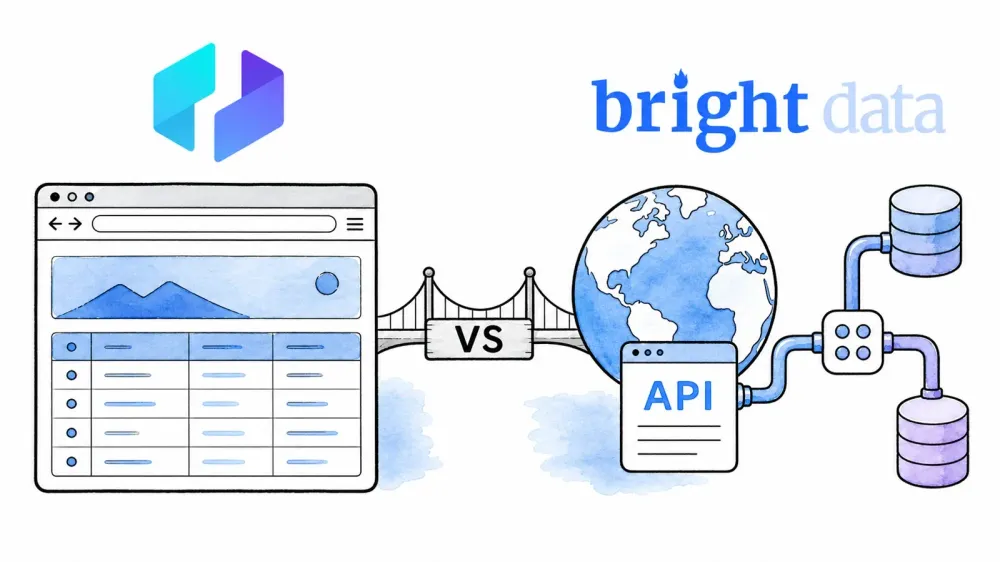
If you've ever searched for a web scraping tool and landed on both Thunderbit and Bright Data, you probably noticed they don't look like the same kind of product at all. That's because they aren't.
One is an AI-powered browser extension designed for business users who want structured data from a web page in minutes. The other is a modular web data infrastructure platform with proxy networks spanning 195+ countries, multiple scraper APIs, managed browsers, and enterprise compliance certifications. They show up in the same search results, but they solve fundamentally different problems for fundamentally different people. I've spent a lot of time digging into both — how they work, what they cost, where they shine, and where they fall short — and the goal is to help you figure out which one actually fits your needs. Not your wish list. Your actual workflow.
Thunderbit vs Bright Data at a Glance
Before we go deep, here's the quick snapshot.
| Dimension | Thunderbit | Bright Data |
|---|---|---|
| Product type | AI browser extension + web app + API | Web data infrastructure platform (proxies, APIs, scrapers, datasets) |
| Primary user | Business users, sales ops, marketers, freelancers | Developers, data engineers, enterprise data teams |
| Setup model | Install extension, open a page, scrape | Choose a product, configure credentials/scraper, run |
| No-code friendliness | Core workflow is no-code | Has no-code paths (Scraper Studio AI Agent, ready-made collectors, datasets), but deeper features require technical setup |
| Pricing model | Credits (rows) for extension; API units for API | Per-request, per-record, per-GB, or per-IP depending on product |
| Scaling approach | Page-by-page or scheduled; API for larger jobs | High-concurrency API, managed browsers, proxy networks |
| Export/delivery | Google Sheets, Excel, Airtable, Notion, CSV, JSON | JSON, NDJSON, CSV, XLSX, Parquet, HTML, Markdown + API, webhook, cloud storage, SFTP, email, warehouses |
| Best-fit use case | Ad-hoc extraction, lead lists, quick research, moderate-volume monitoring | Large-scale pipelines, anti-bot-heavy targets, enterprise compliance, continuous data feeds |
Keep reading for the full breakdown — features, pricing, real-world use cases, and a decision matrix at the end.
What Is Thunderbit?
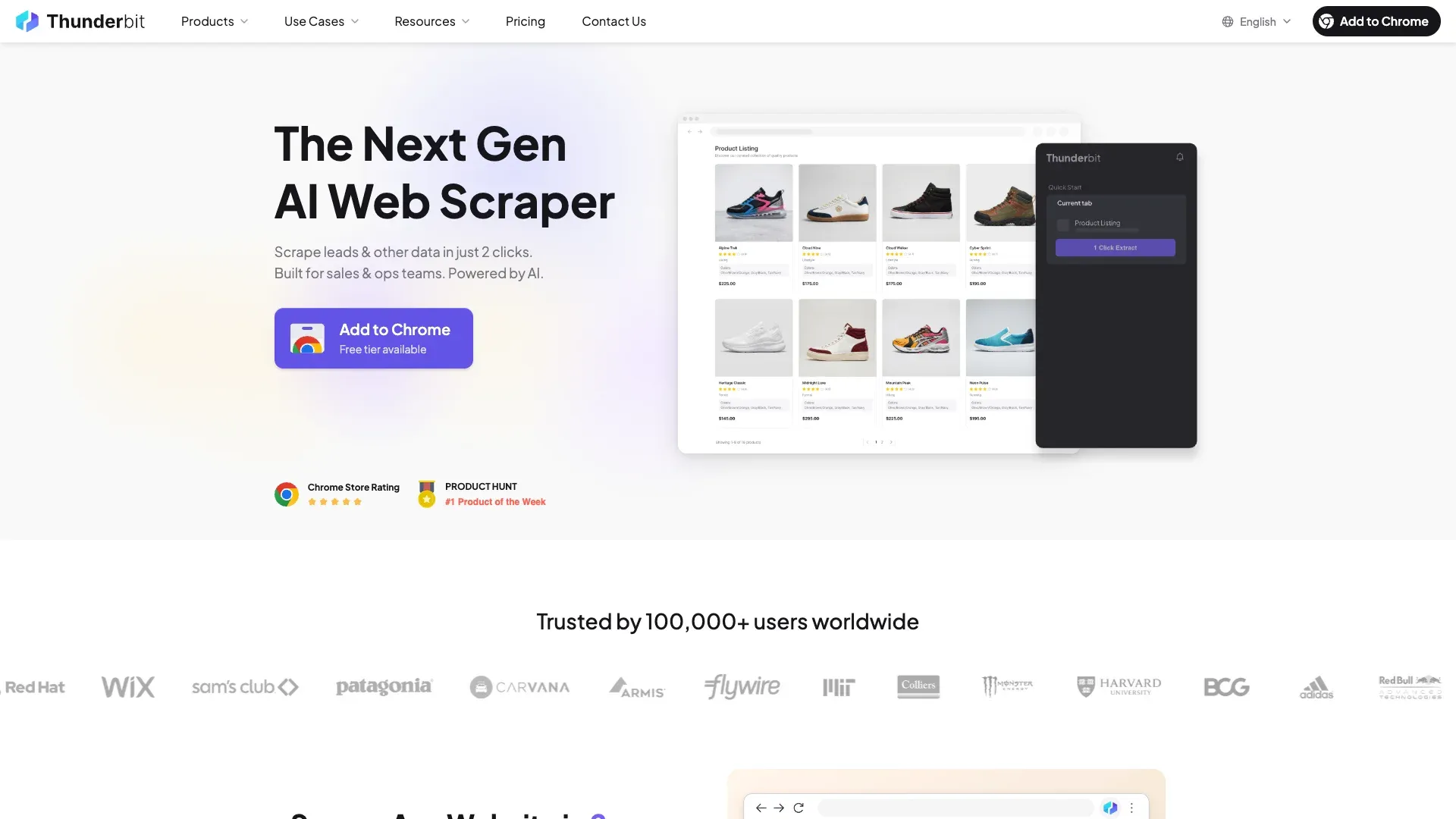
Thunderbit is an agentic web scraper and automation platform built for business users. Its primary surface is a Chrome/Edge browser extension, supplemented by a web app, an Open API, an MCP Server for AI agent workflows, and a CLI.
Thunderbit is an agentic web scraper: on a compatible, authorized page, click One Click Extract and the agent detects, reads, and analyzes the page to decide what to extract. Run Now starts immediately, but if you do nothing the task starts automatically—so the default experience needs only one intentional click, with no code, selectors, or schema setup.
The core workflow is straightforward: open a page in your browser and click One Click Extract. The agent detects, reads, and analyzes the page; Run Now can start immediately, while otherwise extraction starts automatically before you export to Google Sheets, Excel, Airtable, or Notion. You can also use Cloud Mode for public pages, set up recurring schedules, and leverage templates for popular sites. The AI isn't just suggesting fields — it can also transform, translate, categorize, summarize, or format values during extraction via Field AI Prompts.
Thunderbit also has an Open API that supports Distill (raw page content), structured Extract, async batches, render controls, country targeting, and webhooks. But the primary experience — the thing most users interact with — is the no-code, in-browser workflow.
What Is Bright Data?
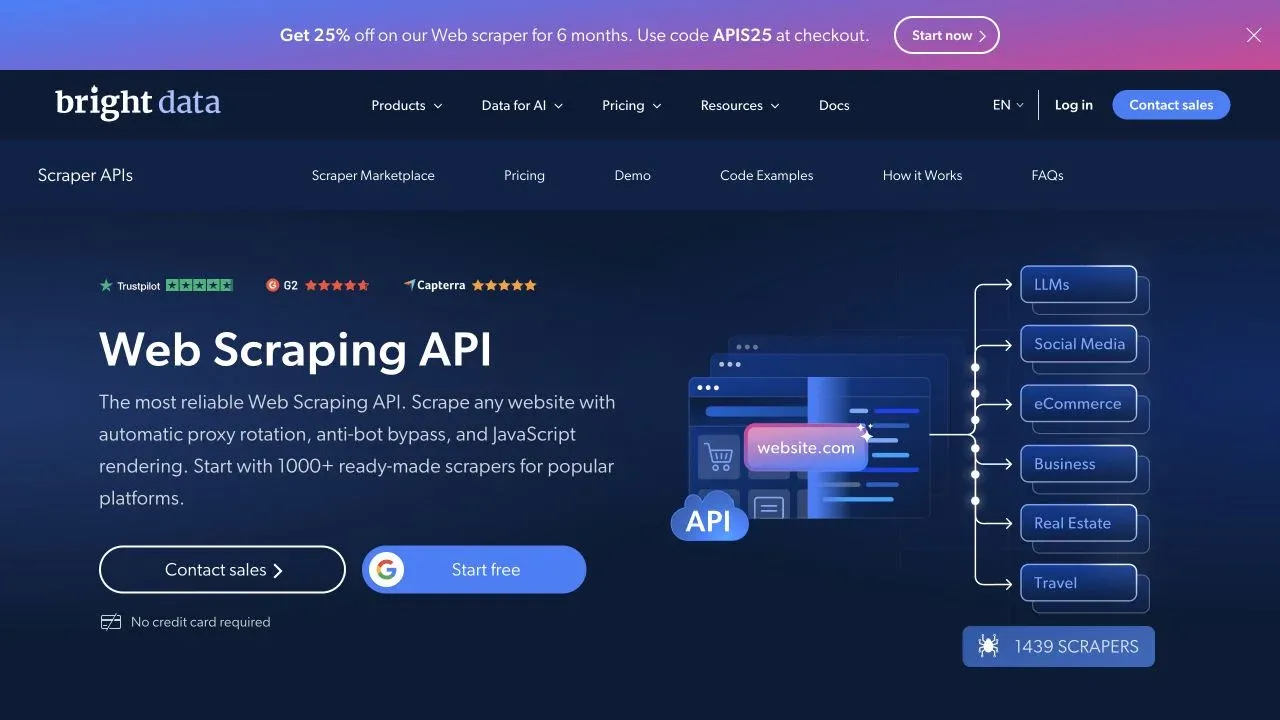
Bright Data is a broad public-web data infrastructure and delivery platform. It's not a single tool; it's a modular system where you pick the product (or products) that match your data collection needs.
The product families include:
- Unlocker API — unlocked HTML/JSON access for protected pages
- SERP API — structured search engine results
- Browser API / Agent Browser — managed Chromium via Puppeteer, Playwright, or Selenium
- Crawl API — cloud crawling, parsing, and delivery
- Scraper APIs — ready-made structured collectors for popular domains
- Scraper Studio — AI Agent (no-code) or JavaScript IDE for custom scrapers
- Datasets and Data Firehose — pre-built or continuous data feeds
- Proxy networks — residential (Bright Data claims 400M+ monthly residential IPs across 195+ countries), datacenter, ISP, and mobile
- MCP Server — for agent-oriented workflows
Bright Data's customer base skews toward enterprise and developer teams. They document ISO 27001/27017/27018, SOC 2 Type II (under NDA), public SOC 3, CSA STAR, and KYC/use-case review processes. The platform is designed for teams that need deep proxy, browser, geo, session, and compliance controls at scale.
Browser Extension vs. Proxy Infrastructure: Two Different Approaches to Web Scraping
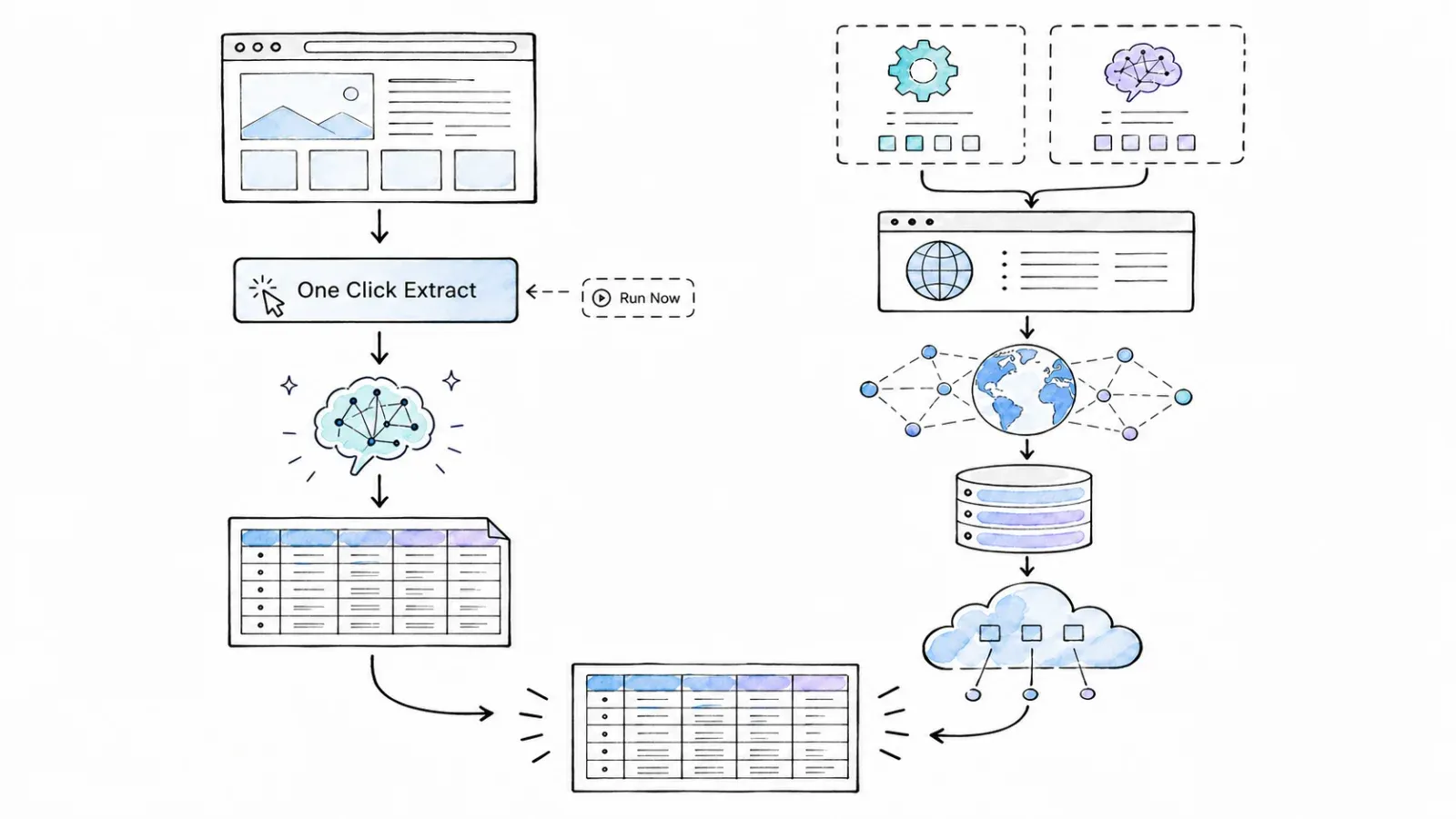
Most comparison articles skip the architectural distinction entirely — but it's the one that actually determines which tool you need.
Thunderbit's model: You install a browser extension, navigate to a page you want data from, and extract structured data from what you see. The AI suggests columns. You scrape from the current page (Browser Mode can use your current browser session on compatible pages) or via Cloud Mode for public pages. Think of it as a smart copy-paste layer on top of your browser — one that understands tables, lists, and page structure.
Bright Data's model: You select a product from a modular platform, configure credentials and scraper logic (or use an AI Agent to generate it), and run extraction through Bright Data's cloud infrastructure. Requests can be routed through millions of IPs, managed browsers handle rendering and anti-bot challenges, and data is delivered via API, webhook, cloud storage, or other destinations. Think of it as plumbing infrastructure for data collection at scale — you choose the pipes, the pressure, and the destination.
Here's how the architectures compare:
| Dimension | Thunderbit | Bright Data |
|---|---|---|
| Execution environment | User's browser (Browser Mode) or cloud (Cloud Mode) | Bright Data cloud infrastructure |
| Setup prerequisite | Install extension, open a page | Choose product, create account, configure credentials/scraper |
| Anti-bot approach | Managed rendering on supported pages | Proxy rotation, Unlocker, Browser API, CAPTCHA solving, fingerprint management |
| Primary interaction | Visual, in-browser, AI-assisted | Programmatic (API/SDK) or Scraper Studio (AI Agent/IDE); plus dashboard for some products |
| Scaling model | Page-by-page, scheduled runs, or API batches | High-concurrency API requests, managed browsers, proxy networks |
Neither approach is universally better. They solve different problems for different people. If you want a table from a page you're already looking at, Thunderbit's model gets you there faster. If you need to route 50,000 requests through rotating residential IPs with managed browser rendering, Bright Data's model is purpose-built for that.
The No-Code Experience: What Each Tool Looks Like for Business Users
What does the actual experience look like for someone who has never touched an API? Because a lot of the people weighing these tools aren't developers — they're marketers, sales ops managers, freelance data collectors, or small business owners.
Thunderbit: Built for the Browser
The Thunderbit workflow for a non-technical user goes like this:
- Install the extension from the Chrome Web Store.
- Navigate to the page you want data from (a directory, product listing, search results, etc.).
- Click the extension and run One Click Extract. The AI reads the page and proposes columns (e.g., "Company Name," "Price," "Rating").
- Review, rename, add, or remove columns. You can also add Field AI Prompts to transform data during extraction — translate to another language, categorize, summarize, format phone numbers, etc.
- Configure pagination or subpage enrichment if you need data from multiple pages or detail pages.
- Run Now is optional. Click it for an immediate start; otherwise extraction starts automatically. Choose Browser Mode (uses your current session) or Cloud Mode (for public pages).
- Export directly to Google Sheets, Excel, Airtable, Notion, CSV, or JSON.
The whole thing happens inside your browser. No API keys, no proxy configuration, no code. You see the page, you see the data, you export it. For someone who just needs a lead list or a competitor price table, this is about as low-friction as it gets.
Where it still requires some thought: customizing Field AI Prompts for complex formatting, handling pages with unusual structures, and understanding when Cloud Mode is available versus when Browser Mode is needed.
Bright Data: Infrastructure with No-Code Entry Points
Bright Data is not exclusively for developers — that's a common misconception. They do have genuine no-code paths:
- Scraper Studio AI Agent: You provide a target URL and describe what you want in natural language. The AI asks clarifying questions, proposes a schema, generates a scraper, and lets you test, publish, and schedule it — all from a dashboard. Bright Data's own documentation estimates about 10–15 minutes for scraper generation.
- Ready-made Scraper APIs: Pick a supported collector for a popular domain, supply your inputs, and run it from the control panel or via API. Structured records come back without building anything custom.
- Datasets: Choose an existing dataset, define your sample/delivery/refresh needs, and receive data without building a scraper at all.
- Crawl API control panel: Enter domains or URLs, configure output, start a crawl, and retrieve results via download, webhook, or storage.
But here's the honest part: most of Bright Data's advanced features — Unlocker, Browser API, raw proxy zones, SERP API, custom IDE scrapers — require product selection, credential management, and at least some technical configuration. The no-code surface is real, but it sits on top of a platform that was designed for engineers.
| Aspect | Thunderbit | Bright Data |
|---|---|---|
| Steps to first extraction | Install extension → open page → AI Suggest → Scrape → export | Create account → choose product → configure or use AI Agent → run → retrieve |
| Technical knowledge needed | None for basic extraction; some for advanced prompts | None for AI Agent/datasets; moderate-to-high for APIs, proxies, IDE |
| Time to first result | Minutes (vendor-documented workflow) | Varies by product; AI Agent estimated at 10–15 min by vendor; API/proxy paths longer |
Time-to-First-Scrape: How Fast Can You Get Data?
"Bright Data is more complex to set up" — you'll read that in every competitor article, but none of them quantify it. I didn't run a controlled same-target test, so I won't invent numbers. What I can do is compare the documented workflows for a common task: extracting product listings from a public e-commerce page.
Thunderbit: Documented Workflow
| Step | What happens |
|---|---|
| 1. Install extension | One-time, ~1 minute |
| 2. Navigate to page | Open the target URL in your browser |
| 3. One Click Extract | Click once; the agent detects, reads, and analyzes the page |
| 4. Review/edit fields | Rename, add, remove, or add prompts |
| 5. Configure pagination | Toggle if needed |
| 6. Automatic start | Run Now starts immediately; otherwise the task starts automatically |
| 7. Export | One click to Sheets, Excel, Airtable, Notion, CSV, or JSON |
Prerequisites: Chrome or Edge browser, Thunderbit extension installed, a Thunderbit account (free tier available).
Bright Data: Documented Workflows (Two Paths)
Scraper Studio AI Agent (no-code):
| Step | What happens |
|---|---|
| 1. Create account | Sign up, verify identity |
| 2. Open Scraper Studio | Navigate to the Studio dashboard |
| 3. Provide URL + description | Tell the AI what you want in natural language |
| 4. Automatic preparation | The agent determines the extraction plan; optional controls can refine specialized output |
| 5. Test scraper | Run a test; review output |
| 6. Publish + run | Schedule or trigger manually |
| 7. Retrieve data | Download from dashboard, API, webhook, or storage |
Scraper API (ready-made collector):
| Step | What happens |
|---|---|
| 1. Create account | Sign up, verify identity |
| 2. Select collector | Pick a supported domain from the catalog |
| 3. Supply inputs | URLs, search terms, or parameters |
| 4. Run | From dashboard or API |
| 5. Retrieve data | Structured records via dashboard, API, or delivery destination |
Prerequisites: Bright Data account (free tiers available on some products), product selection, and — for API/proxy paths — API key generation and configuration.
The takeaway: Thunderbit is built for speed-to-value on ad-hoc tasks — you're extracting data from the page you're already on, with minimal decisions. Bright Data's AI Agent path is real, but the platform still asks you to choose a product, understand the billing unit, and navigate a larger dashboard. One-off task? Thunderbit's path is shorter. Building a durable, scheduled scraper with warehouse delivery? Bright Data's Studio path makes more sense as an investment.
Thunderbit vs Bright Data: Feature-by-Feature Comparison
| Feature | Thunderbit | Bright Data |
|---|---|---|
| agentic page analysis | One Click Extract + optional Field AI Prompts | Scraper Studio AI Agent (natural language → schema → scraper) |
| Subpage enrichment | Supported (detail page data merged into main table) | Supported via custom Studio/Browser/Crawl workflows and some ready-made collectors |
| Pagination handling | Pagination and infinite scroll supported | Supported in Studio, Crawl API, and ready-made collectors |
| Scheduled extraction | Recurring schedules (Starter: up to 5; Pro: up to 25, 5-min minimum frequency) | Studio hourly/daily/weekly/custom schedules; operational monitoring/alerts |
| Export destinations | Google Sheets, Airtable, Notion, Excel, CSV, JSON | JSON, NDJSON, CSV, XLSX, Parquet, HTML, Markdown + API, webhook, cloud storage, SFTP, email, warehouses |
| Browser vs. cloud execution | Browser Mode (current session) and Cloud Mode (public pages, up to 50 at once per vendor claim) | Cloud-only; managed browsers, proxy-routed requests |
| Proxy/IP infrastructure | Managed on supported surfaces; API has render/country/header/cookie controls | Residential (400M+ monthly IPs per vendor claim), datacenter, ISP, mobile; geo/session/ASN/carrier controls |
| Anti-bot handling | Managed rendering/anti-bot on supported pages and API | Unlocker, Browser API, proxies, CAPTCHA/fingerprint/retry tooling |
| Pre-built scrapers/templates | Site templates + dedicated email/phone/image extractors | Ready-made Scraper APIs for popular domains (vendor counts vary by surface; multiple official pages cite 100+ to 600+) |
| API access | Open API: Distill, Extract, Suggest Fields, async batches, webhooks | Multiple product APIs: Crawl, Unlocker, Browser, Scraper, SERP, Datasets, Proxies |
| MCP/agent support | Official open-source MCP + CLI | Official hosted MCP, Agent Browser, Search & Extract surfaces |
| Document/image extraction | PDF and image-oriented tools documented | Not a primary focus; some data parsing in Crawl/Studio |
| Multi-language support | Field AI Prompts can translate during extraction | Output language depends on source; no built-in translate-on-extract |
| Compliance certifications | GDPR/CCPA roles, DPA on request, TLS/AES; no public SOC 2 found | ISO 27001/27017/27018, SOC 2 Type II (under NDA), public SOC 3, CSA STAR, KYC |
Where Thunderbit Stands Out
- One Click Extract and the in-browser visual workflow. You see the page, you see the agent-detected columns, you adjust and scrape. The feedback loop is immediate.
- One-click extraction with named templates for popular sites and dedicated email/phone/image extractors.
- Direct export to business tools — Google Sheets, Airtable, Notion, Excel — without intermediate steps.
- Field AI Prompts that transform, translate, categorize, or format data during extraction. This is genuinely useful for business users who need clean, ready-to-use output.
- Fast time-to-value for ad-hoc and occasional scraping tasks. If you need a table from a page right now, Thunderbit is hard to beat on speed.
Where Bright Data Stands Out
- Massive proxy infrastructure. Bright Data claims 400M+ monthly residential IPs across 195+ countries, plus datacenter, ISP, and mobile networks. If you need geo-targeted, session-controlled, or IP-diverse requests, this is the deeper toolbox.
- Anti-bot and unblocking products. Unlocker, Browser API, CAPTCHA solving, fingerprint management, and retry logic are purpose-built for heavily protected sites (Cloudflare, DataDome, PerimeterX, etc.). Actual success is target- and date-dependent, but the tooling is more extensive.
- High-concurrency, API-driven extraction at scale. Scraper Studio FAQ documents up to 1,000 parallel batch jobs per scraper before queuing. Multiple product APIs support complex pipeline architectures.
- Ready-made Scraper APIs for popular domains, plus datasets, Data Firehose, and managed acquisition for teams that want data delivered rather than scraped.
- Enterprise compliance certifications. ISO 27001, SOC 2 Type II (under NDA), SOC 3, CSA STAR, and KYC are documented and relevant for regulated industries and enterprise procurement.
Thunderbit vs Bright Data Pricing: What You'll Actually Pay
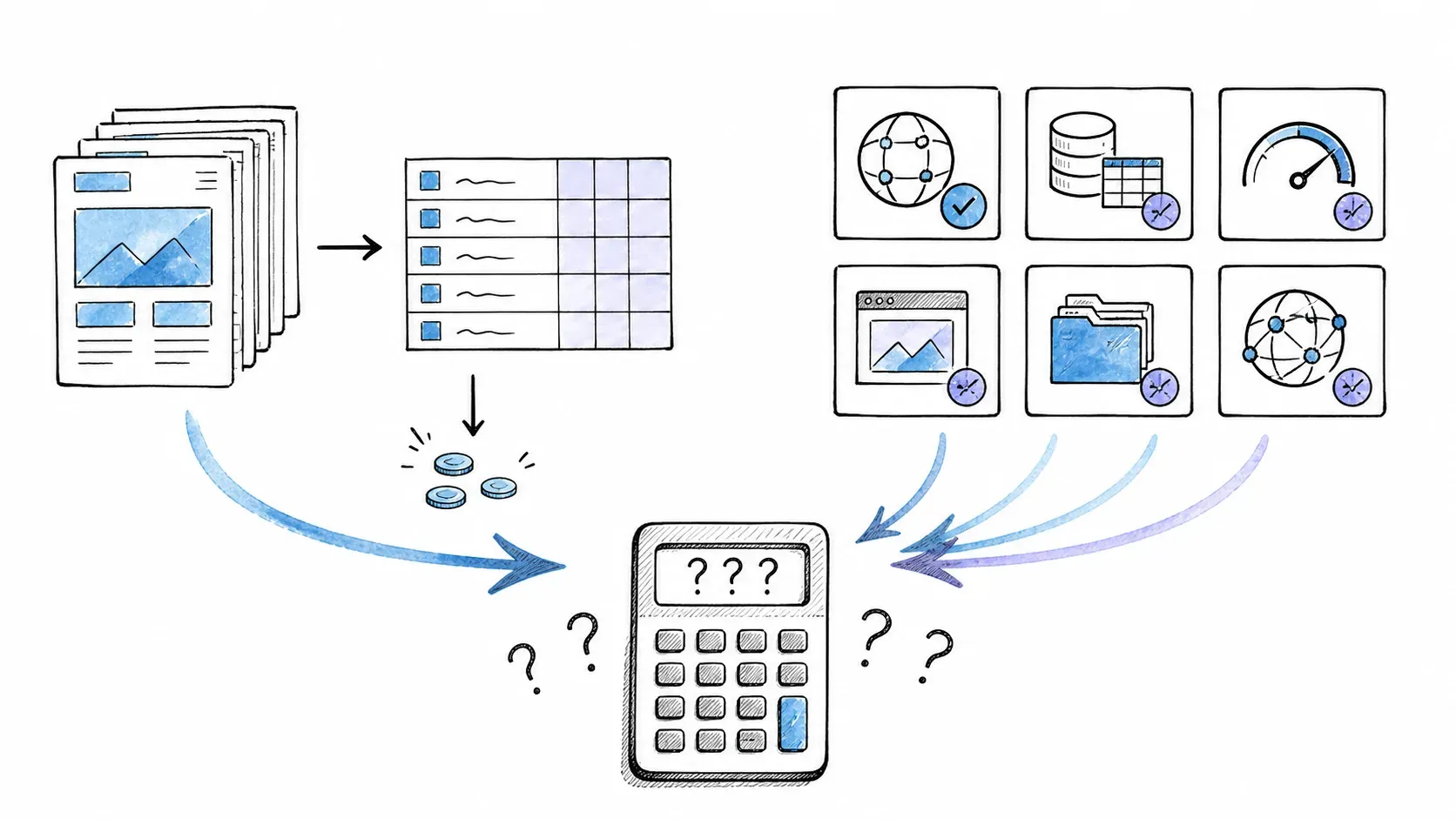
Pricing is one of the hardest questions here to answer honestly. The two tools meter usage completely differently, so a simple "per page" comparison doesn't work.
Thunderbit Pricing (as of August 2026)
Thunderbit's no-code extension uses a credit system. Standard scraping costs 1 credit per output row; subpage enrichment costs 2 credits per row; Personal Data Enrichment costs 30 credits per successful query.
| Plan | Monthly price | Credits/month |
|---|---|---|
| Free | $0 | 6 pages/month, max 30 credits/page |
| Starter | $15/month | 500/month |
| Pro Tier 1 | $38/month | 3,000/month |
| Pro Tier 2 | $75/month | 6,000/month |
| Pro Tier 3 | $125/month | 10,000/month |
| Pro Tier 4 | $249/month | 20,000/month |
| Business | Custom | Custom |
Annual billing is significantly cheaper (e.g., Starter drops to $108/year for 5,000 annual credits).
The Open API has a separate meter: Distill costs 1 API unit per page; Extract costs 20 units per page. API plans start at $16/month (billed yearly) for 60,000 units/year.
Bright Data Pricing (as of August 2026)
Bright Data's pricing varies by product and meter. Here are the entry-level pay-as-you-go rates for key products:
| Product | Free tier | PAYG entry rate | Meter |
|---|---|---|---|
| Unlocker API | 5K requests/month | $1.50 / 1K successful requests | Successful requests |
| SERP API | 5K requests/month | $1.50 / 1K successful requests | Successful requests |
| Scraper APIs | 5K records/month | $1.50 / 1K delivered records | Records |
| Scraper Studio | 5K page loads/month | $1.50 / 1K page loads | Page loads |
| Browser API | Trial varies | $8 / GB | Transferred bandwidth |
| Residential proxies | PAYG | $8 / GB | Bandwidth |
| Datasets | Samples vary | From $250 / 100K records | Records + refresh scope |
Bright Data's global navigation sometimes shows lower "starts from" values that correspond to high-volume tiers or promotions. Always check the live pricing page for the specific product you're evaluating.
Why a Simple Cost Winner Doesn't Exist
One hundred category pages with 50 rows each could be 5,000 Thunderbit no-code credits (at the Pro Tier 1 level, that's roughly $38/month). The same task on Bright Data could be 100 page loads in Scraper Studio, 5,000 delivered records via a Scraper API, or variable Browser API bandwidth — each with a different price. The "cheaper" tool depends entirely on:
- Which product/surface you use on each platform
- How many output rows per input URL
- Whether you need pagination, subpages, or browser rendering
- Monthly vs. annual billing
- Retries, missing-field rates, and overage policies
For light-to-medium use by non-technical teams (a few hundred to a few thousand rows per month), Thunderbit's credit-based plans are generally more predictable and affordable. For high-volume, API-driven pipelines with complex delivery needs, Bright Data's per-record or per-request pricing may be more cost-effective at scale — but you'll need to model the specific product and meter.
Always verify current pricing on Thunderbit's pricing page and the relevant Bright Data pricing page before committing.
Real-World Use Cases: Thunderbit vs Bright Data in Action
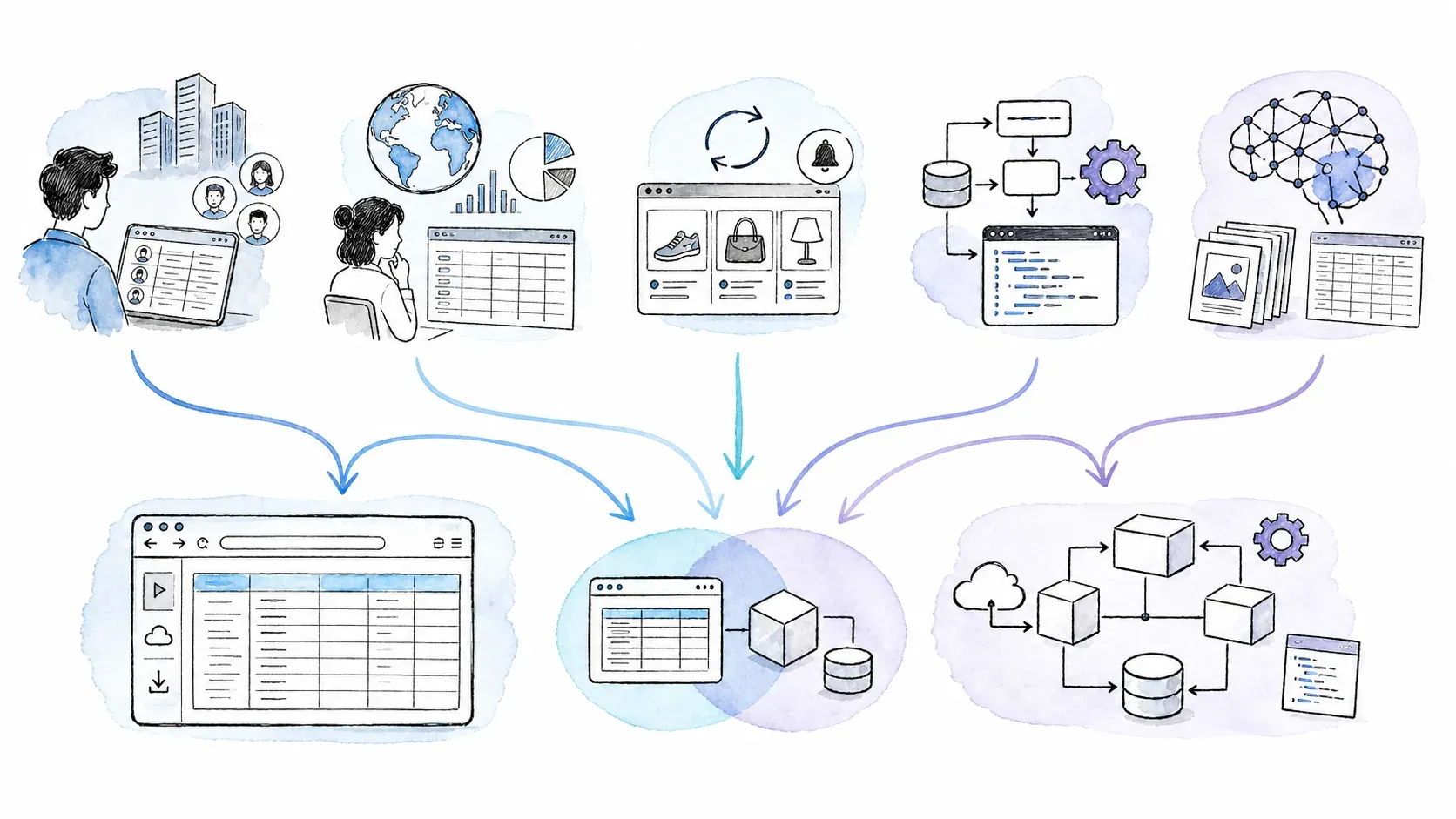
Features on a spec sheet don't close deals — workflows do. Here are five common scenarios and how each tool handles them.
Building a Lead List from a Directory Site
Scenario: A sales ops manager needs 200 contacts from a niche industry directory, exported to Google Sheets.
Thunderbit fit: This is Thunderbit's sweet spot. open the directory in your browser, run One Click Extract, let the agent analyze and auto-start, and export directly to Sheets. No API, no proxy, no code. If the page requires a logged-in session, Browser Mode can use your current session on compatible pages.
Bright Data fit: Possible via a ready-made Scraper API (if the directory is supported) or a custom Scraper Studio scraper. But for 200 contacts from a single site, the setup overhead — account creation, product selection, scraper configuration — is harder to justify. Bright Data is designed for this kind of task at much larger scale (thousands or tens of thousands of records).
Monitoring Competitor Prices Across Hundreds of SKUs
Scenario: An e-commerce operations team tracks 500+ product prices weekly across several competitor sites.
Thunderbit fit: Scheduled extraction on supported pages works well for moderate volumes. Set up a scraper for each competitor, configure pagination, schedule weekly runs, and export to Sheets or Airtable. For 500 SKUs, you'd likely need a Pro plan.
Bright Data fit: For heavily protected e-commerce sites (think Cloudflare-shielded storefronts), Bright Data's Unlocker or Browser API combined with a Scraper Studio or Scraper API workflow is more resilient. If you're tracking thousands of SKUs across dozens of sites with complex anti-bot measures, Bright Data's infrastructure is purpose-built for that. The trade-off is more setup and a steeper learning curve.
One-Off Research for a Market Report
Scenario: A marketing analyst needs data from 5 websites for a quarterly report — product listings, review counts, pricing tiers.
Thunderbit fit: Ideal. Install the extension, visit each site, scrape, export. No infrastructure investment, no recurring cost beyond the plan you're already on. This is the kind of task where Thunderbit's fast time-to-value really shines.
Bright Data fit: Overkill. The setup time and product selection process don't justify a one-off task across 5 sites. Unless those sites are heavily protected and you can't get the data any other way, Bright Data is more tool than you need here.
Large-Scale Data Pipeline for an Engineering Team
Scenario: A data engineering team is building an automated pipeline to collect 100K+ pages/day from multiple sources, with delivery to a cloud warehouse.
Thunderbit fit: The Open API supports async batches, webhooks, and vendor-claimed scale to millions of pages with up to 50 concurrent requests on the Pro API plan. For moderate-scale pipelines, it's a viable option. But Thunderbit's primary design center is the browser extension and business-user workflow, not high-concurrency infrastructure.
Bright Data fit: Purpose-built for this. Multiple product APIs (Crawl, Unlocker, Browser, Scraper, SERP), managed browsers, proxy networks, and delivery to webhooks, cloud storage, SFTP, and warehouses. Scraper Studio documents up to 1,000 parallel batch jobs per scraper. If you need deep proxy control, geo-targeting, session management, and enterprise compliance evidence, Bright Data is the more natural evaluation candidate.
AI/ML Training Data Collection
Scenario: An ML engineer needs structured training data from hundreds of domains, refreshed monthly.
Thunderbit fit: The API can handle structured extraction at moderate scale, and MCP/CLI integration makes it accessible from AI agent workflows. For smaller, well-defined datasets, it works.
Bright Data fit: Datasets, Data Firehose, and Scraper APIs are designed for exactly this — large-scale, multi-domain, continuously refreshed structured data. The MCP Server and Agent Browser add agent-oriented access. For training data at scale, Bright Data has more surfaces and delivery options.
Choose Thunderbit When… / Choose Bright Data When…
Find your row in the matrix below. Be honest about which one you're actually in.
| If you are… | And you need… | Consider… |
|---|---|---|
| Marketer or sales ops (non-technical) | Quick lead list or competitor data, exported to Sheets/Excel | Thunderbit — browser extension, One Click Extract, direct export |
| Solo founder or freelancer | Ad-hoc extractions without infrastructure investment | Thunderbit — free tier, fast setup, no recurring infrastructure cost |
| Operations team with moderate volume | Weekly monitoring of a few hundred to a few thousand rows | Thunderbit — scheduled extraction, Pro plans, business-tool exports |
| Developer building a data pipeline | High-volume, API-driven extraction with proxy rotation and delivery to warehouses | Bright Data — Crawl/Unlocker/Browser APIs, proxy networks, webhook/storage delivery |
| Enterprise data team | Compliance-certified, large-scale, multi-source collection with procurement requirements | Bright Data — ISO/SOC certifications, KYC, enterprise controls, managed acquisition |
| AI/ML engineer | Structured training data at scale, refreshed continuously | Bright Data — Datasets, Firehose, Scraper APIs, MCP; evaluate Thunderbit API for smaller jobs |
| Anyone dealing with heavily protected sites | Data from Cloudflare/DataDome/PerimeterX-shielded targets at scale | Bright Data — Unlocker, Browser API, proxy rotation, CAPTCHA/fingerprint tooling |
The decision isn't about which tool is "better." Thunderbit's strength is no-code simplicity and fast time-to-value for business users. Bright Data's strength is infrastructure depth, anti-bot resilience, enterprise compliance, and scale for technical teams. Using one where the other fits is like bringing a chainsaw to open a letter.
Compliance and Data Privacy: What Business Users Should Know
Neither vendor's security or compliance program grants permission to scrape a target. The user is always responsible for authorized access, applicable law, personal-data obligations, and website terms of service. Both tools require compliance with data privacy laws like GDPR and CCPA.
Bright Data documents ISO/IEC 27001:2022, ISO 27017, ISO 27018, SOC 2 Type II (under NDA), a public SOC 3 report, CSA STAR, TLS 1.3, AES-256 at rest, and a KYC/use-case review process. This matters for regulated industries and enterprise procurement teams that require audit evidence.
Thunderbit describes GDPR/CCPA/CPRA roles, a DPA on request, SCCs, TLS 1.2+, and AES-256 at rest in its terms and privacy policy. No public SOC 2 attestation was found as of this writing.
If you're collecting personal data or operating in a regulated industry, consult legal counsel. Compliance tooling is a starting point, not a finish line.
Thunderbit vs Bright Data: Pick the Right Tool for Your Actual Needs
Thunderbit is an AI-powered browser extension for business users who want structured data fast, with no code and minimal setup. Bright Data is a modular web data infrastructure platform for developers and enterprise teams who need scale, anti-bot resilience, deep proxy control, and compliance evidence at high volume.
- If you want data from a page in your browser, exported to Sheets in minutes: try Thunderbit.
- If you're building a long-term data pipeline with engineering resources and enterprise requirements: evaluate Bright Data.
- If you're somewhere in between: start with the simpler tool, and graduate to the heavier one when your needs outgrow it. That's not a cop-out — it's how most teams actually evolve their data workflows.
FAQs
Which is cheaper, Thunderbit or Bright Data?
For light-to-medium use by non-technical teams (a few hundred to a few thousand rows per month), Thunderbit's credit-based plans are generally more affordable and predictable. Bright Data's pricing is designed for high-volume, infrastructure-level use and varies by product and meter (per-request, per-record, per-GB, per-IP). A direct cost comparison requires matching the specific product, volume, and billing unit. Always check Thunderbit's pricing page and the relevant Bright Data pricing page for current rates.
Can I use Thunderbit and Bright Data together?
Yes. Some teams use Thunderbit for quick, ad-hoc extractions (lead lookups, one-off research, small monitoring tasks) and Bright Data for large-scale or heavily protected targets that require proxy infrastructure. This "hybrid" approach lets you match the tool to the task without over-investing in setup for simple jobs or under-investing in infrastructure for complex ones.
Do I need coding skills to use Thunderbit or Bright Data?
Thunderbit: No coding required for the browser extension workflow. The Open API, MCP, and CLI do require technical knowledge. Bright Data: The Scraper Studio AI Agent, ready-made collectors, and datasets are lower-code options that don't require writing scripts. But most advanced features — Unlocker, Browser API, raw proxy zones, custom IDE scrapers — require developer involvement. Full power on Bright Data means technical configuration.
Is Thunderbit or Bright Data better for scraping LinkedIn?
Thunderbit can extract data from pages you have authorized access to in your browser (e.g., your own LinkedIn session on compatible pages). Bright Data offers ready-made Scraper APIs for LinkedIn via their API. Both tools require users to comply with LinkedIn's terms of service and applicable law. LinkedIn is aggressive about enforcement, so proceed carefully regardless of which tool you use. For more on lead generation approaches, check out our guide.
What if I outgrow Thunderbit — can I migrate to Bright Data later?
Absolutely. Thunderbit exports to standard formats (CSV, JSON, Excel, Google Sheets) that can be imported into any pipeline. If your data needs grow beyond what Thunderbit's extension or API can handle — or if you need deeper proxy, anti-bot, or compliance infrastructure — you can transition to Bright Data (or add it alongside Thunderbit) without losing your existing data or workflows. The two tools don't lock you in.
Learn More




