
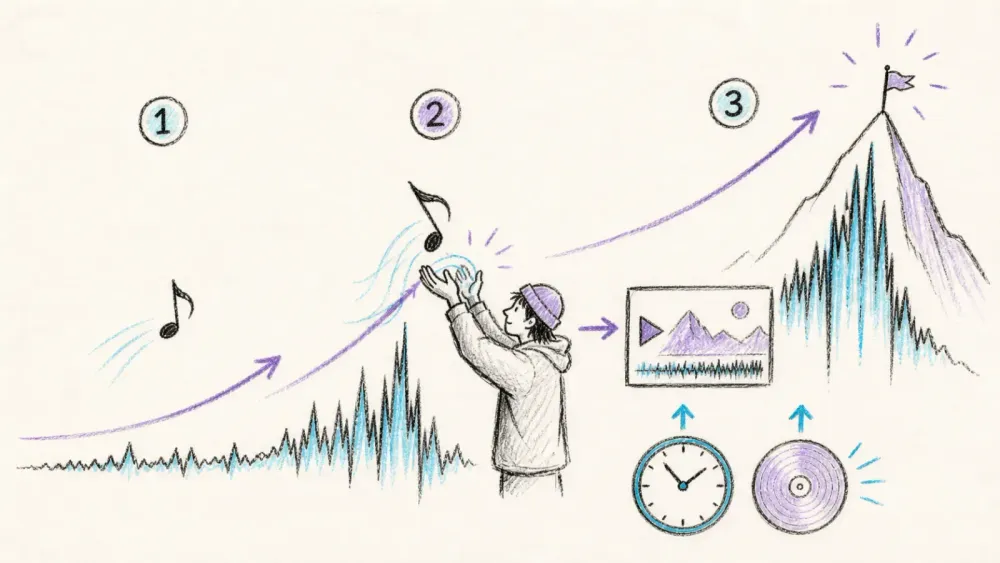
Two TikTok videos can use the same format and take the same production effort, yet perform very differently because one sound is still accelerating while the other has already flattened. Timing does not guarantee reach, but it changes the size of the opportunity.
Finding a trending sound is therefore not about scrolling until something feels familiar. It is about catching a relevant sound while it is still moving up. TikTok's own trend tools can become a repeatable system that is less subjective than choosing by familiarity alone.
What Counts as a Trending TikTok Sound?
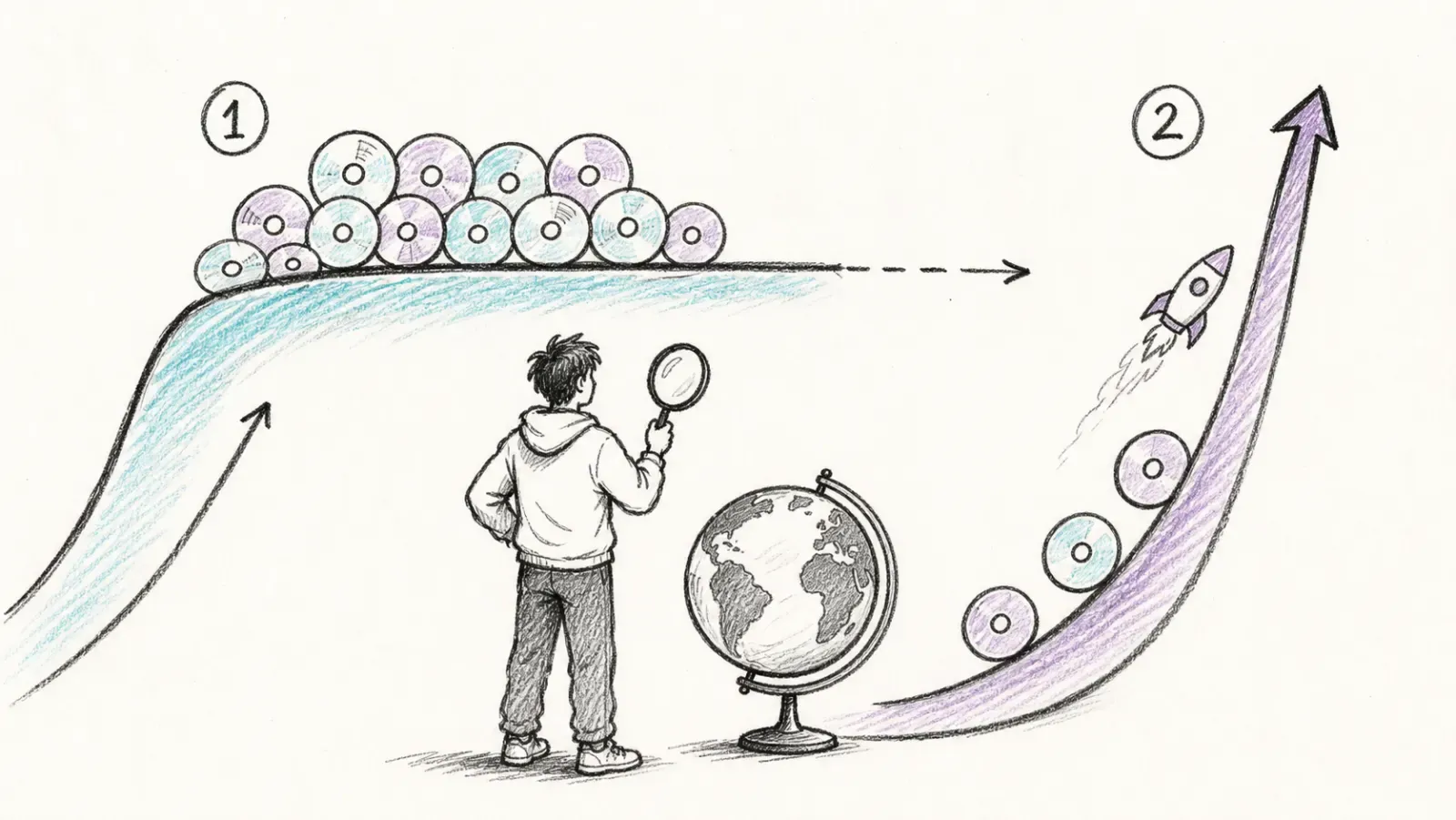
A trending sound isn't just a track with a big number next to it. TikTok's Creative Center actually splits this into two distinct signals, and mixing them up is where most people go wrong. Popular means a sound already has broad, established usage in a given market — it's had its moment, and a lot of accounts already know about it. Breakout means the momentum is accelerating fast relative to where it was a few days ago. It might have a smaller total video count, but the curve is steep.
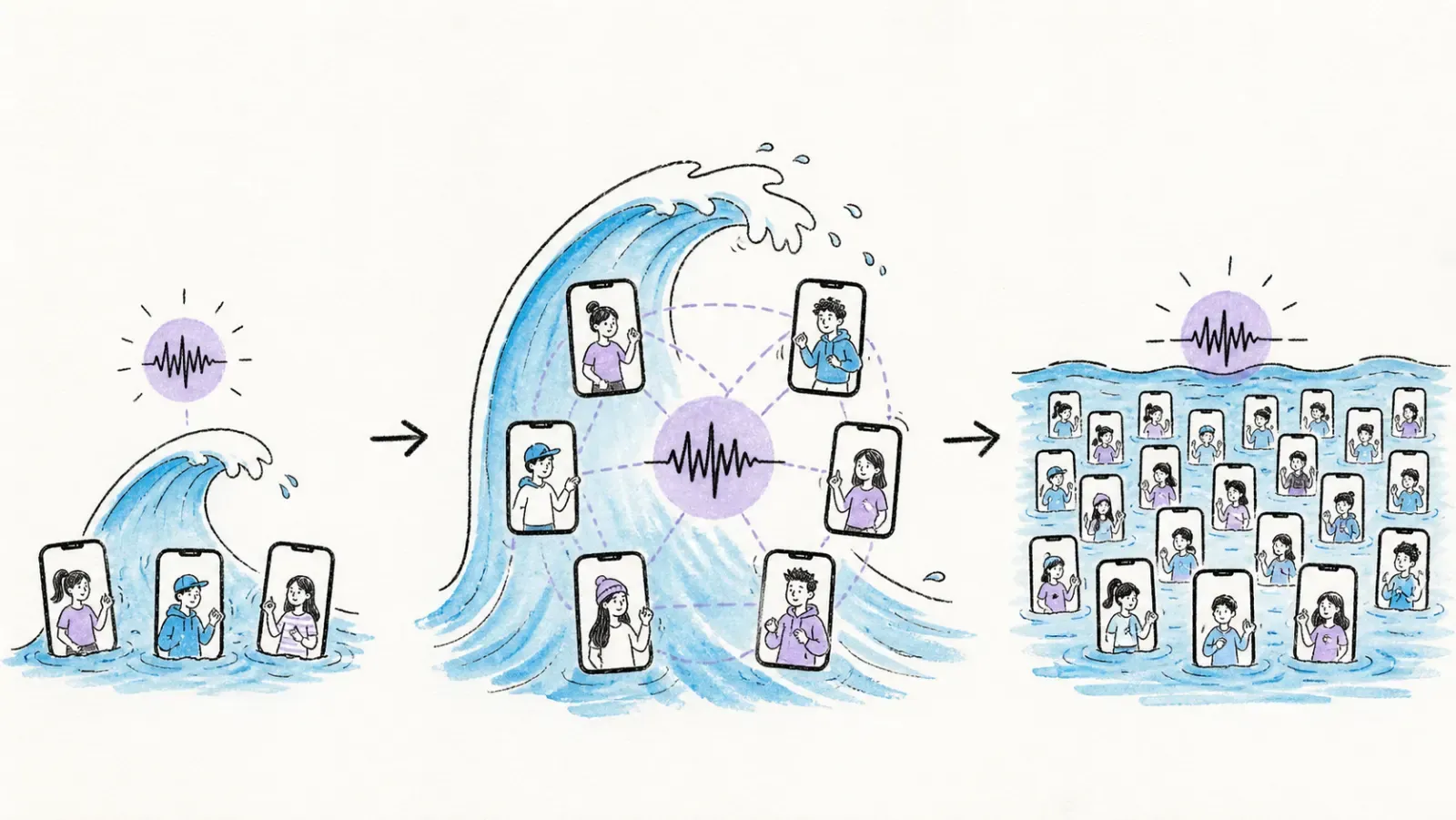
This matters because a sound can be popular in the US and nearly invisible in Southeast Asia, or huge in beauty content and absent from B2B or food content. Regional and niche context change everything. One viral video is not proof of a trend; look for the same sound across several unrelated accounts before treating it as a repeatable signal.
Why This Matters for Brands
TikTok's own 2026 trend report leans hard into this idea that trends are trajectories, not static lists — the platform's newer analytics layer, Market Scope, is built specifically to connect audience behavior, content performance, and market movement in something closer to real time. Their broader point, echoed in older trend methodology guidance, is that watching trending hashtags, sounds, and creators in your category — then following the related searches outward — beats waiting for a "top 10 sounds" list that's already stale by the time it's published (guilty, most of those lists online right now are already outdated).
Before You Start
- Difficulty: Beginner to Intermediate
- Time Required: About 15 minutes a day once the habit sticks
- What You'll Need: A TikTok account (personal or business), browser access to Creative Center, a simple tracking sheet (Google Sheets works fine), and optionally the Thunderbit Chrome Extension if you want to automate the monitoring part later
Step 1: Open TikTok Creative Center and Set Your Market
Head to Creative Center in your browser. It's TikTok's free, public hub for trend data, ad examples, and creative tools — no ad account required to browse most of it, though some filters can vary depending on your market or login status.
Set the country or market dropdown to where the audience actually lives. Building a Canadian or UK content brief from a US trend list can produce a misleading shortlist.
You should now see the Trend Discovery dashboard, filterable by hashtags, songs, creators, and videos. Before continuing, confirm that the market shown in the selector matches the audience you intend to reach.
Step 2: Navigate to Trends → Songs
Open the Songs view under Trends and start with a seven-day period. Longer windows can blend emerging momentum with sounds that peaked weeks earlier.
You'll see a scrollable list of tracks with rank movement indicators next to each one.
Step 3: Compare Popular and Breakout
This is the step people skip, and it's the whole point. Toggle between the Popular and Breakout tabs. Popular shows you what's already dominant — useful for understanding established formats, but risky if you're trying to get ahead of a wave rather than joining the back of it. Breakout shows you what's accelerating right now.
Scan Breakout first, then cross-check promising candidates against Popular. That shows whether a sound is still under the radar or has already climbed into broad mainstream use. Keep the market and time-window filters unchanged while switching tabs so the comparison stays meaningful.
Step 4: Apply New to Top 100 and Approved for Business Use Filters
If you're posting from a business or brand account, flip on Approved for business use. TikTok is fairly direct about this: branded content should pull from its Commercial Music Library because that catalog is pre-cleared for commercial posts. Music outside that library can require the creator to confirm they've secured the necessary rights — not a rabbit hole you want to fall into the week your campaign launches.
New to Top 100 is a nice secondary filter for catching sounds that just crossed a visibility threshold, which tends to line up with genuinely early-stage trends rather than ones that have been simmering for a month.
Step 5: Open a Sound Page and Read the Trendline
Click into any promising track to open its dedicated sound page — here's an example of what one looks like in the wild. You'll see a trendline graph and a grid of videos using that sound.
Don't just glance at the top videos — those are often the oldest, highest-performing ones and can be weeks old. Read the trendline from left to right, then scroll through the example grid to check how recent the bulk of the videos are and whether different types of creators are using the sound, rather than one account's format being copied repeatedly.
Finding Trending Sounds Inside the TikTok App
Creative Center is the fastest desktop method, but the app itself is where you validate whether a sound actually feels alive in your niche. Open the TikTok search bar and try phrases like "trending sounds," "viral sounds," or something more specific to your industry — "trending sounds for real estate," "trending sounds for restaurants," whatever applies.
Switch between the Sounds and Videos result tabs where available. Tap the rotating disc icon on a promising video to open the sound page organically rather than through a dashboard. If the page shows a healthy spread of recent, varied videos, save it to Favorites immediately so the candidate is not lost.
Seven Reliable Ways to Find TikTok Sounds Early
Between the desktop dashboard and in-app search, these seven methods form a practical toolkit:
- Creative Center Breakout list — fastest official signal for rising momentum.
- Creative Center Popular list, filtered by market — good for understanding what's already proven to work.
- Repetition on your niche's For You feed — if the same sound shows up three times in one scroll session across different accounts, that's real.
- Sound pages behind fast-growing videos — check any video that seems to be overperforming its creator's usual numbers.
- A creator/competitor watchlist — a running list of 10-15 accounts in your space that reliably catch trends early.
- TikTok search suggestions and related searches — the autocomplete dropdown is a surprisingly good trend radar.
- A weekly monitoring sheet — comparing this week's Breakout list against last week's tells you far more than either list alone.
How to Tell Whether a Sound Is Rising, Peaking, or Fading
Velocity matters more than volume. A sound with 8,000 total videos but a steep seven-day climb is a better bet than one with 400,000 videos that's already flattened out — that second one has probably peaked for your niche, even if the total count looks impressive.
Run these checks before committing production time to a sound:
- Recency: Are most of the example videos from the past few days, or mostly older?
- Creator diversity: Is it spreading across different accounts and formats, or stuck to one creator's copycats?
- Format clarity: Can the trend's pattern—beat drop, reveal, transition, or punchline—be explained in one sentence? If not, execution will likely be slow.
- Saturation: Is every execution starting to look identical?
Use a simple three-stage label to keep decisions fast:
| Stage | What You're Seeing | What to Do |
|---|---|---|
| Emerging | Breakout curve, small but varied creator set, recent examples | Draft and publish within 24-72 hours |
| Scalable | Clear format, broad adoption, volume still climbing | Produce a few brand-specific variations |
| Saturated | Very high volume, near-identical executions, flat curve | Skip it, or use only with a strong twist |
TikTok does not publish exact universal thresholds for these stages, so treat the model as pattern recognition rather than a fixed formula.
How to Choose a Sound for Your Brand, Not Just the Algorithm
Not every rising sound deserves production time. Run each candidate through a quick fit check: does its audience overlap with yours, does the format fit the story, and can the team realistically shoot and edit it fast enough? Formats requiring a particular location or complex setup may be too slow for the trend's lifecycle.
Original sounds versus catalog music is its own decision. Original sounds tend to age better and feel less "borrowed," but catalog tracks ride existing momentum. If you're posting from a business account, stick close to the Commercial Music Library or filter for Approved for business use — it's a small extra click that saves a headache later.
A 15-Minute Daily Sound Research Routine
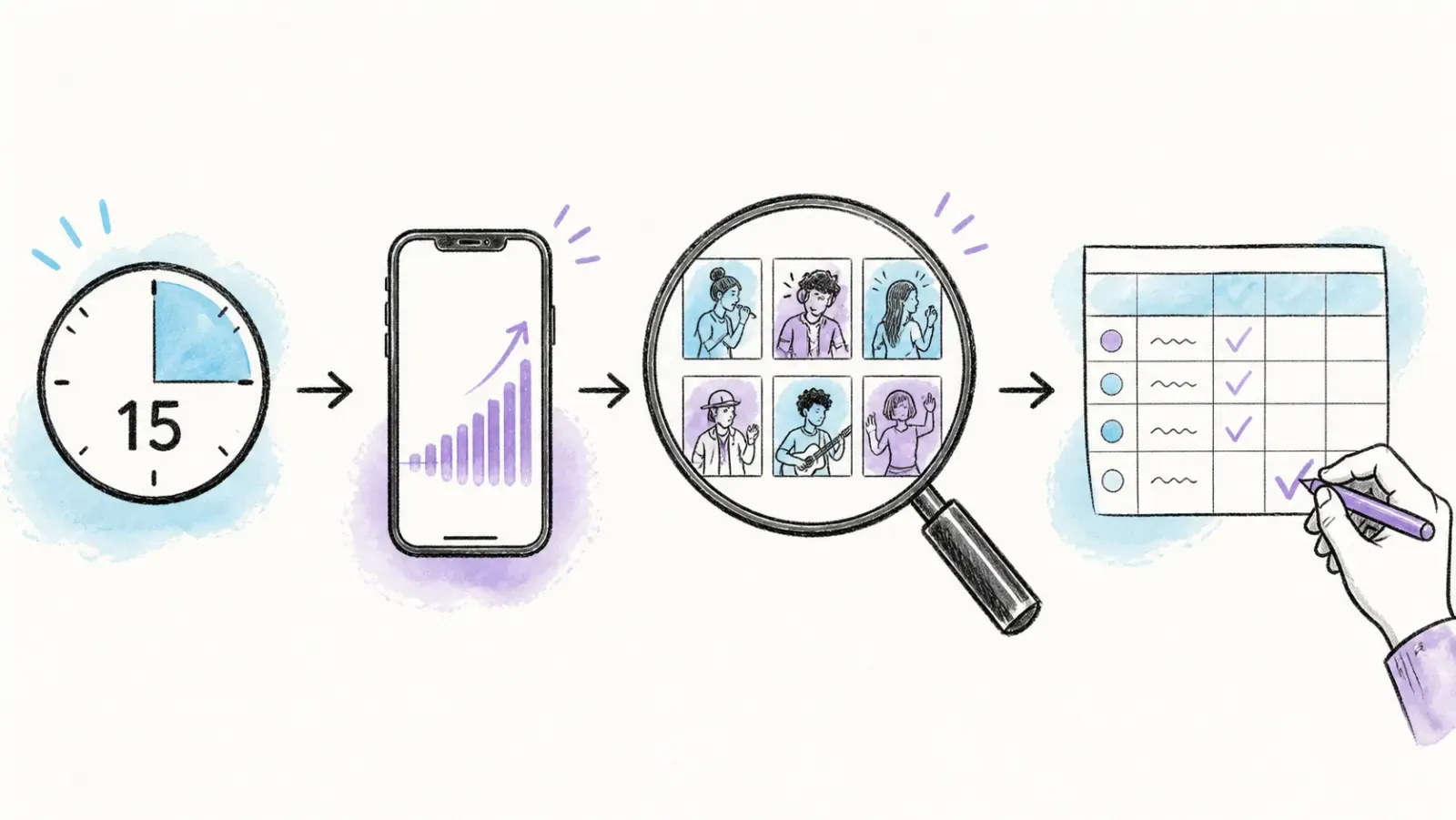 Use this routine in three five-minute blocks:
Minutes 0-5: Open Creative Center, filter Songs by your market and a 7-day window, scan Breakout and New to Top 100.
Minutes 5-10: Scroll your niche For You feed and check your creator watchlist for repeated sounds.
Minutes 10-15: Validate the three strongest candidates on their sound pages, save the best one with a quick format idea and an owner assigned.
Once a week, archive anything that has flattened. A top-sounds document that is never pruned becomes obsolete within weeks.
Turn Sound Discovery into a Repeatable Monitoring Workflow
Doing this by hand every single day works fine for one person watching one account. It falls apart the moment you're tracking multiple markets, multiple niches, or handing this off to a content team that needs a clean brief instead of a browser tab full of tabs.
This is where Thunderbit can replace manual Creative Center checks. Open the Songs page for the target market, launch the extension, and select AI Suggest Fields. It can identify visible columns such as song name, artist, rank movement, and business-use status without manually defining selectors.
From there, add editorial columns such as first-seen date, format idea, owner, and publish-by date with + Add Column and a plain-language instruction. Run the scrape, review the structured table, and export it to Google Sheets; Thunderbit does not place its basic data exports behind a separate paywall, as reflected on the pricing page.
The real unlock is scheduling the same view and comparing each refresh with the prior snapshot. New entries and rank movement can flag sounds that just entered Breakout. Before exporting, confirm that the suggested fields contain real values in several rows and rename any ambiguous column so teammates can understand it without reopening Creative Center. For setup details, see the guide to web scraping without coding and the deeper overview of AI web scraping.
How to Use a Trending Sound Without Copying Everyone Else
Using a trending sound does not require copying the same video. Keep the recognizable beat drop or structural cue, but change the point of view. A comment reply, before-and-after, customer-problem callout, or behind-the-scenes clip can all sit on top of the same audio.
Speed often matters more than polish. A timely video in the Emerging stage may have more opportunity than a highly produced version published after saturation. Test two edits when the concept warrants it: sound-forward, where audio carries the hook, and voiceover-forward, where the sound supports the explanation.
Common Mistakes to Avoid
- Chasing the biggest sound instead of the fastest-growing relevant one. Total volume isn't the same as opportunity.
- Skipping the country/market filter. A global list means nothing if your audience is regional.
- Treating one viral video as a trend. Wait for creator diversity before committing.
- Copying the format with no brand-specific payoff. If your video is indistinguishable from the fiftieth version of the same joke, it's not adding value.
- Waiting for "perfect" production. By the time it's ready, the trend has often peaked.
- Using unapproved music on a business account. Stick to the Commercial Music Library for branded content.
Alternative Methods
If Creative Center feels like overkill for a solo creator, a lighter version works fine: just check your For You feed daily, keep a running Notes app list of sounds you keep hearing, and cross-reference against a general primer on what web scraping actually is if you ever want to understand how tools like Thunderbit pull this kind of data automatically. Third-party trend-tracking tools and social listening platforms exist too, though most either cost more than they're worth for sound-specific tracking or lag a day or two behind Creative Center's native data.
Wrapping Up
Trending sounds move fast enough that any static list — including this one, six months from now — will be stale. What doesn't expire is the process: check Breakout before Popular, validate with creator diversity and recency, run the fit check against your brand, and publish while the curve's still climbing instead of after it's flattened. Build the 15-minute habit, and if you're managing more than one account or market, hand the repetitive checking off to something like Thunderbit so your team's time goes into the actual creative work instead of tab-hopping through Creative Center every morning.
For examples of field suggestion and scheduled refreshes, the Thunderbit YouTube channel includes extension walkthroughs on structured listing pages.
FAQs
1. Where is the trending sounds page on TikTok? It's inside Creative Center, under Trends → Songs. You'll need to set your country/market and time period to get relevant results, since availability and default filters can shift depending on your login status.
2. How do I find sounds before they become viral? Focus on the Breakout tab rather than Popular, check the New to Top 100 filter, and validate with recency and creator diversity on the sound's individual page. A sound with a steep short-term curve and a small but varied creator base is usually earlier-stage than a sound with a massive total video count.
3. What is the difference between Popular and Breakout? Popular reflects sounds with already-established, broad usage in a given market. Breakout reflects sounds accelerating quickly relative to their recent baseline — smaller totals, faster momentum. Breakout is generally the better signal for getting ahead of a trend.
4. How often should I check trends? Daily, ideally in a short 15-minute block. Trends can shift meaningfully within 24-72 hours, so a once-a-week check tends to miss the early window entirely.
5. Can a business account use every trending song? No. TikTok recommends branded content pull from its Commercial Music Library, which is pre-cleared for commercial use. Filtering Creative Center by Approved for business use is the fastest way to stay inside those lines.
Learn More




