
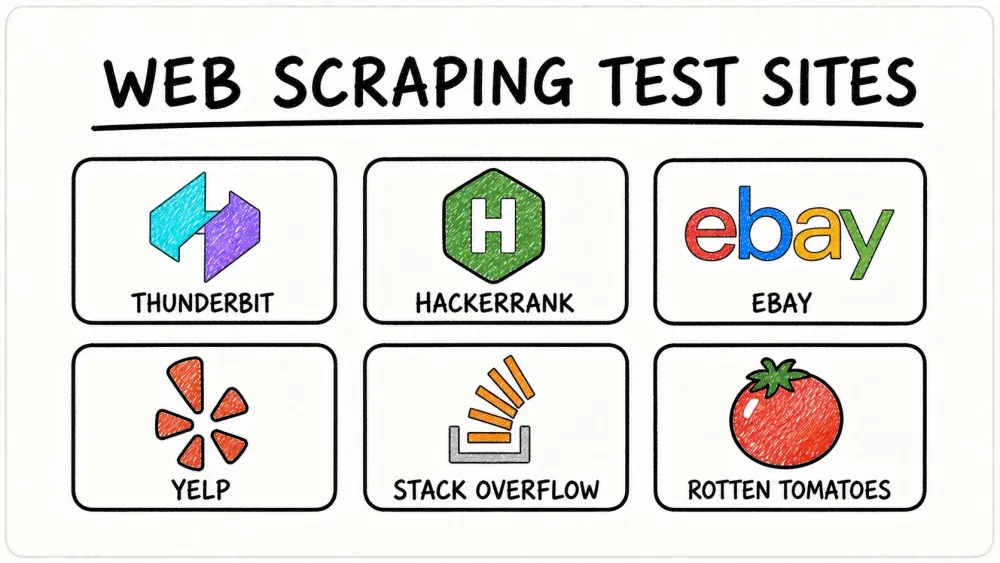
The world runs on data, and in 2026, the need to turn web data into business insights is bigger than ever. I’ve seen firsthand how teams in sales, operations, and marketing are racing to automate research, monitor competitors, and build smarter pipelines—all powered by web scraping. But here’s the catch: mastering web scraping isn’t just about reading a few tutorials. It’s about rolling up your sleeves and practicing on real (and sometimes really tricky) websites.
Finding the right web scraping test site can feel like searching for a needle in a haystack. Some sites are too simple, others are booby-trapped with anti-bot defenses, and a few are just plain weird. That’s why I’ve put together this list of the 10 best sample websites for web scraping practice—handpicked to help you build real-world skills, from beginner basics to advanced, dynamic data wrangling. Whether you’re looking to scrape ecommerce listings, forums, or movie reviews, this guide will help you level up and avoid the “404” of scraping frustration.
Why Practice Web Scraping on Sample Websites?
See How Agentic Web Scraping Works Thunderbit's AI reads a page like a person would and decides what to extract — try it on any of the practice sites above. Get Started Free
Let’s face it: web scraping is a hands-on sport. Sure, you can watch all the YouTube tutorials you want, but until you’ve tangled with real HTML, dynamic content, and the occasional CAPTCHA, you haven’t really learned the ropes. Practicing on web scraping test sites is the best way to:
- Understand different data structures: From simple tables to nested lists and AJAX-loaded content, every site is a new puzzle.
- Test your tools and skills: See how your scraper (or your favorite tool, like Thunderbit) handles pagination, subpages, and anti-bot tricks.
- Prepare for business use cases: Real-world scraping powers market research, lead generation, and competitive analysis for companies everywhere.
The numbers back this up: the global web scraping market is estimated at $1.17 billion in 2026, up from ~$0.99B in 2025 at a CAGR around 18%, and nearly 95% of organizations say data-driven decision making is "critical" to their success. But the real secret? The best scrapers aren’t just coders—they’re relentless testers, always sharpening their skills on new sites.
How We Chose the Best Web Scraping Practice Websites
Not all sample websites for web scraping are created equal. For this list, I focused on sites that:
- Offer a variety of data types: Text, numbers, images, ratings, reviews, and more.
- Vary in complexity: From static HTML to dynamic, JavaScript-heavy pages.
- Are legal and safe to scrape: Either explicitly built for practice or have public, non-login pages.
- Mimic real-world business scenarios: Ecommerce, forums, reviews, and more.
- Expose you to anti-scraping measures: Because in the wild, you’ll need to handle CAPTCHAs, rate limits, and AJAX.
I also made sure these sites are great for testing both traditional code-based scrapers and modern, no-code tools like Thunderbit. Ready to dive in? Let’s go.
1. Thunderbit: The All-in-One Web Scraping Test Site
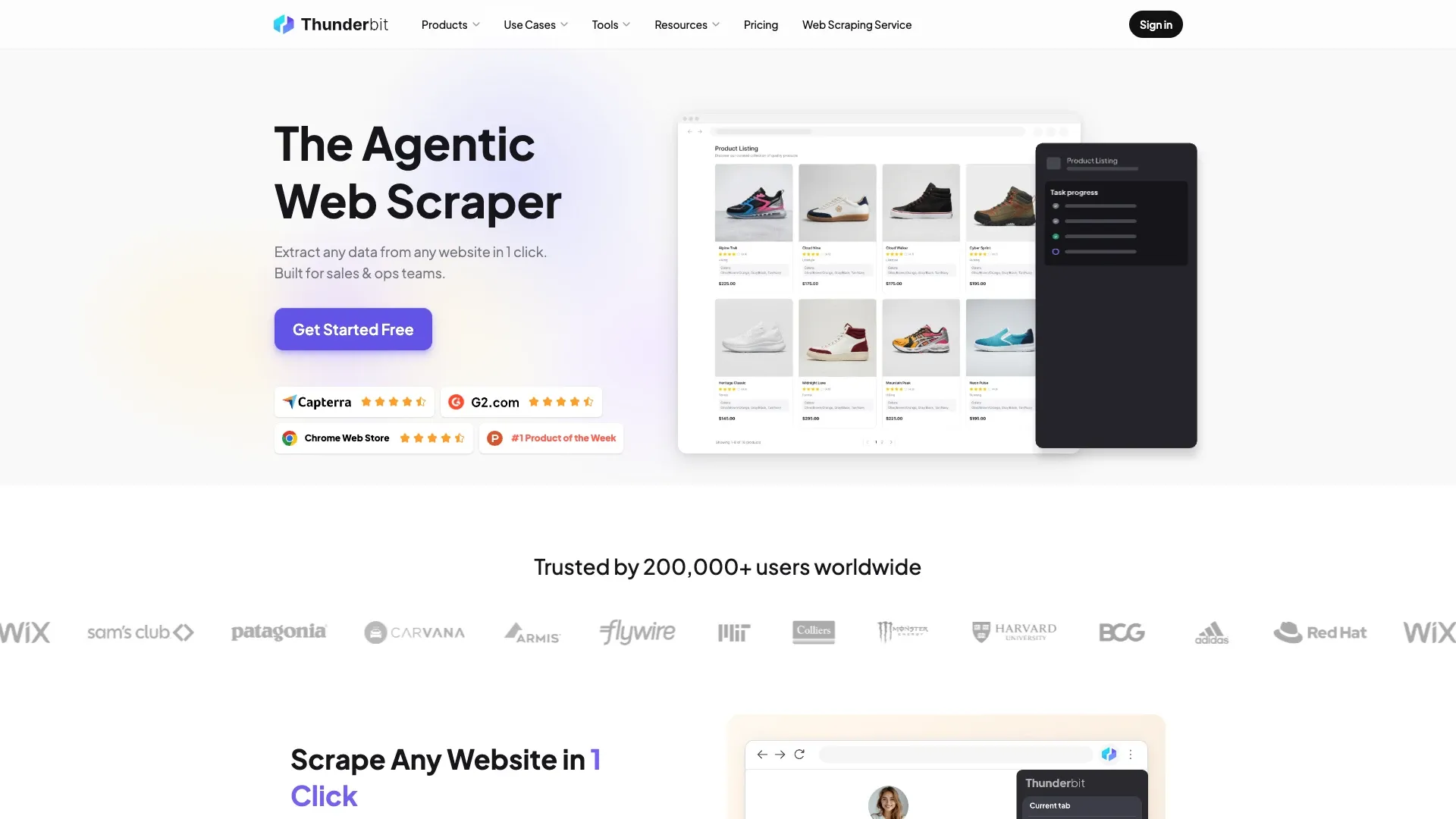
Scrape data from any website using AI Thunderbit's agentic web scraper reads any test site or real target page and extracts data in one click. Get Started Free
Thunderbit isn’t just a tool—it’s a playground for anyone serious about web scraping practice. As someone who’s spent years building and breaking scrapers, I can tell you: Thunderbit is my go-to for testing on everything from simple lists to gnarly, dynamic ecommerce sites.
Why Thunderbit stands out:
- AI-Powered Scraping: Just click “One Click Extract,” and Thunderbit reads the page, figures out the best columns, and even writes the extraction logic for you. No coding, no selector headaches.
- Handles Complex Sites: Thunderbit shines on tricky HTML, dynamic content, and sites with subpages or infinite scroll. It’s like having a web scraping Swiss Army knife.
- Subpage & Pagination Support: Need to scrape product listings and then visit each detail page for more info? Thunderbit’s subpage scraping makes it a breeze.
- Instant Data Export: Export your results to Excel, Google Sheets, Airtable, or Notion—free and unlimited.
- Free Extractors: One-click tools for emails, phone numbers, and images. Perfect for sales and lead gen practice.
- Templates for Popular Sites: Amazon, Zillow, Shopify, and more—just pick a template and go.
- Beginner-Friendly: Non-technical users love that they “don’t have to learn much” to get started (Trustpilot).
Practice scenarios:
- Scrape ecommerce listings (think Amazon or eBay) with subpage enrichment.
- Extract contact info from business directories.
- Automate repetitive data pulls for market research.
Thunderbit is the only web scraping test site on this list that lets you practice both the scraping and the workflow automation side of things. And yes, it’s free to try—so you can see for yourself why it’s my top pick for all skill levels.
Try Thunderbit Agentic Web Scraper for Free Free plan covers 6 pages a month, no credit card required — plenty for practicing on the sites above. Get Started Free
2. Codeforces: Practice Scraping Structured Programming Data
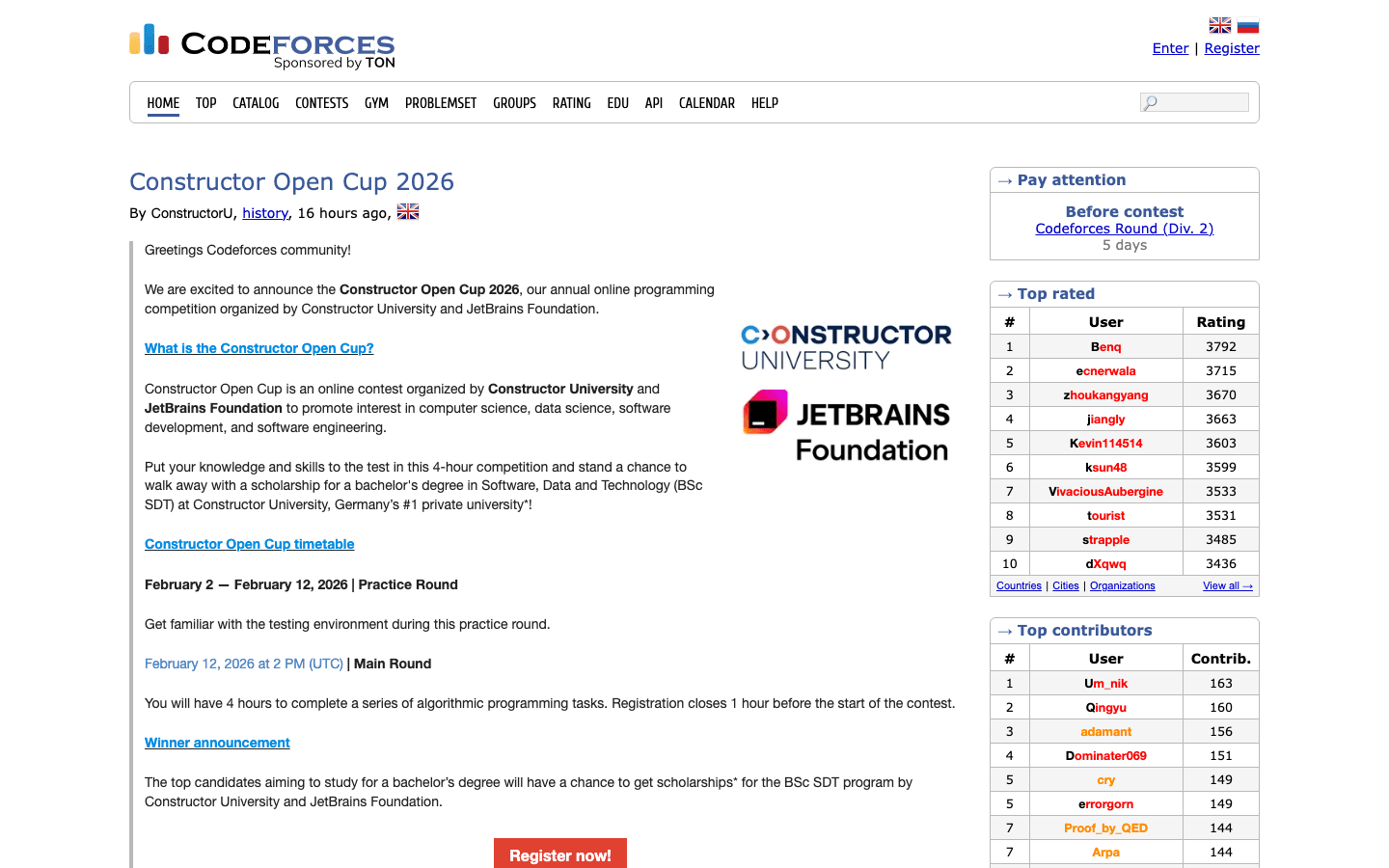 Codeforces is a goldmine for anyone looking to practice scraping structured, tabular data. This competitive programming site features:
- Contest listings: With tables of contest names, dates, and links.
- Problem sets: Nested tables with problem names, tags, and difficulty ratings.
- User rankings: Leaderboards and user profiles with points and stats.
Why it’s great for practice:
- Teaches you to parse HTML tables, nested lists, and multi-page results.
- Most data is static HTML—no login or JavaScript headaches.
- Mimics real-world scenarios like scraping job boards or academic results.
Pro tip: Try extracting all problems from a contest, or build a leaderboard of top users. You’ll get a crash course in handling structured data and pagination.
3. Books to Scrape: The Classic Web Scraping Practice Website
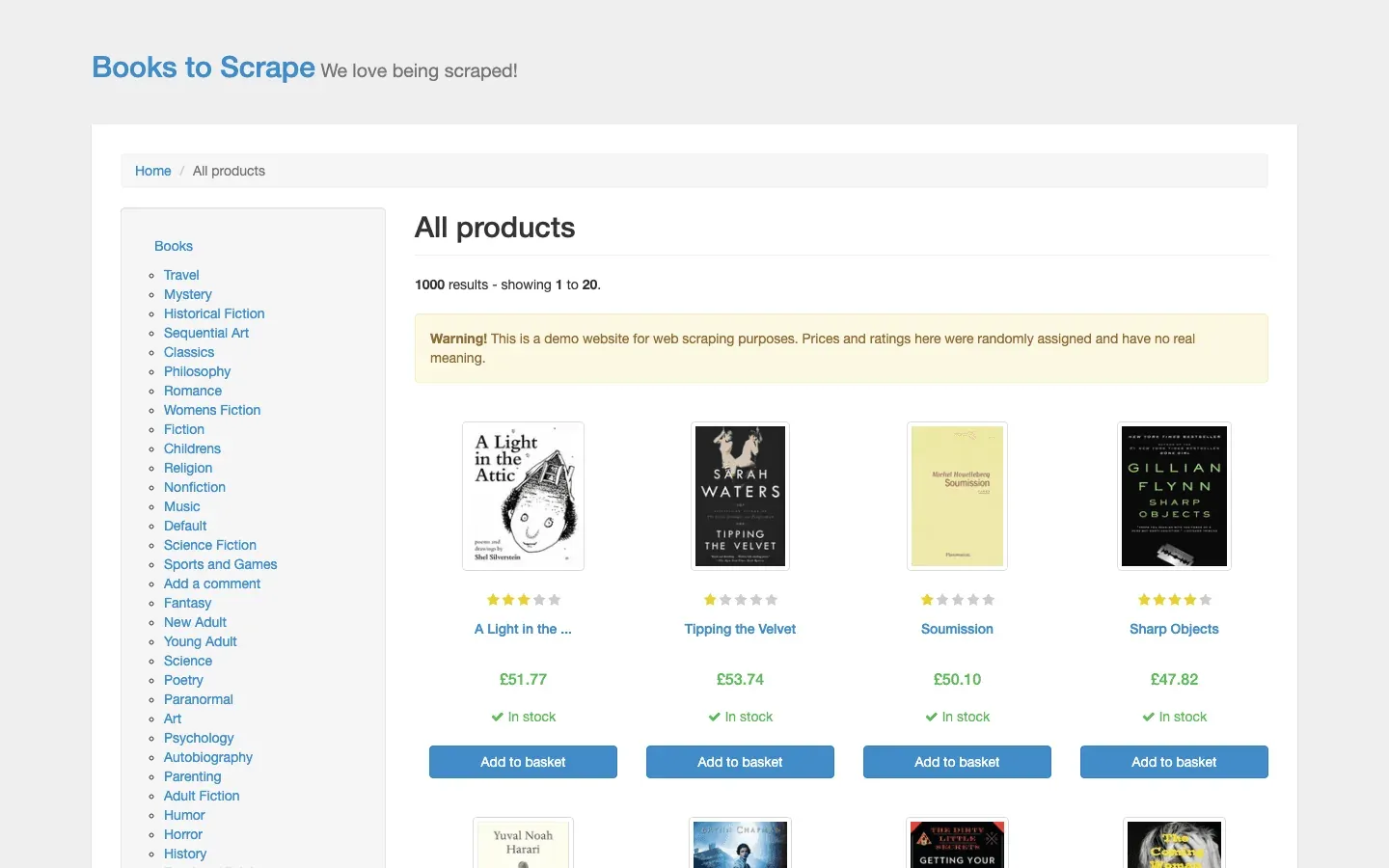 Books to Scrape is the “hello world” of web scraping. This fictional online bookstore is designed for beginners, but don’t let that fool you—it’s a great place to master the basics.
What you’ll find:
- Static HTML product listings: Titles, prices, ratings, and categories.
- Pagination: Practice scraping across multiple pages.
- Consistent structure: Makes it easy to learn selectors and loops.
Practice tasks:
- Extract all book titles and prices.
- Scrape ratings and availability.
- Handle pagination to get the full catalog.
This site is so popular in tutorials because it’s safe, predictable, and perfect for building confidence before you tackle the wild web (Proxyway).
4. HackerRank: Web Scraping Practice for Text and Algorithm Data
 HackerRank is where things get spicy. This coding challenge platform is loaded with:
- Dynamic content: Challenge descriptions, test cases, and leaderboards.
- User profiles: Stats, badges, and rankings.
- Login/authentication: Many pages require a user session.
Why it’s a great test site:
- Teaches you to handle login flows and session cookies.
- Exposes you to JavaScript-rendered content and AJAX.
- Perfect for practicing scraping of coding challenges, user stats, or contest results.
If you want to learn how to scrape sites that don’t play nice with simple HTTP requests, HackerRank is your proving ground.
5. Web Scraper Test: A Dedicated Web Scraping Test Site
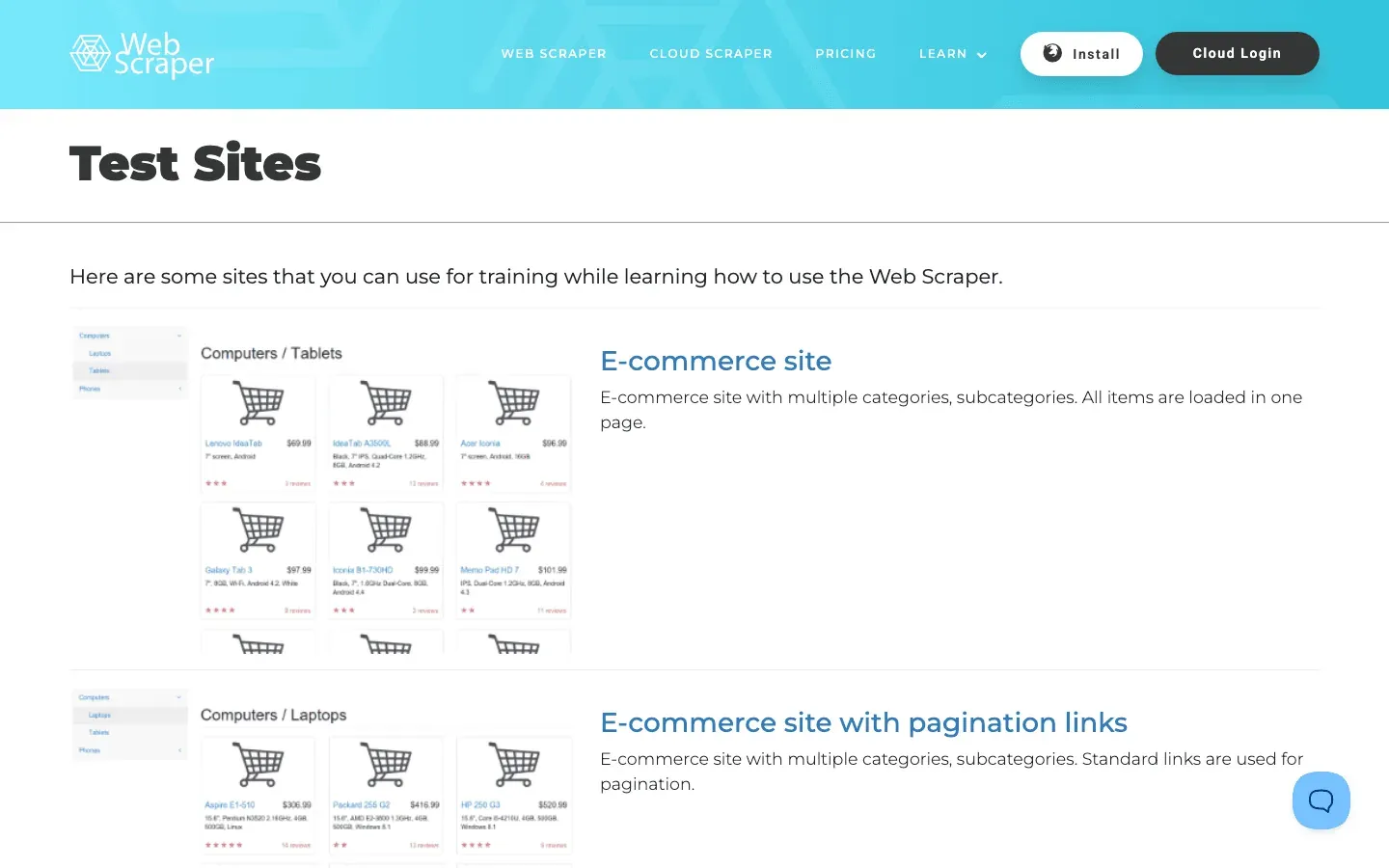 Web Scraper Test is built specifically for people like us—scraping enthusiasts who want to practice on purpose-built scenarios.
What’s inside:
- Ecommerce pages: Both static and AJAX-powered.
- Tables and nested categories: From simple lists to multi-level menus.
- Dynamic content: Test your scraper’s ability to handle JavaScript.
Why it’s awesome:
- No anti-bot measures—scrape away without fear.
- Lets you benchmark your tool’s performance on static vs. dynamic pages.
- Great for comparing how Thunderbit and other scrapers handle different site types (Firecrawl).
If you want a safe sandbox to push your scraper to the limit, this is the place.
6. eBay: Real-World Ecommerce Web Scraping Practice
 eBay is where web scraping meets the real world. With millions of product listings, it’s a favorite for practicing:
- Product data extraction: Titles, prices, images, seller info.
- Pagination and filtering: Scrape across categories or search results.
- Dynamic content: AJAX-loaded listings and reviews.
Challenges:
- eBay uses CAPTCHAs, rate limits, and dynamic HTML to block bots (Oxylabs).
- You’ll need to learn about proxies, user agents, and respectful scraping.
Business use case:
- Price monitoring, competitive analysis, and market research.
If you can scrape eBay, you’re ready for almost any ecommerce challenge.
7. Amazon: The Ultimate Ecommerce Web Scraping Test Site
 Amazon is the final boss of web scraping. Amazon itself sells around 12 million first-party SKUs, but the marketplace surfaces roughly 600 million listings once you include 588M+ third-party sellers — and Amazon defends that catalog with some of the toughest anti-bot infrastructure on the public web.
Practice tasks:
- Extract product details, prices, ratings, and reviews.
- Handle infinite scroll, dynamic elements, and nested data.
- Respect anti-bot measures: IP bans, request fingerprinting, and more (LiveProxies).
Why bother?
- Scraping Amazon teaches you advanced techniques like rotating proxies and browser automation.
- It’s the best way to practice for real-world ecommerce projects—just remember to scrape responsibly and respect Amazon’s terms.
Extract Amazon Product and Review Data Once you've practiced on test sites, point Thunderbit at a real Amazon listing and it extracts product and review data in one click. Get Started Free
8. Yelp: Practice Scraping Business Listings and Reviews
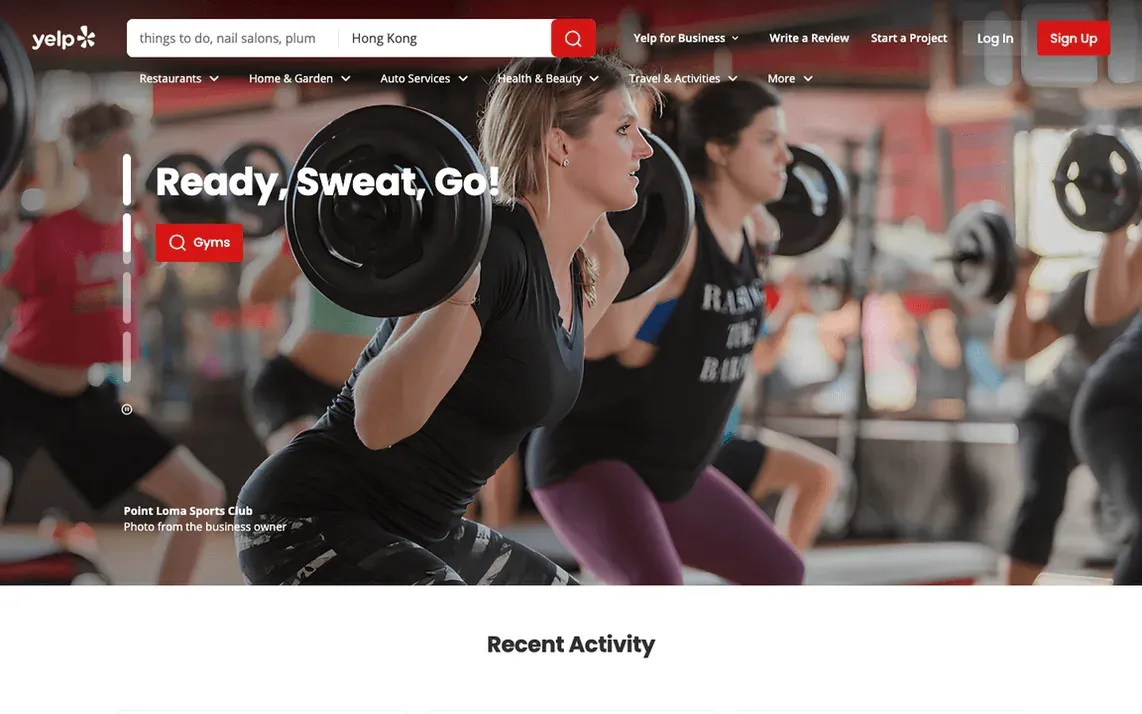 Yelp is a treasure trove for anyone interested in local business data, reviews, and ratings.
What you can scrape:
- Business names, categories, ratings, and addresses.
- User reviews (text, date, rating).
- Images and price levels.
Challenges:
- Yelp has ramped up anti-scraping defenses, including CAPTCHAs and API rate limits (Reddit).
- Best for practicing tool configuration and respectful scraping.
Business benefit:
- Local market research, lead generation, and sentiment analysis.
9. Stack Overflow: Scraping Q&A and Developer Insights
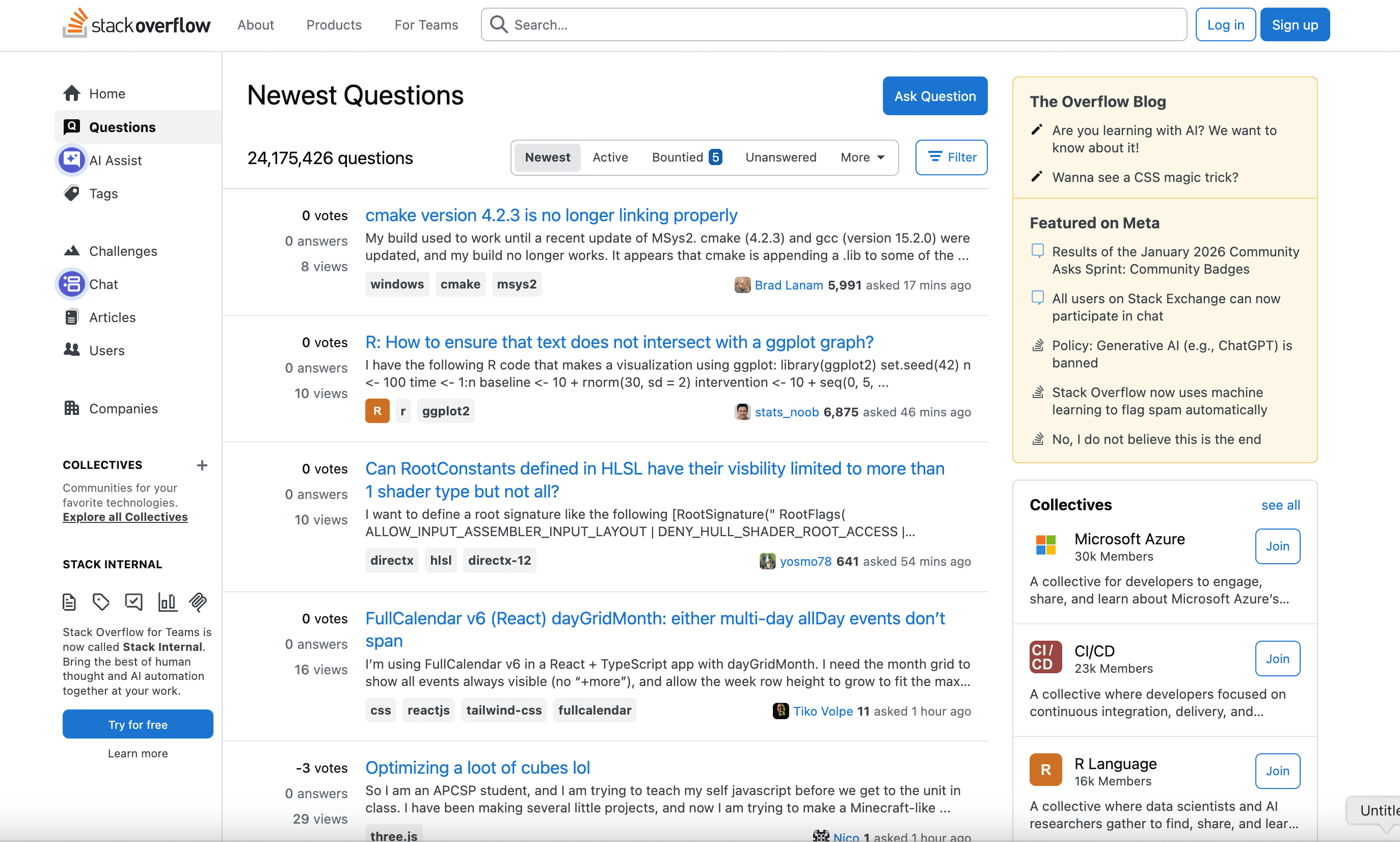 Stack Overflow is the world’s biggest Q&A site for developers—and a fantastic web scraping test site.
Practice opportunities:
- Scrape questions, answers, tags, and user profiles.
- Handle pagination and nested comments.
- Use the public API for responsible data access.
Why it’s useful:
- Teaches you to scrape forums and community sites.
- Great for building datasets for trend analysis or knowledge mining.
Stack Overflow is mostly static HTML, making it accessible for beginners, but its scale and structure offer plenty of advanced challenges.
10. Rotten Tomatoes: Scraping Movie Reviews and Ratings
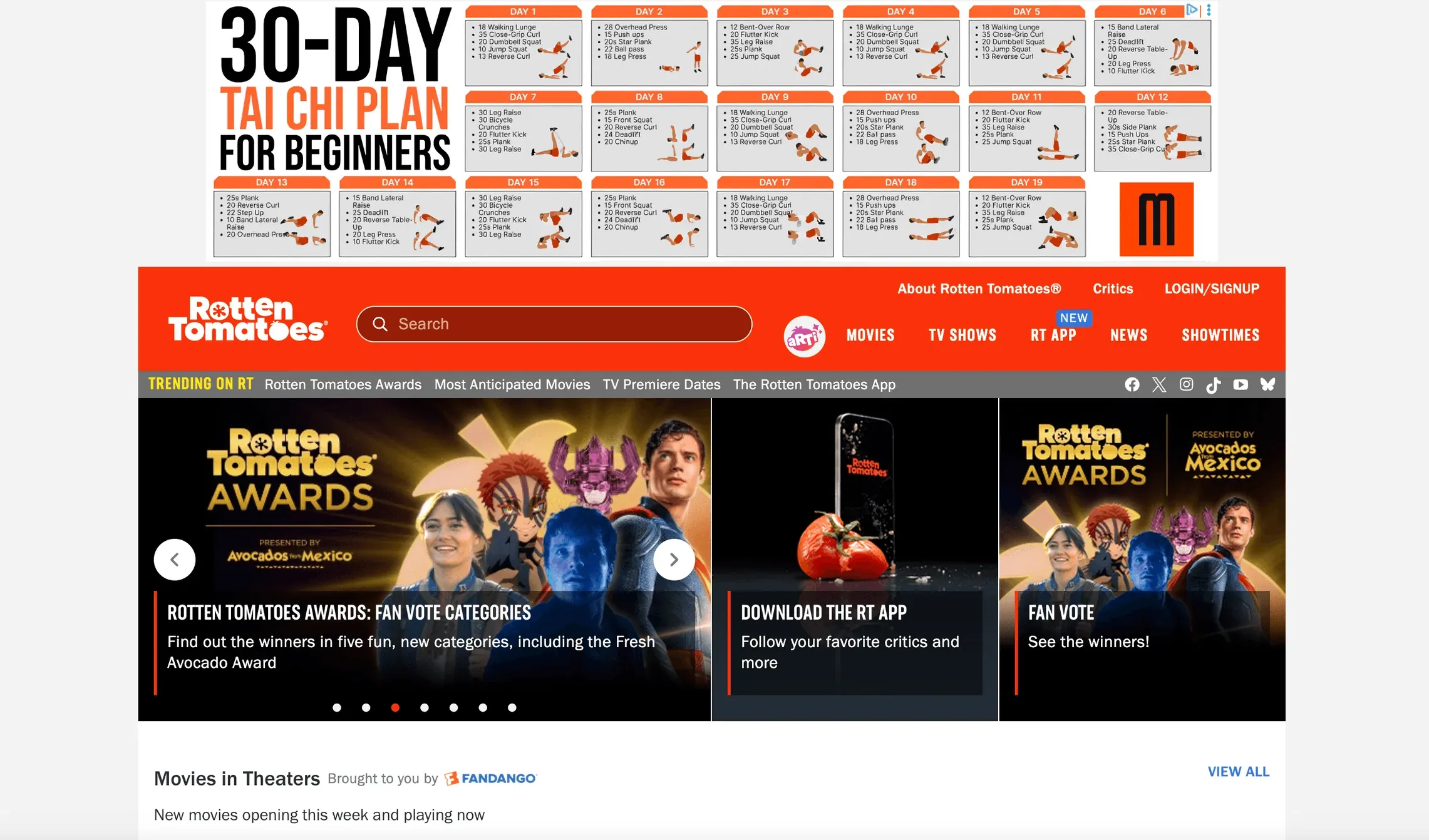 Rotten Tomatoes is the go-to site for movie ratings, critic reviews, and audience scores.
What you’ll find:
- Movie titles, critic/audience scores, and review snippets.
- Dynamic, AJAX-loaded content and hidden APIs.
- Some features require login or advanced scraping techniques (Reddit).
Practice tasks:
- Extract movie ratings and review snippets.
- Reverse-engineer API calls for JSON data.
- Handle dynamic content and anti-bot measures.
Rotten Tomatoes is a capstone challenge—if you can scrape it, you’re ready for almost any data extraction project.
Comparison Table: Web Scraping Practice Websites at a Glance
| Website | Data Types | Complexity | Anti-Scraping | Best Use Case |
|---|---|---|---|---|
| Thunderbit | Any (text, images, emails, phones, etc.) | All levels | N/A (tool, not a site) | Practice on any site, workflow tests |
| Codeforces | Tables, rankings, user stats | Medium | Low | Parsing structured data, contests |
| Books to Scrape | Titles, prices, ratings, categories | Low | None | Beginner ecommerce scraping |
| HackerRank | Challenges, user profiles, leaderboards | High | Login, JS-heavy | Dynamic content, authentication |
| Web Scraper Test | Products, tables, nested pages | Variable | None | Tool benchmarking, static/dynamic |
| eBay | Listings, prices, images, seller info | High | CAPTCHAs, rate limits | Real-world ecommerce, price tracking |
| Amazon | Products, reviews, images, prices | Very High | IP bans, fingerprinting | Advanced ecommerce scraping |
| Yelp | Businesses, reviews, ratings, images | High | CAPTCHAs, API limits | Local business data, reviews |
| Stack Overflow | Q&A, tags, user stats | Medium | Low, API available | Forum scraping, developer insights |
| Rotten Tomatoes | Movies, ratings, reviews, critics | High | AJAX, hidden API | Review analytics, dynamic content |
Conclusion: Level Up Your Skills with the Right Web Scraping Practice Websites
If you want to get good at web scraping, there’s no substitute for hands-on practice. The sites above offer a progression from beginner-friendly sandboxes to real-world, anti-bot battlefields. Start with something simple like Books to Scrape, then work your way up to dynamic giants like Amazon or Rotten Tomatoes.
Don’t forget: the tool you use matters as much as the site you practice on. Thunderbit is my top pick for business users and anyone who wants to move fast, automate workflows, and handle even the messiest websites. But whatever you choose, keep experimenting, keep learning, and always scrape responsibly—respect robots.txt, rate limits, and privacy.
Want to go deeper? Check out the Thunderbit Blog for more guides, or join a web scraping community to swap tips and challenges. The web is your playground—go scrape something amazing.
Try Thunderbit Agentic Web Scraper for Free Get Started Free
FAQs
1. Why should I practice web scraping on sample websites instead of real business sites?
Sample websites are designed for safe, legal practice. They let you build skills, test tools, and experiment without risking bans or legal issues. Once you’re confident, you can tackle real-world projects more responsibly.
2. What makes Thunderbit a good web scraping test site?
Thunderbit isn’t just a test site—it’s an AI-powered tool that lets you practice scraping on any website, from simple to complex. Its features like One Click Extract, subpage scraping, and instant exports make it ideal for both beginners and advanced users.
3. How do I handle anti-scraping measures on sites like eBay or Amazon?
Start by respecting rate limits and robots.txt. For tougher sites, you may need to use proxies, rotate user agents, or simulate browser behavior. Practicing on these sites helps you learn how to adapt your approach.
4. Are there legal risks to web scraping?
Always check a site’s terms of service and robots.txt. Stick to public, non-login pages for practice, and avoid scraping personal or sensitive data. When in doubt, use sample sites or official APIs.
5. What’s the best way to progress my web scraping skills?
Start with beginner sites like Books to Scrape, then move to structured data (Codeforces), dynamic content (HackerRank), and real-world challenges (Amazon, Yelp). Use tools like Thunderbit to automate and streamline your workflow, and keep learning from the community.
Happy scraping—and may your data always be clean, structured, and ready for action.
Learn More




