
The web doubles down on complexity every year, and the gap between "I need this data" and "I know how to get it" stays stubbornly wide. For a beginner, the first question is often simple: Do I really need to learn Python just to pull product prices off a website?
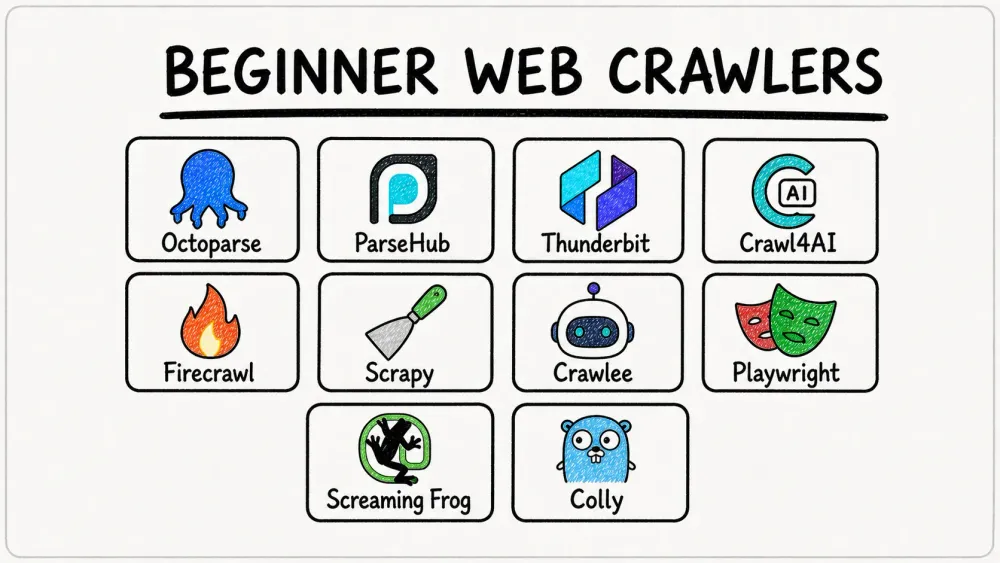
The answer, thankfully, is no. But the follow-up question—which tool should I actually use?—is where things get messy. There are no-code desktop apps, browser extensions, Python frameworks, Go libraries, SEO spiders, managed APIs, and open-source projects that blur the lines between all of the above. Ten prominent options available in 2026 stand out across the dimensions beginners actually care about: how much coding is required, how quickly you can reach usable data, whether the tool handles JavaScript-heavy sites, what you get for free, and which use case it genuinely fits. Whether you've never written a line of code or you're a junior developer looking for your first crawler framework, there is an appropriate starting point here.
How We Picked the Best Web Crawlers for Beginners
"Beginner" doesn't mean "non-technical." It means anyone who hasn't built a web crawling workflow before—and that includes people who are comfortable writing basic Python or JavaScript but have never wrangled a URL queue or dealt with a robots.txt file.
Each tool was evaluated across six dimensions that map directly to the questions beginners actually ask in forums:
- Coding Required — None, basic Python/JS, or intermediate+
- Setup Difficulty — Time from install to first usable data
- JavaScript Rendering — Can it handle SPAs and pages that load content dynamically?
- Free Tier Generosity — What do you get before paying anything?
- Output Formats — CSV, JSON, Excel, Google Sheets, etc.
- Best-Fit Use Case — The specific scenario where this tool shines for a beginner
The list spans three skill tiers: no-code (zero programming), intermediate (basic Python or JavaScript), and advanced beginner (Go or deeper framework knowledge). I've tried to be honest about where each tool excels and where it falls short—because picking the wrong crawler for your skill level is one of the fastest ways to waste an afternoon.
Pick Your First Web Crawler: A Quick Decision Flowchart
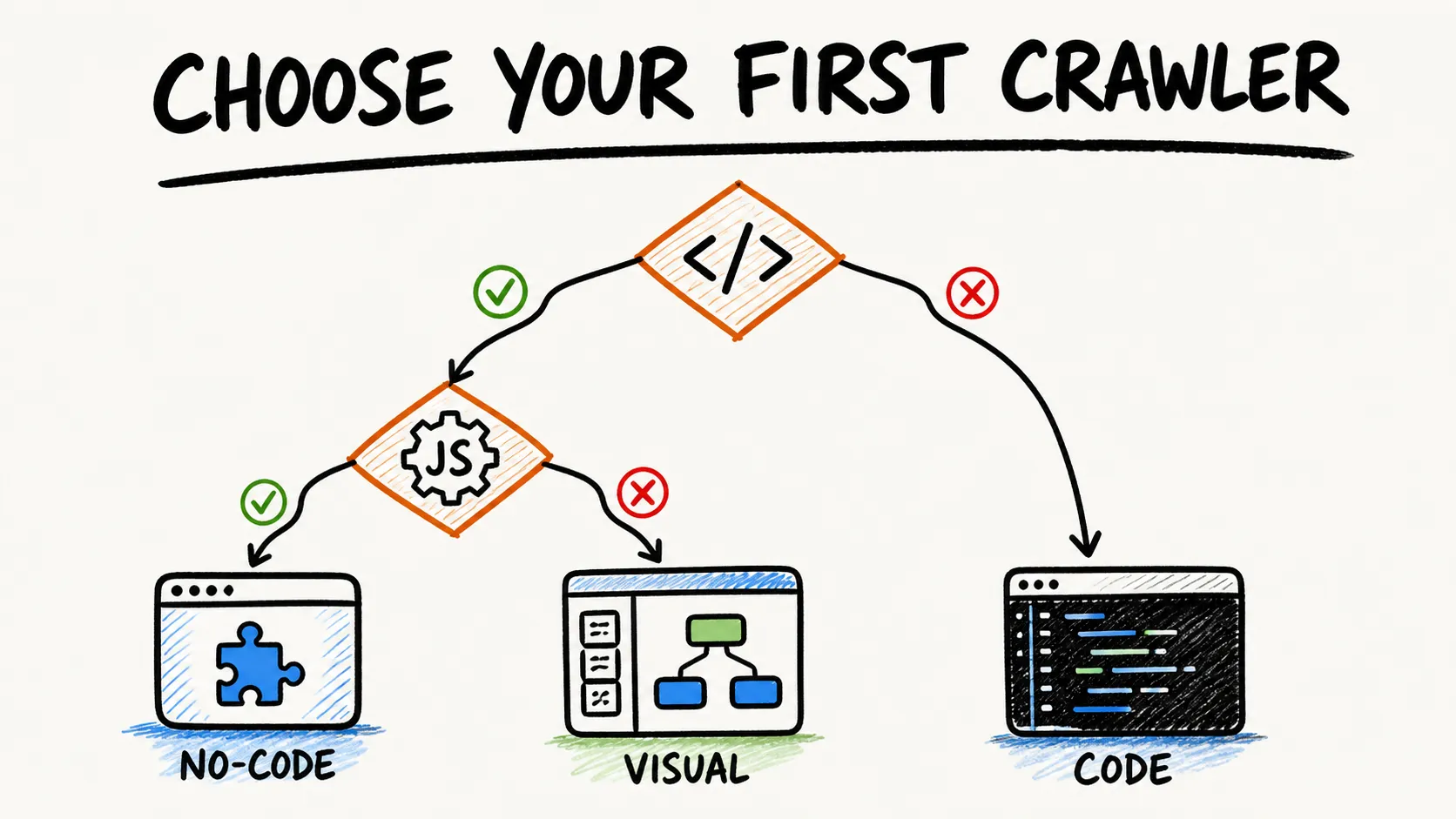
Before you scroll through ten tool reviews, answer three questions. The intersection points you to one or two tools that fit.
Question 1: What's your coding comfort level?
- None → Go to Question 2a
- Basic Python → Go to Question 2b
- JavaScript/TypeScript → Go to Question 2c
- Go → Colly
Question 2a (No code): What's your primary goal?
- General data extraction (product info, lead lists, research) → Thunderbit or Octoparse
- Complex multi-step flows (login, dropdowns, infinite scroll) → ParseHub or Octoparse
- SEO auditing → Screaming Frog
Question 2b (Python): What's your primary goal?
- AI/LLM pipeline (RAG, chatbot training) → Crawl4AI or Firecrawl
- Large-scale structured crawling of mostly static sites → Scrapy
- Browser automation on JS-heavy sites → Playwright (but plan to build your own crawl logic)
Question 2c (JavaScript/TypeScript): What's your primary goal?
- Modern SPA crawling with anti-blocking → Crawlee
- Complex browser interaction (login, clicks, screenshots) → Playwright
- Clean markdown for AI ingestion → Firecrawl (via API/SDK)
Budget filter: If you need $0 software and can self-host, the open-source tools here (Scrapy, Crawlee, Crawl4AI, Playwright, and Colly) have no vendor-imposed page quota, although compute, bandwidth, storage, maintenance, and target-site constraints still apply. If you cannot self-host, Octoparse, ParseHub, Thunderbit, Firecrawl, and Screaming Frog each offer a free path with different caps.
This flowchart alone could save you hours of tab-switching. Bookmark it.
Best Web Crawlers for Beginners at a Glance
Here's the full comparison table. "Coding Required" tells you what language (if any) you'll need. "JS Rendering" tells you whether the tool can handle pages that load content via JavaScript. "Free Tier" summarizes what you get at $0. Detailed reviews follow below.
| Tool | Skill Level | Coding Required | JS Rendering | Free Tier | Best For |
|---|---|---|---|---|---|
| Octoparse | Beginner | None | ✅ Built-in | Free plan: 10 tasks, local-only, 10K rows/export | Point-and-click scraping of structured sites |
| ParseHub | Beginner | None | ✅ Built-in | 5 public projects, 200 pages/run, 14-day retention | Complex multi-page flows without code |
| Thunderbit | Beginner | None | ✅ Via browser | Free tier (verify current limits) | AI-assisted extraction from the page you're on |
| Crawl4AI | Intermediate | Python | ✅ Chromium | Open source (self-hosted) | LLM-ready crawling for RAG pipelines |
| Firecrawl | Intermediate | API/SDK | ✅ Managed | 1,000 credits/month (cloud) | Clean markdown output for AI ingestion |
| Scrapy | Intermediate | Python | ⚠️ Needs plugin | Open source (BSD) | Large-scale, customizable HTTP crawl projects |
| Crawlee | Intermediate | JS/TS or Python | ✅ Via Playwright | Open source (Apache) | Modern JS crawling with anti-blocking |
| Playwright | Intermediate | Python/JS/Java/.NET | ✅ Native | Open source (Apache) | Browser automation + JS-heavy site interaction |
| Screaming Frog | Beginner | None | ✅ (paid only) | 500 URLs/crawl (free forever) | SEO auditing and technical site analysis |
| Colly | Advanced beginner | Go | ⚠️ None built in | Open source (Apache) | Fast, lightweight concurrent HTTP crawling |
Now, the detailed breakdowns.
1. Octoparse
Octoparse is a no-code desktop task builder with optional paid cloud execution. You paste a URL, let Auto-detect identify repeated data fields and navigation patterns, review the preview, then run the task locally. The visual workflow editor supports loops, branches, pagination, infinite scroll, AJAX, forms, and dropdowns—though dynamic flows sometimes need manual timing adjustments.
Key features:
- Auto-detect for data fields and page navigation
- Built-in JavaScript rendering via its internal browser
- Hundreds of pre-built templates for common sites
- Editable workflows with custom loops, branches, and selector controls
- Exports to Excel, CSV, HTML, JSON, XML, Google Sheets, and databases (plan-dependent)
Pricing: A limited free tier supports local runs. Cloud execution, scheduling, IP rotation, and API access require a paid plan. Check current pricing before committing because plan limits change.
Best for: Beginners who want recurring, structured extraction from e-commerce, directories, or listing sites—without writing code. Less ideal if you need browser-extension convenience or LLM-ready output formats.
2. ParseHub
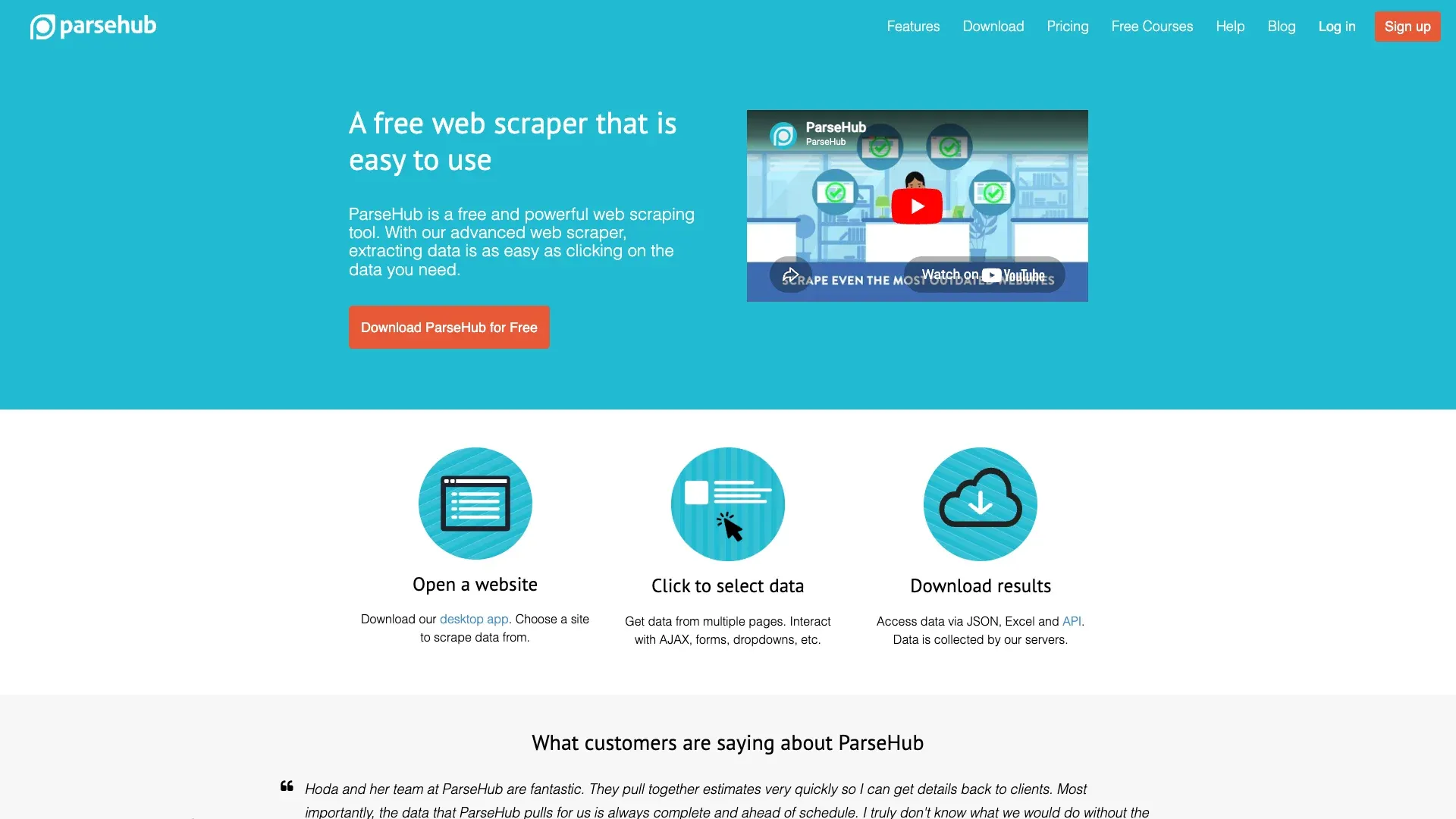
ParseHub is a downloadable visual extractor for Windows, macOS, and Linux (via AppImage). Its command-tree interface models selections, clicks, form inputs, scrolls, and page templates. It supports AJAX/JavaScript, dropdowns, tabs, pop-ups, pagination, login forms, and infinite scroll.
Key features:
- Visual command tree for multi-step extraction flows
- Handles AJAX, JavaScript, dropdowns, tabs, and infinite scroll
- Cross-platform desktop app (Windows, macOS, Linux)
- API access for programmatic data retrieval
- CSV and JSON exports
Pricing: Free and paid tiers are available. A billable "page" may be a URL or a dynamic content load triggered by a click or scroll, so a page allowance does not always equal the same number of URLs. Verify the current project, run, and retention limits before choosing a plan.
Privacy caveat: Do not put production credentials into a third-party crawler until you have reviewed how the tool stores login inputs and project data. Use a restricted test account for evaluation.
Best for: Beginners who need to scrape dynamic, multi-step websites (sites with complex navigation, dropdowns, or scroll-based loading) without writing code.
ParseHub vs. Octoparse: Key Differences
Both are no-code desktop tools that handle JavaScript. ParseHub's command-tree model gives you more explicit control over multi-step flows—useful for complex navigation, but a steeper on-ramp for simple tasks. Octoparse's Auto-detect is faster for straightforward structured sites and offers more generous export limits on the free plan. If your target site is mostly tables and lists, start with Octoparse. If you need to model a series of clicks, form fills, and conditional navigation, ParseHub's approach may be clearer.
3. Thunderbit
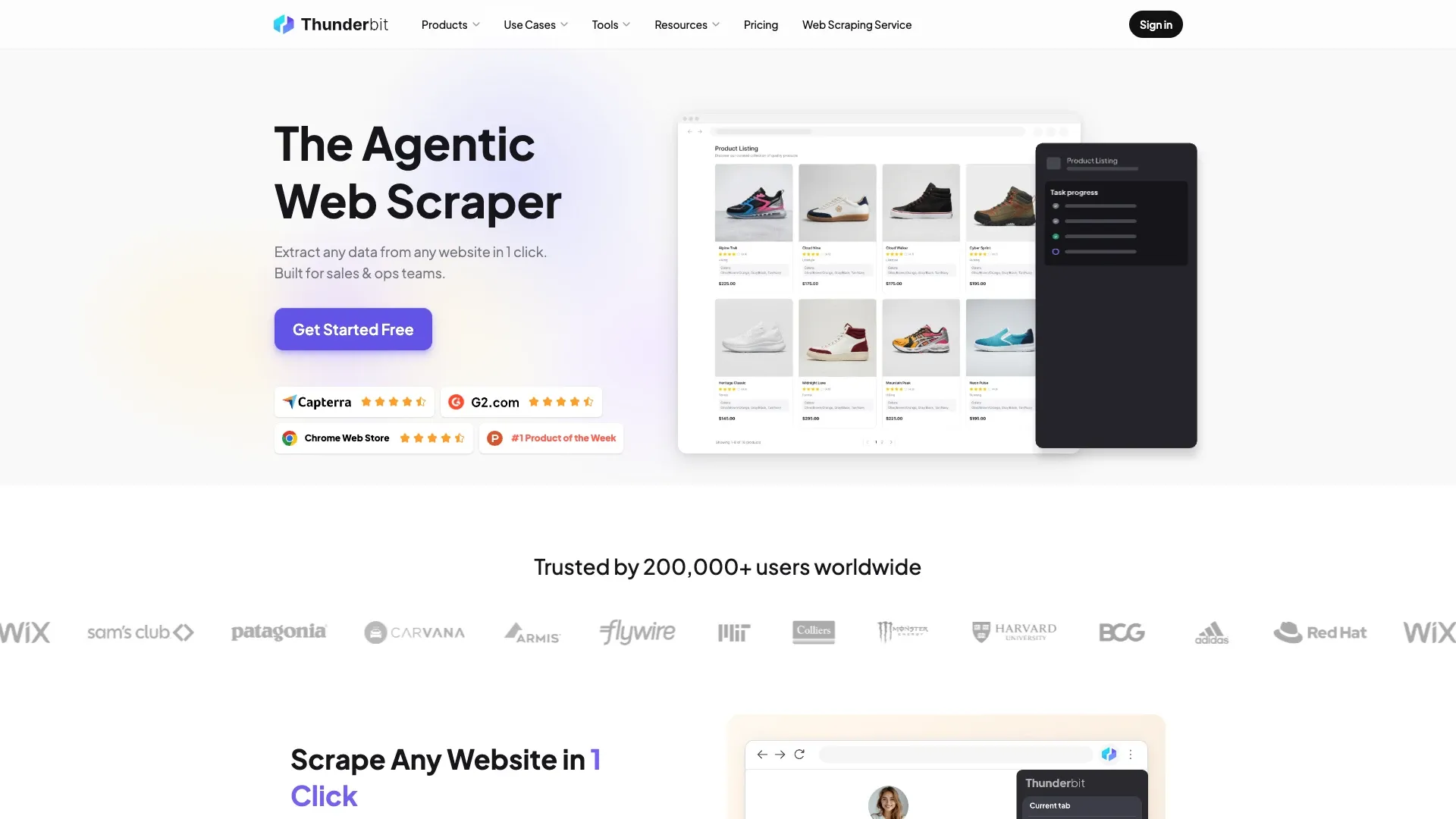
Thunderbit is an agentic web scraping browser extension for Chrome and Edge, built for non-technical business users who want to extract data from the page they're already viewing. (Full disclosure: I work at Thunderbit, so I'll be straightforward about both strengths and limitations.)
Key features:
- One Click Extract auto-detects columns based on the page content
- Field-level AI prompts for categorization, translation, formatting, and normalization during extraction
- Exports to Excel/CSV, Google Sheets, Airtable, and Notion
- Browser Mode works with the user's rendered session, handling JavaScript-loaded content on compatible pages
- No software installation beyond the browser extension
Pricing: Free tier currently includes 6 pages/month with a max of 30 credits per page. Starter ($15/month or $9/month billed yearly) adds pagination, subpage scraping, bulk scraping, enrichment, pre-built scrapers, and schedules. Check current pricing here.
Limitations worth knowing: Thunderbit is page/schema-oriented, not a full-domain discovery spider. Pagination and subpage scraping are Starter features, not Free. AI-suggested fields should always be reviewed before running a scrape—the suggestions are good, but not infallible.
Best for: Sales, operations, and research teams who need structured data from the page open in their browser, with AI assistance to skip manual field configuration. If you're looking for a quick way to pull a table, list, or set of records from a compatible page and export it to a spreadsheet, this is the fastest path I know of.
For more on how AI-assisted extraction works in practice, see our guide on AI web scraping.
Skip the Code, Start in One Click Thunderbit's agentic web scraper reads any page and picks the fields itself, no code required — a good first crawler for beginners. Get Started Free
4. Crawl4AI
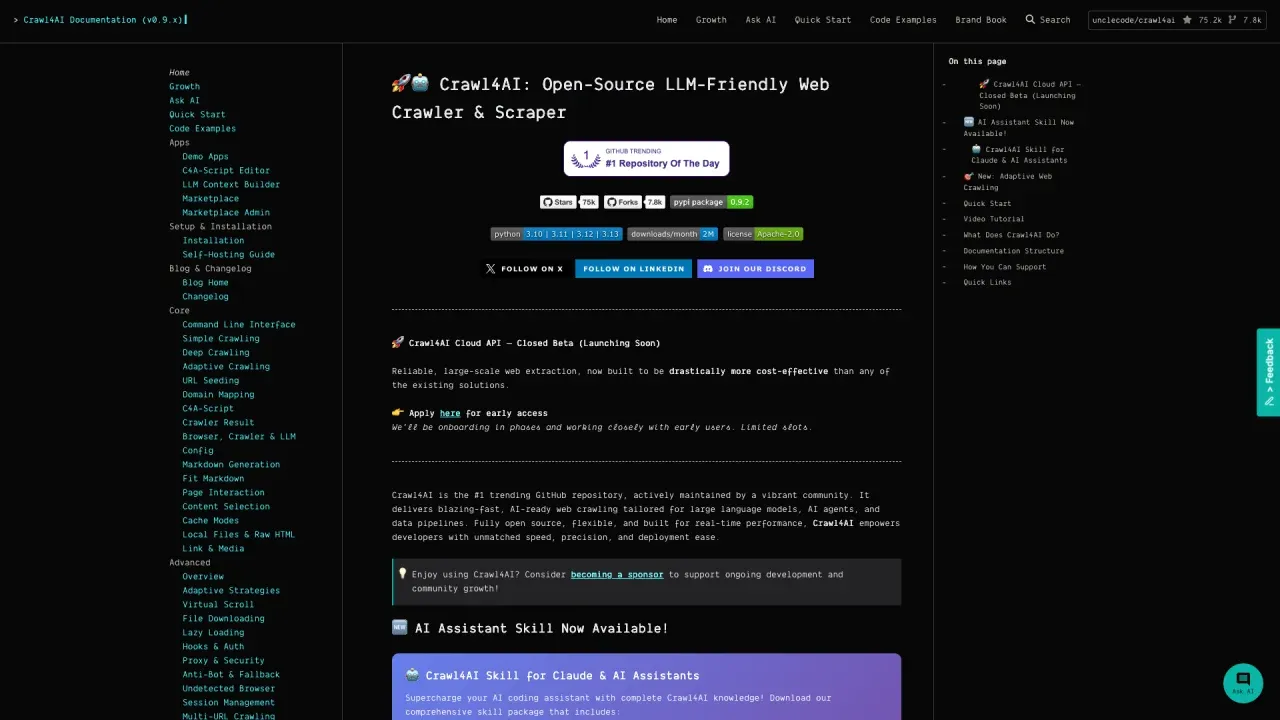
Crawl4AI is an open-source, browser-first Python crawler designed to produce clean output for LLM workflows. It outputs raw and clean HTML, multiple Markdown variants, structured extracted content, links, media, tables, screenshots, PDFs, and MHTML.
Key features:
- AsyncWebCrawler with Chromium/Playwright under the hood
- Multiple output formats optimized for RAG pipelines and agent workflows
- Adaptive crawling that evaluates coverage, consistency, and saturation to prioritize relevant links and stop when enough information has been gathered
- Optional LLM extraction using local providers (Ollama) or cloud APIs
- Apache-2.0 license with an additional attribution requirement
Pricing: Fully open source—no per-page fee. You host the infrastructure and pay for any LLM inference (local or cloud).
Limitations: Requires Python async knowledge and browser dependencies. Extraction quality depends on the LLM used (if any). The adaptive crawler prioritizes relevant links using information-sufficiency signals—it doesn't permanently learn or self-heal CSS selectors.
Best for: Intermediate Python users building AI data pipelines who want full control and zero per-request vendor costs.
5. Firecrawl
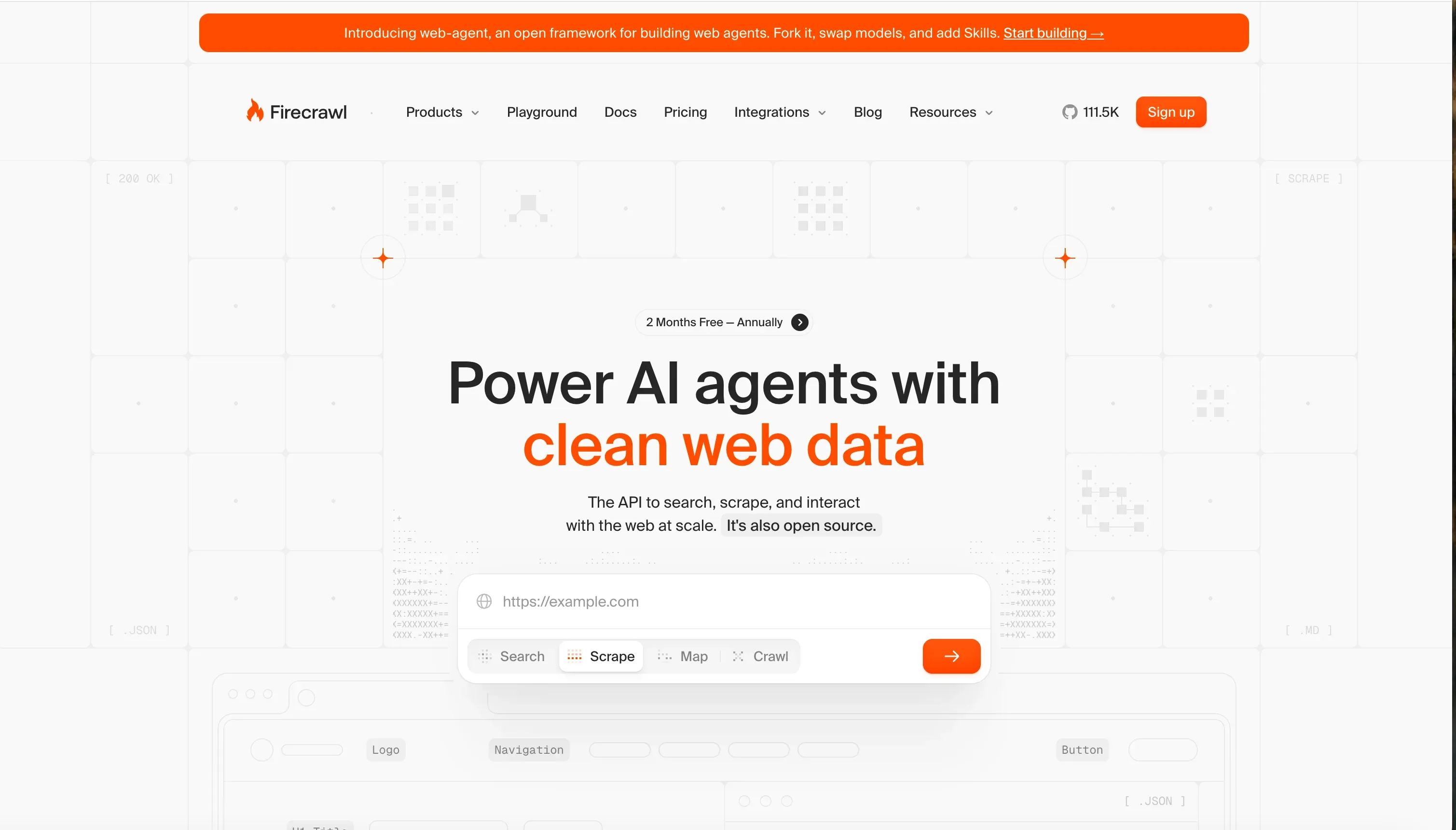
Firecrawl is a managed web-data API (with SDKs for Python and Node.js) and an AGPL-licensed self-hosted codebase. Its cloud service handles JavaScript rendering and returns Markdown, summaries, HTML, links, images, screenshots, JSON, and change tracking.
Key features:
/crawlendpoint with path filters, discovery depth, sitemaps, limits, delays, and concurrency controls- Automatic JavaScript rendering on the managed cloud
- Multiple output formats including clean Markdown
/mapendpoint for rapid site-structure discovery- Browser/Interact and beta agent paths for multi-step interaction (separate from basic crawl)
Pricing: Cloud Free is 1,000 credits/month with two concurrent requests and low rate limits. Paid plans are credit/concurrency-based—check the pricing page for current numbers. Self-hosting moves infrastructure and maintenance to you and doesn't include all managed cloud features.
Limitations: Basic /crawl recursively discovers URLs via links and sitemaps, but it doesn't guarantee arbitrary click-based pagination handling. Credit costs vary by operation type. Self-hosted and cloud feature sets differ.
Best for: Intermediate users who need to feed website content into LLMs, chatbots, or knowledge bases and want a managed service rather than self-hosting a browser stack.
Firecrawl vs. Crawl4AI: Which One for AI Pipelines?
Firecrawl excels at managed Markdown conversion with a clean API—you send a URL, you get structured output. Crawl4AI excels at local-first operation where you control the browser and optional LLM. If you want minimal infrastructure management, Firecrawl's cloud is the easier path. If you want full self-hosting without a vendor page fee and are comfortable with Python async, Crawl4AI gives you more control.
6. Scrapy
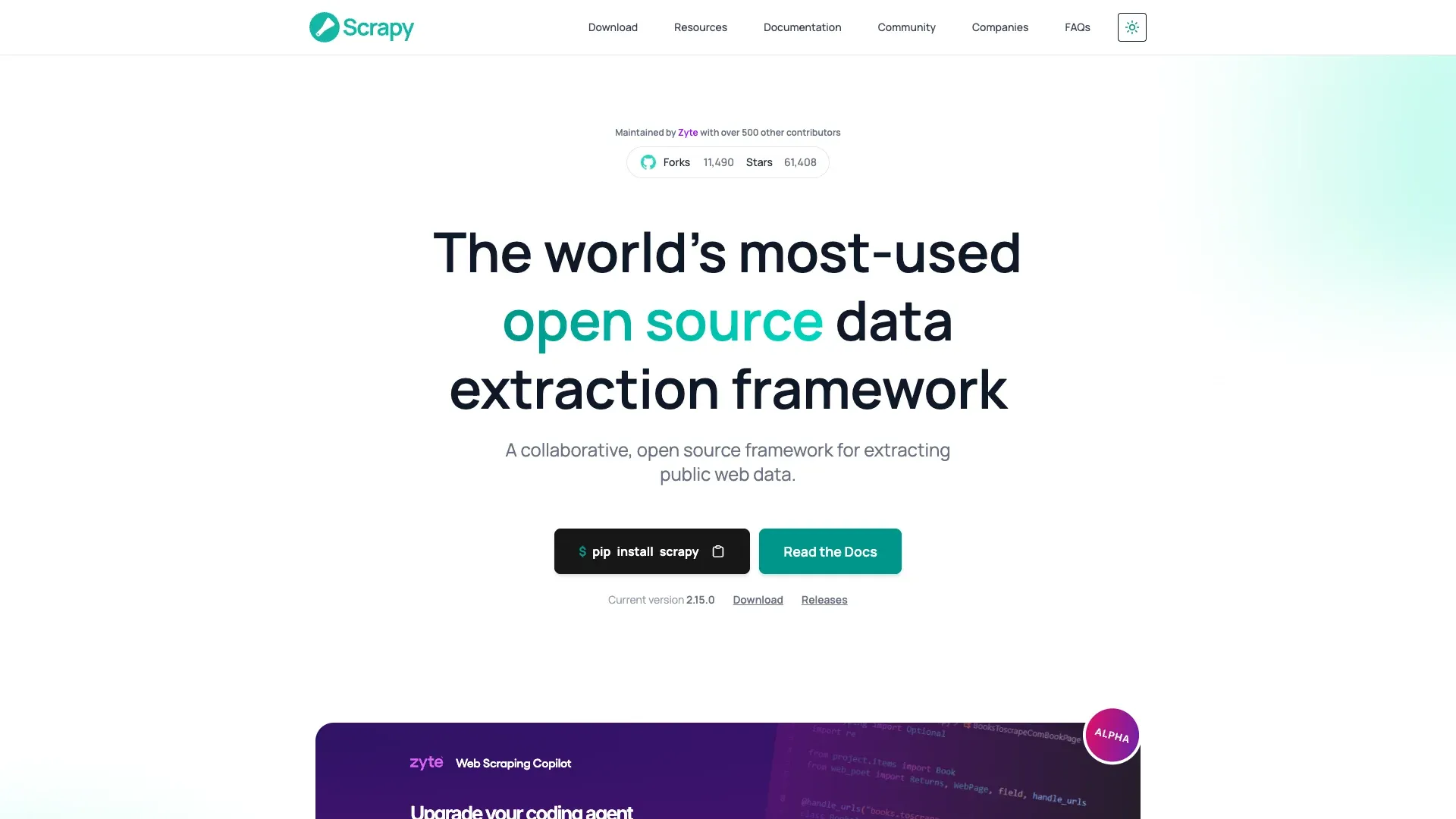
Scrapy is the long-standing BSD-licensed Python crawling and scraping framework, built on the Twisted async engine. It provides request scheduling, link following, deduplication, middleware, retries, throttling, pipelines, and feed exports to JSON, JSON Lines, CSV, XML, pickle, and marshal.
Key features:
- Asynchronous request handling suitable for large, carefully bounded crawls
- Extensive middleware ecosystem (proxies, retries, throttling, custom headers)
- Structured pipeline architecture for data cleaning and storage
- Massive community, documentation, and third-party extensions
- Fully open source (BSD license)
Limitations: No native JavaScript rendering. Official dynamic-content guidance recommends finding the underlying data source when possible or integrating a browser/rendering component deliberately (e.g., scrapy-playwright). The architecture—spiders, middleware, item pipelines, settings—has a real learning curve.
Pricing: Free. You host it.
Best for: Intermediate Python users who need to crawl large, mostly static or server-rendered websites at scale.
Getting Started with Scrapy: Annotated Quickstart
Here's the minimum path from install to first data:
pip install scrapy
scrapy startproject beginner_crawl
cd beginner_crawl
scrapy genspider example example.com
Open beginner_crawl/spiders/example.py and edit it:
import scrapy

class ExampleSpider(scrapy.Spider):
    name = "example"
    allowed_domains = ["example.com"]       # Stay on this domain only
    start_urls = ["https://example.com"]    # Seed URL

    custom_settings = {
        "ROBOTSTXT_OBEY": True,            # Respect robots.txt
        "DOWNLOAD_DELAY": 2,               # Wait 2 seconds between requests
        "CLOSESPIDER_PAGECOUNT": 10,       # Stop after 10 pages (safety cap)
        "USER_AGENT": "Beginner-Crawl-Bot (+https://yoursite.com/bot-info)",
    }

    def parse(self, response):
        yield {
            "title": response.css("title::text").get(),
            "url": response.url,
        }
        # Follow links on the page (within allowed_domains)
        for link in response.css("a::attr(href)").getall():
            yield response.follow(link, callback=self.parse)
Run it:
scrapy crawl example -o output.json
Test your selectors first with scrapy shell "https://example.com" before scaling up. Setup time varies depending on your Python experience—don't expect ten minutes if you're new to virtual environments and terminal commands.
7. Crawlee
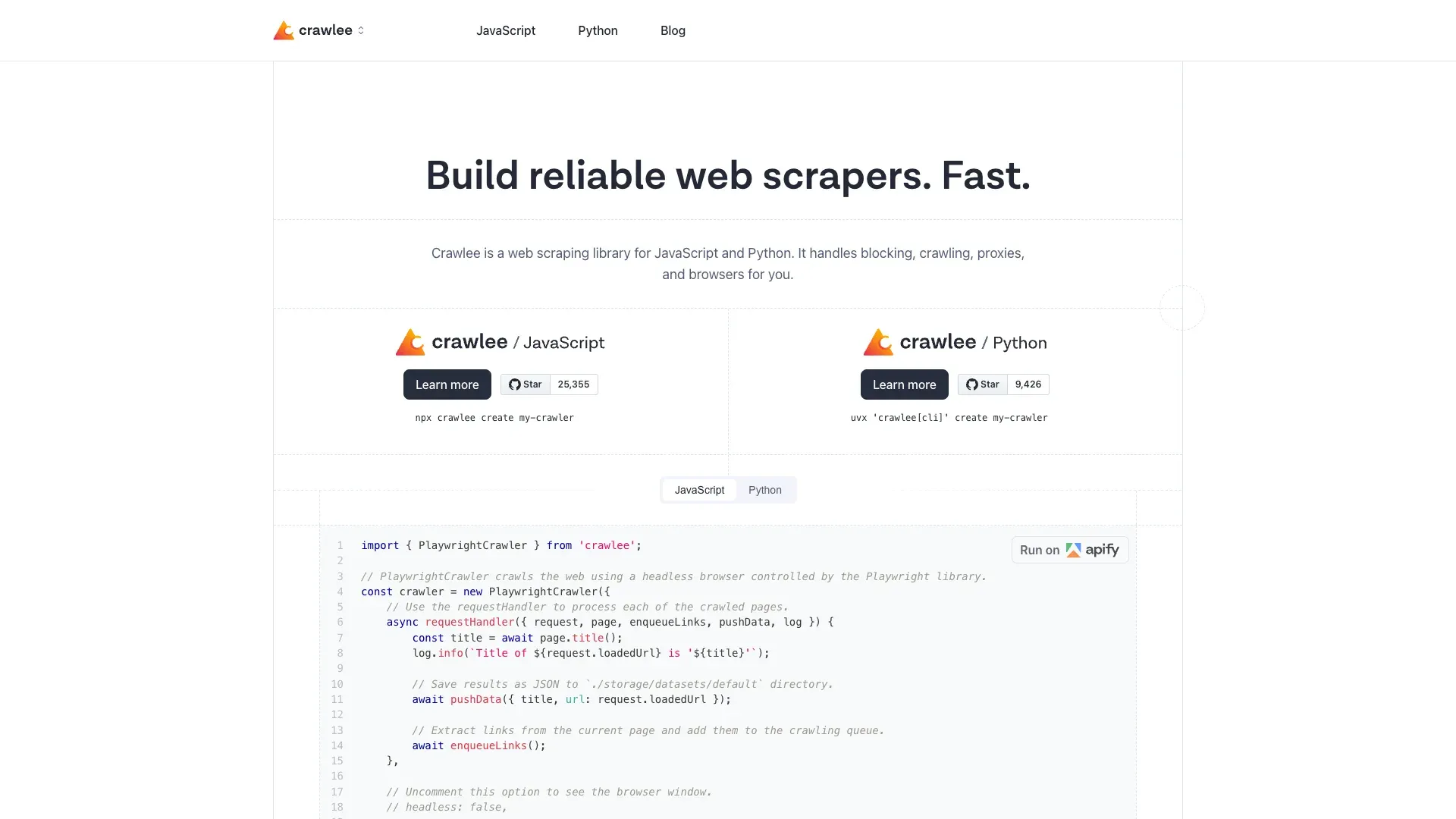
Crawlee is an Apache-licensed crawler library for JavaScript/TypeScript and Python, maintained by Apify. It offers HTTP-only classes (like CheerioCrawler) plus Playwright/Puppeteer browser crawlers, request queues, datasets, session handling, retries, and bounding controls.
Key features:
- Choose HTTP-first (CheerioCrawler) or full browser (PlaywrightCrawler) per project
- Built-in request queue, deduplication, and dataset storage
- Session management, browser fingerprints, retries, and request-boundary controls
- TypeScript-first with stable Python support
- Official quickstart recommends HTTP-first when HTML contains the data
Pricing: Free. Open source, self-hosted.
Limitations: Requires JavaScript/TypeScript or Python knowledge. Less community documentation than Scrapy. Anti-blocking features do not establish authorization or guarantee access—they reduce detection risk but don't make unauthorized crawling permissible.
Best for: Intermediate JavaScript developers who need to crawl modern SPAs and JS-rendered sites with built-in queue management and anti-blocking.
Crawlee Quickstart: From Install to First Data
npx crawlee create my-crawler
cd my-crawler
Select the Playwright template when the setup prompt appears.
Edit the handler in src/routes.ts to extract what you need, then:
npm start
Results land in the local dataset directory as JSON. Add maxRequestsPerCrawl, depth limits, same-domain rules, and a reasonable concurrency cap before scaling beyond a test run.
8. Playwright
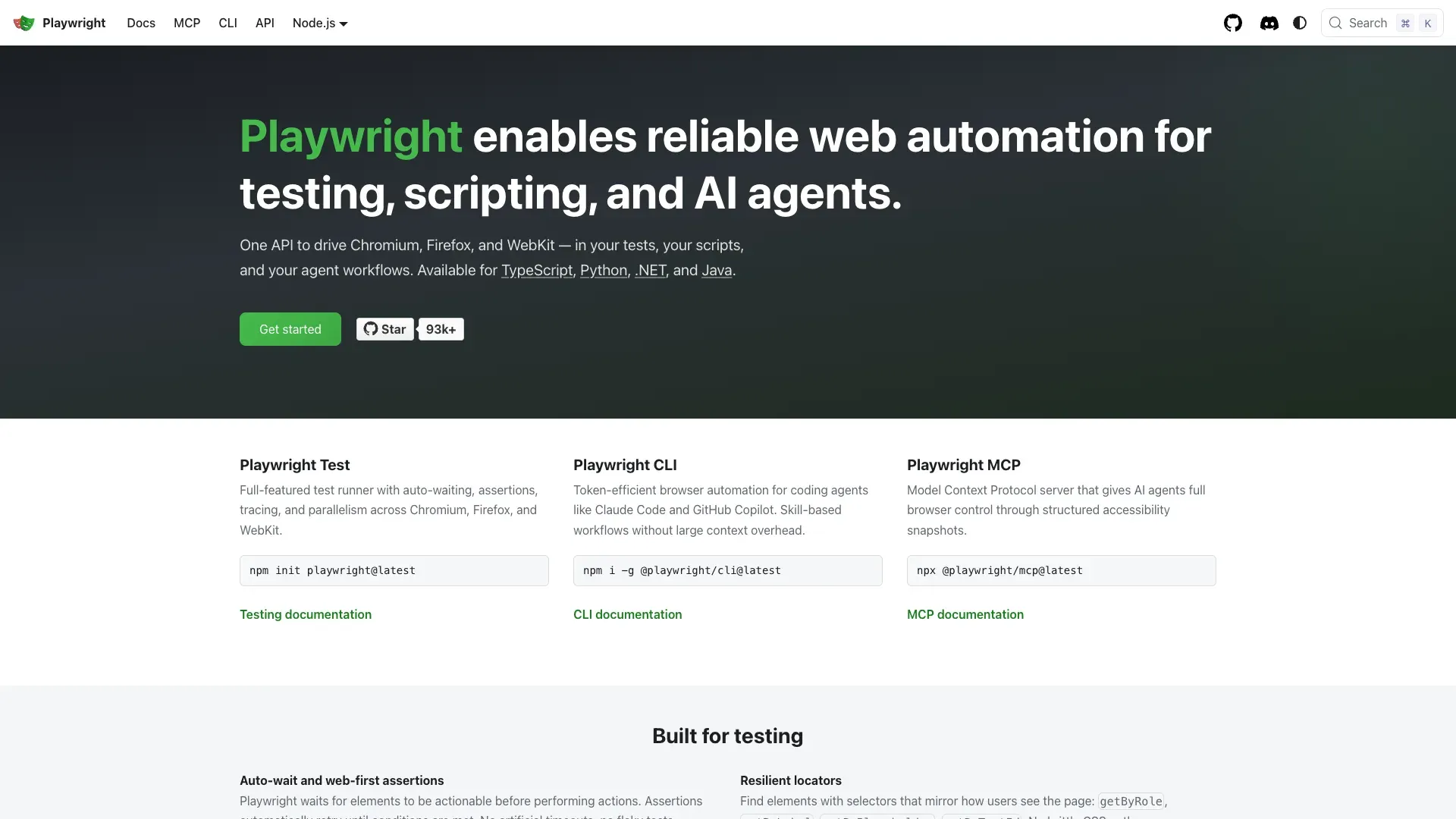
Playwright is Microsoft's Apache-licensed browser automation framework supporting Python, Node.js, Java, and .NET. It drives real Chromium, Firefox, and WebKit browsers—making it excellent for pages that load content via JavaScript, require login flows, or involve complex interactions.
Key features:
- Native real-browser rendering across three engines
- Handles SPAs, login flows, clicks, form fills, file downloads, screenshots, and PDFs
- Cross-language support (Python, JS/TS, Java, .NET)
- Excellent documentation and active development
- Network interception and request mocking
What Playwright is not: A complete crawler. It does not provide a native URL frontier, deduplication queue, politeness policy, retry model, or data-feed exporter. You build those pieces yourself—or combine Playwright with a framework like Crawlee that provides them.
Pricing: Free. Open source.
Best for: Intermediate developers who need to automate browser interactions on JS-heavy or login-protected sites and are comfortable building their own crawl logic around it.
9. Screaming Frog
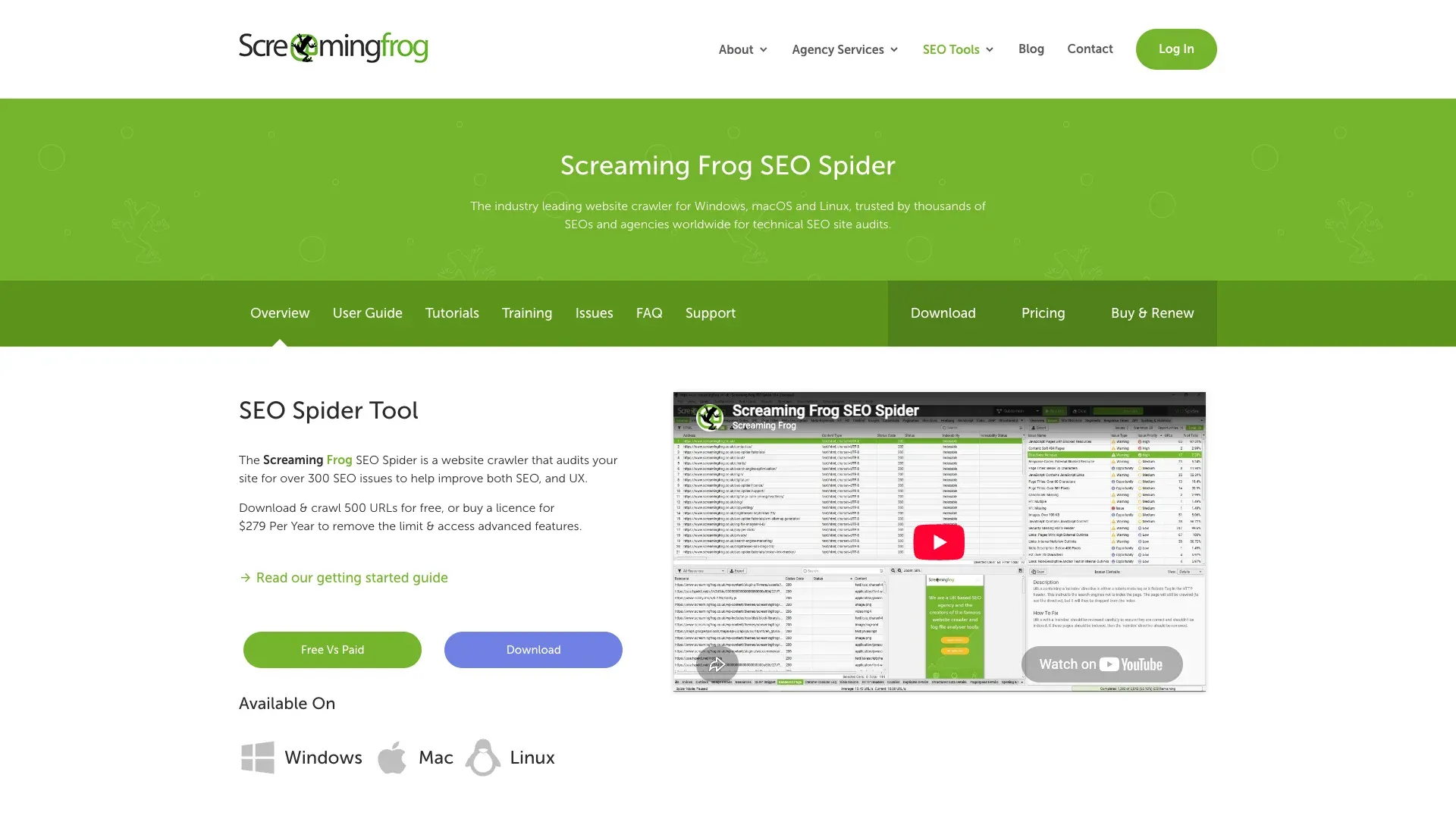
Screaming Frog SEO Spider is a desktop technical SEO crawler for Windows, macOS, and Linux. It's not a general-purpose data extraction tool—it's the go-to crawler for SEO auditing, identifying broken links, redirect chains, duplicate content, missing metadata, and hundreds of other technical SEO issues.
Key features:
- Crawls up to 500 URLs for free (permanent, not a trial)
- Identifies broken links, redirect chains, duplicate content, missing metadata
- Detailed tabs for page titles, meta descriptions, headings, images, and more
- Paid version adds JavaScript rendering, crawl saving, custom extraction, GA/GSC integration, and AI integrations (OpenAI, Gemini, Anthropic, Ollama)
Pricing: Free version is permanent at 500 URLs/crawl but excludes JavaScript rendering, advanced configuration, custom extraction, and integrations. A license is £199 / $279 / €245 per user per year.
Limitations: Steep learning curve for non-SEO users. Consumes local device resources (memory-bound for large sites). No monthly plan option. Not designed for general data extraction—it's an audit tool.
Best for: Beginners focused on SEO auditing and technical site analysis. If you need to extract product data or build lead lists, look elsewhere.
10. Colly
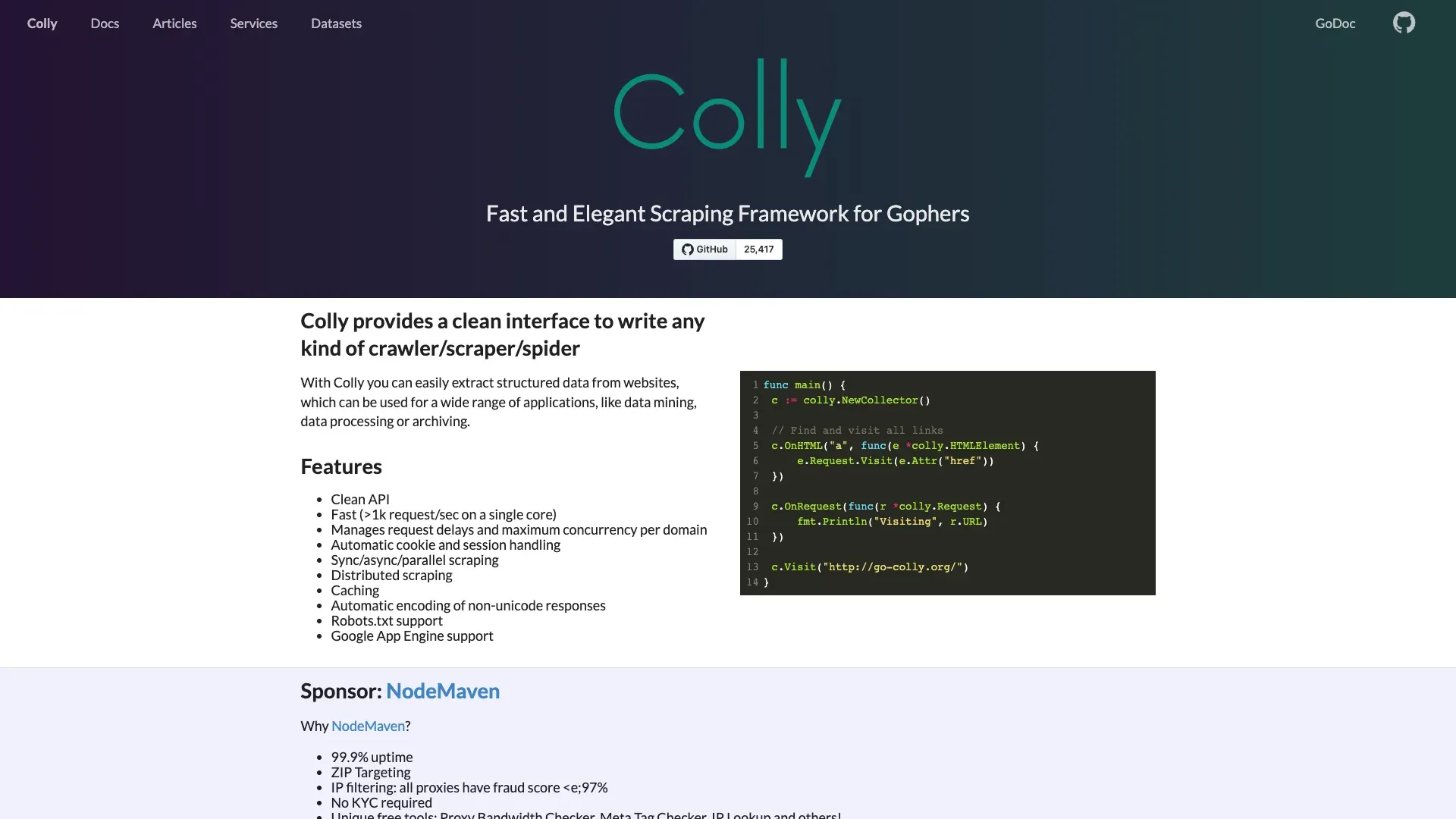
Colly is an Apache-licensed Go HTTP crawler/scraper framework with a callback-based API, concurrency controls, sessions/cookies, queues, caching, and replaceable storage backends.
Key features:
- Fast concurrent HTTP crawling with low resource usage
- Clean, callback-driven API
- Built-in cookie/session handling and caching
- Domain-level rate limiting via LimitRule
- Current install:
go get github.com/gocolly/colly/v2
Critical beginner caveat: Colly's current source initializes IgnoreRobotsTxt = true by default. You must explicitly set it to false and configure LimitRule with appropriate delay and parallelism. Without these steps, Colly will ignore robots.txt and can easily overload a target server.
Pricing: Free. Open source.
Limitations: Requires Go programming knowledge. No built-in JavaScript renderer or universal feed exporter—you serialize output yourself. Smaller community than Python-based tools.
Best for: Advanced beginners who know Go and need a fast, lightweight HTTP crawler for static sites or APIs—provided they configure robots and rate limits explicitly.
Free Tier Comparison: What You Actually Get Before Paying
This is the table cost-sensitive beginners are looking for. Every tool below is split into two categories: freemium products (capped but zero infrastructure) and open-source tools (unlimited pages but you host everything).
Freemium / Desktop Free Tiers
| Tool | Free Limit | Project/Task Cap | Export Restrictions | Time-Limited? | Key Lockouts |
|---|---|---|---|---|---|
| Octoparse | Unlimited pages/crawl | 10 tasks | 10K rows/export; 50K rows/month | No (permanent) | Cloud, scheduling, IP rotation, API |
| ParseHub | 200 pages/run | 5 public projects | CSV/JSON | No (permanent) | Projects/data may be public; 14-day retention |
| Thunderbit | 6 pages/month | N/A | Excel/CSV, Sheets, Airtable, Notion | No (permanent) | Pagination, subpages, bulk, schedules are Starter |
| Firecrawl | 1,000 credits/month | N/A | All formats | No (permanent) | 2 concurrent requests; low rate limits |
| Screaming Frog | 500 URLs/crawl | Unlimited runs | Limited export | No (permanent) | JS rendering, crawl saving, custom extraction, integrations |
Open-Source Tools (Self-Hosted)
| Tool | Page Limit | License | What You Pay For |
|---|---|---|---|
| Scrapy | None | BSD | Compute, bandwidth, storage, optional browser integration |
| Crawlee | None | Apache | Compute, bandwidth, browser processes |
| Crawl4AI | None | Apache-2.0 + attribution | Compute, browser processes, optional LLM inference |
| Playwright | None | Apache | Compute, browser processes (high CPU/memory) |
| Colly | None | Apache | Compute, bandwidth |
If your software budget is zero and you can code, the open-source tools avoid a vendor page quota, but infrastructure, target-site limits, and operating costs remain. Can't code? Octoparse, ParseHub, and Thunderbit each offer a free path—just watch the caps and privacy conditions.
Your First 10 Minutes: Quickstart Walkthroughs for 3 Skill Levels
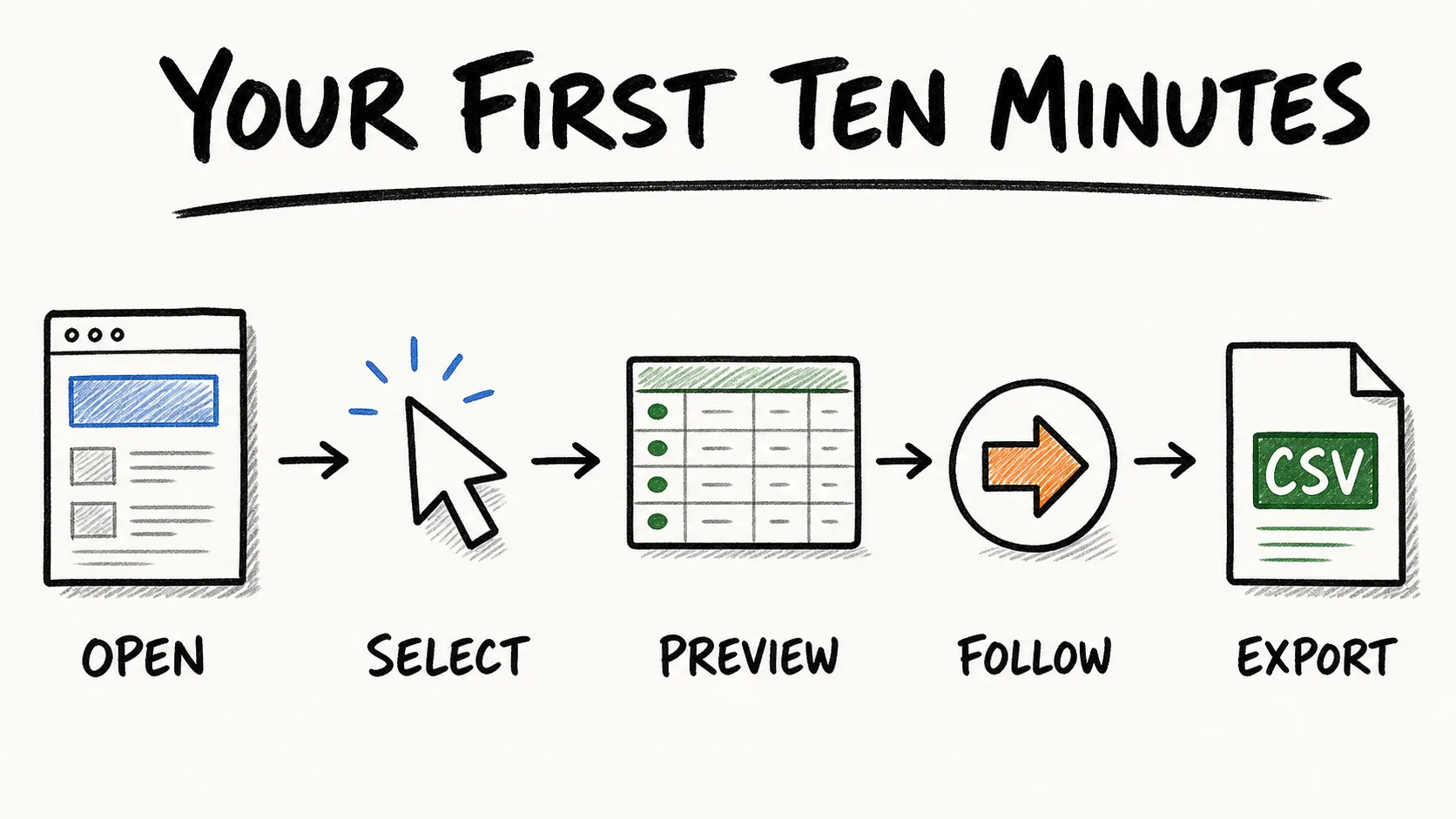
Theory is nice. Practice is better. Here's how to go from zero to first data export in three representative tools—one per skill tier.
No-Code Path: Getting Started with Thunderbit
- Install the Thunderbit browser extension
- Navigate to a target page (e.g., a product listing, directory, or search results page)
- Click the Thunderbit icon and choose One Click Extract — the AI reads the page, works out its structure, decides which columns to pull, and extracts them in one pass
- Review the results in the extension — rename, remove, or add columns and add Field AI Prompts if you want to adjust anything — then export to Excel, Google Sheets, Airtable, or Notion
On a compatible page, this is designed to be a short setup rather than a programming project.
For a more detailed walkthrough, see our guide on extracting data from web pages using Thunderbit.
Python Beginner Path: Getting Started with Scrapy
See the annotated quickstart in the Scrapy section above. The key commands are pip install scrapy, scrapy startproject, edit your spider with ROBOTSTXT_OBEY = True and a DOWNLOAD_DELAY, then scrapy crawl example -o output.json. Test selectors in scrapy shell before scaling. Time varies with your Python setup experience.
JavaScript Path: Getting Started with Crawlee
See the Crawlee quickstart above. Run npx crawlee create my-crawler, select the Playwright template, edit your handler, then npm start. Results appear as JSON in the local dataset directory. Add maxRequestsPerCrawl and domain constraints before scaling.
For a longer Python-first walkthrough that shows how a crawler project fits together, this course is a useful companion:
Try It Free, No Credit Card Needed Free plan covers 6 pages a month, so you can practice extracting data before committing to a paid tool. Get Started Free
5 Beginner Mistakes That Kill Your First Crawl (and How to Avoid Them)
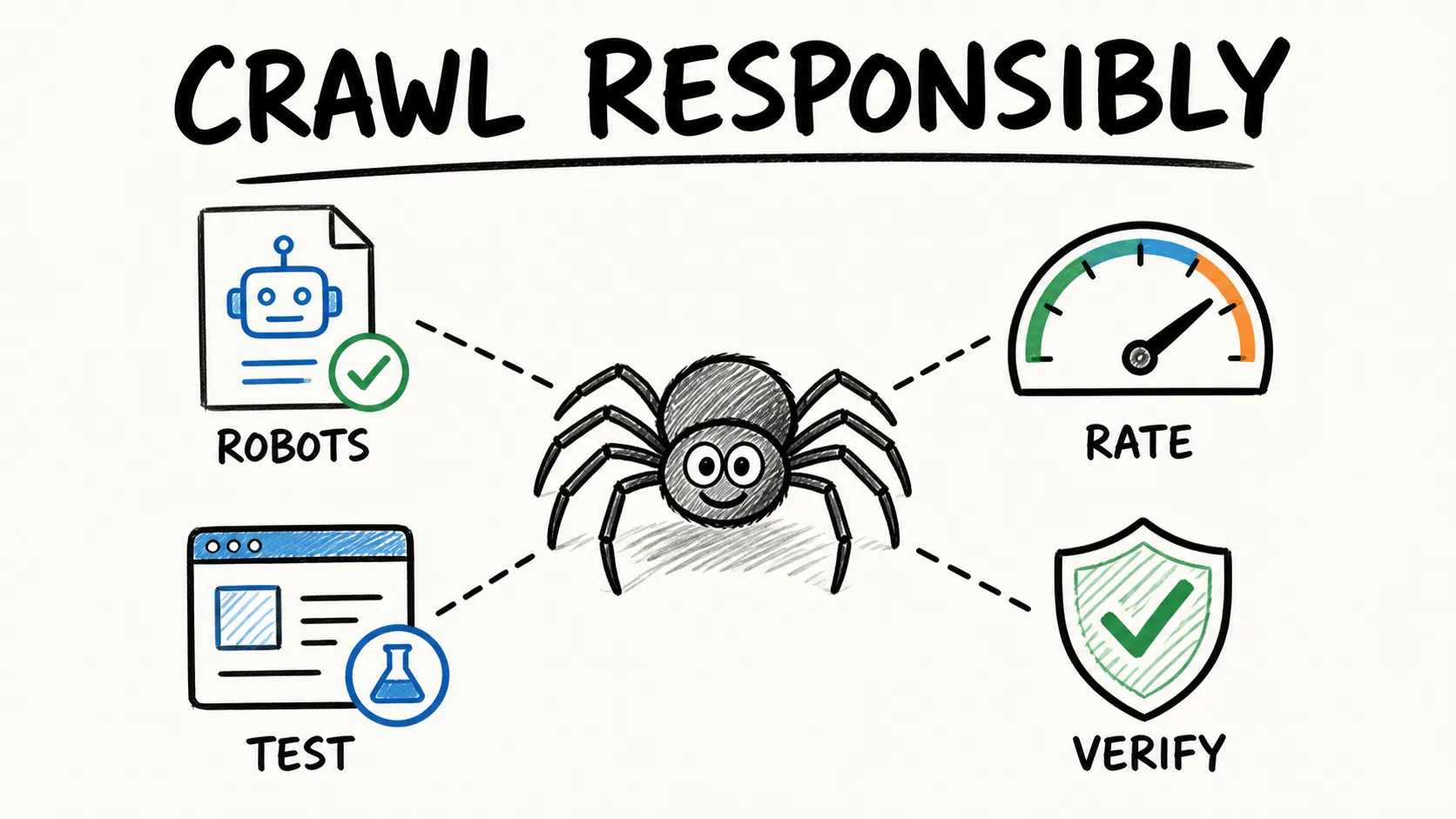
These come up constantly in forums, and no top-ranking article covers them as a dedicated section.
Mistake 1: Using an HTTP-Only Crawler on a JavaScript-Rendered Site
The problem: many modern sites load data via JavaScript after the initial HTML response. A simple HTTP request returns a shell page with empty <div> tags—no data.
Fix: Before choosing a tool, open the target page, right-click, and View Source. If the data you need isn't in the raw HTML, you need a tool with browser rendering: Playwright, Crawlee's PlaywrightCrawler, or a no-code tool like Thunderbit or Octoparse that renders in the browser. But don't default to a browser when HTTP is enough—it adds cost and complexity.
Mistake 2: Ignoring robots.txt and Crawl-Delay Rules
The problem: robots.txt is a standard that communicates which paths a named crawler token may access. Ignoring a site's crawling policy can lead to blocks, operational harm, and compliance risk.
Fix: Always check yoursite.com/robots.txt before crawling, and verify the selected tool's actual default. Defaults vary: Colly, for example, initializes IgnoreRobotsTxt = true and requires explicit configuration. Note that robots.txt is a crawl-control signal, not legal authorization. An allowed path is not a license to collect or reuse data for any purpose.
Mistake 3: Sending Too Many Requests Without Rate Limiting
The problem: blasting hundreds of requests per second can overwhelm the target server, get your IP blocked, and is generally considered bad practice.
Fix: Set a positive delay. In Scrapy, use DOWNLOAD_DELAY = 2 and low CONCURRENT_REQUESTS_PER_DOMAIN. In Colly, configure LimitRule with delay and parallelism. Cloud/no-code tools typically handle this automatically, but check their settings. Start with one in-flight request per domain and scale up only if the site's behavior and terms allow it.
Mistake 4: Choosing an Enterprise-Scale Tool for a Small Project
The problem: setting up a distributed Scrapy cluster with proxy rotation and a message queue for a 500-page project is like renting a semi-truck to pick up groceries.
Fix: Refer back to the decision flowchart. Match tool complexity to project size. For small, one-off extractions, a browser extension or simple script is almost always the right call.
Mistake 5: Not Validating Your Output Data
The problem: beginners often export data without checking it, then discover later that half the rows are blank, duplicated, or garbled.
Fix: Always spot-check the first 10–20 rows before running a full crawl. Look for empty fields, encoding issues (mojibake), duplicated rows, and unexpected values. Define your expected schema before you start—what columns should exist, what types they should be, which fields are required. A successful crawl run does not prove accurate data.
What "LLM-Ready Output" Means (and Why It Matters Even If You're Not Building AI)
"LLM-ready" shows up everywhere in 2026 crawler marketing. Most explanations assume you already know what a vector database is. Here's the plain-language version.
LLM-ready output is clean, structured text that an AI model (like GPT or Claude) can ingest without manual cleanup. Think of it as the difference between handing someone a neatly organized spreadsheet versus a pile of printed web pages with ads, navigation menus, and cookie banners still attached.
Why should you care even if you're not building a chatbot? Because tools designed for LLM-ready output tend to produce cleaner, more usable data for everyone. Less post-processing, fewer junk columns, fewer encoding headaches. Clean data is clean data, regardless of whether a human or a machine is reading it.
Which tools on this list produce LLM-ready output natively?
- Firecrawl → Clean Markdown, summaries, structured JSON
- Crawl4AI → Multiple Markdown variants, structured chunks, tables
- Thunderbit → AI-suggested structured fields with prompt-based normalization
Here's a quick before/after to illustrate. Raw HTML from a product page might look like this:
<div class="product-card">
  <span class="price">$29.99</span>
  <h2 class="title">Wireless Mouse</h2>
  <p class="desc">Ergonomic design, 2.4GHz...</p>
  <a href="/buy" class="btn">Add to Cart</a>
</div>
LLM-ready Markdown output from Firecrawl:
## Wireless Mouse
- **Price:** $29.99
- **Description:** Ergonomic design, 2.4GHz
Structured output from Thunderbit:
| Product Name | Price | Description |
|---|---|---|
| Wireless Mouse | $29.99 | Ergonomic design, 2.4GHz |
Both are immediately usable—no HTML parsing, no ad stripping, no manual column mapping. For more on how AI-powered extraction compares to traditional scraping, see our overview of the best AI web scrapers.
Responsible Web Crawling: Quick Tips on Ethics and Compliance
Web crawling ethics and compliance are too important to skip:
- Check robots.txt before crawling any site. It's the standard crawl-control signal (RFC 9309), though it is not legal authorization or a security boundary.
- Honor rate limits and Retry-After headers. Slow or stop on 429 and 503 responses.
- Use only publicly available or authorized data. Prefer an official API or export when it satisfies your need.
- Check the website's terms of service. Public visibility is relevant but not a universal license to collect or reuse data.
- Be mindful of personal data. Minimize collection, set retention/deletion rules, and obtain qualified review for sensitive uses. GDPR and similar regulations apply regardless of the tool you use.
Many tools expose settings that support a responsible crawl, but configuration does not transfer responsibility away from the operator. For a deeper look at the underlying process, see our explainer on what is web scraping.
Which Web Crawler Should You Start With?
Quick summary by skill tier:
- No code: Thunderbit for AI-assisted page extraction, Octoparse for visual workflow building, ParseHub for complex multi-step flows, Screaming Frog for SEO audits
- Intermediate Python: Scrapy for large HTTP crawls, Crawl4AI for LLM pipelines
- Intermediate JavaScript: Crawlee for modern SPA crawling, Playwright for complex browser automation
- Go: Colly for fast HTTP crawling (with explicit robots and rate-limit configuration)
- Managed API: Firecrawl for clean Markdown output without self-hosting
The best crawler is the one that fits your data, permissions, skill level, and operating limits. Start simple, validate a small run, and add complexity only when the project needs it. If you want to try AI-assisted extraction, the Thunderbit browser extension provides a no-code route from a compatible page to a spreadsheet.
Learn More
- AI Web Scraping
- Web Scraping Without Coding
- What Is Web Scraping
- Instant Data Scraper Alternatives
- Scraping LinkedIn
Try Thunderbit's Agentic Web Scraper Get Started Free
FAQs
1. What is a web crawler and how is it different from a web scraper?
A crawler discovers and retrieves pages—it follows links, manages a URL queue, handles deduplication and depth limits. A scraper extracts specific structured data from those pages—it parses HTML, selects fields, and outputs records. Most modern tools do both to varying degrees, and the terms are often used interchangeably, but the distinction matters when you're choosing a tool: some (like Playwright) are great at rendering pages but don't provide crawl infrastructure, while others (like Scrapy) provide the full crawl pipeline but need a plugin for JavaScript rendering.
2. Which web crawler is best for someone with no coding skills?
Thunderbit, Octoparse, and ParseHub are the top no-code options for general data extraction. Thunderbit uses AI to suggest fields and works as a browser extension; Octoparse offers a visual workflow builder with Auto-detect; ParseHub excels at complex multi-step flows. For SEO-only use cases, Screaming Frog's free version crawls up to 500 URLs without any coding.
3. Are web crawlers free to use?
Two categories. Fully open-source tools (Scrapy, Crawlee, Crawl4AI, Playwright, Colly) have no per-page fee, but you host the infrastructure and pay for compute, bandwidth, and storage. Freemium tools (Octoparse, ParseHub, Thunderbit, Firecrawl, Screaming Frog) offer free tiers with various caps on pages, projects, exports, or features. See the free-tier comparison table above for specifics.
4. Can web crawlers handle JavaScript-heavy websites?
Yes, but not all of them. Tools with built-in browser rendering—Playwright, Crawlee (PlaywrightCrawler), Octoparse, ParseHub, Crawl4AI, and Thunderbit (via Browser Mode)—can handle JavaScript-loaded content. Scrapy and Colly are HTTP-first and require separate browser integrations for JS rendering. Screaming Frog supports JavaScript rendering only in the paid version. Always check whether your target page actually needs a browser by viewing its source HTML first.
5. Is web crawling legal?
No universal yes-or-no answer exists. The legal analysis depends on the data, access method, intended use, website terms, contracts, intellectual-property rules, privacy obligations such as GDPR, and the applicable jurisdiction. robots.txt is a crawl-control signal, not legal authorization, and public visibility is not a blanket license. For specific situations—especially those involving personal data, copyrighted content, authentication, or commercial reuse—consult a qualified legal professional.




